Scroll down to D0vvnl0ad
Build with More Detail in Minecraft PE/Bedrock
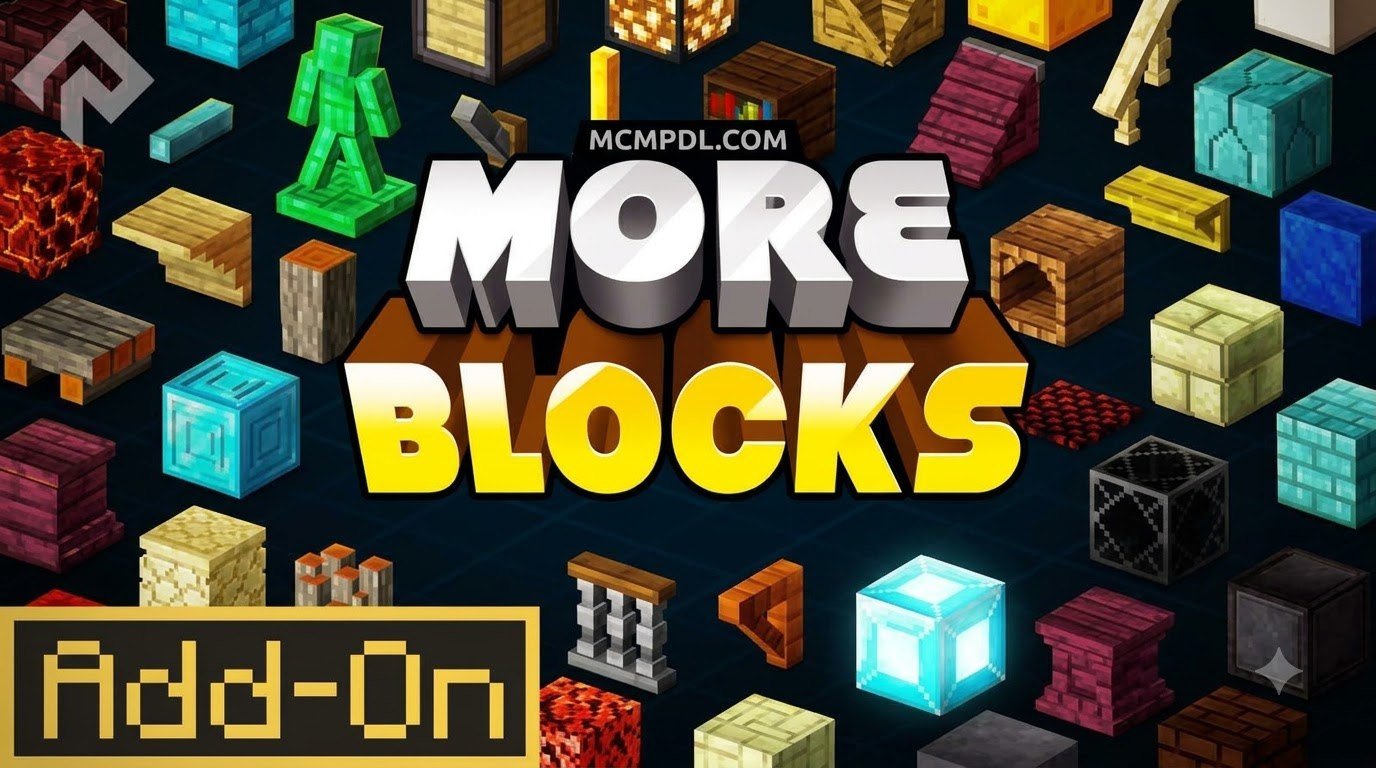
The More Blocks Addon for Minecraft PE/Bedrock expands the standard building palette with useful block shapes, including stairs, slabs, vertical slabs, and stackable layer blocks. To use it, install the add-on and its required Assets+ resource pack, then activate the needed packs in your world settings.
Layer blocks work much like snow layers. They let you add small height steps to paths, floors, hills, and roofs instead of being limited to full-sized cubes. In survival worlds, many variants can be made through the stonecutter using their matching vanilla block.
This guide explains which More Blocks version to choose, how to install it on mobile or Windows, how crafting works, and how to solve common problems such as invisible textures and unusual stair collision.
What Is the More Blocks Addon for Minecraft PE/Bedrock?
Minecraft builders know the struggle of working with standard cubic limitations. While vanilla building blocks offer solid variety, we frequently run into structural dead ends when attempting delicate gradients, thin wall partitions, or smooth micro-elevations. The More Blocks Addon solves this design bottleneck by introducing over 200 custom block variations, reimagining how standard materials interact within the Bedrock engine.
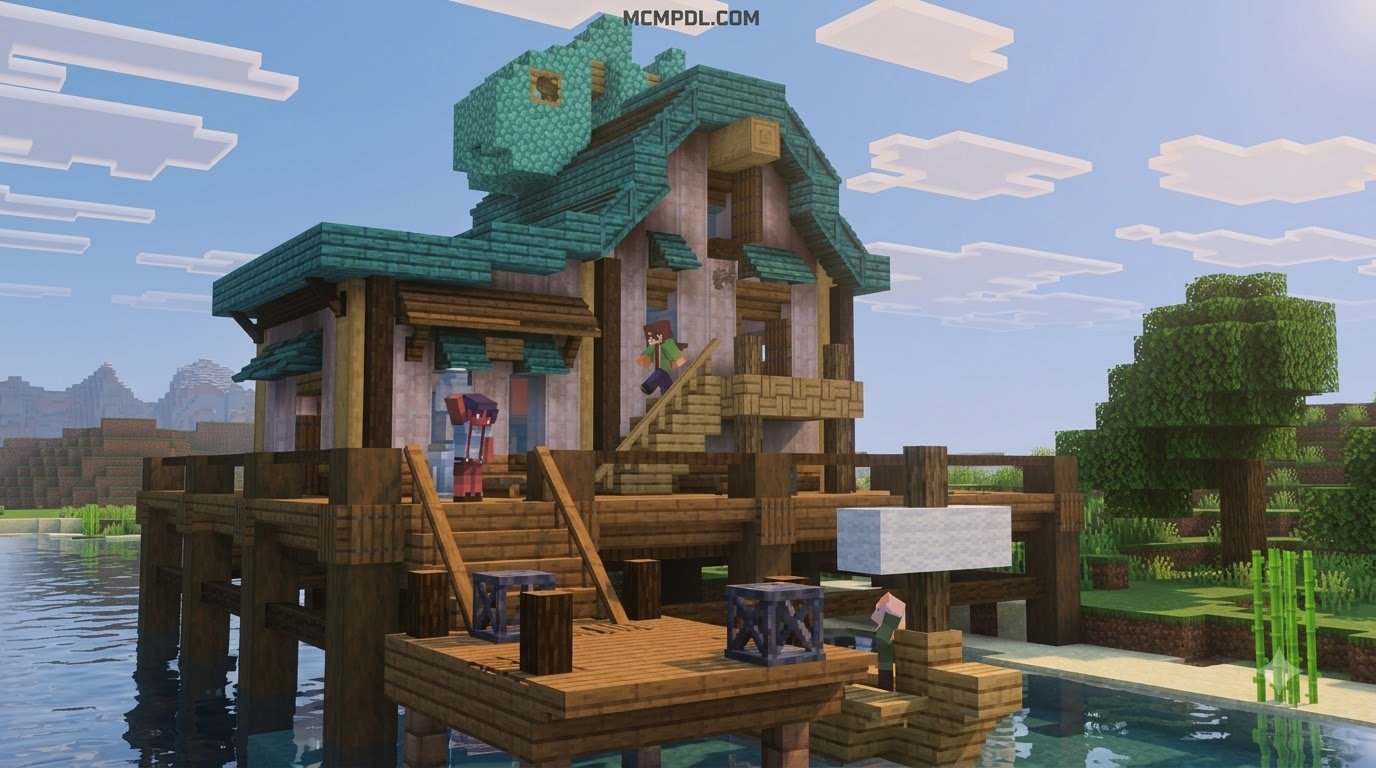
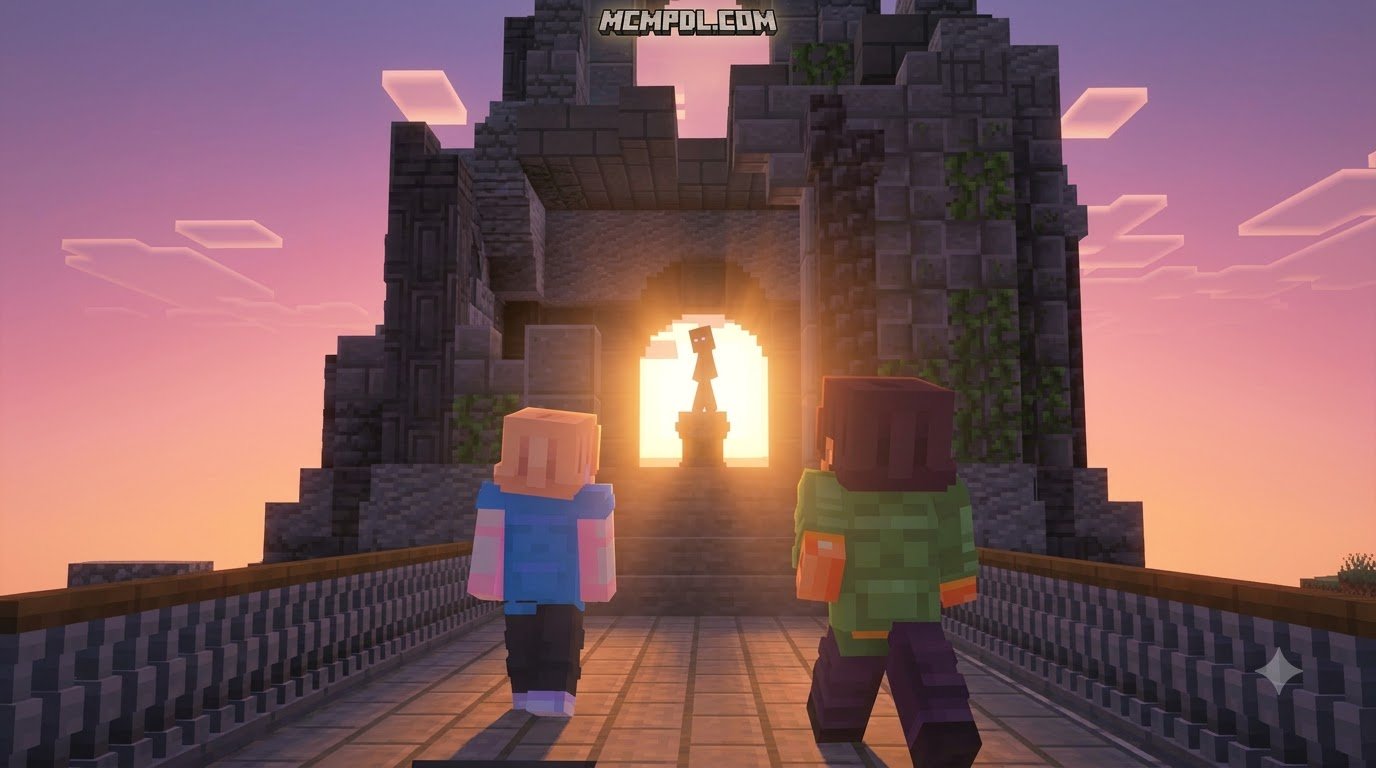
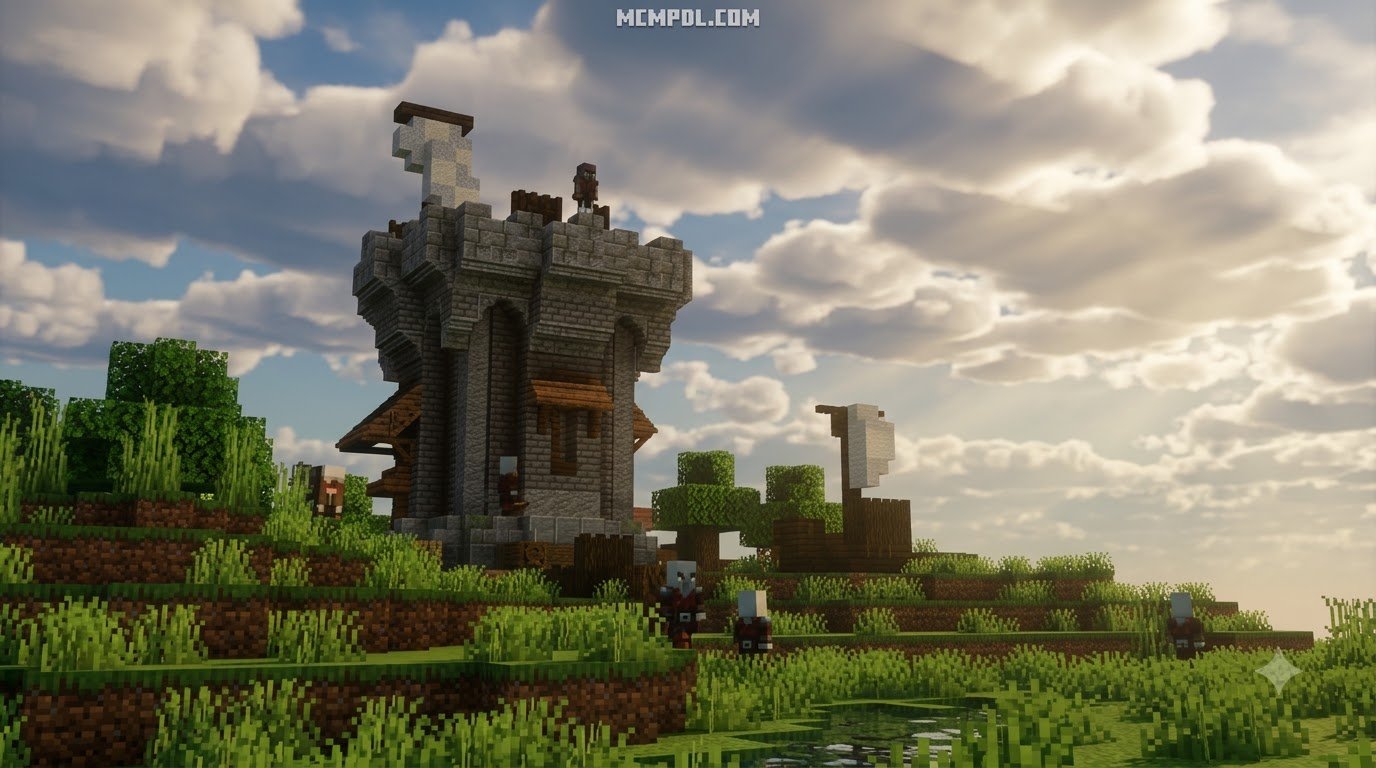
Instead of replacing existing vanilla blocks, this project introduces entirely new block geometries that seamlessly bridge the gap between vanilla design and detailed architecture. You can easily blend these structures alongside fantasy building elements to design organic landscapes, detailed castle battlements, and realistic roadway paths.
Core Block Types: Layers, Slabs, and Vertical Slabs
The centerpiece of this add-on is its innovative introduction of multi-layered blocks. Taking inspiration from standard Top Snow mechanics, Layer blocks allow you to stack materials in incremental 1/8th increments. Placing multiple layers in a single block space lets you design gently sloping terrain, natural walking trails, and gradual roofing angles without relying on abrupt stair steps.
Beyond horizontal layers, the add-on introduces:
- Vertical Slabs: Standard slabs rotated ninety degrees, allowing builders to craft half-depth walls, recessed window frames, and thinner interior dividers.
- Extended Slab Variants: Custom slabs covering stone types, wood variants, and decorative surfaces previously unavailable in the base game.
- Expanded Stair Collections: Stair variants for decorative stones and construction materials that match vanilla textures seamlessly.
- Detailed Partitions: Creative structural pieces that work alongside split block mechanics to give your builds refined depth and intricate detailing.
Comparing Different Block Expansion Addons
Over the years, various developers have published projects under similar naming conventions. To help you choose the right pack for your specific world requirements, we have broken down how different block addons compare across features, version support, and block counts:
| Addon Name / Variation | Primary Creator / Source | Approximate Block & Item Count | Key Distinguishing Features | Target Bedrock Version | Dependency Needed? |
|---|---|---|---|---|---|
| More Blocks Add-On | Legopitstop | 200+ Blocks / 1,000+ Textures | Layer blocks (Top Snow mechanics), Vertical Slabs, Stonecutter recipes | 1.20.50 – 1.21.51+ | Yes (Assets+ v1.8.0+) |
| More Blocks Ultimate | Mc-Mod Community | 5,000+ Blocks & Furniture | Massive catalog, interactive furniture sets, dynamic texture adaptation | 1.21+ | No (Standalone) |
| More Blocks Addon (Classic) | Savior2 / Deleted_Abandoned | 30 Blocks / 3 Items | Early decorative blocks, natural basalt/marble generation, custom ores | 1.16.200 – 1.21 | No (Standalone) |
| More Blocks Pack | RareLoot | 80+ Base Blocks / 1,000+ Variants | Stylized decorative shapes, lanterns, barrels, and custom windows | 1.21+ | No (Standalone) |
Whether you prefer the focused layer mechanics of the Legopitstop release or the massive catalog found in ultimate expansions, choosing the right companion pack depends on whether you value lightweight performance or exhaustive decorative diversity.
Prerequisites, Dependencies, and Compatibility
Before diving straight into construction, ensure your world environment is properly configured. Custom block geometry on Bedrock relies on custom JSON definitions and material instances that require specific game settings to function without errors.
When setting up your world, you should always check that your project is paired with proper management utilities like utility builder addons to streamline construction. Most importantly, ensure you enable the Experimental Gameplay toggles (such as Holiday Creator Features and Custom Biomes/Blocks where applicable) within your world settings before loading your save file.
Essential Assets+ Library Requirement
The most crucial requirement for the primary More Blocks Addon is the Assets+ resource library (version 1.8.0 or newer).
Because Bedrock custom blocks pull texture definitions from shared material instances, the main addon relies on the Assets+ library to register models, block geometries, and textures. If you install More Blocks without Assets+, the game will not know how to render the blocks, causing them to appear completely invisible or as untextured black-and-purple shapes in your world.
Supported Game Versions and Platform Compatibility
The modern releases of the More Blocks Addon natively support Minecraft Bedrock versions ranging from 1.20.50 through 1.21.51 and beyond.
Platform support includes:
- Android & iOS (Minecraft Pocket Edition): Fully functional on mobile touch devices with adequate memory.
- Windows 10 / Windows 11: Native performance with full support for mouse and keyboard placement.
- Consoles (Xbox, PlayStation, Nintendo Switch): Supported when joined via a Realm or dedicated bedrock server where the host has applied the pack.
- Minecraft Education Edition: Older versions (such as 1.14 or 1.16 Education forks) are not compatible due to modern JSON schema requirements.
Installation Guide Across Different Platforms
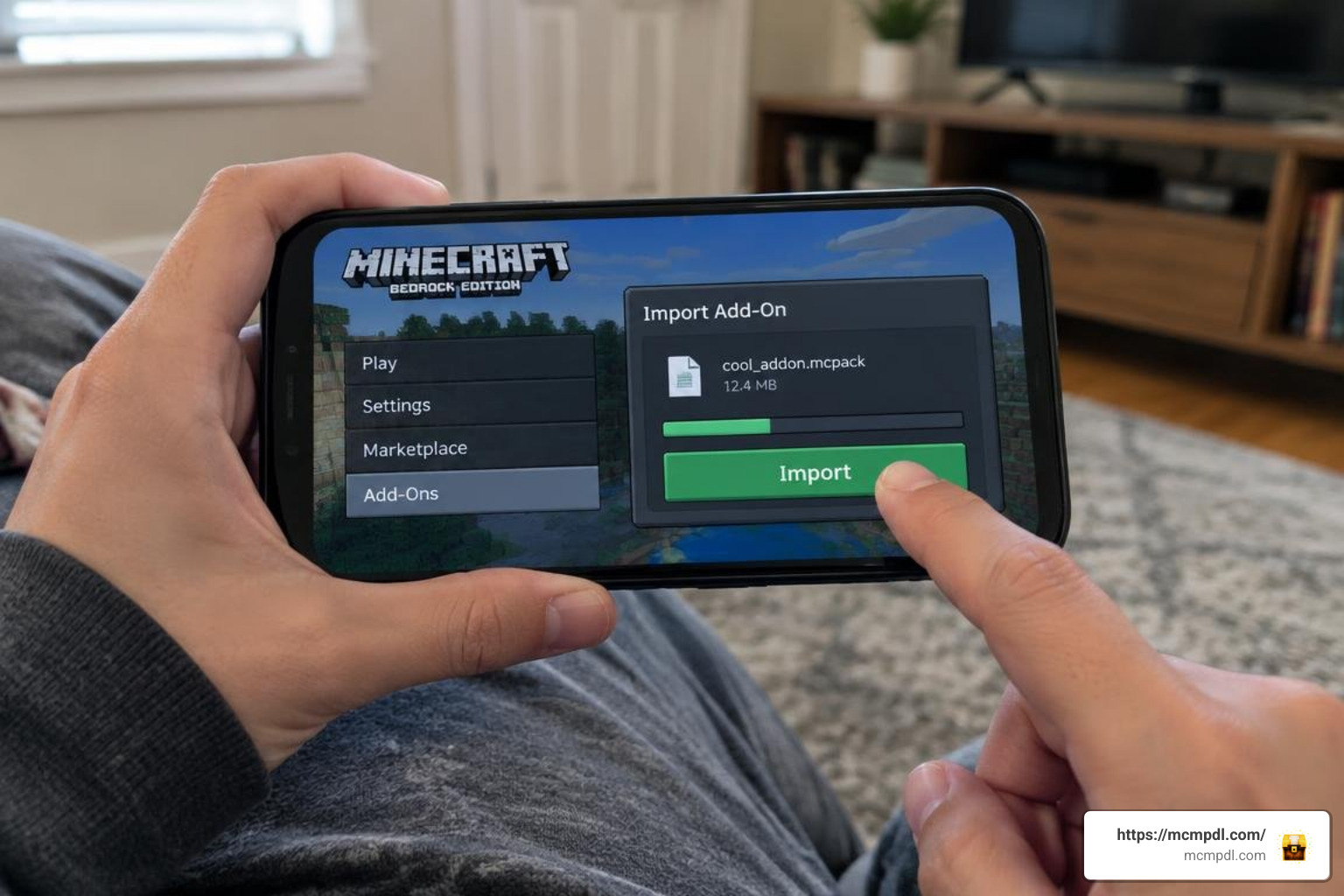
Installing custom packs on Minecraft Bedrock has become remarkably simple thanks to packaged .mcaddon and .mcpack files. Follow our step-by-step instructions below for your specific operating system.
Installing More Blocks Addon for Minecraft PE/Bedrock on Mobile
Whether you are playing on an iPhone, iPad, or Android device, the mobile import process takes only a couple of minutes:
- Download the Files: Download both the More Blocks Addon (
.mcaddonor.mcpack) and the companion Assets+ Library (.mcpack) to your device storage. - Import Assets+ First: Open your mobile file manager, navigate to your Downloads folder, and tap the
Assets+file. Select Minecraft when prompted to open the file. Minecraft will launch automatically and display an “Import Started” banner followed by “Import Successful.” - Import More Blocks: Return to your file manager and tap the
More Blocksfile to import the behavior and resource files into the game. - Configure Your World:
- Open Minecraft, select Play, and click the edit pencil icon next to your world (or create a new world).
- Scroll down to Resource Packs on the left menu, find Assets+ and More Blocks, and click Activate.
- Ensure Assets+ is ordered above or alongside More Blocks in the active list.
- Scroll to Behavior Packs and activate the More Blocks behavior pack.
- Under the Experiments tab, toggle on Beta APIs and Upcoming Creator Features.
- Launch the Game: Enter your world and start placing your new blocks!
Installing on Windows 10 and 11
Installing on PC provides an even faster workflow:
- Double-click the downloaded
Assets+.mcpackfile. Windows will automatically launch your Minecraft Bedrock client and import the package. - Double-click the
More_Blocks.mcaddonfile to install the behavior and visual resources. - In your Minecraft world settings, activate both packs under Resource Packs and Behavior Packs.
- Enable the necessary Experimental settings in the world configuration tab.
- If you manage large-scale construction projects on PC, pairing this addon with world editing utilities will help you copy, paste, and manipulate your custom layered builds across massive areas.
Survival Crafting and In-Game Building Mechanics
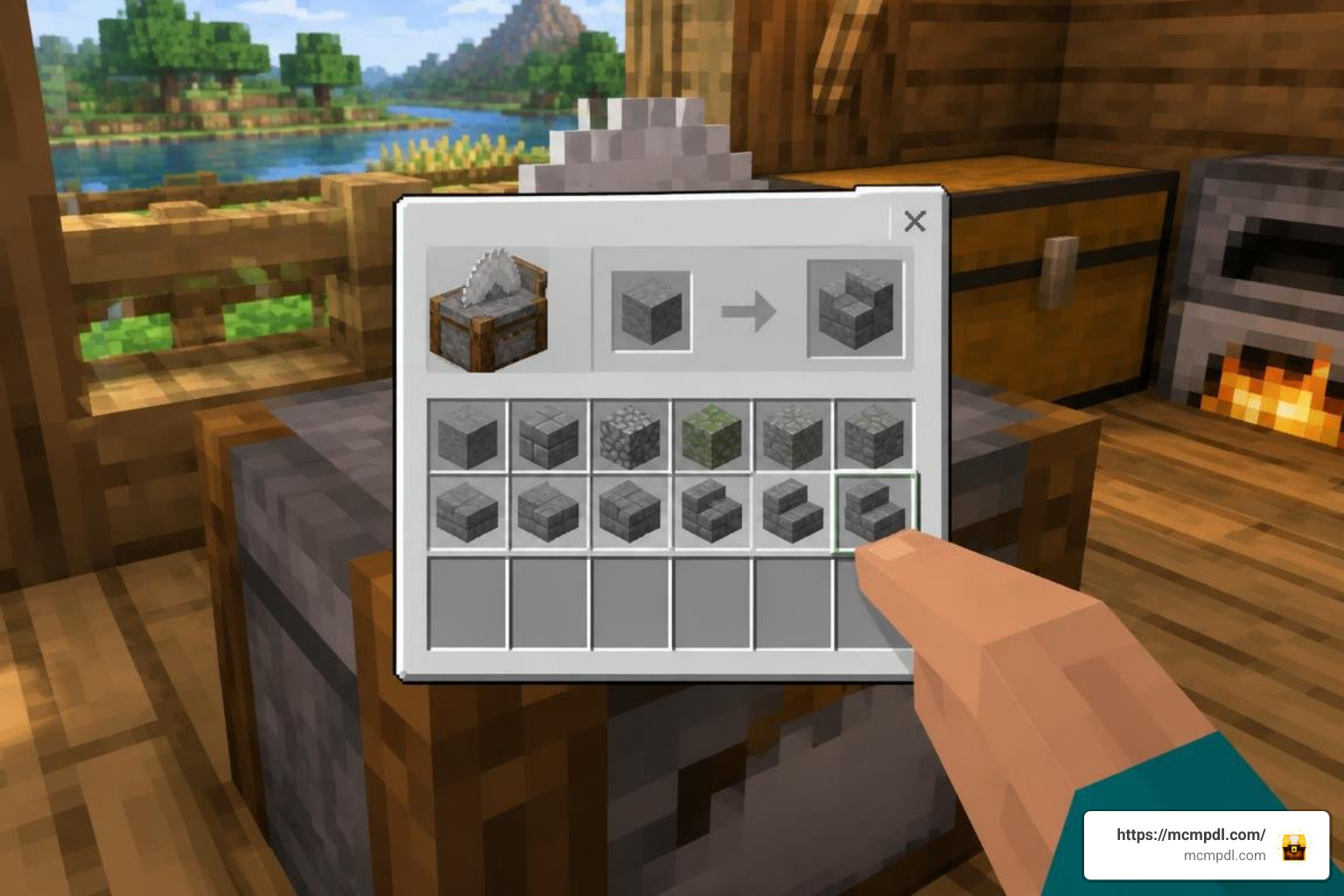
Many custom block addons cater exclusively to Creative mode, leaving Survival players without practical crafting methods. The More Blocks Addon avoids this limitation by deeply integrating its recipes into standard survival crafting tables and workbenches.
Crafting with More Blocks Addon for Minecraft PE/Bedrock via Stonecutter
The primary workstation for crafting your new blocks is the vanilla Stonecutter. This keeps recipes intuitive, resource-efficient, and easy to organize without cluttering your main crafting table grid.
The crafting economy uses balanced conversion ratios:
- Layer Blocks: Placing 1 vanilla full block into the stonecutter yields 8 Layer Blocks of that exact material type. This matches vanilla snow math perfectly—8 layers equal the volume of a single solid block.
- Vertical Slabs: Placing 1 vanilla block or standard slab yields matching vertical slab cuts on a 1:1 ratio.
- Stairs & Decorative Variants: Cut directly from their corresponding full-block counterparts just like standard stonecutting recipes.
This efficient stonecutter conversion lets you stretch your construction materials further. If you are decorating village houses, you can combine these layered surfaces with decorative furniture additions to build functional shelving, smooth counters, and detailed banisters without wasting valuable resources.
Texture Pack Compatibility and Visual Integration
Because the More Blocks Addon references base texture assets, most custom 16×16 and faithful 32×32 resource packs integrate cleanly with the new shapes. Standard materials like Cobblestone, Deepslate, Oak Planks, and Andesite layers will automatically pick up whatever custom textures your active resource pack applies.
However, there are a few visual considerations to keep in mind:
- Glass Layer Overlays: Custom transparent blocks (like glass layers) include bespoke border textures. Third-party connected-glass resource packs may display subtle seam lines along the edges of layered glass.
- Pack Order Priority: Always ensure your preferred global texture pack is placed at the top of your active Resource Packs list, positioned right above Assets+ and More Blocks.
Known Limitations and Troubleshooting Workarounds
Because Bedrock Edition handles custom block collisions differently than the Java engine, modders must work within certain engine constraints. Knowing these quirks ahead of time will save you hours of construction frustration.
Fixing the Stair Hitbox Glitch with Under-Wall Placement
The most well-known engine quirk involves custom stair hitboxes. Due to how Bedrock calculates collision boxes on custom geometry, custom stairs can sometimes have unusual collision detection that makes walking up them feel slightly bumpy or “sticky.”
The Workaround: Place a vanilla Cobblestone Wall (or any decorative wall block) directly underneath the custom stair block. The collision bounding box of the wall extends upward slightly through the floor, smoothing out player pathing so you can walk up the custom stairs just like vanilla stairs without hitching. Think of this trick as adding invisible structural sub-flooring beneath your steps!
Resolving Invisible or Missing Block Textures
If you place a layer block or vertical slab and it appears completely invisible—or displays as an empty outline—you are experiencing a missing dependency link.
To resolve this issue:
- Check Assets+ Installation: Confirm that the Assets+ resource pack is downloaded and activated under your world’s active Resource Packs tab.
- Verify Pack Hierarchy: In your world settings, move Assets+ up in the load order so it loads alongside or above More Blocks.
- Clear Resource Cache: If textures still refuse to render, exit to the main Minecraft settings menu, navigate to Storage > Cached Data, clear the resource cache, and restart your game client.
Frequently Asked Questions
How do you craft the new blocks in survival mode?
You can craft almost all block variants using the Stonecutter. Placing a single vanilla block (such as smooth stone, prismarine, or wood planks) into the stonecutter produces 8 matching Layer blocks or equivalent vertical slabs and stair variants.
Why are some addon blocks invisible when placed?
Blocks appear invisible when the required companion dependency library, Assets+, is missing or deactivated. Installing Assets+ (v1.8.0 or higher) and activating it in your world’s Resource Packs will instantly restore the block models and textures.
Is the addon compatible with custom texture packs?
Yes. The vast majority of custom blocks inherit base vanilla texture paths, allowing them to adapt dynamically to your favorite texture packs. However, specialized glass borders and custom multi-layered side textures may occasionally show default styling depending on how third-party packs override block models.
Conclusion
The More Blocks Addon for Minecraft PE/Bedrock is one of the most practical expansions any builder can add to their world. By introducing stackable layer blocks, vertical slabs, and extended stair variants, it removes vanilla building constraints and unlocks a level of micro-detailing previously impossible on mobile and console devices.
Whether you are designing realistic roadside ditches, shaping natural landscape hills, or crafting intricate interior room partitions, this add-on gives you the precision tools needed to realize your architectural vision. Ready to transform your Minecraft worlds with incredible new tools, blocks, and gameplay tweaks? Visit our main repository to discover community Minecraft Bedrock addons and elevate your building adventures today!
2 thoughts on “More Blocks Addon for Minecraft PE/Bedrock”