Scroll down to D0vvnl0ad
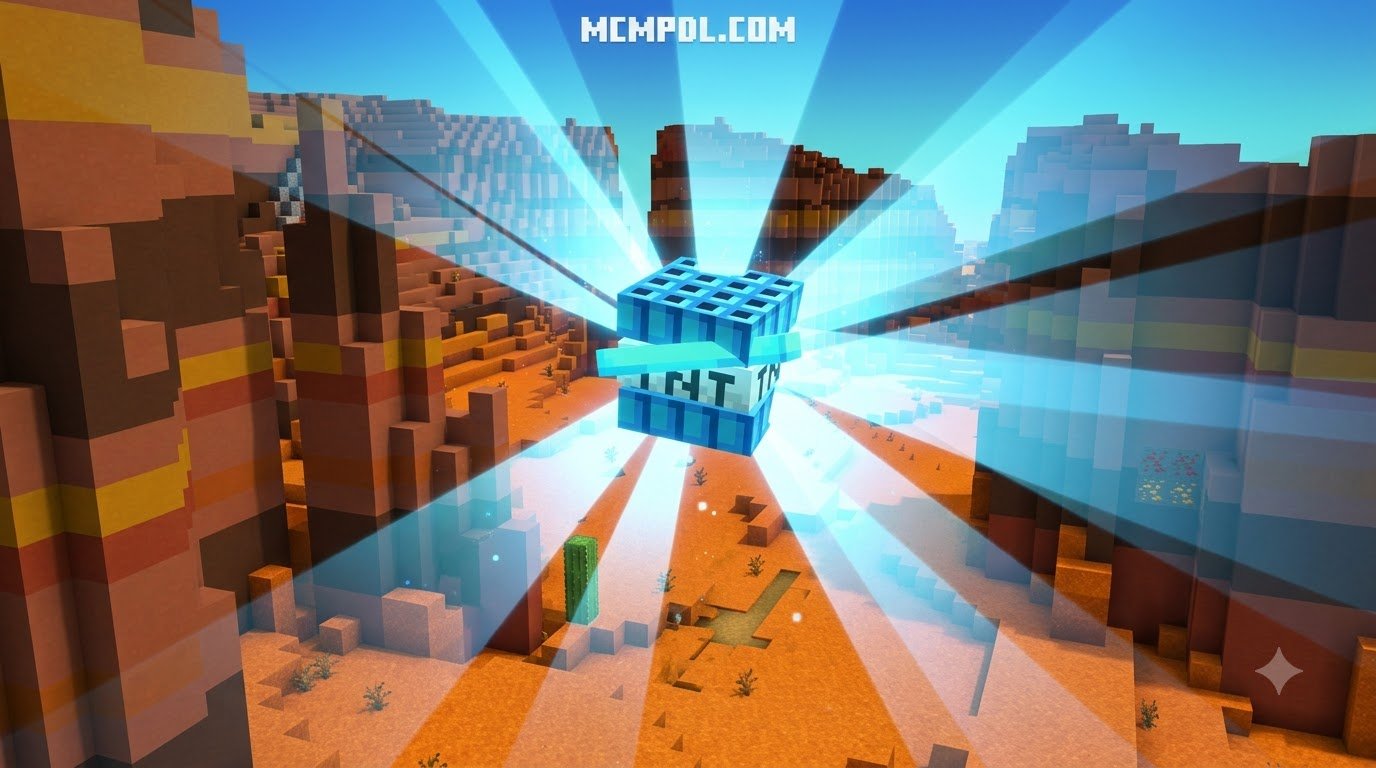
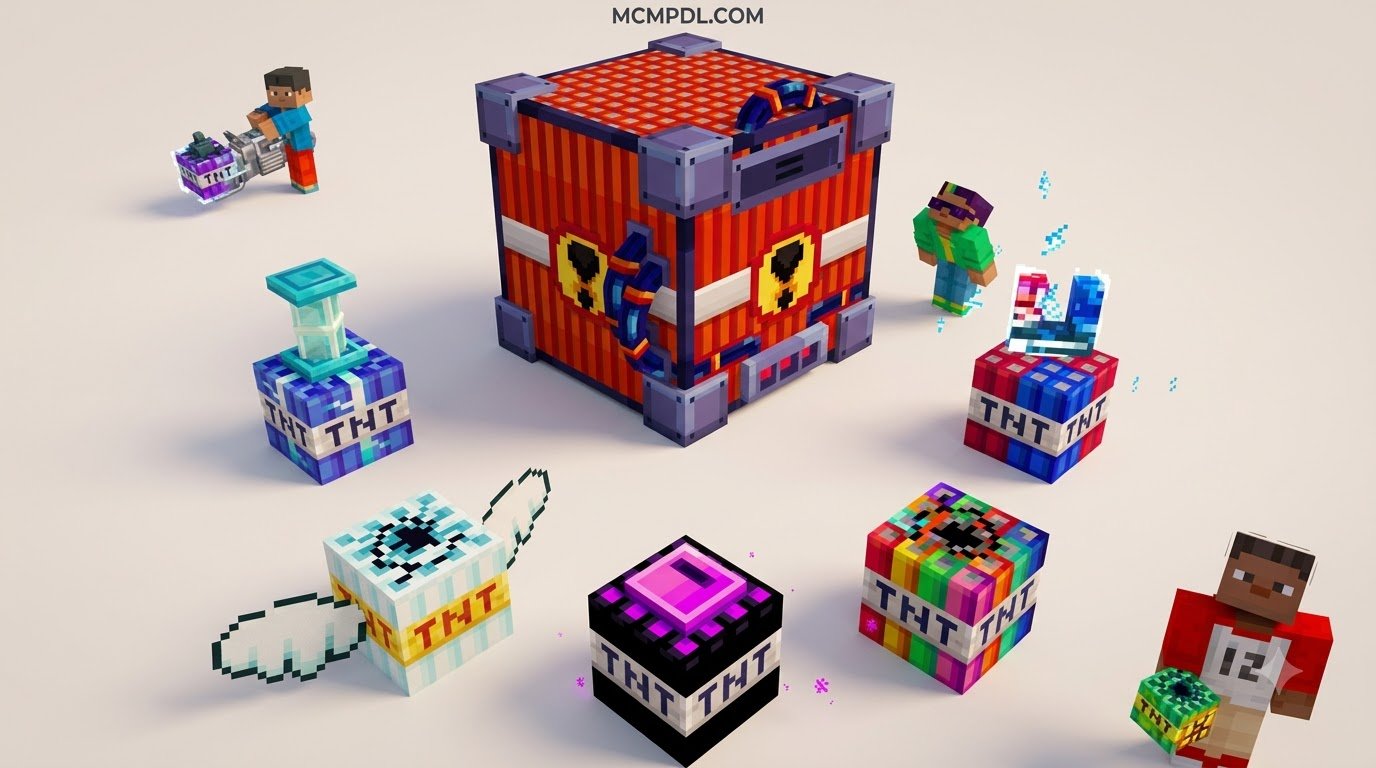
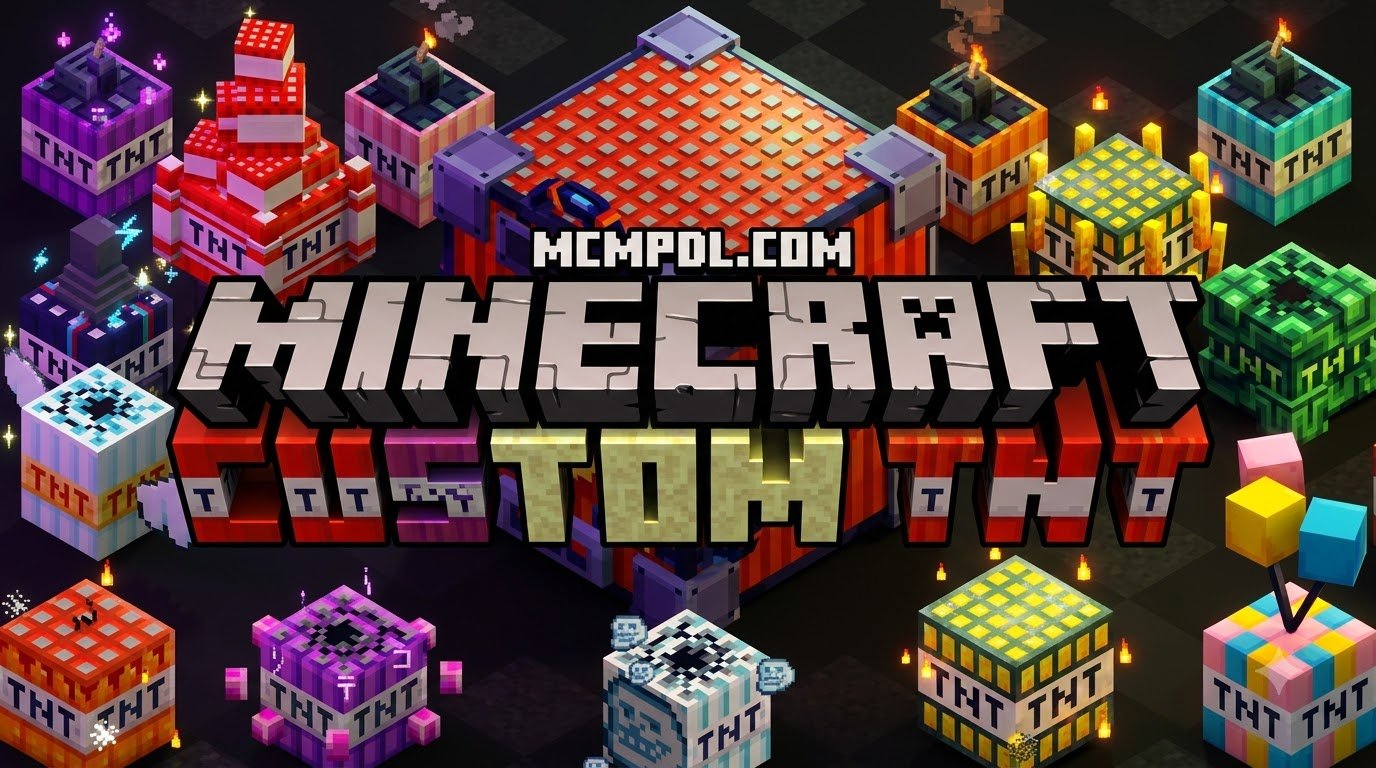
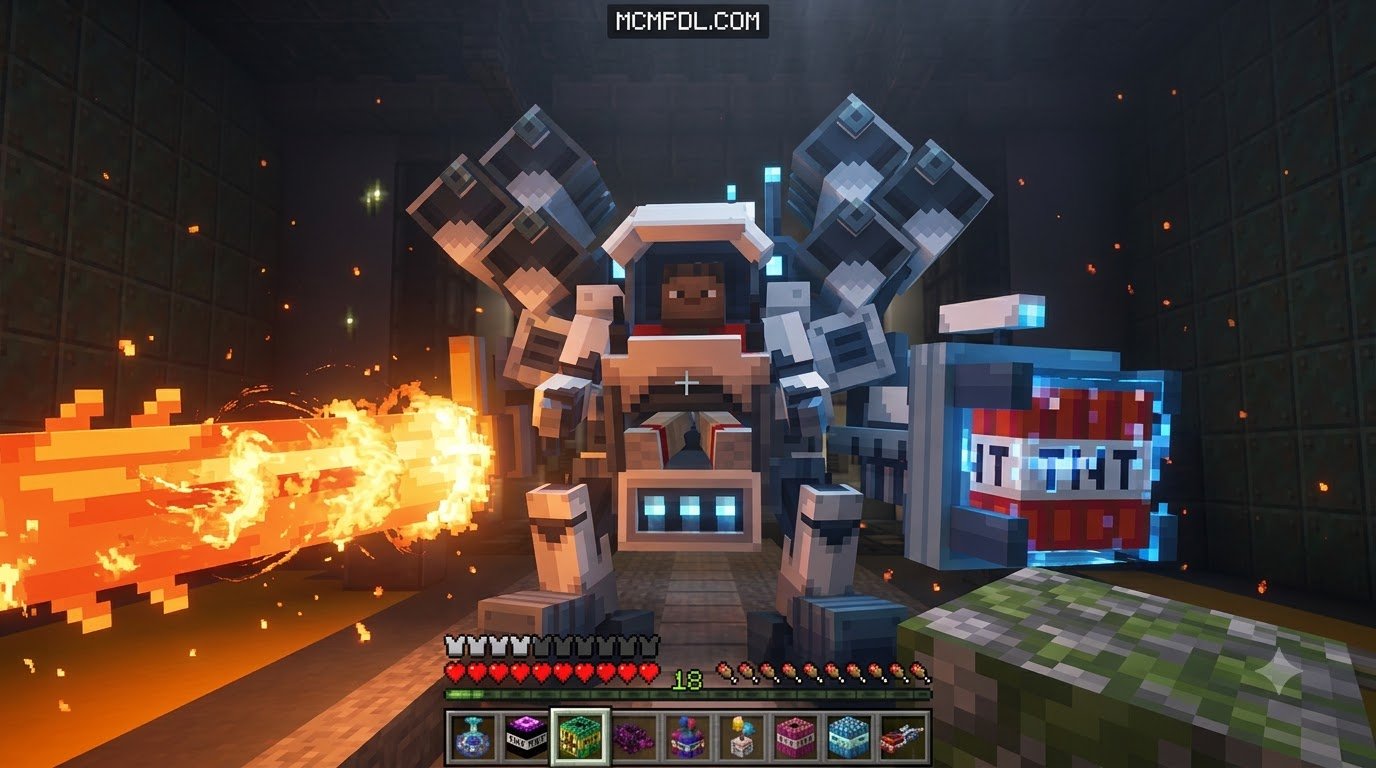
Overview of the TNT MEGAPACK ADDON For Minecraft PE/Bedrock
To get a TNT MEGAPACK ADDON for Minecraft PE/Bedrock, download the .mcaddon or .mcpack file from a trusted addon library, then open the file so Minecraft imports it automatically. After importing, create or edit a world, activate the pack under both Behavior Packs and Resource Packs, and enable any required Experimental toggles such as Beta APIs. Once activated, the addon replaces standard vanilla TNT with custom crater shapes, dynamic particle physics, and specialized material reactions.
The core appeal of megapack collections lies in how different blocks interact with the world around them. Instead of every block simply disappearing into dust, material-based explosives react according to elemental and physical themes. For example, popular community packs completely overhaul demolition by offering custom explosion parameters for stone, ores, timber, ice, and nether materials. Whether you are using explosives for practical survival quarrying or setting up high-octane battle minigames alongside custom weapons and powers addon gear, explosive megapacks bring unprecedented variety to Minecraft Bedrock.
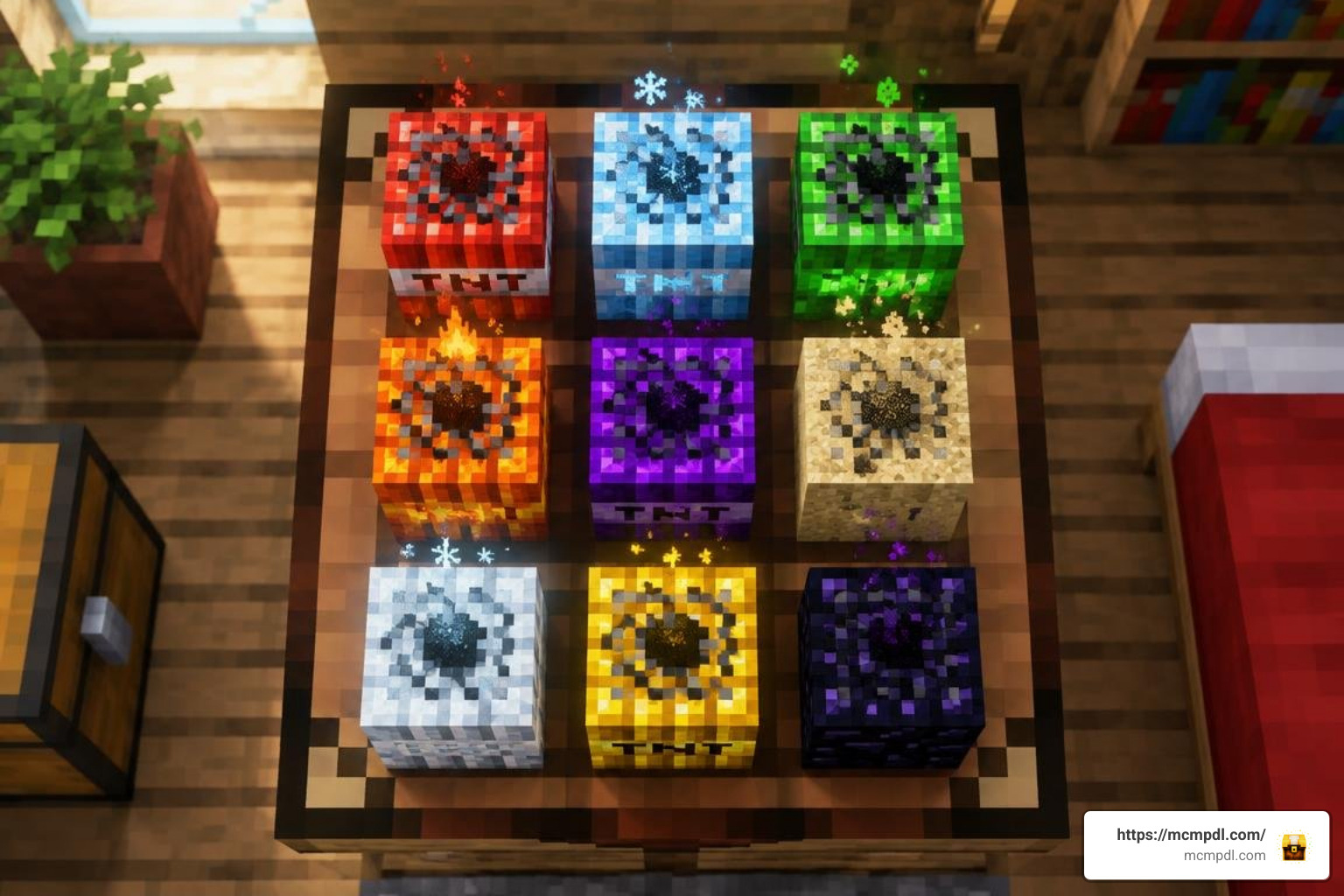
Top Variants in the TNT MEGAPACK ADDON For Minecraft PE/Bedrock
Because the term “megapack” encompasses the community’s premier explosive packages, players often combine or choose between three standout options depending on their goals:
- MEGA TNT+: Renowned for unmatched thematic variety, this add-on adds 61 unique craftable TNT blocks to your world. Each block ties directly to world materials—ranging from basic dirt and cobblestone variants to exotic End Stone and Bedrock explosives.
- TNT Destructive Addon (V17): Designed for high-impact demolition, this addon introduces 35 distinct TNT variants alongside matching throwable dynamite items. It features rewritten explosion logic to calculate massive terrain shifts without instantly crashing your game.
- Mega Blast TNT Addon: Tailored for pure chaos, this pack provides 20+ colossal TNT types engineered to blast entire mountain ranges out of existence.
- Scripted Power Multiplier Addons: The modular TNT Addon focuses on raw power multipliers, scaling from a modest 20-block blast all the way up to apocalyptic tier-7 explosions.
Custom Explosion Effects and Special Mechanics
Modern Bedrock addons move far beyond standard fiery blasts. Today’s explosive packs feature advanced scripting and custom entity physics that deliver unique tactical and visual behaviors:
- Black Hole TNT: Rather than pushing blocks outward, this explosive creates an intense gravitational vortex. It pulls nearby entities, dropped items, and mobs toward its event horizon before collapsing into a clean, spherical void.
- Slime Launcher TNT: Perfect for player launchers and base defenses, this bouncy block produces zero structural damage. Instead, it unleashes an immense kinetic shockwave that hurls mobs and players hundreds of blocks skyward.
- End Stone Particle Dragon: Upon detonation, End Stone TNT summons a spectral particle dragon that spirals outward, disintegrating blocks along its flight path while producing mystical particle trails.
- Bedrock & Nuke TNT: Engineered for maximum destruction, these high-tier explosives drill straight down to the void, shredding even the toughest blast-resistant blocks in seconds.
- Cryocharges & Napalm Storms: Environmental explosives alter local biomes instantly. Cryocharges freeze water bodies into packed ice and flash-freeze hostile mobs, while Napalm variants coat large areas in persistent fire.
- Fake & Prank TNT: Designed for lighthearted multiplayer trolling, fake explosives mimic real fuses and hiss loudly, only to release party confetti or launch victims safely into the air without damaging nearby builds.
Comparing Top Explosive Packs and Blast Power
To help you decide which explosive package best fits your device capabilities and playstyle, we have benchmarked the top add-on variations across blast size, calculation speed, and typical server performance.
| Add-on / Variant Name | Explosive Types Included | Blast Radius (Blocks) | Processing / Detonation Time | Recommended Use Case | Performance Impact |
|---|---|---|---|---|---|
| Vanilla Minecraft TNT | 1 Standard Type | ~4 to 5 blocks | Instant (1 tick) | Basic mining & small traps | Negligible |
| MEGA TNT+ (Material Pack) | 61 Unique Blocks | 8 to 45 blocks | Instant to 2 seconds | Survival mining, themed builds & puzzles | Very Low to Moderate |
| TNT Destructive V17 | 35 TNTs + 35 Dynamites | 15 to 120 blocks | Instant to 5 seconds | Tactical PvP, demolition & terraforming | Moderate |
| Mega Blast TNT | 20+ Massive Types | 50 to 300 blocks | 3 to 15 seconds | Map clearing & apocalyptic roleplay | High |
| TNT Addon (Tier 1 – Tier 4) | Scaled Multipliers | 20 to 80 blocks | Instant to 3 seconds | Excavation & underground quarries | Low to Moderate |
| TNT Addon (Tier 5 – Tier 6) | High Multipliers | 160 to 320 blocks | 10s to 1 min 23s | Leveling mountains & island clearing | Significant Lag Spike |
| TNT Addon (Tier 7 Mega) | Extreme Multiplier | 1,280 blocks | ~27 min 10 seconds | Server stress testing & void creation | Extreme (Game Freeze) |
When coordinating large battles or demolition projects, pairing explosive packs with tools from the advanced blasters addon or standard blasters addon creates a versatile long-range combat setup.
Crafting Recipes and Survival Compatibility
A common worry among Bedrock players is whether megapack explosives can be used in pure survival mode. The vast majority of featured add-ons—especially MEGA TNT+ and TNT Destructive V17—are built with survival balance in mind, using standard vanilla resources for every recipe.
The foundational crafting mechanic in MEGA TNT+ uses a simple, intuitive ring structure on the standard 3×3 crafting grid:
- Place 1 standard Vanilla TNT block directly in the center grid slot.
- Surround the central TNT with 8 matching resource blocks corresponding to the explosive variant you wish to craft.
For example, surrounding a TNT block with 8 Cobblestone yields Stone TNT, while using 8 Iron Ingots or Gold Blocks yields reinforced Ore TNT variants with enhanced blast resistance and denser craters. Special utility explosives require rare items; surrounding TNT with 8 Slime Blocks creates the mob-launching Slime TNT, while 8 Obsidian blocks produce blast-shielded explosives ideal for controlled underground mining.
If you enjoy automated harvesting and explosive combat, you can combine these recipes with weapons from the sulfur blaster addon or defensive gear from the advanced combat addon to stay safe during close-range detonations.
Installation and Performance Optimization Guide
Adding custom explosive packages to Minecraft Bedrock is straightforward across mobile (iOS/Android), Windows 10/11, and consoles. However, because custom blocks and large-scale explosions alter how chunks are rendered, following proper installation steps and optimization guidelines ensures a smooth experience.
Step-by-Step Installation for the TNT MEGAPACK ADDON For Minecraft PE/Bedrock
Follow these steps to import and activate your add-on files properly:
- Download the Pack: Obtain the verified
.mcaddonor.mcpackfiles matching your Minecraft version (such as Bedrock 1.21+ or build versions 26.0 through 26.40). - Import to Minecraft: Double-click or tap the downloaded
.mcaddonfile. Minecraft will launch automatically and display an “Import Started” banner, followed by “Successfully Imported”. - Create or Edit a World: In world settings, navigate to the Behavior Packs tab and click Activate on your chosen TNT pack. Repeat this under the Resource Packs tab so all custom 3D models and textures load correctly.
- Enable Experimental Features: Scroll down to the Experiments toggle menu in your world settings. Turn on Beta APIs, Holiday Creator Features, and Custom Biomes/Blocks (if prompted by the specific pack).
- Always Back Up Your World: Before igniting experimental or large-tier explosives, duplicate your world via the edit menu to protect your builds against accidental mega-blasts.
Reducing Lag, Chunk Freezes, and Multiplayer Crashes
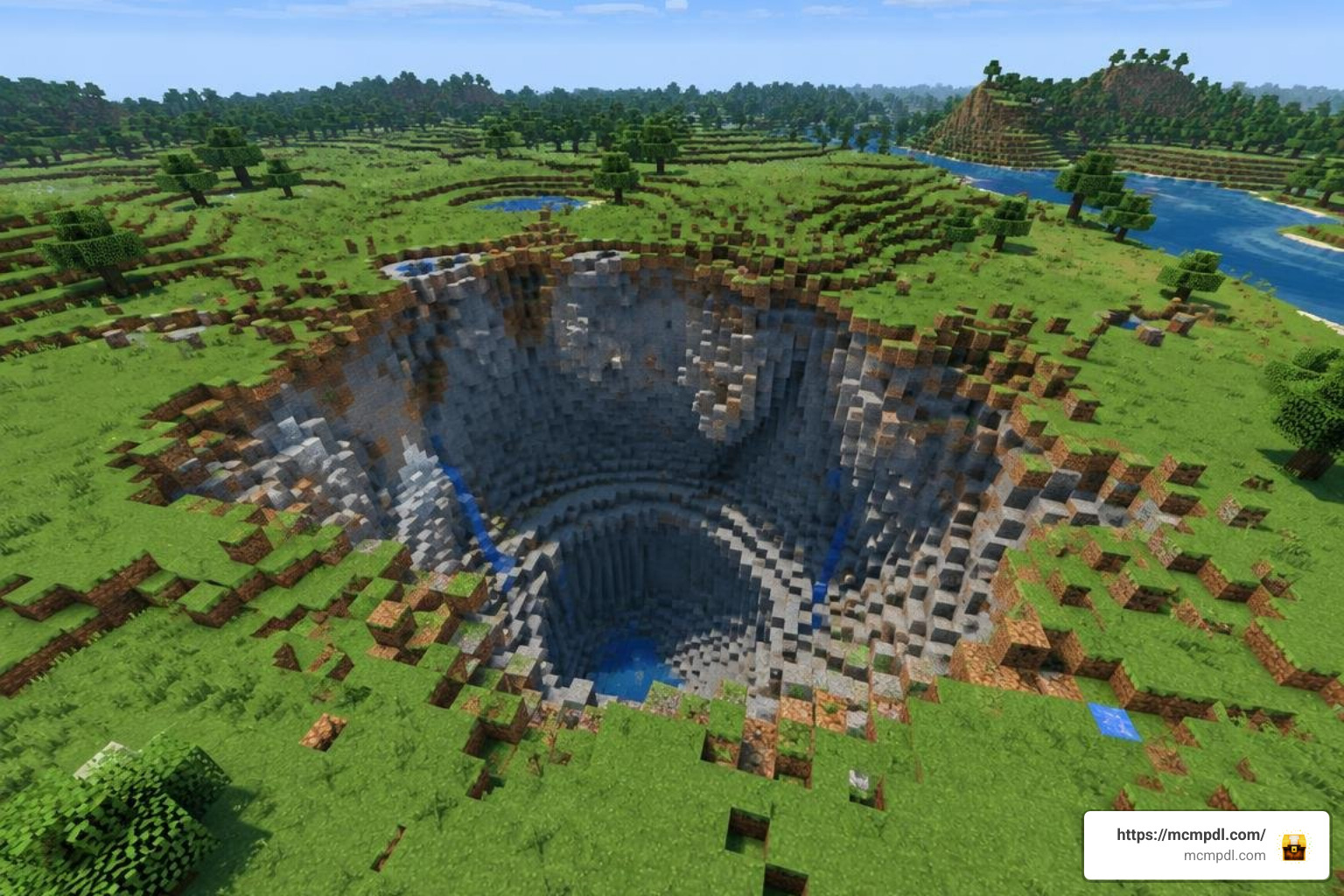
Detonating high-yield explosives processes thousands of block updates simultaneously. On lower-end mobile devices or multiplayer servers, this can result in temporary screen freezing or disconnected clients. You can maximize performance using these proven settings:
- Adjust Simulation Distance: Reduce your simulation distance to 4 or 6 chunks in your world settings. This concentrates calculations around the immediate blast zone without forcing distant chunks to process unnecessary block ticks.
- Lower Graphical Settings: Temporarily turn off “Fancy Graphics” and reduce your render distance before detonating high-tier explosives like Nuke or Tier-6 TNT.
- Space Out Detonations: Avoid lighting multiple massive TNT blocks at the exact same second. Allow one crater calculation to finish before triggering the next.
- Utilize Cap-Limited Versions: Packs like TNT Destructive V17 include built-in chunk-render caps per tick, which queue block destruction smoothly rather than forcing the engine to calculate everything in a single frame.
Frequently Asked Questions About Bedrock Explosives
Can I craft and use all megapack explosives in pure survival mode?
Yes. Packs like MEGA TNT+ and TNT Destructive V17 are built specifically for survival worlds. You do not need creative inventory access to obtain them; simply place standard TNT in the center of a crafting table and surround it with 8 matching vanilla resource blocks (such as wood planks, ores, ice, or stone).
Is the megapack compatible with Bedrock Realms and multiplayer servers?
Yes. Because these packs are packaged as standard Bedrock behavior and resource packs, the host or Realm owner can activate them directly in the world settings. When friends or Realm members join, Minecraft will automatically prompt them to download the required resource pack textures.
How long does the largest 1280-radius TNT explosion take to process?
The largest tier-7 scripted TNT variant (found in power-multiplier add-ons) calculates a staggering 1,280-block blast radius. On typical hardware, this detonation takes approximately 27 minutes and 10 seconds to fully calculate and render the resulting void. For standard gameplay, sticking to radius tiers between 20 and 160 blocks provides instant, lag-free destruction.
Conclusion
Upgrading your demolition capabilities with a comprehensive explosive pack completely transforms how you interact with your Minecraft Bedrock worlds. Whether you want the balanced, 61-block material variety of MEGA TNT+, the dynamite mechanics of TNT Destructive V17, or the colossal world-shattering power of mega-blast packs, there is an explosive add-on suited for every playstyle.
Always remember to back up your favorite worlds before testing high-yield explosives, tune your simulation distance for smooth performance, and experiment with tactical utility blocks like Slime and Black Hole TNT. Ready to discover more custom equipment, maps, and gameplay tweaks? Check out our full library to explore all Minecraft Bedrock addons and take your worlds to the next level.
4 thoughts on “TNT MEGAPACK ADDON For Minecraft PE/Bedrock”