Scroll down to D0vvnl0ad
Community vs. Paid Gifts Add-On: Detailed Comparison
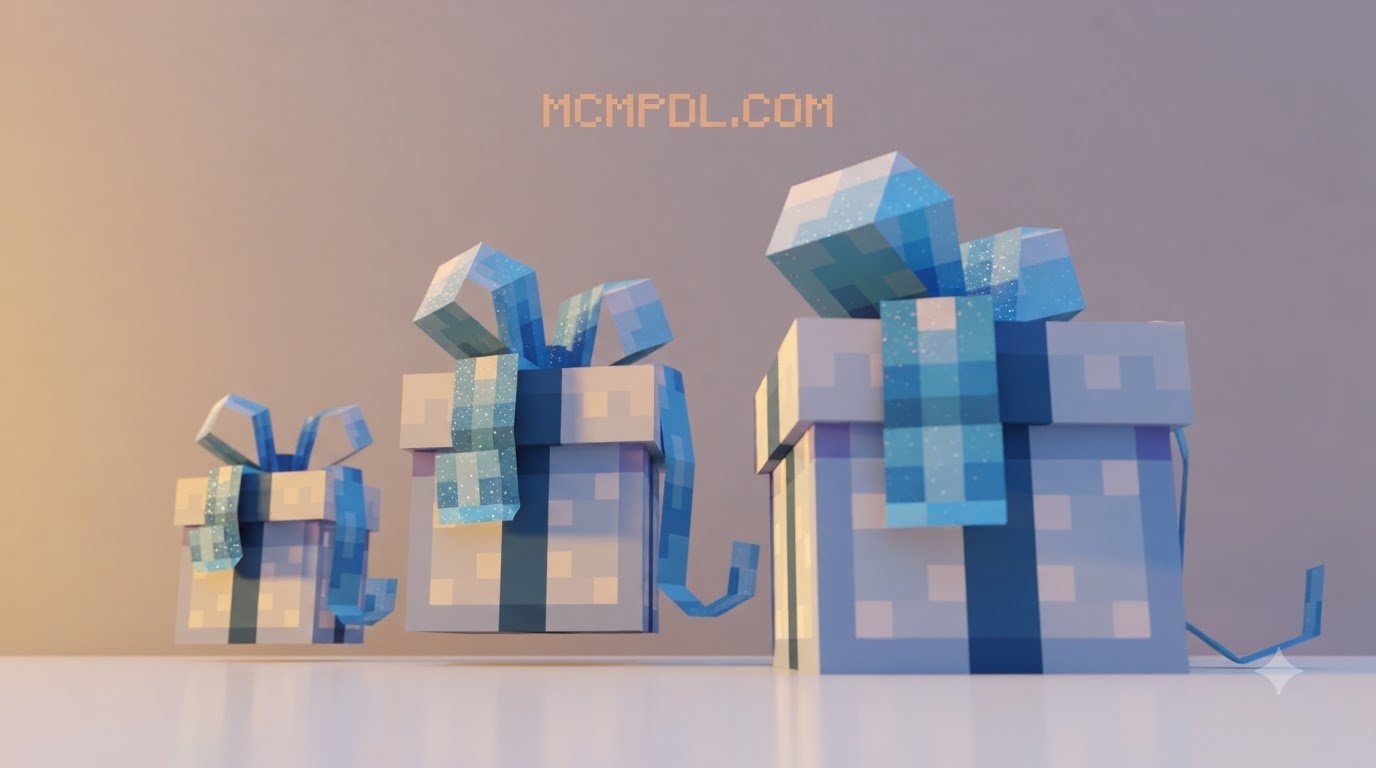
To download and install the Gifts Addon for Minecraft PE/Bedrock, grab the free community .mcaddon file from a trusted source, open it with Minecraft to auto-import the pack, then activate both the behavior pack and resource pack under your world settings. The paid in-game store version installs automatically after purchase. Once active, you can place a gift block, open the Gift Manager, add items, seal the box, and let the recipient break it to receive the loot.
Surprising your friends in Minecraft should feel special. Throwing valuable netherite tools onto the dirt often lacks excitement, and items can easily despawn if your recipient is away from their keyboard. A dedicated gifting mod completely changes how you exchange loot, celebrate birthdays, and run seasonal community events.
When choosing a gifting modification, you generally have two main paths: the free community-created Gifts Systeme pack or the official paid Gifts Add-On available through the store catalog. While both modifications introduce placeable presents, they differ significantly in their mechanics, pricing, and visual customization. You can even pair these presents alongside custom decorative furniture to build festive party rooms.
| Feature / Detail | Free Community Edition (Gifts Systeme) | Paid Version (Gifts Add-On) |
|---|---|---|
| Pricing | 100% Free (.mcaddon / .mcpack) | 310 Minecoins (~$1.55 USD) |
| User Rating | Community-tested | 4.4 / 5 Stars (269 reviews) |
| Color Variants | Standard interactive gift box | 16 Distinct dye color styles |
| Item Storage UI | Custom Gift Manager with quantity sliders | Standard container / quick-wrap |
| Security & Sealing | Sign & Seal mechanic with sender tags | Direct block placement & breaking |
| Opening Effects | 5 Selectable particle animations | Built-in color burst & open animation |
| Personal Notes | Custom written messages | Visual decorative presentation |
| File Size | ~304 KB Behavior / ~301 KB Resource | Managed via platform storage |
| Achievement Status | Achievement-friendly version available | Standard in-game store rules apply |
Free Community Edition: Community Gifts Add-On
The community edition—often cataloged as Gifts Systeme—focuses heavily on functional multiplayer interaction and roleplay depth. It is exceptionally lightweight, clocking in at approximately 304.11 KB for its Behavior Pack (BH) and 301.43 KB for its Resource Pack (RS). Because of its compact size, it loads almost instantly even on lower-end mobile devices.
This free version supports a wide spectrum of game builds, including version 1.21.132 alongside recent Bedrock 26.x updates (including 26.0, 26.3, 26.10, 26.11, and 26.30). It acts as an advanced inventory utility, functioning cleanly alongside custom utility tools without causing script conflicts or world bloat.
Paid Version: Gifts Add-On
If visual aesthetic and instant plug-and-play simplicity are your primary goals, the paid Gifts Add-On crafted by Meraki offers a vibrant alternative. Originally released in November 2024 and maintained through continuous updates in 2026, it holds a solid 4.4 out of 5-star rating across 269 player reviews.
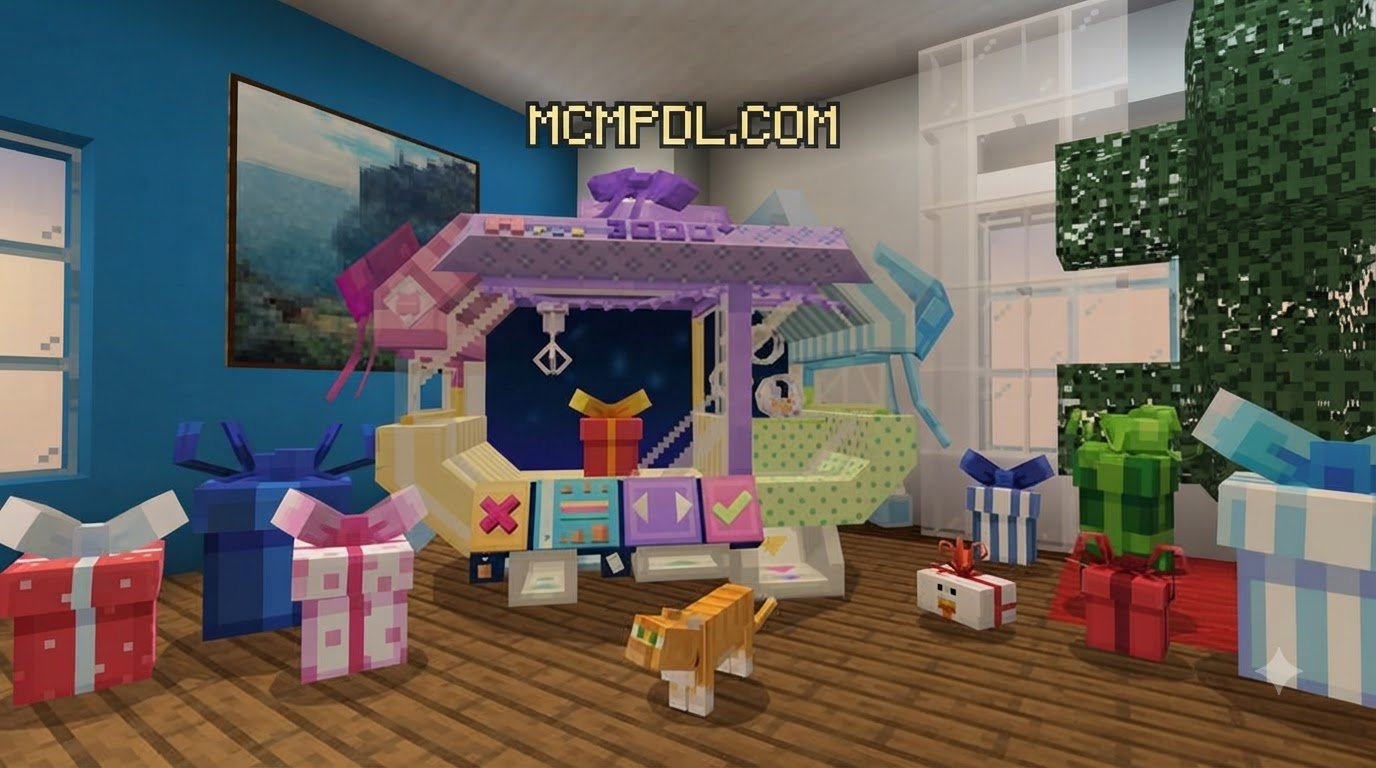
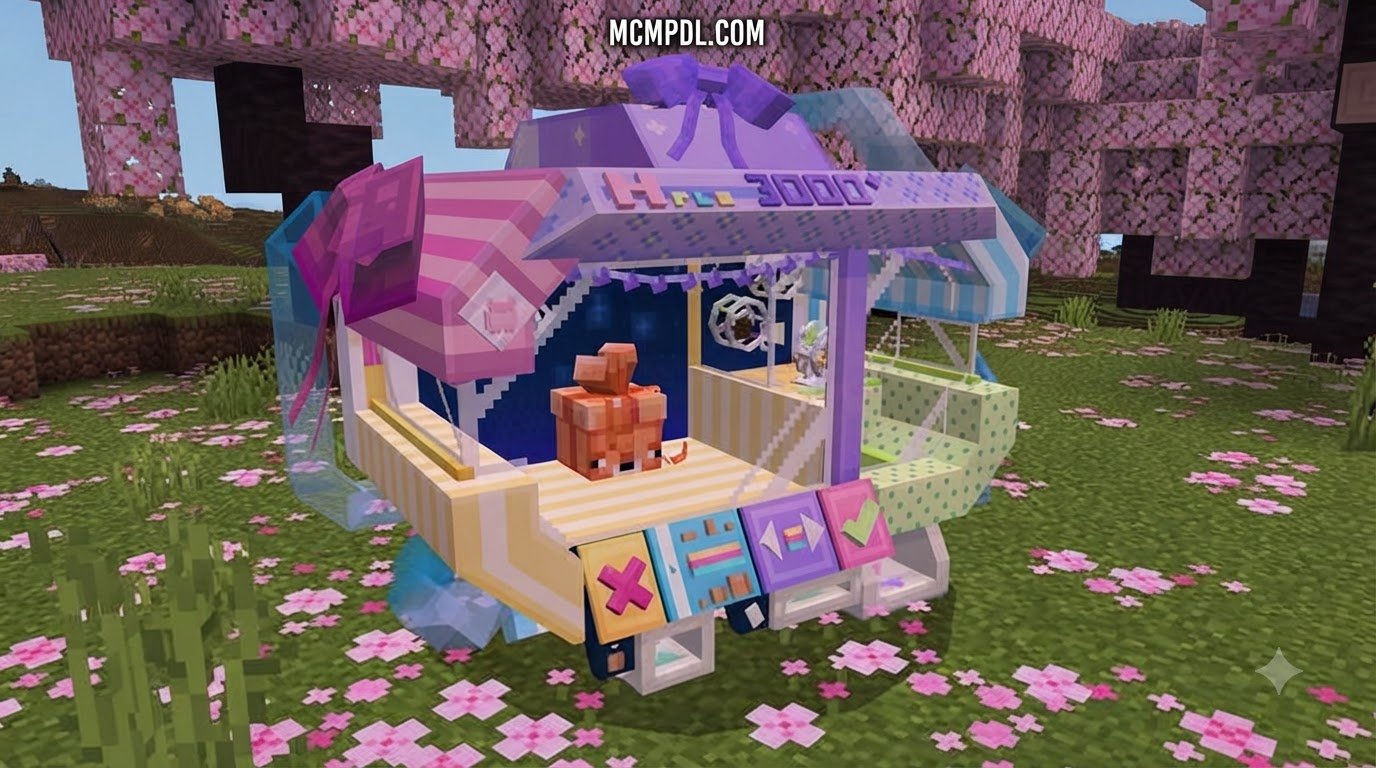
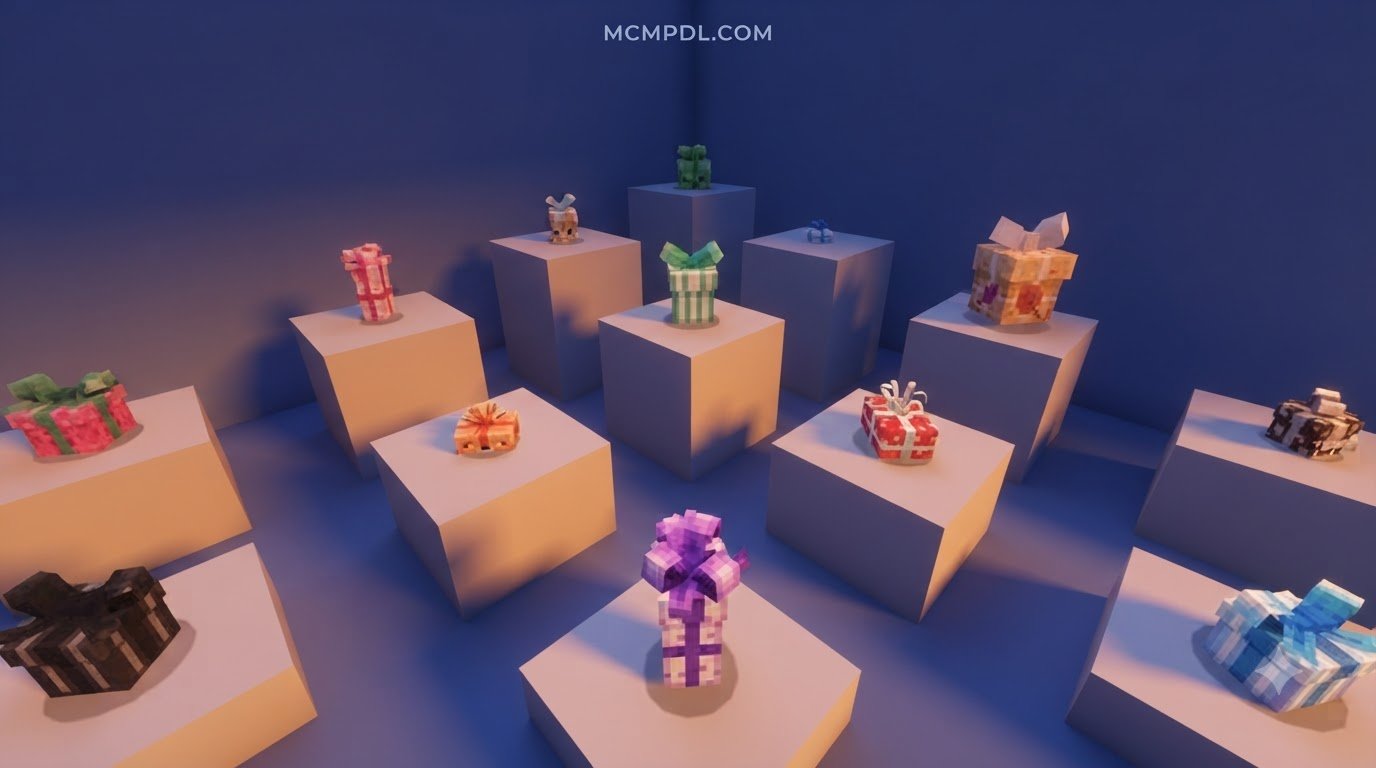
For 310 Minecoins (around $1.55 USD), this version delivers 16 different color variations matching standard Minecraft dye shades. It is tailored for cross-platform ease, running natively on consoles like Xbox One, PlayStation, and Nintendo Switch without requiring manual file imports.
Core Features of the Gifts Addon for Minecraft PE/Bedrock
The primary reason to run the Gifts Addon for Minecraft PE/Bedrock is its intuitive interface. Rather than forcing players to memorize complex slash commands, the system introduces a dedicated “Gift Manager” block interface that makes packing presents as simple as moving items across your inventory. It blends smoothly with decorative block expansions to turn any base into a celebration venue.
Key technical and quality-of-life features include:
- Smart Packing System: A visual grid displaying your active inventory with precise quantity sliders, letting you gift specific stack counts rather than entire item bundles.
- Sign & Seal Security: Once you seal a package, other players cannot peek into the UI to steal individual contents.
- Action Bar Hover Information: Looking directly at a placed box reveals who prepared the package, its current state (
[Open]or[Sealed]), and total item counts. - Interactive Lock-Out: Prevents unauthorized looting until the recipient breaks the container.
How to Pack and Seal Boxes in Gifts Addon for Minecraft PE/Bedrock
Packing a gift requires just a few simple interactions. Because it functions seamlessly alongside essential survival utilities, anyone on your server can master the process in seconds:
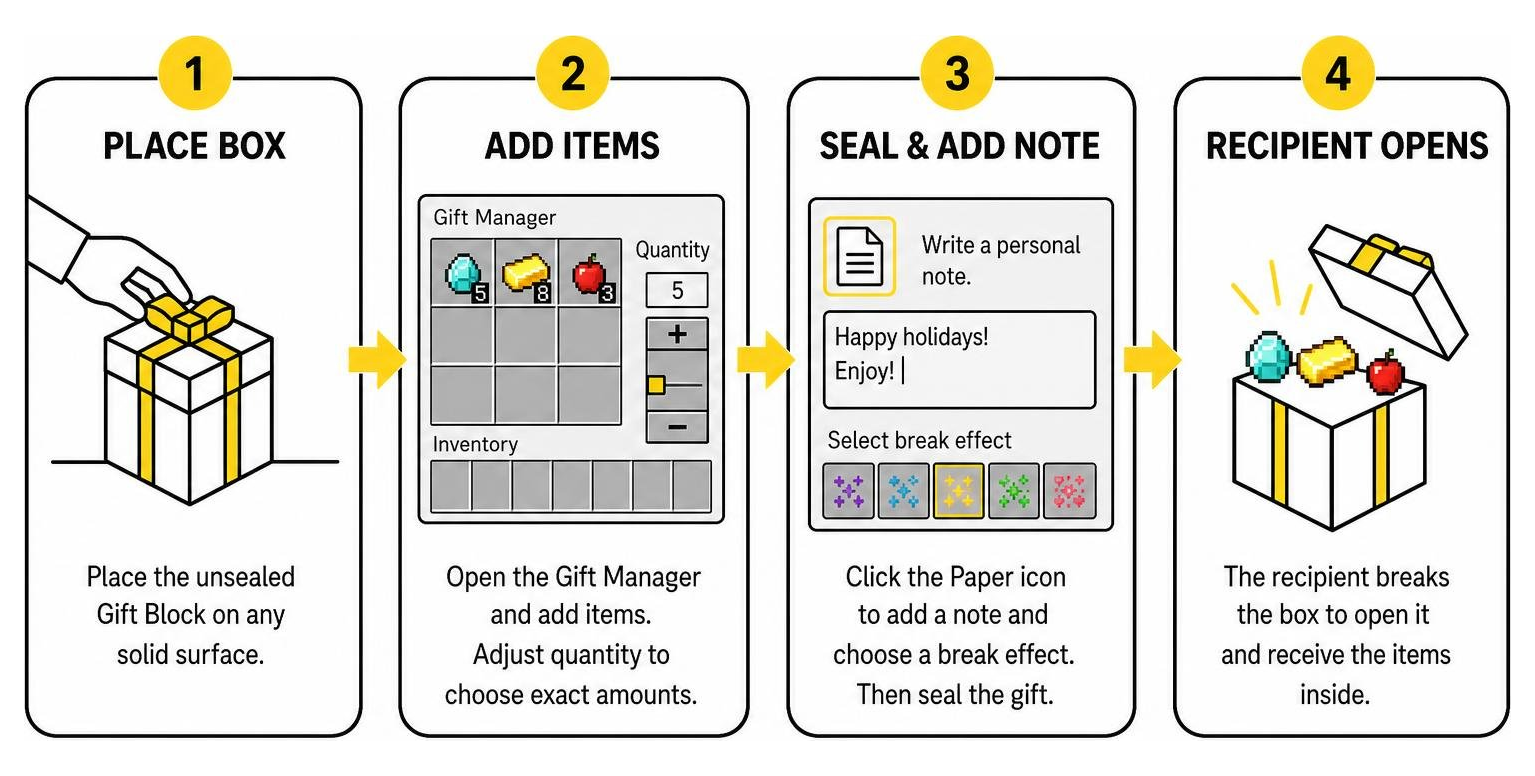
- Place the Block: Set your unsealed Gift Block down on any solid surface.
- Access the Gift Manager: Tap or right-click the block to open the custom management menu.
- Select Items: Click items from your personal inventory. Adjust the quantity slider to choose exact amounts (e.g., gifting exactly 5 diamonds instead of a full stack).
- Sign & Seal: Click the Paper icon inside the interface. Type out a personal greeting, holiday wish, or funny message.
- Select an Effect: Choose one of the five particle break animations.
- Finalize: Hit confirm. The container will lock permanently, displaying your gamertag above the box.
Pro-Tip: If you want to reposition or place multiple decorative boxes without accidentally triggering the menu, use sneak-interact (crouch + interact) to bypass the interface completely.
Custom Particle Effects and Opening Animations

Opening a sealed present triggers a burst of custom visual effects and confetti. When the recipient breaks the container, the addon generates one of five selectable animations:
- Classic Love: Releases floating hearts and soft sparkles—perfect for thanking a helpful realm member.
- Fiery Explosion: Blasts lava drops and dark smoke puffs without causing actual block damage or fire spread.
- Magical Mystery: Emits swirling witch magic spirals and glowing End rod particles.
- Frosty Sparkle: Showcases floating snowflakes accompanied by soul flame blue flickers.
- Totem Glory: Recreates the glowing golden Totem of Undying activation flash accompanied by musical notes.
Step-by-Step Installation and Setup Guide
Installing add-ons on Bedrock Edition is straightforward thanks to modern .mcaddon file bundling. Whether you are running a survival realm on mobile or hosting an adventure world on PC, following the proper setup steps ensures smooth performance without corrupting existing builds.
Installing the Gifts Addon for Minecraft PE/Bedrock on Mobile and PC
Follow these steps based on your operating system to import your files properly, making sure your world has enough capacity alongside other inventory storage expansions:
- Download the Package: Grab the latest
.mcaddonor both.mcpackfiles (Behavior and Resource) from a trusted source. - Import into Minecraft:
- Windows 10/11: Double-click the downloaded
.mcaddonfile. Minecraft will launch automatically and display an “Import Started” banner at the top of the screen. - Android: Open your device file manager, tap the
.mcaddonfile, and select “Open with Minecraft.” - iOS: Tap the downloaded file in your browser’s download manager, tap the Share sheet, and select the Minecraft app icon.
- Windows 10/11: Double-click the downloaded
- Activate World Resource Packs: Edit your desired world, scroll down to the Resource Packs tab on the left menu, select the gift pack under Available, and click Activate.
- Activate World Behavior Packs: Switch to the Behavior Packs tab and verify that the corresponding behavior pack is active.
- Enable Experimental Features: Under world Game settings, enable Beta APIs or Holiday Creator Features if prompted by the addon version.
World Settings, Server Events, and Achievement Compatibility
If you are running community servers or Bedrock Realms, this modification simplifies in-game events. You can stage holiday drops around a central town square or set up secret birthday deliveries outside a player’s base.
Because the community release includes an achievement-friendly version, server administrators can integrate festive item exchanges into pure survival worlds without permanently disabling Xbox achievements.
Frequently Asked Questions about Gifts in Bedrock Edition
Is the Gifts Addon free or does it require payment?
There are two different versions available. The community-developed Gifts Systeme pack is 100% free and distributed as .mcaddon files. The alternative Gifts Add-On by Meraki is hosted on the official in-game store and costs 310 Minecoins (~$1.55 USD).
Which Minecraft Bedrock versions and platforms are supported?
The add-on functions smoothly across all modern Bedrock platforms, including Android, iOS, Windows 10/11, Xbox, PlayStation, and Nintendo Switch. The free edition specifically supports version 1.21.132 along with Bedrock 26.x releases (26.0 through 26.30).
Can other players steal or open a sealed gift box?
No. Once a package is sealed using the Sign & Seal interface, other players cannot open the storage grid to take individual items. The recipient must physically break the gift block to receive the loot and view the attached message.
Conclusion
Exchanging items in Minecraft is infinitely more rewarding when wrapped in custom visuals and personalized messages. Whether you opt for the feature-packed free community edition or the colorful paid in-game store release, adding present mechanics brings excitement to any multiplayer world. For additional context on Bedrock add-on compatibility and installation practices, refer to the official Minecraft Creator documentation.
At MCMPDL, our mission is to provide players with a safe, curated library of mods, textures, and world utilities. If you are ready to expand your world even further, explore the latest Minecraft Bedrock add-ons on MCMPDL to discover more gameplay enhancements today.
1 thought on “Gifts Addon for Minecraft PE/Bedrock”