Scroll down to D0vvnl0ad
Get More Villages in Minecraft PE and Bedrock
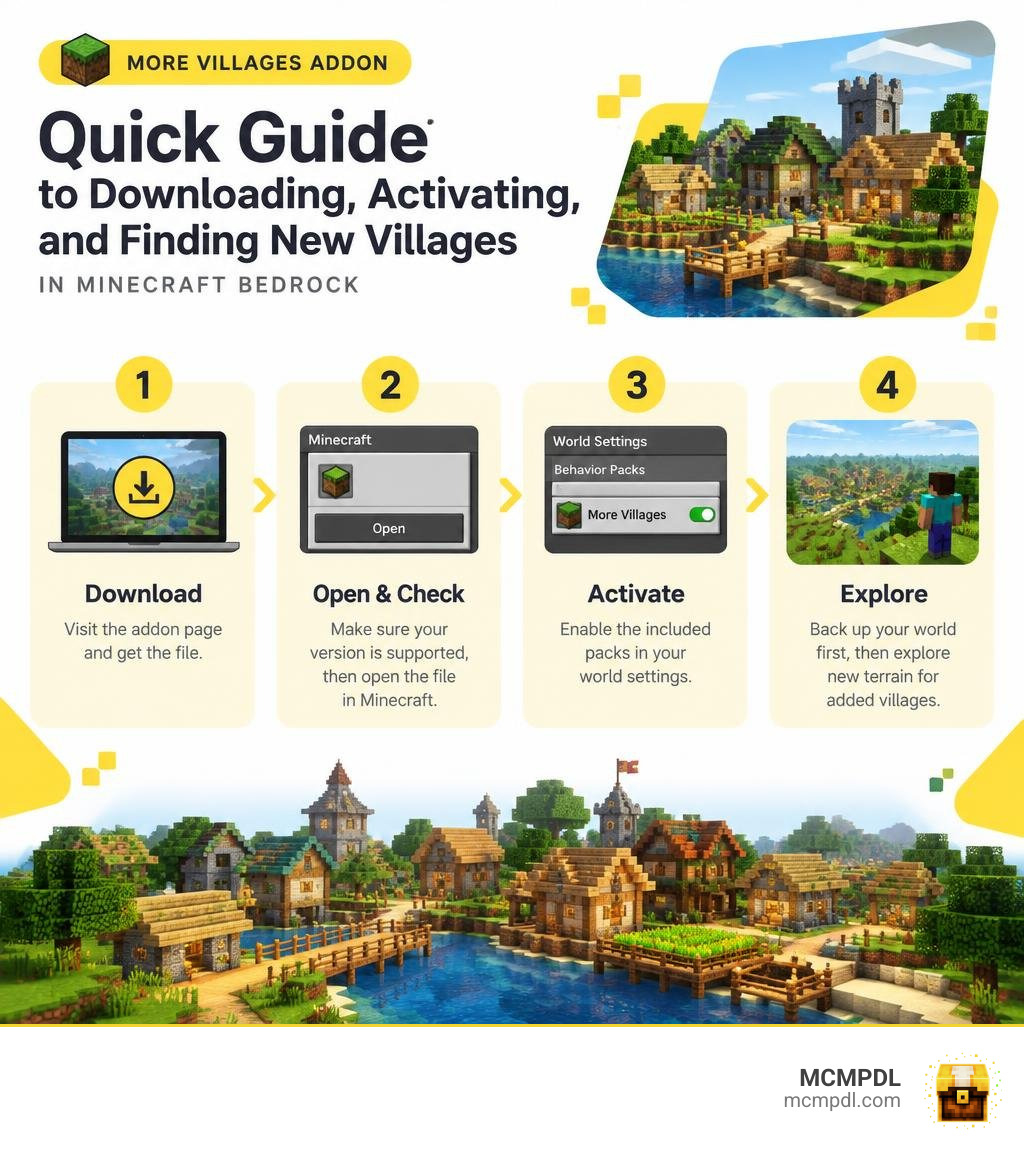
To install the More Villages Addon for Minecraft PE/Bedrock, visit the addon page on MCMPDL, check that the download supports your game version, and open the addon file with Minecraft. Then activate its included packs in your world settings. Back up an existing world first, and explore new terrain to look for the added villages.
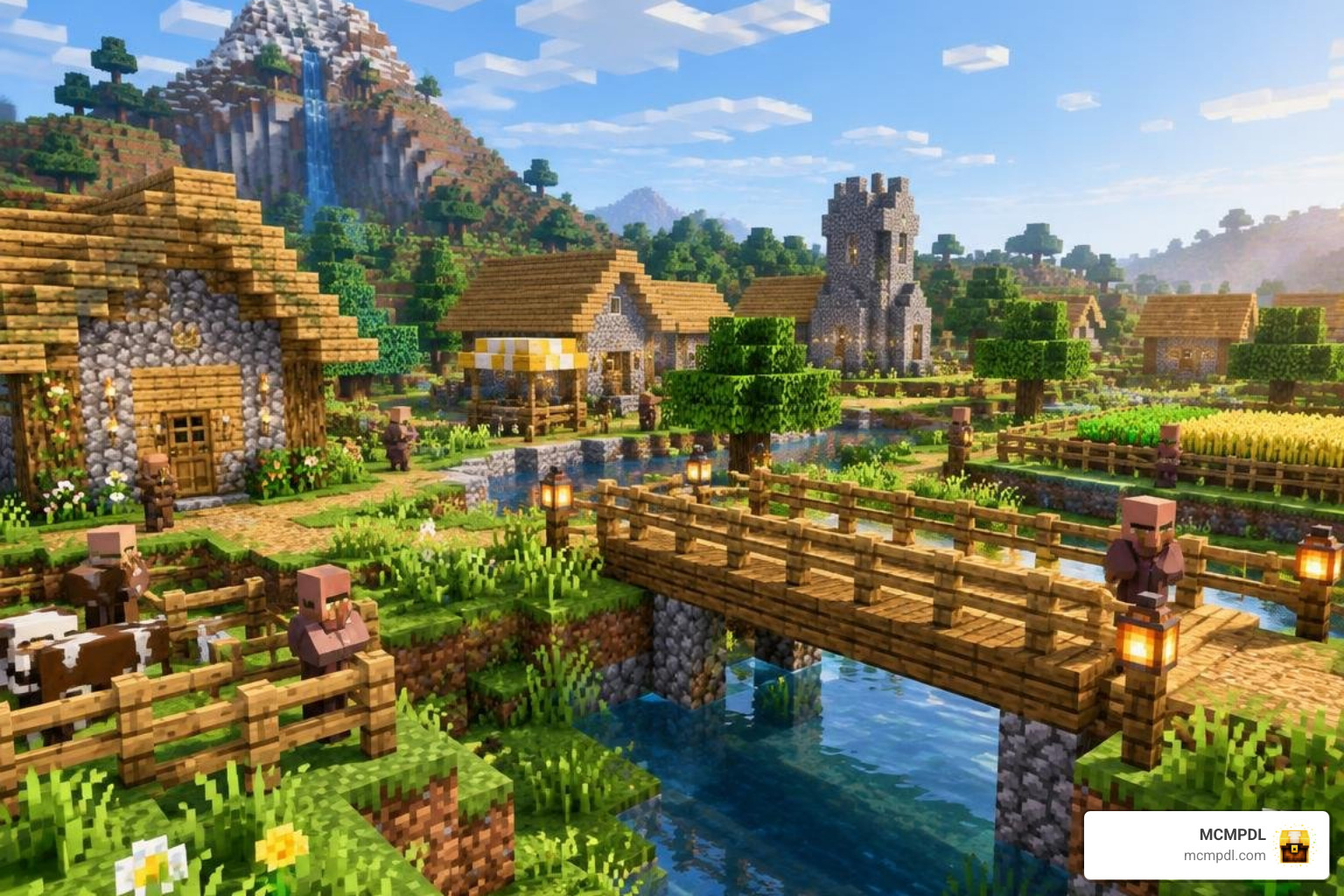
The addon is for players who want more variety when exploring Bedrock worlds. The guide below covers the install steps, what to check if villages do not appear, and how to avoid common compatibility problems. We’ll also explain how the addon changes village generation, what new structures and trades you can expect, and how to combine it with other world-generation packs for a richer experience.
What Is the More Villages Addon for Minecraft PE/Bedrock?
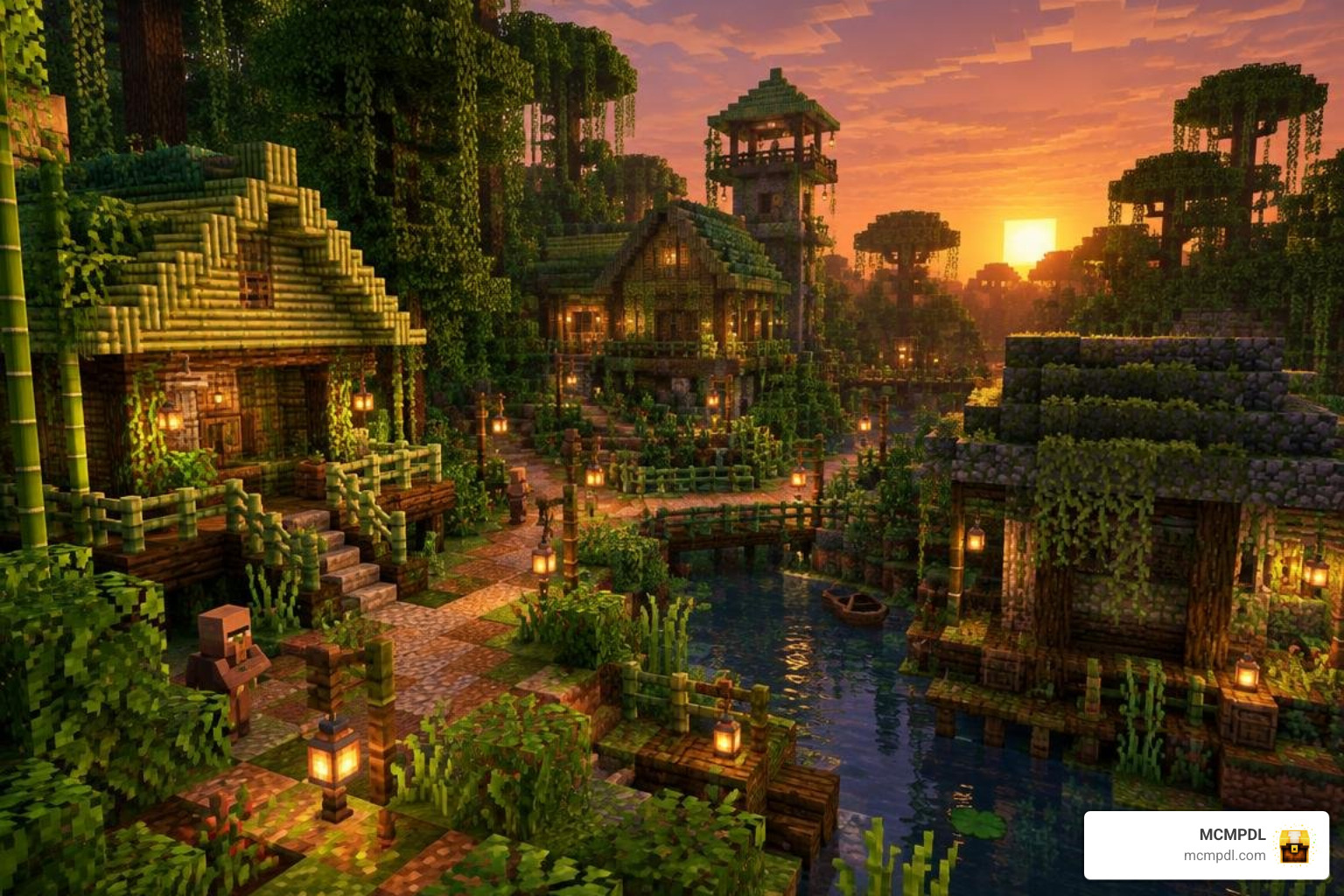
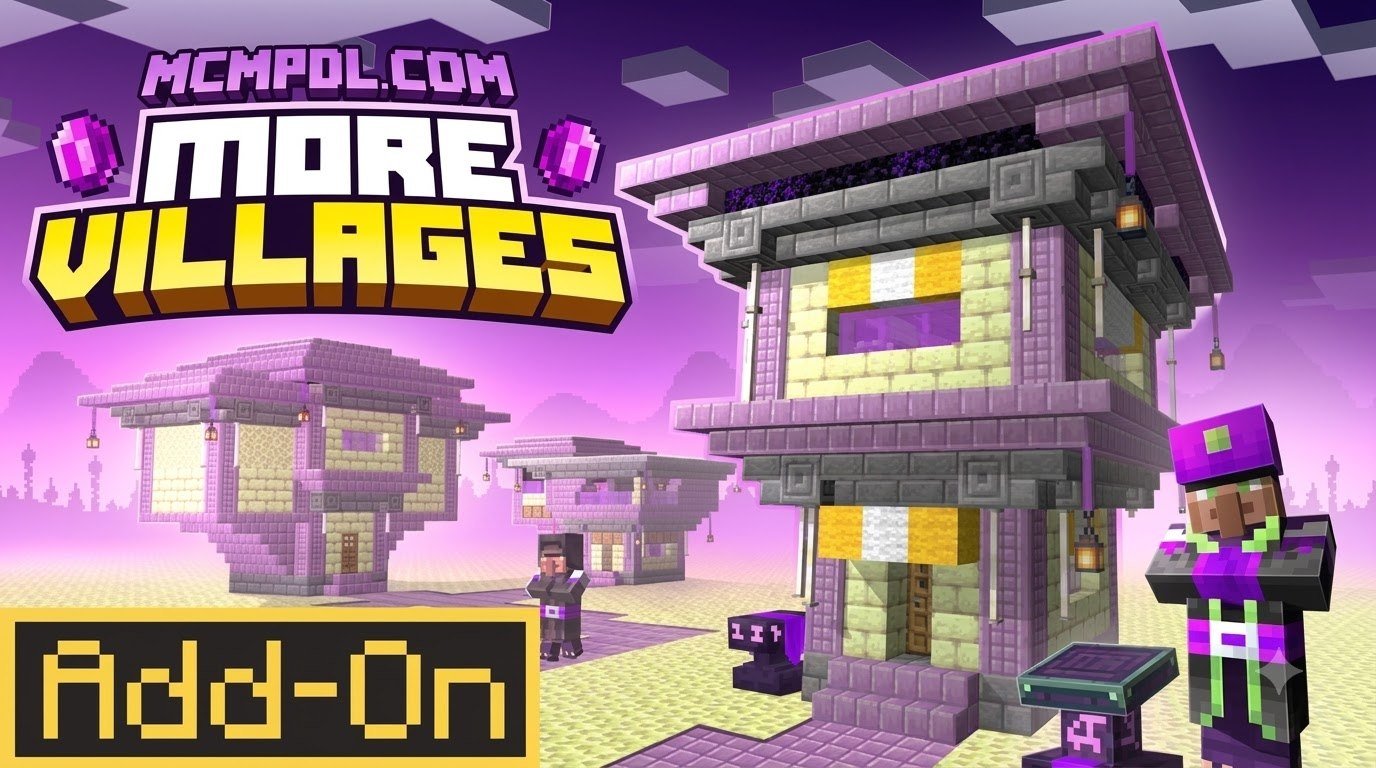
Vanilla Minecraft Bedrock Edition features fantastic core mechanics, but after traversing thousands of blocks, running into the same identical plains or desert settlements can start feeling repetitive. The More Villages Addon is designed to overhaul that experience by inserting a rich variety of custom settlements, distinctive architectural styles, and dynamic spawns across biomes that normally lack native communities.
Instead of limiting peaceful NPC hubs to standard plains, savannas, taigas, deserts, and snowy tundras, this expansion integrates full-fledged community centers into lush jungles, dark forests, swampy lowlands, mountain peaks, and deep badlands. Each settlement adapts seamlessly to its native terrain, utilizing localized materials, natural palettes, and organic layouts that look like authentic extensions of the environment.
New Structures, Biomes, and NPC Mechanics
The addon goes far beyond merely placing standard wooden huts in unusual locations. It re-engineers settlement layouts from the ground up, adding multi-room houses, defensive perimeter outposts, bustling town squares, and detailed community centers.
Key structural and gameplay elements introduced include:
- Biome-Themed Workstations: Workstations blend naturally into local environments, from bamboo-trimmed crafting tables in jungle clearings to sandstone forges nestled in badlands canyons. Custom job sites allow newly spawned villagers to take on specialized roles suited to their geography.
- Advanced Villager Trades: NPC professions offer balanced, progression-friendly trade tiers. Blacksmiths, for example, can offer tailored weapon enhancements and regional materials that incentivize trade-focused survival runs. Swamp herbalists and mountain stonemasons provide localized supplies that make regional travel meaningful.
- Enhanced Settlement Economy: Interacting with custom professions makes farming, mining, and trading feel far more rewarding. Players who enjoy pairing trade expansions with agricultural mods will find strong synergy alongside the Overhauled Farming and Food Addon.
- Dynamic Community Living: Villagers possess improved pathfinding and day-night routines, making settlements feel lively and functional rather than static. For players wanting even deeper architectural overhauls, comparing these features with the Overhauled Villages Addon highlights how modern creator packs continually elevate Bedrock world-building.
Vanilla Settlements vs. Custom Villages
The differences between base game settlements and these expanded communities are substantial. The table below illustrates how the addon upgrades exploration, trading, and defense across your Bedrock worlds.
| Feature | Vanilla Minecraft Settlements | More Villages Addon |
|---|---|---|
| Supported Biomes | 5 core biomes (Plains, Desert, Savanna, Taiga, Snowy Plains) | 12+ biomes including Jungles, Swamps, Badlands, and Mountains |
| Building Archetypes | Repetitive 4-to-6 building templates | Diverse multi-story builds, outposts, town halls, and specialized shops |
| Defense Capabilities | Single Iron Golem spawns with basic wall-less paths | Perimeter palisades, watchtowers, and multi-guard patrol mechanics |
| Trading Depth | Standard vanilla trade tables | Expanded trade options, localized barter economies, and rare utility items |
| Terrain Adaptation | Prone to awkward cliffs, floating paths, and buried doors | Adaptive foundations designed to generate cleanly on uneven topography |
How to Download and Install the Addon Fast
Installing community creations on Bedrock Edition has become remarkably fast and streamlined. Whether you are running Minecraft on iOS, Android, Windows 10/11, or a console environment, installing the pack takes just a couple of minutes once you understand the basic workflow.
Step-by-Step Guide to Install More Villages Addon for Minecraft PE/Bedrock
Follow these streamlined steps to get the addon downloaded and running immediately:
- Download the File: Grab the official
.mcaddonor.mcpackfile from the repository page. If the download arrives as a.ziparchive, rename the file extension to.mcaddonso your operating system associates it directly with Minecraft. - Execute the File Import:
- Android: Tap the downloaded file in your browser’s download manager or a file manager app, and select Open with Minecraft. If prompted, grant storage permissions.
- iOS / iPadOS: Tap the downloaded file inside the Files app, tap the Share icon, and select Minecraft. The app will launch automatically.
- Windows 10/11 Bedrock: Double-click the downloaded
.mcaddonfile. Minecraft will launch and show an “Import Started” banner at the top of your screen.
- Confirm Successful Import: Wait for the in-game notification confirming both the Resource Pack and Behavior Pack have imported successfully into your game storage.
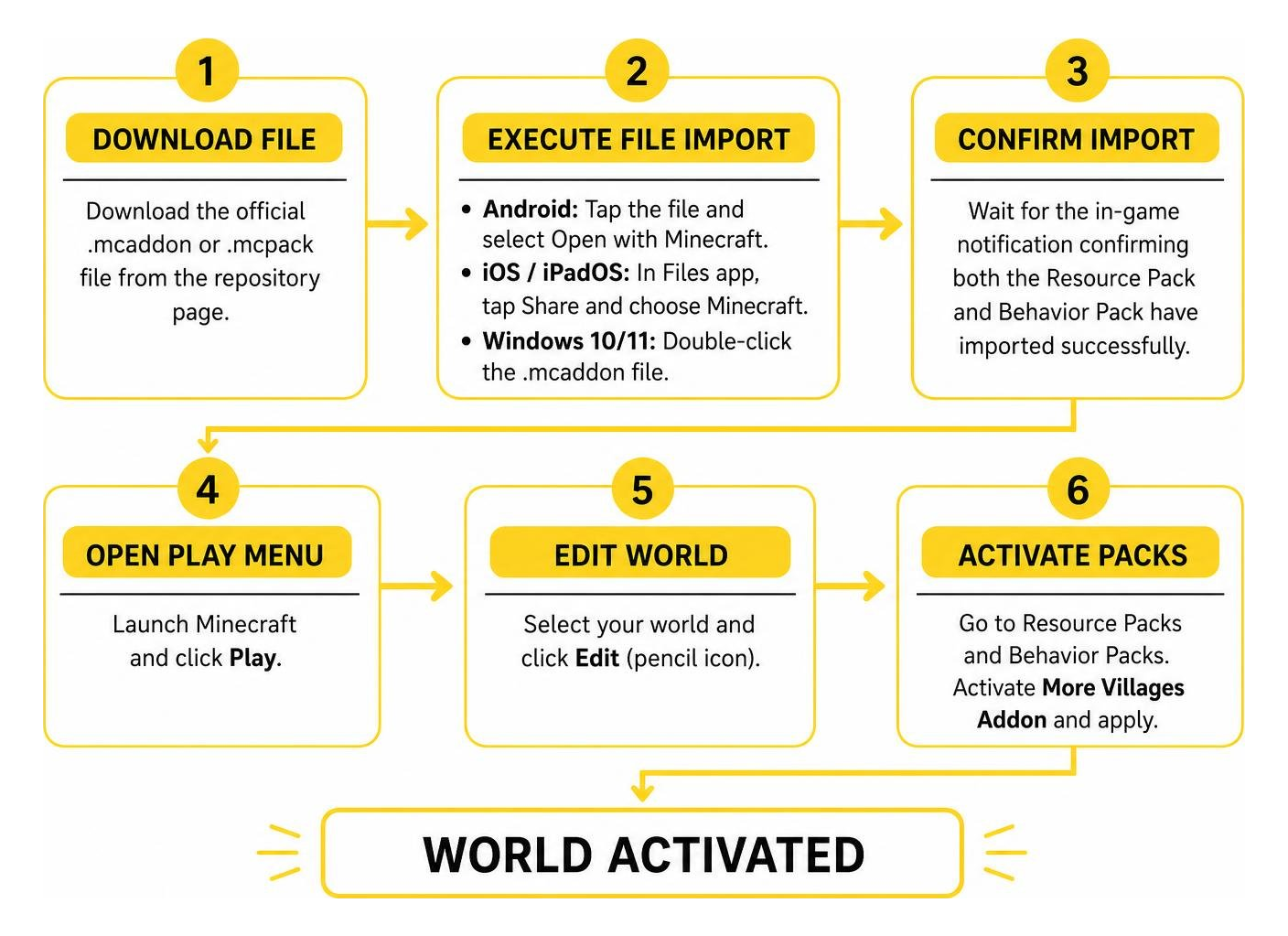
Activating Behavior and Resource Packs in World Settings
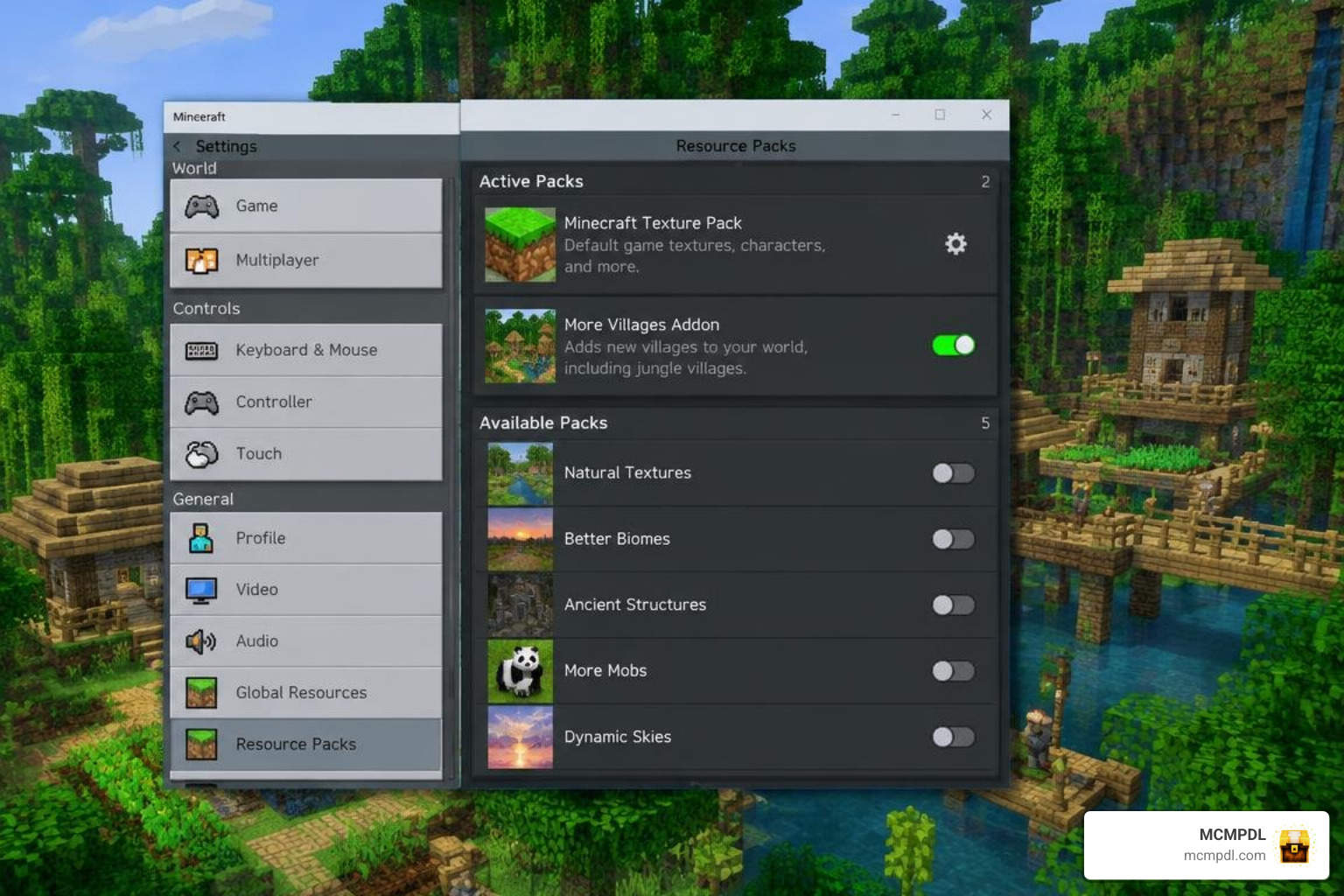
Once imported, you must activate the pack on your chosen world to generate the new content:
- Launch Minecraft and click Play.
- Create a New World or click the Edit (Pencil) icon next to an existing save.
- Scroll down the left sidebar to Resource Packs, select Available, find the pack, and click Activate.
- Move down to Behavior Packs, select Available, and activate the behavior component.
- In the Game Settings tab, scroll down to the Experiments section. Toggle on Custom Biomes, Holiday Creator Features, and Upcoming Creator Features to ensure every structure and custom entity generates without errors.
- Click Create or Play to enter your world.
Pro Tip: Always make a world backup before applying new behavior packs to an existing world save you have spent months developing! You can export a duplicate copy directly from the world settings edit menu.
Compatibility, Multiplayer, and Performance Optimization
Adding heavy world-generation mods can sometimes raise questions regarding device lag and multiplayer compatibility. Fortunately, this addon is optimized to run smoothly across standard mobile devices and dedicated multiplayer servers without causing severe frame drops.
Is the More Villages Addon for Minecraft PE/Bedrock Compatible with Realms and Multiplayer?
Yes, the addon fully supports local LAN multiplayer, dedicated Bedrock servers, and Minecraft Realms.
When hosting a multiplayer game:
- Host-Side Installation: Only the world host or Realms owner needs to install and activate the behavior pack. Server instances apply the custom generation logic automatically during chunk loading.
- Client Synchronization: When your friends join the world, the game will automatically prompt them to download the required resource pack textures so everyone sees the custom building blocks and villager outfits identically.
- Seamless Co-op: Players can explore different settlements simultaneously across the map without desyncing villager inventories, custom trades, or workstation states.
Stacking with Other World Generation Addons
You can safely combine this settlement expansion with other popular Bedrock packs to create an extensive adventure sandbox.
- For richer natural terrain, pair it with the Realistic Biomes Addon.
- To scatter ancient ruins and dungeons between town hubs, load the More Structures Addon or the Structure Expansion Addon.
- For dynamic world events and cultural expansions, run it alongside the Civilizations Addon or Civilization Expansion Pack Addon.
- If you enjoy changing weather systems alongside realistic lighting, stack it with the Seasons Realism Mashup Pack.
Load Order Advice: When combining multiple packs, position biome and landscape addons lowest in your Resource Pack hierarchy, followed by world structures, and place your village pack near the top to prevent overlapping structure collisions. Adjusting your simulation distance to 4 or 6 chunks on low-end mobile devices will also keep frame rates consistent around busy settlement squares.
Frequently Asked Questions
Which Minecraft Bedrock versions support this addon?
The addon is designed for Minecraft Bedrock Edition version 1.20 and newer, including the latest 1.21+ updates. Make sure your game client is up to date before importing the file, as older versions lack the experimental API flags needed for custom structure placement.
Does activating this addon disable Xbox achievements?
Yes. Because the addon utilizes custom behavior packs and experimental toggles to modify terrain and settlement structures, Bedrock automatically disables Xbox achievements on that specific world save. If earning trophies is your priority, explore the addon in a separate creative or survival testing world.
How do I fix missing textures or broken village generation?
If you see purple-and-black checkerboard blocks or structures cutting off cleanly mid-chunk, check the following:
- Verify that all Experiments toggles are active in your world settings.
- Confirm both the Resource Pack and Behavior Pack are active simultaneously in your active packs list.
- Travel to previously unrendered chunks; new settlements will not generate in terrain you explored before installing the pack.
Can I find new villages in an existing survival world?
Yes, but you must travel beyond your previously explored map boundaries. Minecraft Bedrock will only generate new custom structures in newly loaded chunks that have not yet been rendered or saved to your world data.
Conclusion
Upgrading your survival world with custom settlements transforms eve
ryday exploration into a fresh, rewarding adventure. With specialized trading posts, defensive outposts, and biome-specific architecture, every expedition uncovers something memorable.
Ready to transform the rest of your Bedrock experience? You can browse more top-rated Bedrock add-ons to discover our curated collection of community packs, quality-of-life mods, and survival expansions.