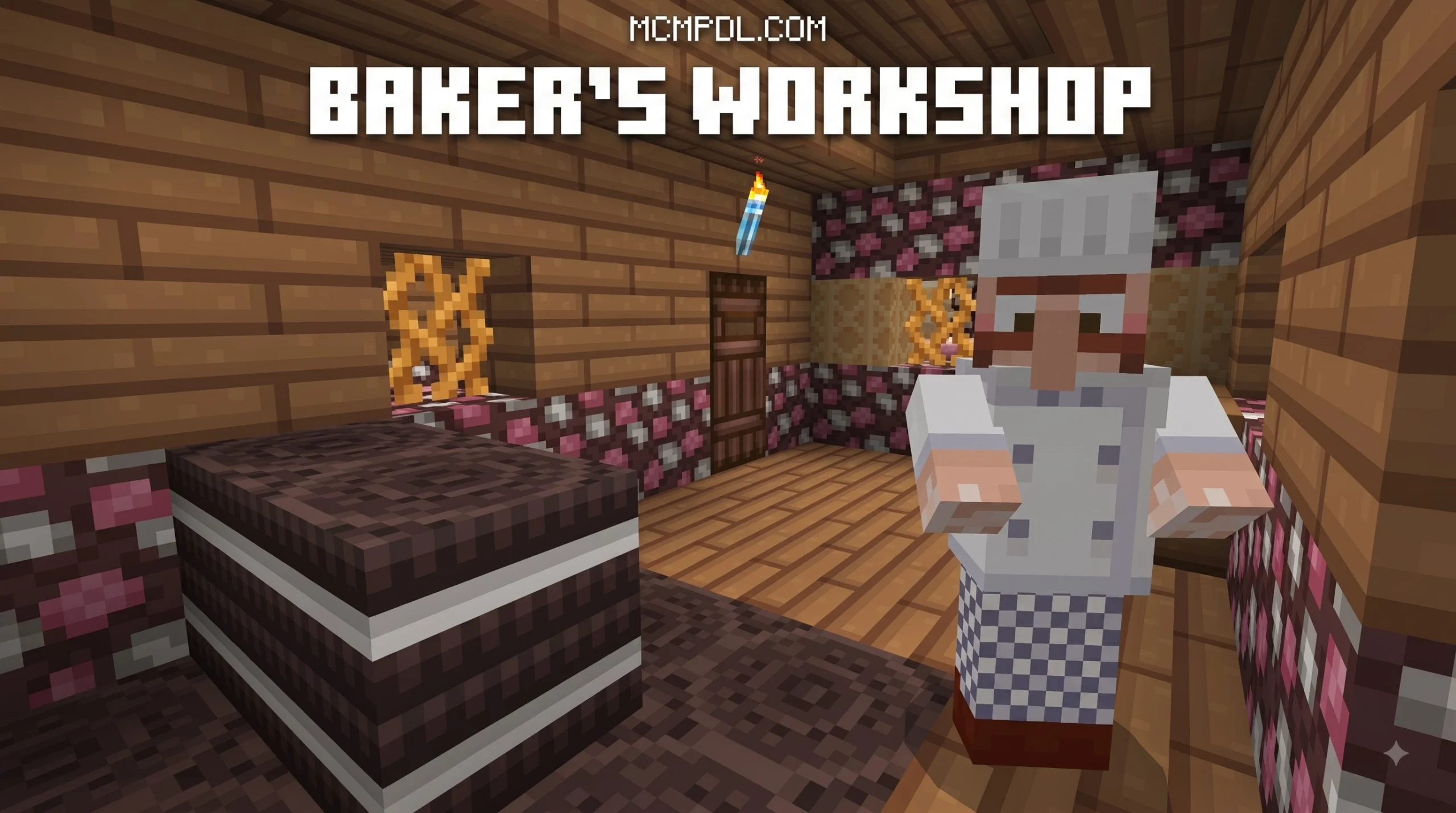
A Quick Look at the Candy Texture Pack for Minecraft Bedrock Edition
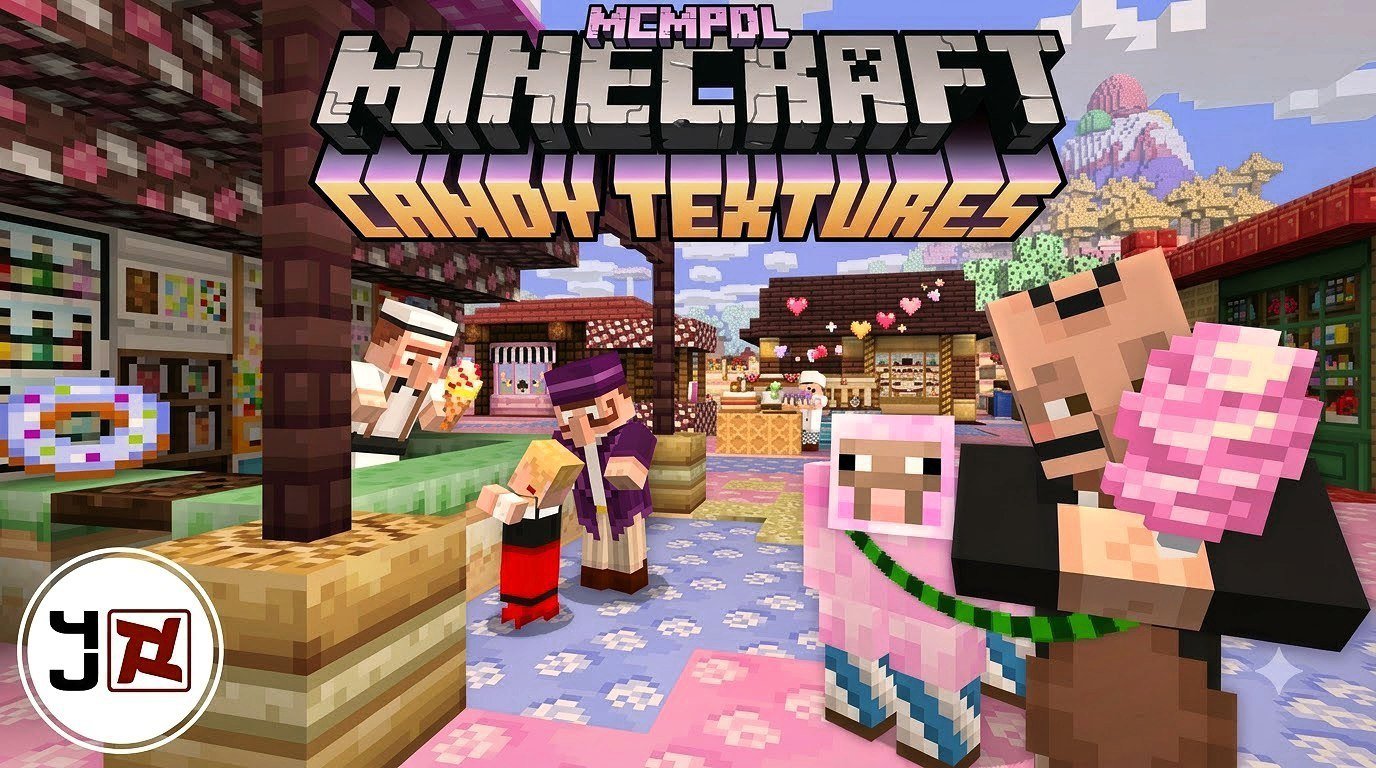
Candy Texture Pack for Minecraft Bedrock Edition is a sweet-themed visual pack that changes Minecraft’s usual look into a bright world of candy, desserts, and fairy-tale details. It alters textures for blocks, items, mobs, and paintings, while leaving the game’s core survival and building mechanics unchanged.
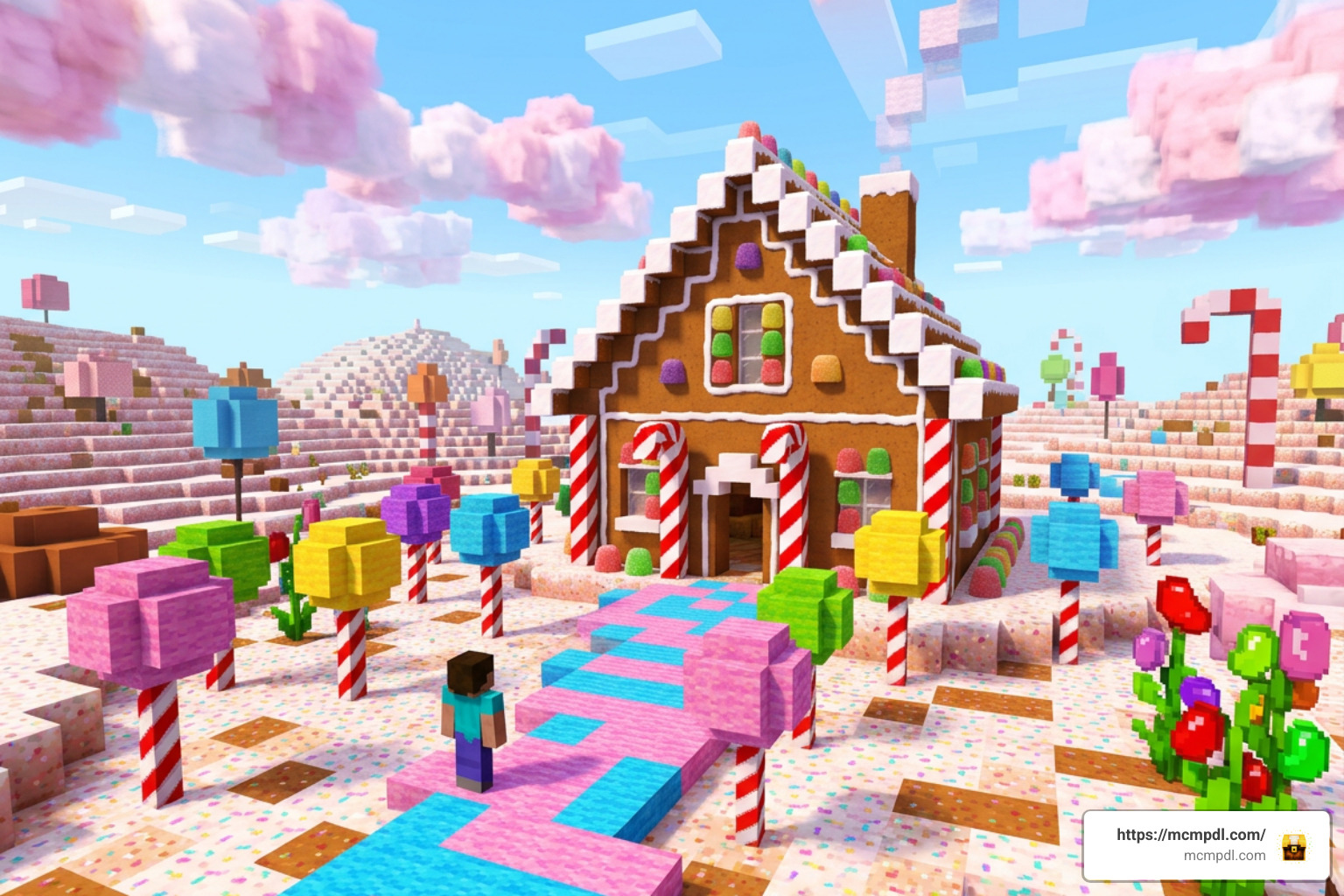
- What it changes: World textures, creature appearances, item art, and decorative paintings
- Best for: Candy kingdoms, gingerbread houses, bakeries, ice cream shops, and cheerful survival worlds
- Bedrock support: Requires Minecraft Bedrock 1.2.0 or later
- Official price: 490 Minecoins on the Marketplace
- What it does not include: Character skins
Expect familiar Minecraft places to look far less ordinary. Creepers can become jelly-like, cows take on a cake-inspired design, and paintings shift toward desserts, candy-shop displays, and playful storybook scenes.
This guide explains where the pack came from, what it changes, how to install it safely on Bedrock devices, and which free candy-style alternatives may also fit your world.
Overview of the Candy Texture Pack for Minecraft Bedrock Edition
When we talk about classic official DLCs that completely re-imagine the look of Minecraft, few options stick out quite as vividly as this sugar-dusted pack. Developed originally by 4J Studios and published directly by Mojang Studios and Microsoft Studios, this add-on brings a complete aesthetic makeover to the Sandbox universe. It replaces precisely 490 distinct textures across the game board, transforming rugged mountain biomes, dusty underground caverns, and ordinary farmsteads into eye-popping confectionery landscapes.
The pack first made its debut on console platforms back on September 3, 2014, when it launched on Xbox 360 and Xbox One. Over time, as Mojang unified its codebase into what we know today as Bedrock Edition, the resource pack expanded across mobile, PC, and modern console platforms. To review its full legacy and historical documentation, you can visit the Candy Texture Pack Wiki.
Pricing for the official release remains very accessible across platforms:
- Minecraft Marketplace (Bedrock): 490 Minecoins (which translates to roughly $2.57 USD or €2.42 EUR).
- Console Stores: Available on select storefronts, such as the official Xbox Store Listing, where it is priced at £2.39 in the UK.
For players who want an official, high-quality, and bug-free visual change, this pack offers a polished solution that runs smoothly without requiring high-end hardware setup or external tweaking software.
Key Features of the Candy Texture Pack for Minecraft Bedrock Edition
What makes this resource pack stand out from standard texture overhauls is its unwavering commitment to a unified theme. Every single element you encounter in your survival or creative worlds has been re-imagined through the lens of a candy shop worker with an unlimited budget.
- Vibrant and Bright Palette: The standard muted greens, earthy browns, and gray stone textures of default Minecraft are replaced with pastel pinks, creamy whites, rich chocolate tones, and neon candy hues.
- Complete Asset Swap: The pack modifies 490 total textures. This isn’t just a simple block tint; building materials, hostile and passive entities, tools, food items, and even the user interface (UI) undergo a complete transformation.
- Modified User Interface: When playing with the pack active, in-game menus, hotbars, inventory slots, and crafting tables adopt a sweet-themed design, making your inventory management look just as delicious as your surroundings.
- Lightweight Performance Requirements: Despite changing virtually every asset in the game, the pack maintains a lightweight file size (only around 3 MB on platforms like Nintendo Switch). It is designed to run effortlessly on mobile phones, tablets, low-spec PCs, and consoles without dropping your frame rate.
Compatibility and Version History
The timeline of this sweet resource pack reflects the overall evolution of Minecraft over the past decade. Understanding its version history helps clear up any confusion regarding device compatibility:
- September 3, 2014: Released for Xbox 360 and Xbox One Edition, becoming an instant staple for console players who loved cute, cartoonish builds.
- February 9, 2017: Introduced to Pocket Edition and Windows 10 Edition in update 1.0.3, bringing candy-themed textures to portable platforms for the very first time.
- May 11, 2017: Released on the Nintendo Switch eShop for the dedicated Switch edition.
- December 1, 2019: Officially listed on the global cross-platform Minecraft Bedrock Marketplace.
- September 18, 2024: Received an official maintenance update on the Marketplace to ensure full stability with modern Bedrock engine builds.
Today, the pack supports any device running Minecraft Bedrock Edition version 1.2.0 or newer. Whether you are playing on version 1.18, 1.19, or the latest 1.20+ releases in 2026, the texture pack works seamlessly across Android, iOS, Windows 10/11, Xbox Series X|S, PlayStation 4/5, and Nintendo Switch.
Visual Overhaul: Blocks, Mobs, Items, and Paintings
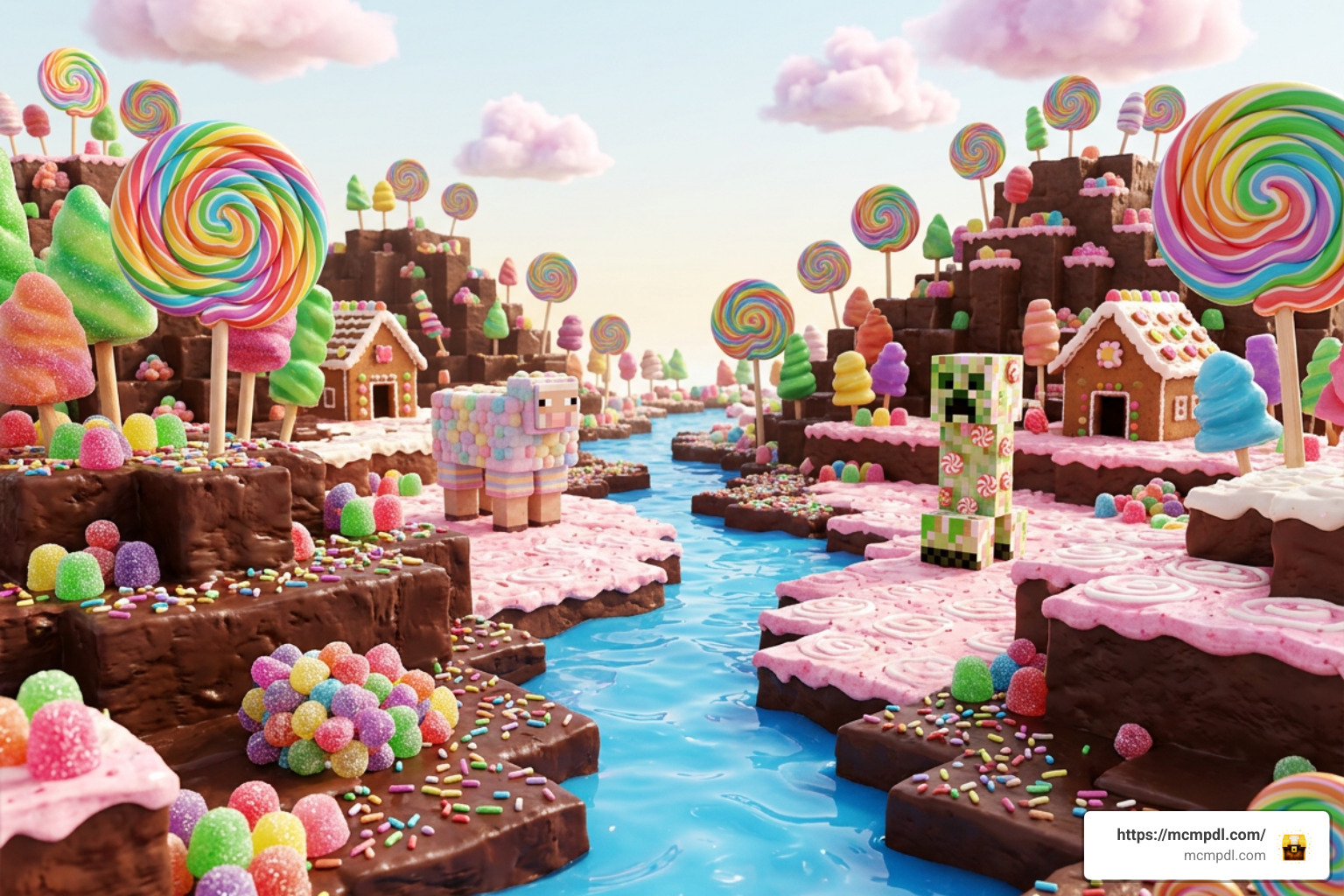
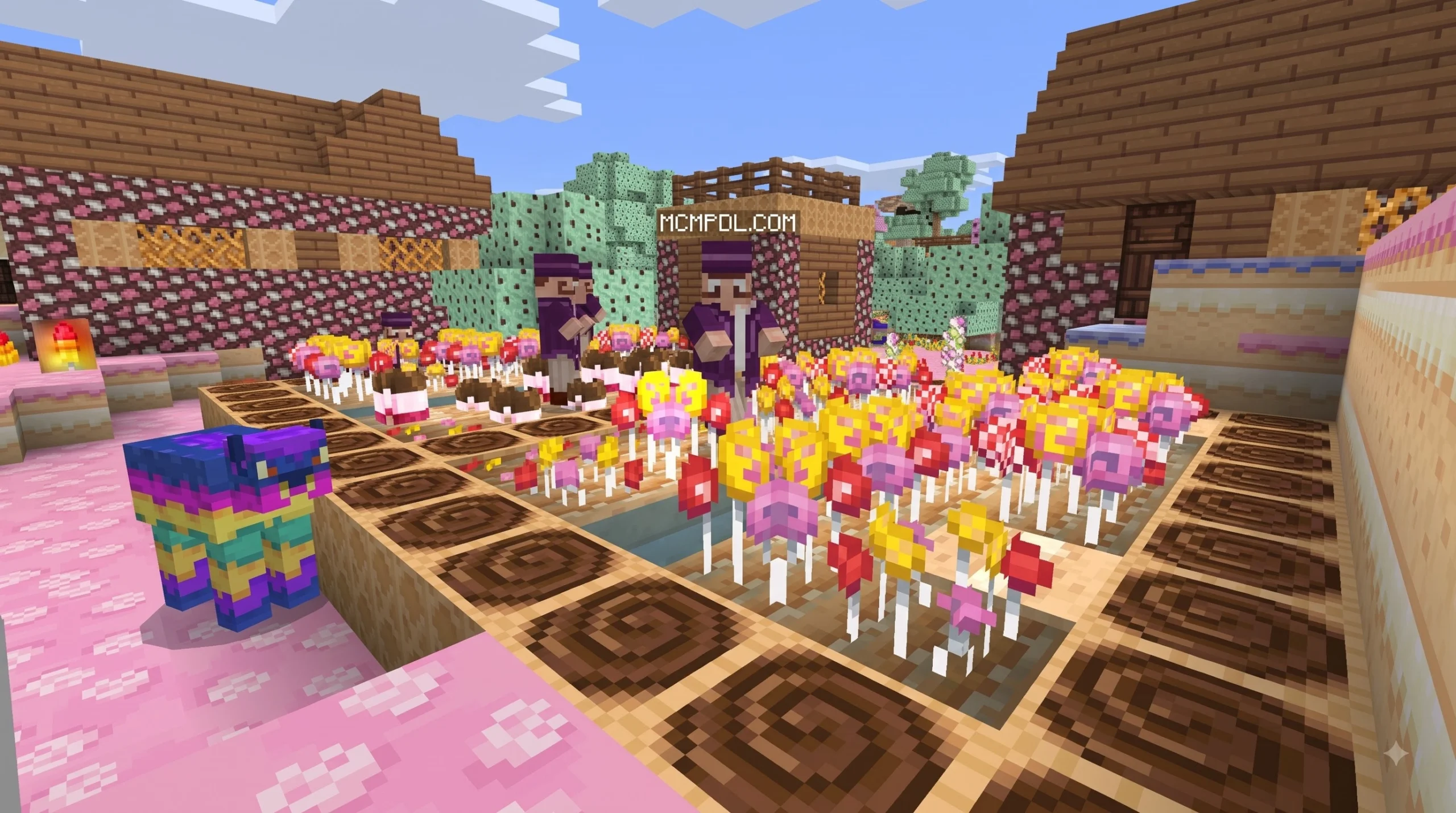
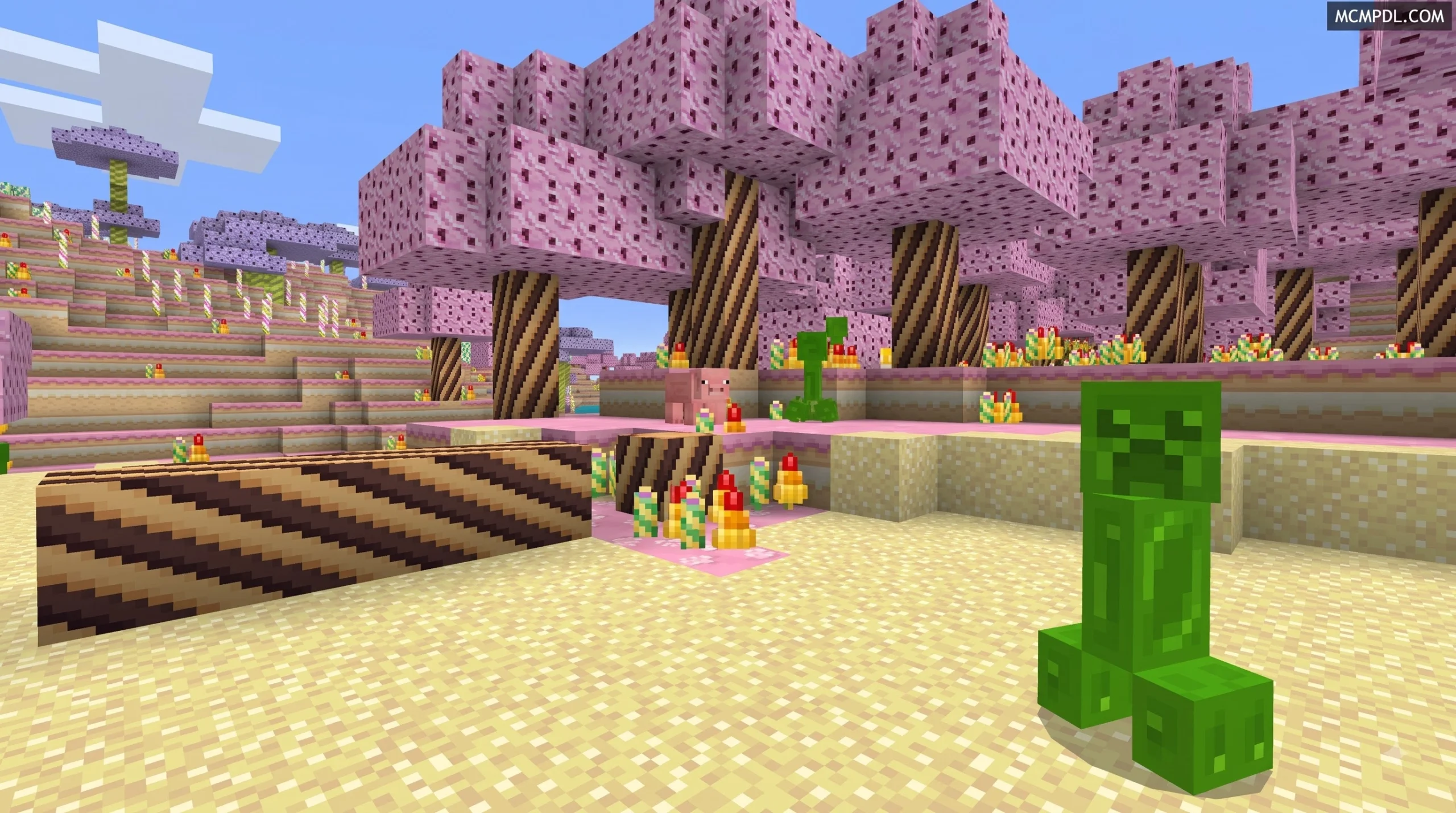
Applying the Candy Texture Pack for Minecraft Bedrock Edition instantly turns your world into a colorful Willy Wonka-inspired wonderland. Standard dirt blocks look like rich fudge or powdered chocolate, grass tops look like fluffy green frosting, and water turns into a bright, sugary syrup pools.
To give you a clear comparison of how everyday survival resources change when you load into the game, we have compiled a quick reference table below:
| Game Asset | Default Vanilla Texture | Candy Texture Pack Overhaul |
|---|---|---|
| Dirt & Grass | Brown earth with green grass top | Powdered cocoa/fudge base with green frosting cap |
| Stone & Cobblestone | Gray rock with rough cracks | Hard candy blocks and pressed sugar tiles |
| Wood Logs & Planks | Natural wood grain | Wafer biscuits, chocolate bars, and rolled wafers |
| Sugar Cane | Green bamboo-like stalks | Massive peppermint and striped candy canes |
| Creeper | Green camouflage pattern | Semi-translucent gelatinous Jelly Creeper |
| Skeleton | Plain white bone structure | Starlight mint bone pattern with candy accents |
| Cow | Brown and white cattle pattern | Red-and-white Velvet Cake Cow |
| Zombie Pigman / Zombified Piglin | Rotting green and pink flesh | Bright pastel pink candy creature |
| Food Items | Steak, porkchops, bread | Cupcakes, chocolate bars, sodas, and ice cream treats |
Reskinned Mobs and Confectionery Items
One of the funniest and most charming parts of exploring a world with this pack is encountering the modified wildlife and monsters. In typical survival Minecraft, bumping into a Creeper in a dark cave can be a terrifying jump scare. With this pack enabled, you are instead greeted by a Jelly Creeper—a jiggly, gumdrop-like creature that almost looks too cute to blow up your base!
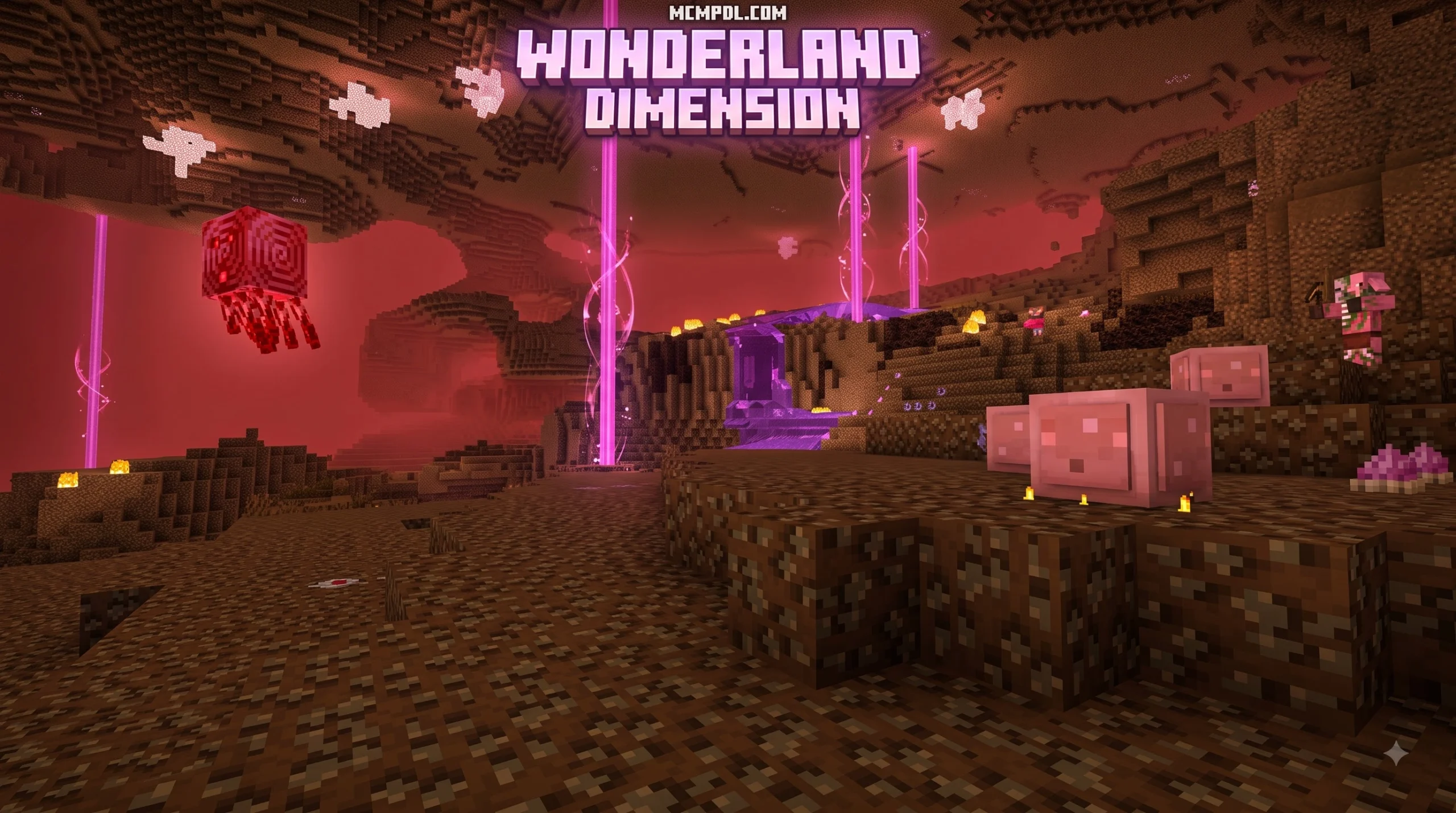
Skeletons undergo a complete visual makeover into Starlight Mint Skeletons, sporting circular mint patterns across their skull and bones. Meanwhile, passive farm animals get their own sweet treatments: standard cows are transformed into Velvet Cake Cows, featuring rich red-velvet cake layers and creamy white frosting trim. If you venture into the Nether, you’ll find that scary Zombified Piglins (formerly Zombie Pigmen) have been replaced with harmless-looking, bright pink candy figures. Even standard farm animals like sheep and chickens display pastel rainbow hues.
Survival mechanics like farming and hunting also take on a playful vibe. When harvesting crops, standard food items turn into delicious treats:
- Cooked meats and bread look like decorated pastries, chocolate bars, and cupcakes.
- Potions resemble colorful fizzy sodas and dessert syrups.
- Sugar cane fields resemble rows of giant, upright lollipop sticks and peppermint candy canes.
Candy-Themed Paintings and Interior Decor
For builders who love interior design, the custom artwork included in this pack is a huge highlight. In vanilla Minecraft, paintings showcase classic real-world fine art or pixelated historical scenes. In this pack, all 30+ painting frames are replaced with sweet-themed decorations, food stands, and fairytale artwork.
These modified paintings allow players to build hyper-realistic shops without needing complex mods:
- 1×1 and 1×2 Paintings: Replaced with detailed displays like gumball machines, cotton candy stands, soda fountains, and cake displays.
- 2×2 and 3×3 Paintings: Display ice cream carts, dessert trucks, and candy store storefront windows.
- Large 4×4 Canvas Paintings: Feature rich, storybook illustrations inspired by classic fairy tales. You can spot scenes depicting Hansel and Gretel’s gingerbread cottage, Little Red Riding Hood, or a humorously reskinned Humpty Dumpty featuring a Creeper face sitting atop a chocolate brick wall!
By combining these custom artwork pieces with wafer-style wooden planks and frosting-capped wool blocks, you can craft sweet shop interiors, bakery counters, and gingerbread towns that look straight out of a storybook.
How to Download and Install the Texture Pack
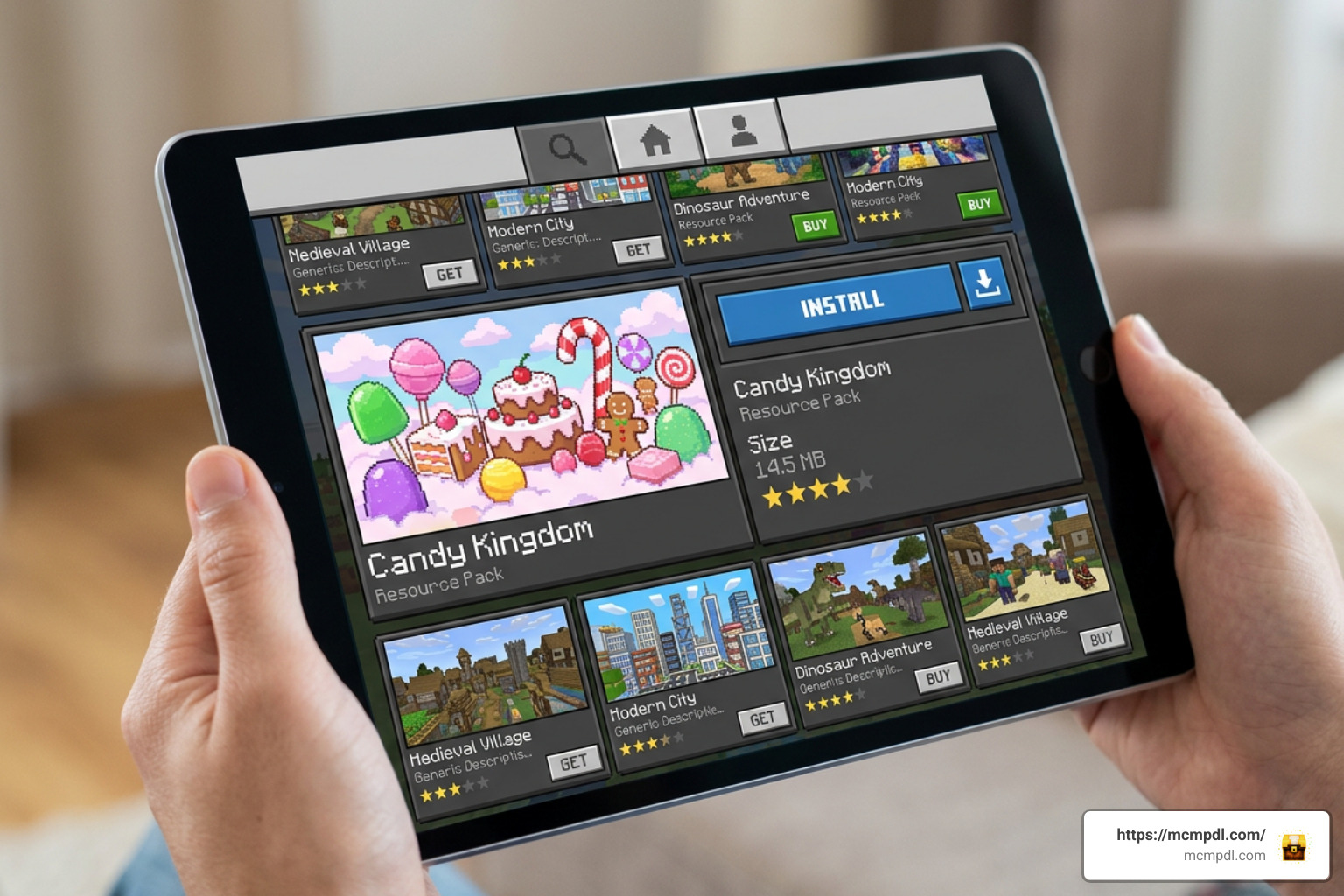
Installing the official Candy Texture Pack for Minecraft Bedrock Edition is a straightforward process thanks to the integrated Bedrock Marketplace. However, depending on whether you choose to buy the official marketplace DLC or download a custom .mcpack file, the activation steps vary slightly.
Follow these simple steps to install and activate the official pack on any Bedrock-supported device (Mobile, PC, Xbox, PlayStation, Switch):
- Launch Minecraft Bedrock Edition: Open the game on your preferred device and log into your Microsoft Account.
- Open the Marketplace: From the main home menu, click on the Marketplace button.
- Search for the Pack: Tap the magnifying glass icon in the top right corner and type in “Candy Texture Pack”.
- Purchase and Download: Select the official pack created by Minecraft/Mojang Studios. Click the purchase button to acquire it for 490 Minecoins. Once purchased, tap the Download button to store the pack on your local device storage.
- Activate Globally or Per-World:
- To apply globally across all worlds: Go to Settings > Global Resources > My Packs, locate the Candy Texture Pack, and click Activate.
- To apply to a single world: Open your world edit menu (Edit World > Resource Packs), find the pack under Available, and move it to Active.
Once activated, simply load into your survival or creative world, and your whole map will immediately load with sugar-coated textures!
Free Alternatives to the Candy Texture Pack for Minecraft Bedrock Edition
If you don’t have Minecoins or prefer trying community-created resource packs before committing to a purchase, the active Minecraft Bedrock community offers several fantastic free alternatives.
Many community creators publish high-quality candy-themed packs designed specifically for mobile and desktop Bedrock players:
- SWEET AND CANDY [BEDROCK] PvP Pack: A popular community resource pack built at a native 16×16 resolution, offering clean candy visuals while keeping frame rates ultra-smooth for multiplayer player-versus-player (PvP) mini-games.
- Classic MCPE Candy Port: Community ports based on early texture creations offer free
.mcpackdownloads compatible with mobile versions of Bedrock. - Sweet UI Packs: Players who want to customize only their inventory screens, health bars, and hotbars can find standalone interface tweaks that apply cute pink, yellow, and white pastel color schemes while keeping standard block textures intact.
To install a free .mcpack alternative on Android, iOS, or Windows 10/11, simply download the .mcpack file directly to your device, tap or double-click the file, and Minecraft will automatically import and install it straight into your Resource Packs folder!
Frequently Asked Questions
Does the Candy Texture Pack include character skins?
No, the official Candy Texture Pack for Minecraft Bedrock Edition is strictly a resource pack that changes blocks, items, mobs, paintings, and user interface visuals. It does not contain any character skins or skin packs. If you wish to customize your player character to look like a gingerbread person, candy knight, or baker, you will need to equip separate skin packs or create custom avatar outfits inside the Minecraft Character Creator.
What is the community rating for the Candy Texture Pack?
The pack is widely considered one of the most popular DLC resource packs in Bedrock history. On the official Minecraft Marketplace storefront, it holds an impressive average rating of 4.5 out of 5 stars based on over 30,512 unique player ratings. Approximately 77% of reviewers have awarded the pack a full 5-star score, with players frequently praising its cheerful vibe, cute mob reskins, and high building versatility.
What Minecraft Bedrock versions are supported?
The official marketplace version requires Minecraft Bedrock Edition version 1.2.0 or higher. Because it is officially maintained by Mojang Studios, the pack receives periodic updates—most recently updated in September 2024—to maintain full stability across modern Bedrock builds, including version 1.20 and beyond. It is fully cross-platform compatible, meaning if you unlock it on your Microsoft account, you can use it across iOS, Android, Windows PC, Xbox, PlayStation, and Nintendo Switch.
Conclusion
Whether you want to build a sweet gingerbread village, craft a whimsical candy castle, or simply make nighttime monster hunting feel a little less intimidating, the Candy Texture Pack for Minecraft Bedrock Edition remains one of the best aesthetic upgrades you can add to your game. With 490 completely unique textures, jiggly Jelly Creepers, red-velvet cows, and dozens of sweet-themed decorative paintings, it brings a cheerful energy to any survival map.
At a price point of just 490 Minecoins—or via fantastic free community resource packs—there are plenty of ways to sweeten up your world today.
Looking to explore even more custom resource packs, add-ons, shaders, and visual overhauls for your game? Check out our complete collection on mcmpdl to discover new ways to customize your Minecraft adventure! Feel free to Explore All Bedrock Resource Packs and transform your worlds today.
1 thought on “Candy Texture Pack for Minecraft Bedrock Edition”