Scroll down to D0vvnl0ad
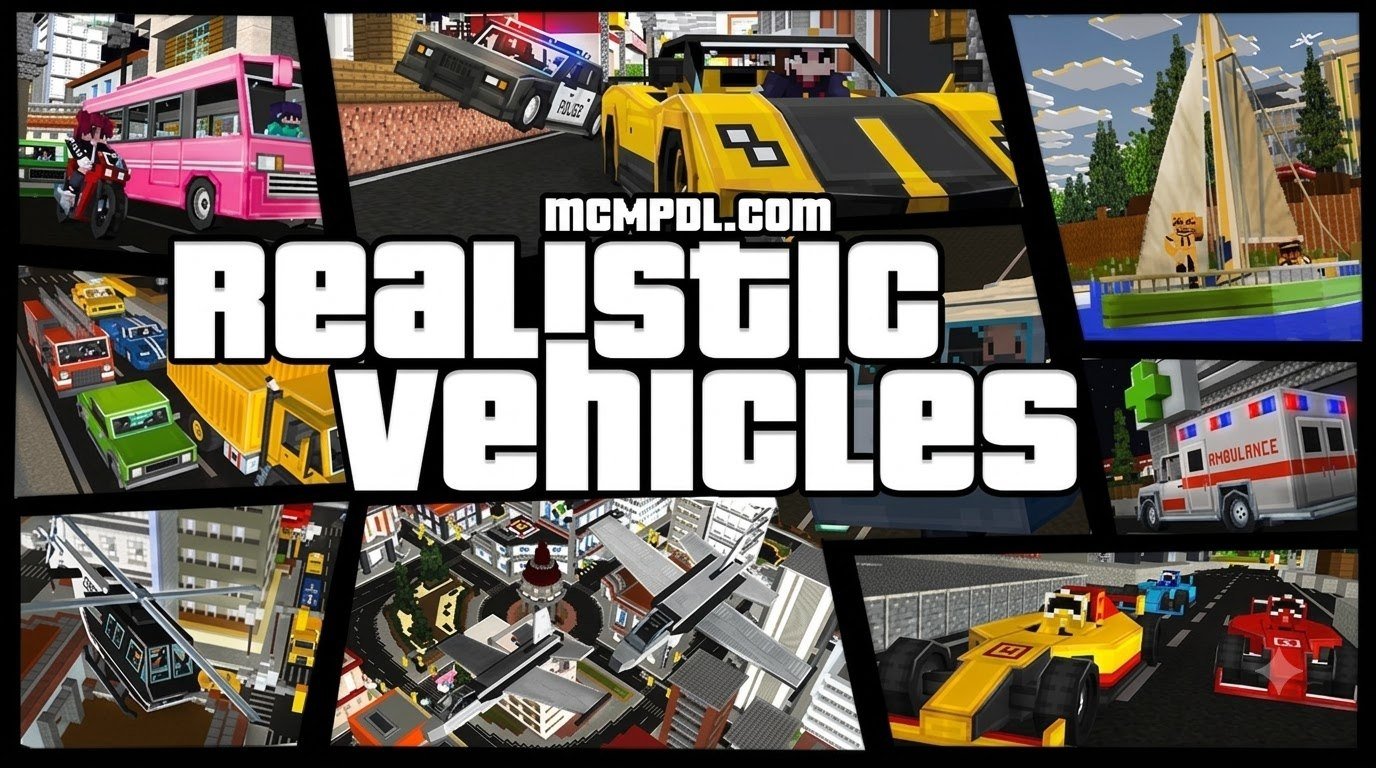
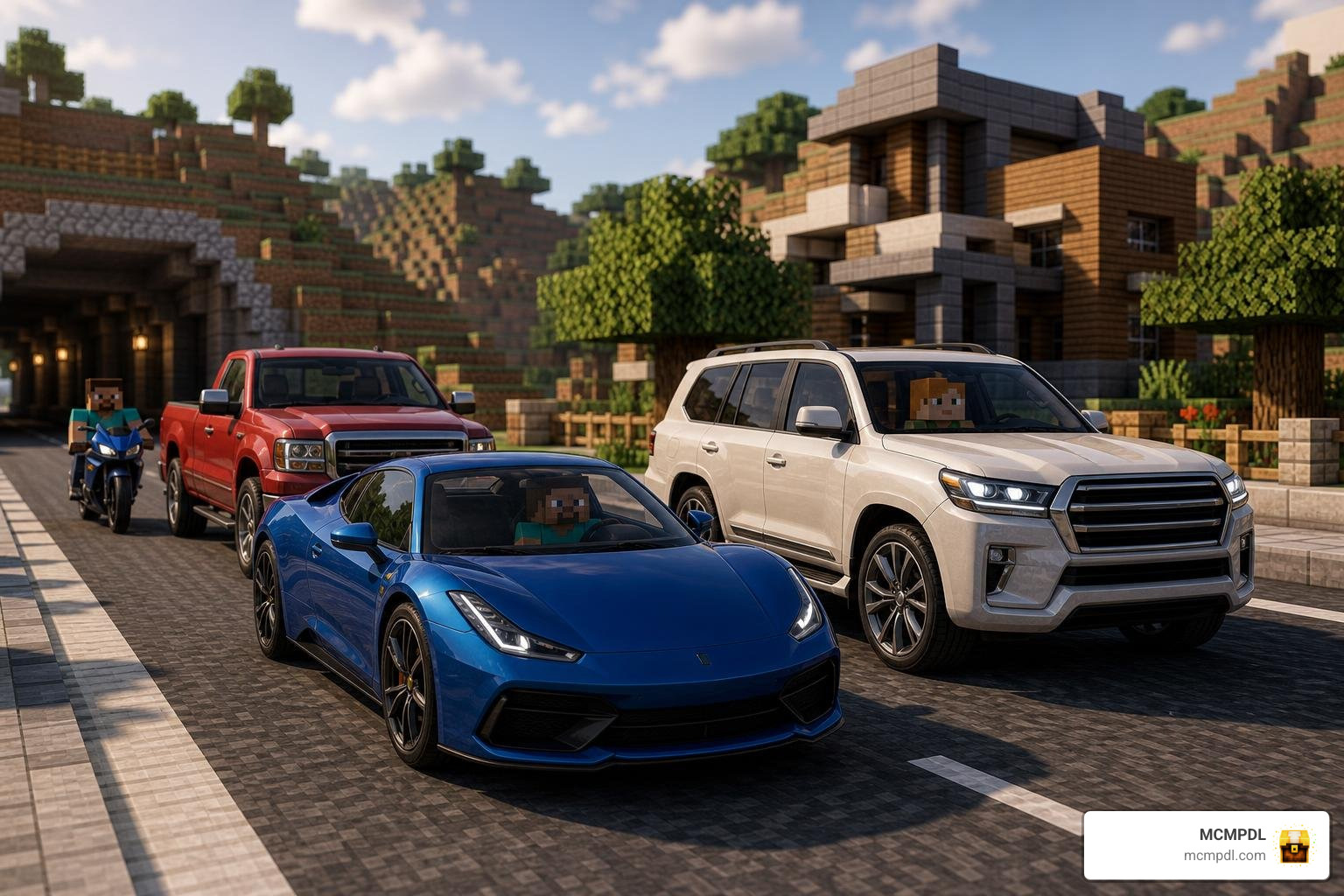
Get Realistic Vehicles in Minecraft PE and Bedrock
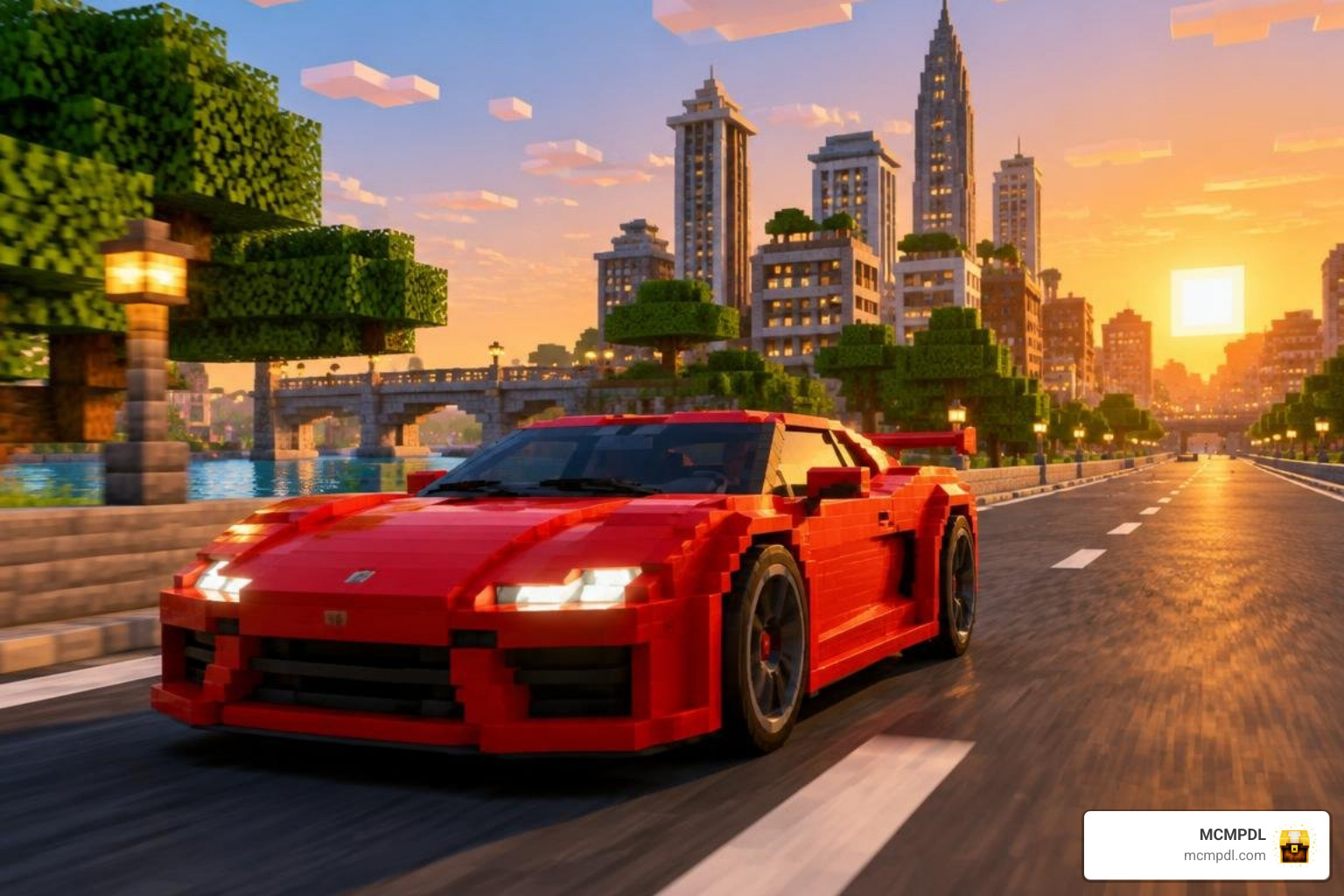
Start with a vehicle add-on that lists your Bedrock version. On mobile or Windows, import its .mcaddon file, or import both .mcpack files if the creator provides separate behavior and resource packs. Activate the packs in your world settings, install any required vehicle controller, and turn on experiments only if the add-on calls for them. On consoles, note that importing third-party files directly is generally not supported by device operating systems.
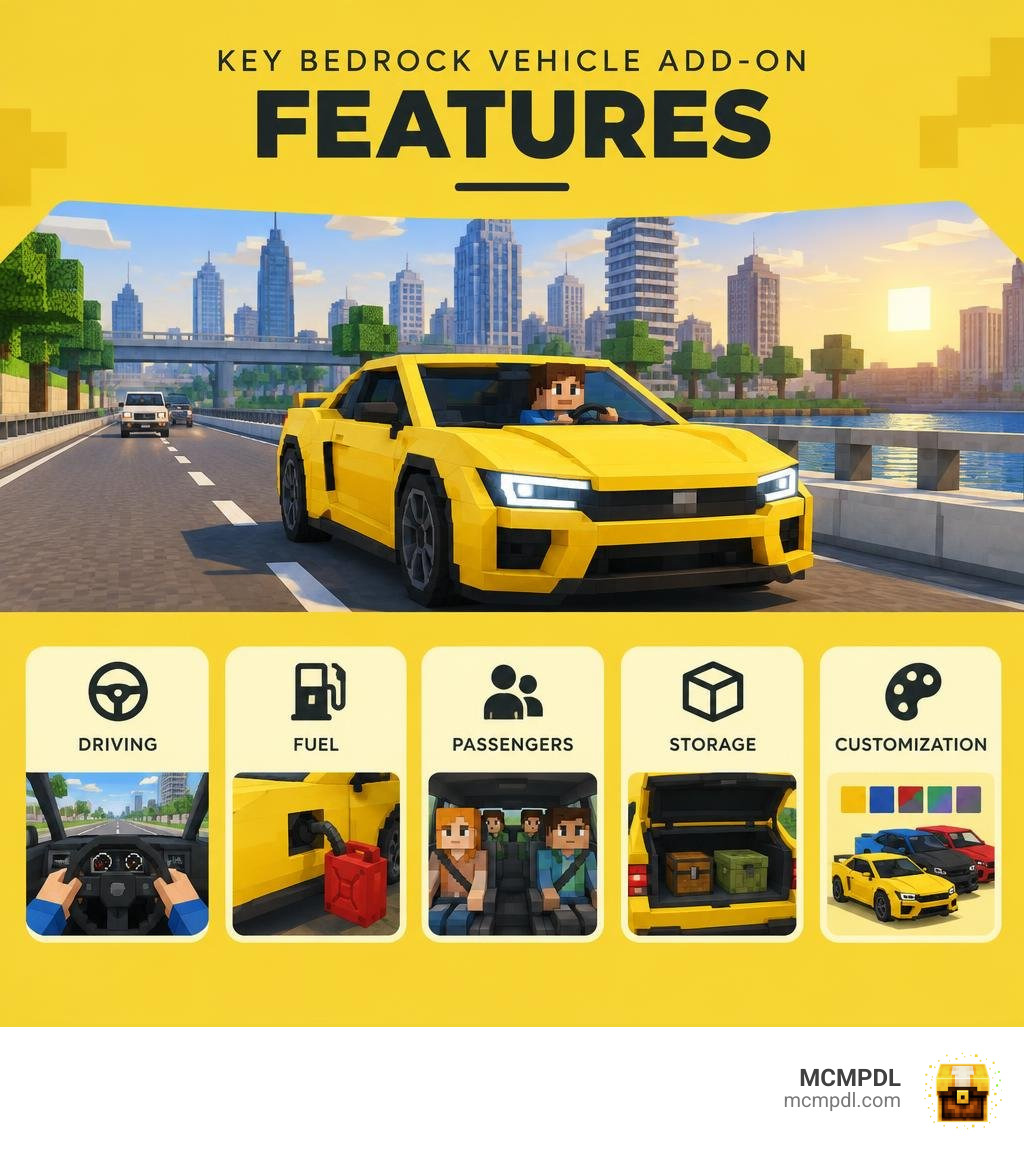
The right pack can give you more than a car to ride. Depending on the add-on, you may get passengers, fuel, storage, color choices, or more detailed driving. This guide will help you pick a pack, get it running, and fix common problems. For a broader look at how Bedrock add-ons work, the Minecraft Wiki’s Add-on page explains behavior packs, resource packs, and manifest structure in detail.
Top Realistic Vehicles Addon for Minecraft PE/Bedrock Packs in 2026
When looking for a Realistic Vehicles Addon for Minecraft PE/Bedrock, the modding landscape offers everything from featherweight single-car imports to massive fleet expansions with complex mechanical subsystems. Modern packs leverage updated JSON component schemas and the Bedrock Scripting API to simulate real-world automotive handling, engine audio, and functional interior cockpits.
Finding the perfect balance between high-polygon aesthetic fidelity and hardware performance is crucial, especially on mobile hardware where RAM limitations can lead to frame drops.
| Add-on / System | Vehicle Count | Primary Cost | Supported Platforms / Engine Versions | Key Standout Mechanics |
|---|---|---|---|---|
| Nuckem Vehicles | 38+ Models | Free | Bedrock 1.20+ / 1.21+ (Windows, Android, iOS) | Fuel pumps, manual drifting, sequential gears, visual damage |
| Simple Vehicles Addon | 100 Models | Free | Bedrock 1.13 through 26.10+ (Cross-Platform) | Mass transit (10-seat bus), emergency sirens, aircraft, boats |
| Modern Vehicles Pack | 20+ Models | Free | Bedrock 1.20+ / 1.21+ (Mobile, Windows, Consoles via Realms) | High polish, smooth entity animations, interactive props |
| InfiniteVehicles | 44+ Models | Free / Optional Java Server Edition | Bedrock (Windows, Mobile, Consoles) | Resource-pack-free architecture, 13-seat boats, in-game builder |
| Real Vehicle Add-on | Select Models | Free | Bedrock 1.21.132, 26.0 to 26.30 | Ultra-lightweight (336.59 KB), vanilla-friendly, zero lag |
Features of Modern Vehicle Packs
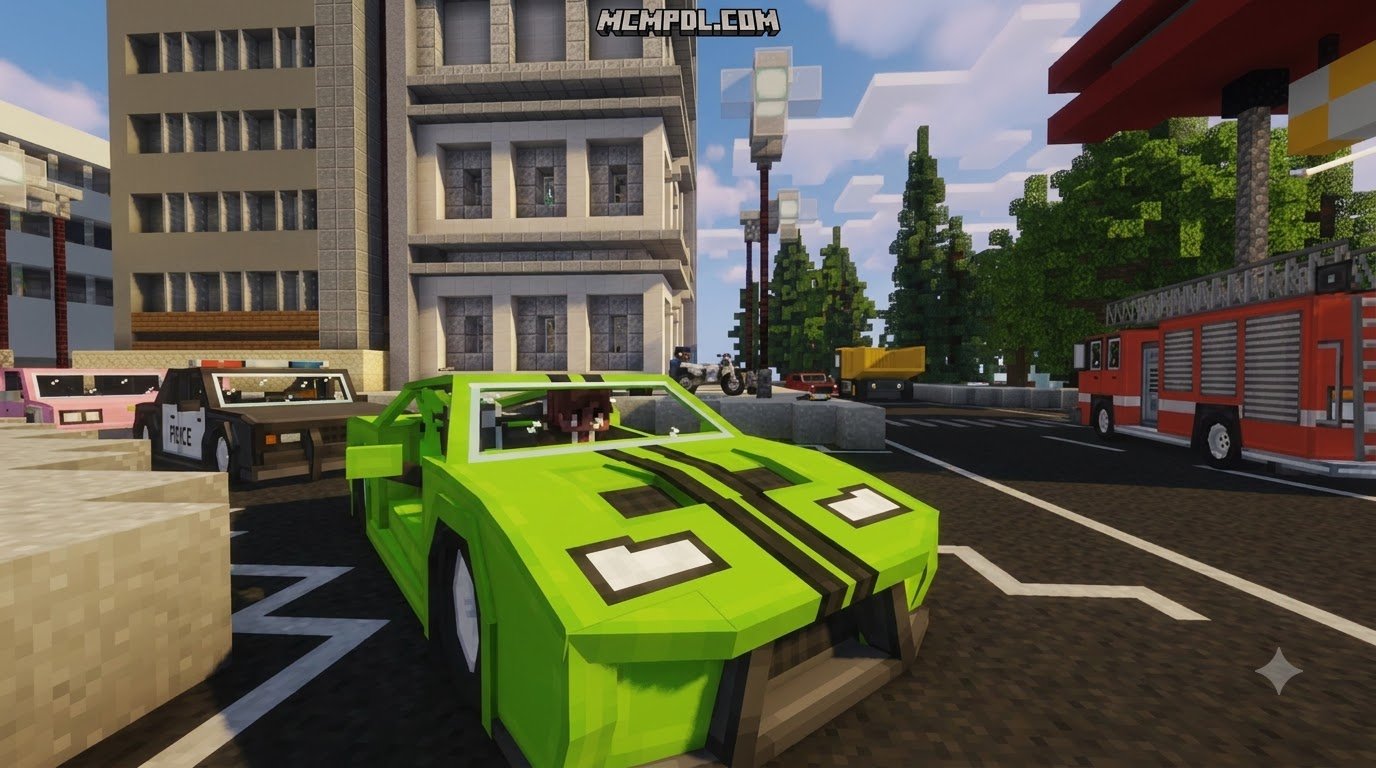
Modern packs go beyond simple mob re-skins that hop across grass blocks like modified horses. When exploring the Realism Cars Addon for Minecraft PE/Bedrock, you encounter real-time terrain alignment where suspension systems visually flex over uneven terrain.
Key advancements include:
- Sequential Gear Shifting: Requiring drivers to cycle through gears using attack and interact binds to achieve maximum speed.
- Manual Drifting: Dynamic friction modeling allowing high-speed sliding around tight city corners.
- Visual Damage Stages: Car bodies bend, smoke, and spark as health drops from collisions.
- Custom Cameras: Smooth isometric or bumper-level first-person viewports integrated directly into driving entities.
Large Fleets: Civilian and Utility Vehicles
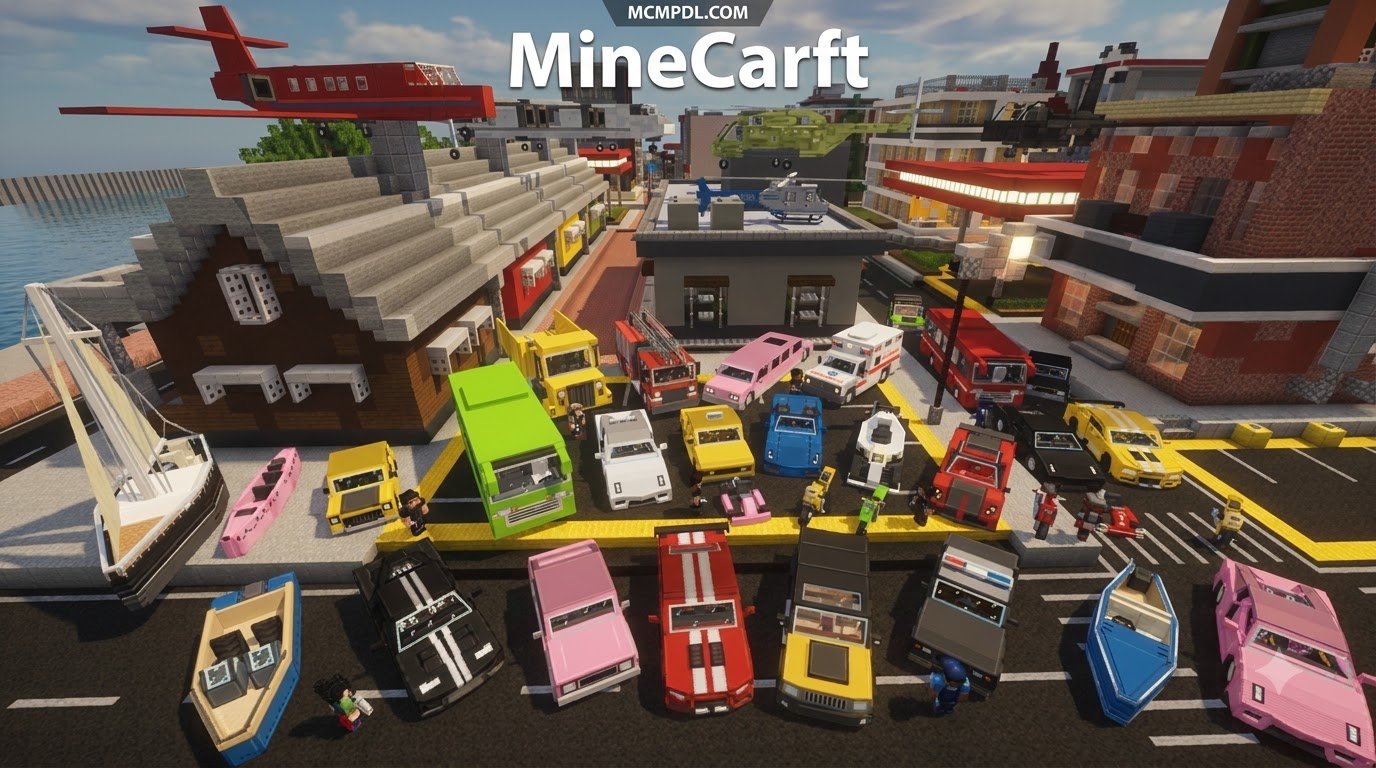
For expansive city builds and roleplay servers, variety is vital. Expansions like the More Vehicles Addon for Minecraft PE/Bedrock and comprehensive community suites deliver dozens of distinct models.
These fleets contain:
- Civilian Commuters: Hatchbacks, vintage sedans, and luxury coupes for standard highway transit.
- Commercial & Industrial: Flatbed haulers, heavy cement mixers, and agricultural tractors that transport bulk cargo.
- Emergency Services: Working police cruisers, fire engines, and ambulances equipped with dynamic lighting blocks and sirens.
- Mass Transit: City buses configured to hold up to 10 players simultaneously for multiplayer route operations.
Choosing Vehicle Add-ons by Features and File Size
File size serves as a reliable indicator of how an add-on will perform across diverse gaming setups. Packs containing high-resolution 4K textures and elaborate 3D block models often reach 12 MB to 25 MB, demanding robust mobile RAM allocations.
Conversely, streamlined options like the Cars Add-on or minimalist packages ranging around 336 KB to 2 MB focus on low-poly geometry. These lightweight packages ensure steady 60 FPS performance on mid-range Android and iOS devices while still delivering smooth driving loops.
Key Mechanics: Driving Physics, Fuel Systems, and Customization
Modern Bedrock vehicle mechanics rely on intricate JSON behavioral files. By modifying standard entity ground friction, creators establish authentic acceleration curves and turning radiuses. Vehicles accelerate gradually based on horsepower parameters, brake realistically against road surfaces, and decelerate naturally when coasting uphill.
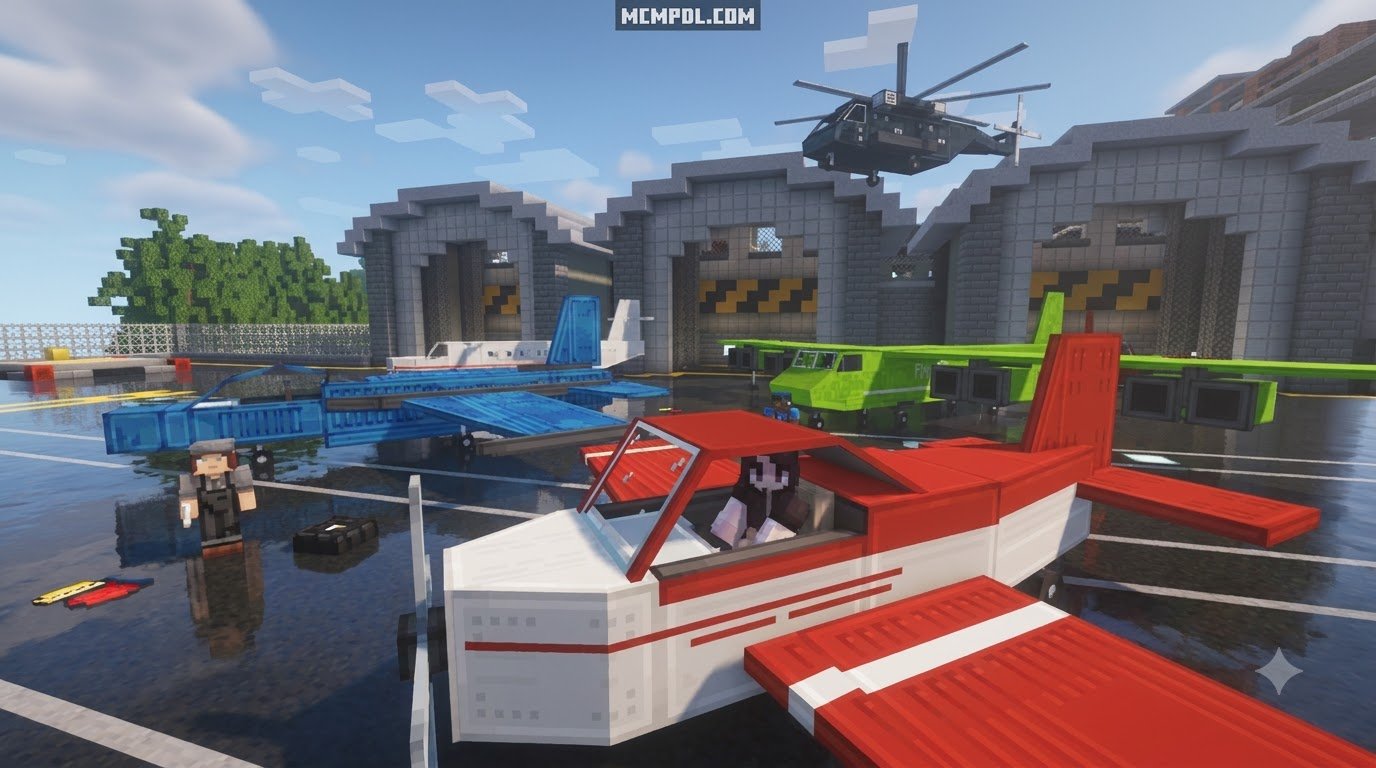
For aerial options like the Airplanes Addon for Minecraft PE/Bedrock, these physics formulas extend into three dimensions, requiring forward runway velocity before lift equations engage.
Advanced Fuel Pumps, Maintenance, and Multi-Seat Capacity
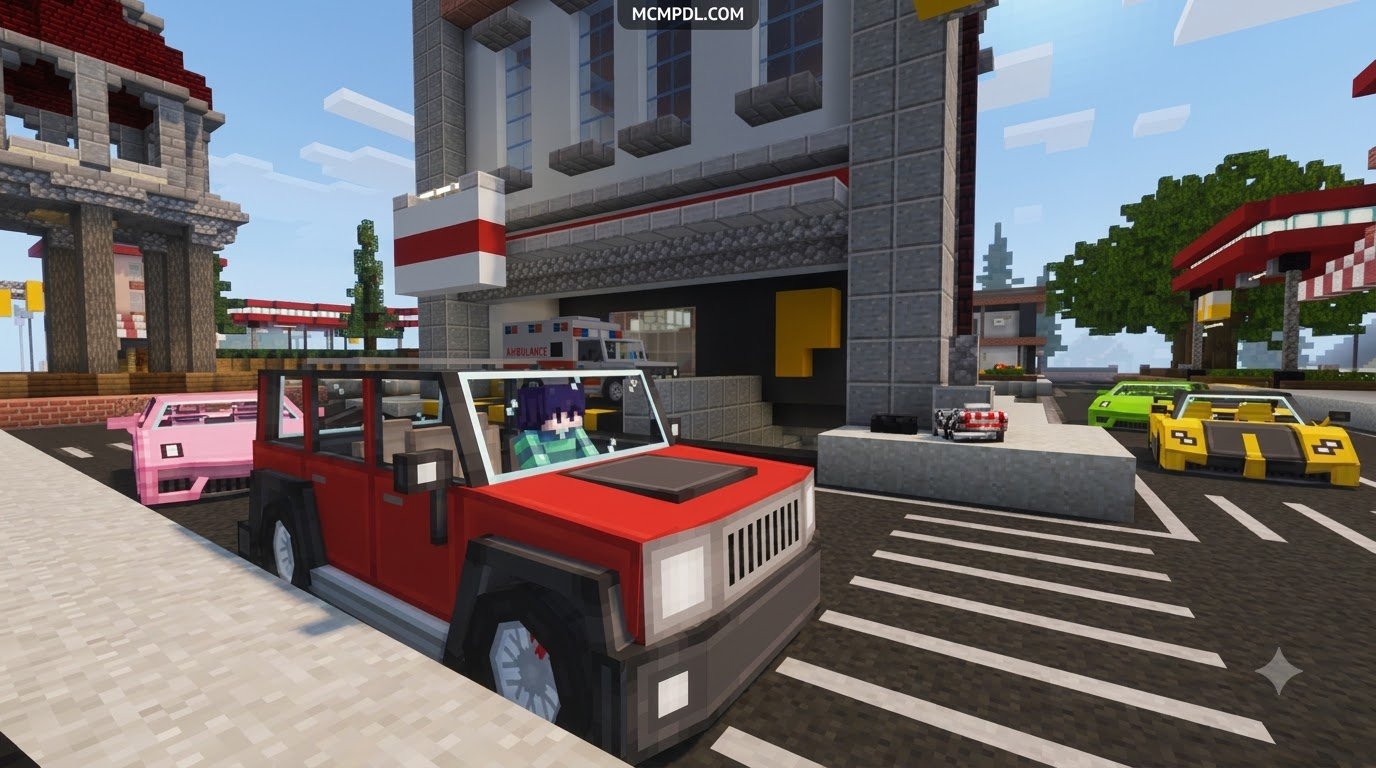
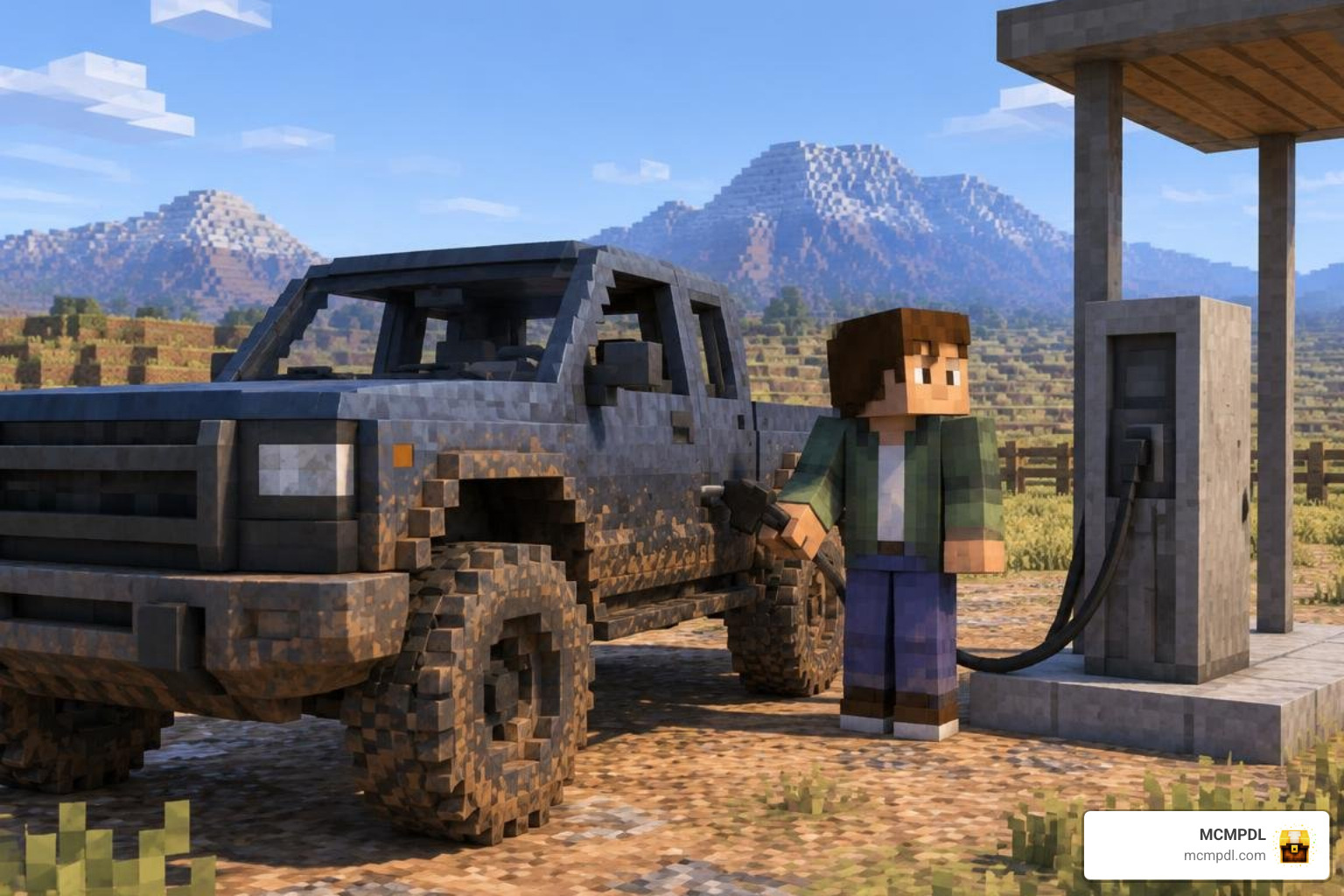
Resource management brings immersion into survival worlds. Rather than offering infinite mobility, premium designs like the Luxury Cars Addon for Minecraft PE/Bedrock incorporate dedicated fueling systems:
- Fuel Pumps & Jerry Cans: Players craft portable Jerry Cans or install roadside pump blocks powered by refined resources or vanilla lava buckets.
- Dashboard HUDs: On-screen action-bar readouts indicate remaining fuel levels, current gear, and engine heat.
- Integrated Storage Trunks: Interacting with a vehicle’s rear compartment opens dedicated container inventories scaled to the car’s physical footprint.
- Multi-Passenger Seating: Distinct seat offsets let drivers transport multiple teammates across hostile biomes.
Crafting and Customizing Realistic Vehicles Addon for Minecraft PE/Bedrock in Survival
Deploying vehicles within standard survival survival games follows an authentic manufacturing sequence:
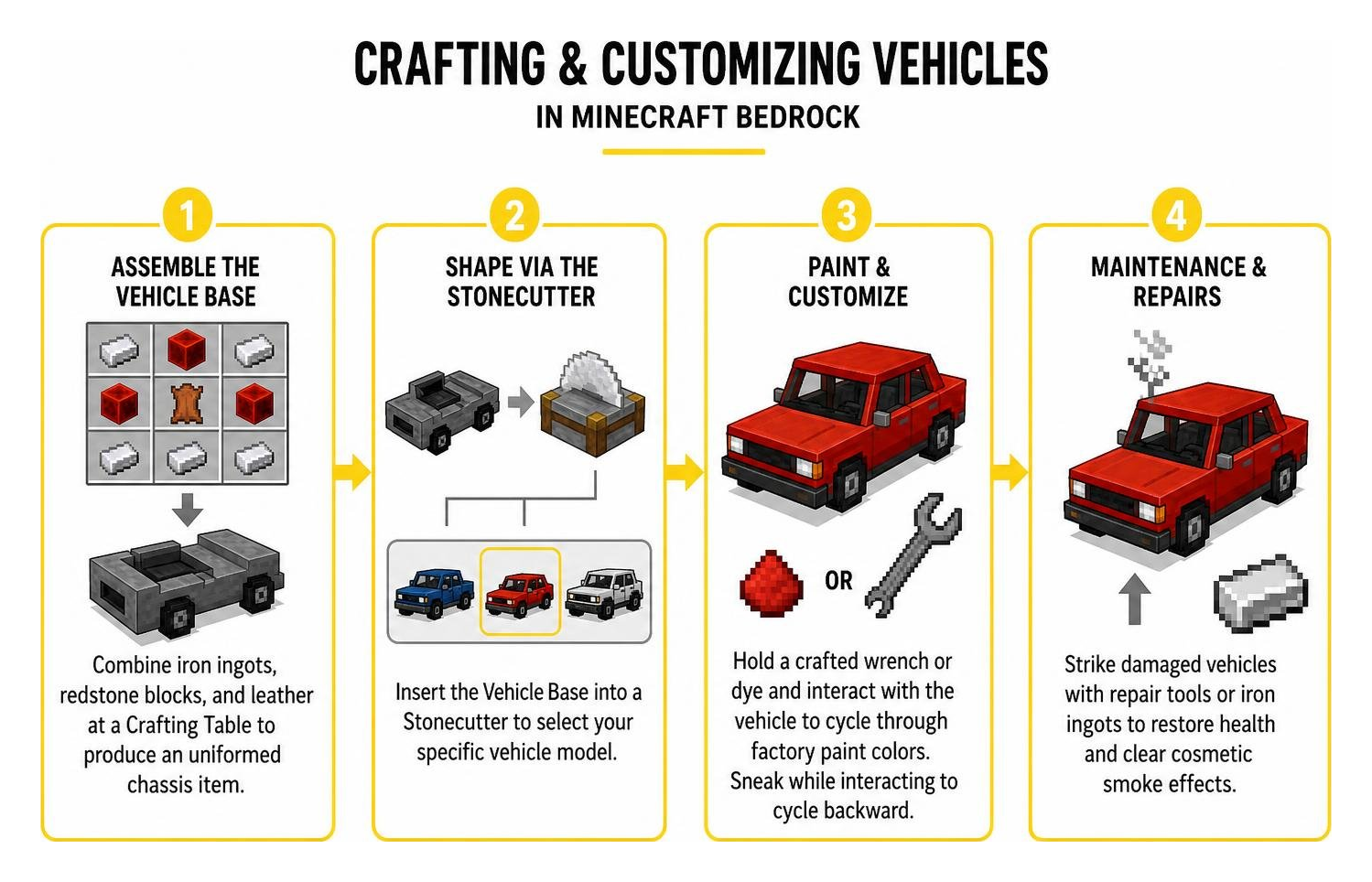
- Assemble the Vehicle Base: Combine iron ingots, redstone blocks, and leather on a standard Crafting Table to produce an unformed chassis item.
- Shape via the Stonecutter: Insert the Vehicle Base into a Stonecutter to select your specific vehicle model without memorizing dozens of complex crafting grid layouts.
- Paint & Customize: Hold a crafted wrench or dye in your hand and interact with the vehicle entity to cycle through factory paint colors. Sneaking while interacting cycles backward through available paint schemes.
- Maintenance & Repairs: Strike damaged vehicles with specialized repair tools or iron ingots to restore health and clear cosmetic smoke effects.
How to Install a Realistic Vehicles Addon on Bedrock Edition
Installing custom content on Bedrock is straightforward across mobile and desktop platforms when using structured archive files.
Installation Methods by Platform
- Android & iOS: Download the
.mcaddonor.mcpackfile via your mobile browser. Tap the downloaded file in your device’s download manager or Files app, and choose Open with Minecraft. The game will launch automatically and import both resource and behavior components. - Windows 10 / 11: Double-click the downloaded
.mcaddonfile. Minecraft Bedrock will open and display an import banner at the top of your screen. - Consoles (Xbox, PlayStation, Nintendo Switch): Third-party file imports are restricted by console operating systems. To run custom vehicle packs on consoles, host a world containing the add-on on a PC or mobile device via LAN or a Realm, then join that world from your console to download the cached resource pack automatically.
Enabling Experimental Toggles and Controller Dependencies
Some advanced vehicle packs require background helper scripts or custom controllers (such as the JaGGeR Vehicle Controller) to process input commands smoothly.
Follow these configuration steps:
- Open your world settings menu and navigate to Resource Packs to activate the vehicle textures.
- Navigate to Behavior Packs and activate the corresponding logic pack.
- Ensure required controller dependencies are placed above the vehicle behavior pack in load order.
- Scroll down to the Experiments tab and enable:
- Holiday Creator Features
- Custom Biomes
- Beta APIs (vital for script-driven physics and speedometers)
Troubleshooting Common Bugs, Glitches, and Compatibility Issues
When running heavy transport mods alongside rail networks like the Trains Addon for Minecraft PE/Bedrock, you may occasionally run into behavioral quirks or rendering glitches.
Fixing Crashes, Performance Lag, and Pack Conflicts
- Pink Texture Glitches: This occurs when game memory is overloaded or when the resource pack fails to load alongside the behavior pack. Exit the world, delete duplicate pack versions from your storage cache, and ensure the resource pack is activated.
- Vehicles Won’t Move: Verify that all required experimental toggles are active. If the pack utilizes a separate controller dependency, ensure it is installed and prioritized in the behavior hierarchy.
- Manifest UUID Conflicts: If an updated vehicle pack fails to import, open your storage settings in Minecraft, delete the older version of the add-on, and re-import the newest file.
- Mobile FPS Drops: Lower your in-game render distance to 8–12 chunks when driving through dense cities or when managing rail routes from the Realistic Trains Addon for Minecraft PE/Bedrock.
Frequently Asked Questions
Can I Use a Realistic Vehicles Addon for Minecraft PE/Bedrock in Multiplayer Worlds?
Yes. When hosting a multiplayer session, LAN world, or dedicated Realm, check the setting labeled Require players to accept resource packs to join. This forces all connecting clients to download the vehicle models and sounds, ensuring synchronized driving animations for everyone.
Do Vehicle Addons Require Experimental Gameplay Toggles in 2026?
Most complex packs featuring gear shifting, dynamic damage, and custom UI speedometers rely on the Beta APIs and Holiday Creator Features experiments. Lightweight packs that purely utilize vanilla entity components can run without experimental toggles.
Why Are Vehicle Textures Showing as Pink or Invisible?
A solid pink or checkerboard texture indicates that Minecraft cannot locate the entity’s geometry file or texture sheet. This typically happens when only the Behavior Pack was enabled without its accompanying Resource Pack, or when another active UI pack overrides vehicle rendering components.
Conclusion
Upgrading your Bedrock worlds with realistic vehicles completely transforms exploration, survival transport, and multiplayer city roleplay. By pairing high-performance driving mechanics with balanced survival crafting recipes and functional refueling stations, you can construct fully operational highway systems and racing circuits.
Explore our complete, curated catalog of tested community content by browsing the MCMPDL Bedrock Add-Ons Hub to download your next vehicle fleet today!