Scroll down to D0vvnl0ad
How to Get MONSTERS++ World on Minecraft PE/Bedrock
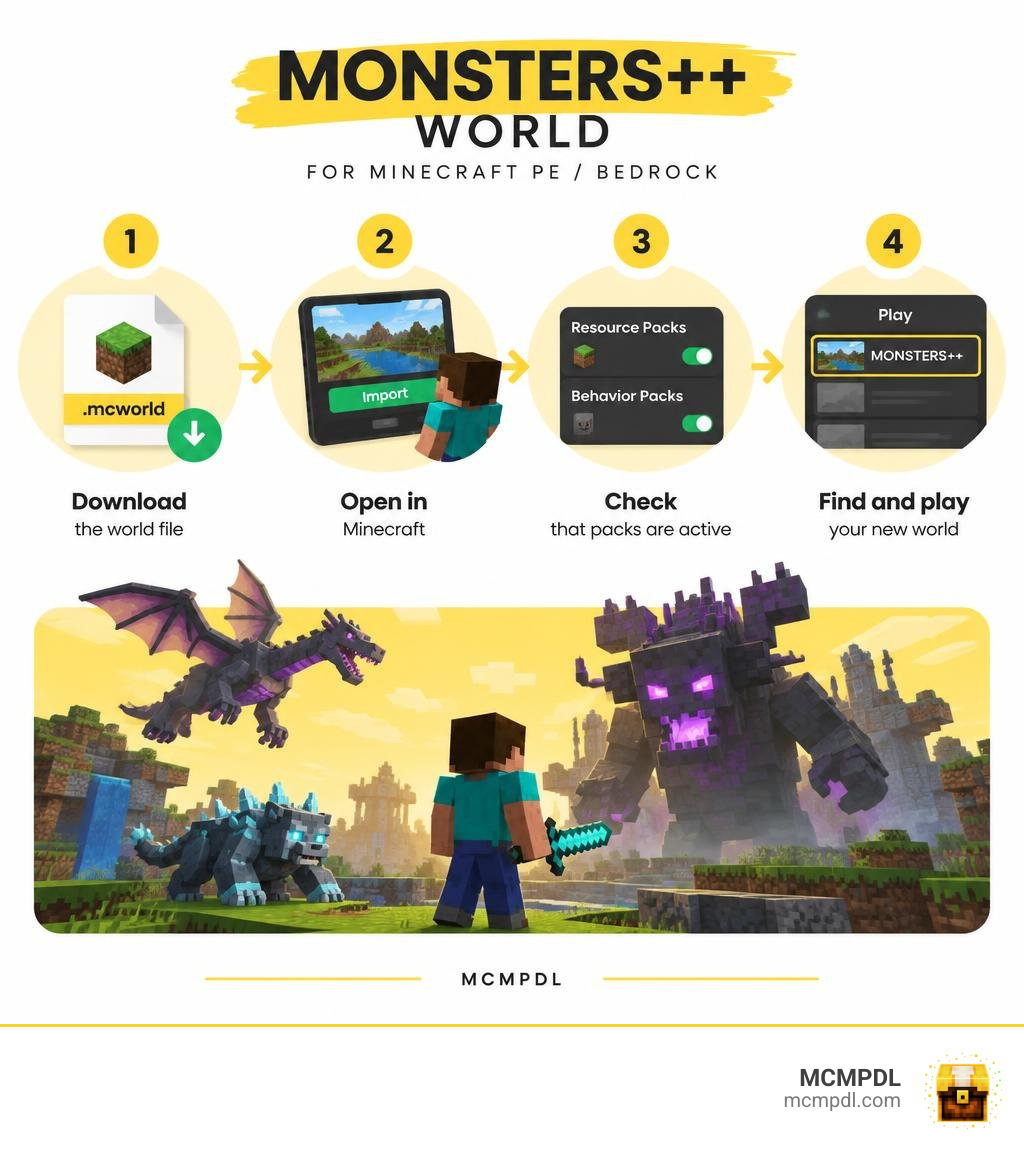
To play MONSTERS++ World for Minecraft PE/Bedrock, download a Bedrock-compatible world file, usually ending in .mcworld. Open the file with Minecraft, then find the imported world on the Play screen. Before you start, check that any included resource and behavior packs are active.
MONSTERS++ is a custom world, not a built-in flat world preset. You import it rather than select it from the world creation menu. The steps below cover installation on mobile and Windows, plus what to check if the world or its creatures do not appear as expected.
Key Features of MONSTERS++ World for Minecraft PE/Bedrock
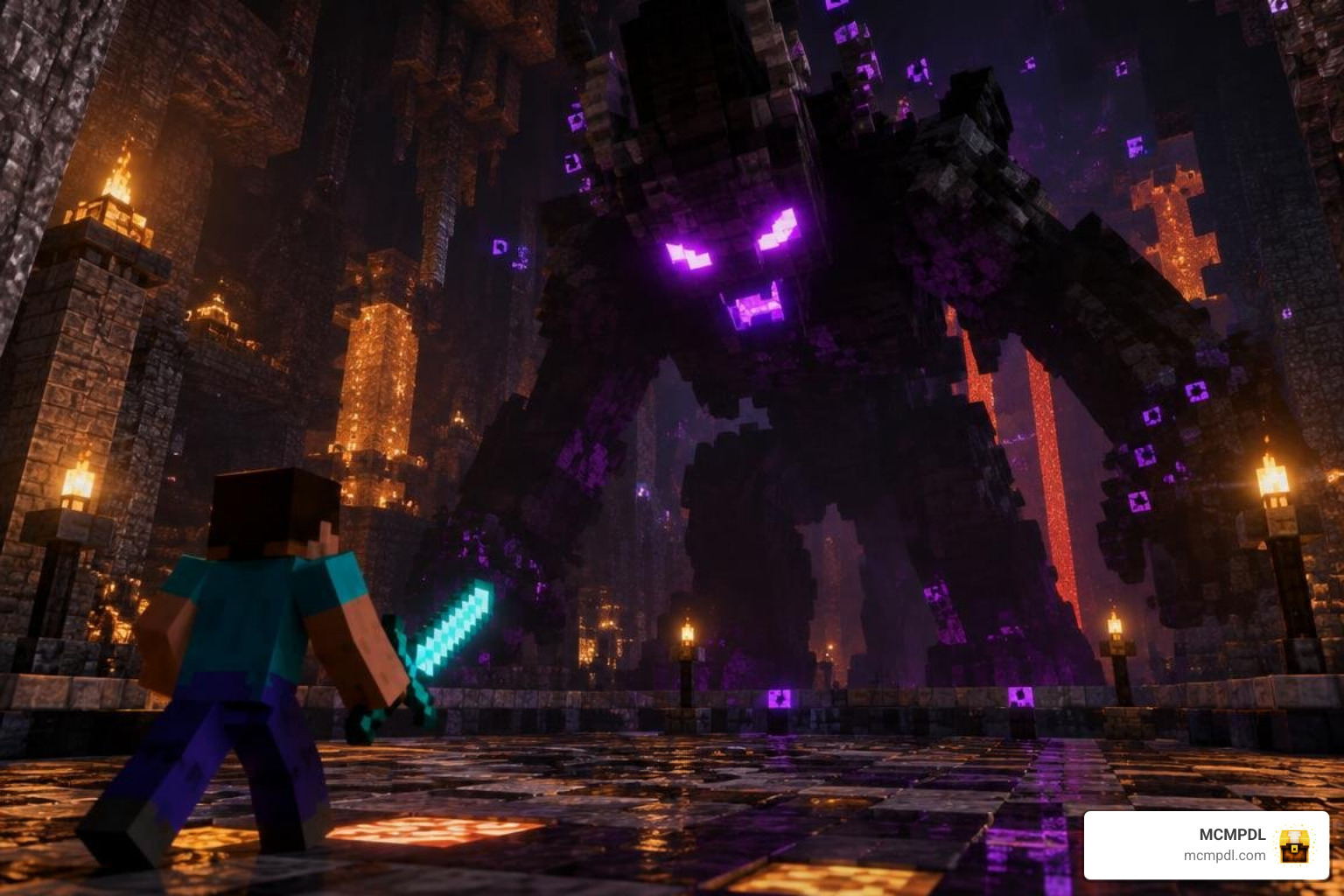
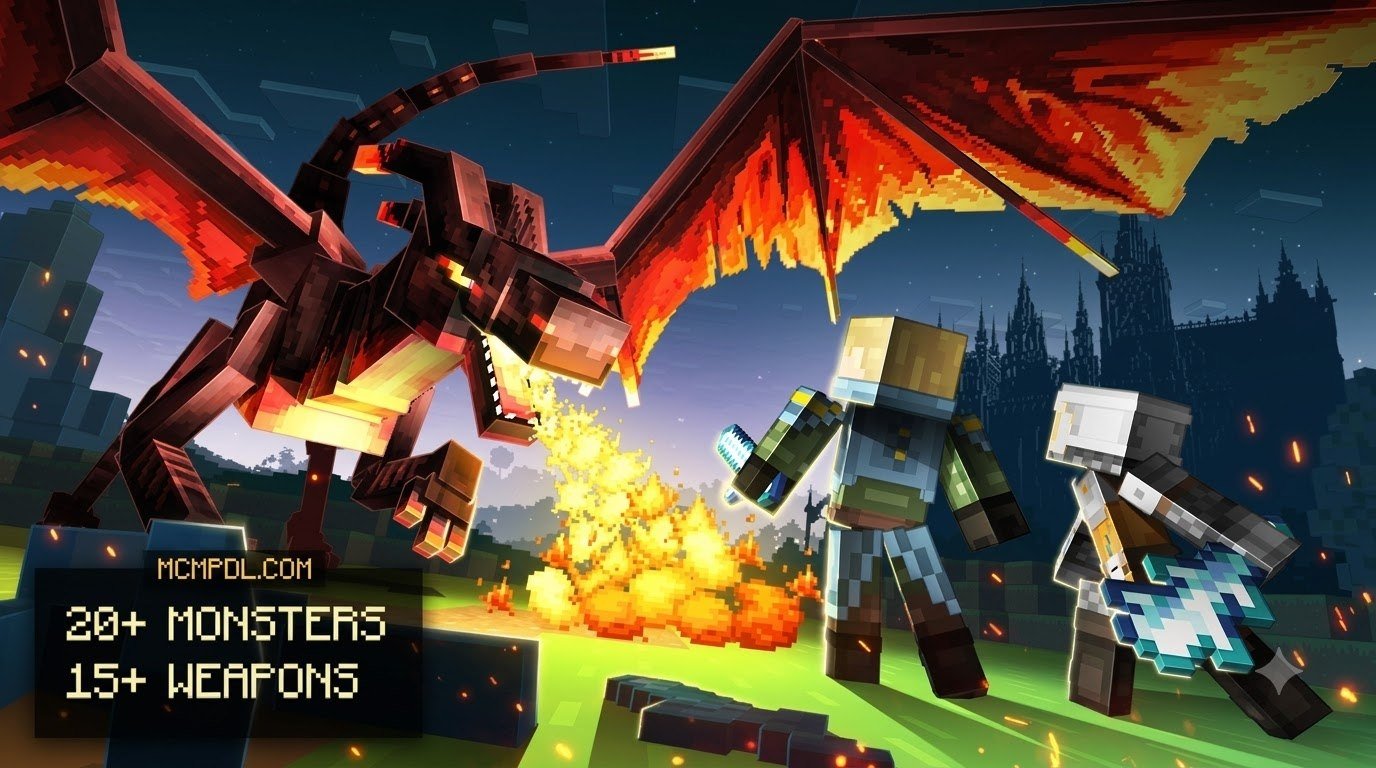
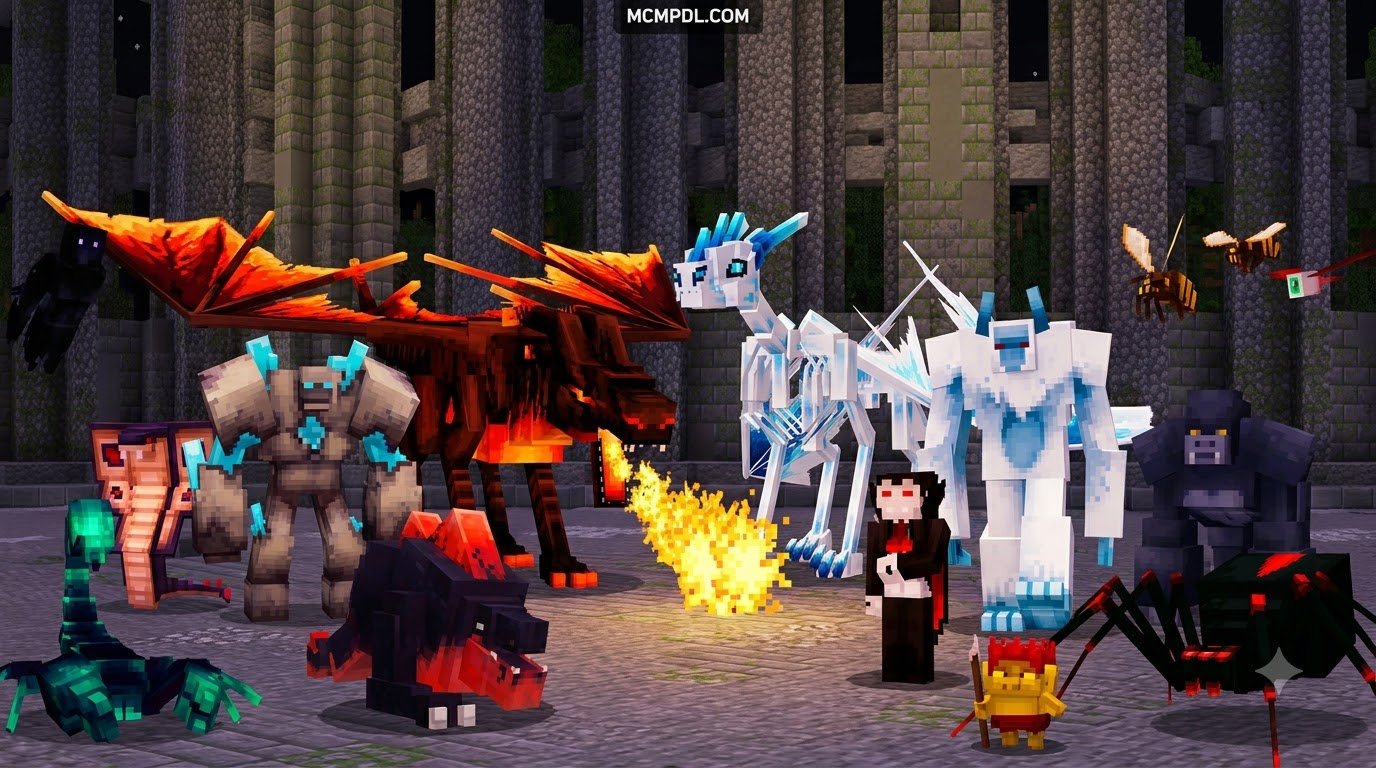
When we dive into the MONSTERS++ environment, the first thing that stands out is how fundamentally it transforms traditional survival. Built specifically around the modern capabilities of Minecraft Bedrock Edition, this world integrates deeply with the native Bedrock engine to deliver an action-packed RPG experience. Rather than wandering through standard biomes with predictable enemies, you are thrust into a living ecosystem populated by dangerous beasts, towering mini-bosses, and unique interactive mechanics.
Much like how players enjoy experimenting with custom mob mechanics to see entities adapt over time, MONSTERS++ focuses heavily on creature diversity and dynamic combat. Whether you are searching for rare spawns across customized biomes or preparing your loadout for intense encounters, the world offers a scale of exploration comparable to dedicated diverse creature encounters maps.
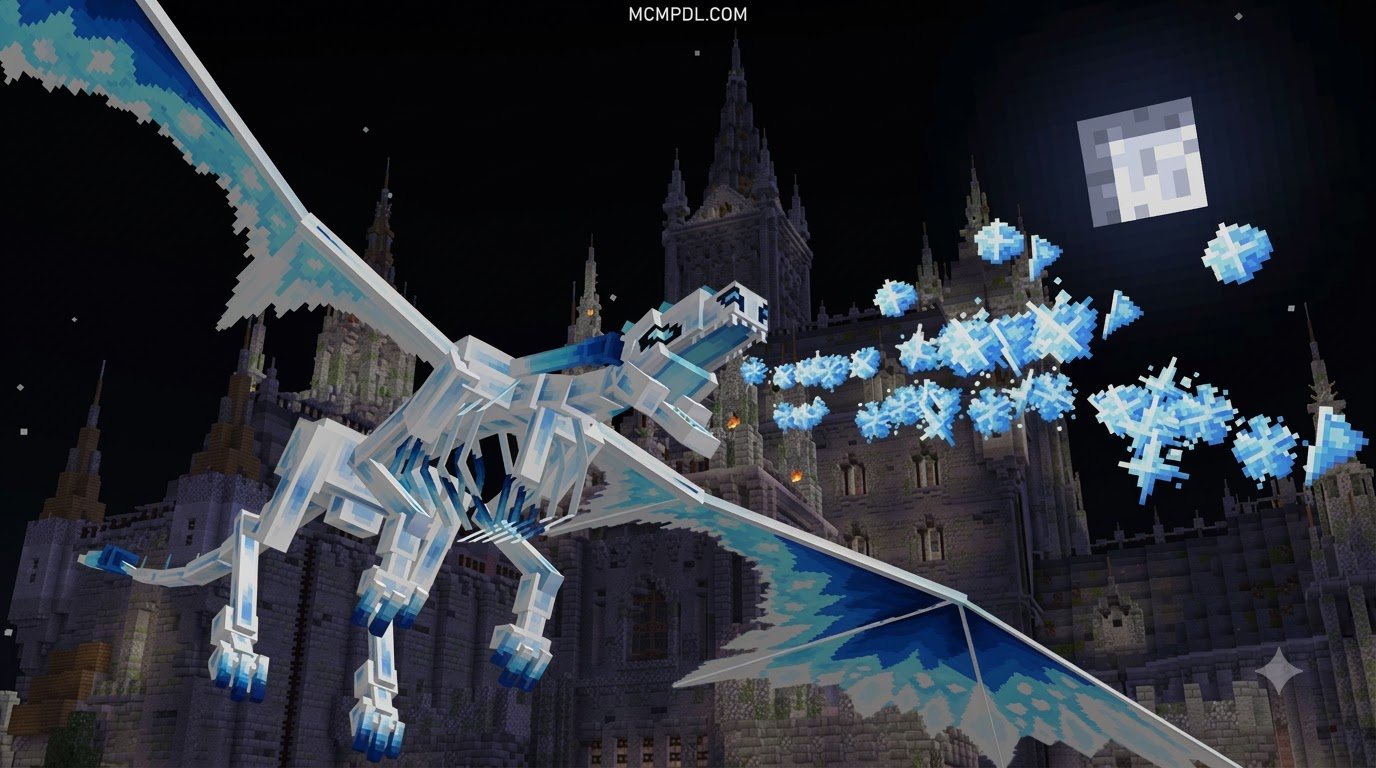
The visual presentation is powered directly by Bedrock’s modern RenderDragon engine. This means you get vibrant atmospheric lighting, custom particle emitters, and seamless biome transitions right out of the box. Whether navigating dark, fog-filled hollows or sunlit mountain peaks, the atmospheric depth makes every battle feel cinematic.
Custom Mob Behaviors and Boss Battles
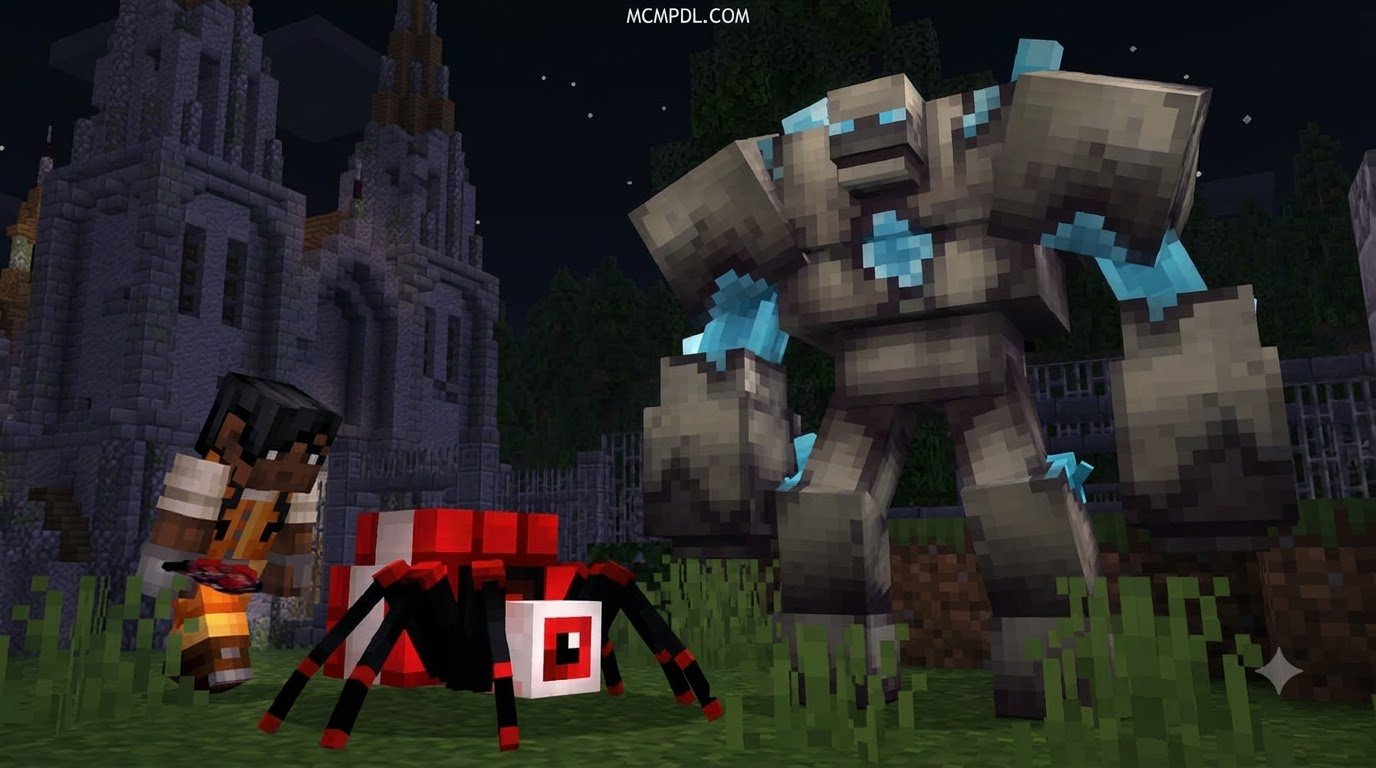
The backbone of MONSTERS++ lies in its sophisticated JSON behavior packs. Instead of simply buffing health pools or slapping diamond armor onto zombies, the creators rebuilt entity AI from scratch. Monsters feature multi-stage attack routines, telegraphed special abilities, and environmental interactions that force you to rethink your standard sword-slashing tactics.

In this world, you will face specialized threats that mirror the challenge found in terrifying entity variants. Key combat features include:
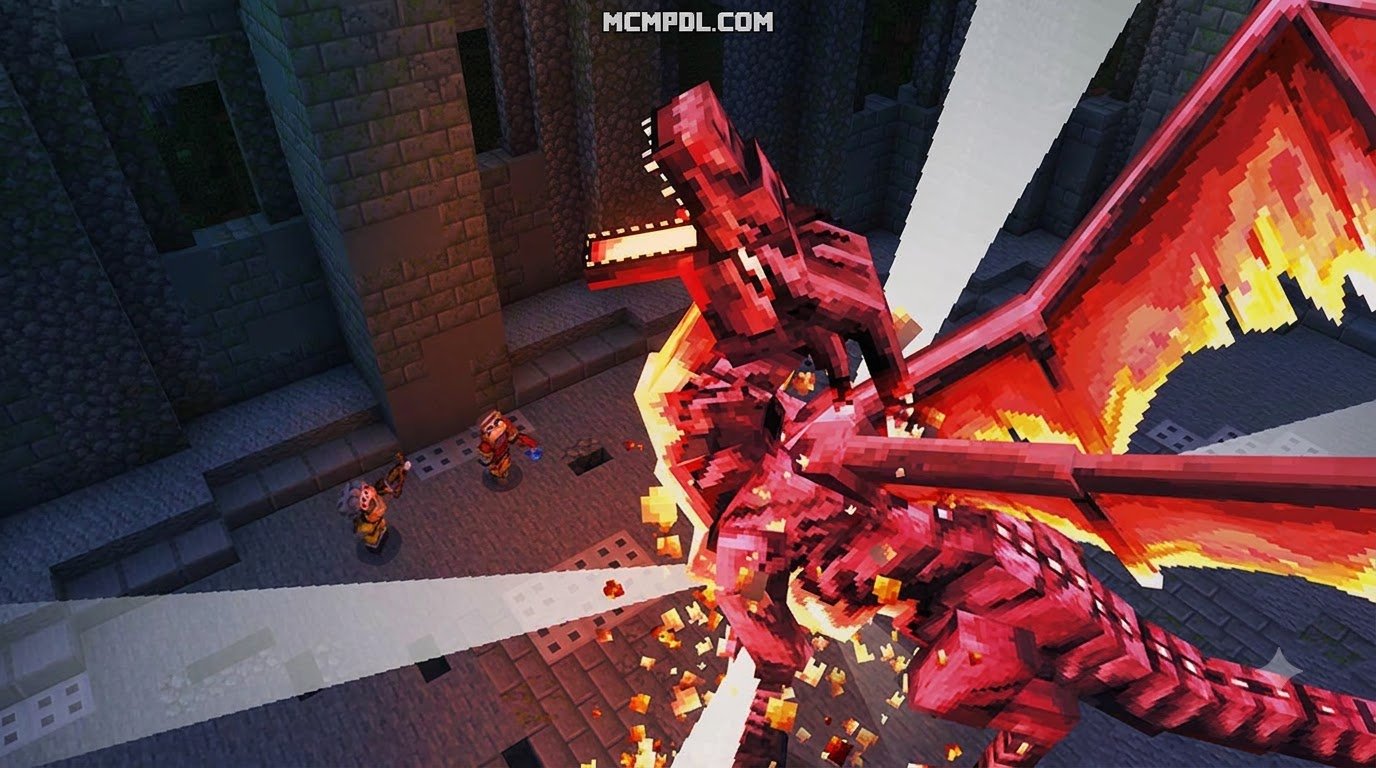
- Staged Arena Encounters: Engage multi-phase bosses in dedicated battle arenas where destroying environmental totems is crucial to lowering shields, similar to high-stakes epic boss battles.
- Custom Attack Animations & Spells: Dodge ground-slam shockwaves, area-of-effect elemental bursts, and projectile barrages designed using custom Molang math scripts.
- Dynamic Loot Tables: Defeating elite monsters rewards you with exclusive crafting materials, custom weapons, and monster cores used for upgrading gear.
- Mob Tier Progression: Low-tier minions roam outer zones, while apex predators control central strongholds, creating a natural sense of RPG leveling as you upgrade your kit.
Exclusive Bedrock Engine Integration
MONSTERS++ takes full advantage of Bedrock-exclusive developer tools to provide smooth gameplay without requiring external mod loaders. The map architecture utilizes the Bedrock Editor and its native /project workspace environment to seamlessly stitch together complex custom arenas and dungeons.
To keep performance buttery smooth across mobile devices, consoles, and PCs, the world relies on Bedrock’s internal command structure:
- Active Chunk Management: By deploying the
/tickingareacommand around central arenas and sorting hubs, complex entity scripts run in real time without bogging down distant exploration zones. - RenderDragon & Vibrant Visuals: Fully compatible with Bedrock’s Vibrant Visuals and Ray Tracing (RTX) pipelines, delivering dynamic shadows, emissive glowing monster eyes, and realistic water reflections.
- Optimized Behavior Systems: Built alongside the latest Bedrock API standards, providing fluid animations and complex behaviors without the overhead of heavy third-party code, reminiscent of advanced monster addon systems.
Step-by-Step Guide to Download and Install MONSTERS++
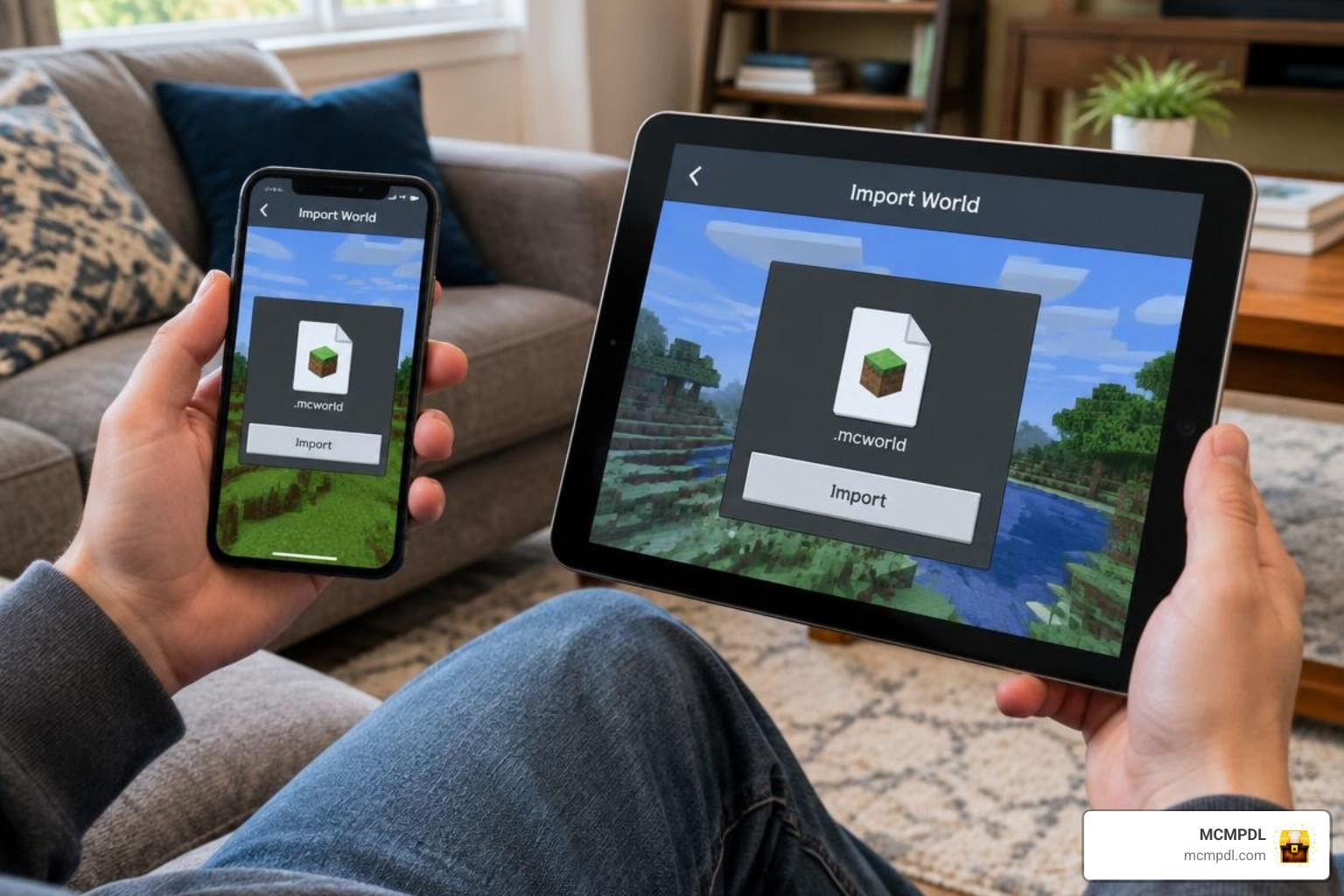
Getting the world running on your device is straightforward. Because Bedrock packages maps, textures, and entities into unified archive formats, you can install everything in just a couple of minutes. If you have spent time building creature collection gameplay libraries on your device, you will find the import workflow very familiar.
How to Install MONSTERS++ World for Minecraft PE/Bedrock on Mobile and PC
Follow these steps depending on your platform:
For Windows 10/11 (PC):
- Download the
MONSTERS++.mcworldfile from your chosen source. - Double-click the downloaded
.mcworldfile. Minecraft Bedrock Edition will automatically launch and display “World Import Started” at the top of your screen. - Once you see “World Import Finished Successfully,” click Play, locate the MONSTERS++ world card, and jump straight into the action.
For Android Devices:
- Download the
.mcworldfile using your mobile browser. - Open your device file manager, tap the file, and choose Open with Minecraft.
- If your file manager does not associate the extension automatically, copy the downloaded file to your internal Minecraft storage directory:
Android/data/com.mojang.minecraftpe/files/games/com.mojang/minecraftWorlds/(you may need a third-party file browser with storage permissions enabled on newer Android versions).
For iOS / iPadOS:
- Download the file via Safari.
- Tap the download icon in Safari, select the downloaded
.mcworldfile, and tap the Share button. - Select the Minecraft app icon. The game will launch automatically and import the world template directly.
Verifying Packs and Experimental Toggles: Before pressing Play, click the Edit (Pencil) icon next to the imported world. Scroll down to Resource Packs and Behavior Packs in the left menu to confirm that the MONSTERS++ packs are listed under Active. If you are running an updated Minecraft build, check the Experiments tab and ensure options like Beta APIs, Molang Features, and Custom Biomes are toggled on so all custom mobs load their behaviors properly.
Configuring Graphics and World Settings
Because custom entities introduce high-poly models, custom particles, and complex scripts, fine-tuning your video and simulation settings ensures a steady frame rate:
- Simulation Distance: Set this to 4 or 6 chunks on mobile devices. Setting simulation distance too high forces your CPU to process distant mob pathfinding routines, leading to frame drops.
- Render Distance: On mobile devices, a render distance of 10 to 14 chunks is ideal. High-end PC players can scale up to 32+ chunks, or higher when utilizing Vibrant Visuals.
- Particle Density: If arena boss fights with area-of-effect spells cause stuttering, reduce Particle Density in the Video Settings tab to 50% or lower.
- Automated Storage Management: When building bases to store custom mob drops, pair your setup with efficient storage layouts like the automated sorting designs detailed in the Best Minecraft Mega Storage World Download for 26.2+ (v3) guide. Keeping hoppers, drop lines, and entity counts organized prevents unnecessary tick lag.
Comparing MONSTERS++ with Other Bedrock Adventure Worlds
To see how MONSTERS++ stacks up against standard survival spawns and specialized adventure packs, review the comparison below:
| Feature / Metric | MONSTERS++ World | Standard Bedrock Flat / Survival | Specialized Mob & Mech Worlds |
|---|---|---|---|
| Custom Entity Count | 50+ Custom Monsters & Bosses | Vanilla Mobs Only (approx. 80 total) | 30–100+ Custom Entities |
| Unique Combat AI | Multi-phase arenas, telegraphed spells | Standard melee & ranged vanilla AI | Scripted mech abilities / evolving AI |
| Engine Optimization | /tickingarea + RenderDragon setup | Native vanilla baseline | Behavior pack dependent |
| Custom Biomes | Custom dungeons & boss arenas | Vanilla world generation | Custom biome presets |
| Ease of Setup | Single-click .mcworld packaging | Default world creation | Varies (.mcaddon + .mcworld) |
For players who enjoy mechanical combat systems or piloting heavy gear against monsters, exploring mechanical mob maps is a great alternative. Additionally, if you love exploring themed adventure hubs, checking out the extensive catalog of Worlds by BLOCKLAB Studios – Minecraft Bedrock Marketplace Explorer provides plenty of inspiration for curated questing environments.
System Requirements and Compatibility for MONSTERS++ World for Minecraft PE/Bedrock
To run the world smoothly across different Bedrock-supported hardware, aim for the following specifications:
- Mobile (iOS / Android): Minimum 3 GB of available RAM (4 GB+ recommended), running Android 10+ or iOS 14+.
- PC (Windows 10/11): 64-bit operating system, 8 GB RAM, Intel i5/AMD Ryzen 5 or equivalent, and a dedicated GPU for Ray Tracing/RTX setups.
- Game Version Compatibility: Designed for Minecraft Bedrock Edition version 1.20 and higher, fully compatible with modern 1.26+ updates.
- Bedrock Dedicated Server (BDS): Supports Windows and Linux BDS hosting. When running on dedicated hardware, ensure your server has at least 4 GB of allocated RAM and high single-core CPU clock speeds to handle multiple active players fighting bosses simultaneously.
Frequently Asked Questions about MONSTERS++ World
How do I fix lag or entity freezing in MONSTERS++ World?
If mobs freeze in place or stop pathfinding, the world’s entity cap may have been reached, or simulation distance is overloading your device. First, lower your Simulation Distance to 4 chunks in the world settings. Next, run /kill @e[type=item] to clear loose ground drops after big battles. If custom mob arenas stop functioning, verify that the area is covered by an active /tickingarea so scripts do not stall when you walk away.
Can I play MONSTERS++ World in multiplayer on Bedrock Dedicated Servers?
Yes! Bedrock .mcworld packages can be uploaded directly to Bedrock Dedicated Servers (BDS) or hosted via Minecraft Realms. When hosting on a dedicated server, extract the .mcworld file (which is a standard zip archive), place the extracted folder into your server’s worlds directory, and copy the behavior and resource packs into their respective server folders. Ensure allow-cheats=true if your setup relies on command blocks for arena resets.
Are experimental gameplay features required to run MONSTERS++?
Yes, most custom monster maps rely on experimental toggles to run custom Molang scripts, dynamic animations, and custom items. Ensure that Beta APIs, Molang Features, and Holiday Creator Features (if present in your version) are toggled to ON in the world settings before launching.
Conclusion
MONSTERS++ transforms standard Bedrock survival into an action-packed RPG adventure filled with formidable bosses, clever combat mechanics, and stunning visual presentation. By leveraging Bedrock’s native tools—from behavior packs to RenderDragon optimization—it delivers a smooth and thrilling experience across mobile devices, consoles, and PC.
Once you have mastered the boss arenas, tamed every rare creature, and conquered the world, don’t stop there. Head over to our catalog to explore more Bedrock adventure maps and discover your next epic Minecraft adventure!