Scroll down to D0vvnl0ad
Start One Block Dimension on Minecraft PE and Bedrock
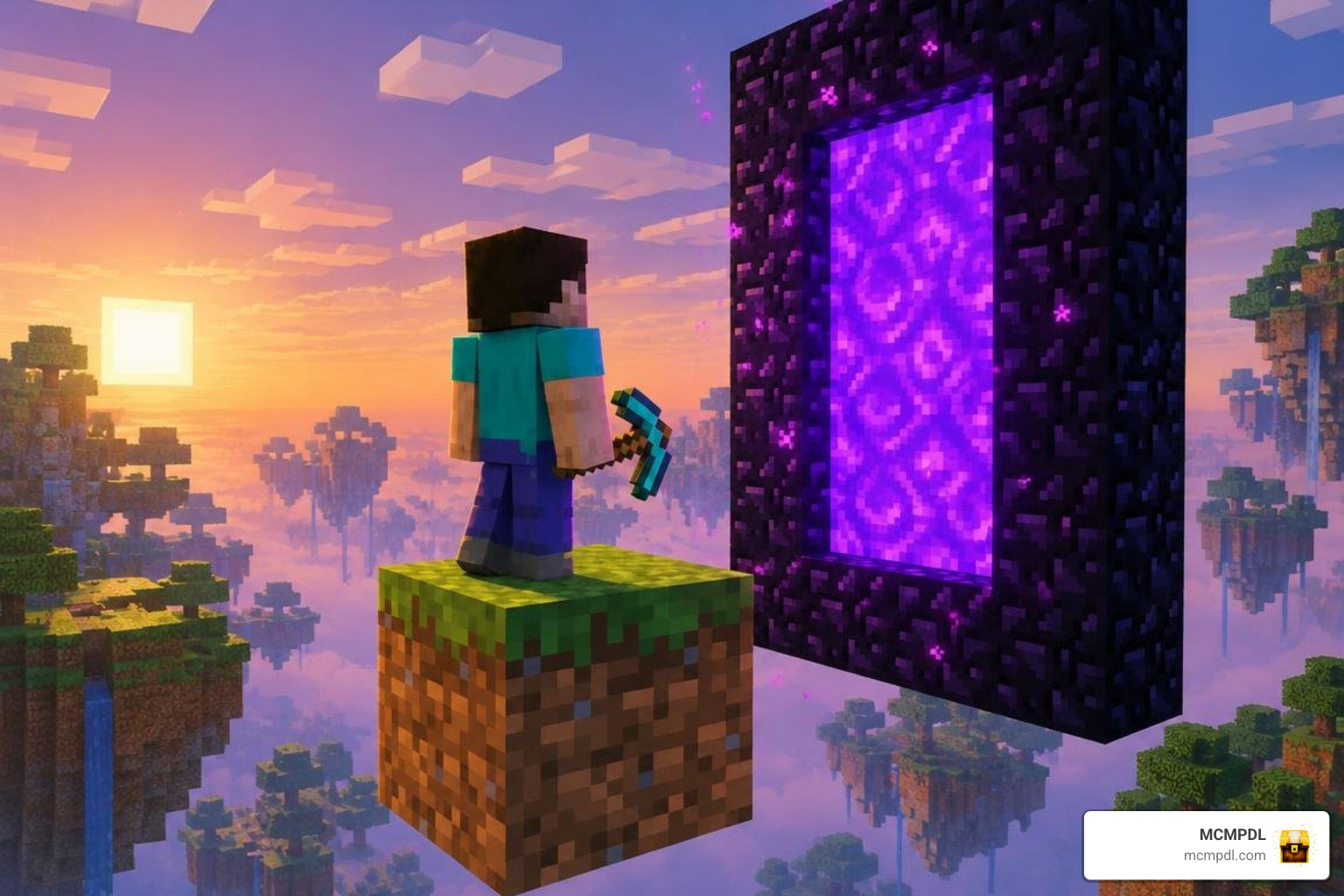
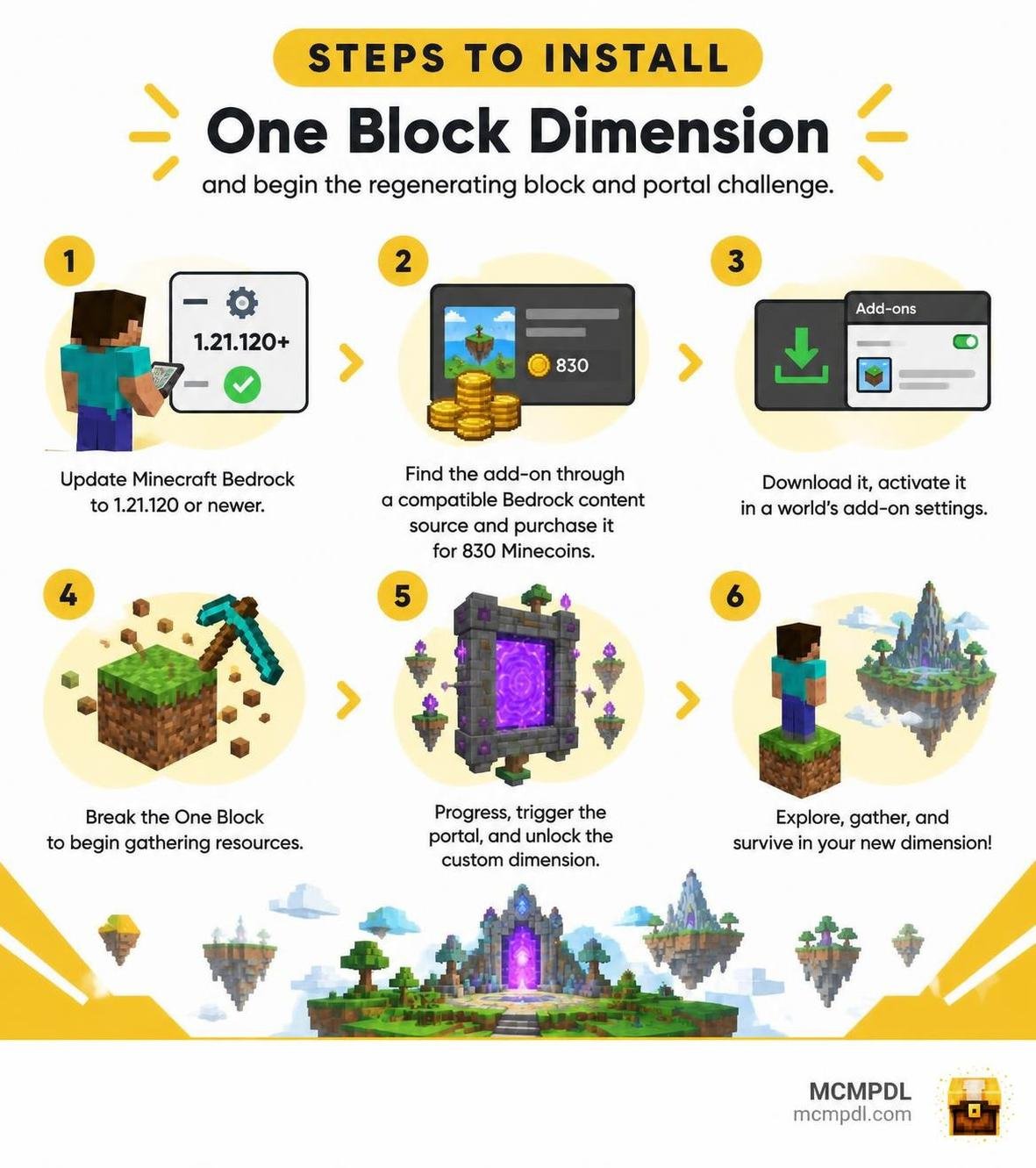
The One Block Dimension Addon for Minecraft PE/Bedrock turns a single regenerating block into a survival challenge and adds a portal to a custom dimension. To get started, update Minecraft Bedrock to 1.21.120 or newer, find the add-on through a compatible Bedrock content source, and purchase it for 830 Minecoins. Download it, activate it in a world’s add-on settings, then break the One Block to begin gathering resources.
Back up an existing world before adding new content. The guide below covers installation, compatibility, and what to expect beyond that first block.
What Is the One Block Dimension Addon for Minecraft PE/Bedrock?
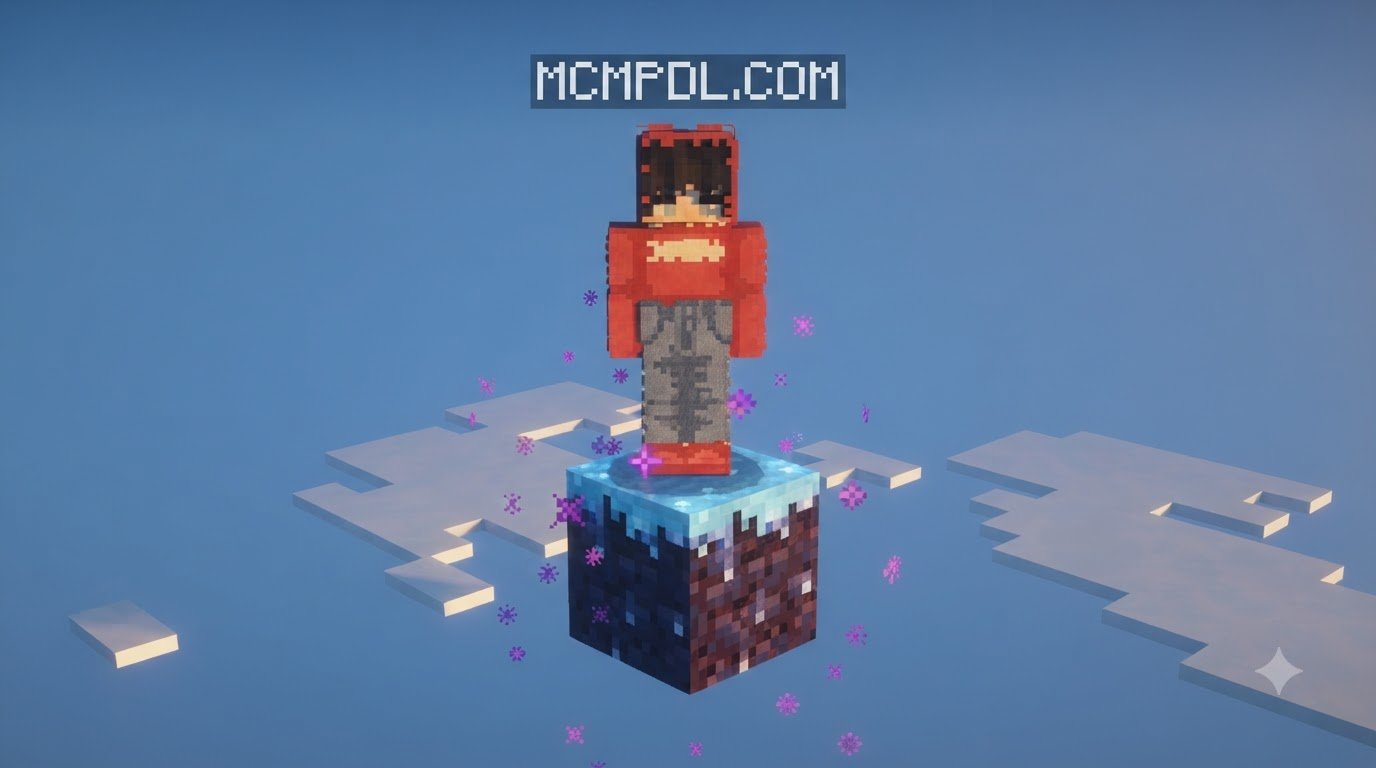
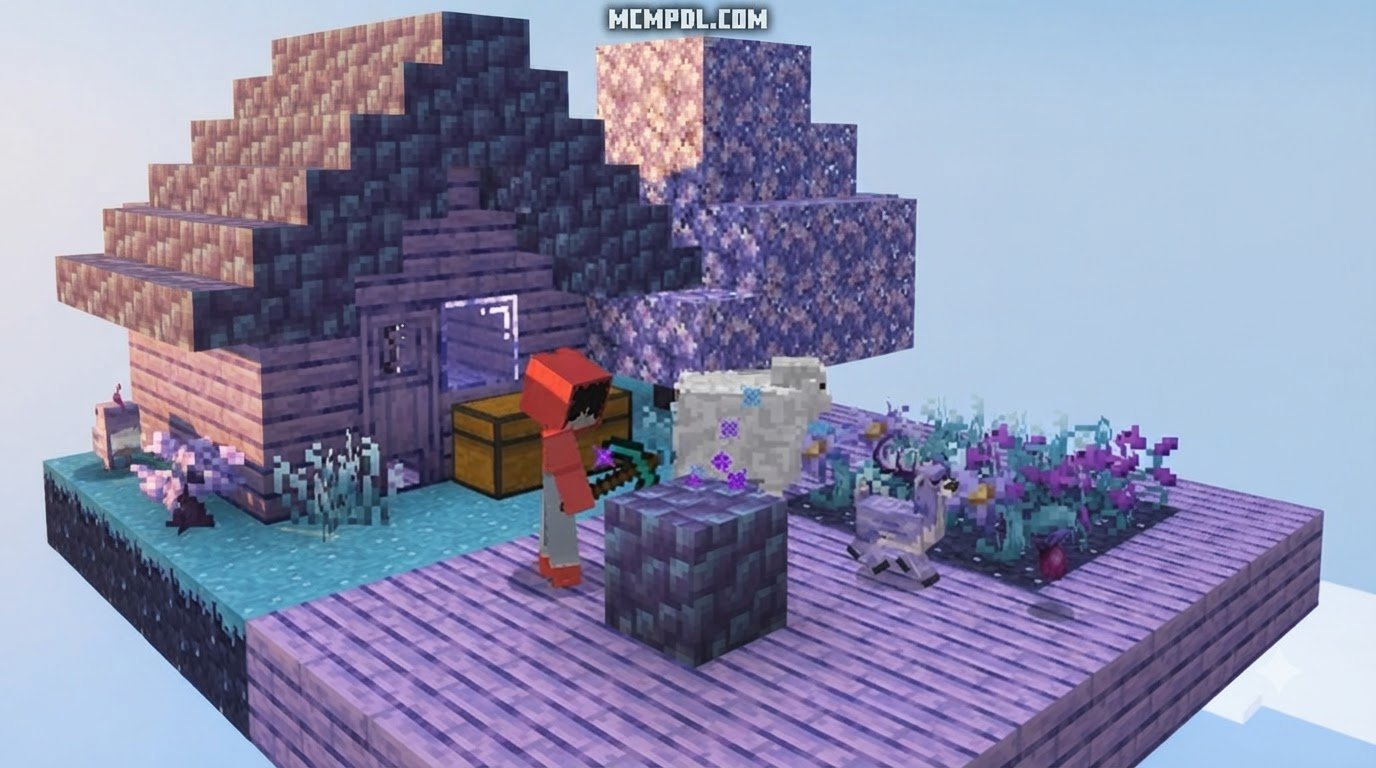
Survival in Minecraft Bedrock usually begins with chopping a nearby tree and digging into the hillside. The One Block concept flips that routine entirely on its head. Instead of roaming an endless terrain, you spawn suspended over an empty void standing on exactly one solitary block. Every time you mine this block, it instantly regenerates into another material—shuffling through basic dirt, rare ores, structural building pieces, and surprise mob encounters.
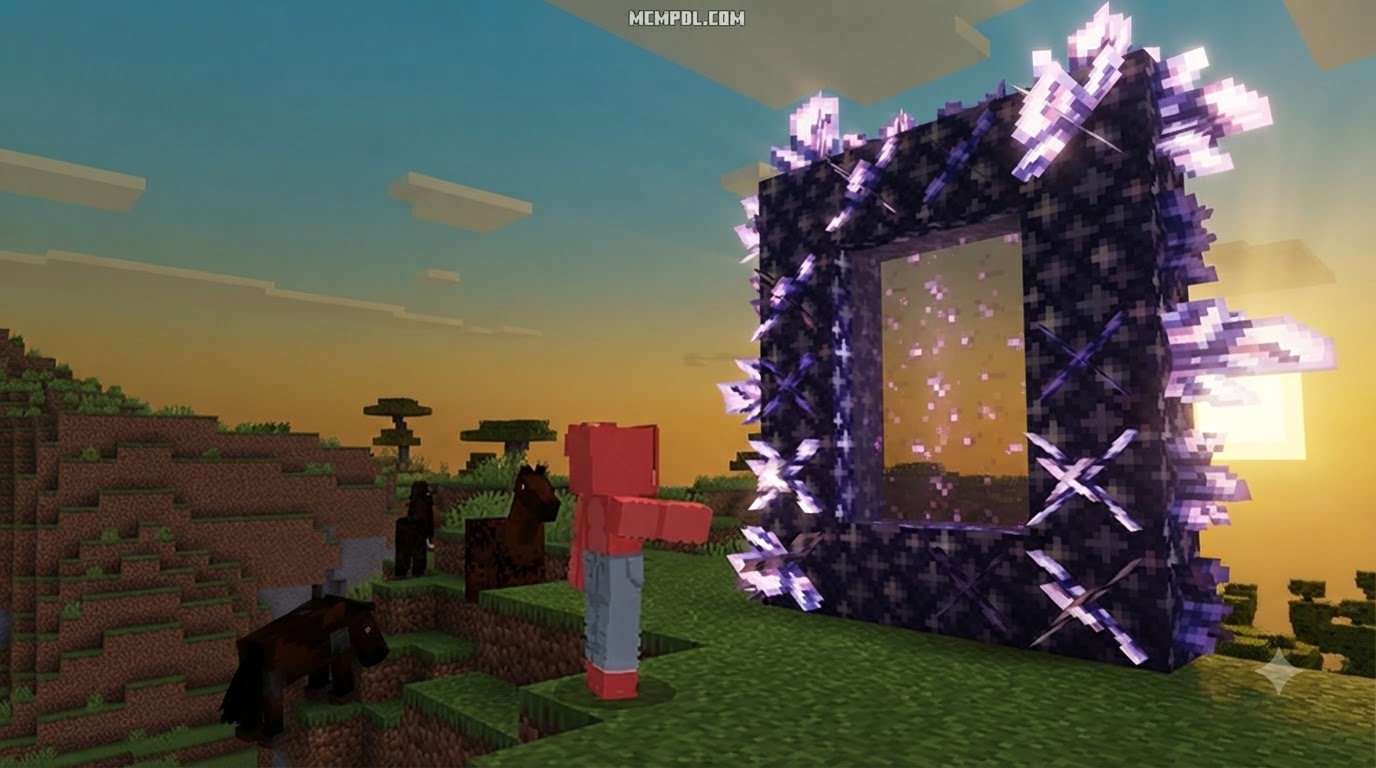
What makes this particular experience stand out from traditional void maps is its dimensional gateway. As you progress through gathering materials, the regenerating block triggers custom mechanics that grant access to an entirely unique realm. Instead of relying solely on the Nether or the End, you construct or activate an exotic portal hovering directly in the void. Mastering these mechanics feels closely related to exploring rich custom dimension gameplay mechanics, giving skyblock veterans a brand-new frontier to conquer.

Breaking a block only to find another block underneath might feel like finding an infinite vending machine floating in the sky. Yet behind this simple loop lies a carefully balanced survival framework that tests your resource management, spatial awareness, and combat readiness in ways standard worlds never match.
Core Features of the One Block Dimension Addon for Minecraft PE/Bedrock
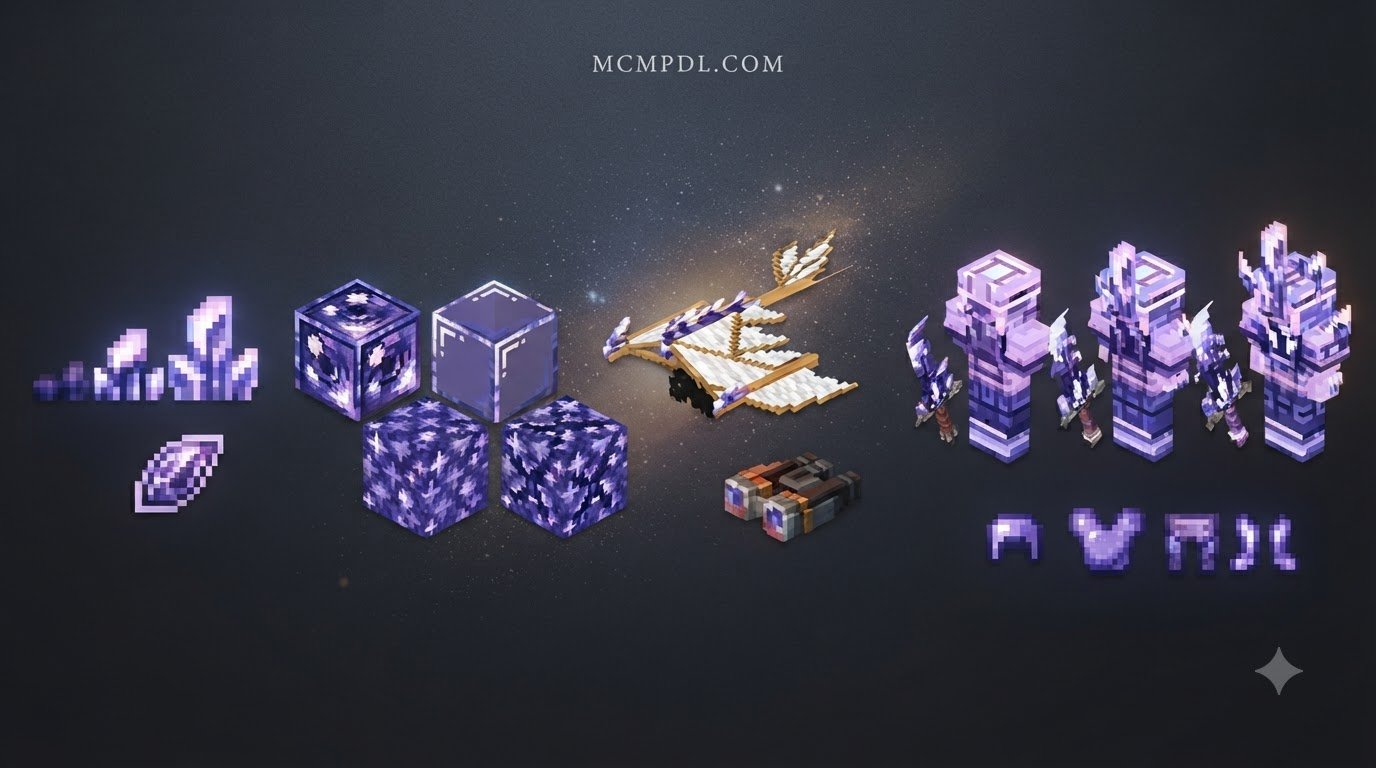
This add-on delivers far more than a basic mining loop. The developers integrated exclusive equipment, utility gadgets, and specialized items designed specifically to help you navigate perilous void terrain and alien dimension landscapes:
- Night-Vision Binoculars: Spot incoming phantoms or examine distant floating structures in the dark without consuming precious potion ingredients.
- Custom Armor Sets: Specialized protective gear crafted from dimension-exclusive ores, tailored to withstand extreme environmental hazards and heavy mob assaults.
- Elemental Swords: Powerful weaponry featuring high damage outputs and unique combat attributes to slice through aggressive dimension bosses and wave spawns.
- Expanded Building Palette: Access to expanded block variations that unlock creative possibilities far beyond plain cobblestone platforms.
- Dynamic Drop Tables: A balanced progression engine ensuring that wood, water, iron, and specialized materials drop steadily to keep expansion moving without artificial bottlenecks.
Progression Phases and Dimensional Unlocks
Progression in the add-on is tied directly to your break count. As your total mined blocks increase, the One Block evolves through distinct phases, introducing materials from diverse environments. Experiencing these transitions mirrors the environmental diversity found in overhauled biome generation, cycling your single block through plains, deserts, deep underground caves, and crystalline environments.
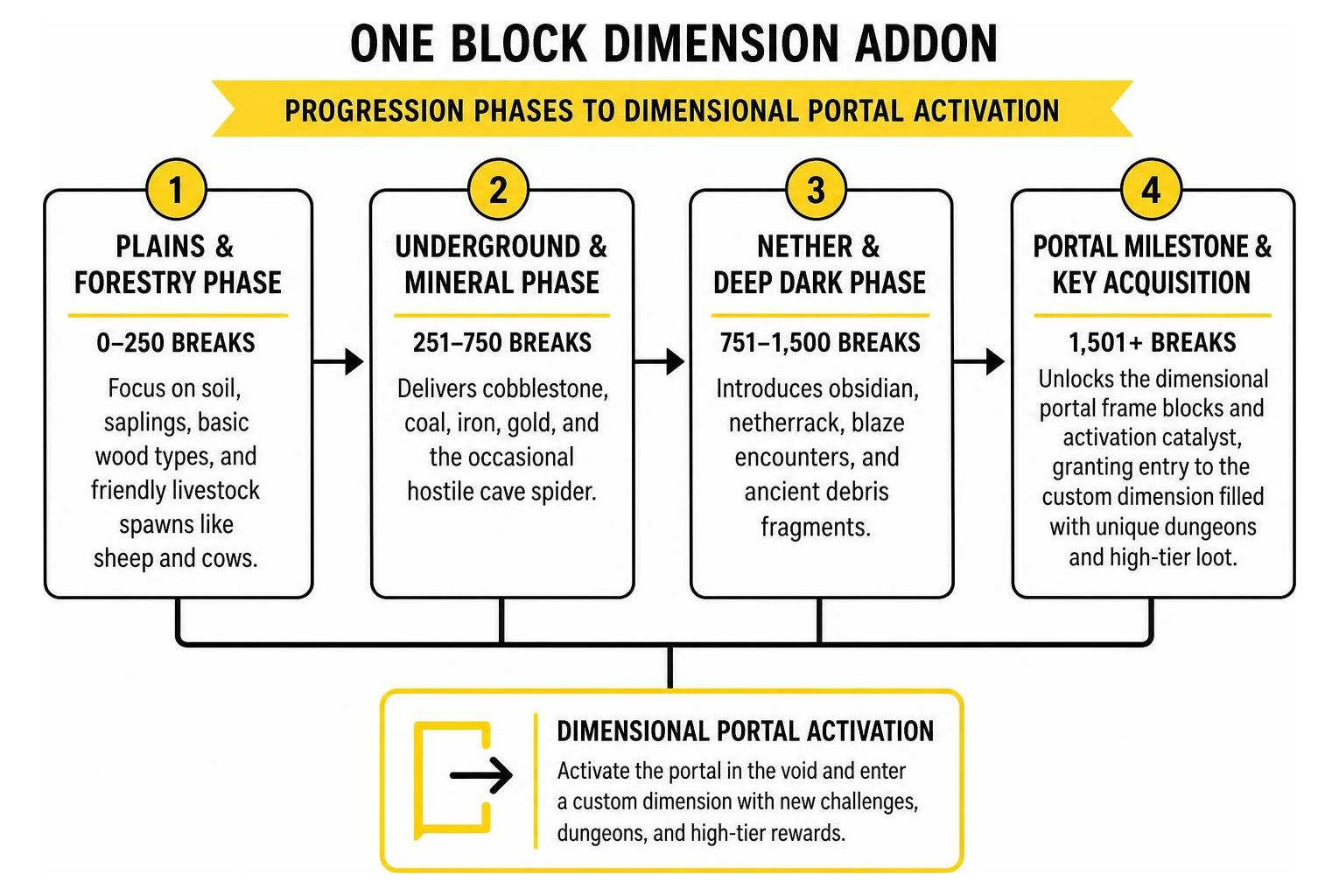
- Plains & Forestry Phase (0–250 Breaks): Focuses on soil, saplings, basic wood types, and friendly livestock spawns like sheep and cows.
- Underground & Mineral Phase (251–750 Breaks): Delivers cobblestone, coal, iron, gold, and the occasional hostile cave spider.
- Nether & Deep Dark Phase (751–1,500 Breaks): Introduces obsidian, netherrack, blaze encounters, and ancient debris fragments.
- Portal Milestone & Key Acquisition (1,501+ Breaks): Unlocks the dimensional portal frame blocks and activation catalyst, granting entry to the custom dimension filled with unique dungeons and high-tier loot.
Step-by-Step Installation Guide for Minecraft Bedrock
Installing marketplace and custom add-ons in Minecraft Bedrock is straightforward across mobile devices (iOS and Android), Windows PCs, and consoles. Before proceeding, verify that your client is running Bedrock version 1.21.120 or newer to ensure full feature compatibility and avoid missing block textures.
Downloading and Importing the Add-On
To set up the add-on correctly on your device, follow this straightforward workflow:
- Launch Minecraft Bedrock Edition and open the in-game Marketplace.
- Search for the add-on or browse directly through curated selections on community hubs.
- Complete the download using your Minecoins (830 Minecoins, or roughly $4.35 USD).
- Navigate to your world list and select Create New World, or click the edit pencil icon beside an existing world.
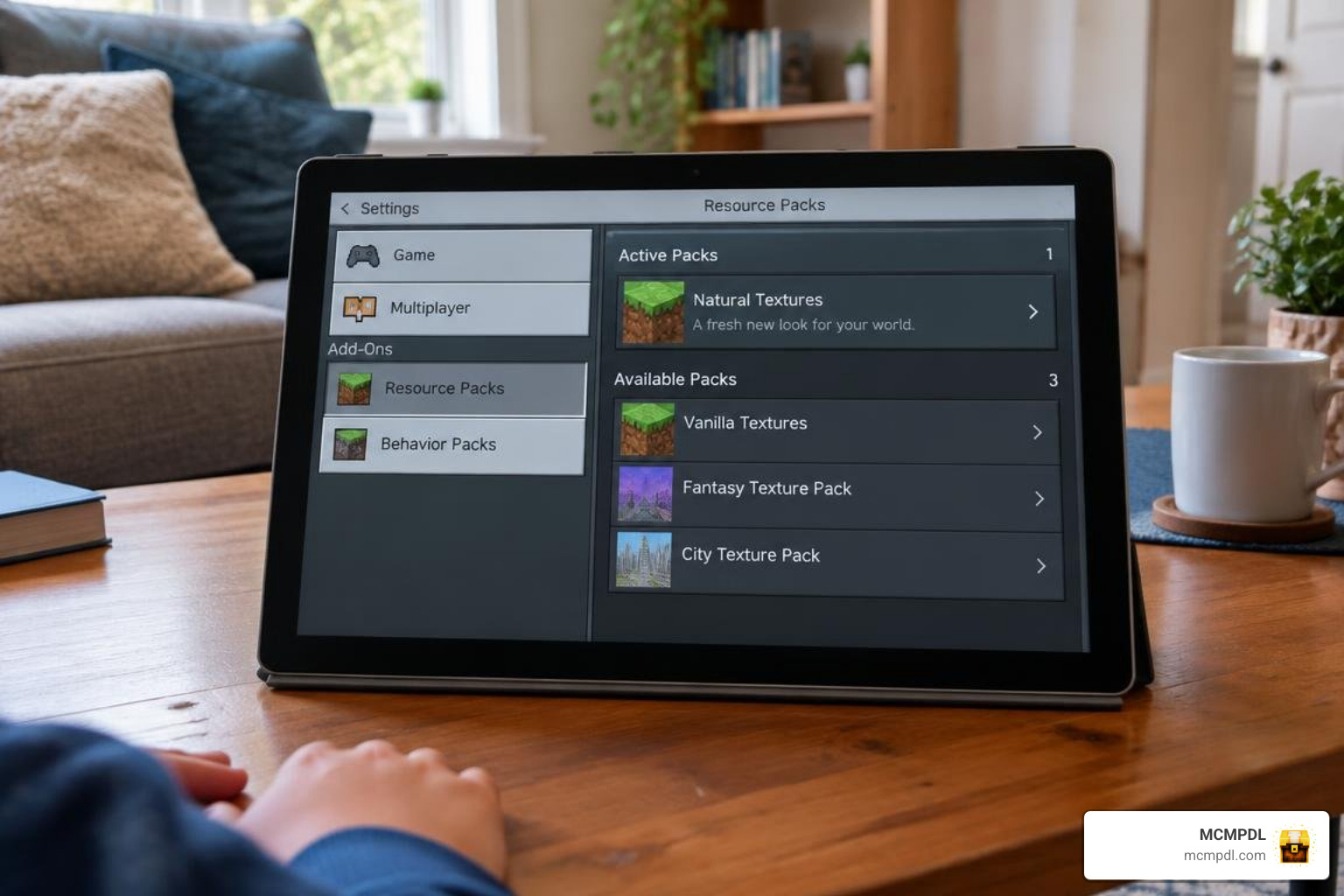
- In the left-hand settings menu, scroll down to Behavior Packs and activate the pack.
- Verify that the matching resource pack activates automatically under Resource Packs.
- If prompted, enable experimental gameplay toggles such as “Custom Biomes” or “Beta APIs” depending on your active Bedrock version, then click Create or Play.
Server and Multiplayer Setup
Playing One Block with friends creates an exciting collaborative dynamic, but running it on dedicated servers or realms requires proper configuration:
- Multiplayer Spacing: If running a multi-island setup, ensure player starting coordinates are spaced at least 150 to 300 blocks apart to prevent accidental bridge overlap.
- Shared vs. Independent Break Counts: Decide whether your group shares a central One Block at world spawn or works on isolated islands with independent milestone counters.
- Admin Command Oversight: Server operators can manage progression rates, trigger emergency block resets, or summon dimension portal frames using standard administrative permissions.
Comparing One Block Dimension to Standard Bedrock Survival
Standard survival rewards endless wandering, but One Block survival rewards meticulous space management, automated farms, and tactical platform construction. Adding an entirely new dimension gives skyblock gameplay a distinct endgame objective beyond simply defeating the vanilla Ender Dragon.
| Feature | Vanilla Survival | Standard One Block Maps | One Block Dimension Add-On |
|---|---|---|---|
| Starting Environment | Infinite terrain | Single block in the void | Single regenerating block with dimensional link |
| Resource Acquisition | Mining and foraging across biomes | Static block drop loops | Progressive dynamic drop tables with custom ores |
| Dimensional Travel | Nether and The End | Limited to vanilla dimensions | Nether, End, plus exclusive custom realm |
| Custom Equipment | Standard vanilla gear tiers | Vanilla weapons and armor | Custom armor, elemental swords, night-vision binoculars |
| Mob Challenge System | Random natural spawns | Scripted occasional spawns | Wave-based mob encounters and structure dungeons |
Players who enjoy tackling distinct, self-contained realms often combine these mechanics alongside custom boss dimensions for grand combat encounters, or pair their floating bases with dimensional home teleporters to hop seamlessly between island outposts.
Why Choose the One Block Dimension Addon for Minecraft PE/Bedrock?
The primary advantage of this add-on lies in its performance optimization. Because the initial survival space generates as an empty void rather than millions of terrain blocks, device memory usage remains remarkably low on smartphones and entry-level tablets.
The custom dimension itself is tightly engineered to stream chunks smoothly without triggering severe frame drops. Whether you are building an expansive multi-tiered sky fortress or venturing through mysterious portal ruins, the add-on delivers stable tick rates across all Bedrock platforms.
Troubleshooting and Best Practices for Smooth Performance
To keep your skyblock adventure running smoothly, keep these practical survival and technical tips in mind:
- Stash Valuables Often: Keep a wooden chest adjacent to your main standing area and dump your rare ores frequently. A surprise creeper spawn can clear your inventory in a split second.
- Empty Inventory Safety: When stepping through a dimensional portal for the first time, store essential tools in a chest until you confirm your landing platform is fully generated and safe.
- Water Placement Strategy: Place a water source block flowing downward beneath your One Block as soon as you obtain an iron bucket. This provides an immediate safety net if a knockback attack knocks you into the void.
- Manage Entity Counts: Confining hundreds of livestock animals to a small 5×5 platform creates substantial physics lag. Cull animal pens regularly and use automated mob drop collectors.
- Clear Low-End Memory: On mobile devices with 4GB or less of RAM, lower your render distance to 8–10 chunks to prevent sudden background crashes during dimension transitions.
Frequently Asked Questions About One Block Dimension
How do I find and install the One Block Dimension Add-On?
Open Minecraft Bedrock Edition, access the in-game Marketplace, search for the add-on, and purchase it using Minecoins. Once downloaded, create a new world, apply the pack under Behavior and Resource Packs in your world settings, and load into your new floating island.
Which Minecraft Bedrock versions support this add-on?
The add-on requires Minecraft Bedrock version 1.21.120 or newer. It is fully compatible across all devices running the Bedrock engine, including Android, iOS, Windows 10/11, Xbox, PlayStation, and Nintendo Switch.
Can you play the One Block Dimension Add-On with friends in multiplayer?
Yes, you can host local multiplayer worlds, invite friends to a Minecraft Realm, or run the pack on a dedicated Bedrock server. Players can collaborate on a single shared block or build bridges toward separate expansion platforms.
Conclusion
The One Block Dimension survival format transforms standard Bedrock gameplay into an addictive, high-stakes progression loop. By starting from humble beginnings on a single dirt block and advancing toward custom portals, high-tier armor sets, and otherworldly realms, it delivers endless hours of fresh excitement for solo survivors and multiplayer groups alike.
At MCMPDL, we are dedicated to curating the finest community creations, maps, and technical tools to elevate your Minecraft experience. When you are ready to expand your world further with custom realms, utility tools, and gameplay overhauls, explore the latest Bedrock add-ons on MCMPDL and discover your next great survival adventure today.
1 thought on “One Block Dimension Addon for Minecraft PE/Bedrock”