Scroll down to D0vvnl0ad
Get smoother movement in Minecraft Bedrock
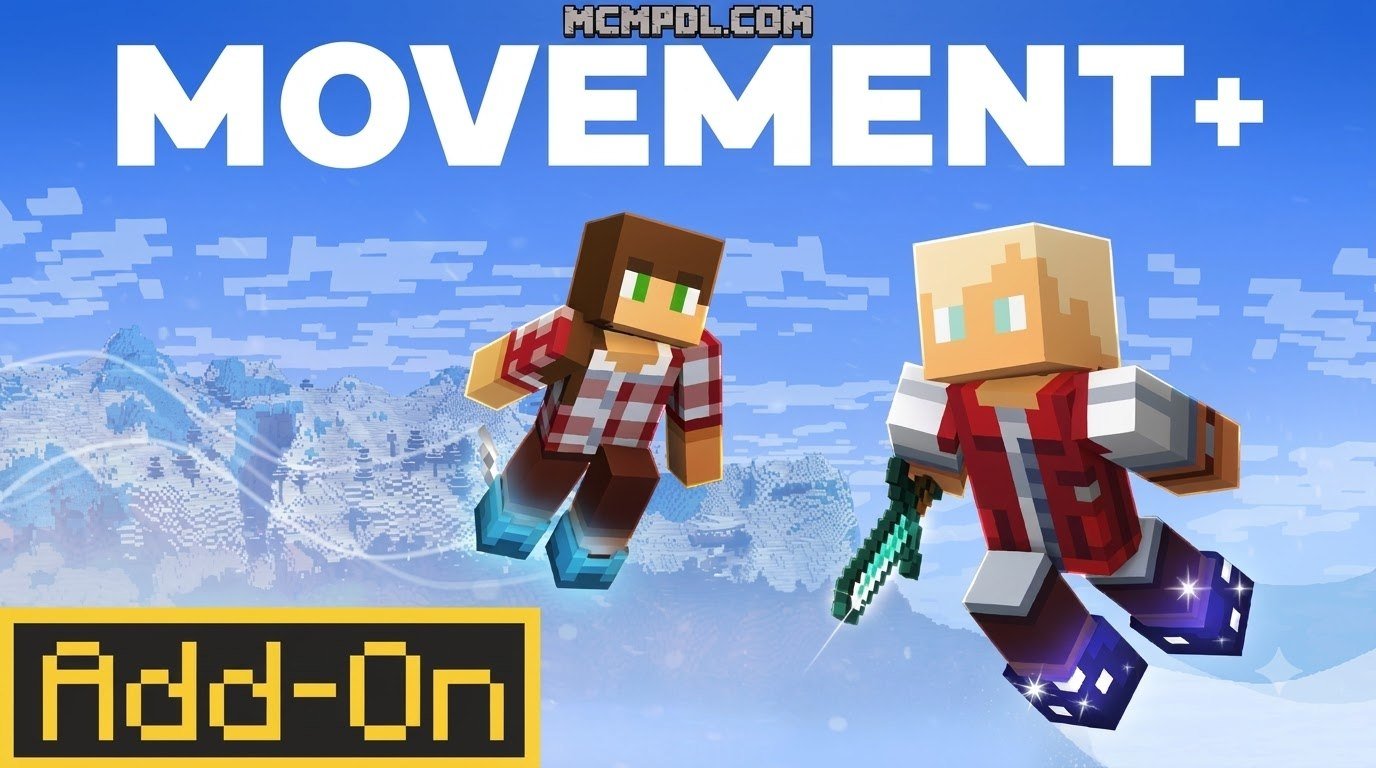
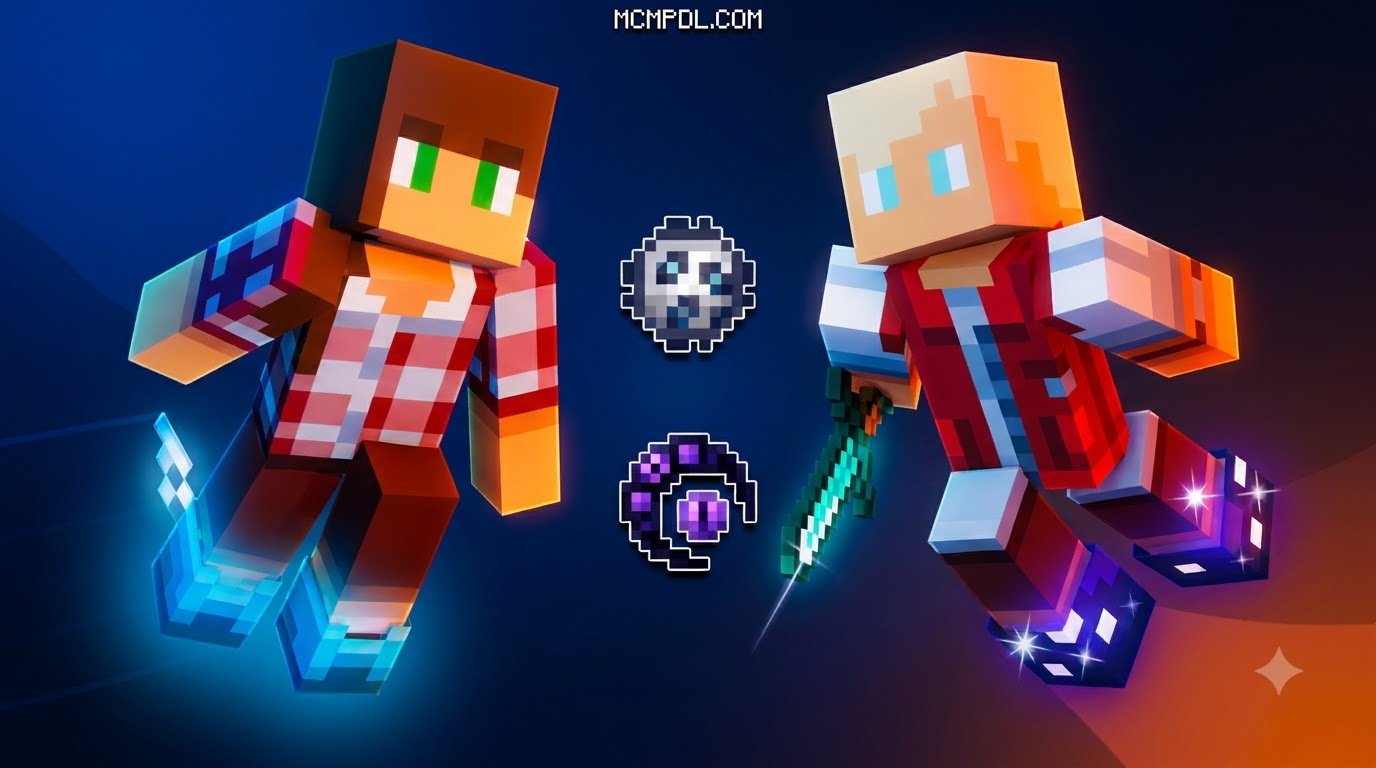
Looking for the Movement+ Addon for Minecraft PE/Bedrock? The primary community animation package highlighted throughout this guide is Motion+. This versatile mod completely overhauls the way your custom character model animates from a third-person camera perspective during routine actions like walking, sprinting, fighting, swimming, climbing, and riding mounts. Importantly, it focuses purely on visual kinematics rather than altering first-person viewmodels or core world physics.
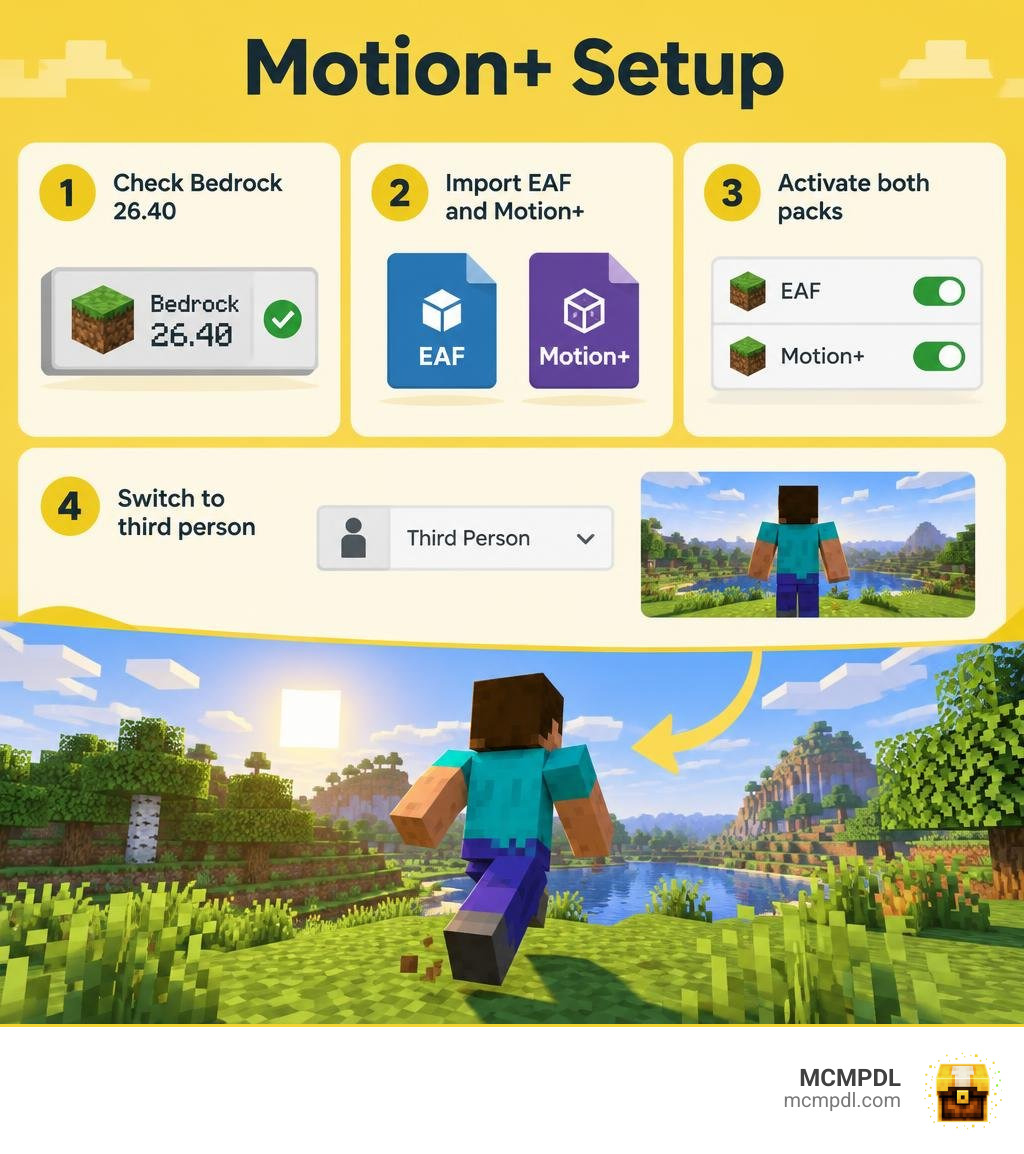
To configure the setup properly on your mobile or desktop device, run Minecraft Bedrock 26.40, download and import Motion+ alongside its mandatory dependency, the Entity Animation Framework (EAF), and activate both packs inside your active world settings. Once in-game, simply toggle your camera into third person to appreciate the fluid visual overhaul. Always double-check version compatibility to avoid installation issues.
Overview of the Movement+ Addon for Minecraft PE/Bedrock
Upgrading your character’s kinematics in Bedrock Edition used to mean settling for clunky limb rotations or broken skin geometries. The Motion+ pack modernizes standard character interactions, turning rigid vanilla stances into fluid, organic motions. When testing a dedicated animations addon for Bedrock, the difference in character weight, momentum, and overall visual responsiveness becomes clear right away.
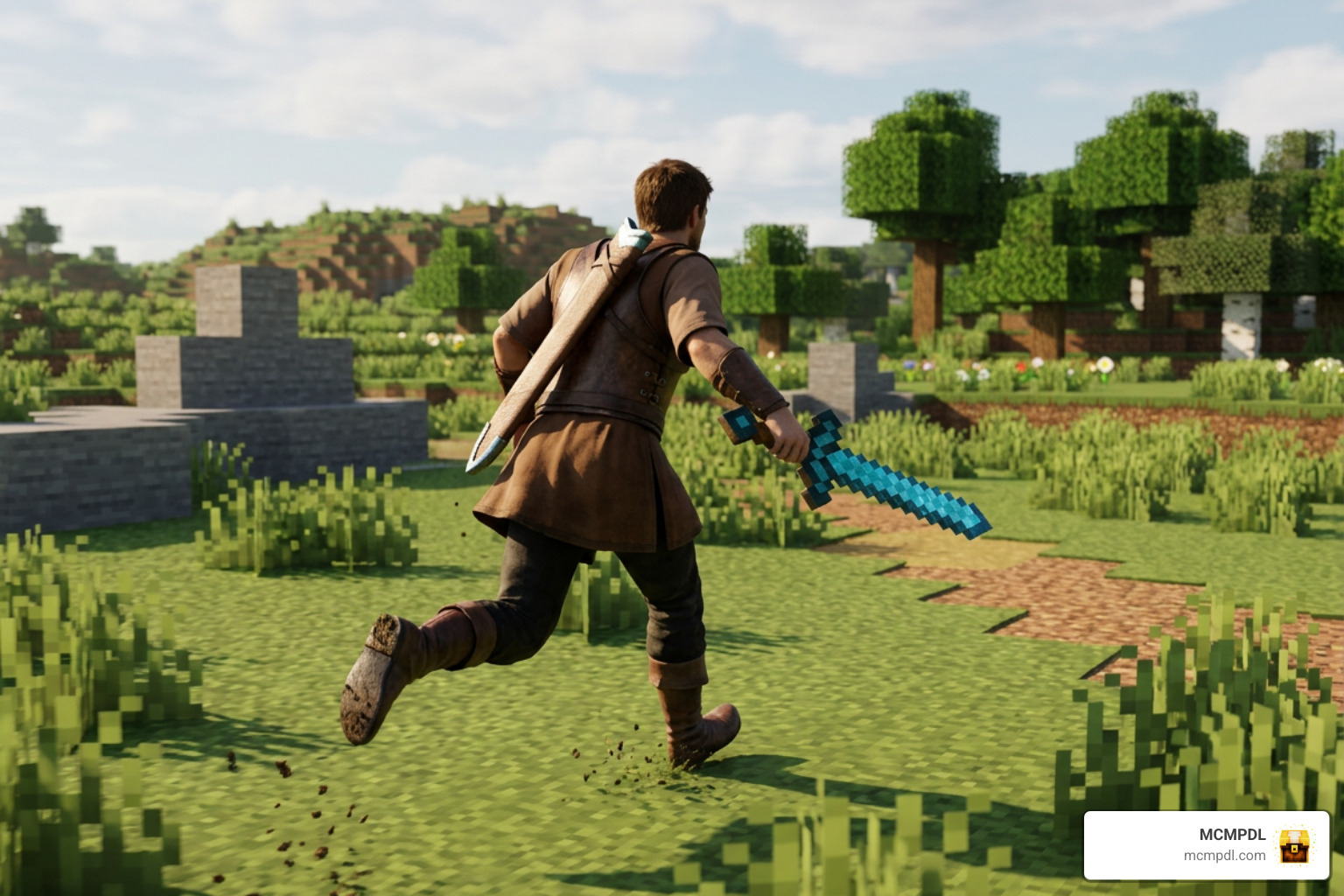
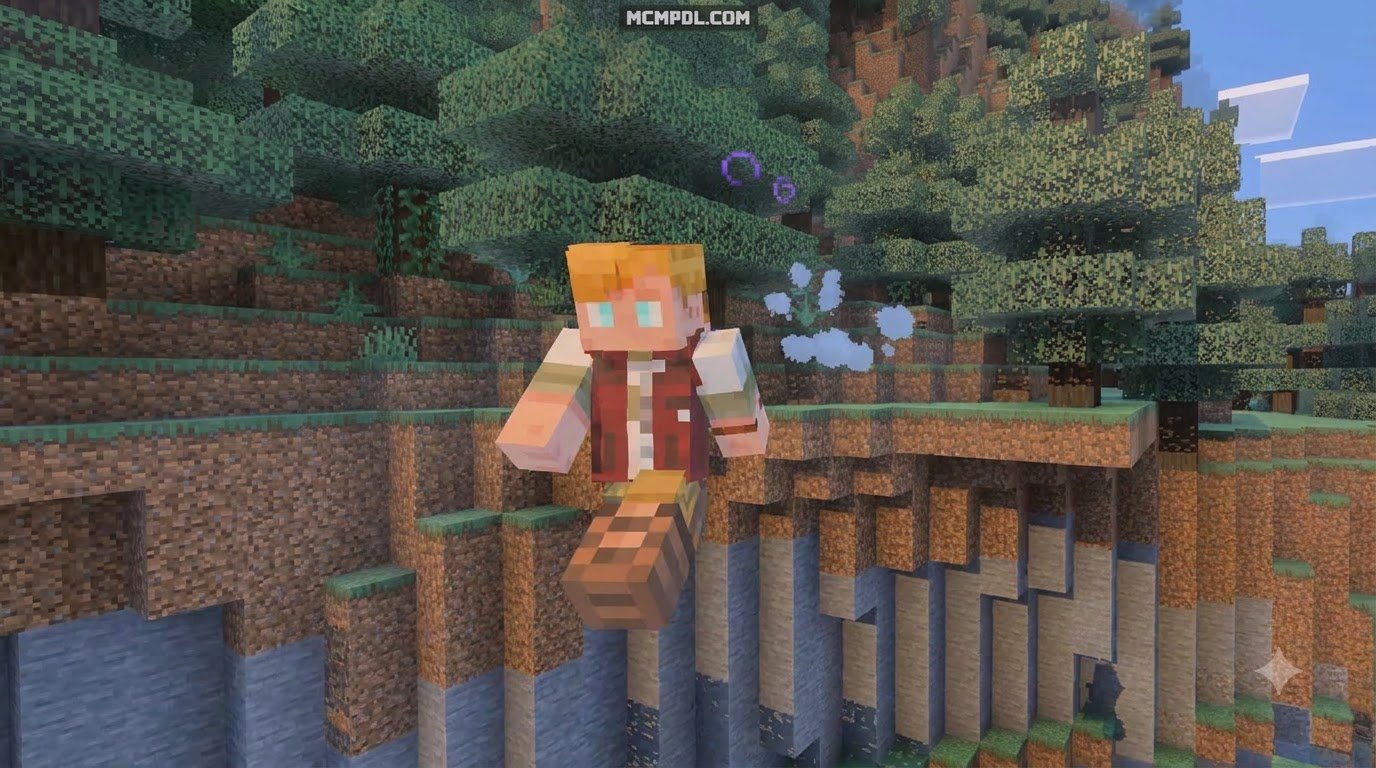
Motion+ operates entirely on the client-side visual layer for third-person cameras. Instead of altering underlying player physics, movement velocities, or world block collisions, it refines skeletal keyframes across every common gameplay state. When your character sprints, jumps, draws a weapon, or navigates uneven terrain, the model bends with natural momentum rather than stiff, robotic pivoting. This gives your adventures a cinematic feel without changing vanilla mechanics.
Understanding the Movement+ Engine and EAF Requirements
At the core of this animation overhaul is the Entity Animation Framework (EAF). Standard Bedrock packs often fight against default player definitions, which leads to flickering limbs or broken poses during rapid transitions. EAF acts as a foundational skeletal bridge, allowing complex sub-animations to trigger smoothly based on your character’s current movement state and equipment.
Because Motion+ relies heavily on these custom bone hierarchies, running it without EAF will cause your character model to glitch, distort, or freeze in an unnatural T-pose. Built specifically for Bedrock version 26.40, the framework reads real-time player inputs—such as directional velocity vectors, swimming flags, sneaking stances, and held items—without degrading your frame rate on mobile devices or lower-end tablets.
Upgraded Third-Person Animations and Mechanics
Motion+ replaces nearly every common player action with handcrafted keyframes designed specifically for immersive third-person gameplay:
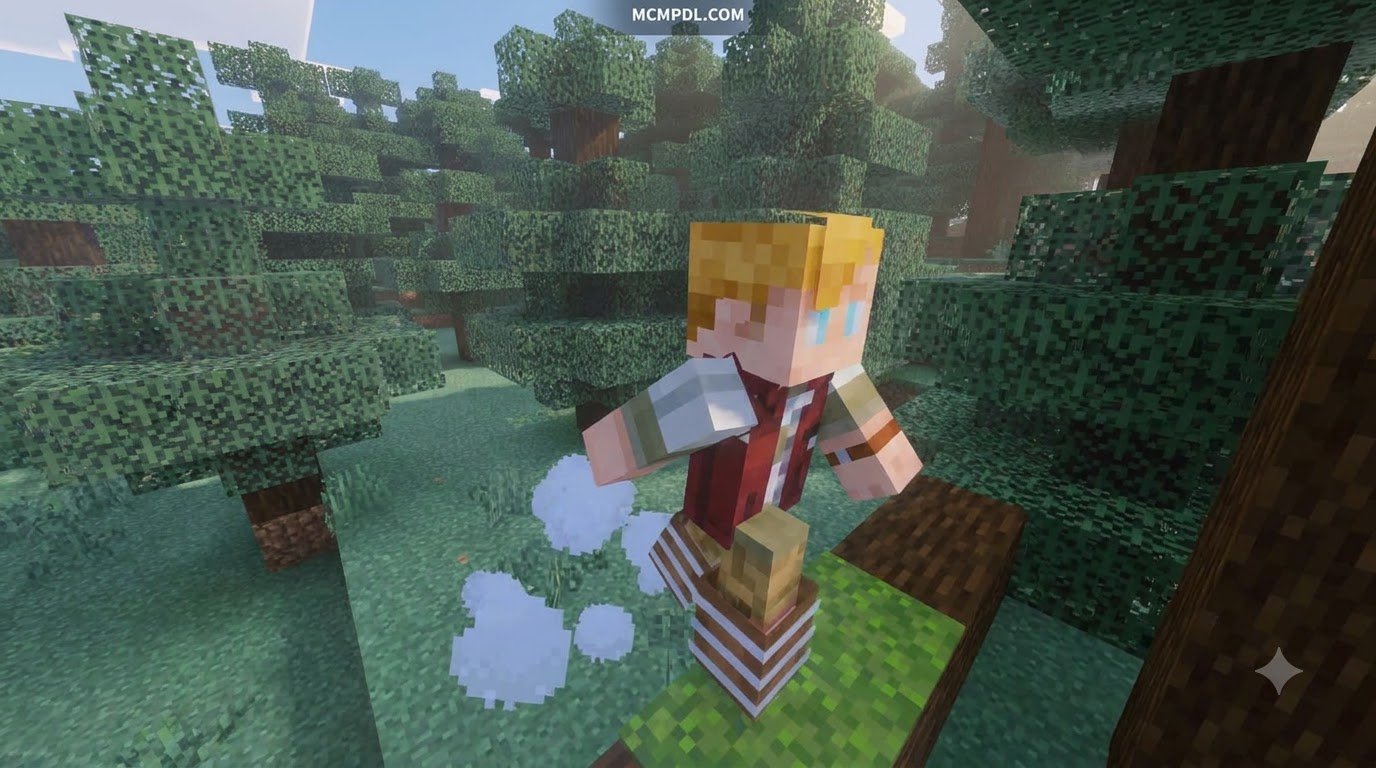
- Locomotion Cycles: Walking, sprinting, and sneaking feature authentic weight distribution, dynamic torso sway, and realistic arm swings that react to walking speed.
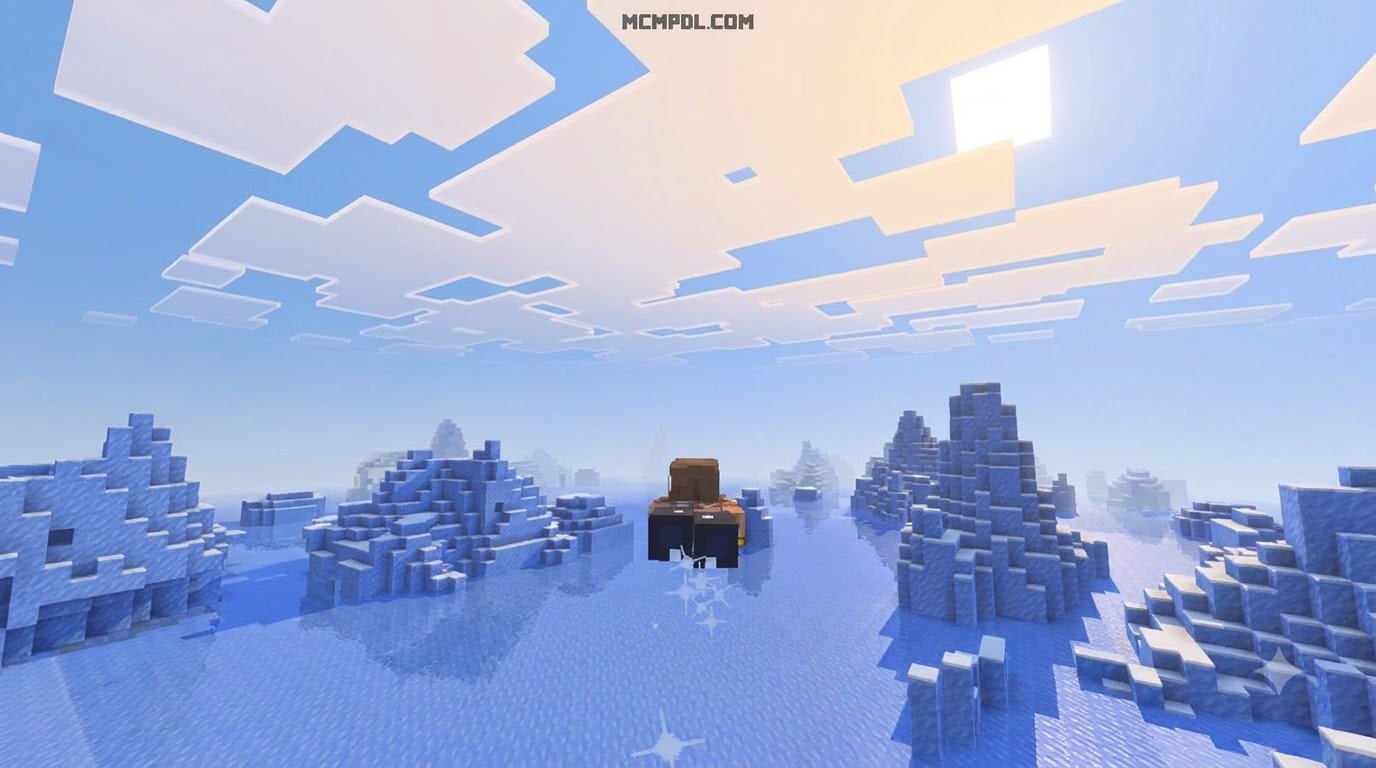
- Aquatic and Aerial Movement: Swimming feels hydrodynamic with streamlined kicks and natural arm strokes, while creative flight adopts a graceful glide.
- Combat Maneuvers: Sword strikes follow dynamic slashing arcs, taking damage triggers an expressive stagger animation, and pulling back a bow features steady, tension-loaded posture.
- Utility and Consumables: Eating food, drinking potions, inspecting surroundings with a spyglass, and casting a fishing rod display distinct physical interactions rather than generic arm jerks.
- Mounts and Vehicles: Sitting in a minecart, riding a horse, or rowing a boat feels grounded, eliminating awkward torso clipping through vehicle geometry.
Comparing Movement+ With Physics-Focused Movement Addons
When selecting movement mods for your world, it helps to understand the difference between pure visual packs (like Motion+) and functional physics expansions (like More Body Actions!).
While Motion+ focuses strictly on third-person visual polish, physics-based mods introduce functional state changes—allowing you to crawl through 1-block openings, climb sheer walls, sit on stairs, or lie down flat on any surface.
| Feature | Motion+ (Movement+ Visuals) | Physics-Focused Addons (e.g., More Body Actions!) |
|---|---|---|
| Primary Focus | Third-person cosmetic fluidity | Functional player physics & hitboxes |
| Perspective Support | Third-person only | First-person & third-person |
| Hitbox Modification | No (standard vanilla size) | Yes (reduces player size to 1 block) |
| Special Mechanics | Fluid swimming, combat, riding | Crawling, sitting, wall-climbing, lying down |
| Engine Requirements | Entity Animation Framework (EAF) | Beta APIs Experimental Toggle |
| Compatibility Target | Bedrock 26.40 | Bedrock 26.20+ through 26.60 |
| Community Scale | Over 23,000 downloads | Over 5.1 million downloads |
Animation Quality vs Player Physics and Hitboxes
Choosing between these modding styles depends entirely on how you play the game. Functional physics packs alter your bounding box. When you trigger a crawl, your collision box drops to a single block, enabling exploration through tiny maintenance tunnels or compact mining shafts. These mods also adjust the first-person camera to true eye level and preserve your body posture across multiplayer game sessions.
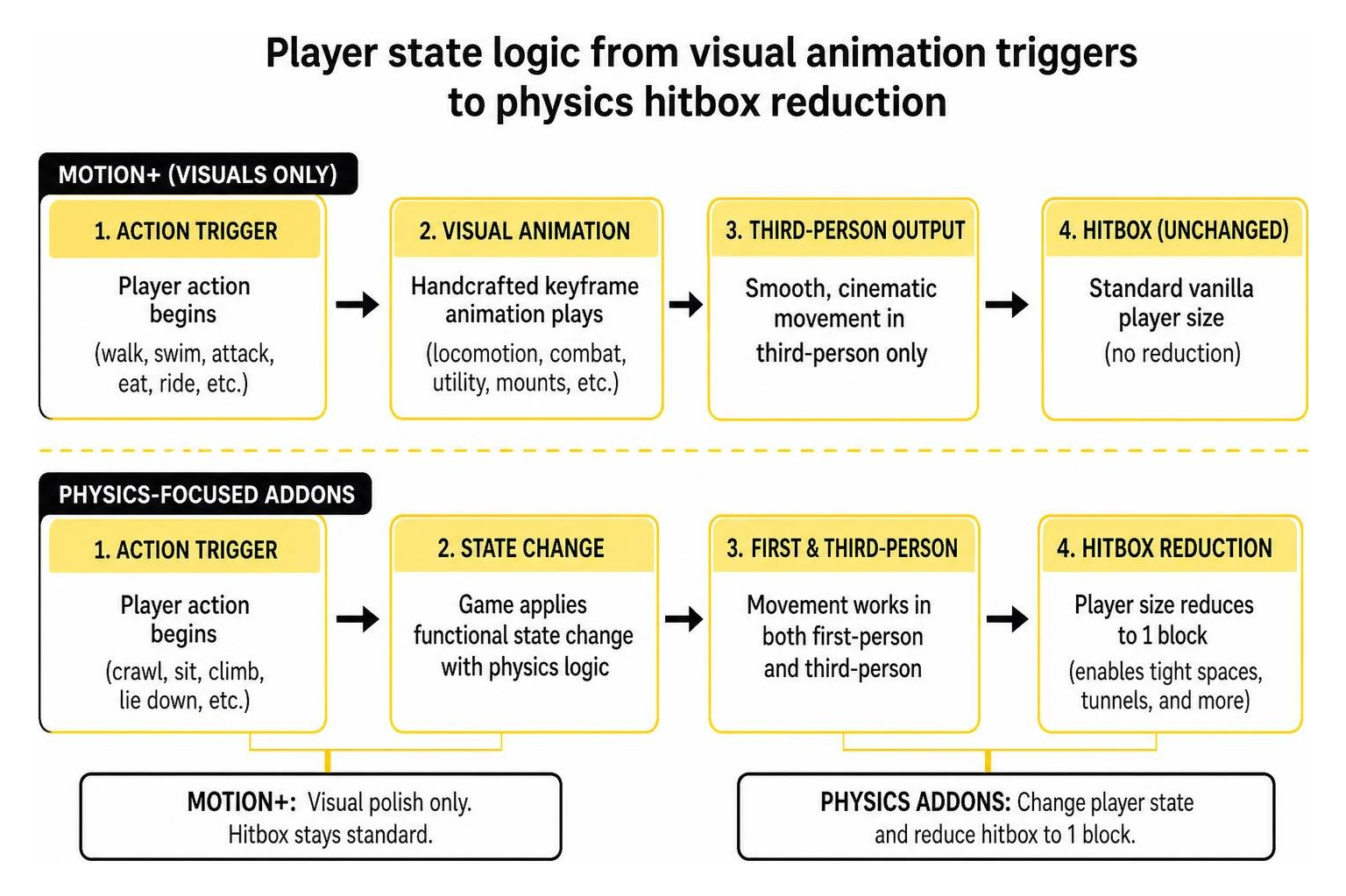
In contrast, Motion+ leaves hitboxes completely untouched. You cannot squeeze through half-slab gaps simply by crouching. Instead, you get clean, cinematic movement without the risk of clipping into solid blocks, getting stuck inside terrain, or desyncing on dedicated multiplayer servers.
Key Differences in the Movement+ Addon for Minecraft PE/Bedrock
Motion+ separates itself by maintaining a strictly isolated third-person rendering pipeline. Because it leaves first-person camera definitions untouched, you can easily pair it with your favorite first-person weapon animations or custom visual resource packs without encountering graphical bugs or model conflicts.
For players building a lightweight setup, Motion+ keeps memory consumption exceptionally low. It delivers polished visuals without requiring intensive physics calculation scripts on mobile hardware. If you enjoy specialized movement tools, you can pair it with the Grappling Hooks Addon for Minecraft PE/Bedrock or equip cosmetic gear from the Wings Addon for Minecraft PE/Bedrock to create a smooth, responsive traversal system that feels cohesive.
Step-by-Step Installation and Setup Guide
Setting up Motion+ requires no complex file management or third-party launchers. Follow these steps to get running on Bedrock 26.40.
Installing the Movement+ Addon for Minecraft PE/Bedrock for Free
- Obtain the Files: Download the official Motion+
.mcpackand the required Entity Animation Framework (EAF) pack from trusted community repositories. - Import into Minecraft: Tap or double-click each downloaded file on your device. Minecraft will launch automatically and import both packages directly into your global storage.
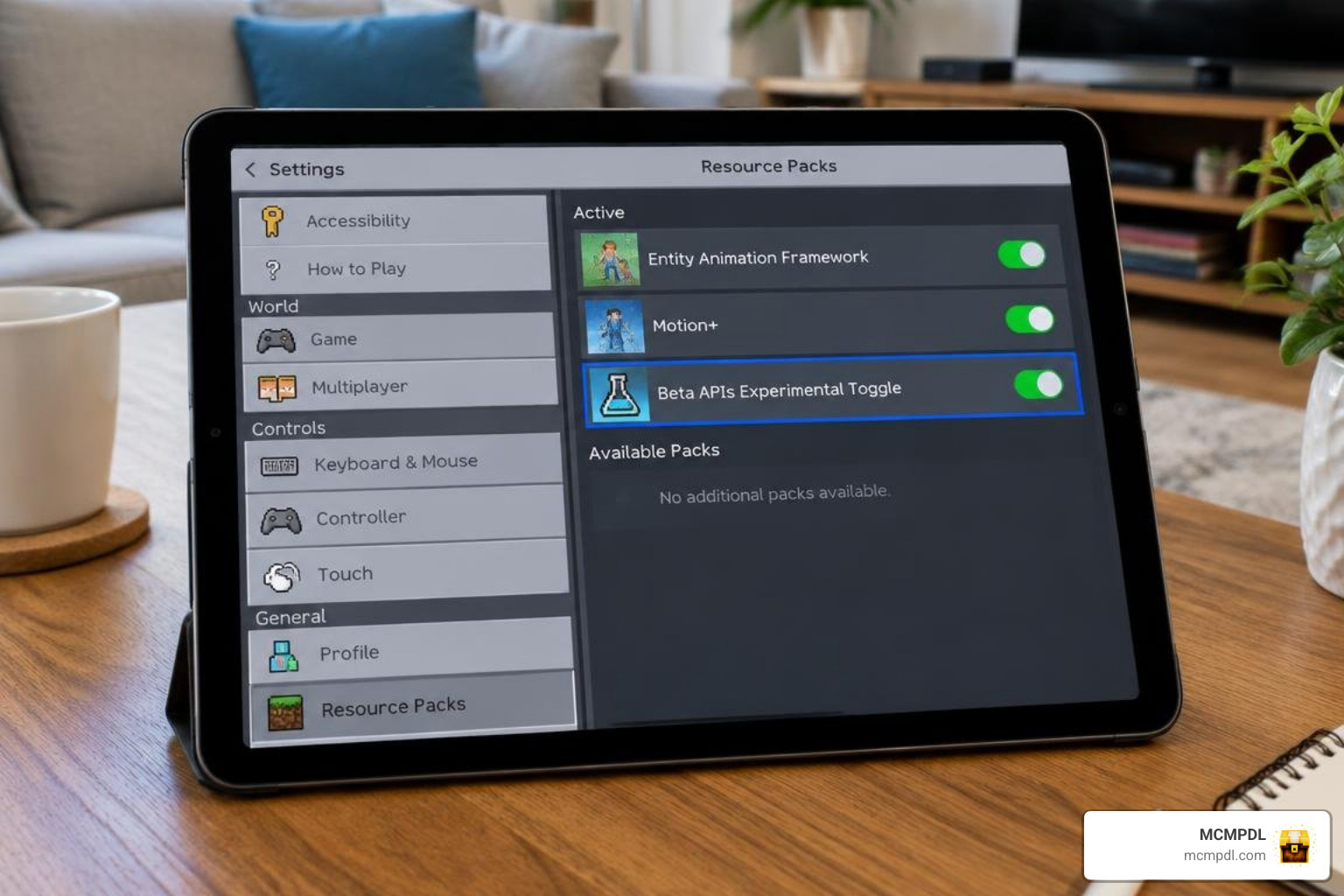
- Configure World Resource Packs: Open your target world settings, navigate to the Resource Packs tab, and activate both Entity Animation Framework and Motion+.
- Arrange Pack Hierarchy: Ensure the Entity Animation Framework sits directly below Motion+ in your active pack list so the framework properly loads its core dependencies first.
- Verify Behavior Packs: If your specific version includes a companion behavior pack component, activate it under the Behavior Packs tab as well.
- Launch and Test: Enter your world and press the perspective toggle key to switch to third person. Walk, sprint, jump, and draw a weapon to confirm the new animations are functioning smoothly.
If you want realistic block and item behavior to match your new character movement, consider combining this setup with the Physics Pro Addon for Minecraft PE/Bedrock or visual enhancements like the Smooth Moves Texture Pack for Minecraft PE/Bedrock for maximum immersion.
Configuring Multiplayer and Realms Support
Running animation packs in multiplayer worlds or on Realms requires a few specific steps to keep all connected players synchronized:
- Download the Realm World: If updating an active Realm server, download a local copy of your world to your device first.
- Apply Packs Locally: Open world settings on your local copy. Apply Motion+ and EAF to the world’s resource and behavior pack slots carefully.
- Enable Experimental Toggles: If using companion behavior packs or advanced scripting features, enable the Beta APIs experimental toggle in world options.
- Require Resource Downloads: Check the box that forces joining players to accept resource packs. This ensures everyone sees the updated animations during multiplayer sessions.
- Re-upload to Realm: Upload the updated local world back to your dedicated Realm slot and launch the server for your community.
Frequently Asked Questions About Movement Addons
Why does Movement+ require the Entity Animation Framework?
The Entity Animation Framework (EAF) provides the underlying bone rigging, skeletal hierarchy, and animation controllers needed to handle complex movement states. Without EAF installed, Bedrock cannot map custom keyframes to the player model, resulting in missing limbs, distorted textures, or rigid T-pose animations.
Can you use Movement+ alongside first-person animation packs?
Yes, absolutely. Because Motion+ modifies only third-person perspective files and bone rigs, it will not overwrite, glitch, or conflict with standalone first-person viewmodel packs, custom item hold positions, or combat camera mods.
Does the addon work on dedicated Bedrock servers?
Yes. Motion+ runs reliably on dedicated servers, local LAN sessions, and Realms. As long as the host server has the resource pack installed and joining players download the assets upon connection, all custom animations will synchronize seamlessly across devices without causing gameplay desyncs.
Conclusion
Upgrading your player animations brings new life and visual flair to daily exploration, building, and combat in Minecraft Bedrock. By installing Motion+ alongside the Entity Animation Framework, you get smooth third-person movement across all core actions without sacrificing mobile performance, altering hitboxes, or disrupting game balance.
Ready to enhance your Bedrock experience? Head over to our curated add-ons category to discover the latest movement overhauls, gameplay tweaks, texture improvements, and community creations for your worlds.