
Scroll down to D0vvnl0ad
Download and Install Sky Rails Addon for Minecraft PE/Bedrock
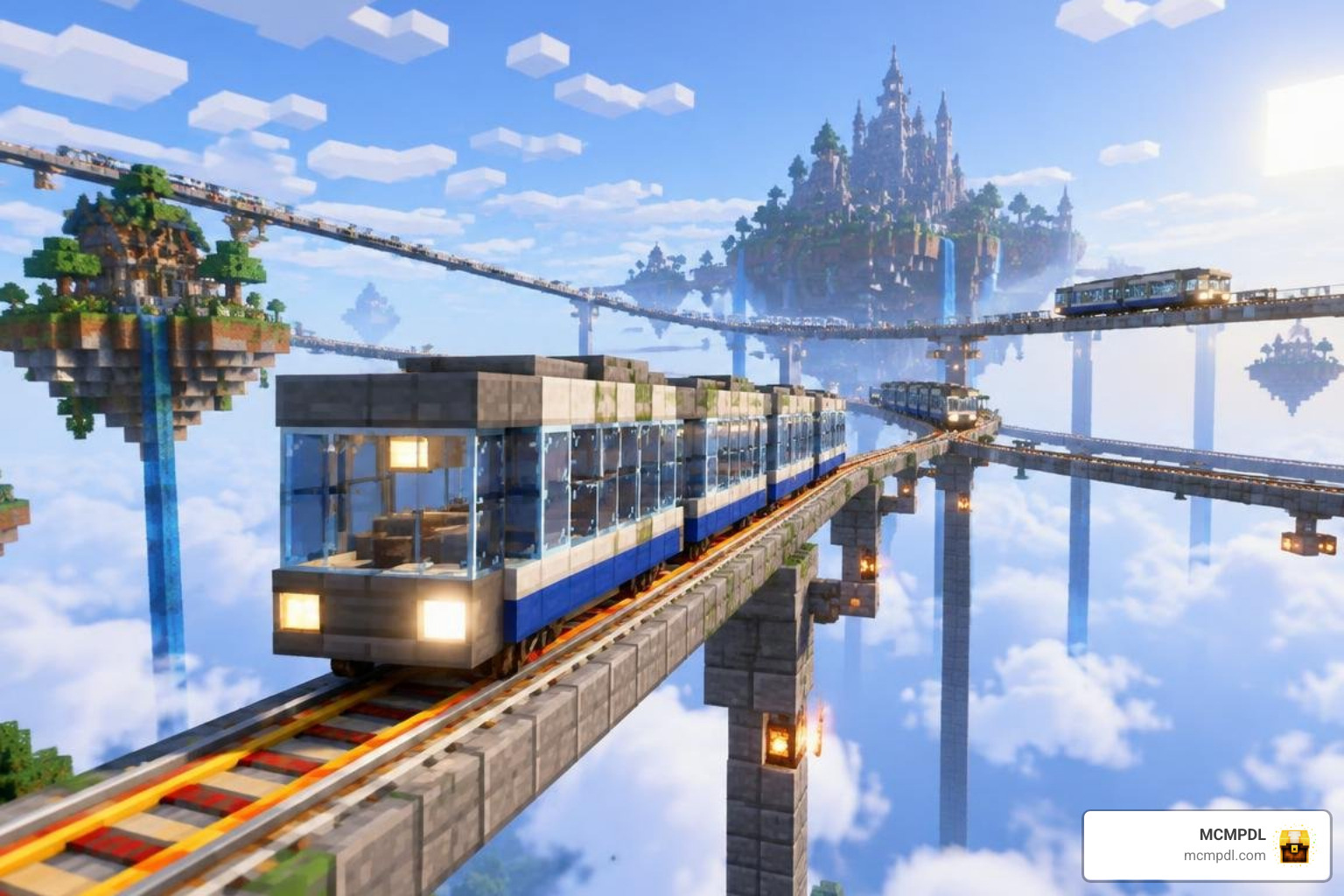
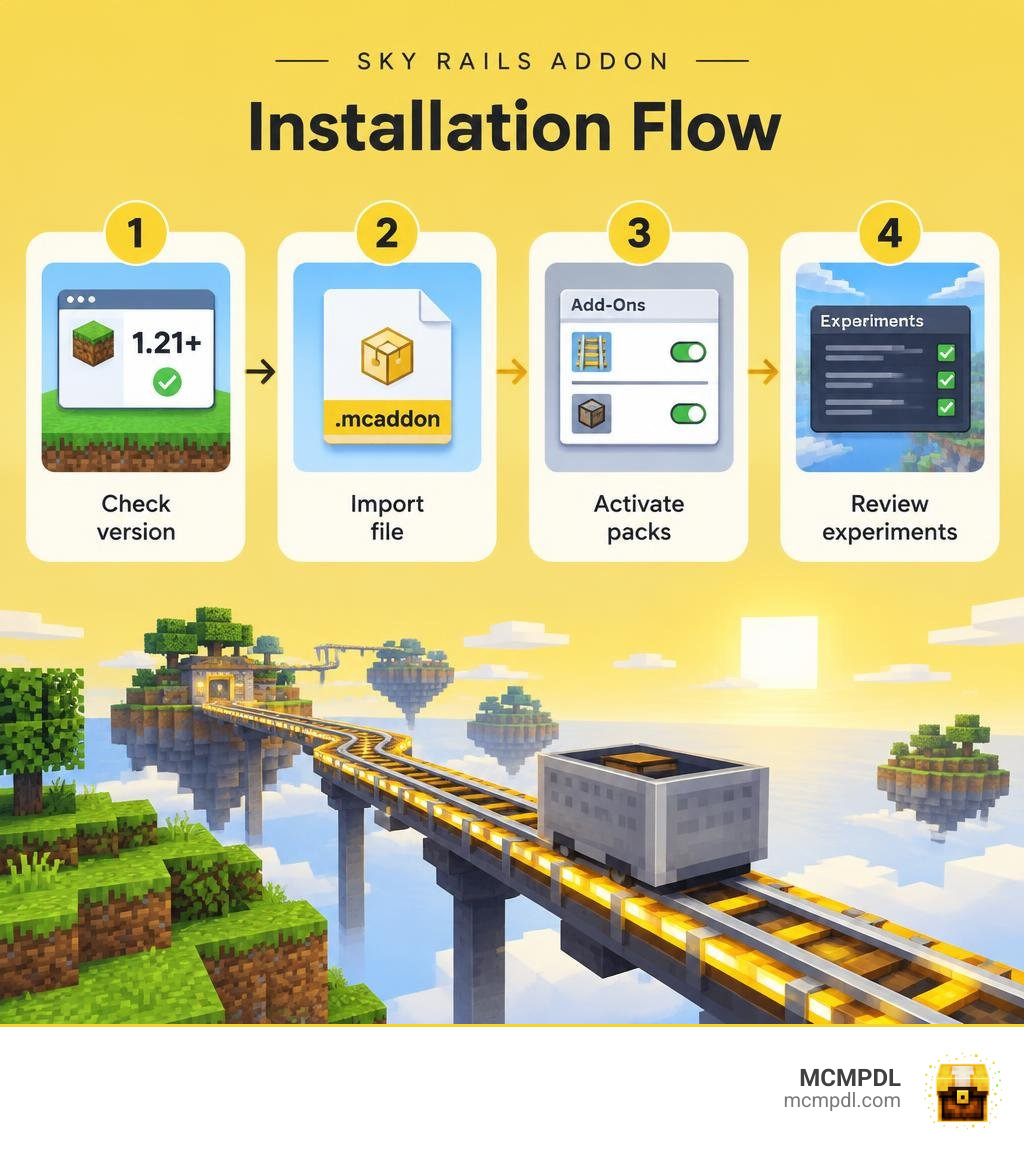
To install the Sky Rails Addon for Minecraft PE/Bedrock, first check that the download supports your Bedrock version. Open its .mcaddon file on your phone or PC to import it into Minecraft. Then edit your world, activate the included packs under Add-Ons, and follow any experiment settings listed with the download. Make a backup before adding it to a world you want to keep.
This guide walks through each step so you can get your rail build running without guessing at pack settings. For more Bedrock utility packs and installation guides, browse the MCMPDL addon catalog.
What is the Sky Rails Addon for Minecraft PE/Bedrock?
Minecraft Bedrock minecarts have long suffered from sluggish travel speeds and rigid building constraints. Standard tracks require solid ground beneath them, and standard powered rails top out at a modest eight blocks per second. When building vast mountain networks or complex sky island transit networks, relying on basic iron tracks often feels slow and tedious.
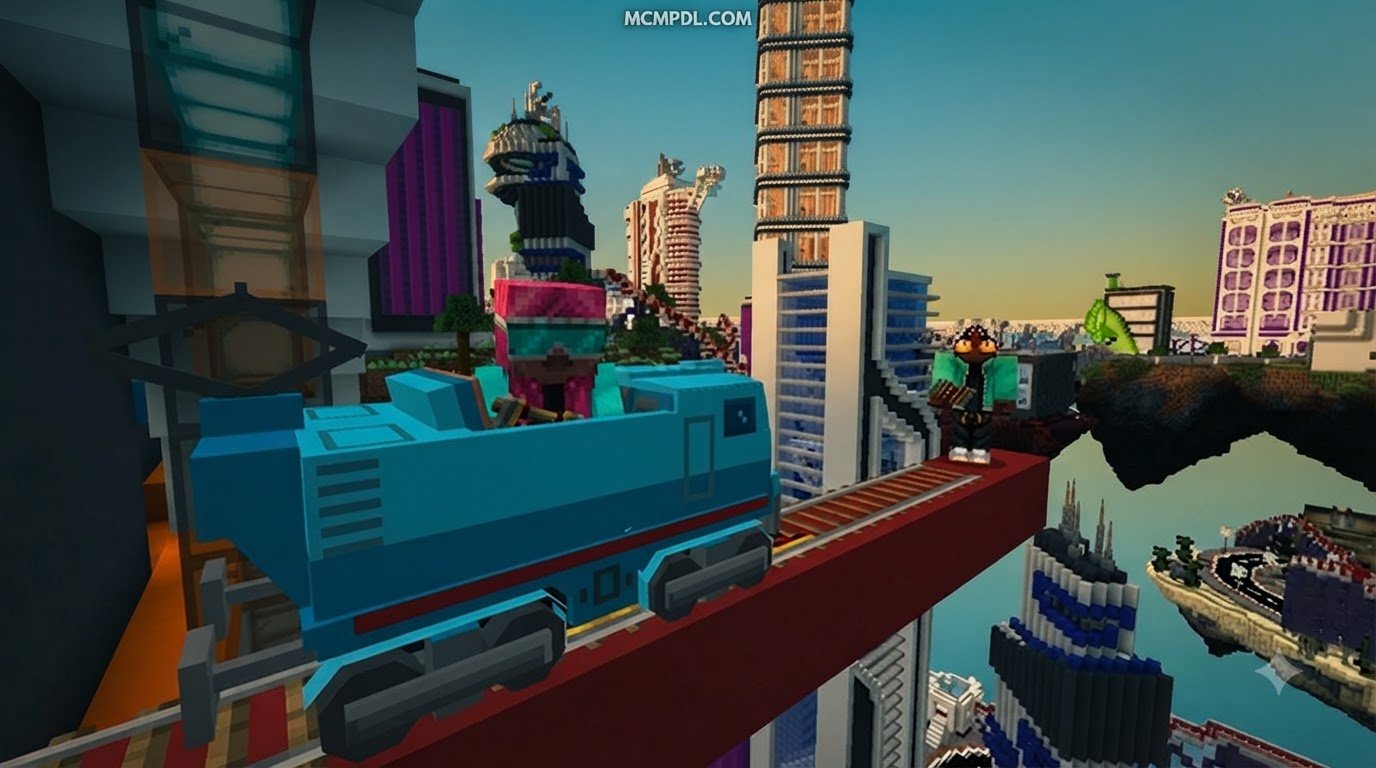
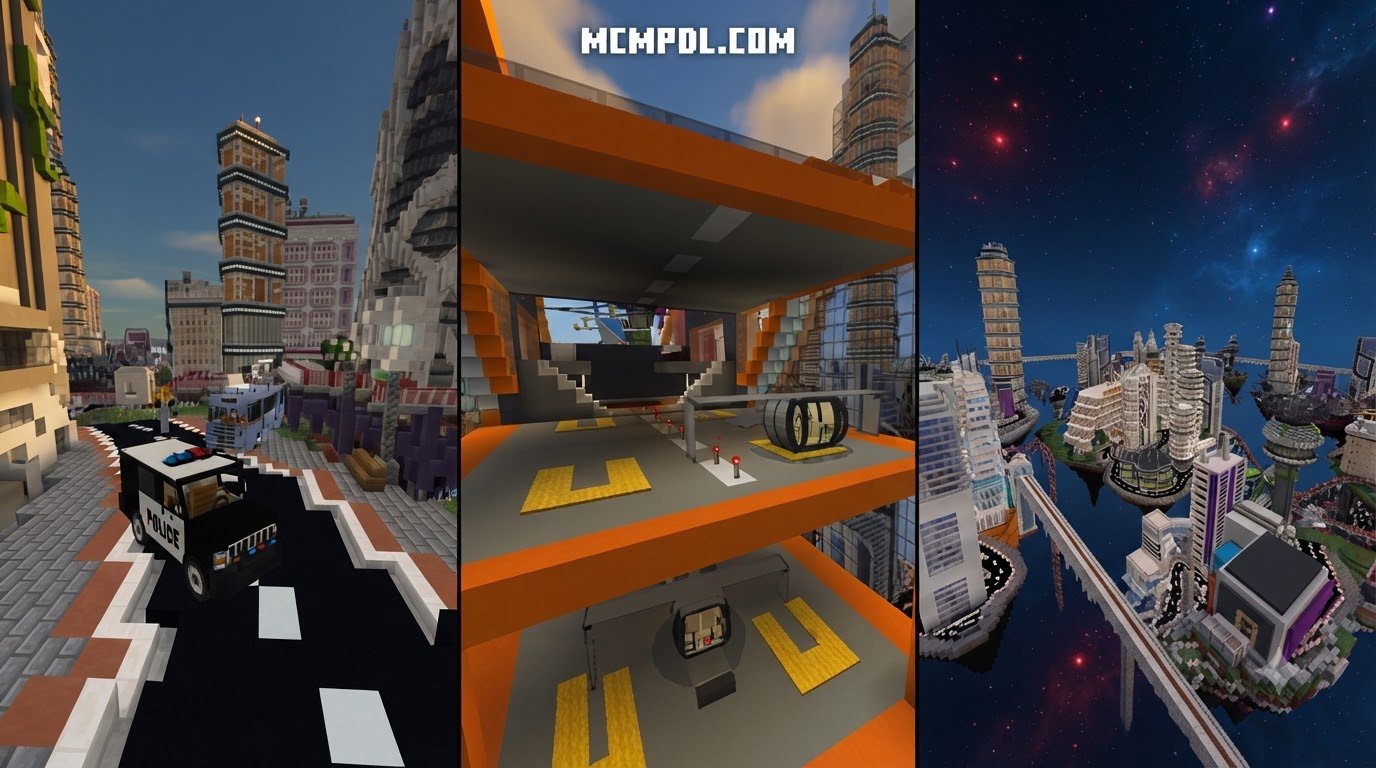
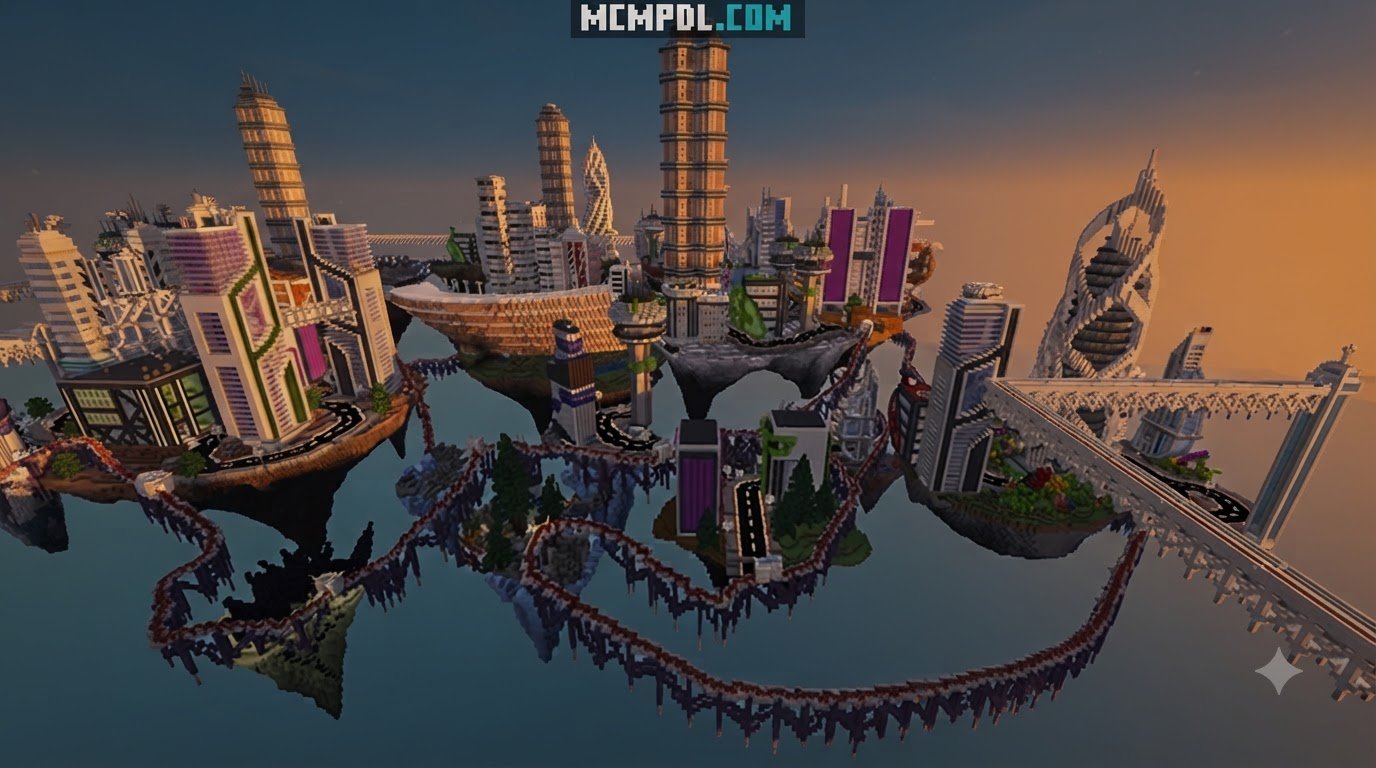
The Sky Rails Addon transforms traditional track logistics into an aerial, high-speed transportation network. By introducing futuristic rail designs, advanced cart mechanics, and elevated building options, this pack turns minecarts from an underutilized novelty into one of the most effective long-distance transit methods in your world. Whether you want to zip between skybases or automate cross-biome logistics, this addon provides modern transit infrastructure for creative builders and survival redstone engineers alike.
Core Features of the Sky Rails Addon for Minecraft PE/Bedrock
At its heart, this addon overhauls track mechanics to make mid-air bridges and high-altitude transport seamless. Instead of laying down hundreds of stone blocks simply to support a standard rail line, players can craft specialized tracks designed to span vast open voids and reach extreme velocities.
| Rail Type | Maximum Velocity | Redstone Behavior | Unique Practical Function |
|---|---|---|---|
| Wooden Rail | Low (0.5x Vanilla) | None | Budget-friendly early survival track for basic minecart routing. |
| Maglev Rail | Extreme (3x Vanilla) | Requires continuous charge | Frictionless high-speed transit across long distances. |
| Lightspeed Rail | Hyper-speed (5x Vanilla) | High-signal activation | Maximum straight-line velocity (cannot make sharp turns). |
| Holograph Rail | Medium (1.5x Vanilla) | Signal alters beam pitch | Projects solid light beams over mid-air gaps and voids. |
| Locking Rail | Static (0x when active) | Releases cart on redstone pulse | Firmly locks carts in place for loading; outputs comparator signal. |
| Bioluminescent Rail | Standard (1x Vanilla) | Emits ambient light | Self-illuminating track perfect for dark tunnels and night skyways. |
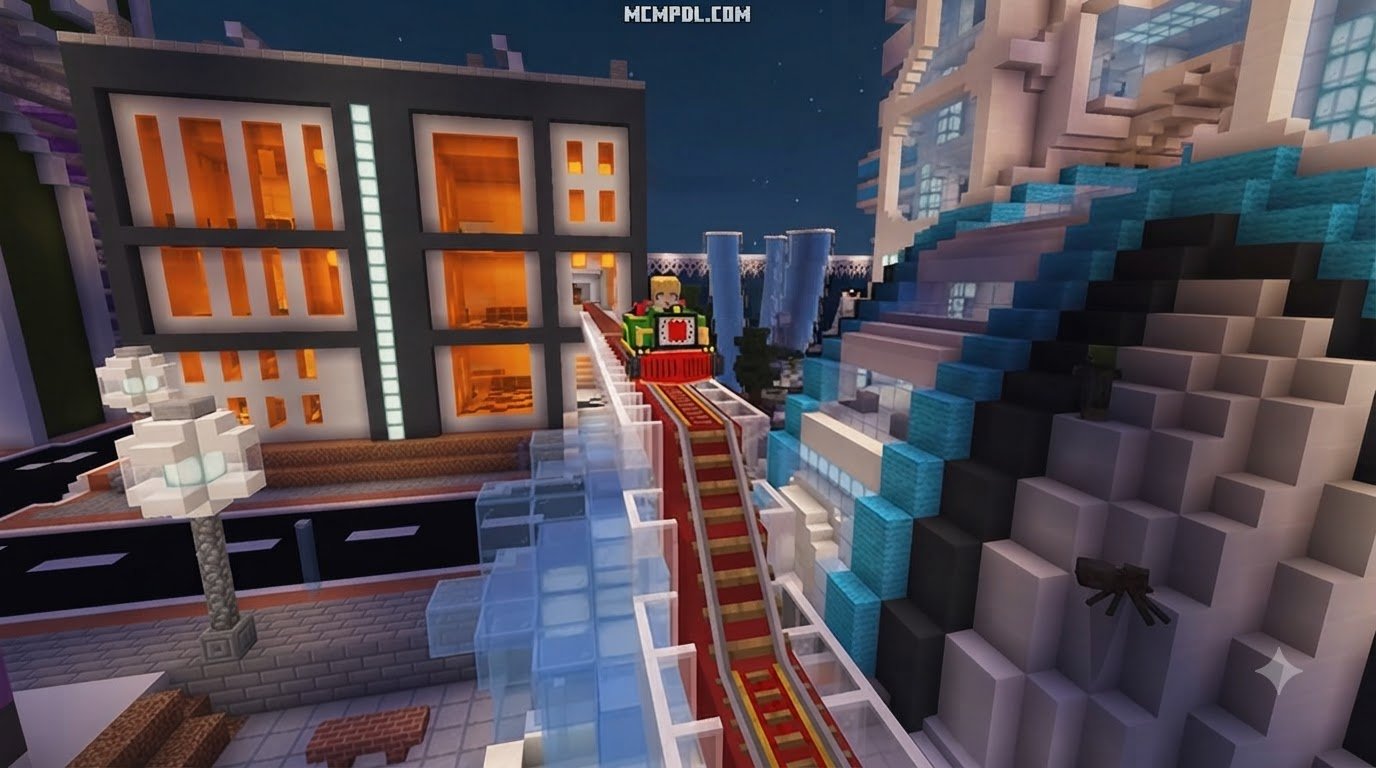
Holographic tracks project solid light pathways across gaps without requiring underlying blocks. When you pulse these holographic rails with redstone, you can angle the projected light beams upward or downward, creating dynamic aerial inclines that open and close on command.
Advanced Custom Rails and High-Speed Maglev Tracks
Building a reliable sky railway requires harvesting unique materials and understanding track physics. In survival mode, crafting high-tech components like Maglev and Lightspeed tracks requires specialized items like Silica Steel and Vitric Cactus extracts. These materials allow your tracks to withstand intense magnetic acceleration without derailing.
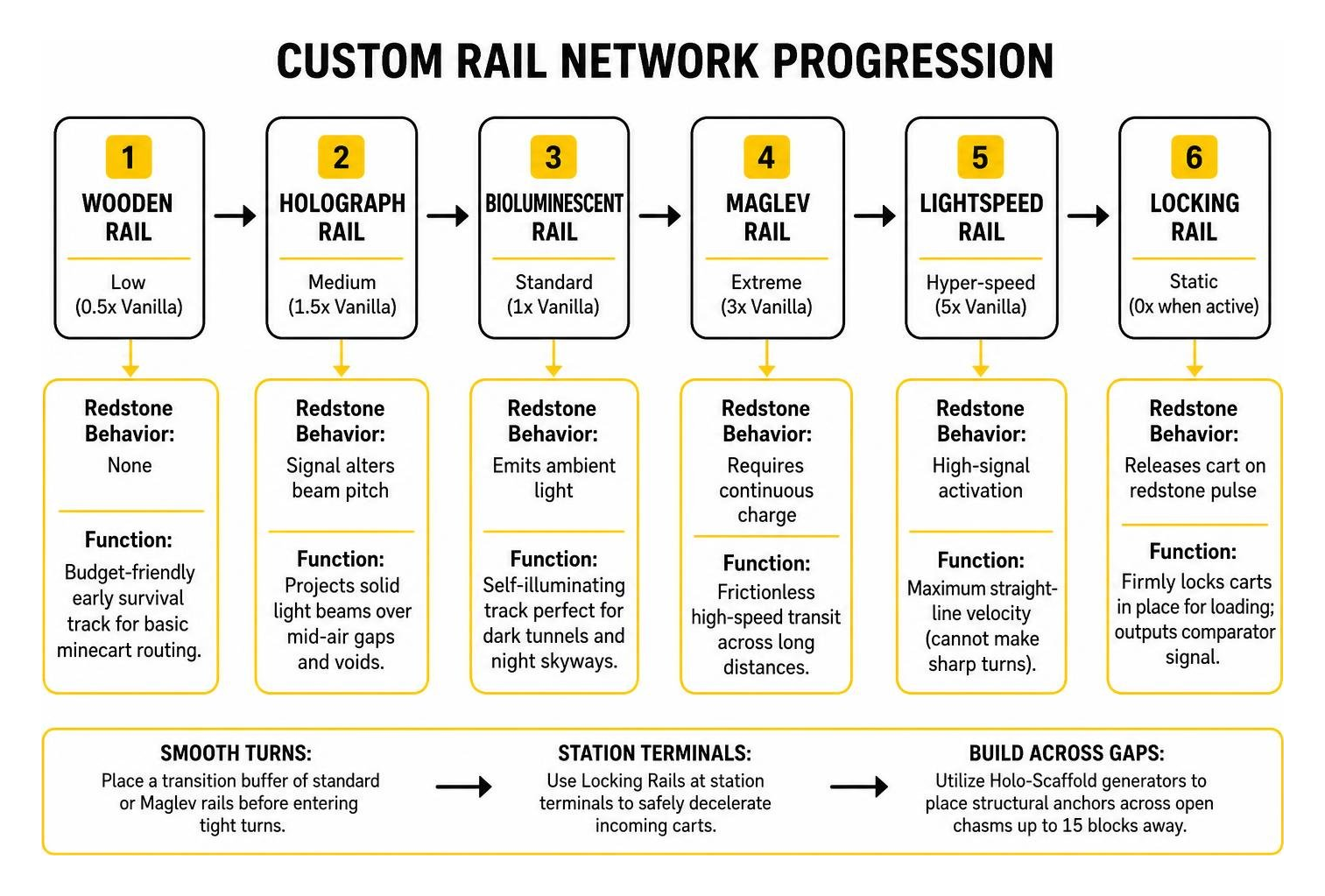
When working with Lightspeed and Maglev rails, track geometry matters. High-velocity carts carry significant momentum. If a cart enters a sharp 90-degree turn or a steep slope while traveling at top speed, the physics engine can cause unpredictable handling. To maintain smooth transit:
- Place a transition buffer of standard or Maglev rails before entering tight turns.
- Use Locking Rails at station terminals to safely decelerate incoming carts.
- Utilize Holo-Scaffold generators to place structural anchors across open chasms up to 15 blocks away.
Specialized Minecarts and Logistics Automation
While custom tracks solve the challenge of speed, the specialized vehicles included in the addon solve long-distance automation and material logistics. Moving items and players across thousands of blocks often requires coordinating with specialized fluid movement systems to ensure smooth base-to-base transport.
Pushcarts, Signal Carts, and Chunk Loaders in the Sky Rails Addon for Minecraft PE/Bedrock
Standard chest minecarts often get stuck when they enter unloaded chunks or encounter mobs along the line. This addon expands your rolling stock with purpose-built utility carts:
- Minecart with Chunk Loader: Keeps a 3×3 chunk perimeter active around the cart as it travels. This ensures long-distance item delivery systems never freeze mid-journey when players move out of simulation distance.
- Signal Minecart: Emits distinct channel frequencies that interact with color detector rails, allowing you to build multi-destination junction switches without complex redstone routing.
- Aerodynamic Pushcarts: Features piston-assisted attachments that physically push other carts up steep inclines, making them perfect for vertical elevator integration in mountain and skybase builds.
- Tank and Battery Minecarts: Designed specifically to carry fluids and stored energy between automated industrial setups.
- Ender Pearl Stasis Carts: Combines standard bubble column stasis mechanics with mobile minecarts for instant cross-map recall systems.
Redstone Mechanics with Activator and Detector Rails
Vanilla redstone rail mechanics form the backbone of automated stations, and this addon expands upon them:
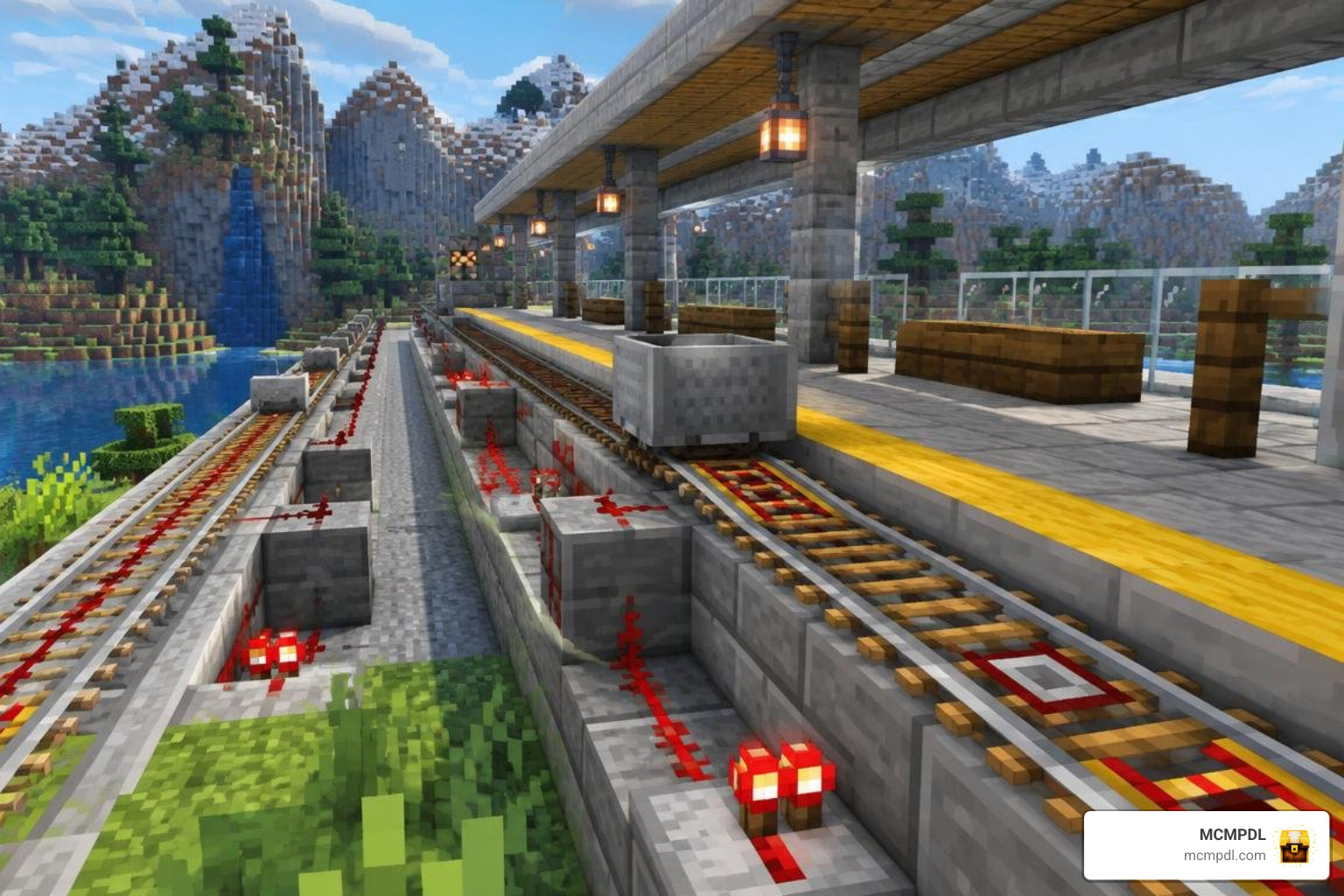
- Activator Rails: When powered by a redstone torch or lever, activator rails vigorously shake rideable carts, instantly ejecting players or mobs onto designated landing platforms. They also prime TNT minecarts and trigger command carts. Placing an activator rail right before a station terminal ensures passengers disembark automatically.
- Detector Rails: These tracks function like pressure plates, sending a continuous redstone signal to adjacent blocks whenever a minecart rolls over them. When paired with redstone comparators, detector rails read the exact inventory fullness of chest, hopper, or tank carts, allowing you to hold carts at a depot until they are completely loaded or empty.
Step-by-Step Installation Guide for Minecraft PE and Bedrock
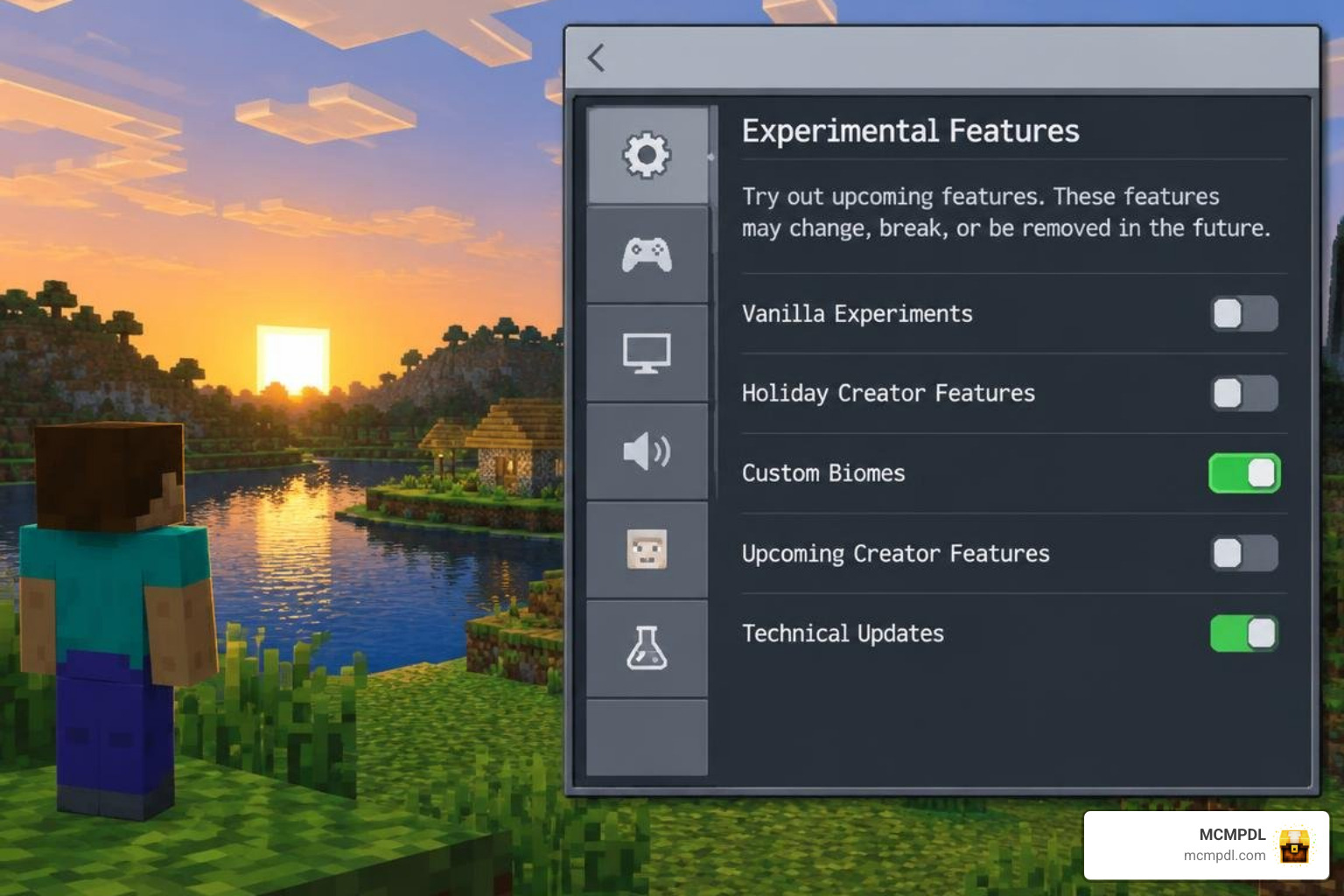
Installing custom Bedrock addons is straightforward, but missing a single experimental toggle can prevent custom rail entities from rendering or functioning properly.
Downloading and Importing the Behavior Pack
For device-specific import guidance, see Microsoft’s Minecraft Add-Ons getting-started guide. Then follow these steps to import your addon files across mobile devices (iOS/Android) and Windows PCs:
- Step 1: Download the official
.mcaddonor paired.mcpackfiles to your device storage. - Step 2: Locate the downloaded file in your file manager. Tap or double-click the
.mcaddonfile. Minecraft Bedrock will launch automatically and display an Import Started notification at the top of the screen. - Step 3: Wait for both the Behavior Pack and Resource Pack import messages to confirm successful installation.
- Step 4: Navigate to Play > Create New World (or select the Edit pencil icon next to an existing world).
- Step 5: Scroll down to the Add-Ons section on the left sidebar. Click Resource Packs, locate the rail pack under Available, and click Activate. Repeat this exact step under Behavior Packs.
Enabling Experimental Toggles and Beta APIs
Because custom rail behaviors and chunk-loading carts utilize custom script components, you must enable experimental settings in your world options before loading in:
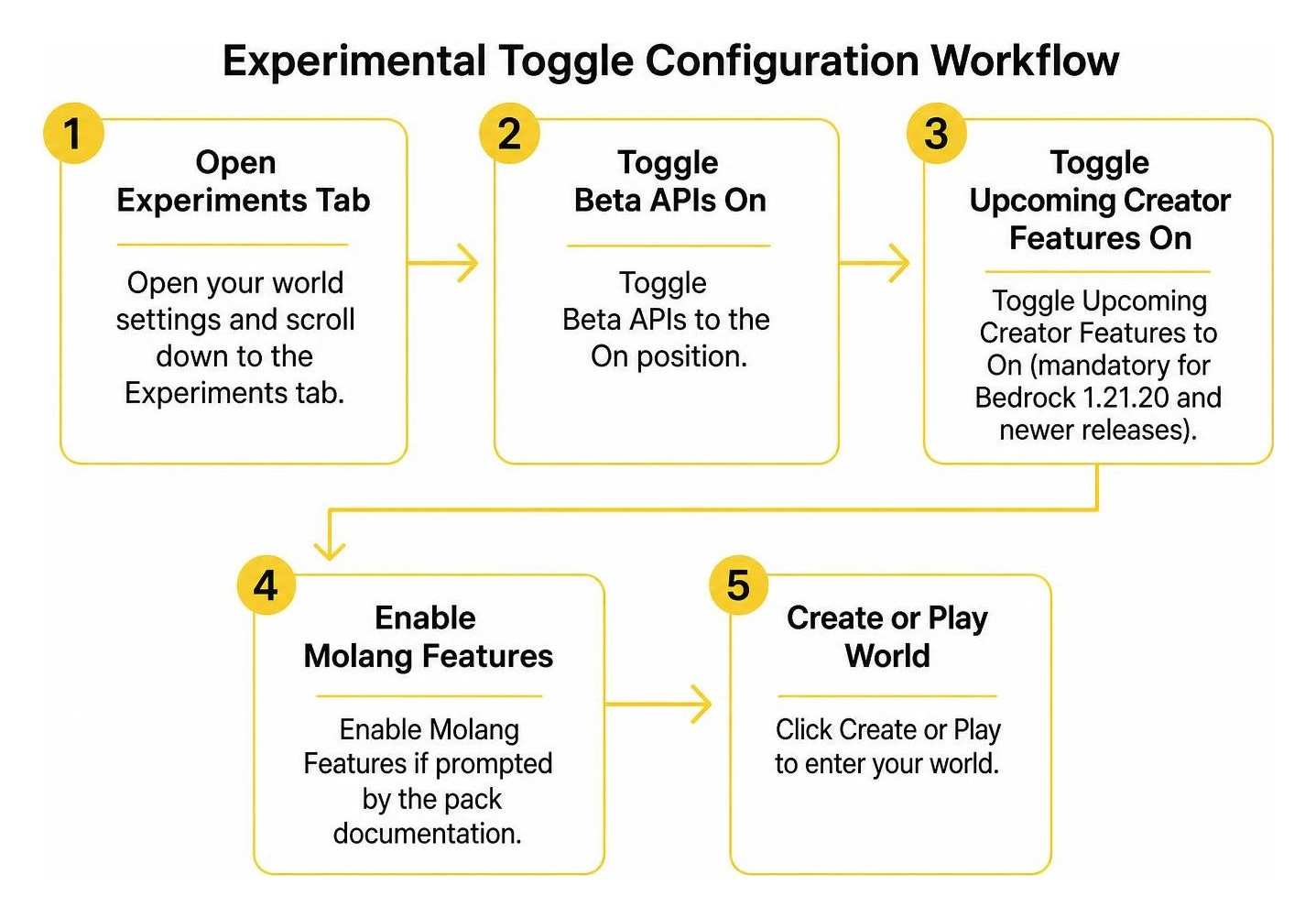
- Open your world settings and scroll down to the Experiments tab.
- Toggle Beta APIs to the On position.
- Toggle Upcoming Creator Features to On (mandatory for Bedrock 1.21.20 and newer releases).
- Enable Molang Features if prompted by the pack documentation.
- Click Create or Play to enter your world.
Comparing Sky Rails with Vanilla Bedrock Rail Transport
Understanding when to use custom sky rails versus standard vanilla tracks helps you balance survival resources and transit efficiency.
| Feature / Capability | Vanilla Bedrock Rails | Sky Rails Addon |
|---|---|---|
| Max Track Speed | 8 blocks/second | Up to 40+ blocks/second (Lightspeed) |
| Mid-Air Construction | Requires solid supporting blocks | Self-supporting Holographic light bridges |
| Station Control | Unpowered rails for slow braking | Locking rails for instant hold and release |
| Chunk Persistence | Carts freeze outside simulation distance | 3×3 active loading with Chunk Loader carts |
| Resource Transport | Chest and Hopper carts only | Specialized fluid tanks, batteries, and signal carts |
| Multi-Route Switching | Manual mechanical track curved switches | Automated frequency routing via Signal Carts |
Frequently Asked Questions About Sky Rails Addon
Does the Sky Rails Addon work on Bedrock Realms or multiplayer servers?
Standard Bedrock Realms do not natively support experimental scripts like Beta APIs. Because high-speed custom rails rely on these creator APIs, the addon will not run on standard Realms. However, you can run the addon on a dedicated Bedrock server by enabling experimental gameplay toggles directly inside the server.properties configuration file.
What experimental toggles are required for Sky Rails in Bedrock 1.21+?
You must enable Beta APIs and Upcoming Creator Features in your world settings. These toggles allow Bedrock to register custom entity physics, vehicle inventories, and script-driven track projection systems without crashing the client.
How do holographic and locking rails differ from vanilla rails?
Holographic rails project glowing, solid energy tracks across empty air without needing supporting blocks underneath, and their angle can be shifted upward with redstone power. Locking rails physically lock a minecart in place, preventing any movement until a redstone pulse is received while simultaneously outputting a signal through comparators to indicate a cart is docked.
Conclusion
Building high-altitude transport systems in Minecraft Bedrock no longer requires endless stone bridges or sluggish vanilla carts. By combining maglev speed, holographic light tracks, and automated chunk-loading carts, you can link bases across your world with professional transit networks.
Browse our curated MCMPDL Bedrock addons catalog to find more compatible utility packs, performance shaders, and vehicle expansions for your next Bedrock project. Ensure your experimental toggles are active, lay down your first maglev line, and experience high-speed travel across the sky.