
Scroll down to Download
Download a Machinery Addon for Minecraft PE/Bedrock
Machinery Addon for Minecraft PE/Bedrock (Download) files add factory-style automation to Bedrock worlds. Download a version that matches your Minecraft release, import its .mcaddon or pack files, enable the required Behavior and Resource Packs in a new or backup world, and turn on the Experimental settings named by the addon’s creator.
These addons can add machines for tasks such as:
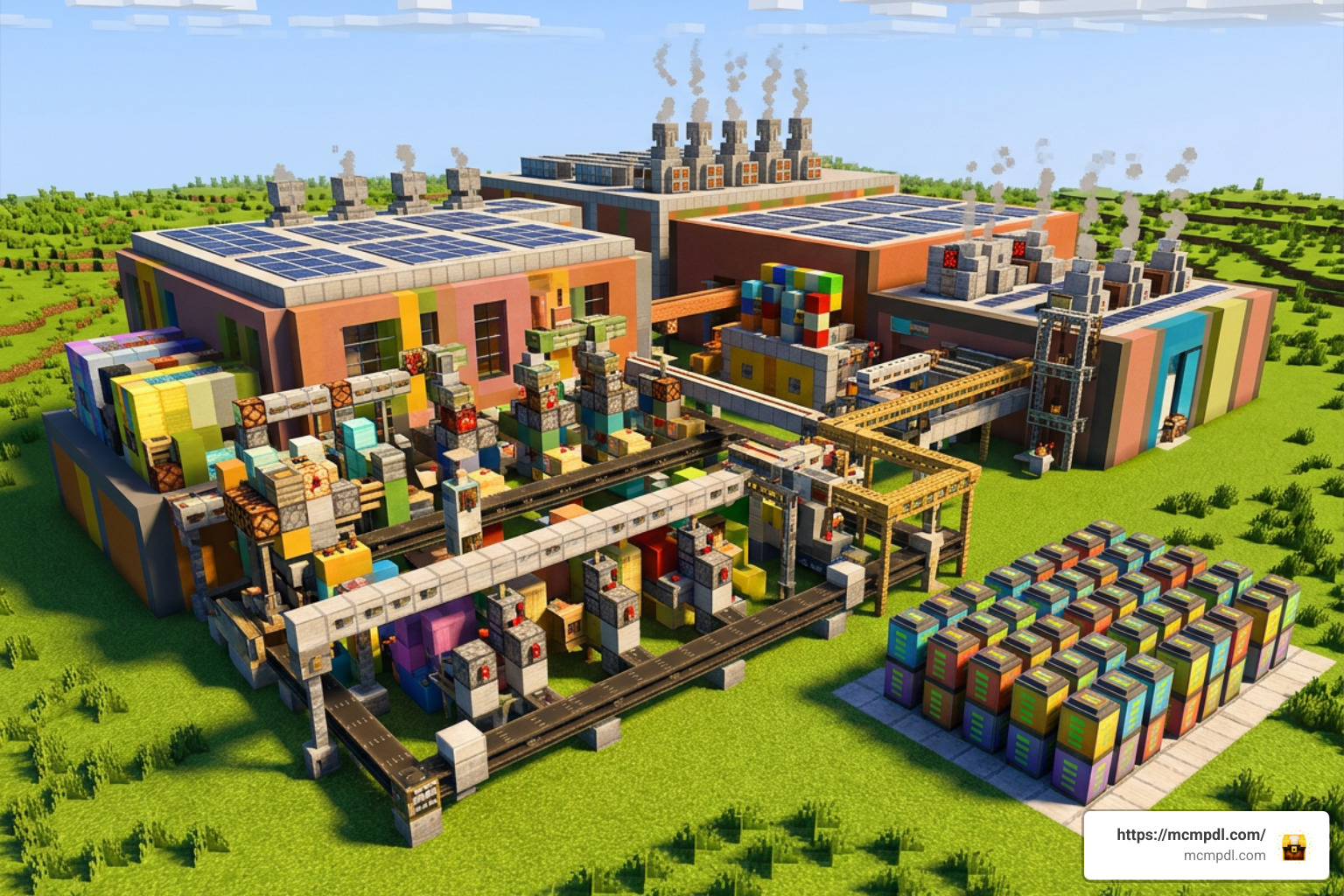
- Generating power with solar panels, steam generators, or batteries
- Moving items through conveyors, pipes, cables, and storage systems
- Automating mining with quarries and block-breaking machines
- Farming, smelting, collecting drops, and processing custom materials
- Building detailed industrial bases in Creative or Survival mode
The best machinery packs differ a lot. Some focus on simple resource generators, while larger packs add dozens of machines, custom ores, power networks, pipes, and factory components. Compatibility and setup requirements also vary by addon and Minecraft Bedrock version.
This guide explains how to choose a suitable download, install it safely, enable the right world settings, and start building an automated Minecraft PE factory.
What is a Machinery Addon for Minecraft PE/Bedrock (Download) and How Does It Transform Gameplay?
A Machinery Addon for Minecraft PE/Bedrock (Download) transforms vanilla Minecraft from a simple survival block-builder into a high-tech industrial simulation. In vanilla survival mode, every piece of iron ore must be manually mined, every crop individually harvested, and every block of stone extracted with a pickaxe. Machinery addons change this dynamic entirely by introducing automation mechanics.
When you install a technical addon, you gain access to complex systems that perform repetitive labor for you. Instead of spending hours in dark underground caves grinding for cobblestone or copper, you can build a self-sustaining facility that extracts, transports, processes, and stores resources automatically while you focus on mega-builds or exploration.
Essential Features of Modern Machinery Packs
Modern industrial addons bring sophisticated mechanics to mobile and console platforms. While each pack has its own flare, most offer a robust roster of mechanical components designed to handle logistics and resource collection:
- Quarries of Various Sizes: These massive drilling rigs carve out large subterranean areas, collecting ores, stone, and subterranean loot without player intervention.
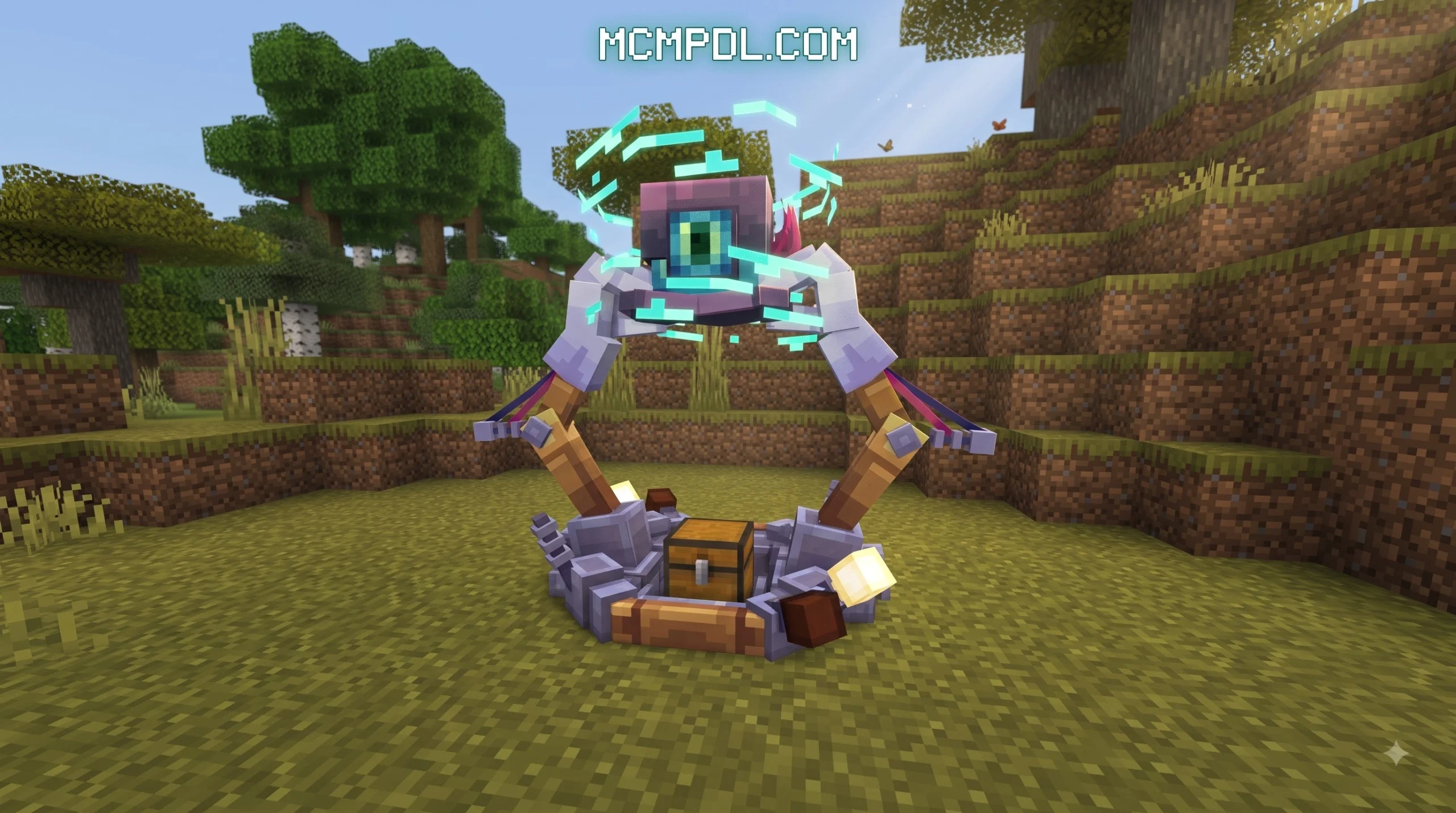
- Robotic Arms: Programmable mechanical limbs pick up items from chests or conveyors and deposit them directly into furnaces, crafters, or storage containers.
- Power Cables and Transport Pipes: Dedicated conduit networks route electricity, gases, liquids, and items across massive industrial complexes.
- Storage Cores: Advanced tech chests capable of storing immense quantities of items, including enchanted gear, organized neatly within single-block interfaces.
- Item Magnets: High-tech gadgets capable of pulling dropped entities and resources directly to a central collection chest from up to 20 or 30 blocks away.
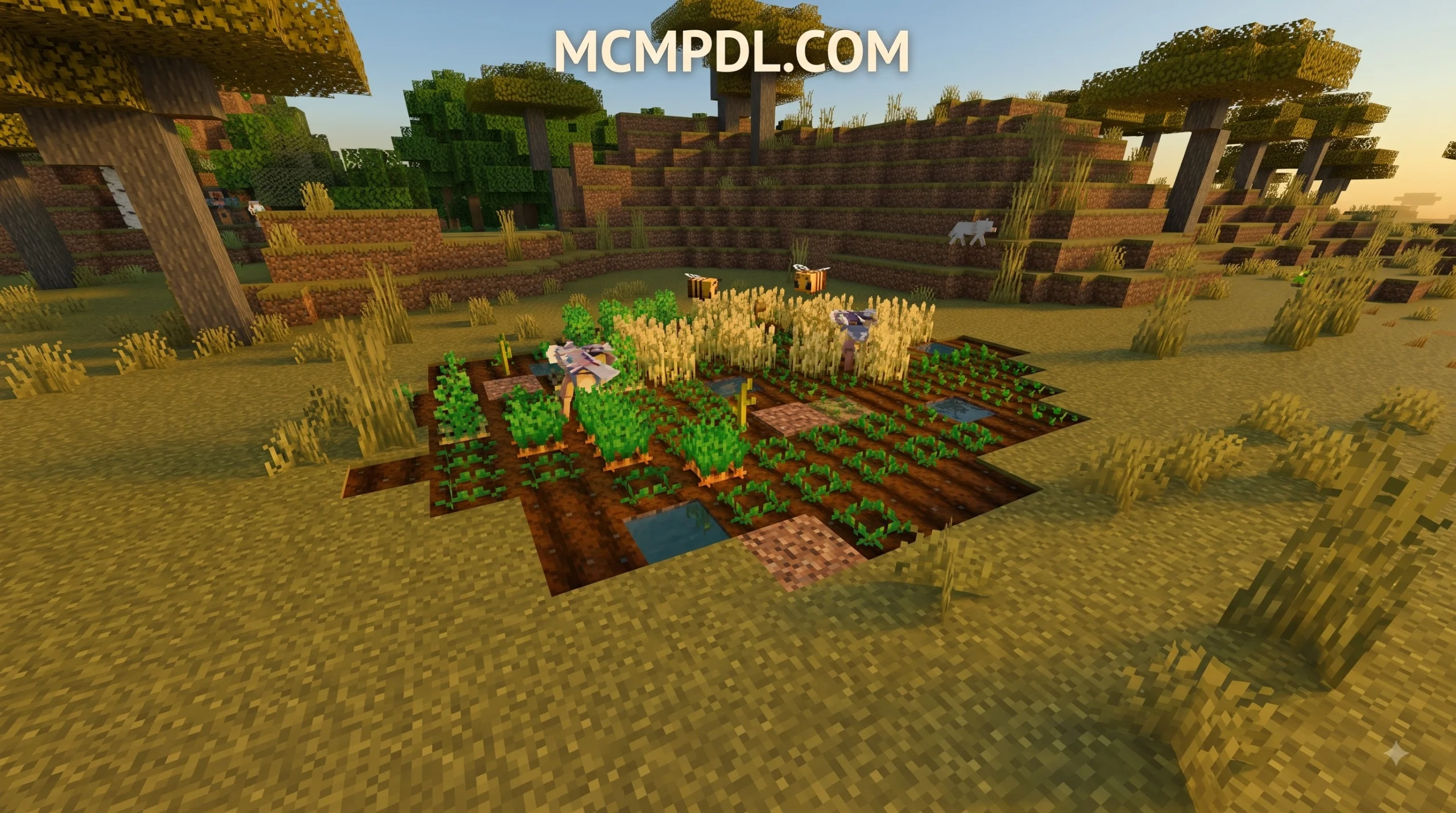
- Automated Harvesters and Choppers: Specialized units like auto farmers and tree choppers that plant, grow, cut down, and replant timber and crops in fixed block radii.
Power Systems and Energy Logistics
Machines cannot function on good vibes alone—they demand power. Advanced addons introduce dynamic energy systems requiring players to build efficient power grids. Energy generation usually starts small with manual or basic fuel generators before expanding into high-yield clean energy like solar panels, steam engines, and nuclear batteries.
Managing this energy requires careful logistical planning. Power must travel through specialized cabling networks to reach heavy consumers like chunk quarries or block smelters. Different machine tiers often require specific voltage levels or directional power delivery. For instance, certain machines require energy fed exclusively into their base, while others need matter or pressure applied directly from the opposite side of the output face.
If you want to discover more about expanding your Bedrock technical setup, check out the latest content at mcmpdl.com to browse cutting-edge addons and mods.
Popular Machinery Addon Packs for Minecraft PE/Bedrock
The Minecraft PE technical community has created several distinct addon series tailored to different playstyles, ranging from lightweight auto-miners to massive industrial overhaul packs.
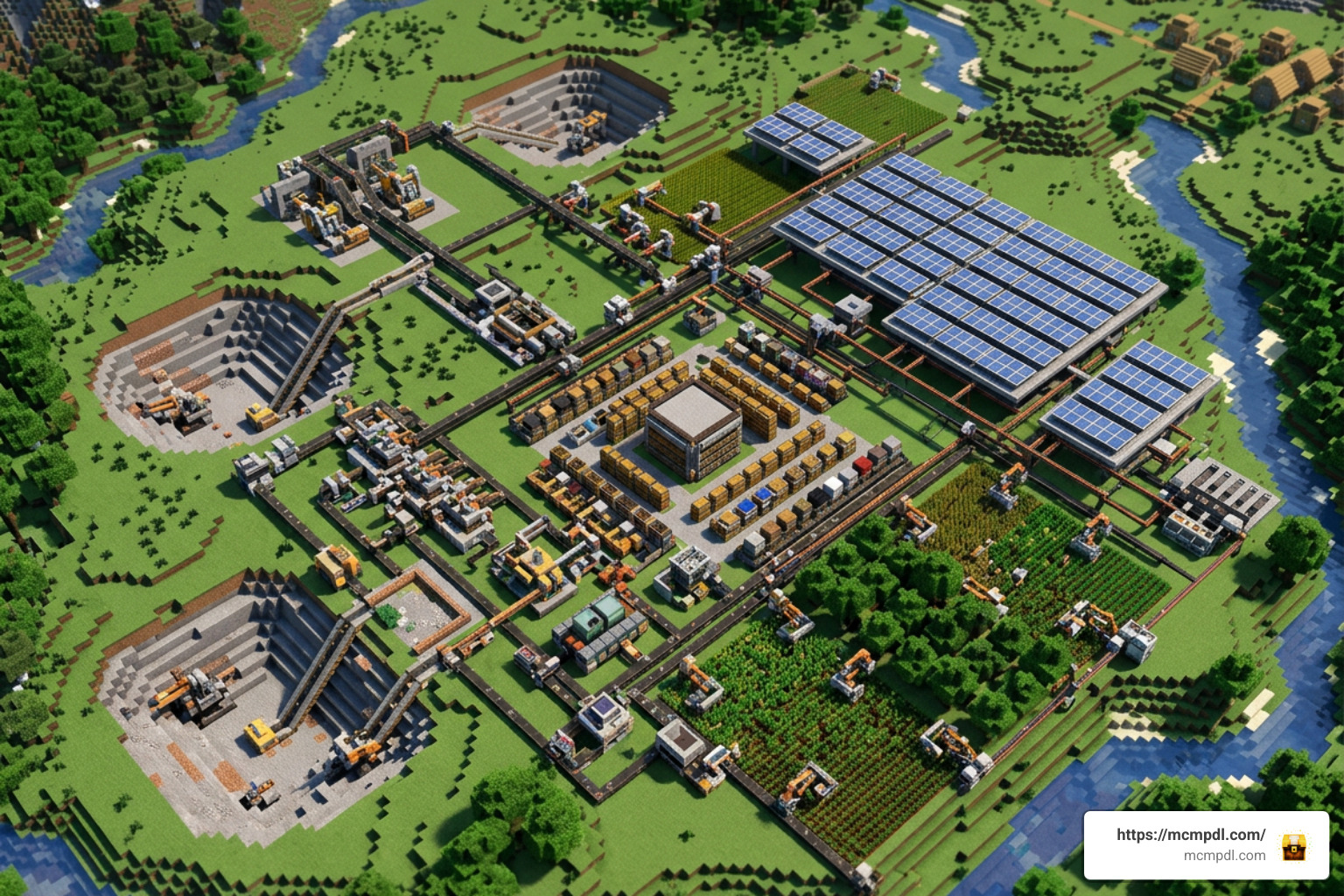
Top Recommended Machinery Addon for Minecraft PE/Bedrock (Download) Options
- Factory Machinery Add-On: A classic industrial powerhouse supporting Minecraft 1.20 and 1.21 builds. It features various quarry sizes, robotic arms, solar panels, and specialized modular expansions like Cable Color Variants and Automation modules.
- Basic Machinery Addon (Updated): Offering over 60 unique machines, this pack is perfect for players who want deep, sprawling factory networks interconnected by complex piping and cabling. You can check out the Basic Machinery Addon (Updated) (1.21) for feature breakdowns, or explore the general Machinery Addon (1.21) release for streamlined 7-machine setups.
- Auto Machinery Addon: A performance-friendly option geared toward resource generation. It includes 10 core machine types, an upgraded magnet with a 30-block pickup radius, and individual resource generators for Dirt, Copper, Iron, Coal, Gold, Redstone, Lapis, and Diamond. Details on this version can be found in the Auto Machinery Addon (26.x, 1.21) release notes.
- Modern Machinery Addon (V.2): Known for its directional power application, unique block transformations, and custom metal alloys, this addon transforms stone into valuable materials using compressed pressure systems. Check out full patch updates via the Modern Machinery (V.2) guide, or view compatibility notes for Modern Machinery Addon (1.20, 1.19) versions.
Custom Ores and Material Alloys
To craft high-tier generators, motherboard chips, and mechanical arms, players must explore their worlds to uncover custom subterranean ores. Advanced machinery packs typically add custom geological deposits that spawn naturally in deep underground caves:
- Yttrium: Used in high-grade conductors and advanced circuit boards.
- Silicon: Essential for crafting microprocessors, power pipes, and automated logic gates.
- Nickel: Used to forge heat-resistant casing, durable gears, and non-interfering industrial pipes.
- Magnesium: A key component in chemical reactors, high-capacity batteries, and pressure risers.
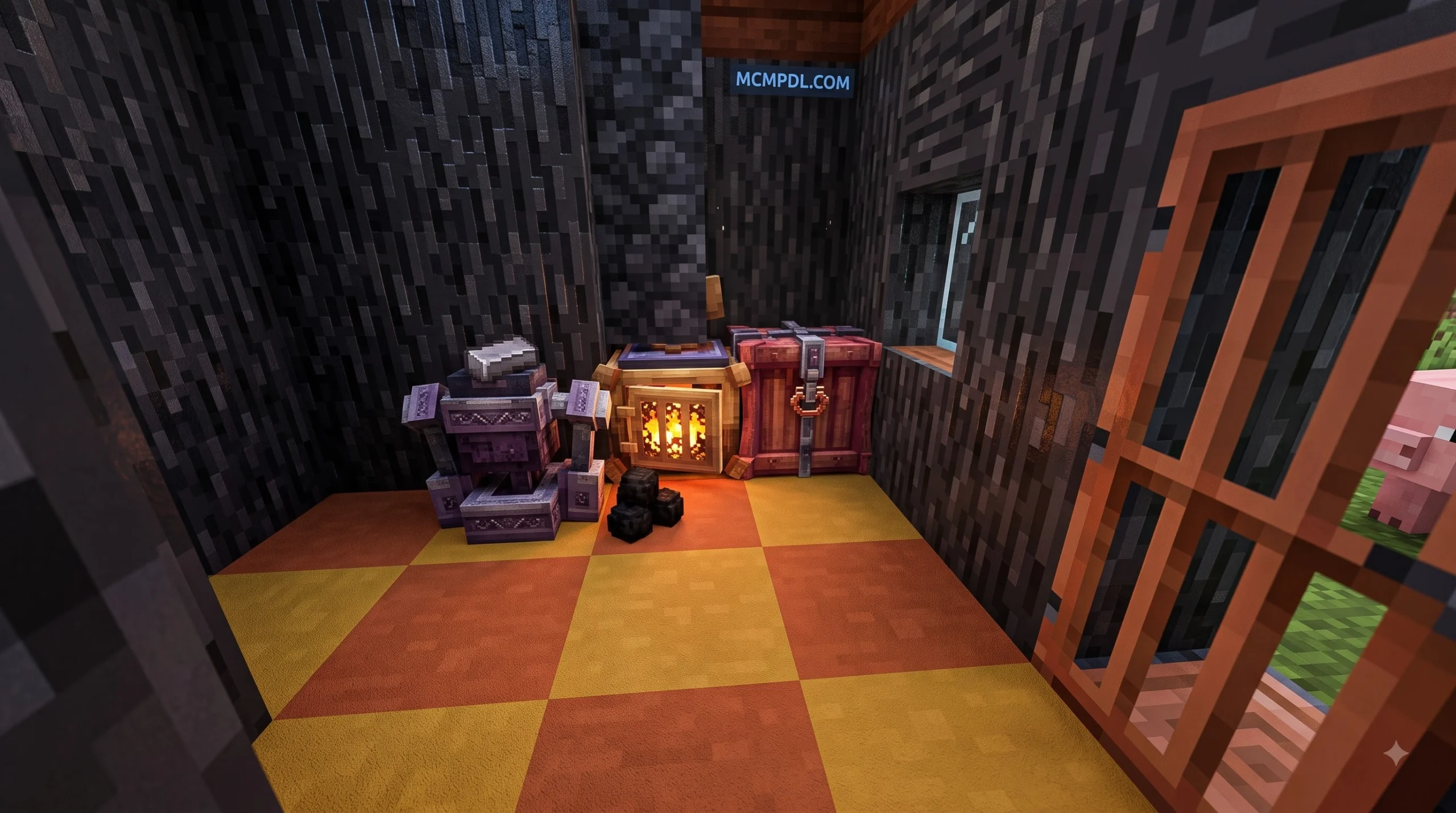
Manufacturing a machine involves refining these raw ores into plates and gears before combining them into a Motherboard—the brain of almost every automated block.
| Addon Name | Unique Machines | Power Sources | Standout Feature | Supported Game Version |
|---|---|---|---|---|
| Factory Machinery | 20+ | Solar, Steam, Nuclear | Modular expansions & item storage cores | 1.20.60 – 1.21+ |
| Basic Machinery | 60+ | Steam, Electric, Kinetic | Massive network building with over 60 blocks | 1.21 |
| Auto Machinery | 10+ | Passive / Internal Fuel | Upgraded 30-block loot magnet & resource blocks | 1.21 / 26.x |
| Modern Machinery | 20+ | Lightning, Matter, Pressure | Dual non-connecting pipe routing & custom ores | 1.19 – 1.21 |
Step-by-Step Installation and Setup Guide
Installing custom technical addons on mobile, tablet, or Windows Bedrock editions requires downloading the correct format and configuring your world environment properly. For general background on how Bedrock add-ons work, you can also review the official Minecraft Add-Ons FAQ.
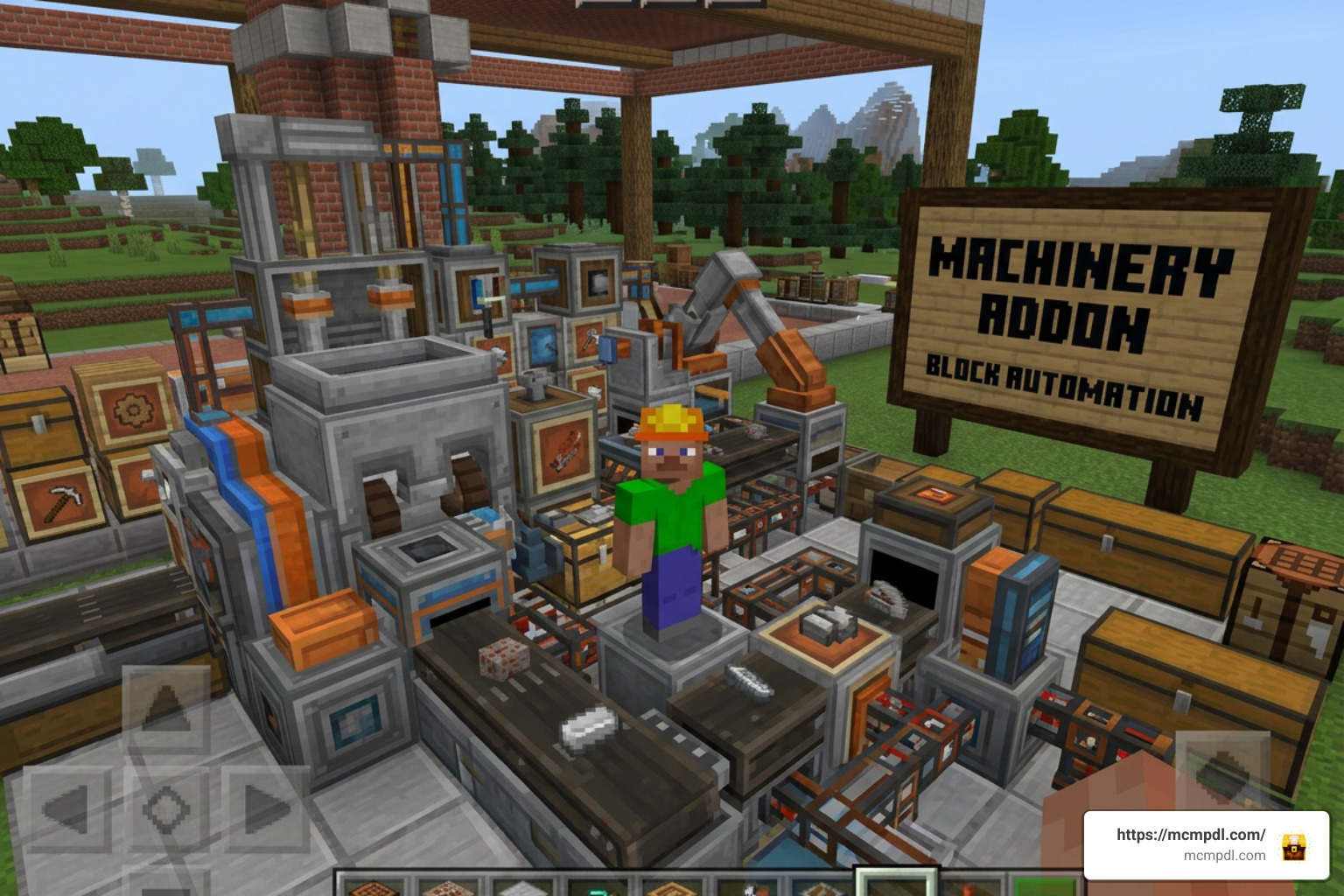
How to Properly Download and Install a Machinery Addon for Minecraft PE/Bedrock (Download)
- Download the Addon File: Locate a trusted download source for your desired pack and download the file. Look for files ending in
.mcaddonor.mcpack. - Open the File in Minecraft: Tap or click the downloaded file. On Android, iOS, or Windows, choosing “Open with Minecraft” will automatically launch the game and import both the Behavior Pack and Resource Pack.
- Create or Edit a World: Go to the World Creation menu (or edit settings on an existing world after making a backup copy).
- Activate Resource and Behavior Packs:
- Navigate to the Resource Packs tab on the left menu, select the addon under “My Packs,” and click Activate.
- Navigate to the Behavior Packs tab, locate the corresponding pack, and click Activate. Ensure both packs show up as active.
Enabling Experimental Settings and Compatibility
Machinery addons rely on custom scripts, block definitions, and item components that standard vanilla Minecraft does not render by default. Therefore, you must enable Experimental Gameplay toggles in your world settings before loading the world.
To enable experimental settings:
- Scroll down the world settings panel until you reach the Experiments section.
- Toggle on Holiday Creator Features, Custom Biomes, Upcoming Creator Features, and Beta APIs (or Enable GameTest Framework depending on your exact version requirement).
- Confirm the warning prompt – Minecraft will automatically create a duplicate backup of your world with
[EX]in the title. - Launch the world to start crafting your industrial factory!
Common Issues, Safety Concerns, and Troubleshooting Tips
Even experienced Bedrock engineers run into occasional technical hiccups. Here are the most frequent issues reported by players and how to resolve them:
- Pipes Merging Unintentionally: When building dense, multi-pipe factory networks in tight spaces, adjacent pipes often connect together, corrupting fluid or energy flow. In packs like Modern Machinery, use alternating Nickel and Silicon pipes side-by-side. Even though both pipe types transmit power identically, they refuse to connect to each other, allowing you to run parallel conduits without accidental cross-connections.
- EXP Generators or Block Lag: Older versions of certain addons experienced memory leaks or entity lag when experience generators or item collectors overflowed. Updating your pack to the latest stable release (such as Basic Machinery 1.0.18 or newer) resolves these entity loop bugs. Always keep your machine setups equipped with automated overflow trash chests or lava incinerators.
- Missing Items or Red/Purple Textures: If machines appear invisible or showcase pink “missing texture” blocks, the Resource Pack was either not activated alongside the Behavior Pack or your active global texture pack is overriding custom block models. Ensure the Machinery Resource Pack is placed at the top of your active stack.
- Third-Party Download Safety: Always practice safe web browsing when downloading third-party
.mcaddonfiles. Avoid suspicious executable files (.exeor.apkwrappers) when looking for simple zip or mcaddon archives. Trustworthy sites will provide direct downloads without asking for personal data or intrusive browser permissions.
Frequently Asked Questions About Minecraft PE Machinery Addons
What experimental settings are needed to run a machinery addon?
Most Machinery Addon for Minecraft PE/Bedrock (Download) files require enabling Holiday Creator Features, Upcoming Creator Features, and Molang Features or Beta APIs in the world settings under the Experiments header. Check the specific developer’s changelog, as requirements update alongside new Minecraft Bedrock patches.
How do power transfer pipes prevent cross-connections in factories?
Certain advanced addons feature dual-material pipe logistics. For example, Nickel pipes and Silicon pipes function identically for power or liquid distribution, but they do not physically connect to one another when placed side-by-side. This allows builders to route complex, parallel power channels through compact single-block corridors without signal cross-contamination.
Are machinery addons safe to download and compatible with survival worlds?
Yes, .mcaddon files obtained from reputable community hubs are completely safe for your device as they only contain JSON scripts, textures, and sound files. They are fully compatible with survival mode, complete with custom crafting recipes, underground ore generation, and in-game guide books (such as the “Machines and You” manual) to teach you recipes as you progress.
Conclusion
A Machinery Addon for Minecraft PE/Bedrock (Download) unlocks a brand new way to experience Minecraft. By handing off tedious mining, smelting, and harvesting tasks to automated quarries, robotic arms, and pipe networks, you free up your schedule to design grand industrial megastructures and high-tech bases.
Whether you prefer lightweight resource generators or complex 60-machine electric networks powered by solar and nuclear energy, there is an addon built for your playstyle. Remember to activate your Behavior and Resource Packs together, toggle on your Experimental Gameplay settings, and keep your pipe lines organized!
Ready to upgrade your Bedrock survival world with the latest mods, skins, and texture packs? Download top Minecraft Bedrock addons today and build the ultimate automated factory!
3 thoughts on “Machinery Addon for Minecraft PE/Bedrock – Download”