Scroll down to Download
ALL THE MOBS 1.0 for Minecraft PE/Bedrock (Download) Overview and Features
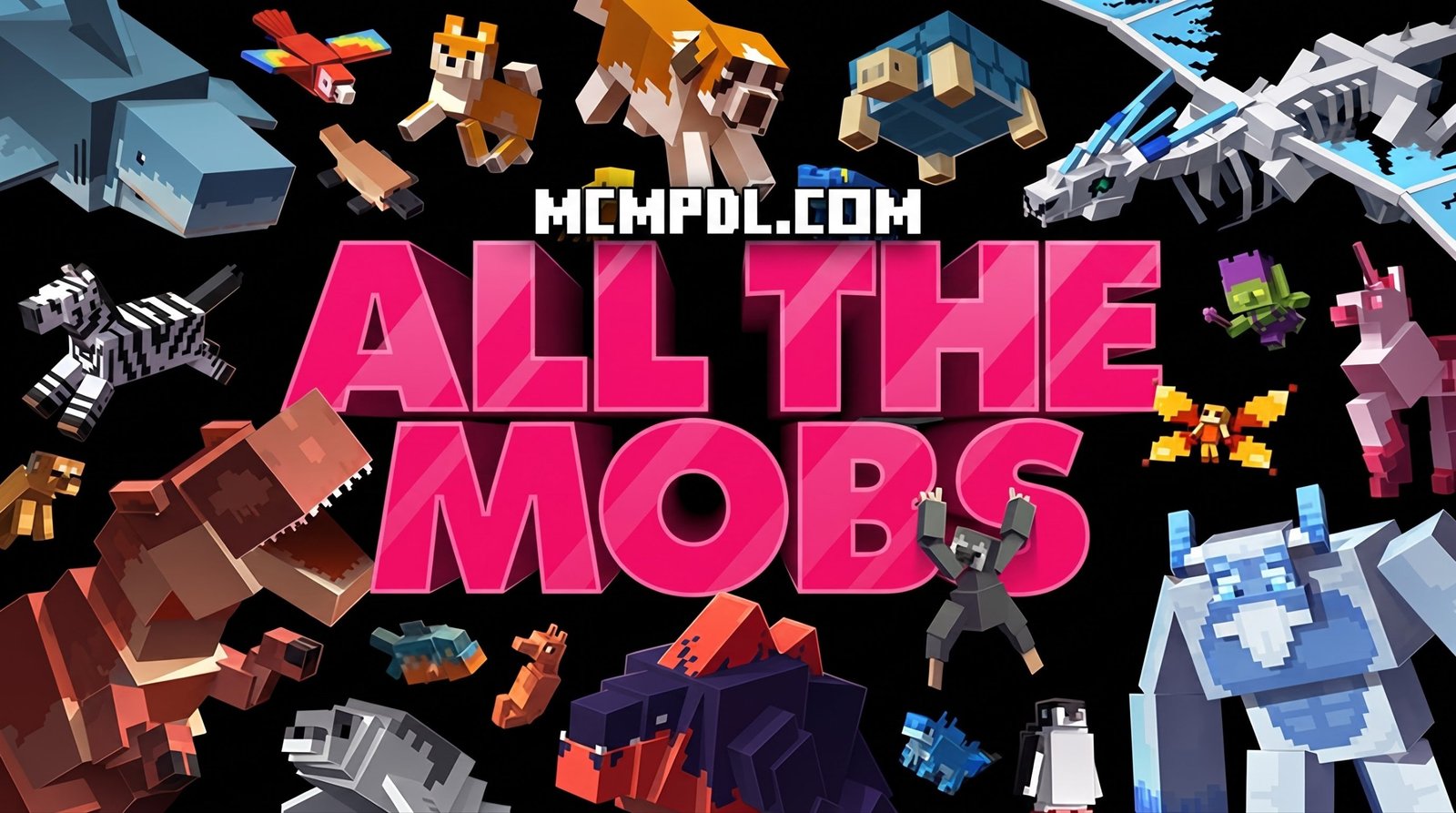
If you have ever felt that the vanilla biomes of Minecraft Bedrock Edition feel a little sparse, ALL THE MOBS 1.0 for Minecraft PE/Bedrock (Download) completely transforms your survival experience. Developed originally by Team Vaeron, this expansion introduces over 150 brand-new entities into your game world, revitalizing exploration and adding genuine challenge to every ecosystem.
Rather than simply adding a few generic animals, this add-on touches almost every aspect of creature design. Whether you are wandering through deep forests, trekking across desert dunes, scaling frigid mountain ranges, or diving into dangerous subterranean caverns, you will run into custom creatures that fit naturally into the environment. Originally published in December 2023 and updated in April 2026, the project has built a massive community following, holding an impressive 4.4 out of 5-star rating based on over 600 player reviews.
Fantasy, Medieval, and Animal Mob Types
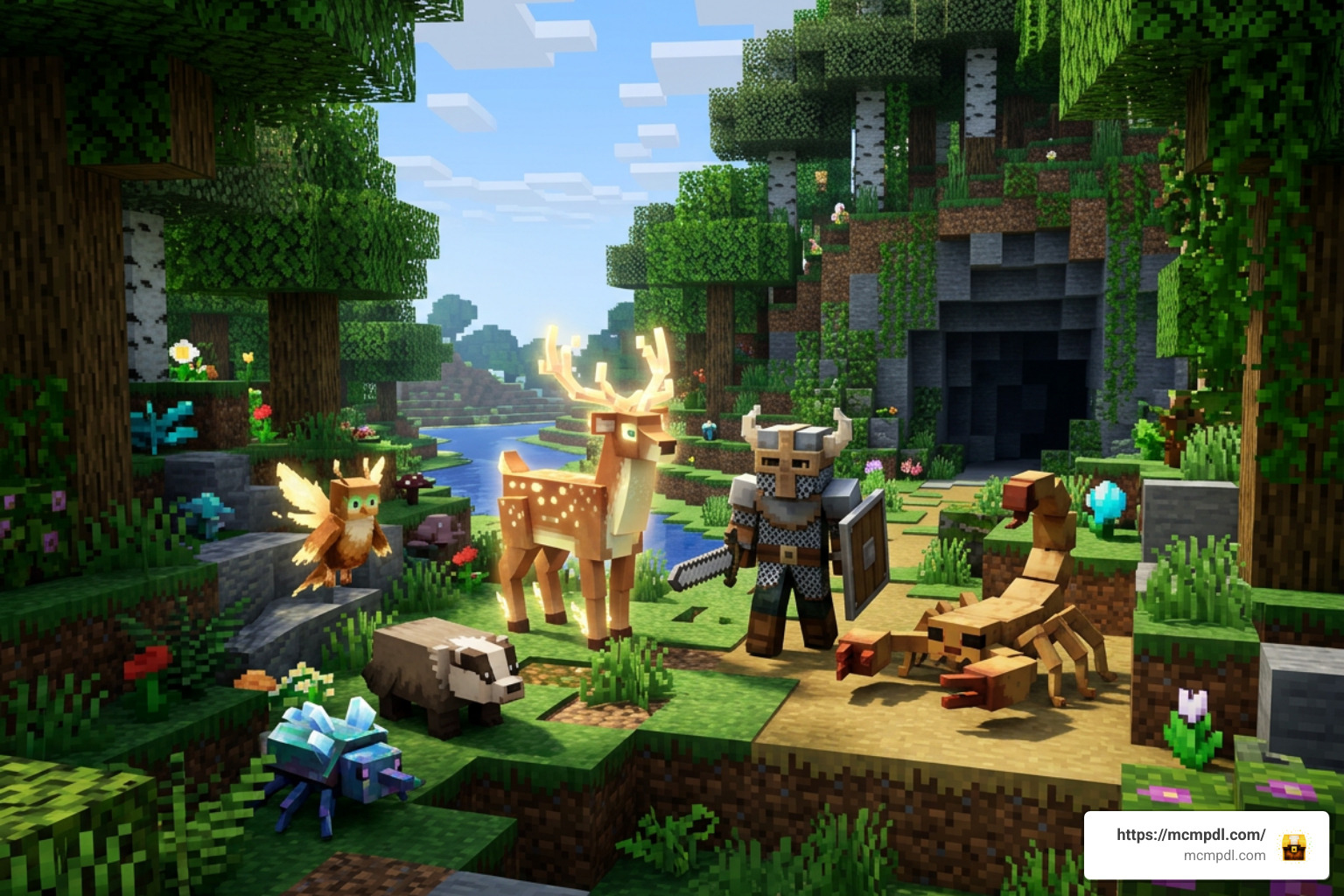
The sheer diversity of entities introduced in ALL THE MOBS 1.0 for Minecraft PE/Bedrock (Download) ensures that no two survival runs feel identical. The add-on blends realistic fauna with mythical folklore to keep gameplay unpredictable, challenging, and endlessly engaging.
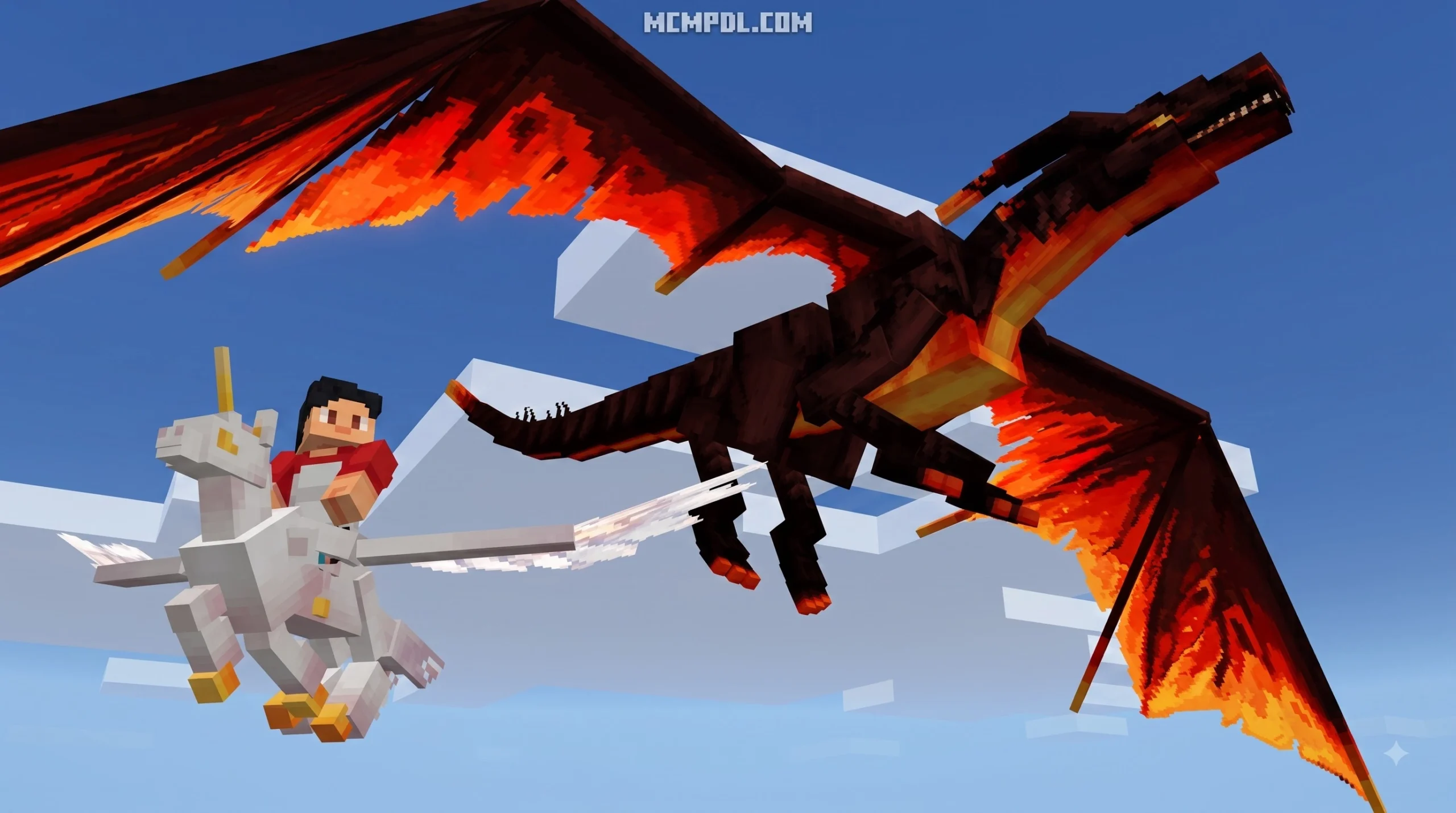
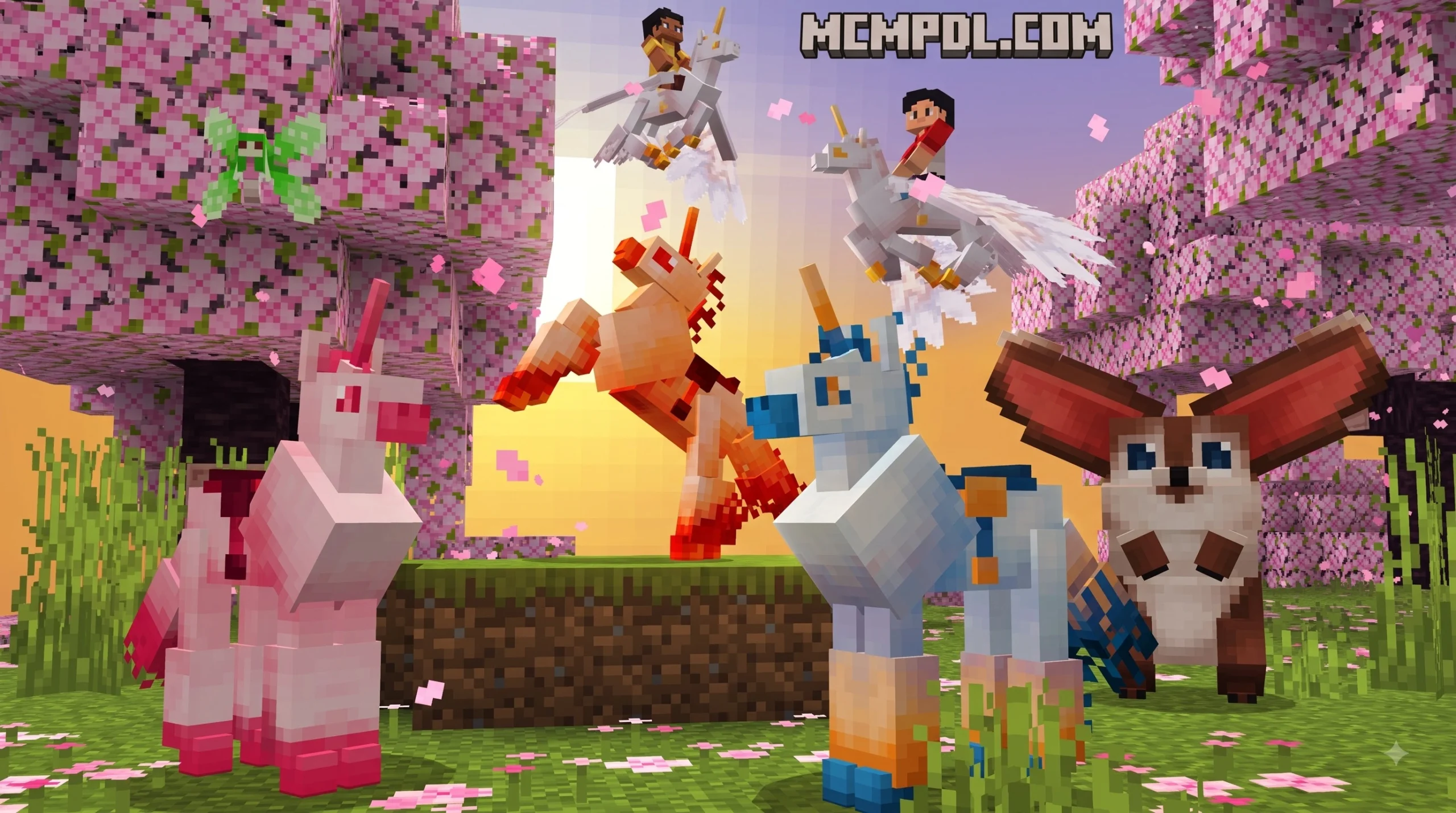
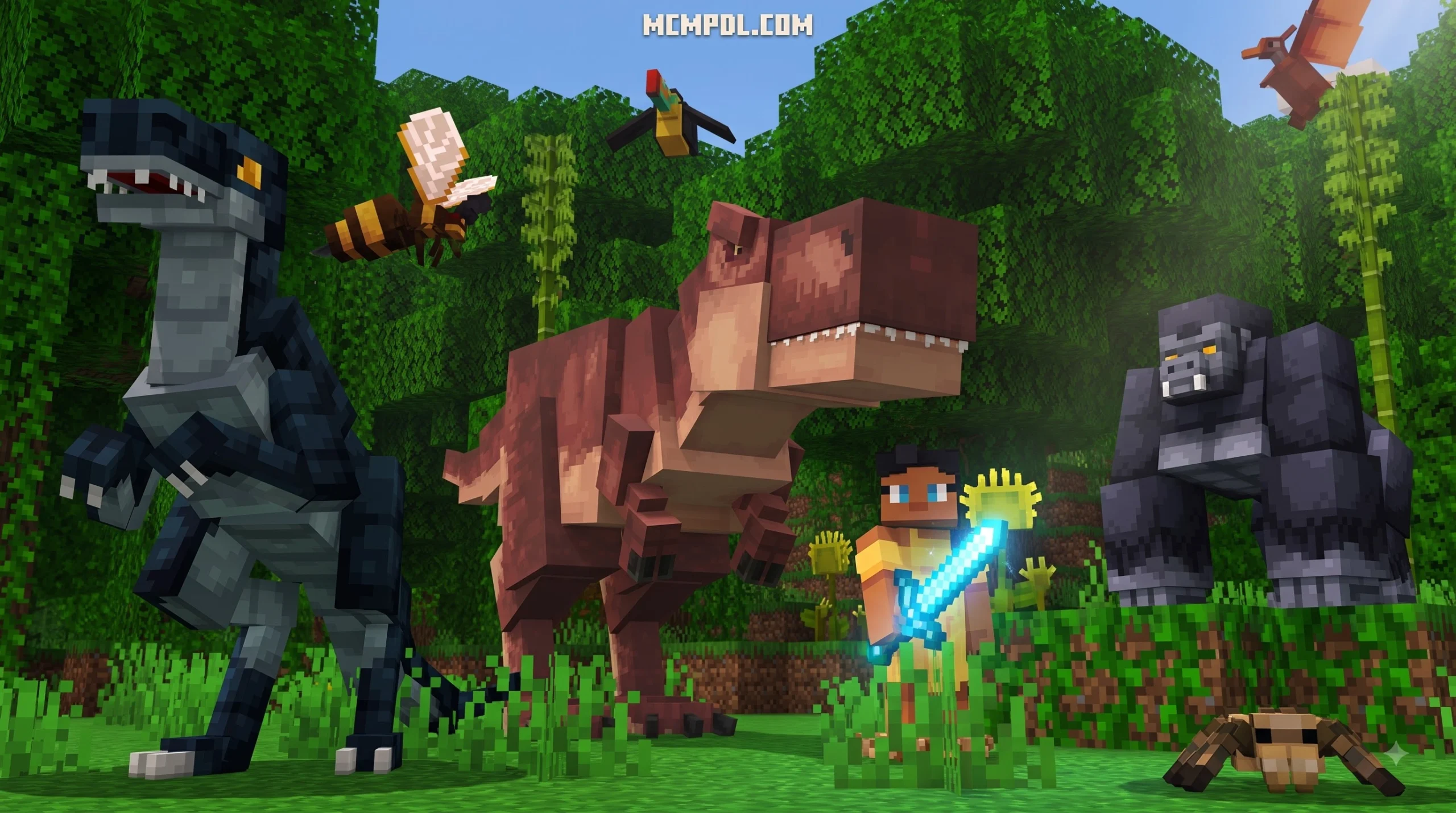
- Fantasy & Mythical Creatures: Encounter towering dragons soaring through upper biome atmospheres, aggressive sea monsters lurking in deep ocean trenches, and magical entities that drop rare crafting components for advanced alchemy.
- Medieval & Hostile Monsters: Face off against armored knights, undead variants, bloodthirsty ogres, and heavy combat beasts designed to test even veteran players during nighttime raids.
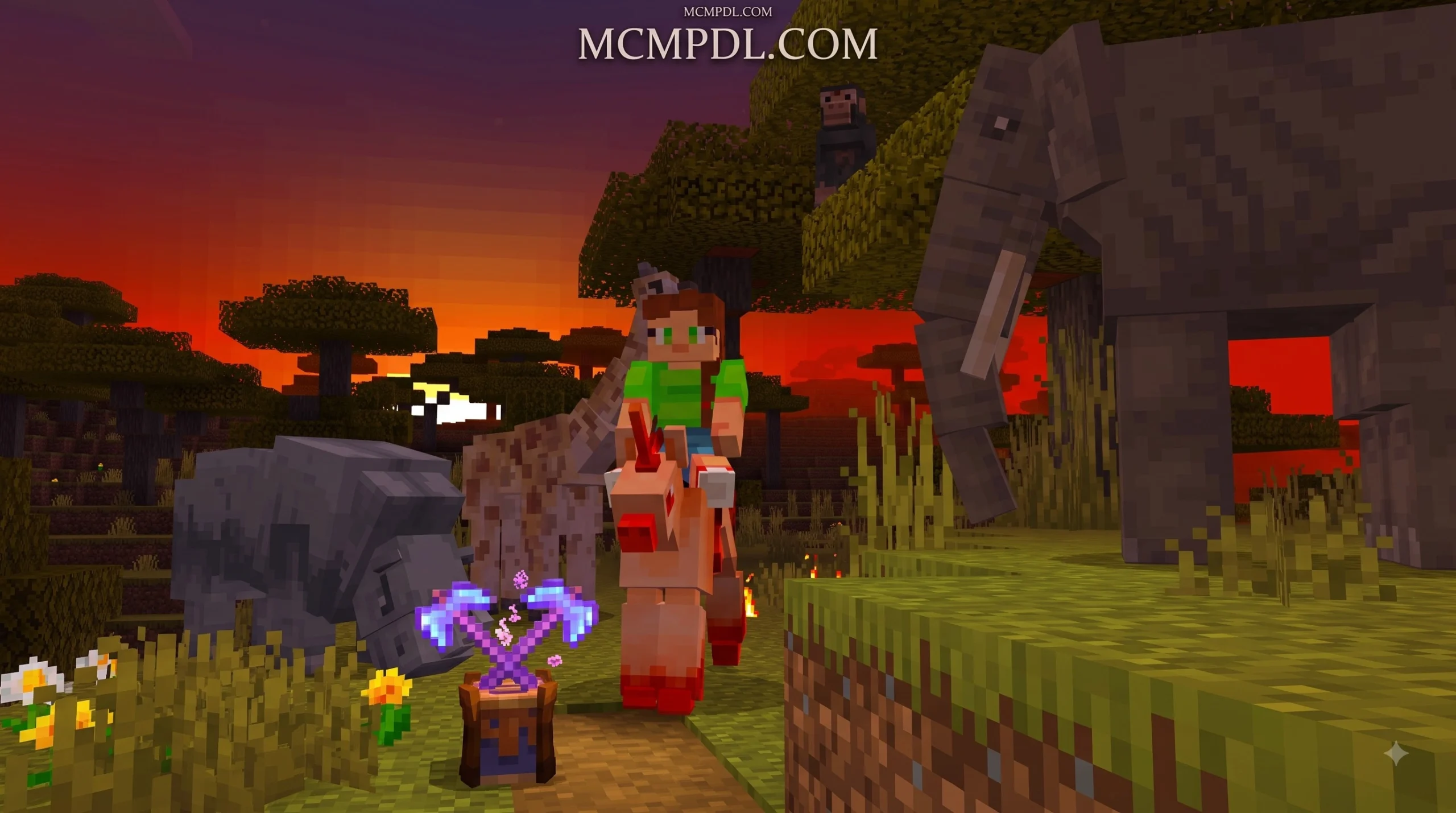
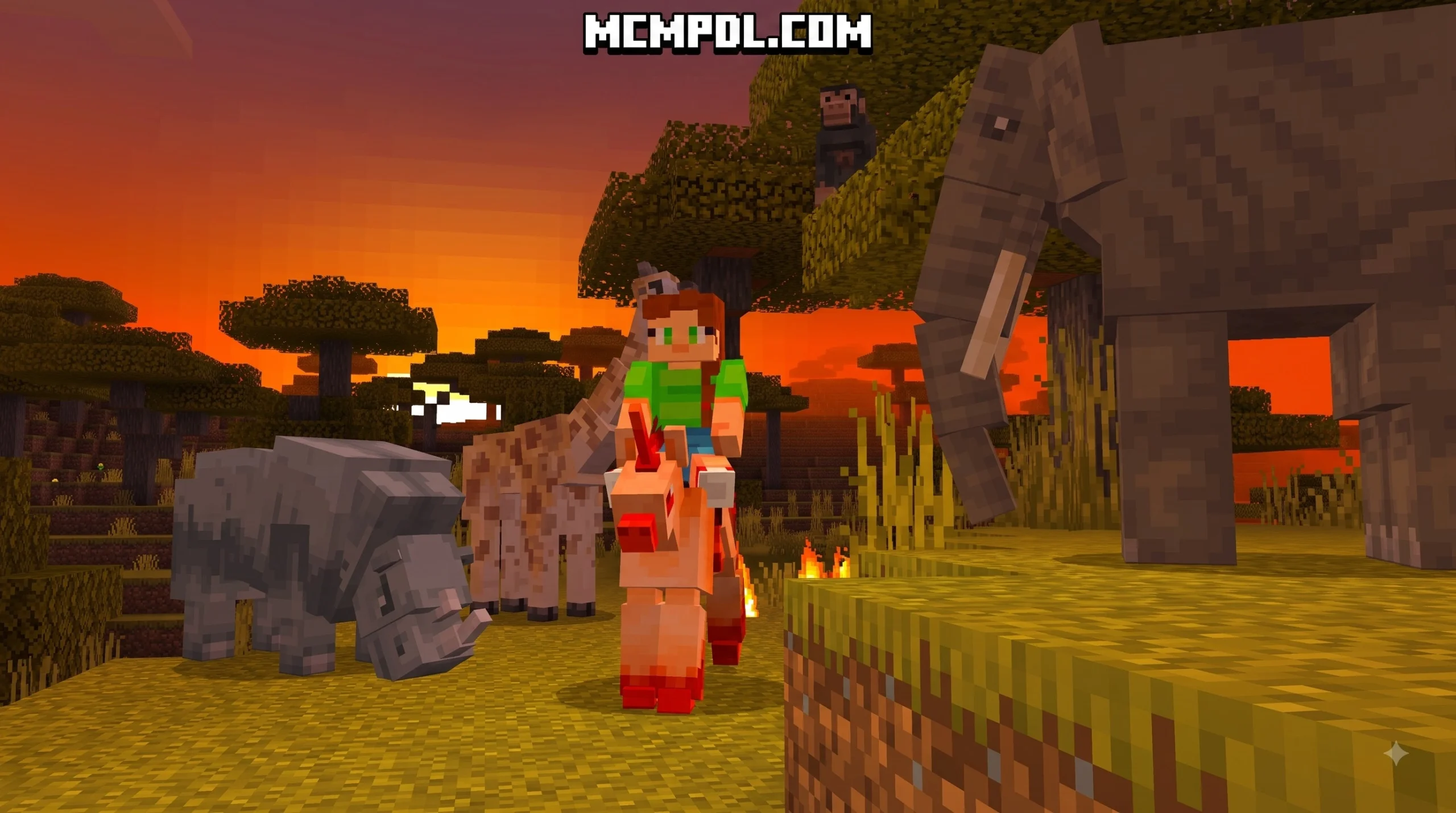
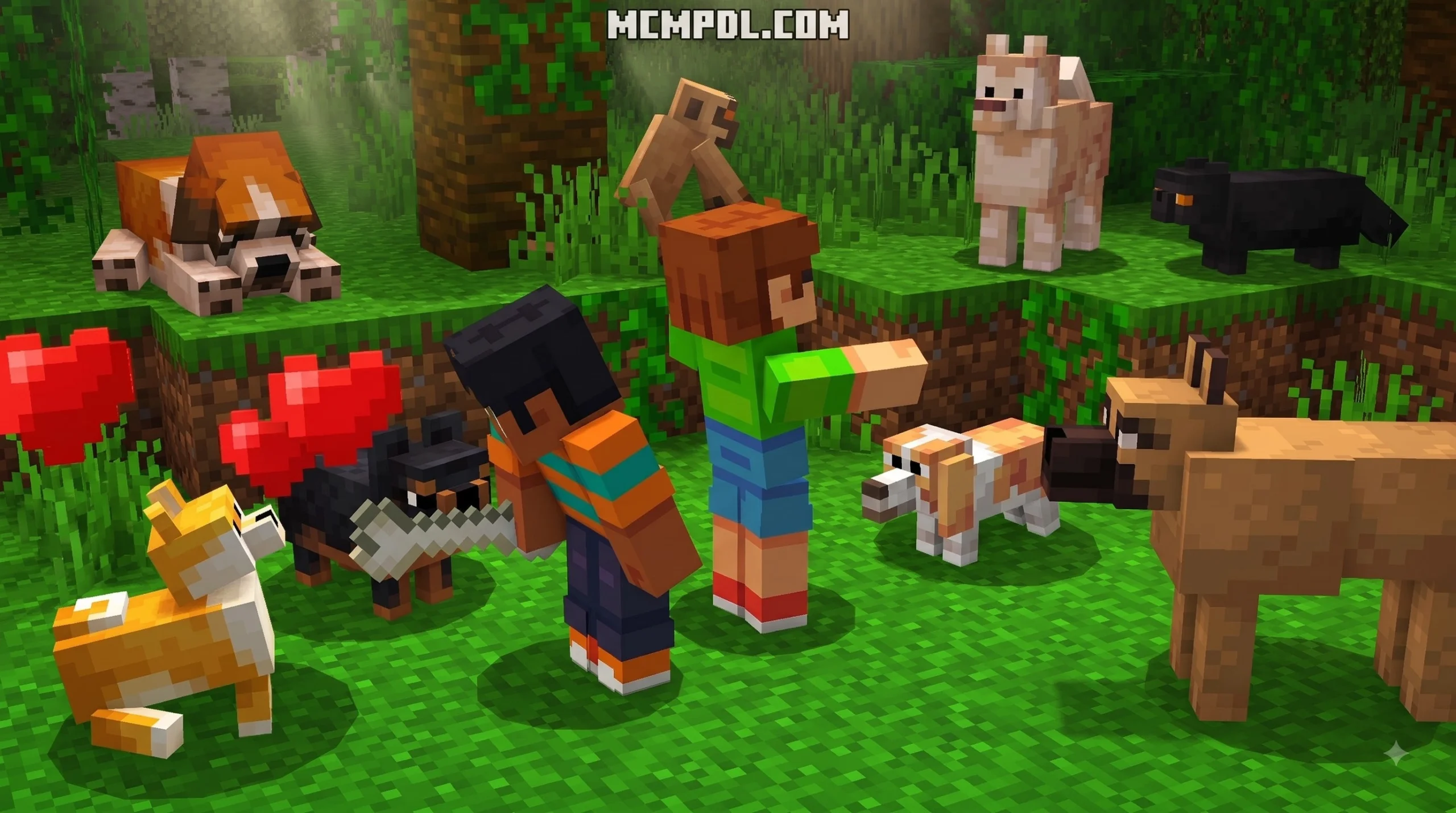
- Realistic Animals & Passive Fauna: Fill your world with exotic wildlife, tameable pets, vibrant birds, and ambient terrestrial animals that flesh out ecological biomes and provide renewable survival resources.
- Mounts & Companions: Tame custom creatures to carry you quickly across land, swim across vast ocean expanses, or provide combat support during difficult dungeon crawls.
The In-Game Mob Sanctuary
One of the standout design features of ALL THE MOBS 1.0 is the inclusion of the interactive Mob Sanctuary. For players using the map template or world package, the Mob Sanctuary acts as a living museum and safety zone.
Inside the sanctuary, you can safely observe, inspect, and learn about all 150+ custom entities without getting ambushed by a dragon or hostile monster. Each area of the sanctuary displays mobs in their natural biome settings, complete with interactive element displays showing creature stats, drop tables, taming methods, and behavior patterns. It serves as an ideal training ground and reference hub before heading out into the dangerous wilderness.
How to Install ALL THE MOBS 1.0 on Minecraft PE and Bedrock
Getting this expansion installed on your device is straightforward, but it helps to understand the difference between the primary ways players access the pack.
Free Standalone ALL THE MOBS 1.0 for Minecraft PE/Bedrock (Download) vs Marketplace World
Players typically encounter ALL THE MOBS 1.0 in one of two formats:
- The Official Marketplace World: Available directly in the in-game store for 1,340 Minecoins (around $6.70 USD). This version loads as a pre-built world template featuring the complete Mob Sanctuary, pre-configured settings, and cross-platform syncing across all 12 supported Bedrock platforms (including Android, iOS, Windows 10/11, Xbox One, and Nintendo Switch).
- The Standalone .mcaddon File: A standalone behavior and resource pack that lets you add these 150+ mobs directly into your own existing survival seeds and custom worlds. You can explore entity updates and version details on M1-mob1.21 – All About Mobs to stay informed on technical changes and behavior mechanics.
Step-by-Step ALL THE MOBS 1.0 for Minecraft PE/Bedrock (Download) Installation Guide
To install the .mcaddon version onto your mobile device or PC, follow these simple steps:
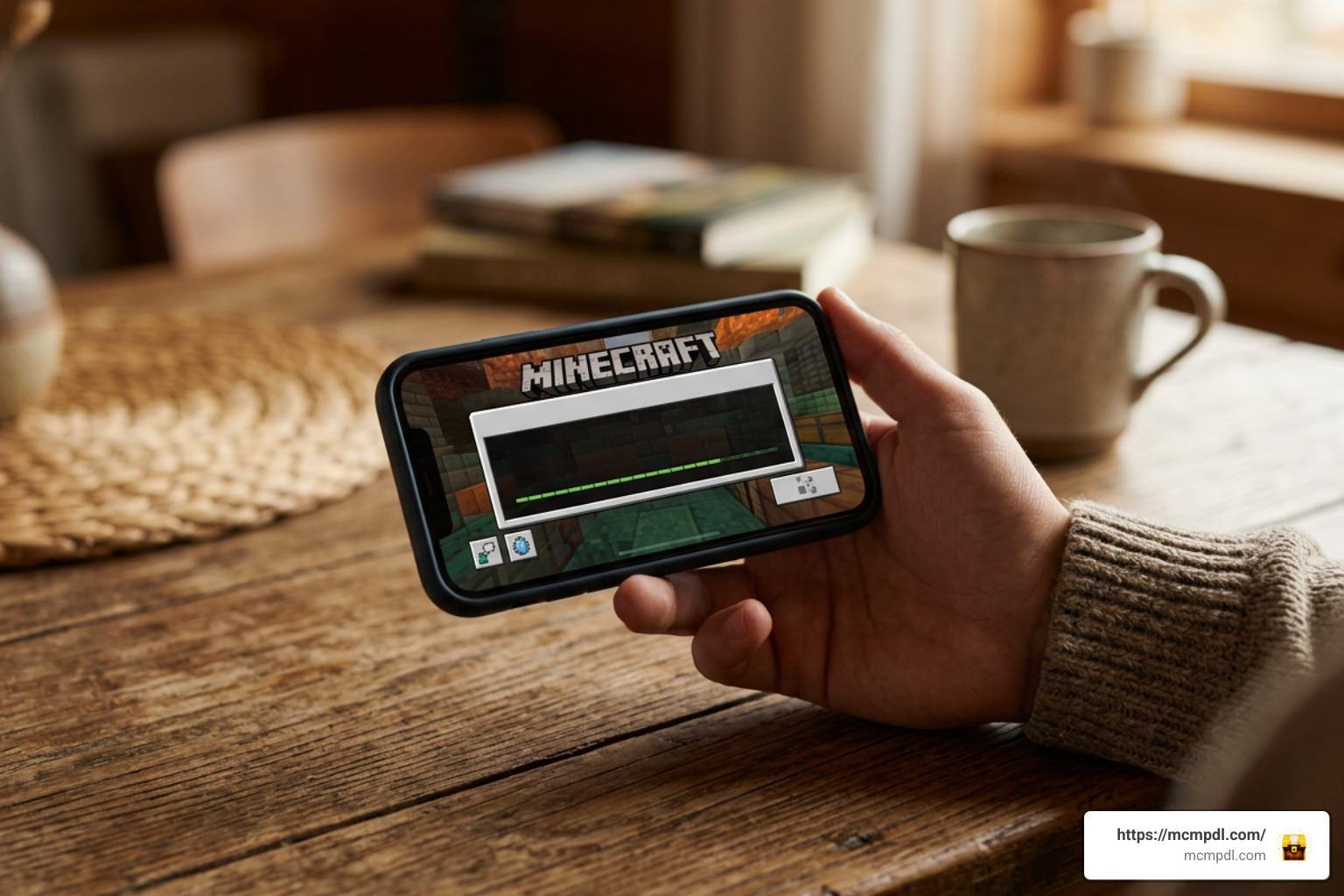
- Download the File: Obtain the official
.mcaddonfile (approximately 48.5 MB) onto your device storage. - Open the File: Tap or double-click the downloaded file. Your operating system will automatically launch Minecraft Bedrock Edition and begin importing the pack into your global storage.
- Verify Import: Look for the top banner notification confirming that both the Resource Pack and Behavior Pack have imported successfully.
- Create or Edit a World: Go to your World Settings menu for a new or existing world save.
- Activate Packs: Scroll down to the Resource Packs tab and activate ALL THE MOBS 1.0. Then, go to the Behavior Packs tab and activate it there as well to bind the entity scripts.
- Enable Experimental Features: For full mob pathfinding and custom script support, toggle on experimental settings such as Holiday Creator Features, Custom Biomes, and Beta APIs.
- Launch Your World: Click Create or Play to enter your newly populated Minecraft world and begin your adventure!
System Requirements, Compatibility, and Performance Impact
Before jumping in, make sure your gaming device meets the basic specifications required to run this extensive add-on smoothly without crashing or dropping frames.
- Required Minecraft Version: Minecraft Bedrock Edition 1.20.0 or higher (fully compatible with 1.21+ updates).
- File Size: 48.5 MB (contains high-definition 3D models, custom sound files, particle effects, and entity scripts).
- Platform Availability: Supported across Android, iOS, iPadOS, Windows 10/11, Xbox One, Xbox Series X/S, PlayStation 4/5, Nintendo Switch, and Amazon Fire devices.
Mobile Performance and Lag Optimization Tips
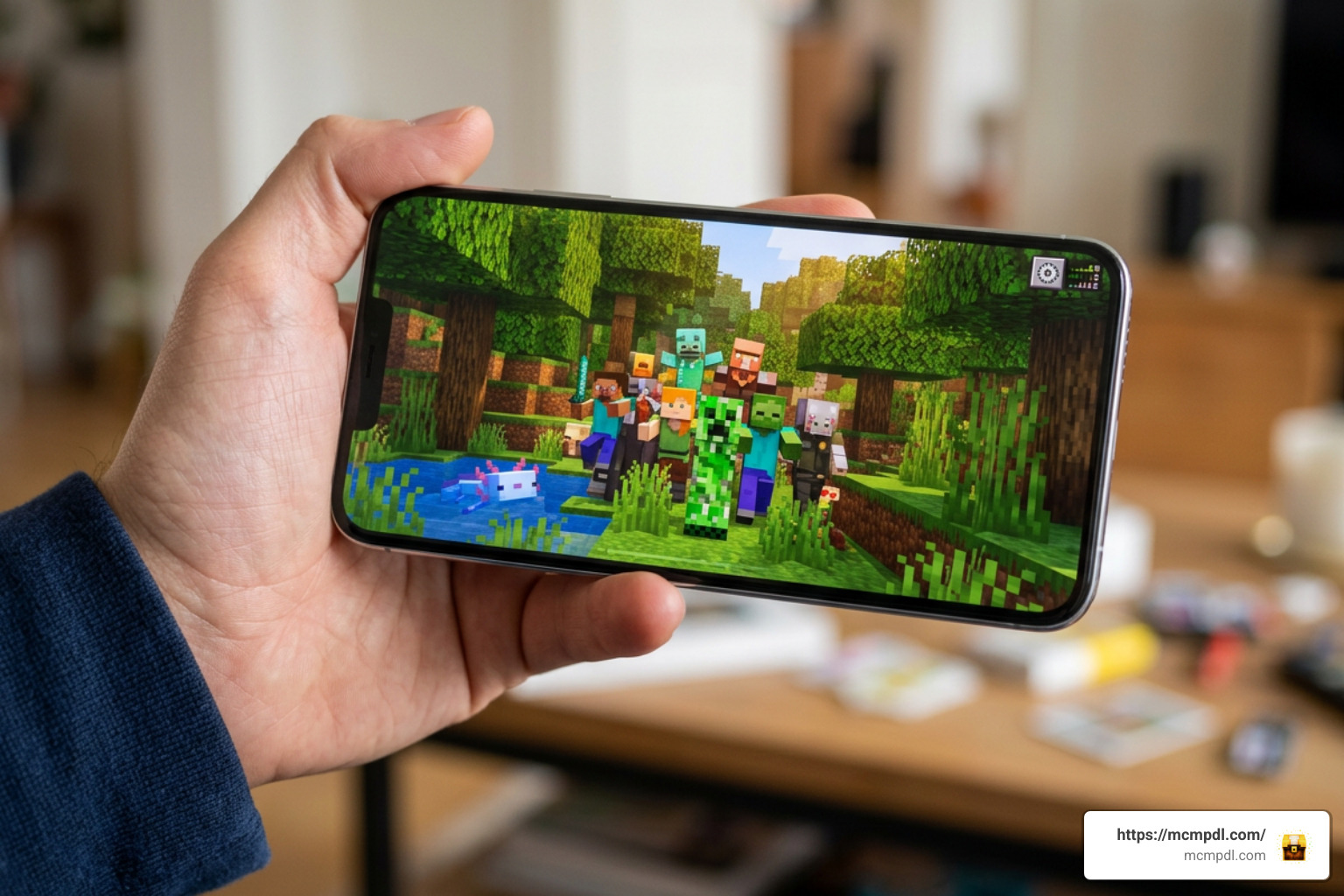
Because ALL THE MOBS 1.0 adds over 150 detailed 3D entities with custom behaviors, running it on older smartphones or budget tablets can sometimes drop your frame rates during dense mob spawns. Here is how we recommend optimizing your game performance:
- Manage Active Add-ons: Avoid stacking too many heavy modifications at once. Running ALL THE MOBS 1.0 alongside other large content packs can easily exceed mobile memory limits and lead to world crashes.
- Adjust In-Game Video Settings: Lower your Render Distance to 6–8 chunks, turn off Beautiful Skies, turn off Smooth Lighting, and disable Fancy Graphics to conserve processing power.
- Set Load Order Priority: In your active pack list, set ALL THE MOBS at top priority to ensure its custom entity models and textures load correctly without texture glitching or missing geometry.
- Clear RAM Before Playing: Close all background applications on your mobile device before launching Minecraft to free up system memory for real-time entity pathfinding and chunk rendering.
- Control Mob Density: Use in-game game rules or peaceful toggles temporarily if exploring heavily populated biomes on entry-level hardware to maintain consistent framerates.
Comparing ALL THE MOBS 1.0 to Other Popular Bedrock Mob Add-ons
How does ALL THE MOBS 1.0 stack up against other popular mob mods in the Minecraft Bedrock ecosystem? Let’s take a look:
| Feature / Metric | ALL THE MOBS 1.0 | Mo’ Creatures Bedrock | The Lost Mobs Addon |
|---|---|---|---|
| Total Mobs Added | 150+ Mobs | ~58 Mobs | 10 Mobs |
| Download File Size | 48.5 MB | ~15-20 MB | 868 KB |
| Target Minecraft Version | 1.20.0+ / 1.21+ | 1.20.50+ | 1.21+ |
| Primary Theme | Fantasy, Animals, Dragons, Monsters | Animals, Ogres, Mythical | Scrapped Mob Vote Creatures |
| Performance Impact | Moderate to High (Needs RAM) | Moderate | Very Low (Mobile Friendly) |
| Included Features | Mob Sanctuary & Custom Drops | Taming & Custom Gear | Functional Buffs (e.g. Crab Reach) |
While lightweight mods like The Lost Mobs Addon focus on performance efficiency with just a few mobs, ALL THE MOBS 1.0 is built for players who want a massive overhaul of the game’s entire creature ecosystem.
Frequently Asked Questions
Is ALL THE MOBS 1.0 compatible with Minecraft Bedrock 1.21?
Yes! The add-on is maintained and updated to work seamlessly on Minecraft Bedrock 1.20.0 through the latest 1.21+ updates. Just remember to enable your experimental gameplay toggles in world settings.
Does ALL THE MOBS 1.0 cause lag on mobile devices?
It can cause minor frame drops on low-end mobile hardware if many entities spawn in a single area simultaneously. Lowering render distance and closing background apps keeps gameplay smooth.
What is the difference between .mcaddon files and Marketplace worlds?
A .mcaddon file installs resource and behavior files directly into your personal add-on library so you can attach them to any custom survival seed. A Marketplace world is a pre-made save file that loads with specific builds, such as the Mob Sanctuary, pre-installed.
Conclusion
ALL THE MOBS 1.0 for Minecraft PE/Bedrock (Download) is one of the most complete creature expansions ever made for Bedrock Edition. By introducing over 150 diverse entities—ranging from soaring dragons and deep-sea horrors to passive wilderness animals—it breathes fresh excitement into every biome you explore.
Whether you choose to play in the pre-built Mob Sanctuary or install the .mcaddon file to transform your own personal survival world, this add-on offers endless hours of adventure. Ready to take your Bedrock experience to the next level? You can Explore More Minecraft Addons on MCMPDL and discover the best worlds, skins, and behavior packs available today!
9 thoughts on “Download ALL THE MOBS 1.0 for Minecraft PE/Bedrock”