Scroll down to Download
Luminora Textures Pack for Minecraft PE/Bedrock: Quick Overview
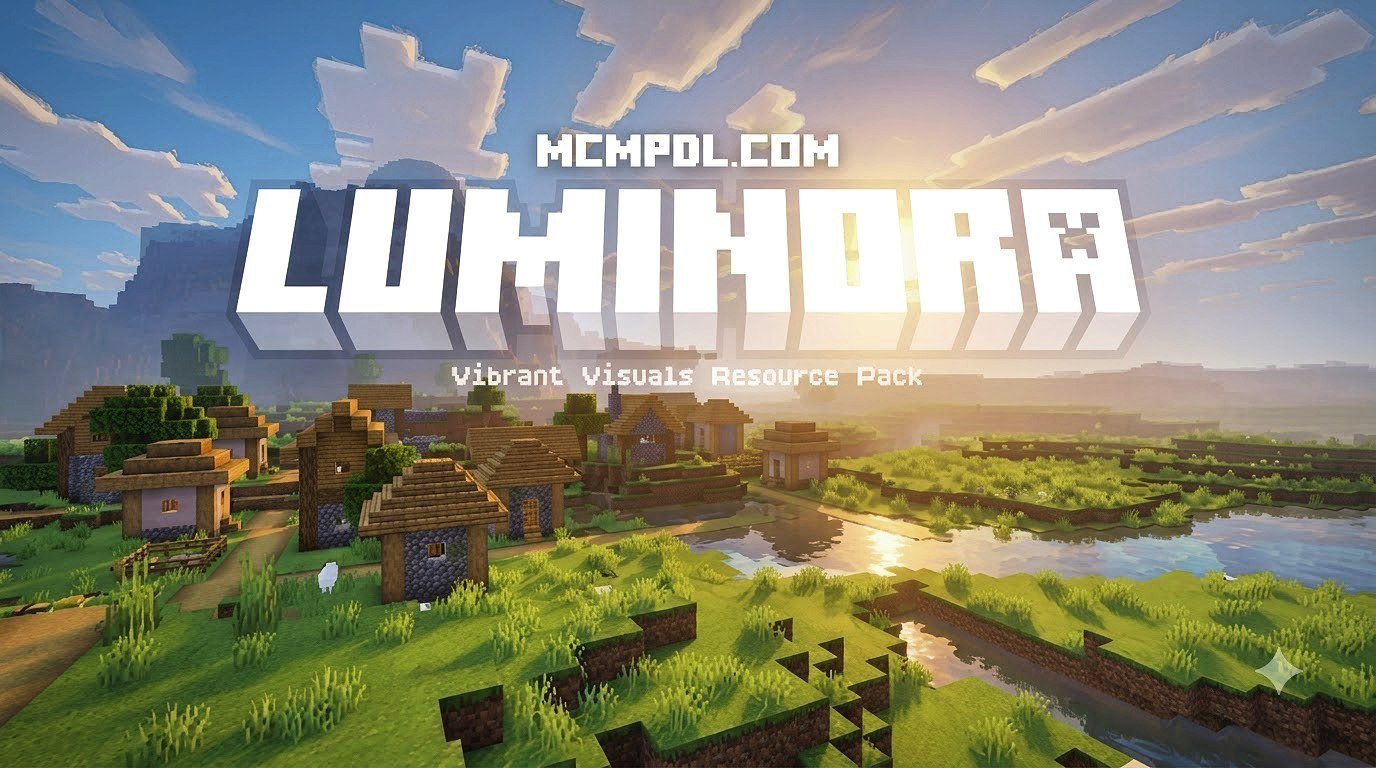
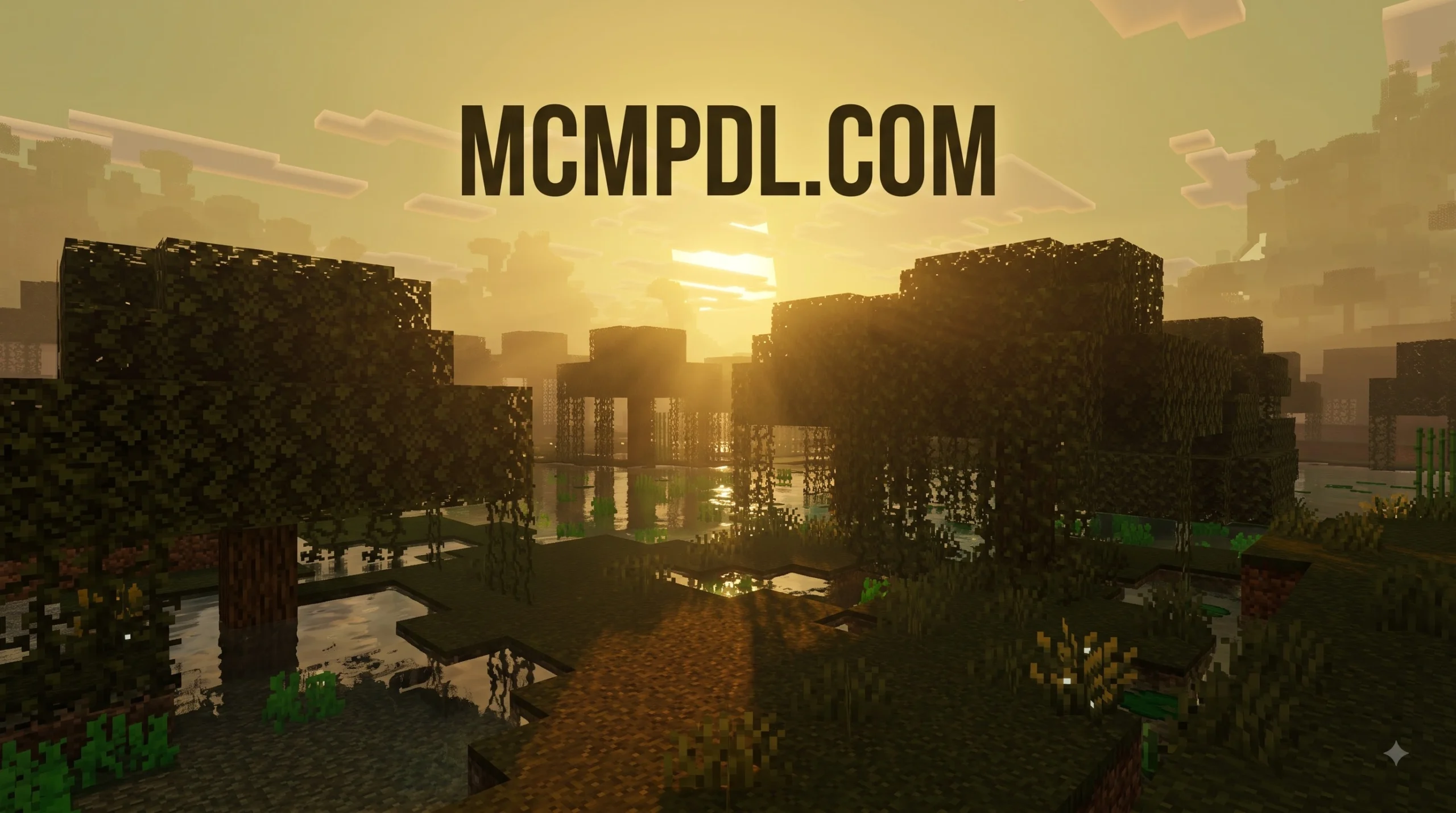
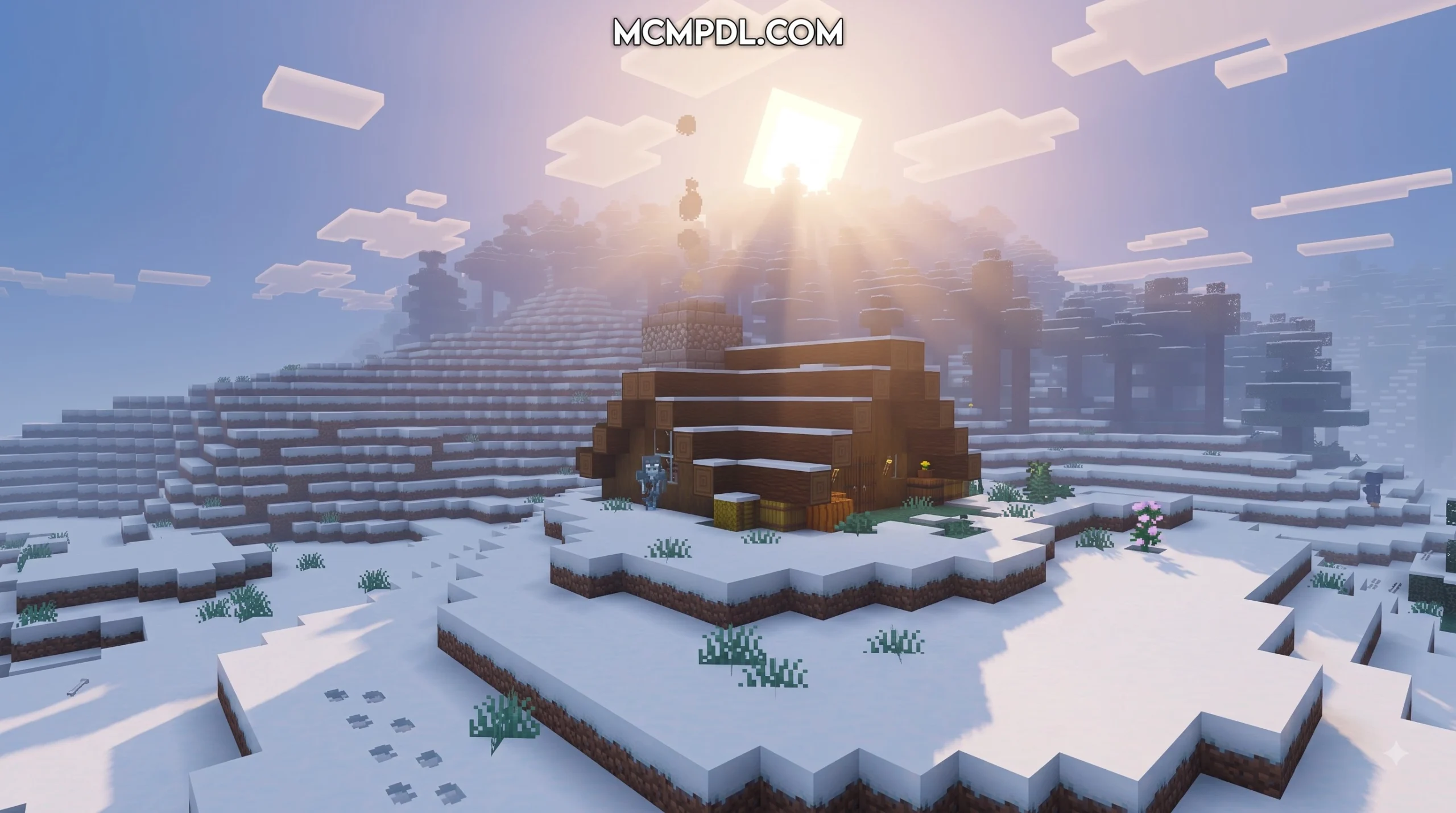
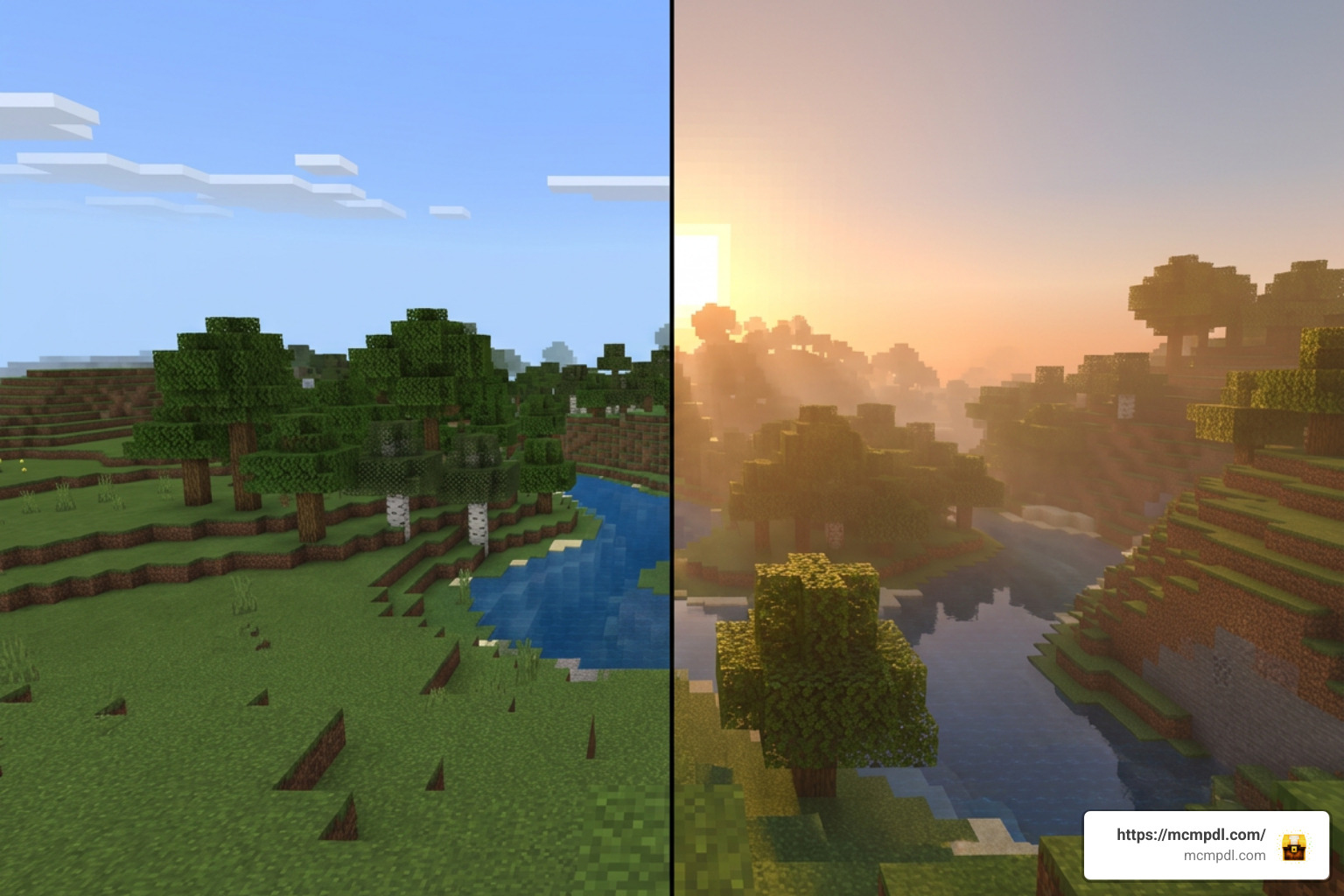
Luminora Textures Pack for Minecraft PE/Bedrock is a paid Marketplace texture pack that refreshes Minecraft’s look with brighter light, richer color bloom, and a more atmospheric feel at sunrise, sunset, and during normal daytime play.
| Quick fact | Details |
|---|---|
| Creator | RainbowPixel, authored by @Jakob_zero |
| Marketplace category | Textures |
| Price | 490 Minecoins, about $2.57 USD or EUR2.42 |
| Required version | Minecraft Bedrock 1.21.120 or newer |
| Extra skins | No – the pack includes 0 character skins |
| Marketplace rating | 4.1/5 from 16 ratings |
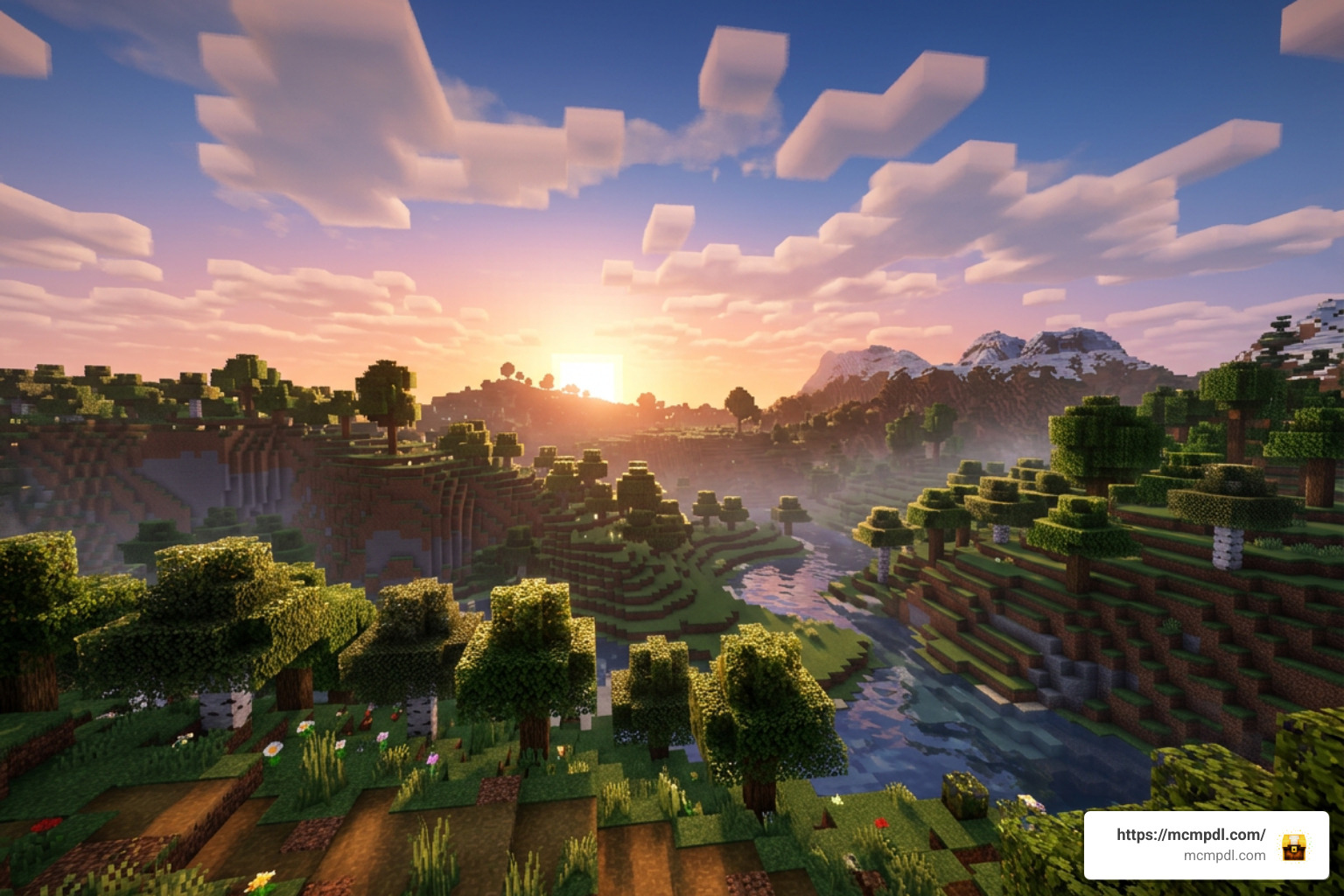
Released on August 4, 2026, Luminora is designed for players who want stronger atmosphere without changing Minecraft’s survival rules, crafting, mobs, or world generation. It can be a good fit for exploring, base building, and capturing more colorful Bedrock screenshots.
This guide explains where to buy Luminora, how to install and activate it on Minecraft PE/Bedrock, and what to check before using it on your device.
What is the Luminora Textures Pack for Minecraft PE/Bedrock?
When we look at custom visual upgrades on Minecraft Bedrock, we often look for options that elevate the game’s atmosphere without completely changing its core spirit. The Luminora Textures Pack for Minecraft PE/Bedrock is a premium Marketplace DLC designed specifically to enhance the natural lighting, environmental hues, and color dynamics across your worlds.
Created by the team at RainbowPixel and authored by designer @Jakob_zero, Luminora was crafted with a clear artistic focus: turning Minecraft’s lighting into a central visual highlight. Rather than replacing every block with hyper-realistic textures that clash with vanilla building styles, Luminora treats environmental light as an artistic brush. It breathes fresh energy into everyday survival mechanics, making everyday events like stepping out of a mine shaft at dawn or watching the sun set behind a mountain range feel noticeably more dramatic.
Because it is an officially curated DLC available in the official store, players can quickly check metadata via tools like the Luminora by RainbowPixel | CHUNK – Minecraft Bedrock Marketplace Explorer to verify its store details, version requirements, and compatibility settings before downloading.
Overview of Luminora Textures Pack for Minecraft PE/Bedrock Features
The core appeal of the Luminora Textures Pack for Minecraft PE/Bedrock lies in its warm, atmospheric visual design. The pack focuses heavily on color bloom, light dispersion, and natural sky dynamics. Here are the main visual features you can expect when loading into a world with Luminora active:
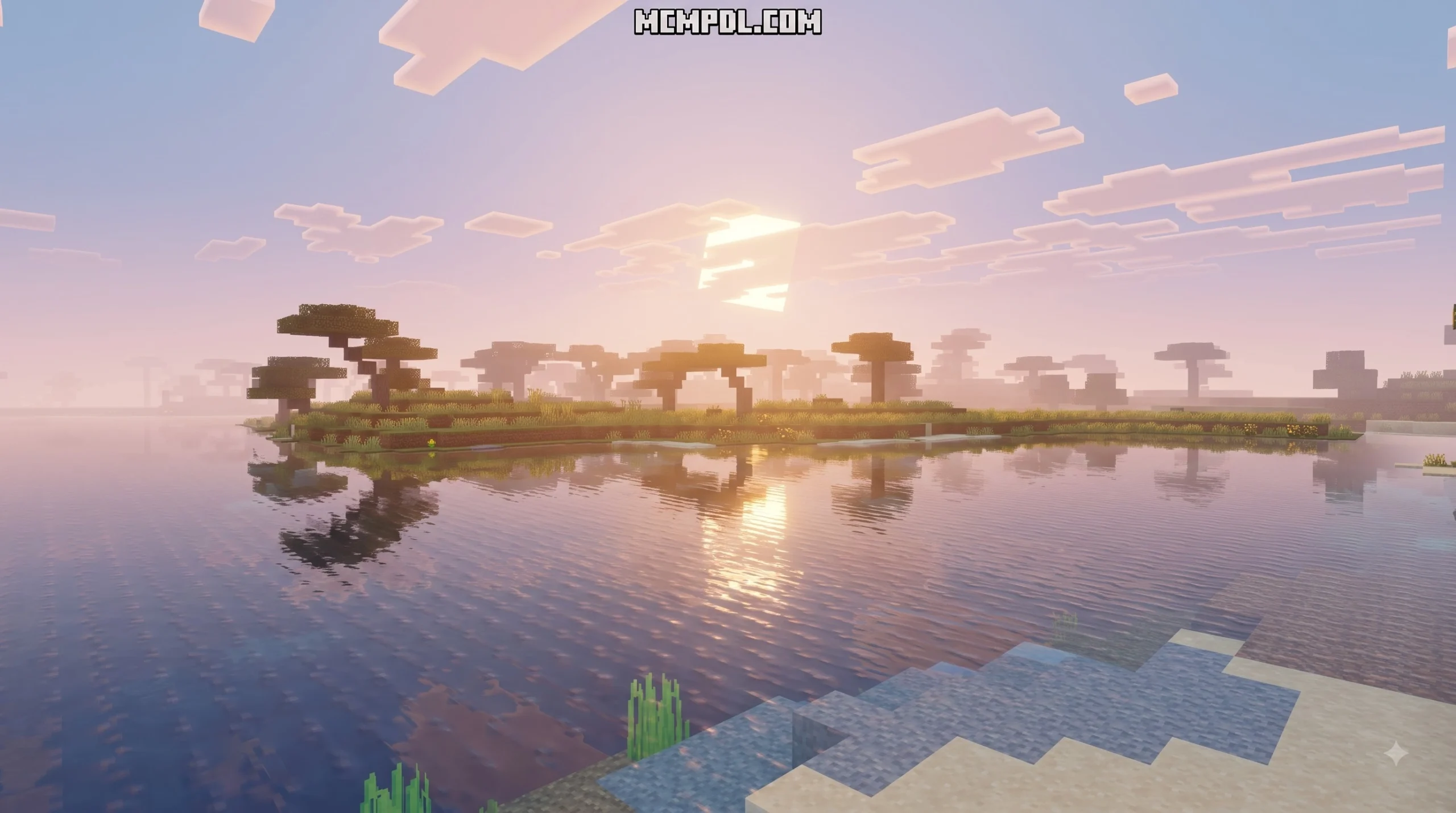
- Dawn and Dusk Transformations: Sunrise and sunset feature deep crimson, orange, and golden hues that bleed naturally into the horizon, creating a peaceful bloom effect across terrain.
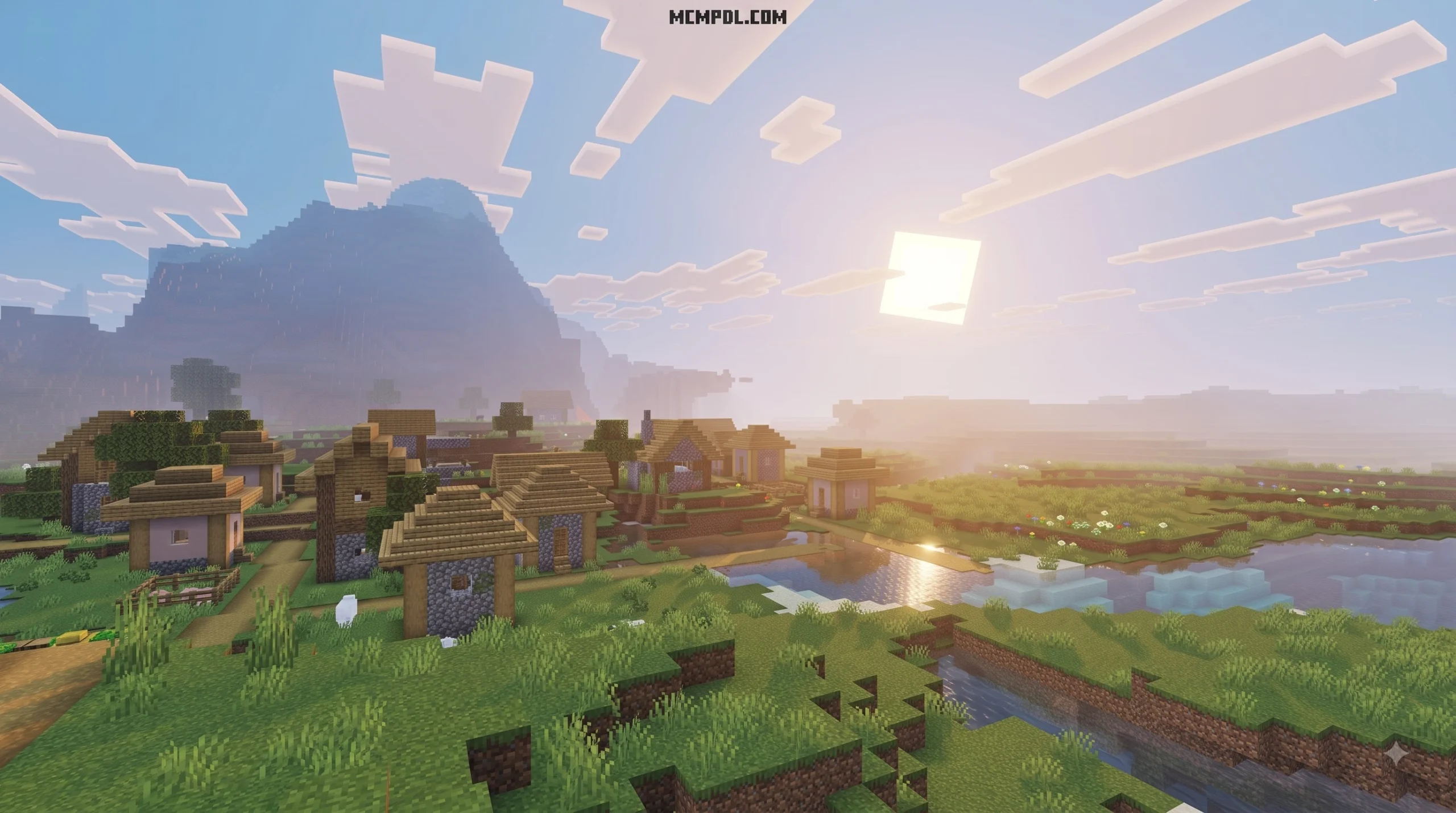
- Sunlight Bloom & Atmosphere: Midday sunbeams feel soft and tangible, casting warm light across surrounding blocks, greenery, and water structures.
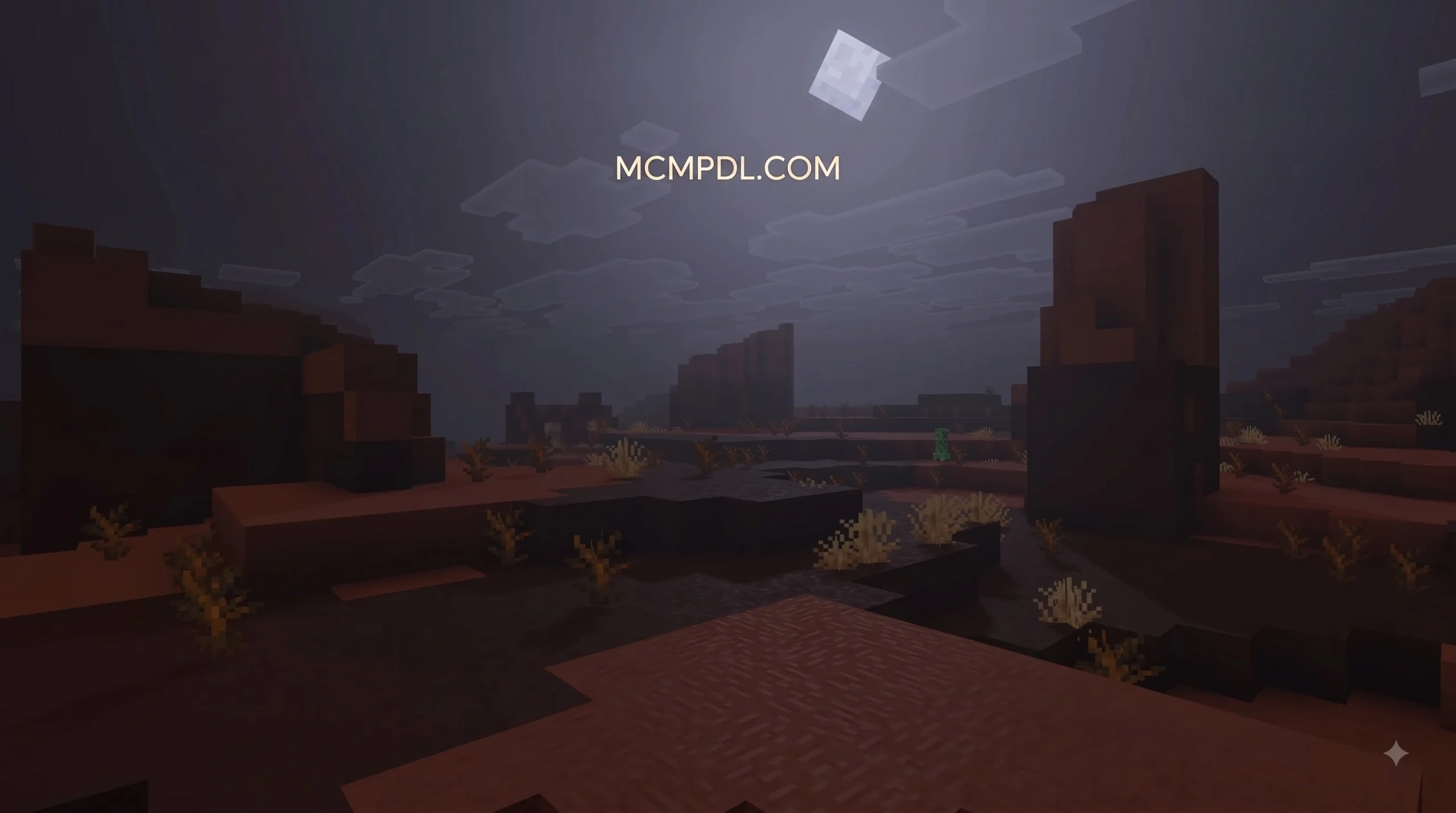
- Balanced Nighttime Illumination: Nights maintain a moody, serene atmospheric feel without blinding darkness, making moonlight feel crisp and ethereal.
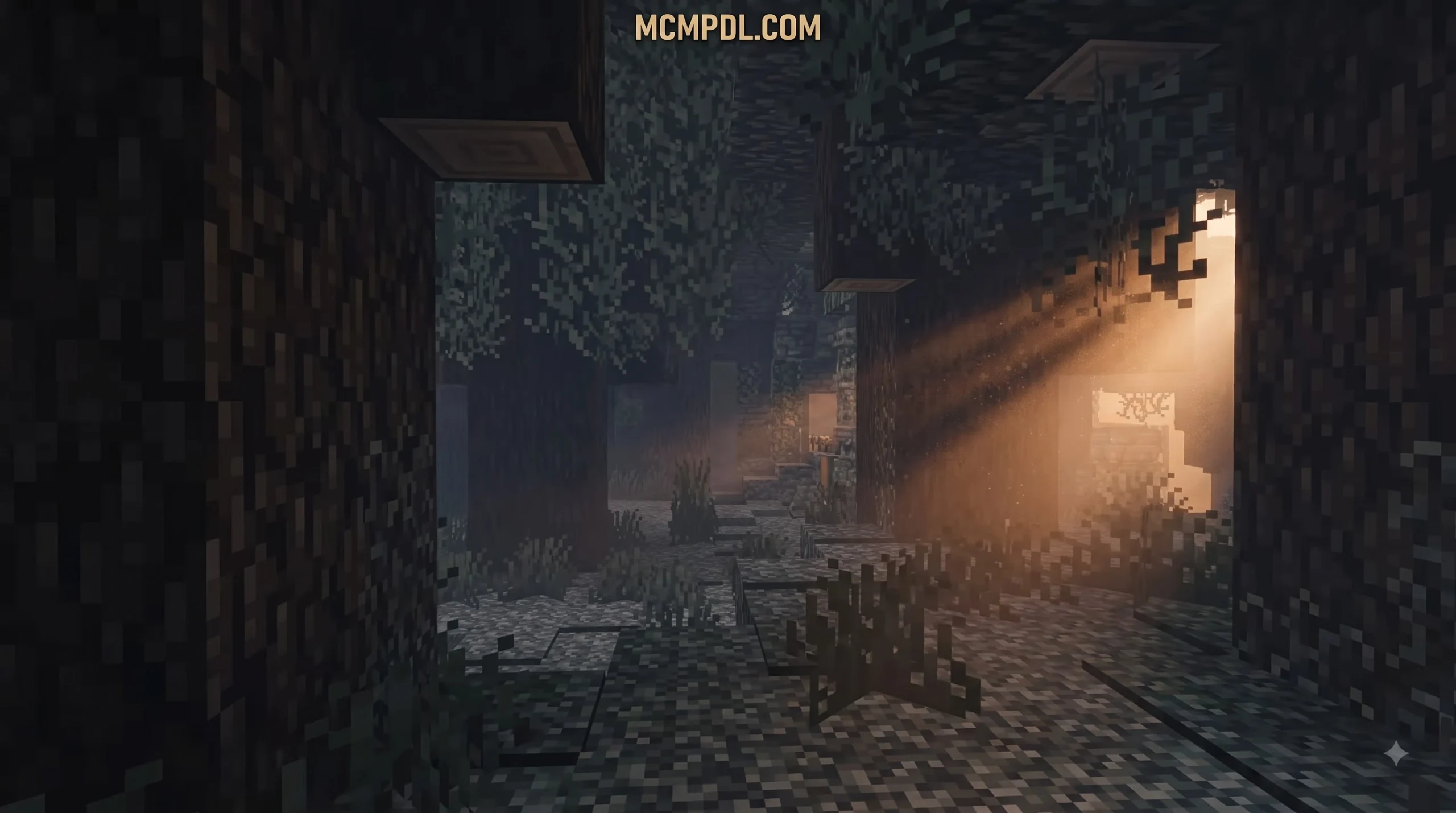
- Serene Environmental Mood: Natural landscapes take on a peaceful vitality. Grasslands look fresh under direct sunlight, oceans reflect overhead tones, and forests gain deeper ambient contrast.
- Preserved Block Readability: Unlike heavy photorealistic resource packs that make block ID recognition tricky, Luminora retains clear, readable block surfaces suitable for complex redstone, building, or survival navigation.
Whether you enjoy constructing cozy suburban homes, sprawling medieval castles, or simply wandering endless biomes, Luminora adds a cozy layer of visual flair to every session.
Marketplace Details, Price, and Ratings
Before investing your hard-earned Minecoins, it helps to review the pack’s exact pricing and player feedback on the Bedrock Marketplace:
- Minecoin Cost: 490 Minecoins
- Real-World Currency Equivalent: Approximately $2.57 USD or €2.42 EUR (depending on local store taxes and bulk Minecoin package deals)
- Marketplace Category: Listed under ‘Textures’
- Community Rating: 4.1 out of 5 stars across 16 user reviews
- 5-Star Rating Breakdown: 69% of all submitted ratings are a full 5 stars
- Included Skin Packs: 0 character skins included (100% focused on resource textures)
- Release & Update History: Released on August 4, 2026, and updated on August 5, 2026
The strong 4.1-star rating reflects positive community reception, with the vast majority of players praising its vibrant lighting and smooth implementation across mobile devices and consoles.
How to Download and Install Luminora Textures Pack Step-by-Step
Installing official Marketplace DLC on Minecraft Bedrock Edition is a straightforward process, but following proper resource activation steps ensures your worlds load the new lighting effects cleanly without conflicting with existing resource packs.
Purchasing Luminora from the Bedrock Marketplace
To purchase and download the Luminora Textures Pack for Minecraft PE/Bedrock, follow these direct steps on your phone, tablet, console, or PC:
- Launch Minecraft Bedrock Edition on your chosen device (iOS, Android, Windows, Xbox, PlayStation, or Nintendo Switch).
- On the main main menu, select the Marketplace button.
- Tap the Search icon (magnifying glass) in the top right corner.
- Type “Luminora” or “RainbowPixel” into the search bar and hit enter.
- Select the official product card for Luminora by RainbowPixel.
- Check your Minecoin balance in the top right. If you have at least 490 Minecoins, click the price button to finalize the checkout process. If you need more Minecoins, you can purchase a coin bundle directly through your platform’s app store.
- Once purchased, the button will change to Download. Click it to save the resource files locally onto your device.
Activating Luminora Textures Pack for Minecraft PE/Bedrock
After the download finishes, you must activate the texture pack so it applies to your global game assets or individual survival worlds.
Global Activation (Applies to All Worlds)
- From the main menu, navigate to Settings.
- Scroll down the left sidebar to Global Resources.
- Expand the My Packs tab.
- Locate Luminora in your list, select it, and tap Activate.
- Return to the main menu. You will see a brief loading screen as Minecraft compiles the new resource assets.
World-Specific Activation (Applies to a Single Save)
- Go to your Play menu and find the world you want to enhance.
- Tap the Edit (pencil) icon next to your chosen world.
- Scroll down the left panel to Resource Packs.
- Expand My Packs, highlight Luminora, and click Activate.
- Ensure Minecraft Bedrock version 1.21.120 or newer is running to prevent manifest compatibility errors.
- Launch your world and enjoy the transformed light and atmospheric color bloom!
Visual Features, System Requirements, and Recommended Settings
To get the absolute best visual fidelity out of the Luminora Textures Pack for Minecraft PE/Bedrock, it helps to understand how Bedrock handles lighting rendering and how you can optimize your in-game options.
Deferred Rendering and Atmospheric Lighting
Minecraft Bedrock relies heavily on updated engine capabilities to handle advanced lighting phenomena. Modern Bedrock engine specifications use Physically Based Rendering (PBR) texture properties and keyframe JSON controls to dictate lighting, atmospheric fog, color grading, and water clarity based on biome and time of day.
Luminora leverages these engine systems to deliver subtle color blooming and light scattering. During dawn and dusk, sunlight breaks across hillsides with realistic soft gradients, casting warm ambient light across surroundings. Unlike heavy shader modifications that require specialized hardware, Luminora works within native Bedrock pipeline structures to deliver balanced visual depth without overwhelming mobile processors.
Hardware Compatibility and Version Requirements
Before running Luminora, verify that your device meets the technical baseline required by the creator:
- Minimum Game Version: Minecraft Bedrock Edition 1.21.120 or higher.
- Platform Support: Full cross-platform support across Android, iOS, Windows 10/11, Xbox One, Xbox Series X/S, PlayStation 4/5, and Nintendo Switch.
- Engine Minimum: Requires manifest engine version support set to 1.21.120+.
- Recommended Brightness Setting: Set in-game brightness between 40% and 60% inside Video Settings. Setting brightness too high (100%) can wash out dawn and dusk bloom highlights, while setting it too low (0%) can make nighttime shadows overly harsh.
- Render Distance Adjustment: On low-end mobile hardware, keeping render distance around 8 to 12 chunks ensures smooth frame rates while retaining beautiful sky fog transitions.
Luminora vs Other Popular Minecraft Bedrock Lighting Packs
The Bedrock community offers several visual options for players looking to enhance lighting, shaders, and block resolution. Comparing Luminora to other community favorites helps clarify which pack best fits your playstyle.
| Texture / Shader Pack | Platform Source | Key Focus & Features | Performance Footprint |
|---|---|---|---|
| Luminora | Marketplace DLC (490 Minecoins) | Warm light bloom, atmospheric dawn/dusk, vanilla readability | Very light / Console & Mobile friendly |
| Luminous Dreams | Community Resource | Stylized deferred graphics, cozy ambient tone, warm lighting | Moderate / Requires deferred settings |
| Lumina 32x | Community Resource | 32x resolution, PvP clarity, low fire, clean UI, Java chat | High FPS / Optimized for Bedwars & PvP |
| Lumina Visuals | Community Resource | Dynamic deferred lighting, volumetric sky, soft shadows | Moderate to High / Needs capable hardware |
| Luminara Visual | Community Resource | Lightweight biome texture updates (~712 KB file size) | Very light / Ultra low overhead |
| Lumora Shaders | Community Resource | Dynamic colored lighting, requires Vibrant Visuals (VV) | Moderate / Dependent on engine patches |
For players looking for visual alternatives or community-driven shader projects outside the official store, you can explore Luminous Dreams for cozy deferred atmospheres, or check out the competitive-focused Lumina 32x if you prefer short swords and clean Bedwars visibility.
If you love experimenting with community shader options, you can also look into Lumina Visuals, browse lightweight options like Luminara Visual, or check out colored light setups via Lumora Shaders.
However, if you want a hassle-free, official download that works seamlessly across all platforms with automatic updates, Luminora remains one of the most accessible lighting-focused options on the Bedrock Marketplace.
Frequently Asked Questions
Does Luminora include extra character skins?
No. The Luminora Textures Pack for Minecraft PE/Bedrock includes exactly 0 additional skins. It is categorized purely as a resource texture pack. All 490 Minecoins go toward the environmental light upgrades, atmospheric color adjustments, and block visual enhancements.
Is Luminora suitable for survival gameplay and screenshots?
Yes! Luminora is particularly well-suited for long-term survival worlds and showcase screenshot photography. Because it does not alter block identification or break vanilla color coding, you won’t struggle to identify ore blocks in caves or differentiate between wood types while building. The soft sunlight bloom and rich sunset palettes create picture-perfect backgrounds for showing off your base builds on social media.
How does Luminora perform on mobile Minecraft PE devices?
Luminora performs reliably on iOS and Android devices running Bedrock version 1.21.120 or higher. Because it operates within official Marketplace technical parameters and avoids memory-heavy high-resolution block overlays, it maintains stable frame rates under Bedrock’s RenderDragon engine. If you experience minor stuttering on older mobile hardware, lowering your render distance to 8 chunks and disabling smooth lighting in video settings will keep gameplay fluid.
Conclusion
The Luminora Textures Pack for Minecraft PE/Bedrock by RainbowPixel and @Jakob_zero offers a charming visual upgrade for players who love rich sunlight, soft atmospheric bloom, and picturesque horizons. Priced at 490 Minecoins with a strong 4.1-star average rating, it balances enhanced lighting with traditional vanilla clarity, making it a great addition to any Bedrock save file.
Whether you’re exploring vast biomes on mobile or building epic structures on console, Luminora provides a cozy visual landscape every time the sun rises over your world. For more texture pack guides, resource downloads, and Bedrock tips, explore our complete MCMPDL Minecraft Packs Directory today!



7 thoughts on “Luminora Textures Pack for Minecraft PE/Bedrock”