Scroll down to Download
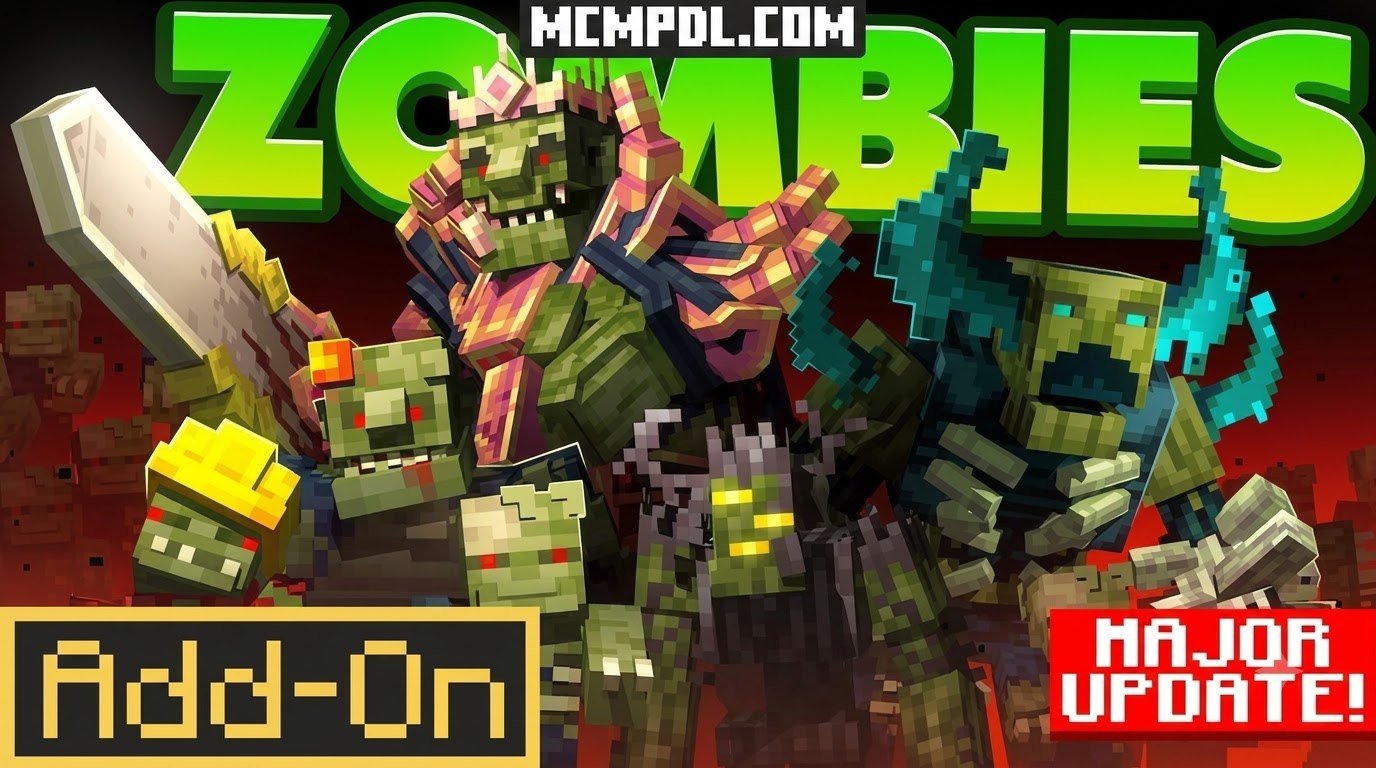
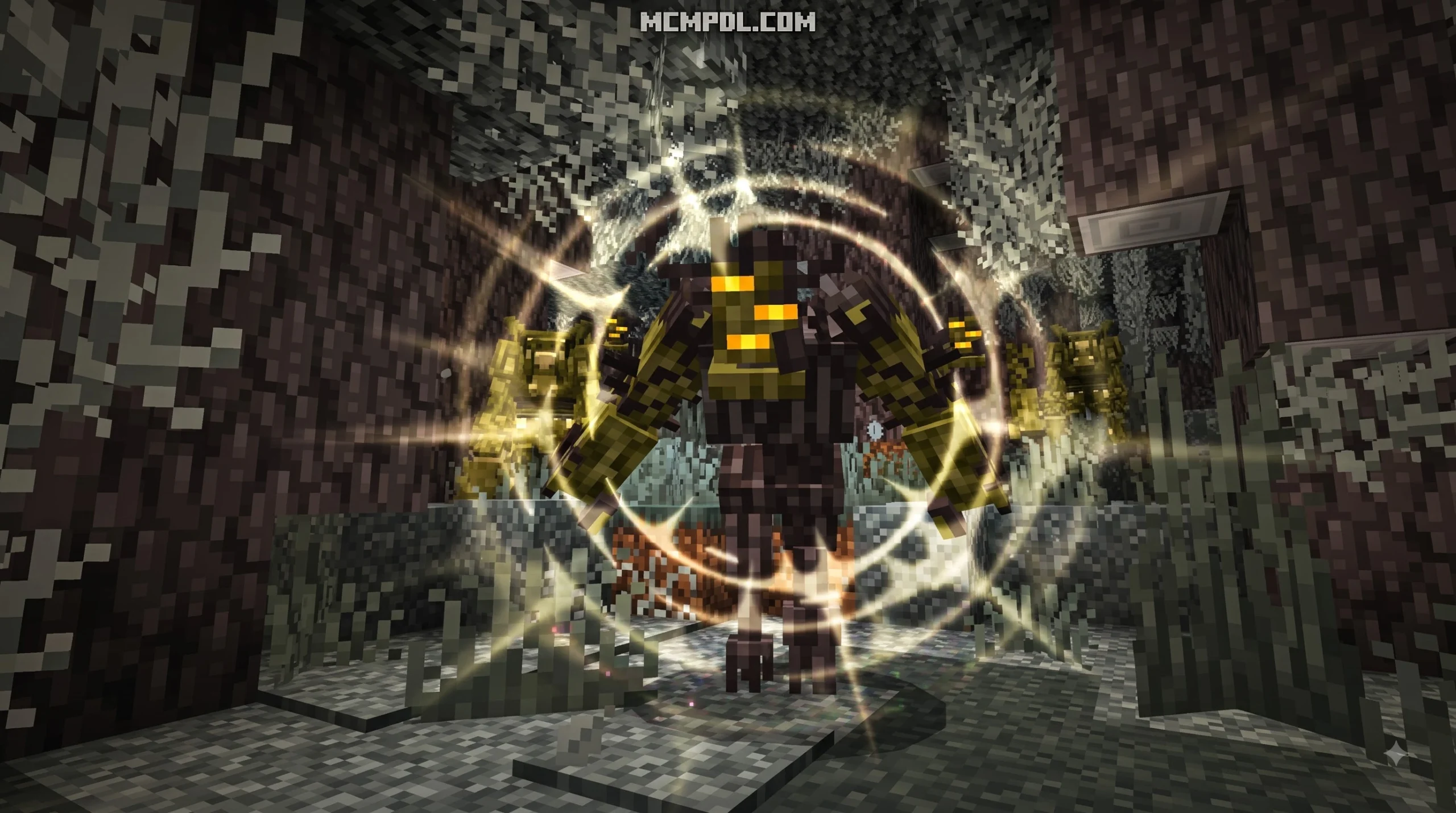
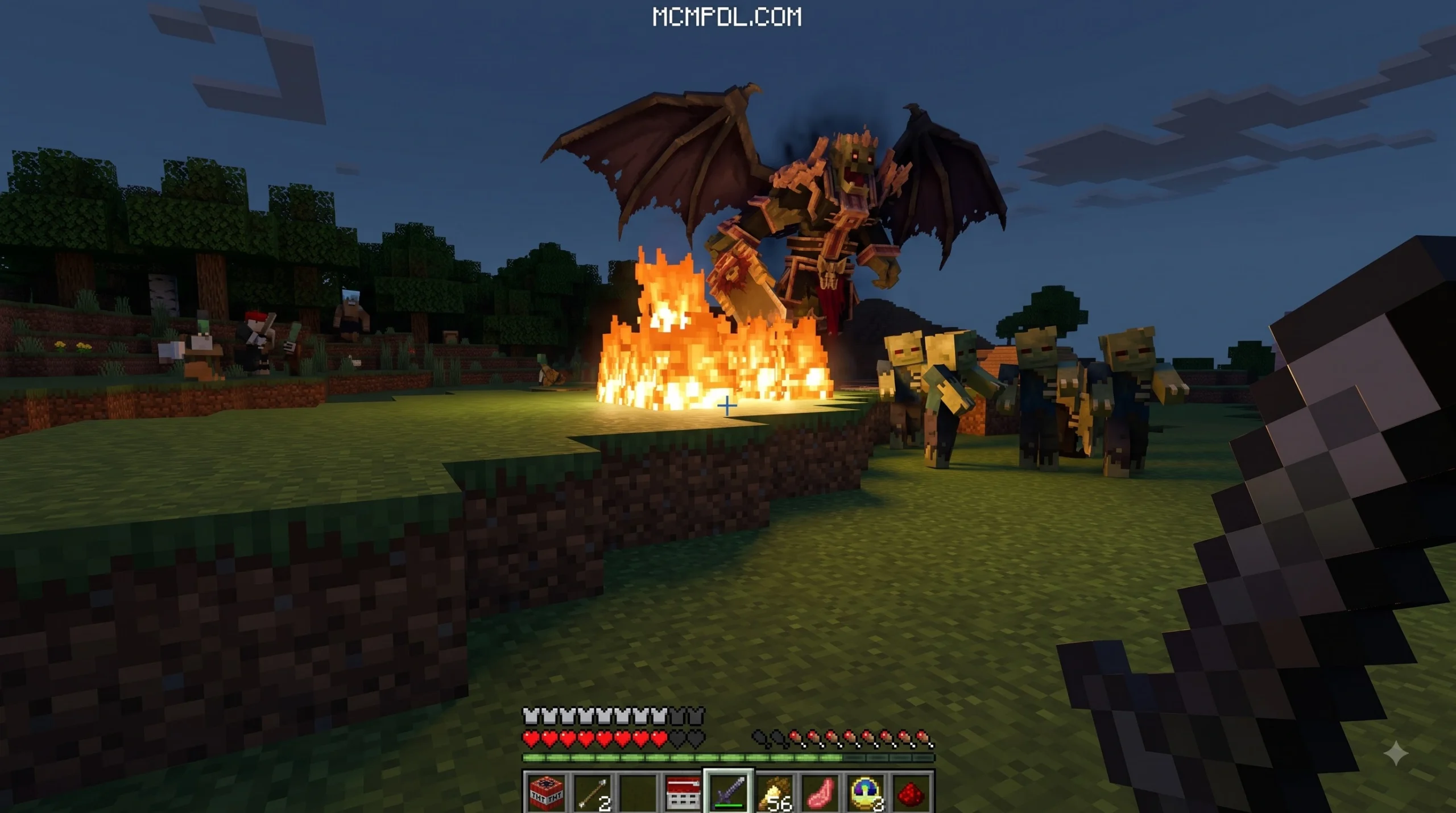
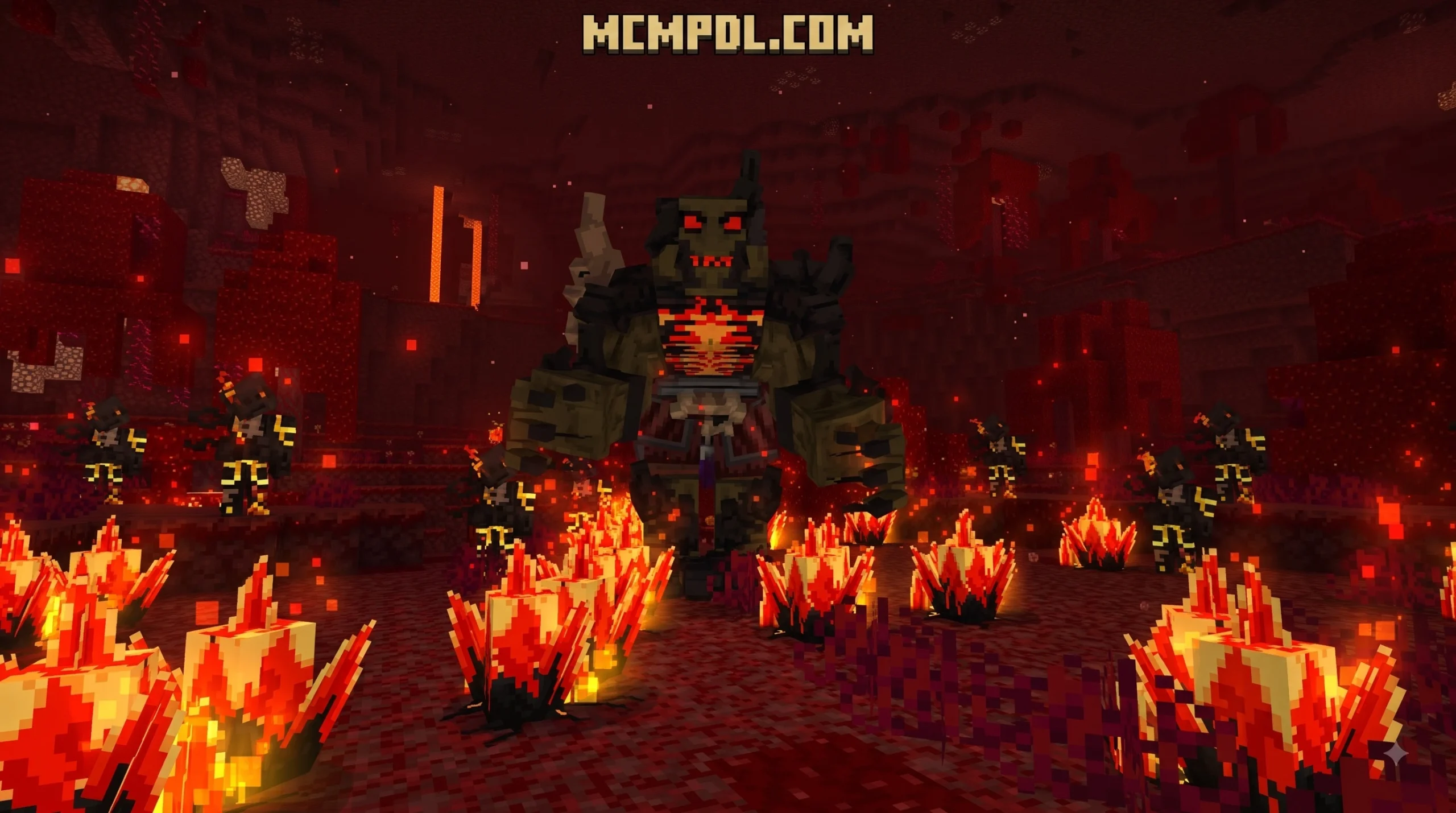
ZOMBIES Addon for Minecraft PE/Bedrock turns a normal survival world into a harsher undead challenge, with custom zombie variants, new weapons, and boss encounters.
Why the ZOMBIES Addon for Minecraft PE/Bedrock Changes Survival
| Quick answer | What to expect |
|---|---|
| Main content | 28 zombie types, 11 custom weapons, and boss fights |
| Target version | Minecraft PE/Bedrock 1.21 |
| Setup requirement | Experimental Gameplay must be enabled in the world settings |
| Play style | Action-horror survival with more dangerous combat than vanilla Minecraft |
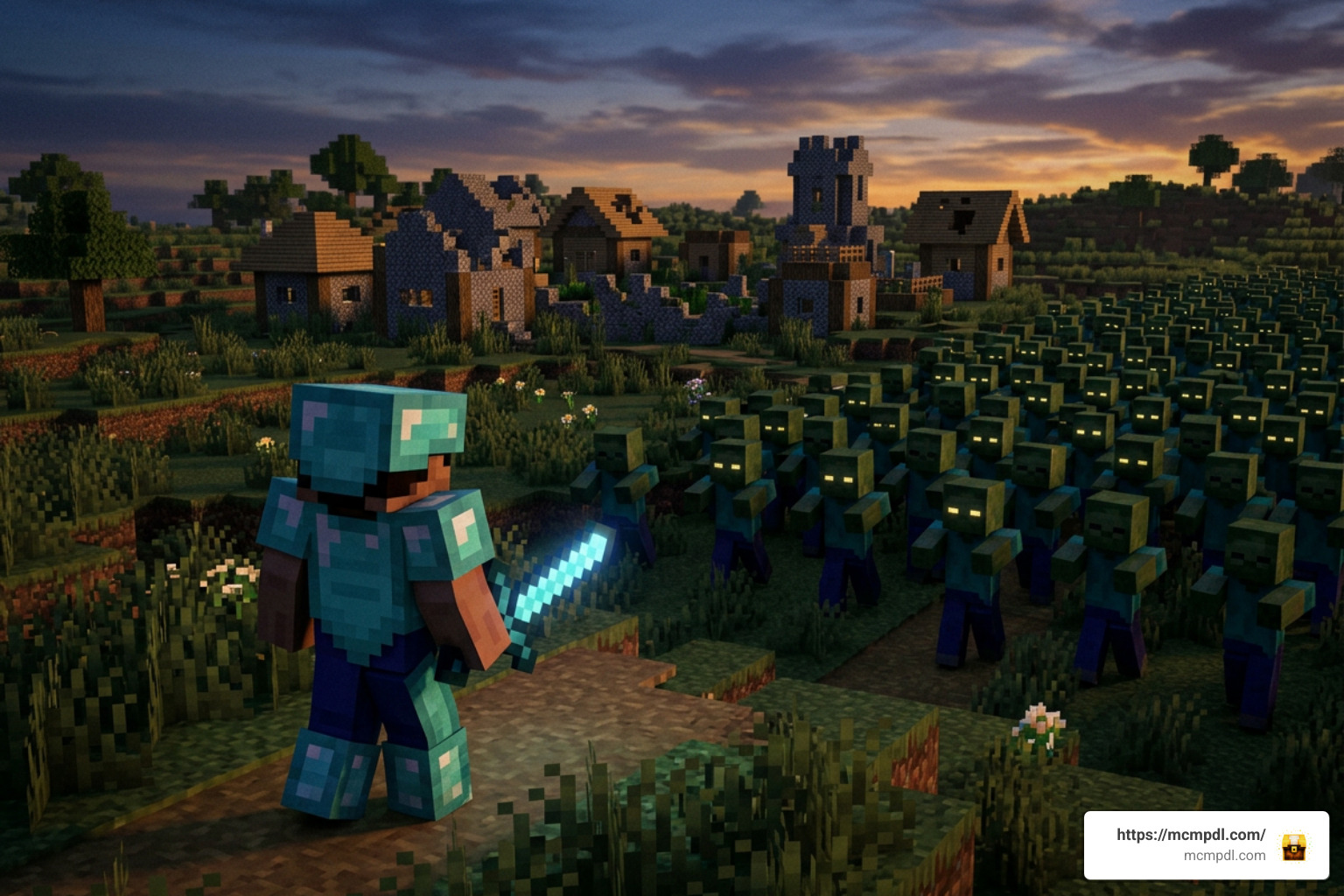
This is not simply a texture pack that makes zombies look different. The addon is built around fighting varied infected enemies and surviving stronger threats than Minecraft’s standard zombies.
For players who want a deeper apocalypse experience, it is also useful to compare this addon with larger survival-focused packs. Some add thirst, infection, vehicles, evolving hordes, Blood Moon events, or base-breaking enemies. This guide explains where the ZOMBIES Addon fits, what it adds, and what to check before installing it on Bedrock or Pocket Edition.
Core Features of the ZOMBIES Addon for Minecraft PE/Bedrock
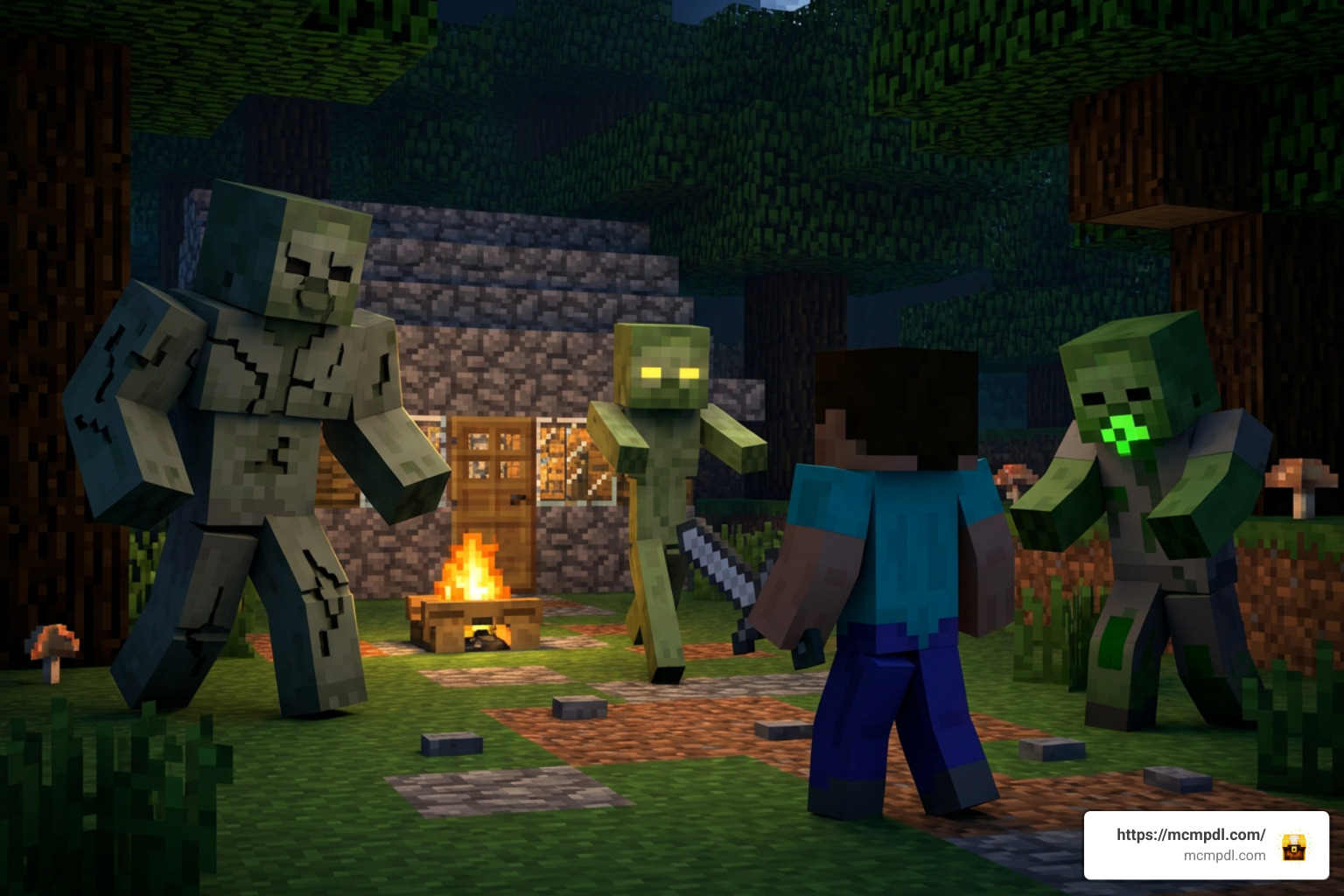
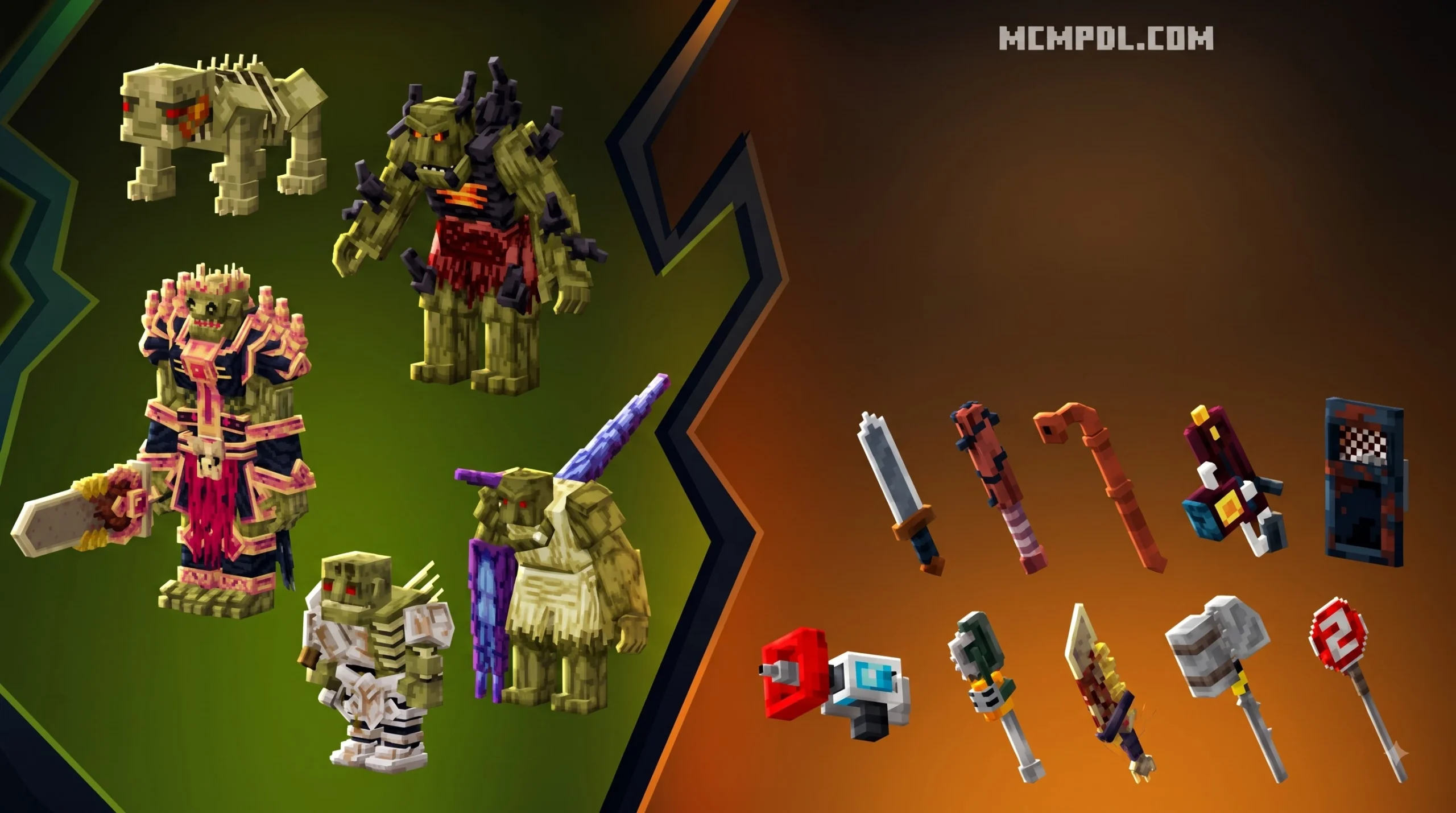
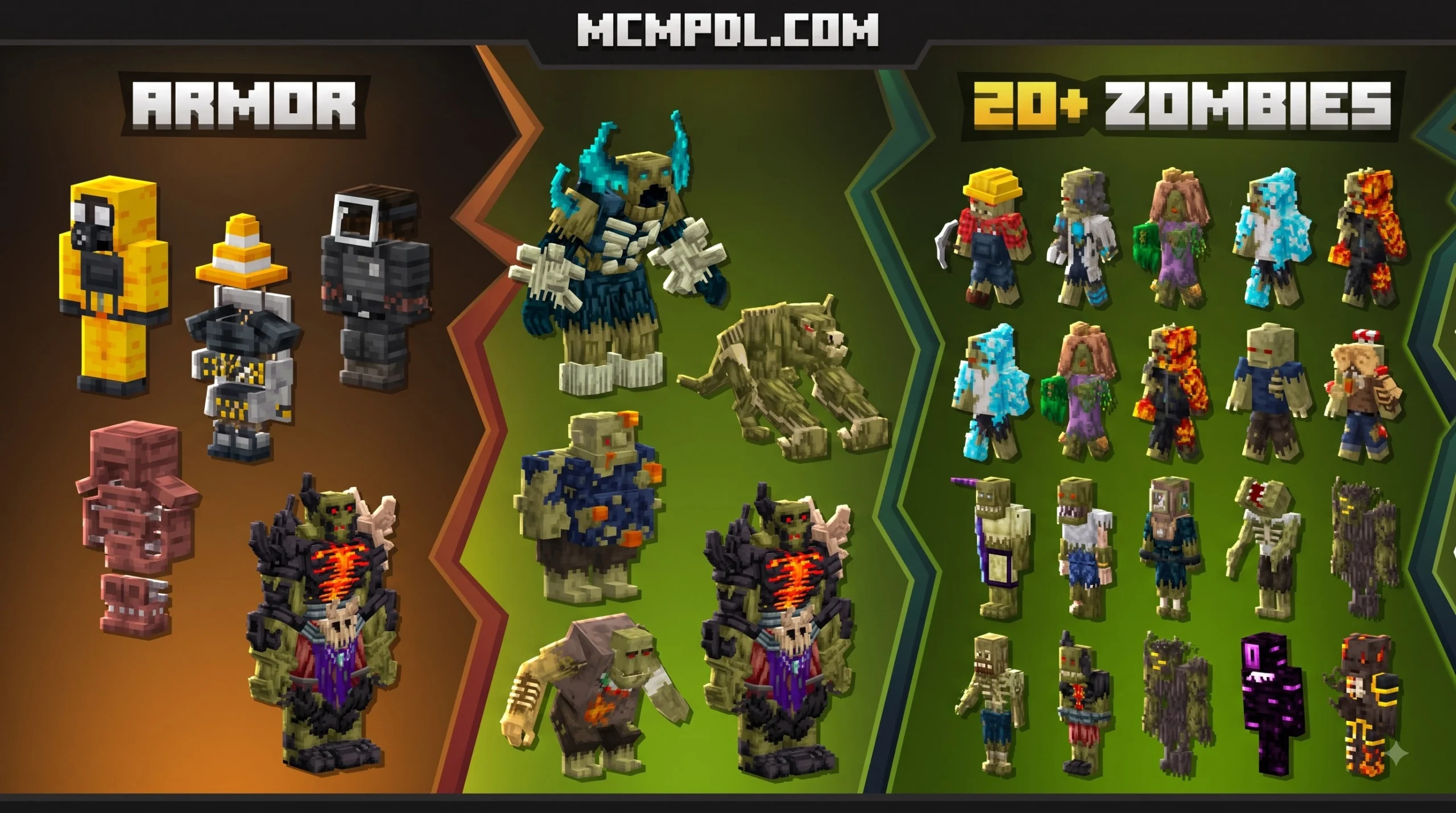
When we take a look at the classic vanilla undead in Bedrock Edition, they quickly become predictable. They walk in straight lines, burn under the morning sun, and drop rotten flesh. The Zombies Addon (1.21) transforms this dynamic completely by introducing 28 unique zombie variants, 11 custom weapons, and dedicated boss encounters into your Minecraft world.
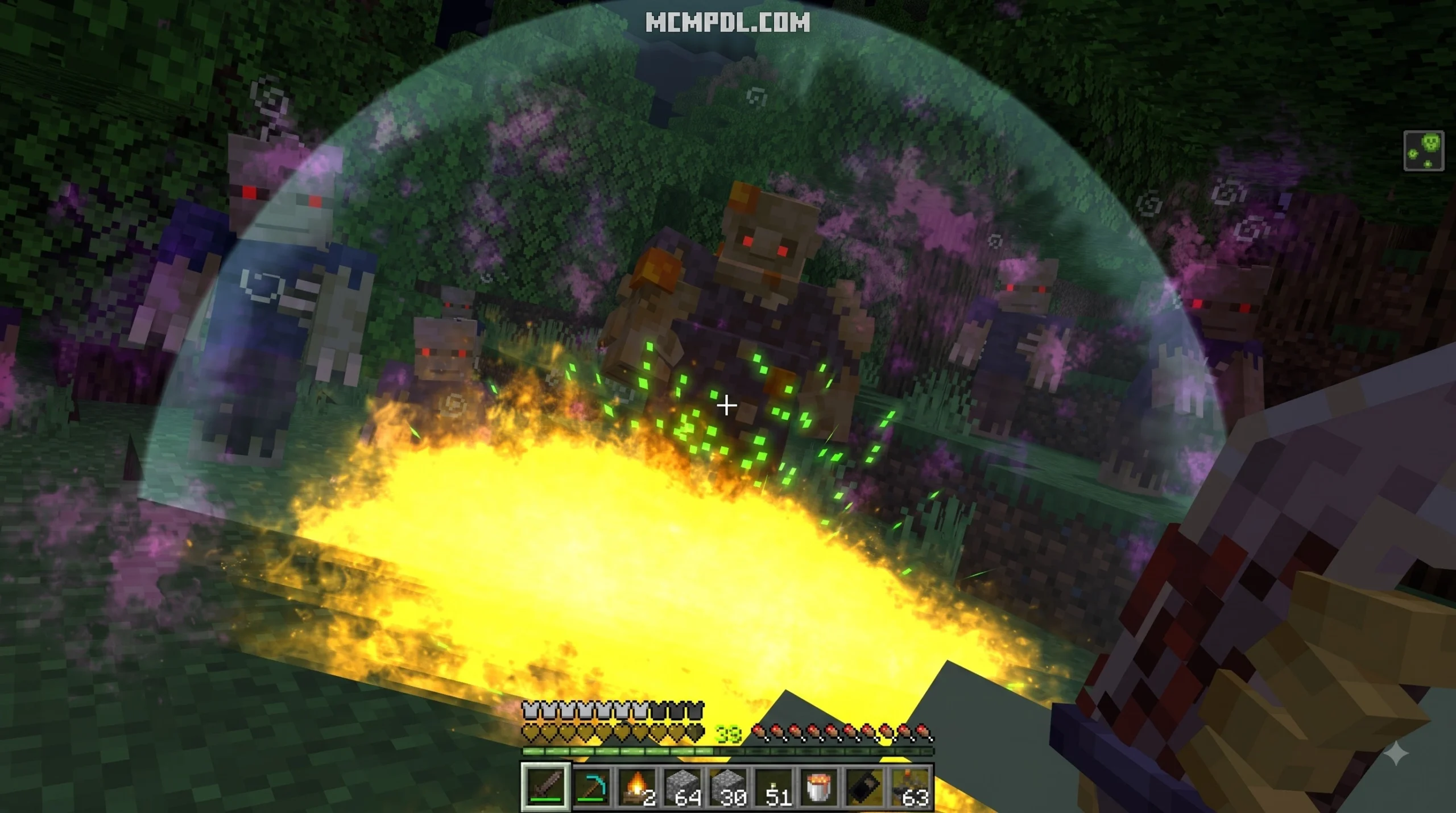
By shifting the focus from passive night-time survival to high-intensity action horror, the addon keeps players constantly on their toes. Whether you are exploring dark caves or defending your night shelter, the expanded roster of infected enemies completely overhauls early and end-game combat.
Zombie Variants in the ZOMBIES Addon for Minecraft PE/Bedrock
The primary strength of the ZOMBIES Addon for Minecraft PE/Bedrock lies in its diverse, specialized undead roster. Instead of facing uniform slow walkers, you encounter distinct classes that require specific combat strategies:
- Crawlers and Stealth Attackers: Small, low-profile zombies that squeeze through single-block openings or sneak up in dark biomes. In extended survival scenarios, crawlers can spot players from up to 50 blocks away.
- Miner and Block Placer Mobs: Certain advanced infected retain structural awareness. Miner zombies tear through dirt, wood, and cobblestone barriers, while Block Placers build towers and bridges to bypass sky bases.
- Teleporting and Screamer Mobs: Teleporting zombies appear instantly behind you, removing the safety of running away. Screamer variants (or Revealers) release high-pitched screeches upon spotting you, alerting nearby hordes and exposing your position.
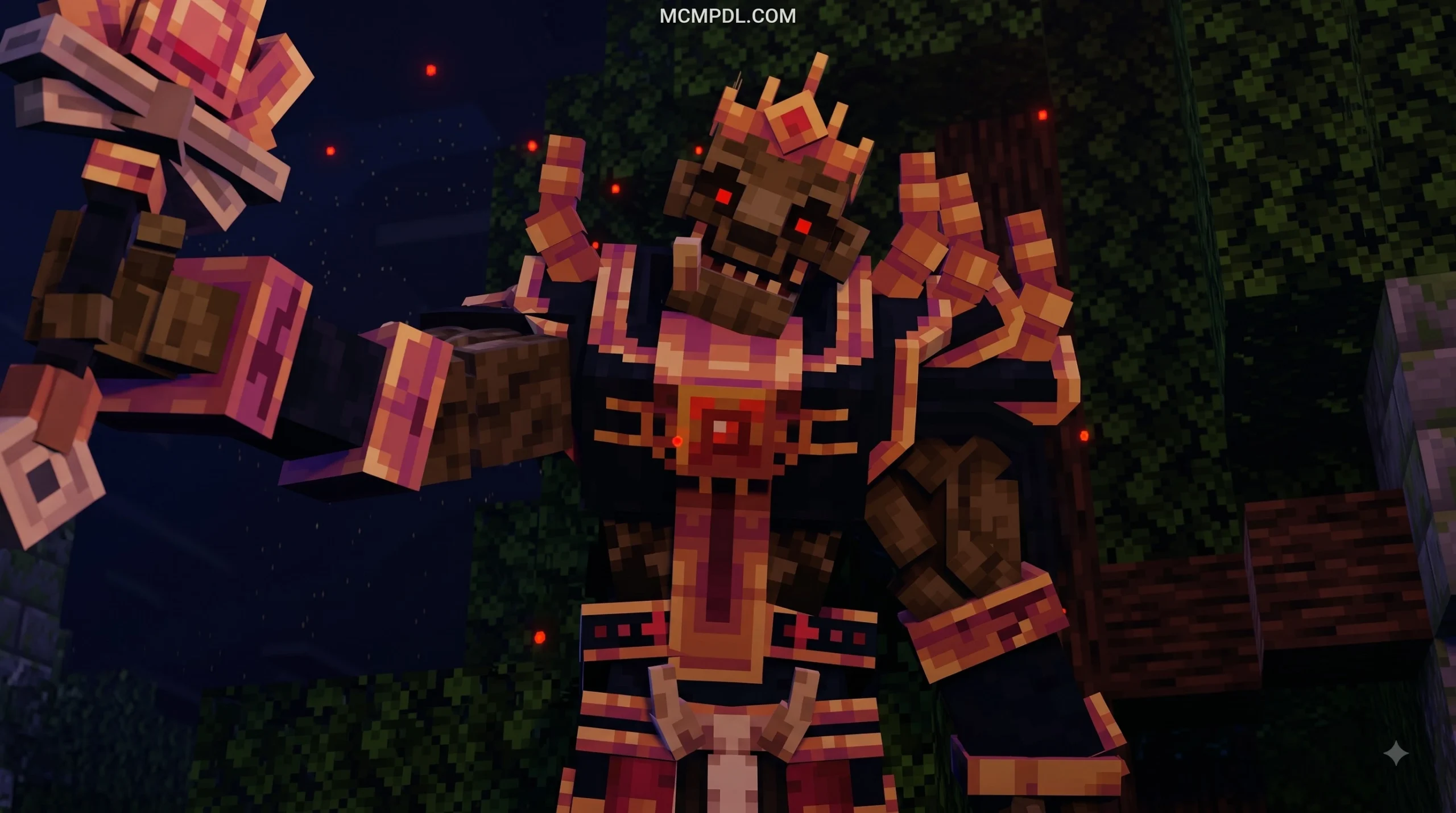
- Boss Mobs and Elite Mutants: Major boss threats feature massive health pools ranging from 120 HP to over 500 HP. Massive entities like the Infected Scientist, Spider Queen, or Husky Golem require specialized altars or summoned keys to fight and offer top-tier loot drops.
Other specialized community expansions, such as the Zombies Plus Addon v7.0, focus on lighter vanilla-style neutral zombies, stealth units, and taming mechanics. Meanwhile, thematic options like the Marvel Zombies Addon bring over 20 superhero-inspired variants into Bedrock survival.
Weapons, Armors, and Defensive Crafting
To fight off dozens of dangerous new mobs, you need more than a simple iron sword. The core arsenal across modern Bedrock zombie addons offers a mix of heavy melee weapons, firearms, and improvised survival tools.
In addition to offensive gear, defensive crafting is critical to base survival:
- Window Barricades & Chain Fences: Wooden boards block line of sight, while reinforced chain fences stop zombie block-breaking up to high difficulty levels.
- Spiked Plates & Wire Traps: Placing wooden, iron, or netherite spiked plates around your perimeter damages charging hordes automatically.
- Electric Fences: Powered perimeter wire stuns and damages clusters of infected during nighttime assaults.
- Protective Gear: Crafting Hazmat or Tactical Anti-Zombie Suits protects against environmental infection and status debuffs. Players can even harvest raw remains to craft Specialized Zombie Armor.
Advanced Survival Mechanics and Dynamic Horde Events
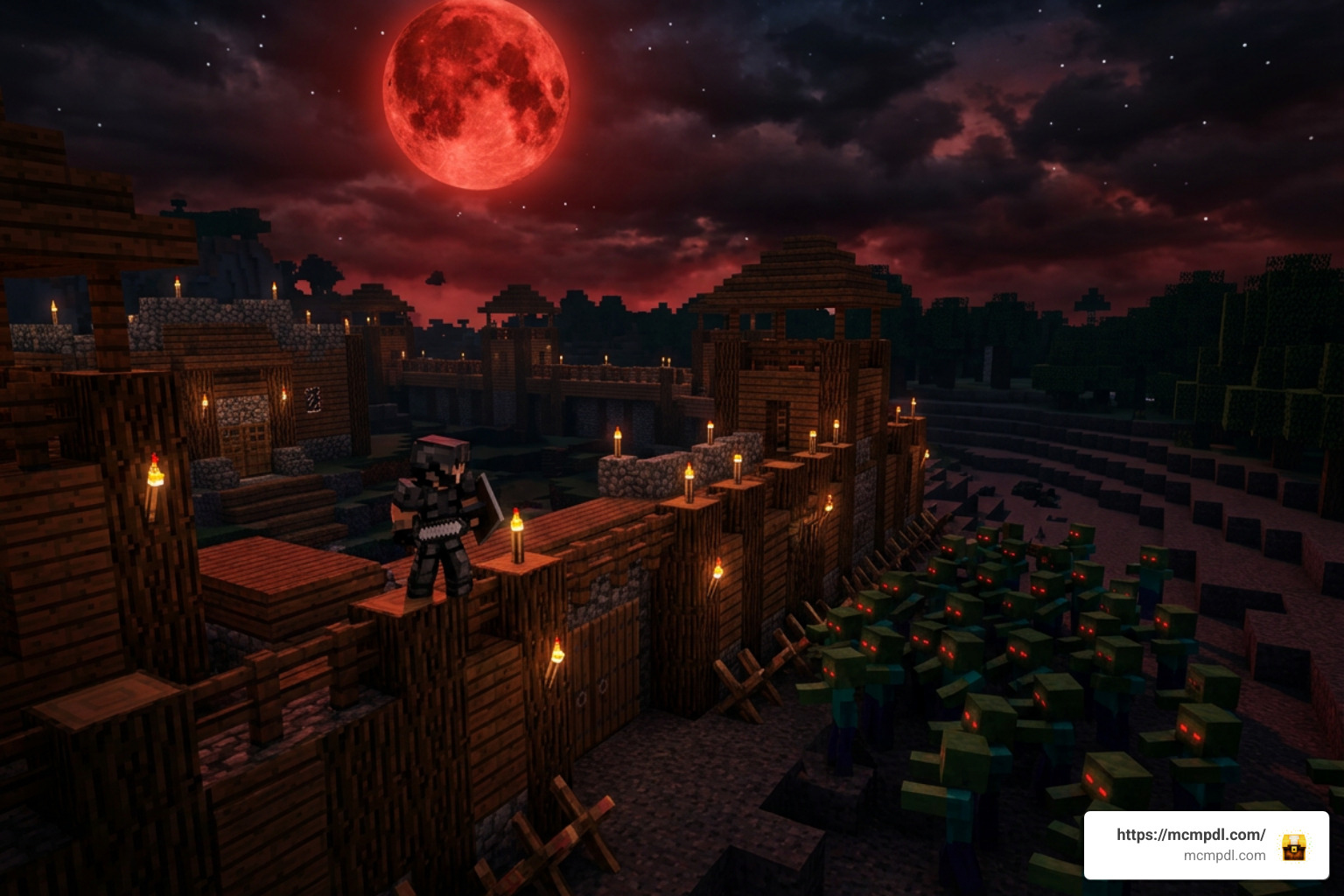
Beyond new mobs and weapons, post-apocalyptic gameplay relies heavily on atmosphere and dynamic survival mechanics. Top-tier zombie addons implement systems that make the world feel actively hostile, evolving as the days go on.
Dynamic Difficulty and Day Evolution
Dynamic scaling ensures that your base will never remain permanently safe. Many progressive apocalypse addons utilize internal tick tracking and world-day counters to trigger evolution stages:
- Early Days (1–10): Basic shamblers and crawlers spawn. Zombies have standard movement speeds and limited sight ranges.
- Mid Game (Days 20–60): Zombies begin spawning with iron gear or weapons. Teleporting variants start appearing around Day 60, and infection risks increase.
- Late Game (Days 70–100+): Full Netherite armored zombies spawn on Day 70. Past Day 100, Block Miners, explosive TNT zombies, and tower-building mobs appear regularly.
- 8-Day Evolution Cycles: Difficulty scales every 8 days, boosting horde movement speeds, tracking radius, and physical strength across the map.
In mods like the Zombie Virus Addon, player deaths carry severe consequences. When you die, your character drops a hostile zombie clone equipped with your skin—selected from over 200 variations—which retains high health and aggressive tracking.
Infection, Bleeding, and Base Defenses
Detailed survival mechanics introduce realistic bodily hazards that go far beyond standard hunger:
When damaged in combat, your character may emit a Blood Scent detectable by nearby infected within 10 blocks. Additionally, recurring events like Blood Moons trigger every 8 days with a 100% chance of directing multiple horde waves straight to your position, disabling sleep and turning sky bases into prime targets.
Feature Comparison of Popular Minecraft Bedrock Zombie Addons
To help you choose the best apocalyptic setup for your world, we have compiled a detailed comparison table showcasing how the primary Bedrock zombie addons stack up against one another in terms of content, mechanics, and download metrics.
| Addon Name | Download Volume | Key Features & Zombie Types | Weapons & Defense Arsenal | Unique Survival Mechanics | Experimental Settings Required? |
|---|---|---|---|---|---|
| ZOMBIES Addon (1.21) | High Community Interest | 28 Zombie Variants, Boss Battles, Custom Structures | 11 Custom Weapons, Tactical Gear | Action-horror focused horde mechanics | Yes |
| True Survival – Zombie Apocalypse | 2,967,259 Downloads | 20+ Custom Structures, Tameable Dogs, Recruitable NPCs | Chainsaws, Flamethrowers, Slingshots, Deconstruction Bench | Thirst, Food Spoilage, Vaccine Crafting, Vehicle Repair | Yes |
| Rise and Survive – Progressive Zombie Apocalypse | 1,800,000+ Downloads | Miner Zombies, Block Placers, Revealers, Crawlers | Longswords, Katanas, Spiked Plates, Wire Fences | 8-Day Difficulty Scaling, Blood Scent, Blood Moon Events | Yes |
| Project Walker – Zombie Apocalypse | 985,298 Downloads | Hostile Bandits, Dynamic Zombie Hordes, NVG Gear | Guns, Firearms, Medical Supplies, Fire Extinguishers | Infection, Bleeding, Broken Legs, Thirst, Driveable Vehicles | No |
| Mo’ Zombies Addon | Popular Community Mod | 14+ Regular Zombies, Infected Scientist, Spider Queen | Oneye Battleaxe, Katanas, Zombie Remains Armor | Bleeding Status Effects, Boss Altar Keys | Yes |
| Zombie-apocalypse Mod for MCPE | 100,000+ Google Play Downloads | Survivor NPCs, Scientist Trade Merchants, Zombie Hearts | Basic Firearms, Base Fortifications | Vaccine Brewing via Scientist NPCs, Infected Allies | Yes |
For players seeking expansive enemy lists, the Mo’ Zombies Addon pairs well with classic options like the CSO Regular Zombie Addon, which ports arcade-style enemy AI directly into Bedrock survival.
Technical Setup and Installation Guide
Most Minecraft PE/Bedrock addons are distributed using .mcaddon or .mcpack file formats. A .mcaddon file packages both the Resource Pack (RP) and Behavior Pack (BP) together, making installation straightforward across mobile and PC platforms.
If you are new to Bedrock customization, the official Minecraft Add-Ons FAQ is a useful reference for understanding how add-ons, behavior packs, and resource packs work in Minecraft.
How to Install the ZOMBIES Addon for Minecraft PE/Bedrock
Here is the exact step-by-step process for getting your zombie addon working on your device:
Windows 10/11 Installation
- Download the corresponding
.mcaddonor.mcpackfiles to your Downloads folder. - Double-click the file. Minecraft Bedrock Edition will automatically launch and import the resource and behavior packs.
- Create a new world or edit an existing world’s settings.
- Navigate to Resource Packs and activate the pack.
- Navigate to Behavior Packs and activate the matching pack.
- Scroll down to the Experiments tab in World Settings and turn on Experimental Gameplay toggles.
- Launch your world.
Android Setup
- Download the
.mcaddonfile using your web browser. - Open your device’s File Manager (or a free third-party file manager app).
- Locate the file in your Downloads folder, tap it, and select Open with Minecraft.
- Once imported, go to World Settings, attach both the Behavior Pack and Resource Pack, and enable Experimental toggles before entering the world.
iOS / iPadOS Setup
- Download the file using Safari.
- Open the Downloads menu, tap the
.mcaddonfile, and tap Share. - Choose Minecraft from the list of available apps.
- Minecraft PE will boot up and confirm the import at the top of the screen.
- Enable the packs under World Settings alongside Experimental Gameplay toggles.
Note: Addons that alter player.json should not be mixed together, as loading multiple player-modifying behavior packs simultaneously will cause game crashes or broken animations.
Frequently Asked Questions
Does the Zombies Addon require Experimental Gameplay toggles?
Yes, the vast majority of Bedrock zombie addons—including the ZOMBIES Addon for Minecraft PE/Bedrock—require you to enable Experimental Gameplay (such as Holiday Creator Features, Upcoming Creator Features, and Custom Biomes) in your world settings. This enables custom entity scripts, non-vanilla item interactions, and custom weapon behaviors. However, select addons like Project Walker are specifically engineered to run without experimental toggles.
How do you cure zombie infection and stop bleeding?
Infection and bleeding remedies vary depending on the specific addon you have installed:
- Zombie Infection: Can typically be cured by consuming a Golden Apple, administering a Cure Syringe, or brewing a Zombie Vaccine using Zombie Hearts gathered from defeated mobs.
- Bleeding Mechanics: Stopped by applying Bandages, Rags, Gauze, or complete First Aid Kits.
- Broken Bones: Treated by equipping a Splint, using a Leg Brace, or taking a Morphine Syringe.
Are these zombie addons compatible with Minecraft Bedrock 1.21?
Yes, modern zombie addons published on major community hubs are fully updated for Minecraft Bedrock version 1.21 and above. Always make sure to download the matching version file (e.g., version 1.21.x support) to avoid AI pathfinding issues or missing entity model glitches on dedicated multiplayer servers.
Conclusion
Transforming standard Minecraft into an intense post-apocalyptic survival test has never been easier. Whether you want the action of the ZOMBIES Addon for Minecraft PE/Bedrock, the tactical survival simulation of True Survival, or the day-by-day evolving difficulty of Rise and Survive, these addons breathe fresh, terrifying life into Bedrock Edition.
Ready to outfit your game with the absolute best community packs, custom worlds, and survival mods? Explore MCPE Addons at MCMPDL to discover the latest creations and turn your Minecraft PE experience into the ultimate zombie apocalypse survival test!