Scroll down to D0vvnl0ad
What Is the Steven Universe Mash-up for Minecraft PE/Bedrock?
To download the Steven Universe Mash-up for Minecraft PE/Bedrock, launch Minecraft, open the in-game Marketplace, search for “Steven Universe Mash-up”, purchase the pack for 990 Minecoins, and tap Download to create your custom world template.
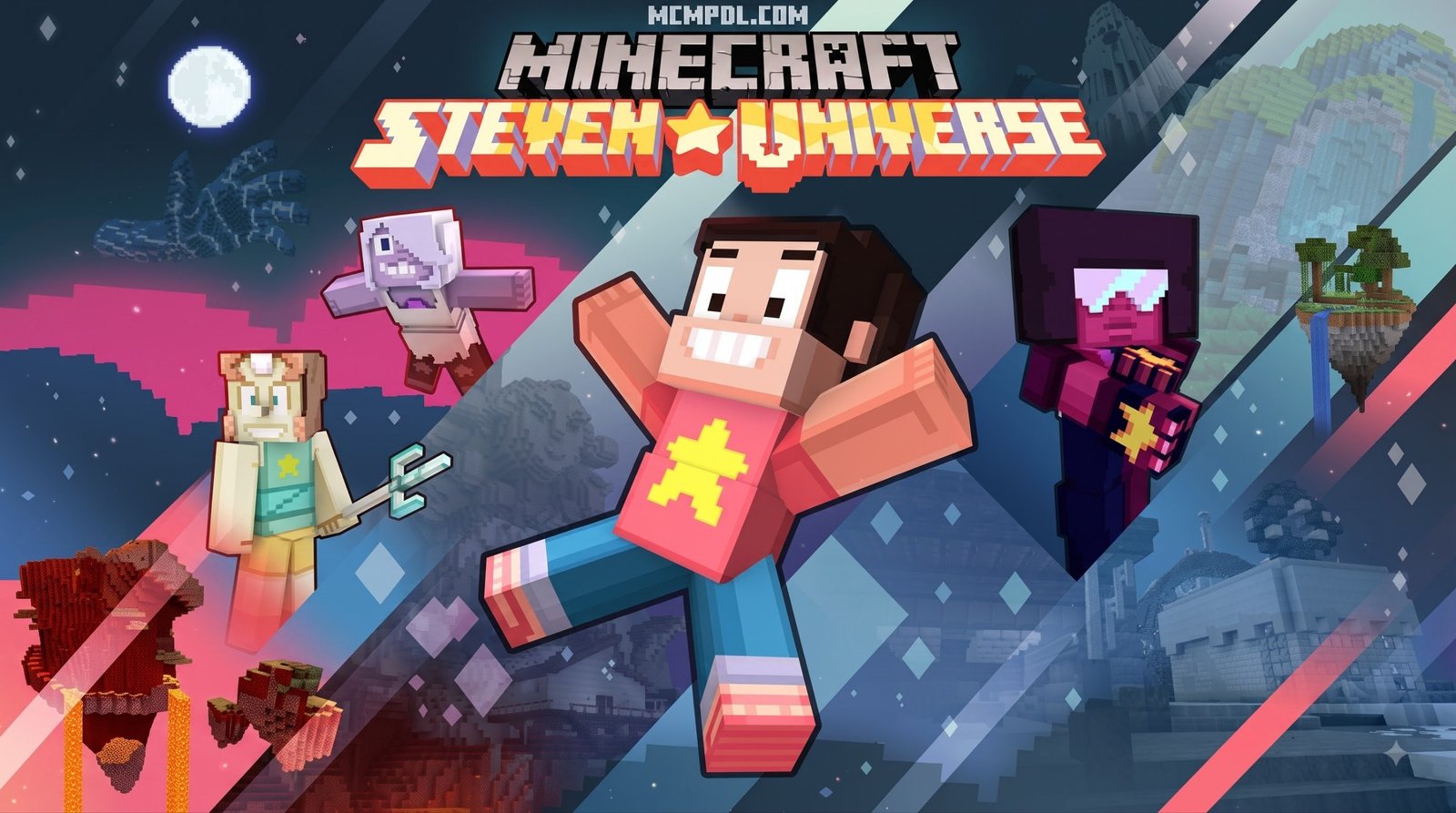
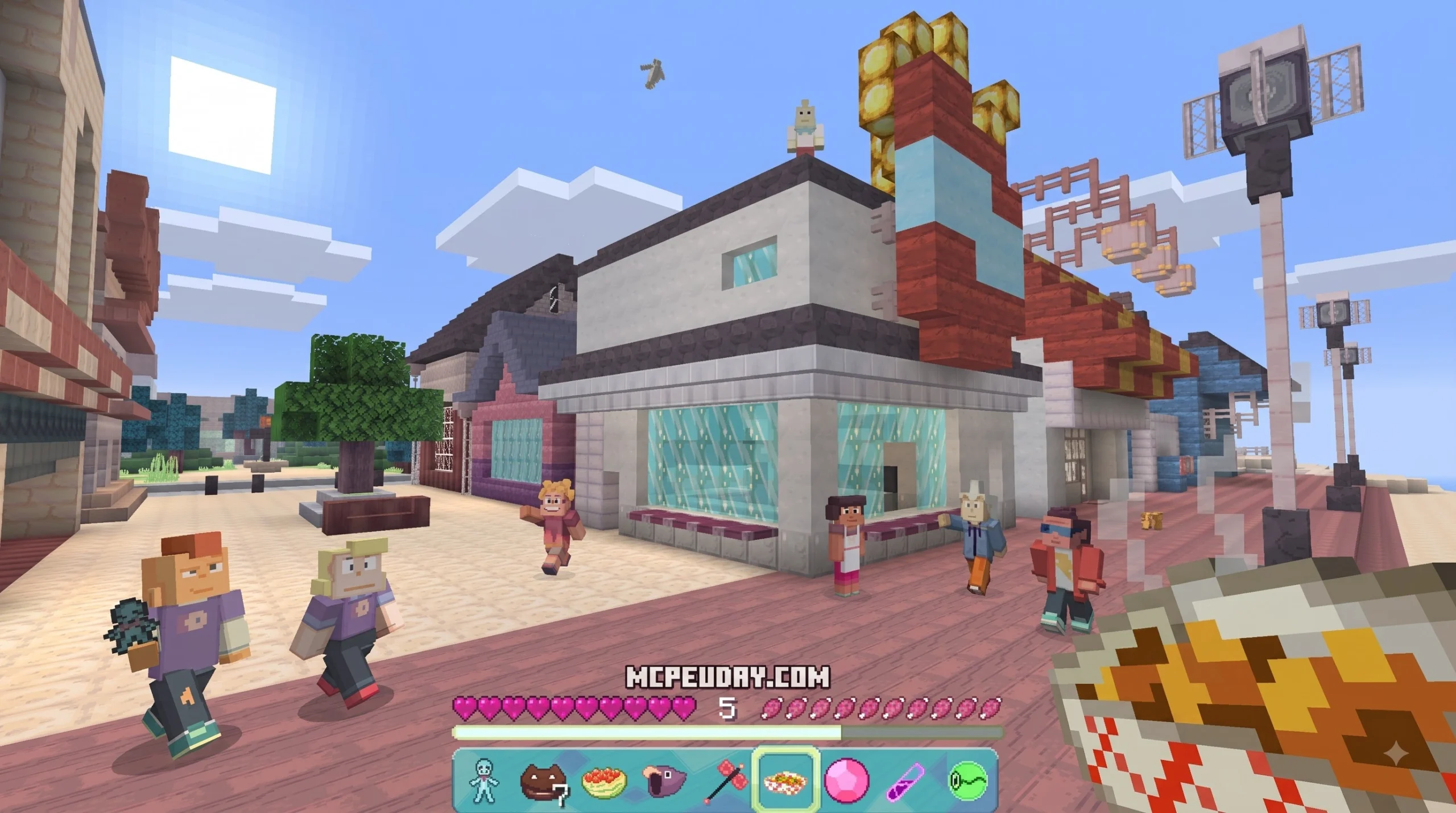
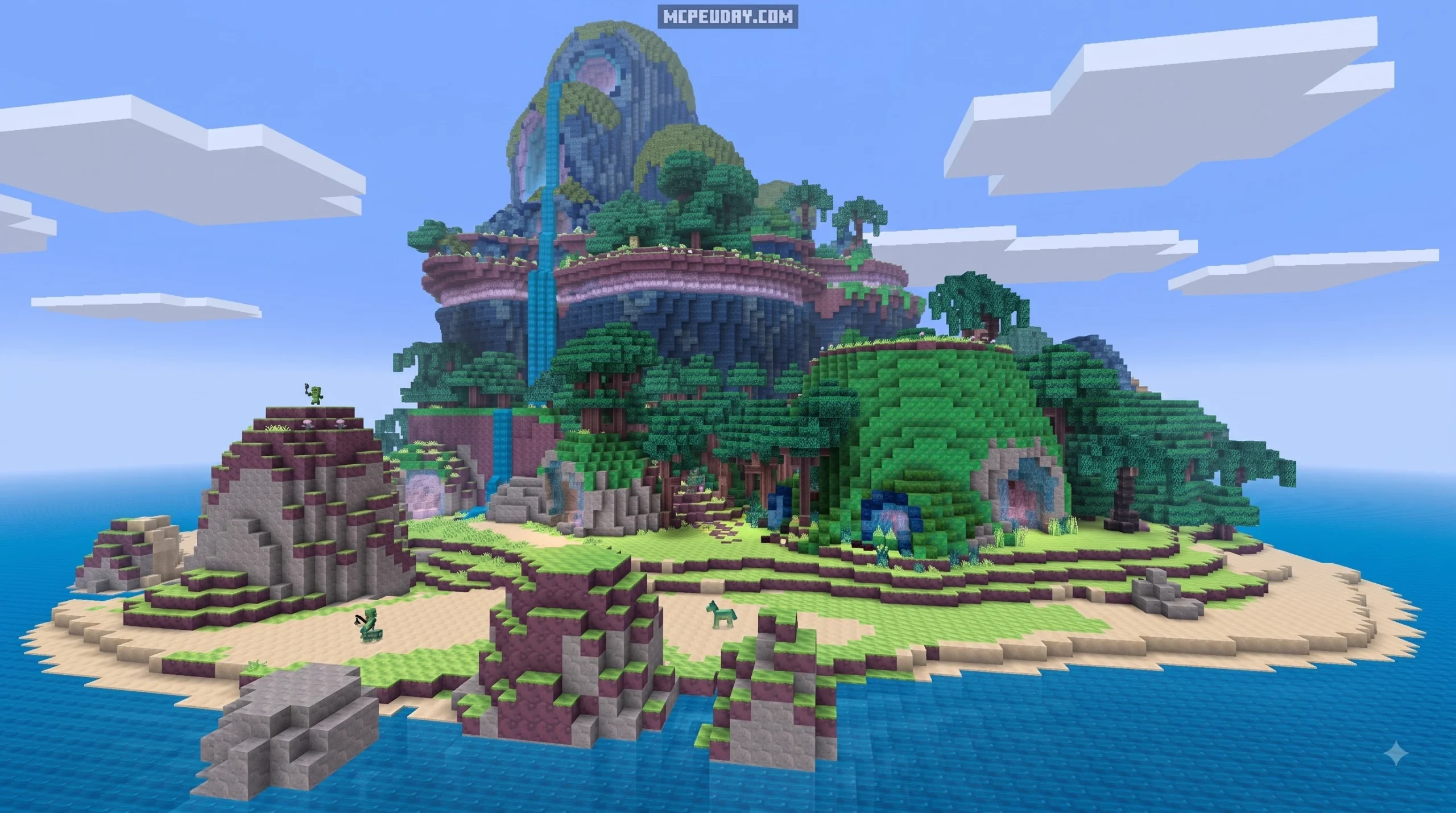
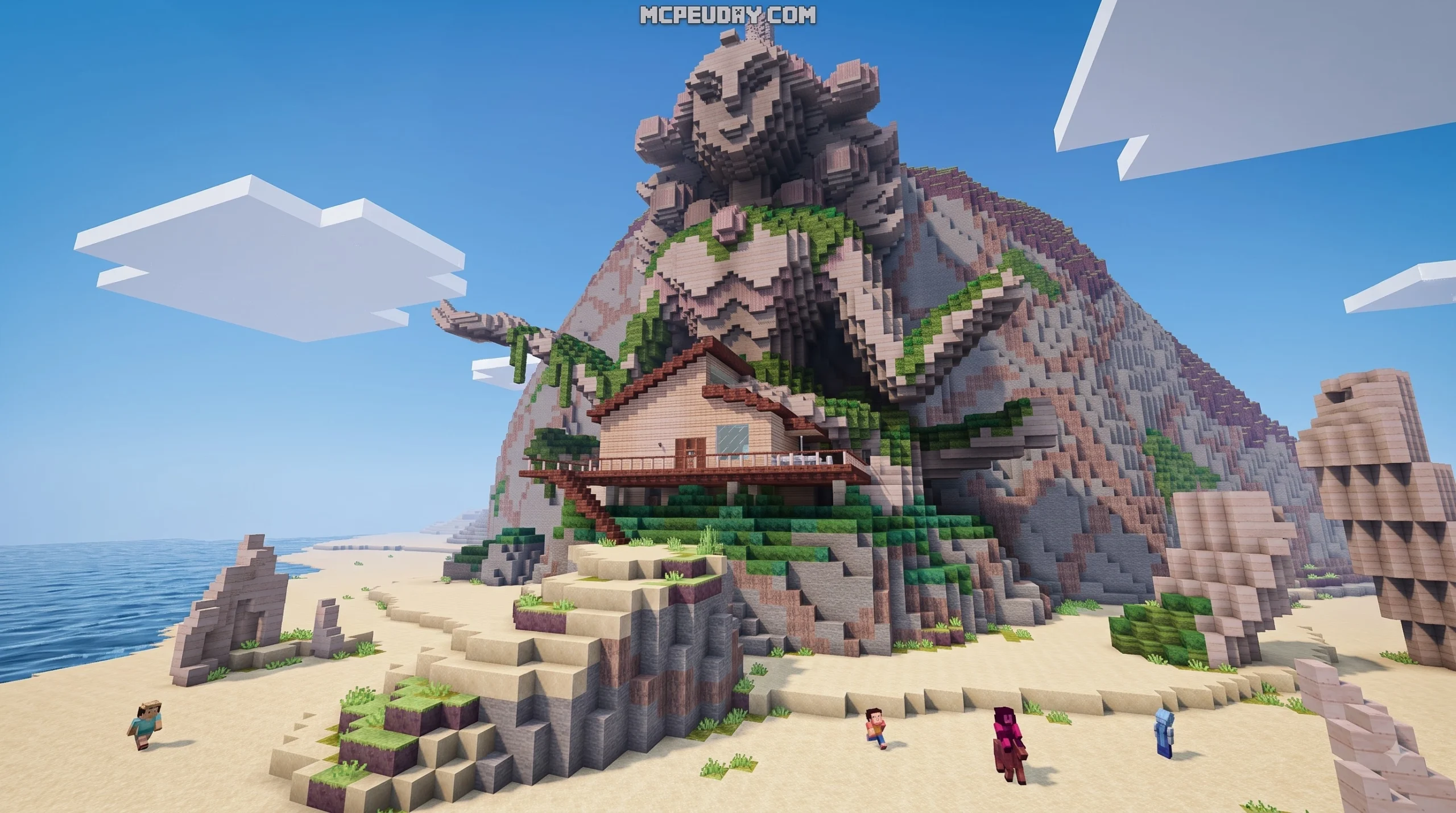
When Mojang Studios partnered with Cartoon Network, they delivered a vibrant, gem-infused world directly to our screens. As highlighted in the official announcement, this crossover converts the pastel-colored aesthetic, heartfelt lore, and cosmic wonders of the show into a fully functional sandbox playground. Whether you want to relax around Beach City or explore the futuristic spires of Homeworld, the pack provides an authentic animated atmosphere.
For players who regularly browse our Mash-up category, mash-up packs represent the ultimate all-in-one DLC experience. Unlike standalone skins or resource files, a complete mash-up bundles custom blocks, user interface overhauls, themed music, character models, and a meticulously crafted showcase map. Originally published by Mojang and developed in collaboration with 4J Studios, the project allows fans to live out their favorite animated storylines in single-player or multiplayer modes.
Included Features and Character Roster
The centerpiece of this DLC is its massive collection of cosmetics and environmental transformations. As outlined in the official Xbox Store listing, the pack is built to let 1 to 4 players explore cooperative scenarios together while wearing iconic series outfits.
The custom texture pack reimagines classic Minecraft blocks with soft pastels, distinct cartoon outlines, and glowing crystal formations. The pack includes:
- Custom UI and themed menus matching the aesthetic of the cartoon series.
- Original show soundtrack compositions that play seamlessly as ambient background audio.
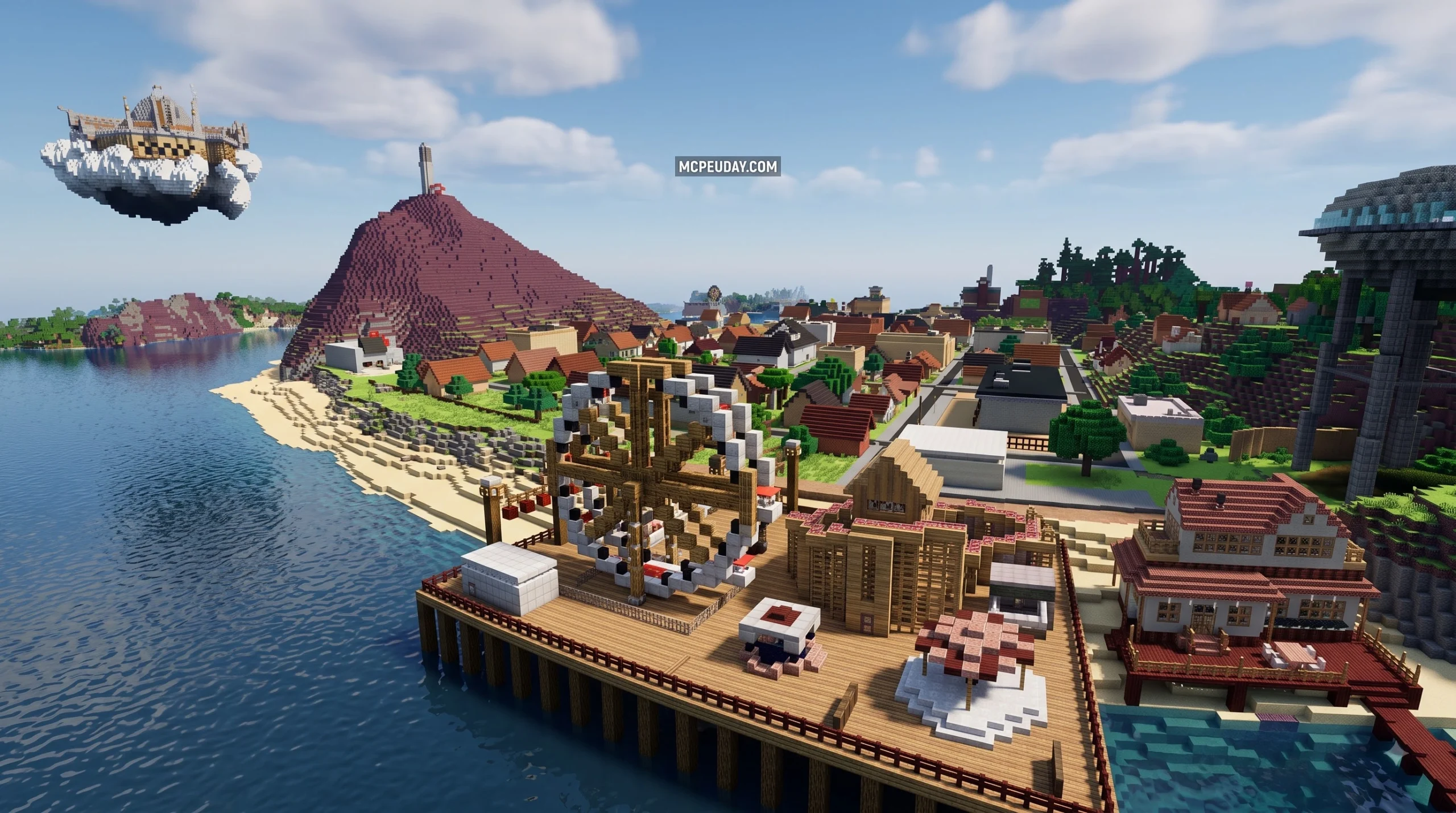
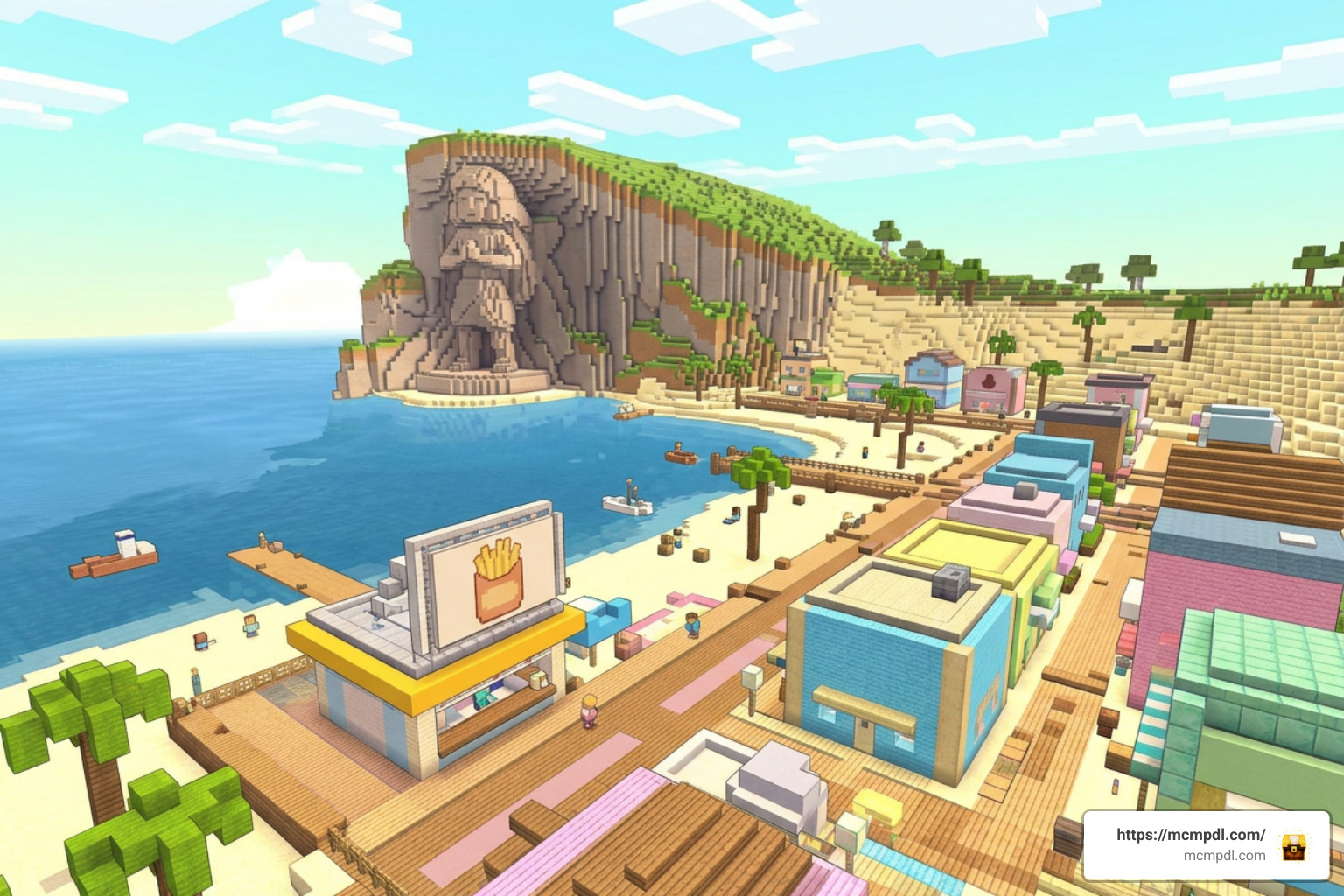
- Reconstructed key locations, including the Crystal Temple, the Big Donut, Beach City boardwalk, Pink Diamond’s palanquin, and the towering architecture of Homeworld.
- Complete reskins for standard monsters, animals, and utility items to fit the Gem universe.
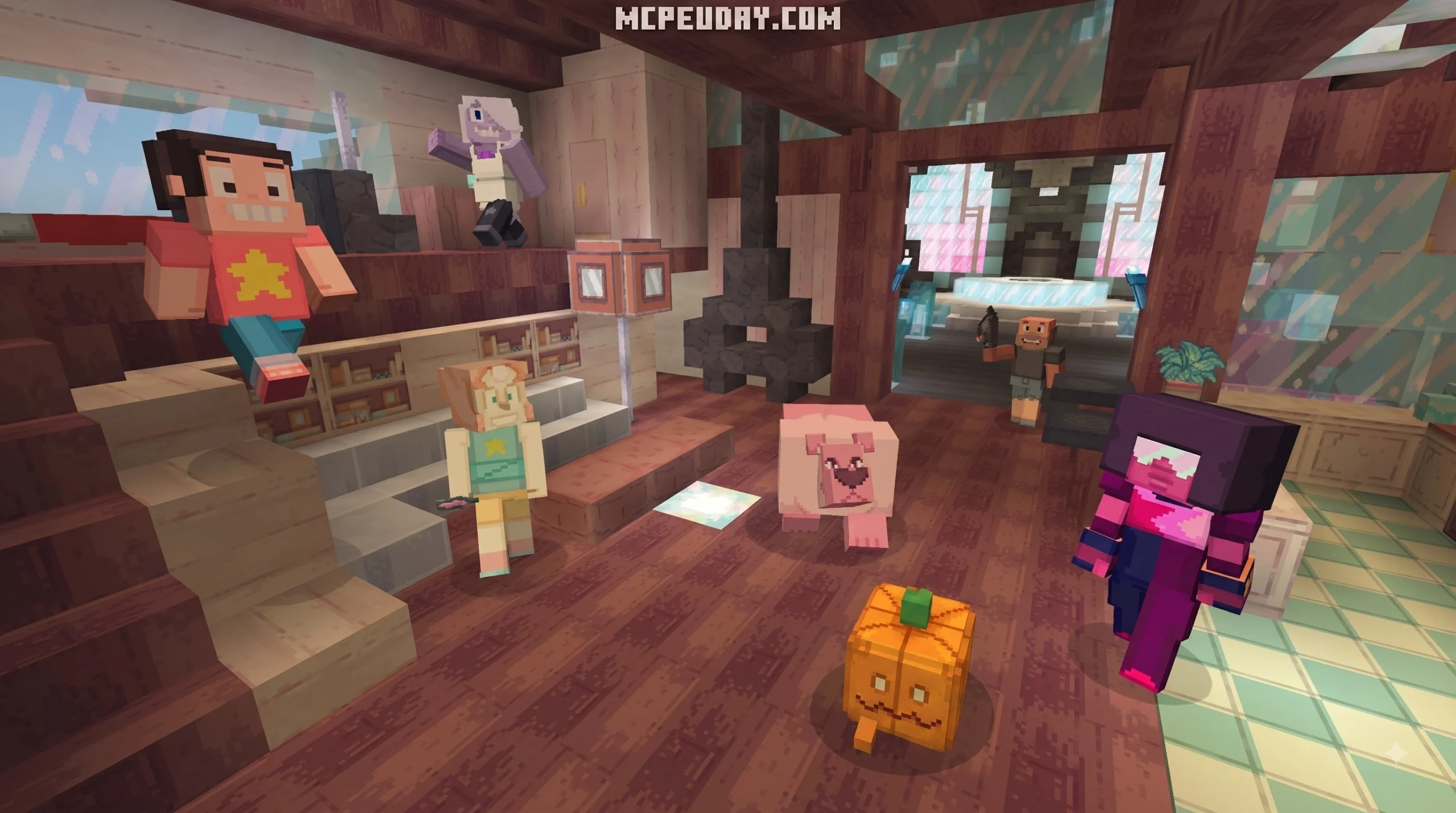
Beyond the environment, the pack supplies 48 distinct skins representing characters from every era of the series:
- The Crystal Gems: Steven Universe, Garnet, Amethyst, Pearl, Rose Quartz, Bismuth, Peridot, and Lapis Lazuli.
- The Great Diamond Authority: White Diamond, Yellow Diamond, Blue Diamond, and Pink Diamond.
- Gem Fusions: Stevonnie, Opal, Sugilite, Alexandrite, Sardonyx, Smokey Quartz, Rainbow Quartz, and Sunstone.
- Beach City Citizens: Greg Universe, Connie Maheswaran, Lars Barriga, Sadie Miller, Mayor Dewey, and Onion.
- Homeworld & Special Variants: Lars of the Stars, Watermelon Steven, Lion, Pumpkin, Jasper, Aquamarine, Topaz, Zircon Defense, and Zircon Prosecution.
Technical Specifications and Ratings
From a technical perspective, the pack integrates with modern Bedrock versions. It was released on February 26, 2019, and received continuous engine maintenance, including updates as recently as September 18, 2024, to ensure seamless compatibility with modern Bedrock rendering pipelines.
- Marketplace Price: 990 Minecoins (approximately $5.19 to $5.99 USD depending on platform platform store regional pricing)
- Minimum Required Version: Minecraft Bedrock Engine 1.9.0 or higher
- Product Unique Identifier (UID):
1814821e-1786-44a0-99f5-a950222fb6b3 - Supported Player Count: 1–4 local split-screen or online multiplayer
- Community Reception: 4.7 out of 5 stars across 34,886 player ratings, with over 87% of reviewers awarding a full 5-star score
How to Download and Install the Mash-up in 3 Steps
Getting the official content onto your device takes only a few minutes through the built-in Minecraft Marketplace on Android (PE), iOS, Windows 10/11, Xbox One, Xbox Series X|S, PlayStation, or Nintendo Switch. Follow these three straightforward steps to unlock and explore the Gem world immediately.
Step 1: Open Marketplace for Steven Universe Mash-up for Minecraft PE/Bedrock
Launch Minecraft on your device and make sure you are signed into your Microsoft account. On the main title screen, select the Marketplace button (represented by a store stall icon).
Use the search magnifying glass in the top-right corner to search for “Steven Universe Mash-up”. Alternatively, if you are browsing on an external storefront, you can locate the item directly using its product UID 1814821e-1786-44a0-99f5-a950222fb6b3. Verify that the listing displays the official developer tag from Mojang and Cartoon Network to guarantee you are purchasing the authentic pack.
Step 2: Purchase with Minecoins
The pack is priced at 990 Minecoins. If your account balance is insufficient, select the coin purchase button to top up your digital wallet:
- Choose a Minecoin bundle that covers the 990 coin requirement (the standard 1,020 Minecoin bundle for ~$5.99 USD is the closest tier).
- Complete the checkout through your platform’s payment gateway (Google Play, Apple App Store, Microsoft Store, or Nintendo eShop).
- If you are setting this up on a family device, make sure appropriate parental purchase approvals are completed.
- Click the 990 Minecoins button on the product page to unlock the DLC permanently for your Microsoft account across all linked Bedrock devices.
Step 3: Download and Create World Template
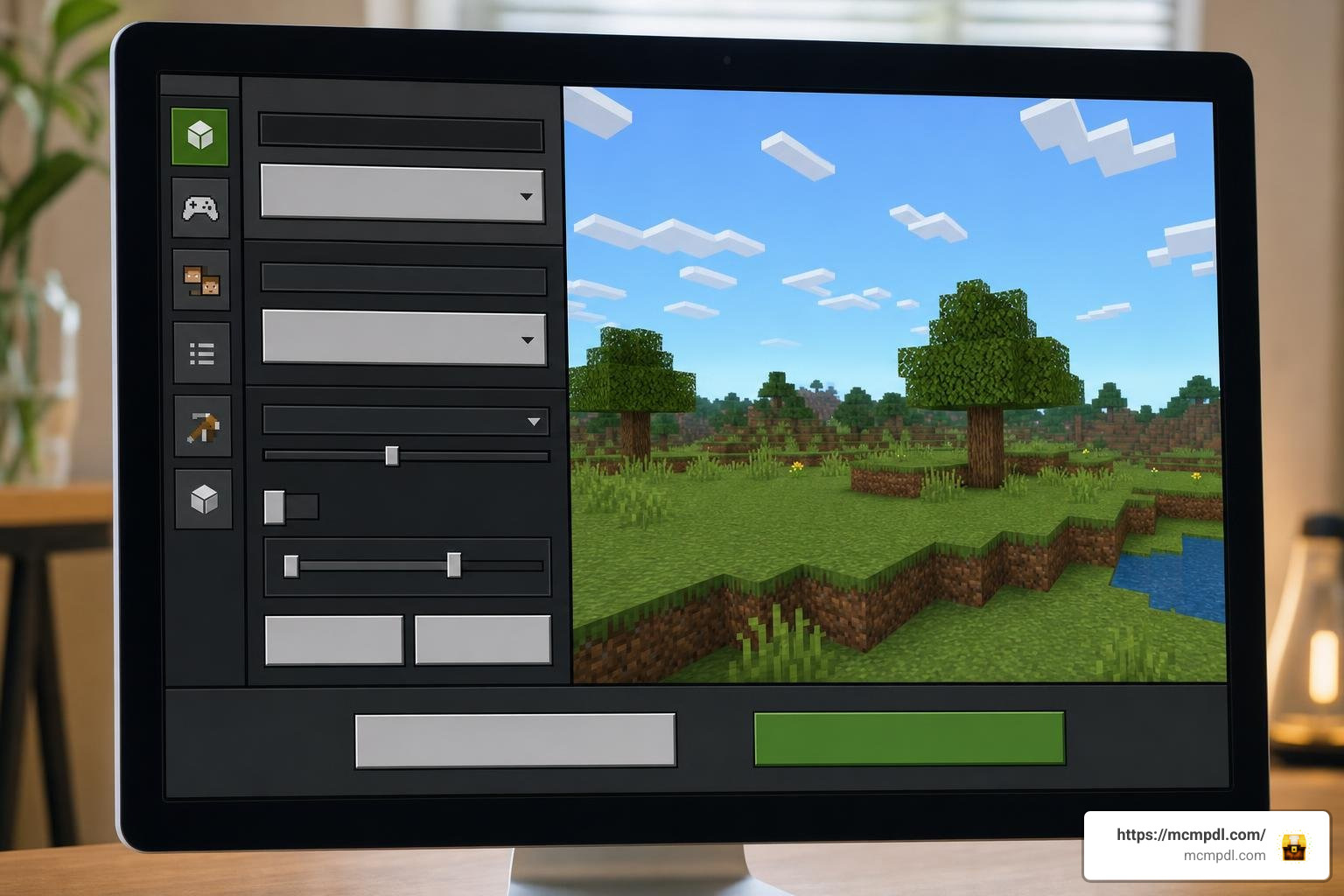
Once unlocked, the purchase button will change to a green Download button.
- Tap Download to install the world template, texture files, audio tracks, and skin pack to your local device storage.
- After the download completes, click Create this World directly from the product screen, or go to Play > Create New > Create New World and choose the Steven Universe Mash-up from your available templates.
- Adjust your preferred game settings (Survival or Creative mode, difficulty level, coordinate displays, and multiplayer permissions for 1 to 4 players).
- Launch the map to explore the fully rendered locations offline or host friends in an online session.
- To use the skins or textures on other worlds, open your global Settings > Global Resources to activate the textures, or access the Dressing Room to equip your favorite Gem skin anywhere.
Comparing Steven Universe to Other Marketplace Packs
Minecraft Bedrock boasts several high-profile pop culture crossovers. Here is how this release compares against other fan-favorite mash-ups available across the platform:
| Feature | Steven Universe Mash-up | Adventure Time Mash-up | Aphmau’s Slime Life Mash-up |
|---|---|---|---|
| Price (Minecoins) | 990 Minecoins | 990 Minecoins | 990 Minecoins |
| Approximate USD | ~$5.99 | ~$5.99 | ~$5.99 |
| Included Skins | 48 Skins | 49 Skins | Diverse themed skin set |
| Custom Audio | Full original show OST | Custom series music & sounds | Themed custom audio & voice lines |
| World Scale | Beach City to Homeworld | Land of Ooo kingdoms | Custom fantasy slime world |
| Target Engine | Bedrock 1.9.0+ | Bedrock 1.0.0+ | Modern Bedrock |
| Average Rating | 4.7 / 5 Stars (34.8k+ reviews) | 4.6 / 5 Stars | 4.5+ / 5 Stars |
While all three packs provide complete visual overhauls, the Steven Universe DLC stands out for its high skin count (48 total) and its seamless integration of authentic cartoon music tracks composed by Rebecca Sugar and the series sound team.
Beware of Unofficial Third-Party APKs and Mods
When searching for mobile downloads online, you may encounter third-party websites offering free “Steven Universe Mod APKs” or unofficial Android installers. We strongly advise avoiding these downloads for several critical reasons:
- Security Risks and Malware: Many standalone APK mod wrappers distributed outside the official store contain adware, tracking libraries, or malicious payloads designed to compromise mobile device security.
- Broken Scripts and Crashes: Unofficial rips often fail to load properly on newer Bedrock versions, leading to severe lag, non-functional UI buttons, and broken behavior packs.
- Missing Audio and Assets: Because of copyright protections, unauthorized free APKs rarely include the licensed music tracks, custom shaders, and complete 48-skin collection that make the official release unique.
- Account Safety: Downloading modified APK files can corrupt your existing world saves or trigger license verification errors with your Microsoft account.
Sticking to the official Minecraft Marketplace ensures you receive a clean, stable, and auto-updating version of the DLC while directly supporting the artists and developers behind the crossover.
Frequently Asked Questions About the Steven Universe DLC
Is the Steven Universe Mash-up for Minecraft PE/Bedrock Free or Paid?
The pack is an official paid DLC product. It costs 990 Minecoins (approximately $5.99 USD) in the Minecraft Marketplace across all Bedrock platforms, including Android (Pocket Edition), iOS, Windows, and consoles.
What Characters Are Included in the 48 Character Skins?
The roster features Crystal Gems like Steven, Garnet, Amethyst, and Pearl; Homeworld Diamonds (White, Yellow, Blue, Pink); fusions such as Stevonnie, Opal, and Sardonyx; plus fan favorites like Lars of the Stars, Watermelon Steven, Pumpkin, and both Court Zircons.
Does the Mash-up Pack Include Original Music from the Show?
Yes. The DLC includes licensed, authentic background tracks from the Cartoon Network animated series that play dynamically while exploring the custom world template or using the texture pack.
Conclusion
The Steven Universe Mash-up brings the heart, color, and music of the animated series to Minecraft Bedrock. From exploring Beach City’s coastline to challenging friends on the Gem Homeworld in your favorite fusion skins, it remains one of the highest-rated add-ons on the platform.
For more guides, texture breakdowns, and the latest Minecraft Bedrock content, explore our extensive catalog and level up your next building adventure.
2 thoughts on “Steven Universe Mash-up for Minecraft PE/Bedrock”