Scroll down to D0vvnl0ad
Overview of the Sulfur Strongholds Addon for Minecraft PE/Bedrock
To quickly download and install the Sulfur Strongholds Addon for Minecraft PE/Bedrock, open the Minecraft in-game Marketplace, search for “Sulfur Strongholds” by Float Studios, purchase the pack for 490 Minecoins, and download the content files. Once downloaded, create a new world or edit an existing one, navigate to the Behavior Packs tab in world settings, activate the Sulfur Strongholds pack (which automatically activates its paired Resource Pack), and load your world to explore the new dungeons.
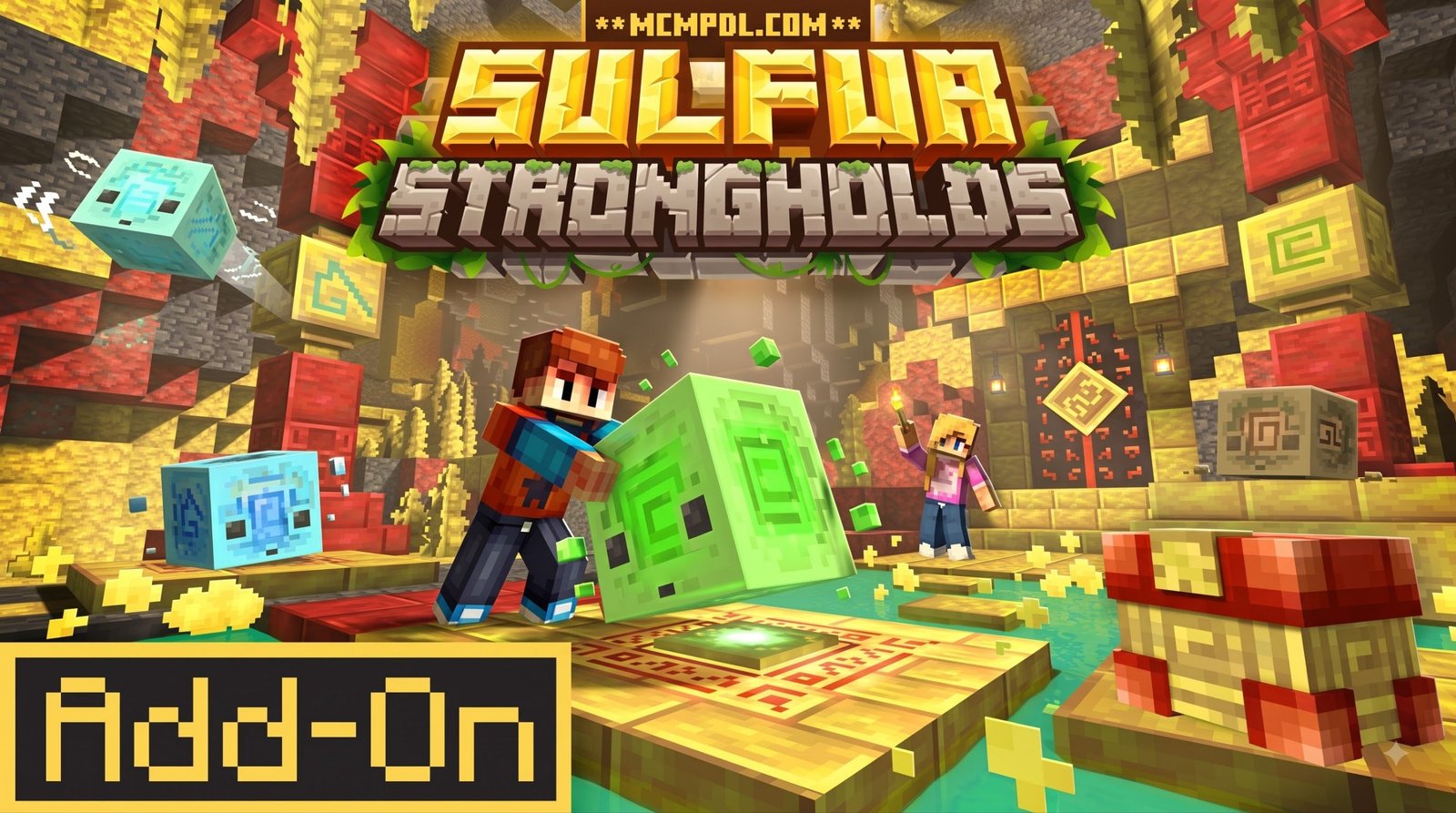
Created by Float Studios, the add-on delivers a focused dungeon-crawling experience built directly around custom physics and subterranean exploration. Rather than simply fighting waves of monsters in standard underground rooms, players must interact with environmental puzzles to proceed through ancient ruins. This makes the pack especially useful for survival players who want a compact adventure that feels more directed than normal cave mining but still fits naturally into a Bedrock world.
Because it is distributed through the official Marketplace, installation does not require manual file extraction, third-party launchers, or risky unofficial downloads. That is helpful for Minecraft PE players on phones and tablets, as well as console users who usually need Marketplace-ready content to add new gameplay systems safely.
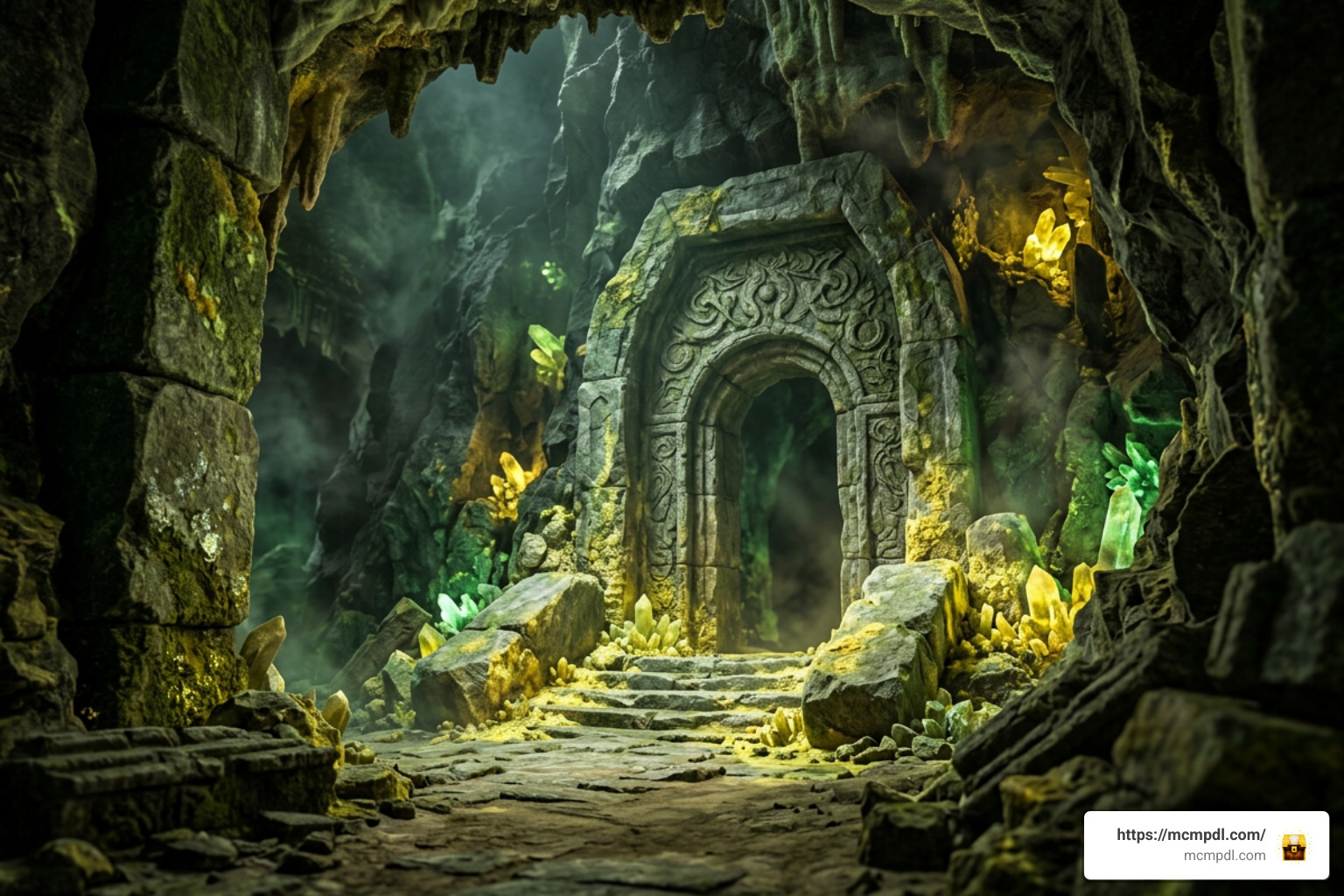
The content pack is available globally via the Minecraft Bedrock Marketplace. Priced at 490 Minecoins (approximately $2.57 USD or €2.42 EUR), it integrates smoothly into the game’s native modding framework across mobile devices, consoles, and Windows. If you regularly browse our Category: Add-ons, you will appreciate how this release balances puzzle complexity with survival dungeon crawling.
Core Features of Sulfur Strongholds Addon for Minecraft PE/Bedrock
The experience centers around structured dungeon runs. Instead of endless wandering, each stronghold features a distinct three-level progression system that tests both puzzle navigation and situational awareness.
Here is what you will encounter across the add-on:
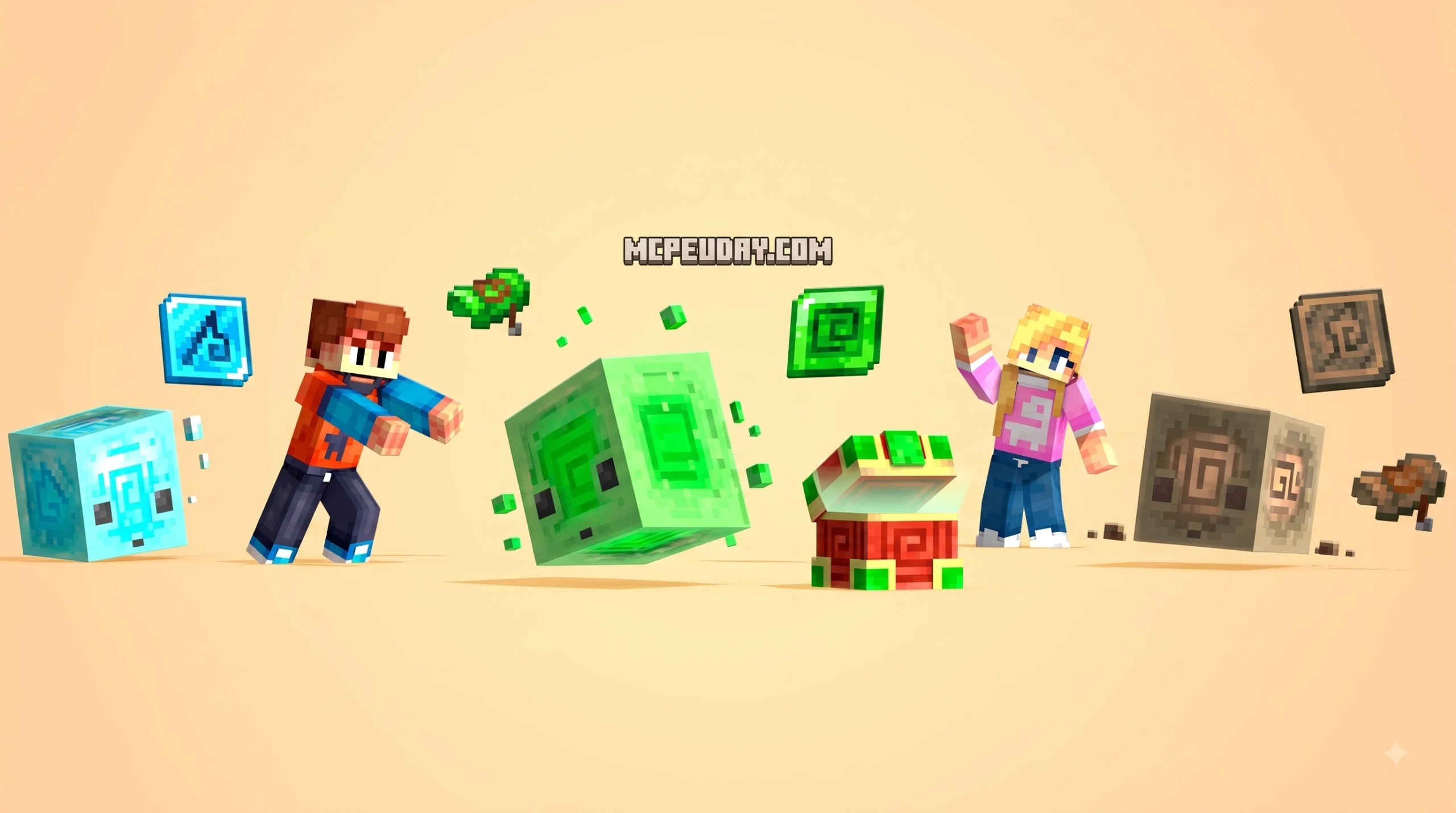
- Four Themed Elemental Strongholds: Explore Air, Earth, Ice, and Slime strongholds, each featuring visual themes and obstacles tailored to their element.
- Three-Level Dungeon Structure: Navigate three escalating floors in each dungeon, overcoming tighter layouts and trickier block arrangements.
- The Trophy Chamber & Core Collection: Reaching the deepest sanctum of each fortress lets you conquer the trophy chamber and claim its elemental core.
- Physics-Driven Interactions: Manipulate custom elemental blocks that react to strikes, wall collisions, and floor friction, similar in spirit to mechanics found in the Cube Utilities Addon Minecraft PE Bedrock.
- Community-Tested Gameplay: The add-on maintains an active community footprint, holding a 3.9 out of 5 marketplace rating across 19 player reviews, with several initial launch ratings awarding perfect 5-star scores.
Elemental Strongholds & Physics Mechanics
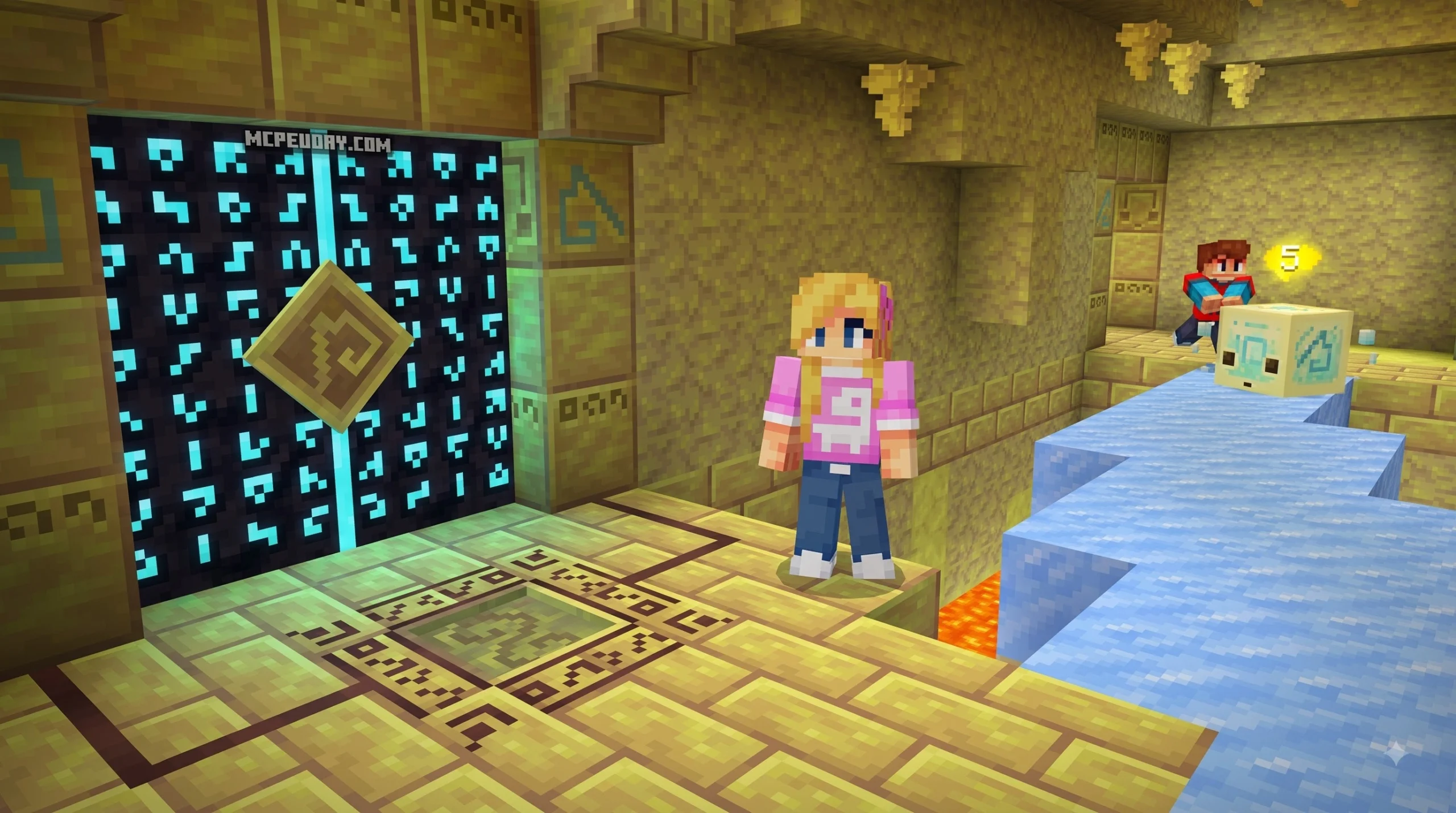
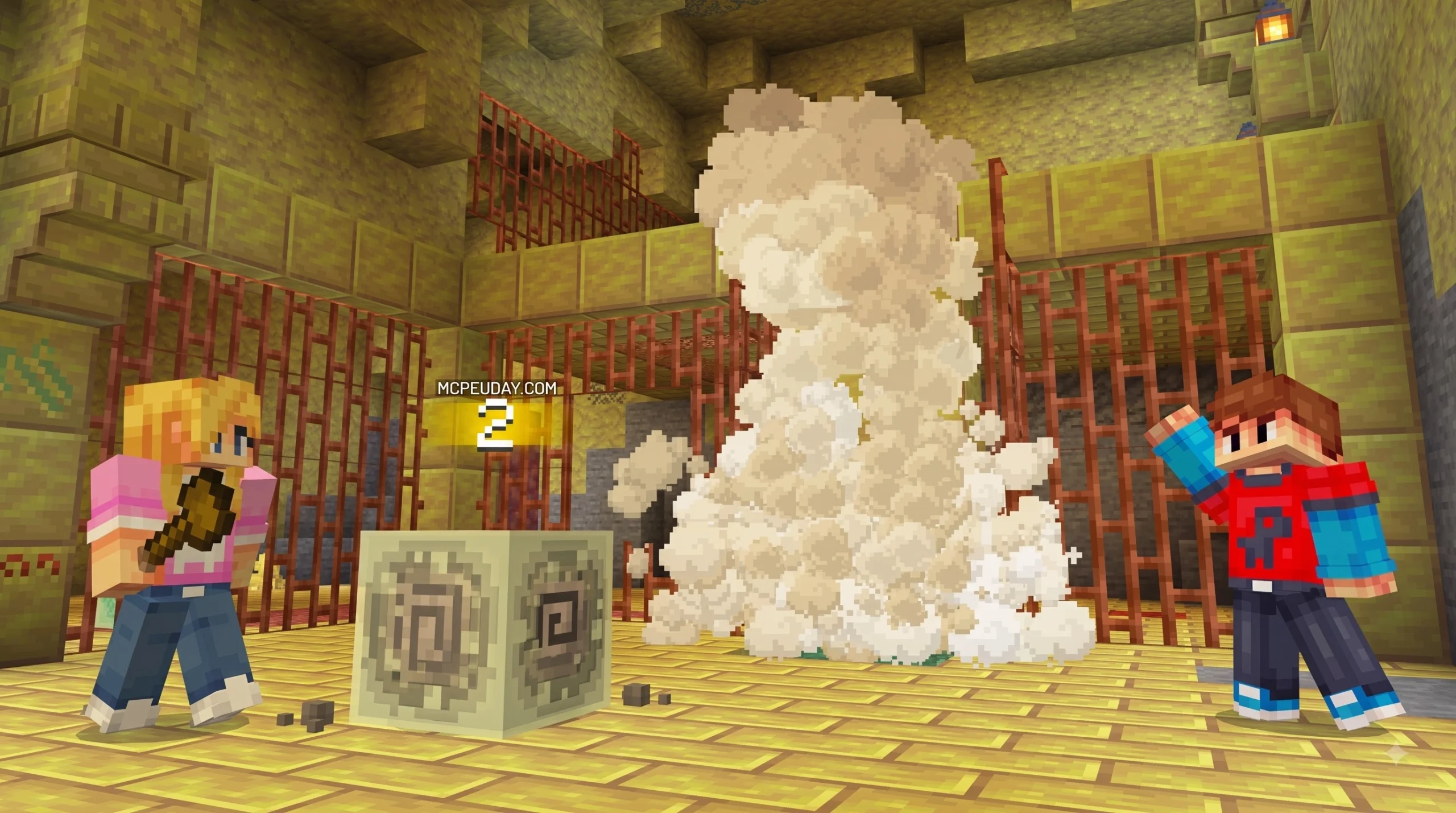
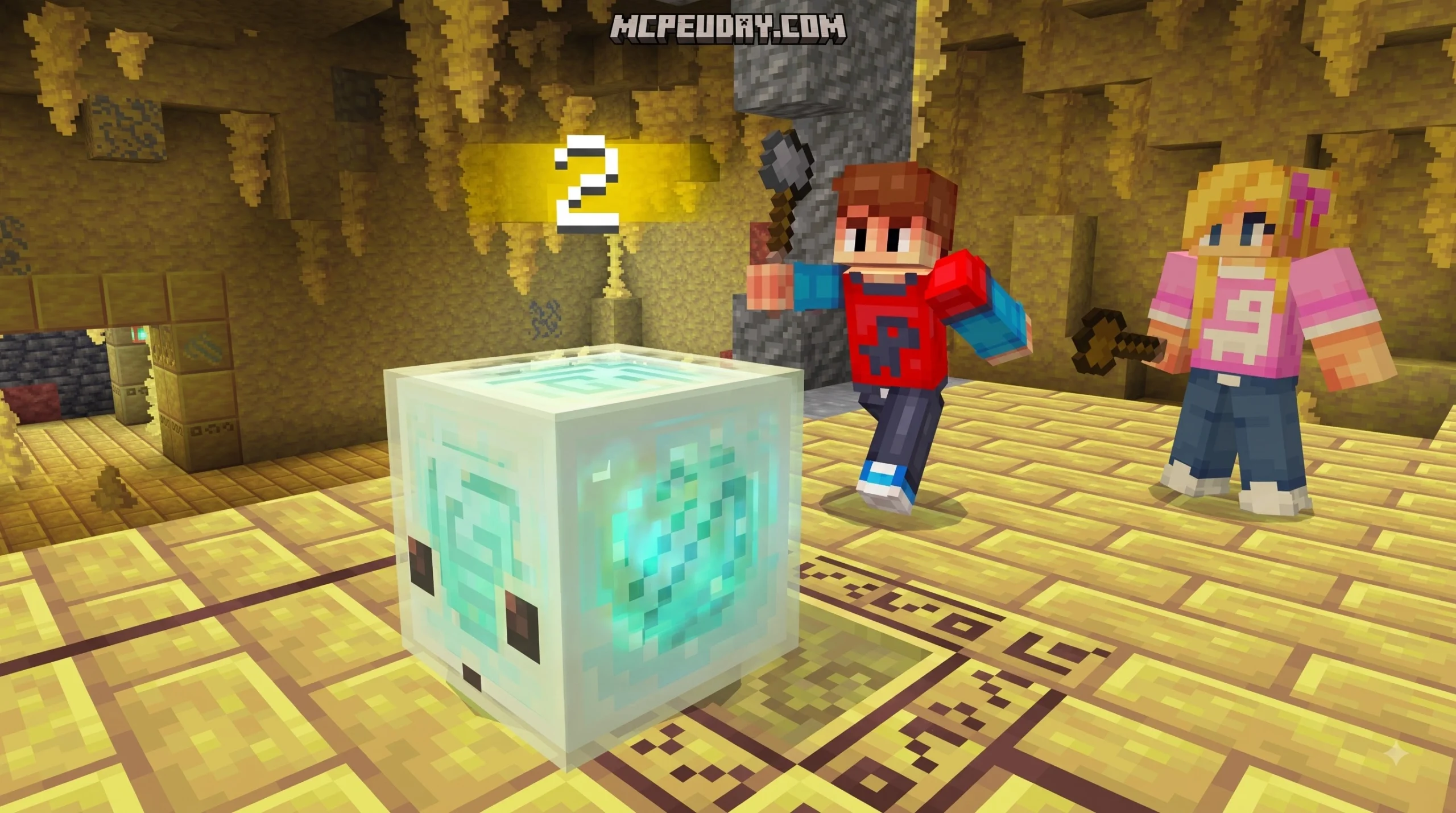
The heart of the gameplay loop is the interaction between your character and the elemental Sulfur Cubes. When struck, these cubes do not break immediately like standard blocks; instead, they become dynamic physics objects that move across the room according to their specific elemental properties.
| Stronghold Type | Cube Physics Behavior | Key Room Hazards | Puzzle Mechanic |
|---|---|---|---|
| Air Stronghold | Low gravity, drifts mid-air, hangs on air currents | Deep chasms, wind updrafts | Launching floating cubes across wide floor gaps onto elevated plates |
| Earth Stronghold | Heavy, low recoil, solid mass displacement | Narrow corridors, falling debris | Shoving dense blocks into tight sockets and weighted triggers |
| Ice Stronghold | Near-frictionless gliding, continuous momentum | Frozen floors, pit traps | Sliding cubes across slick hallways to rebound into goal slots |
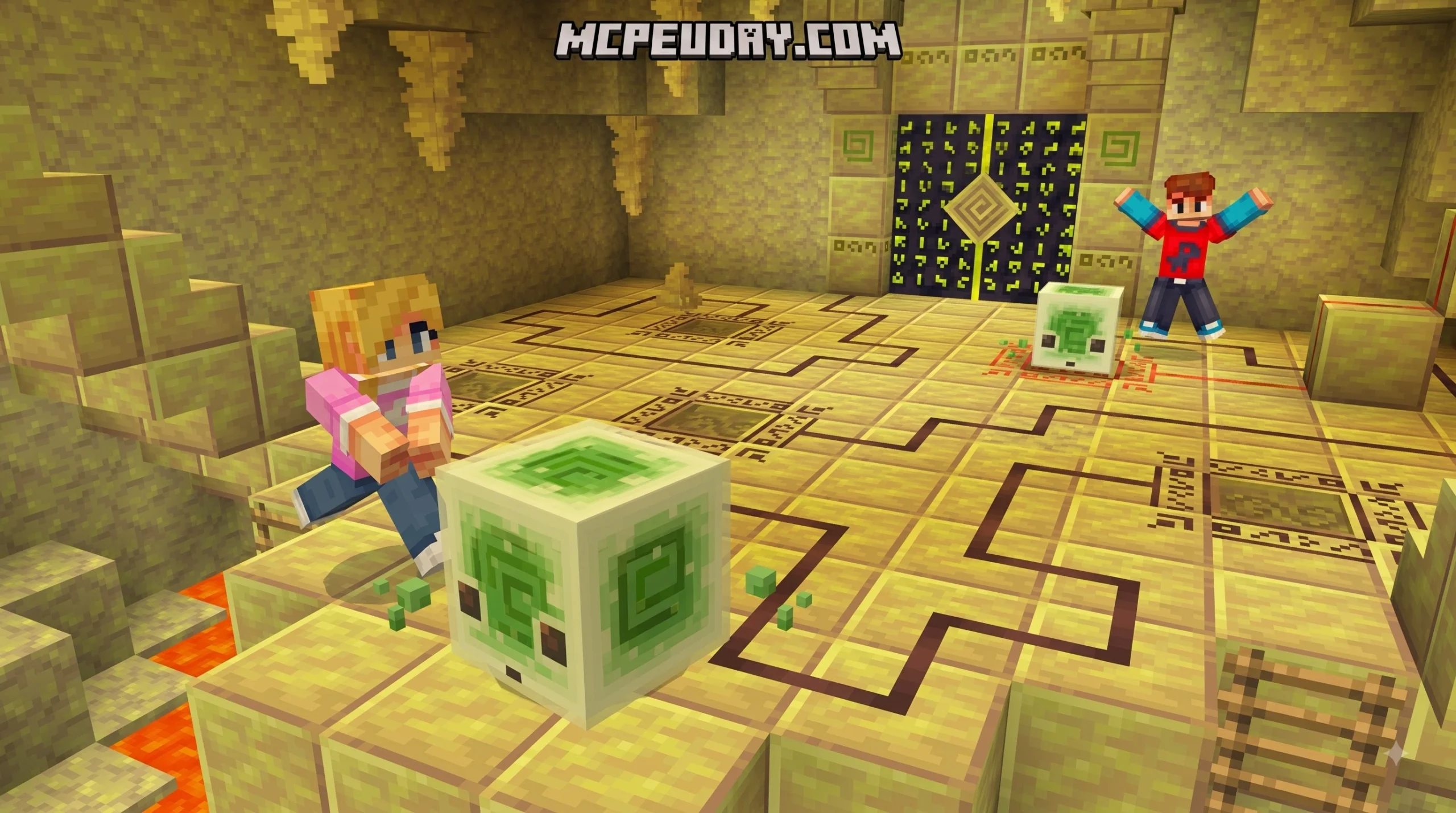
| Slime Stronghold | High elasticity, ricochets off walls and ceilings | Acid pools, sticky surfaces | Banking cubes off perimeter walls around barriers onto hidden plates |
To unlock the massive Sulfur doors barring your path, you must guide these cubes across chambers onto heavy pressure plates. If a door remains shut, you need to study room angles, hit your cube from the correct direction, and let its physical properties carry it across the room.
Exploring Sulfur Caves and Ancient Stronghold Dungeons
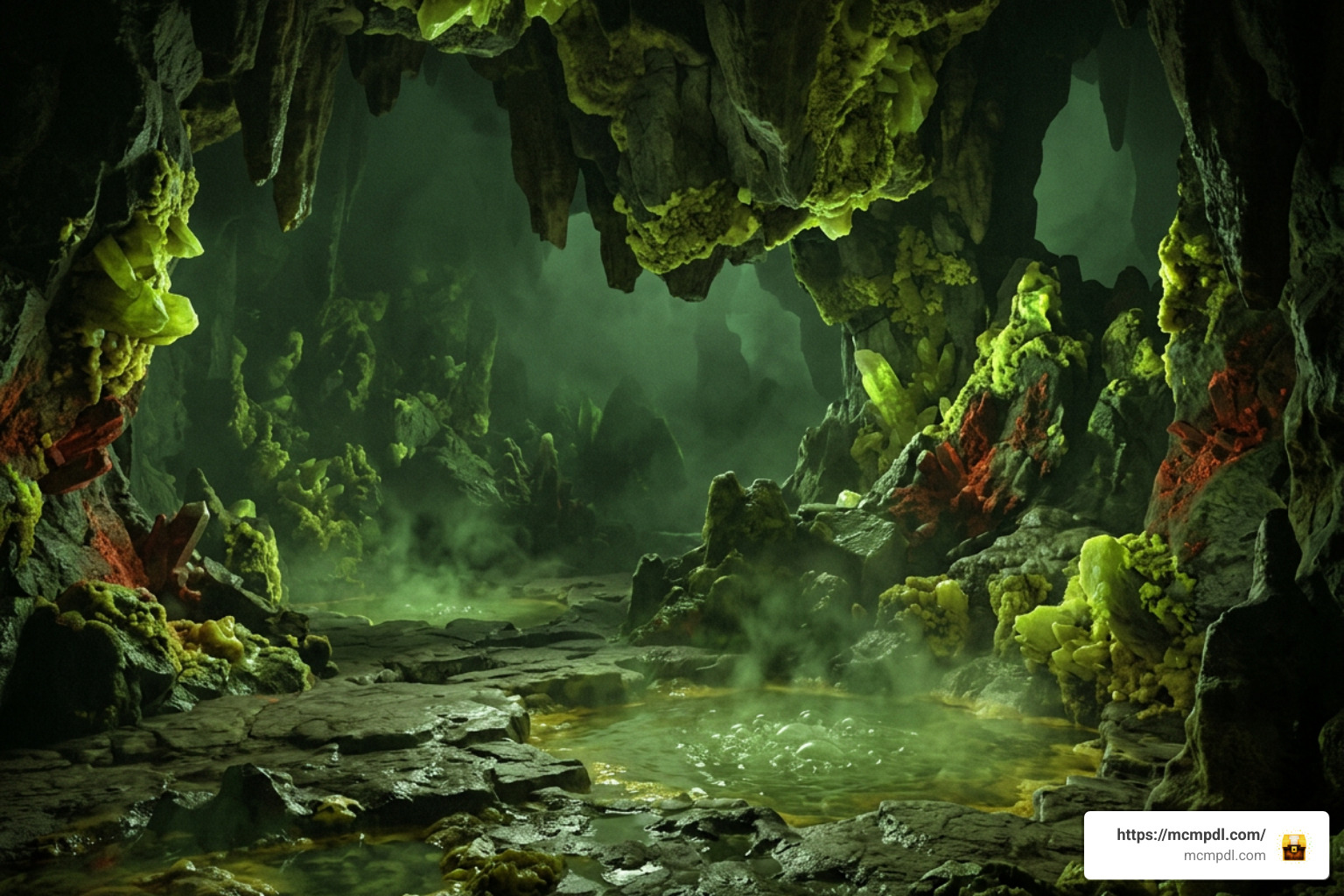
These strongholds generate deep within Sulfur Cave biomes, generating most frequently beneath Overworld plains. These underground zones feature a distinct toxic green water fog, bubbling sulfur springs, and mineral formations of sulfur and cinnabar. Players who enjoy specialized cave expansions like the Cave Biomes Addon or the Caves and Beyond Addon for Minecraft PE Bedrock will feel right at home navigating these hazardous depths.
Sulfur springs emit periodic gas eruptions that release vibrations detectable by nearby sensors, creating an ambient environment where sound and movement matter. The double blast resistance of surrounding sulfur blocks also makes brute-forcing walls with TNT impractical, ensuring that players engage directly with the puzzle rooms rather than mining around the fortress architecture.
Stronghold Progression and Dungeon Chambers
Clearing a stronghold requires a methodical approach across its three distinct levels:
- Entry Chambers (Level 1): Basic room layouts introducing the specific cube mechanics of that elemental type. Players learn the momentum curves of ice, the bounce behavior of slime, or the weight dynamics of earth.
- Intermediate Gauntlet (Level 2): Complex obstacle courses featuring tight turns, environmental traps, and multiple pressure plates that must be activated in sequence or held simultaneously.
- The Inner Sanctum (Level 3): Multi-step physics puzzles requiring precise rebound shots or mid-air cube maneuvering before the gateway opens to the stronghold core.
- The Trophy Chamber: The final vault where players claim the elemental core as proof of completion, unlocking valuable resources and unique bragging rights for their survival worlds.
Before entering these depths, equip sturdy gear and plenty of light sources. If you are running additional expansions like the Eternal Caves Add-on alongside high-tier combat gear from the Legendary Weapons Addon for Minecraft PE Bedrock, prepare for tight quarters where positioning, puzzle solving, and spatial awareness are just as critical as raw damage output.
Step-by-Step Installation Guide for Minecraft PE & Bedrock
Installing the add-on on mobile devices (iOS/Android), consoles, or Windows is straightforward thanks to Bedrock’s native modding pipeline. If you often manage custom utilities using the Utility Tools Add-on for Minecraft Bedrock Best Features 2026, the activation screen will look very familiar.
How to Install Sulfur Strongholds Addon for Minecraft PE/Bedrock
Follow these steps to download and run the add-on in your game:
- Open Minecraft Bedrock Edition and navigate to the in-game Marketplace.
- Type Sulfur Strongholds into the search bar and select the pack by Float Studios.
- Purchase the add-on for 490 Minecoins (or unlock it if already owned) and select Download.
- Once downloaded, select Play and tap Create New World (or click the edit pencil next to an existing world).
- In the world settings menu, scroll down to the left sidebar and select Behavior Packs.
- Under the Owned tab, locate Sulfur Strongholds Add-On and click Activate.
- Verify that the accompanying pack is active under Resource Packs as well.
- Configure your preferred world options and click Create to spawn into your new world.
Troubleshooting & Compatibility Tips
To ensure smooth performance when tackling these dungeons on mobile or lower-end devices, keep the following technical considerations in mind:
- Version Requirement: Make sure your game client is updated to Minecraft Bedrock version 1.16.0 or newer to ensure all custom block entities and physics functions run properly.
- Render Distance Optimization: Because custom fog and multi-room strongholds can demand extra processing power, set your render distance between 8 and 12 chunks on mobile devices for stable frame rates.
- Memory & Storage: Reserve at least 200 MB of free storage space on your device to accommodate world generation data and cached entity physics.
- Pack Stacking Order: If you are running multiple tools from the Bedrock Tools Add-on or other gameplay packs, place Sulfur Strongholds near the top of your active Behavior Packs list to prevent script or generation conflicts.
- Multiplayer Settings: When playing on a local cooperative world or Realm, ensure the option Require players to accept resource packs to join is enabled so all players experience the correct elemental textures and custom physics models.
Frequently Asked Questions about Sulfur Strongholds Addon
How much does the Sulfur Strongholds Addon cost on the Marketplace?
The add-on costs 490 Minecoins, which converts to approximately $2.57 USD or €2.42 EUR depending on regional storefront pricing.
Where do the elemental strongholds generate in Bedrock worlds?
They generate naturally underground inside custom Sulfur Cave biomes, appearing with higher frequency beneath standard Overworld plains biomes rather than under oceans or mountains.
How do the elemental Sulfur Cube puzzles work?
Players strike custom elemental cubes to send them moving across puzzle chambers. Ice cubes glide smoothly over floors, slime cubes bounce off solid walls, and air cubes hover across gaps. Navigating these cubes onto floor pressure plates triggers the mechanisms that open the heavy Sulfur doors leading to the next floor.
Conclusion
Float Studios has created an engaging, physics-oriented adventure that breathes fresh life into underground exploration. By combining distinct cube mechanics with four elemental themes, the pack rewards strategic thinking alongside survival skills. For more world expansions, custom dungeons, and community guides, Explore top Bedrock add-ons and mods on our platform to find your next adventure.