Scroll down to D0vvnl0ad
Core Mechanics of Natural Disasters World for Minecraft PE/Bedrock
When we introduce cataclysms to our survival worlds, the fundamental physics of the sandbox change dramatically. Environmental physics are no longer static; blocks lift into the atmosphere, rain burns through organic materials, and ground shockwaves shatter foundations. Many modern disaster modifications, including the popular Insane Disasters Addon, incorporate distance-based damage falloff formulas. This ensures that an impact epicenter deals catastrophic damage (often up to 10 full hearts of direct health loss), while areas further out experience diminishing shockwaves.
Dynamic event timers control the pacing so players are not overwhelmed by back-to-back catastrophes. Top-tier disaster add-ons feature global cooldown systems—frequently set around 6,000 game ticks (roughly 5 real-time minutes)—alongside distinct per-event cooldowns. This structured flow gives us just enough time to patch roofs, tend to livestock, and craft fresh gear before nature strikes again.
Catastrophic Weather and Environmental Events
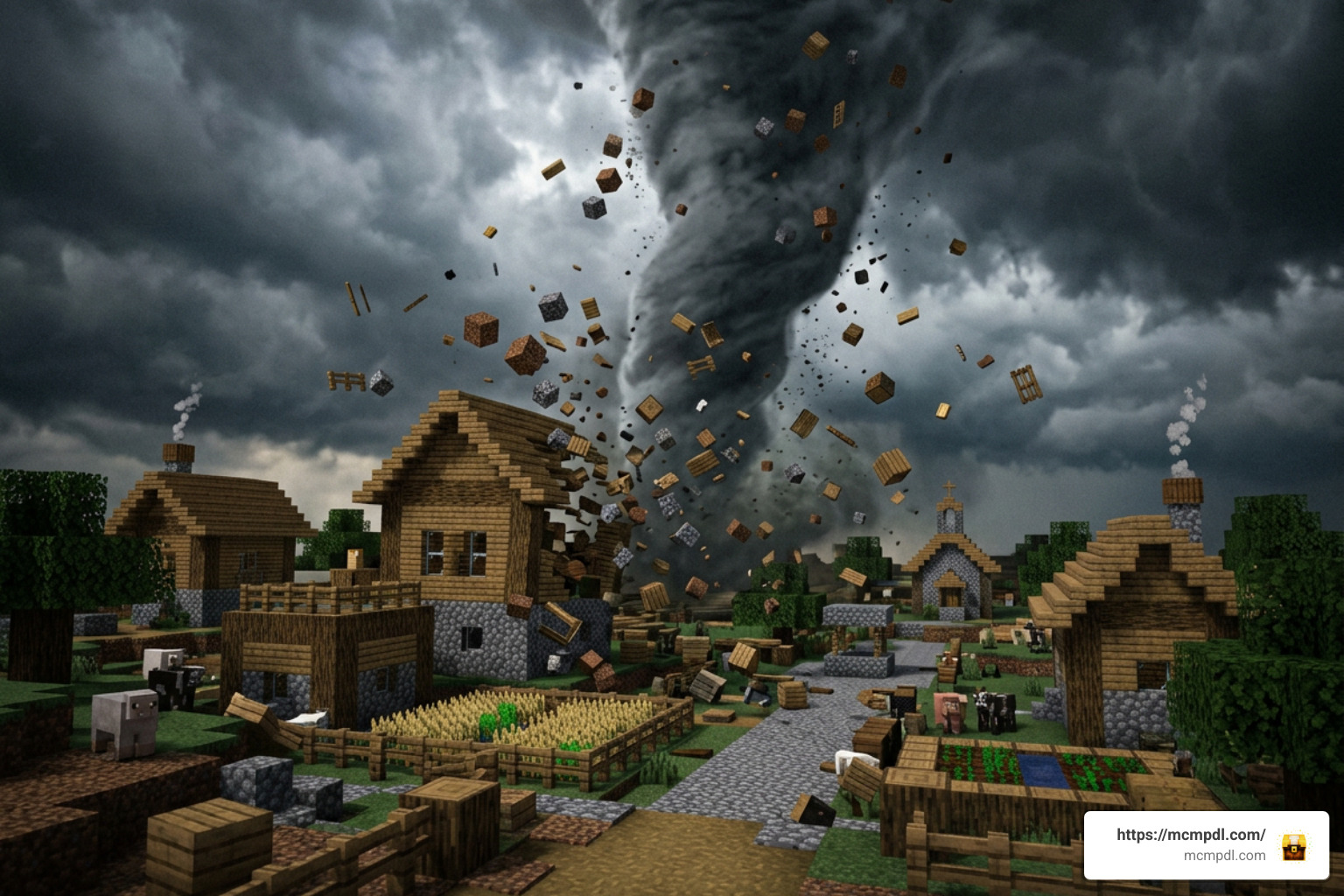
The variety of environmental hazards introduced by these add-ons challenges every survival habit we have formed:
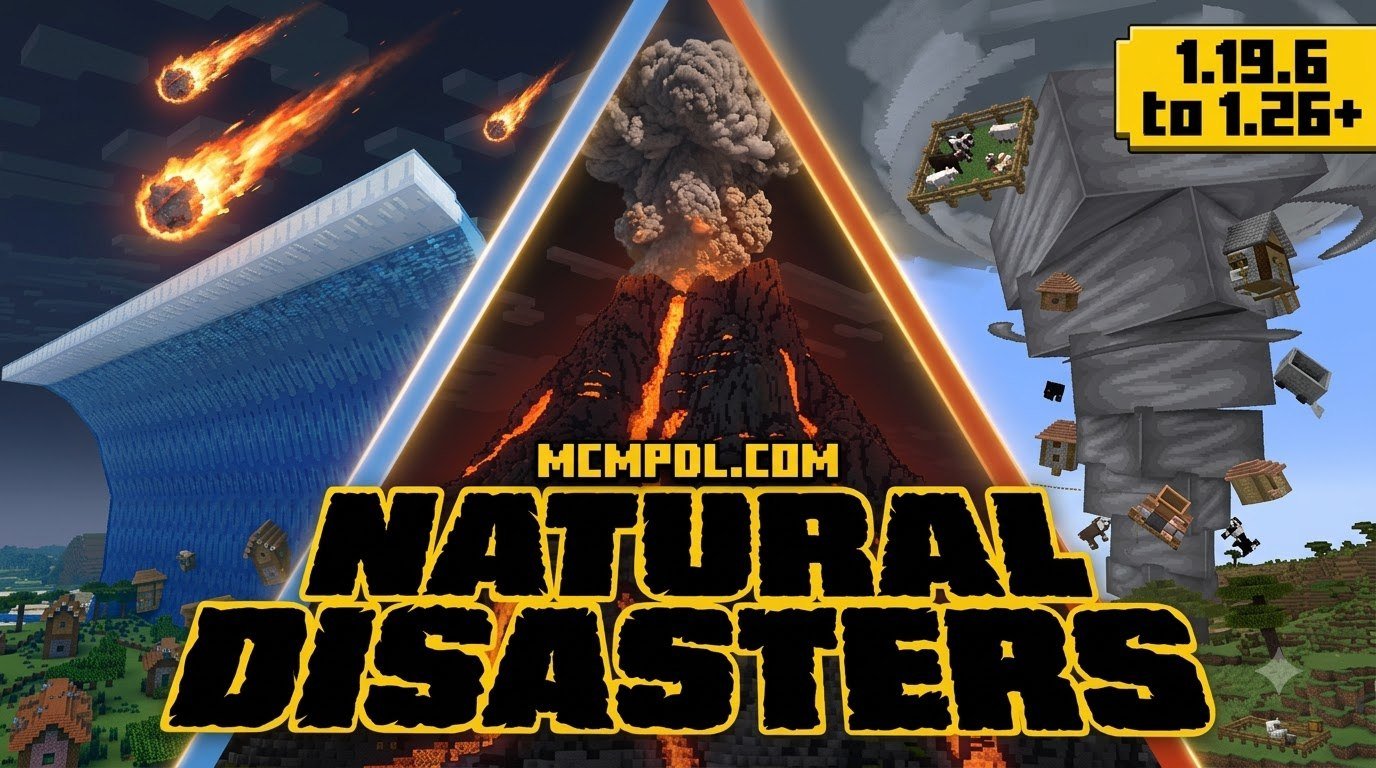
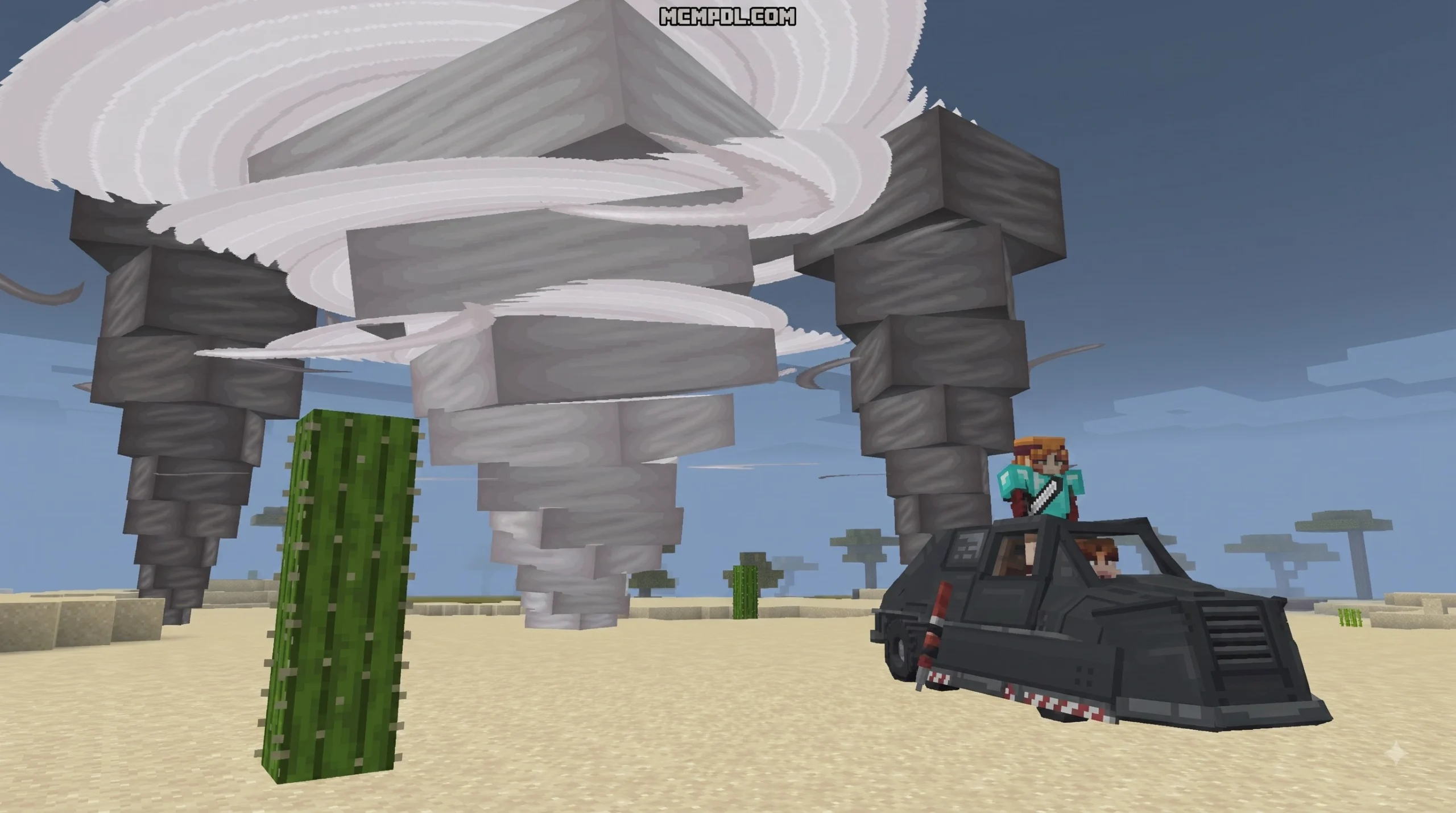
- Tornadoes & Cyclones: Powerful funnels that rip blocks from structures, fling mobs into the sky, and generate dangerous falling debris.
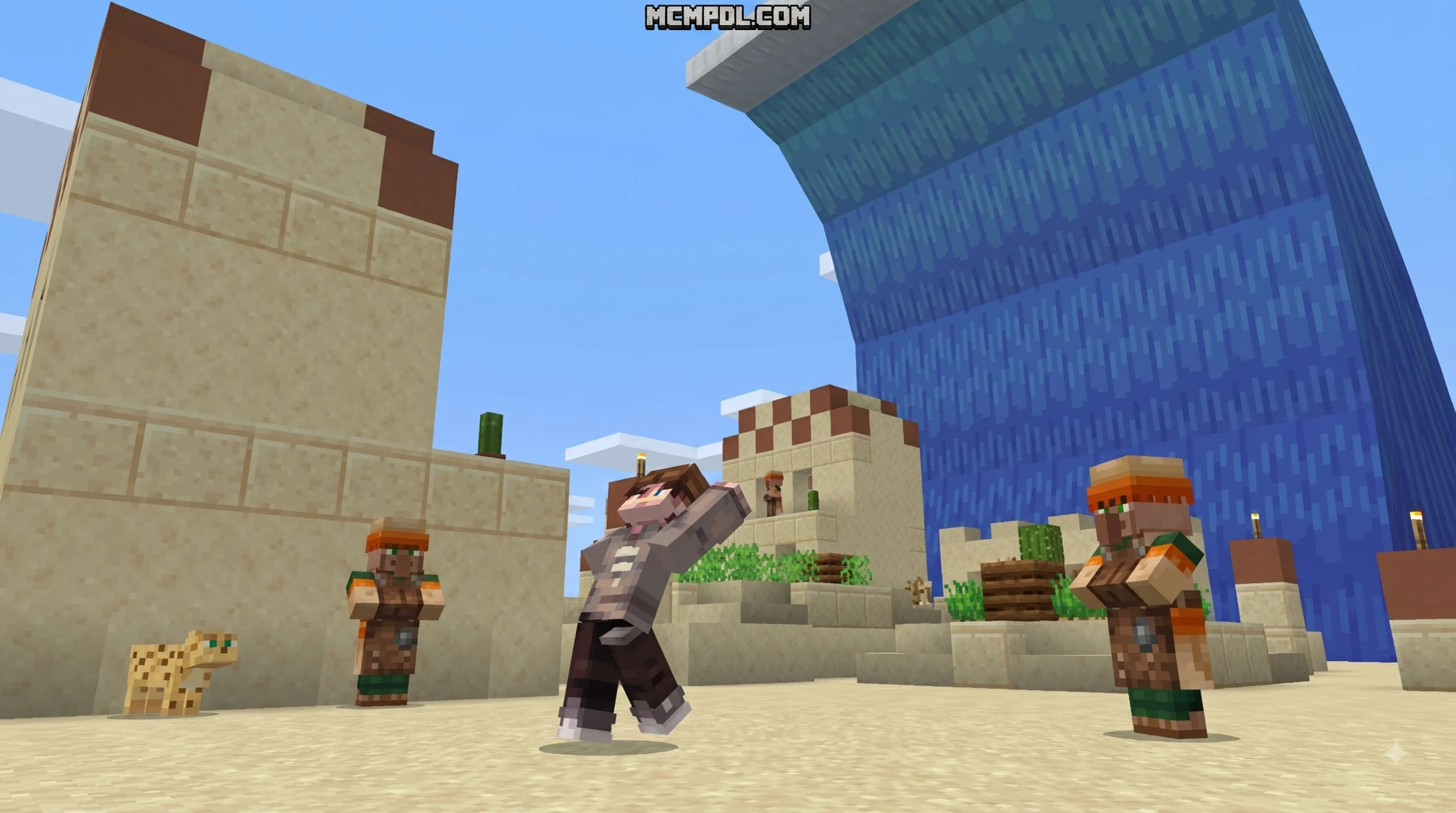
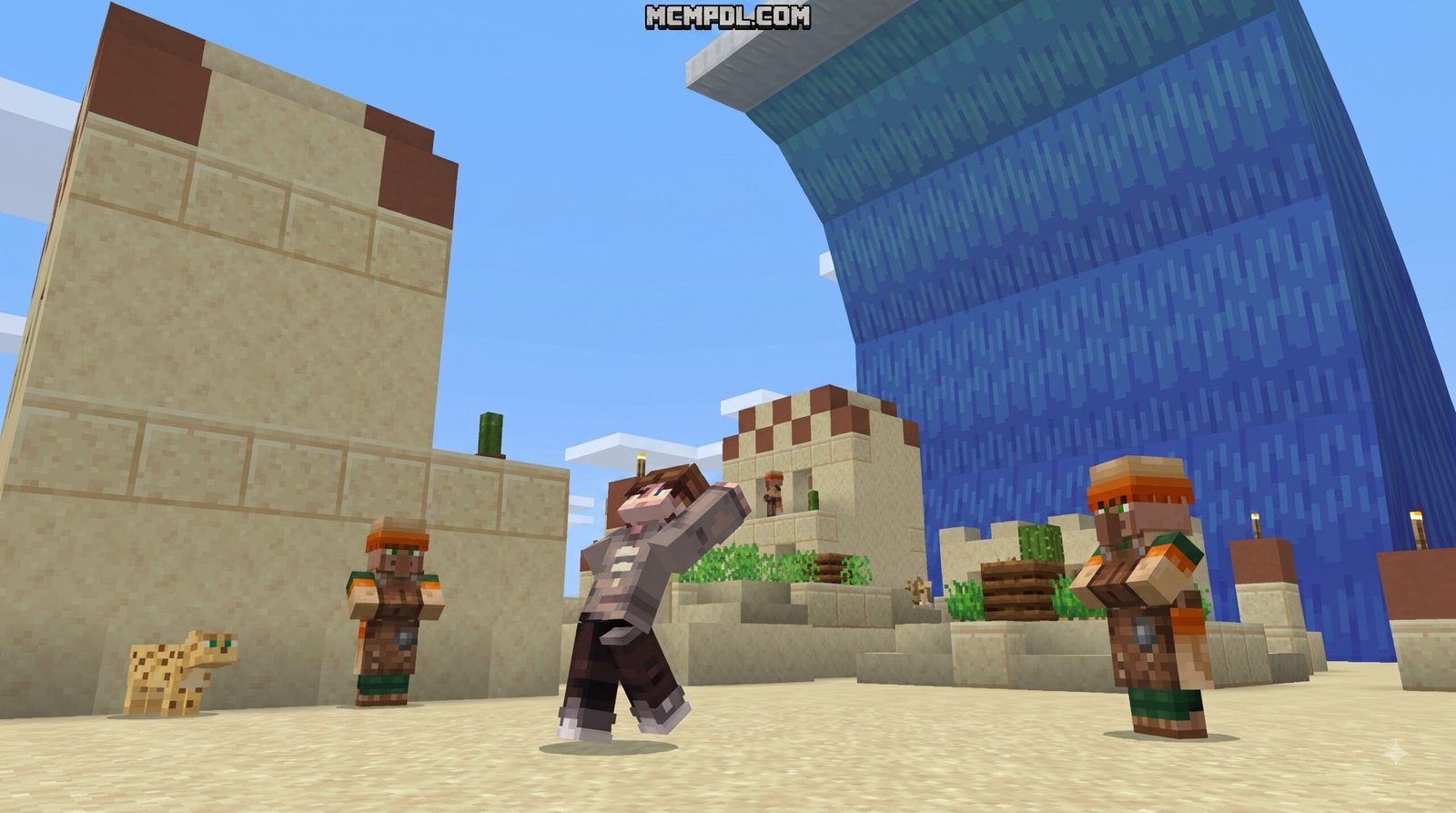
- Tsunamis & Floods: Massive walls of water that submerge low-lying biomes, wash away crops, and drown unprepared cave explorers through sudden subterranean floods.
- Earthquakes & Tremors: Seismic shifts that tear fissures open across plains and trigger deadly cave-ins underground.
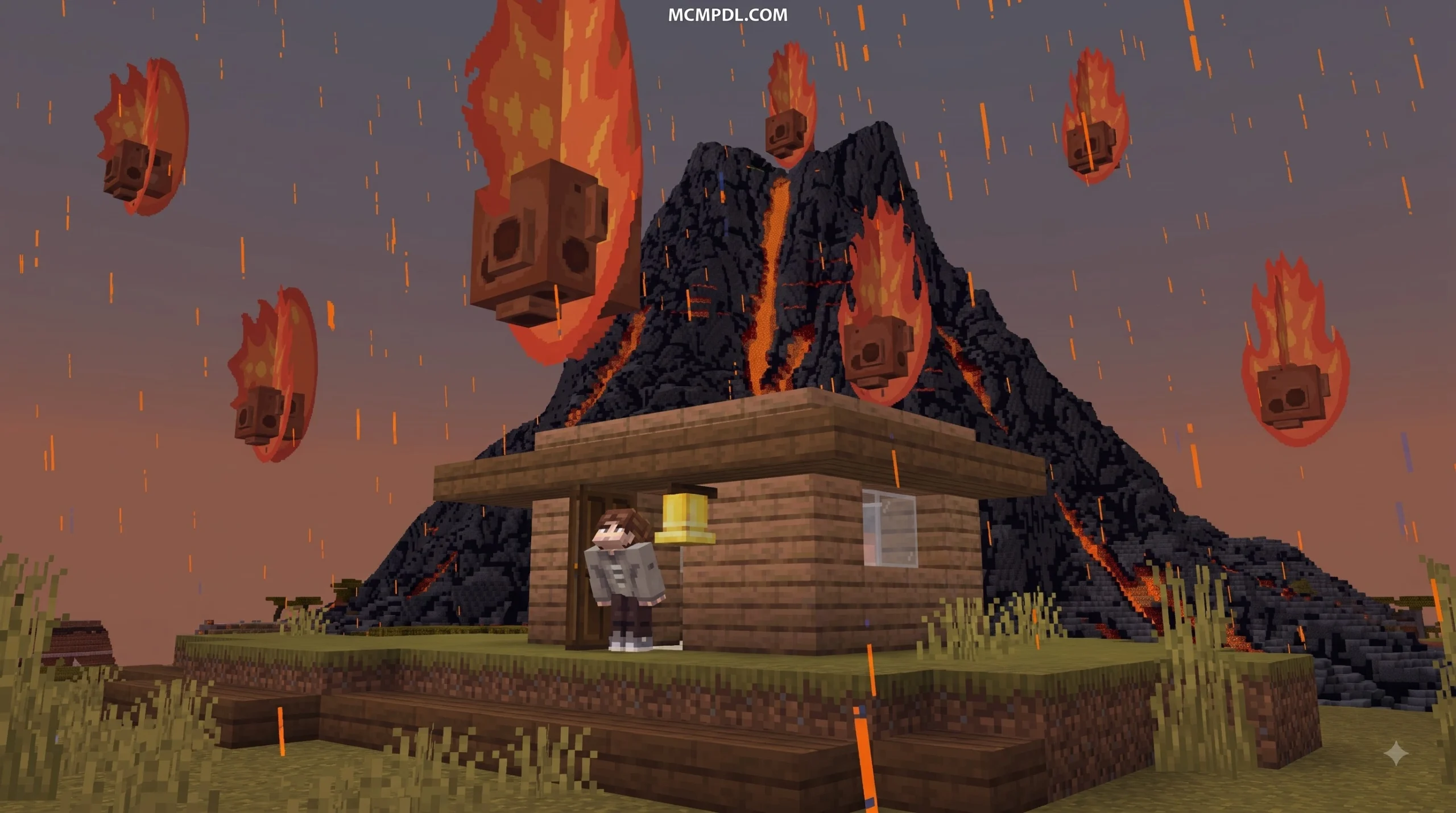
- Meteor Strikes & Showers: Fiery celestial bodies slamming into terrain, leaving deep craters and spawning rare cosmic ores.
- Acid Rain: Toxic precipitation that steadily erodes exposed players and surface vegetation, forcing everyone to seek structural cover under solid roofs.
- Blizzards & Sandstorms: Blinding storms that drastically reduce visibility, slow player movement, and inflict freezing status effects.
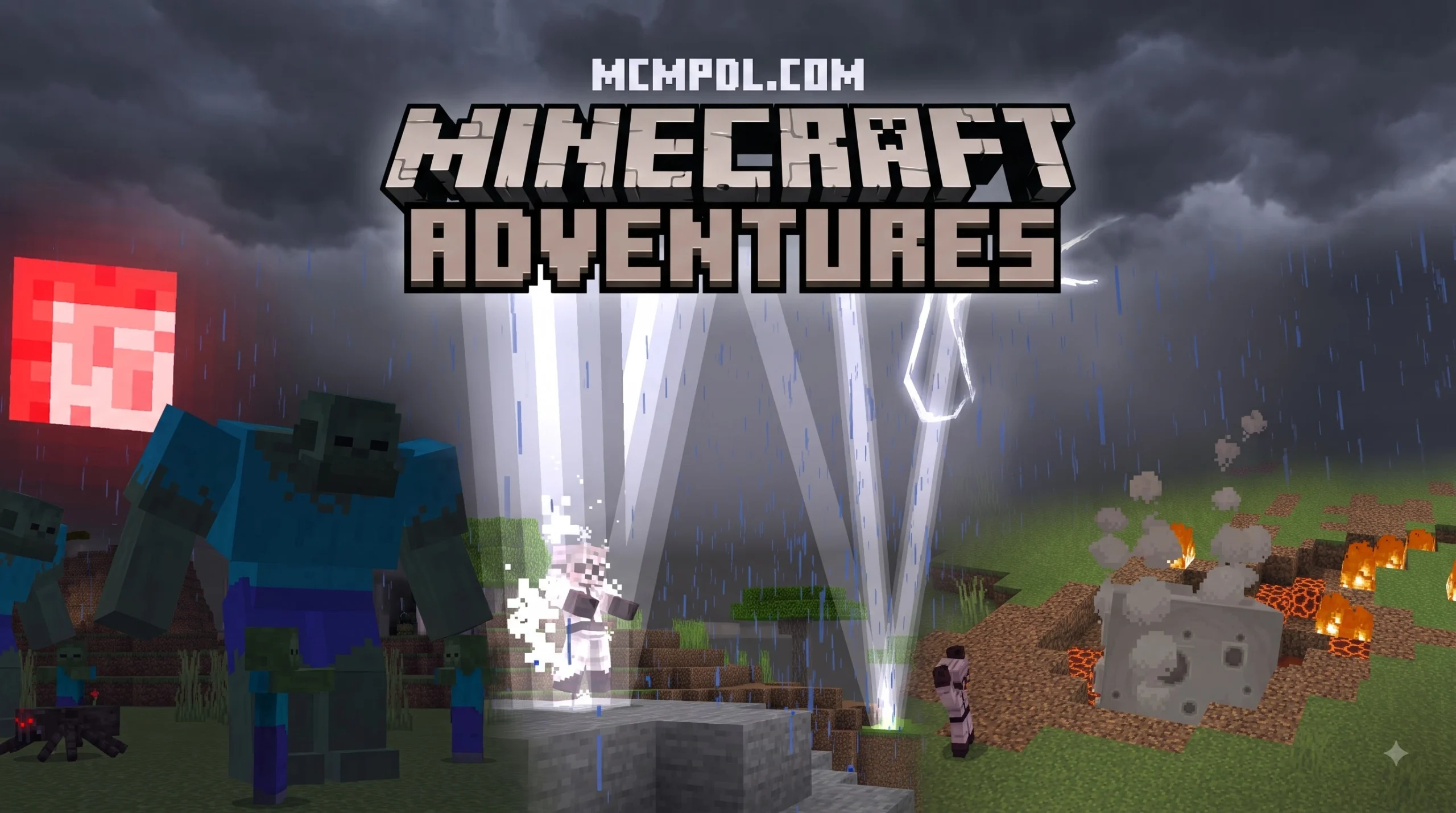
- Blood Moons: Ominous atmospheric shifts where mob spawn rates skyrocket and hostile creatures gain aggressive buffs.
Supernatural Invasions and Special Weapons
Beyond realistic meteorological threats, several advanced disaster systems introduce supernatural calamity events. Cataclysmic Nether Invasions tear open dimensional rifts, pouring hostile magma mobs, wither forces, and blazing firestorms directly into the Overworld. During extended apocalyptic events, players might face zombie hordes or unexpected hazards like explosive creeper rain and silverfish infestations.
To counter these world-ending threats, these add-ons equip us with specialized mythical materials and tools. Cosmic meteorites yield rare elements such as Quemenium and Galactite. For players looking to expand their combat roster further, pairing disaster packs with a dedicated bosses addon creates incredible endgame battles.
Key equipment includes:
- Quemenium Sword: Infused with raw cosmic energy, capable of firing ranged energy beams to cut through falling debris and invading mob waves.
- Galactite Tools: Ultra-dense mining gear built to harvest volatile meteor blocks before they despawn or explode.
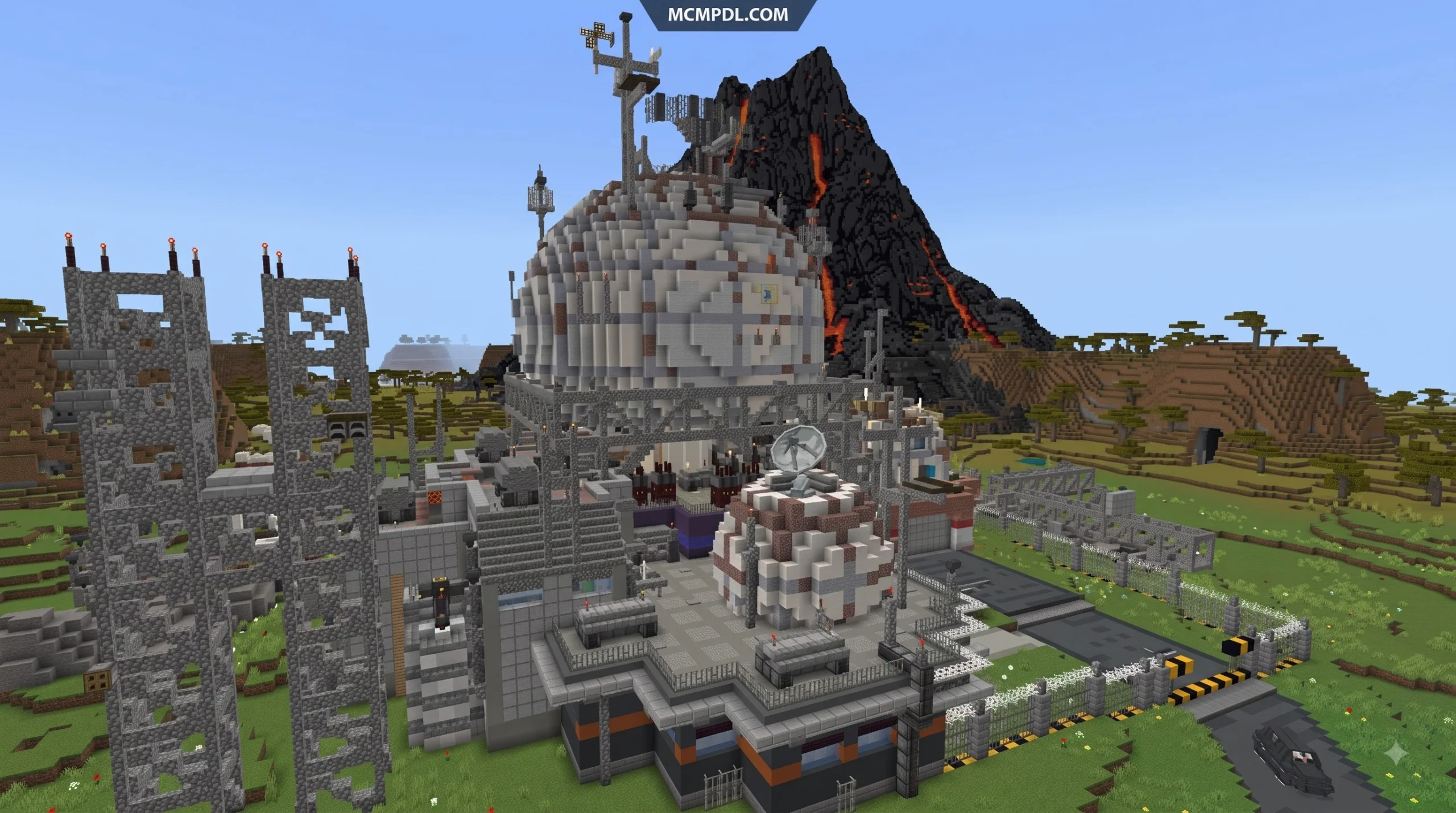
- Pluton Rock Weapons: Heavy impact armaments designed to withstand high-temperature volcanic hazards.
- Heart of Nature: An essential utility artifact that temporarily calms active weather anomalies and restores surrounding plant life.
- Disaster Compass: An interactive tracking tool that warns players of incoming shockwaves and displays active disaster cooldowns.
Setup and Configuration Guide
Preparing your game properly prevents corrupted saves and ensures smooth frame rates when storms spawn in.
Installing Natural Disasters World for Minecraft PE/Bedrock on Mobile and PC
Installing disaster modifications across Bedrock platforms follows a streamlined process whether you are playing on Android, iOS, Windows, or consoles:
- Download Verified Files: Obtain the latest
.mcaddonor paired.mcpack(Resource and Behavior) files from reputable community repositories. Ensure you download compatible files suited for your current Bedrock build. - Import to Minecraft: Tap or double-click the downloaded file. Minecraft will launch automatically and display an “Import Started” banner followed by “Successfully Imported.”
- Create a Test World: Avoid attaching experimental disaster packs to your primary long-term survival worlds right away. Create a new world to test block interactions.
- Activate Experimental Toggles: Navigate to World Settings > Experiments. Enable toggles such as “Holiday Creator Features,” “Upcoming Creator Features,” and “Molang Features” depending on the specific addon’s engine requirements.
- Attach Pack Modules: Under the Resource Packs and Behavior Packs tabs, activate the disaster packs. If you enjoy combining diverse survival challenges, explore our extensive category add ons collection to find complementary survival mechanics.
Customizing Disaster Frequency and Event Toggles
World operators and server administrators have full control over environmental destruction. If you are using customizable releases, you can fine-tune your disaster experience using operator commands:
- Toggling Terrain Griefing: If you want the visual thrill of tornadoes and meteor showers without losing your builds, toggle landscape destruction off in the add-on configuration menu or run the corresponding pack function.
- Adjusting Wind and Storm Speed: Use addon UI sliders to slow down the movement of funnel clouds or shorten the duration of acid rain.
- Custom Event Timers: Modify the global tick cooldown to space events out from the standard 5 minutes to 15 or 30 minutes for a more relaxed survival pace.
Survival and Multiplayer Gameplay Strategies
Surviving extreme weather requires rethinking how we construct bases, manage resources, and organize team roles.
Survival Strategies in Natural Disasters World for Minecraft PE/Bedrock
Traditional wooden cabins and cliffside glass villas will not survive in this environment. To build a disaster-proof sanctuary, construct deep subterranean bunkers reinforced with blast-resistant materials like obsidian, deepslate, and reinforced stone.
When testing survival strategies across specialized arena environments, browsing our category maps section offers great inspiration for resilient defensive architecture.
| Disaster Type | Primary Hazard Effect | Recommended Base Defense | Key Survival Counter-Strategy |
|---|---|---|---|
| Tornado / Cyclone | Lifts entities, hurls debris, tears weak blocks | Deepslate bunker below Y=0; recessed entries | Stay low underground; anchor with water buckets |
| Acid Rain | Corrosive damage to unshielded players & crops | Solid stone double-layered roofs over all farms | Carry spare helmets; remain indoors until clear |
| Meteor Strike | Explosive cratering, fires, lethal kinetic impact | Obsidian blast plating; blast-resistant domes | Use disaster compasses to track incoming trajectories |
| Tsunami / Flood | Drowning hazard, structural flooding, current push | Elevated seawalls; automatic iron floodgates | Keep depth strider boots, conduit power, and doors ready |
| Earthquake | Fissures, cave collapse, falling gravel damage | Suspended support pillars; avoid ravines | Stay in wide-open fields or reinforced bunkers |
| Nether Invasion | Aggressive mob spawns, widespread fire spread | Water perimeter moats; non-flammable stone walls | Equip high-tier Quemenium weapons and fire resistance |
Multiplayer Compatibility and Server Performance
Disaster add-ons shine brightest in cooperative multiplayer. Teams can establish specialized survival roles:
- The Scout: Monitors compass alerts, spots approaching storms, and sounds early warning sirens.
- The Engineer: Maintains base structural integrity, reinforces bunker roofs, and clears flood drainage pathways.
- The Quartermaster: Stocks underground emergency chests with food, potions, medical gear, and clean water.
Running intensive particle effects (such as whirling tornado vortices or multi-strike meteor storms) can impact performance on mobile devices. To maintain smooth frame rates on servers, lower client render distances to 8–10 chunks, disable in-game screen shake if motion sensitivity is a concern, and limit the maximum number of simultaneous active storms in server settings.
For groups that enjoy pairing dark, apocalyptic atmospheres with dangerous world states, combining these environmental hazards with a horror addon for Minecraft PE Bedrock can turn an already tense survival session into a truly frightening experience.
Frequently Asked Questions About Natural Disaster Addons
Are natural disaster addons free or paid on Bedrock Edition?
Both free community creations and premium Marketplace options exist. Community-developed packages are completely free to download in .mcpack or .mcaddon format from community survival libraries. On the official Minecraft Marketplace, premium packages like ChewMingo’s Natural Disasters Add-On cost around 660 Minecoins (approximately $3.46 USD / €3.26 EUR), offering integrated one-click installations and verified version support.
Can disasters destroy player builds permanently?
Yes, if block griefing and landscape destruction are active. Tornadoes can dismantle wooden structures, meteors leave large craters, and lightning storms can ignite flammable builds. To protect your creations, always create regular world backups, enable non-destructive modes in the addon settings, or build critical bases underground using blast-resistant materials.
How do you manually trigger disasters using commands?
Disasters can be summoned on demand using operator commands when cheats are enabled. Depending on the add-on’s internal architecture, administrators can trigger events via:
- Entity summoning syntax:
/summon disaster:tornadoor/summon disaster:meteor - Player event tagging:
/tag @s add tornado_event - Custom function triggers:
/function start_floodor/function apocalypse_event
These commands allow server hosts to create scripted survival trials and custom disaster rescue scenarios for their communities.
Conclusion
Surviving extreme environmental hazards transforms Minecraft Bedrock into an intense, dynamic test of preparation and teamwork. By setting up proper world backups, balancing disaster cooldowns, and fortifying your bases with resilient underground bunkers, you can experience the thrill of catastrophic weather without losing your hard-earned progress.
When you are ready to expand your world with new mechanics, weapons, and challenges, explore our complete collection of Bedrock mods to take your survival adventures to the next level.


3 thoughts on “Natural Disasters World for Minecraft PE/Bedrock”