Scroll down to D0vvnl0ad
Install Spark Portals Addon for Minecraft PE/Bedrock
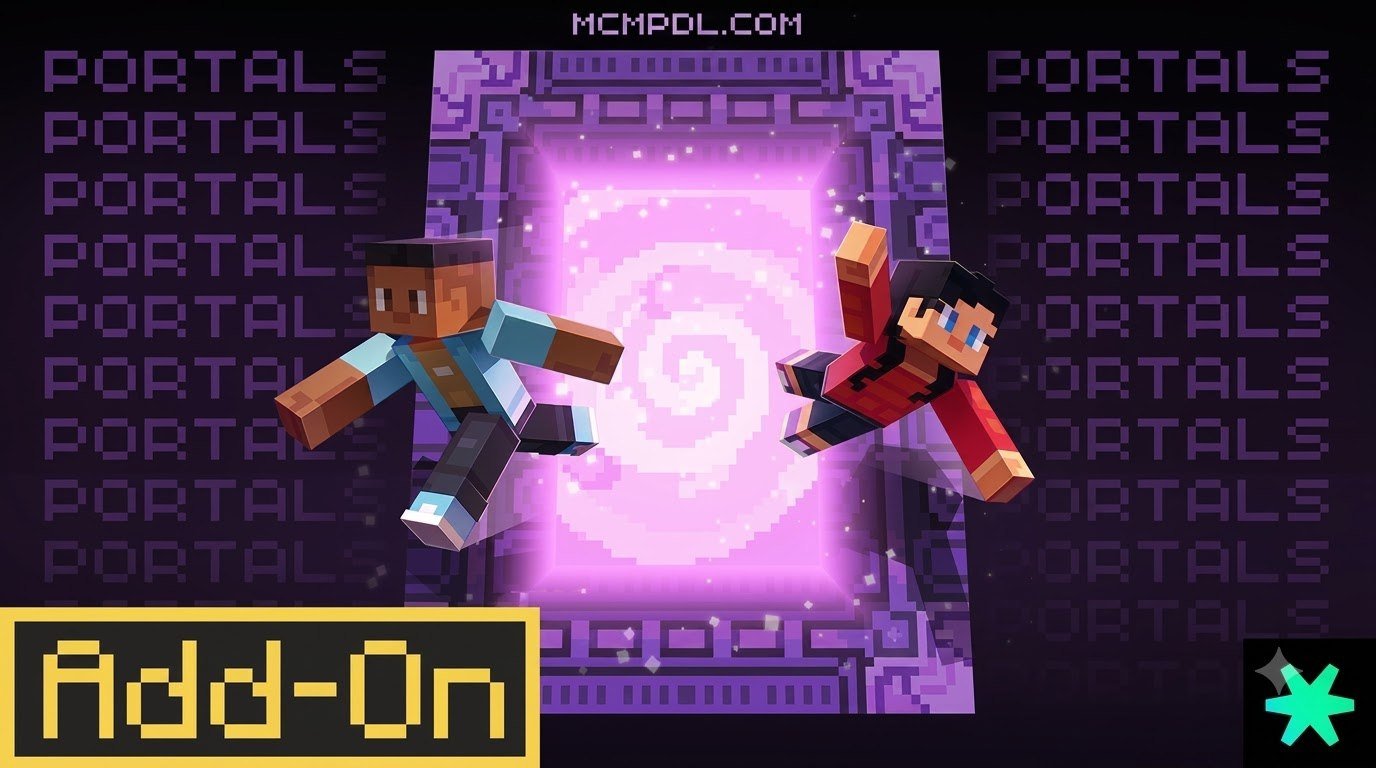
To use the Spark Portals Addon for Minecraft PE/Bedrock, download it through the Minecraft Marketplace, then enable its resource and behavior packs when creating or editing a world. Once active, you can craft colored portal blocks, link matching destinations, and use them for fast travel between bases, outposts, and dimensions.
The add-on supports Minecraft Bedrock 1.20.60 or newer and lets a world contain up to 160 linked portals. This guide walks through purchasing, installing, activating, crafting, and organizing your portal network without getting lost in long travel routes.
Overview of the Spark Portals Addon for Minecraft PE/Bedrock
Traversing vast survival biomes has always been one of Minecraft’s biggest time sinks. Whether trekking thousands of blocks to reach a jungle biome, descending into deep mines, or traveling between the Overworld and custom realms, standard transportation can quickly become tedious. Developed by the renowned team at Spark Universe, this utility add-on eliminates long commutes by introducing an intuitive, craftable teleportation network. You can check out the Spark Universe official page for their latest portfolio updates.
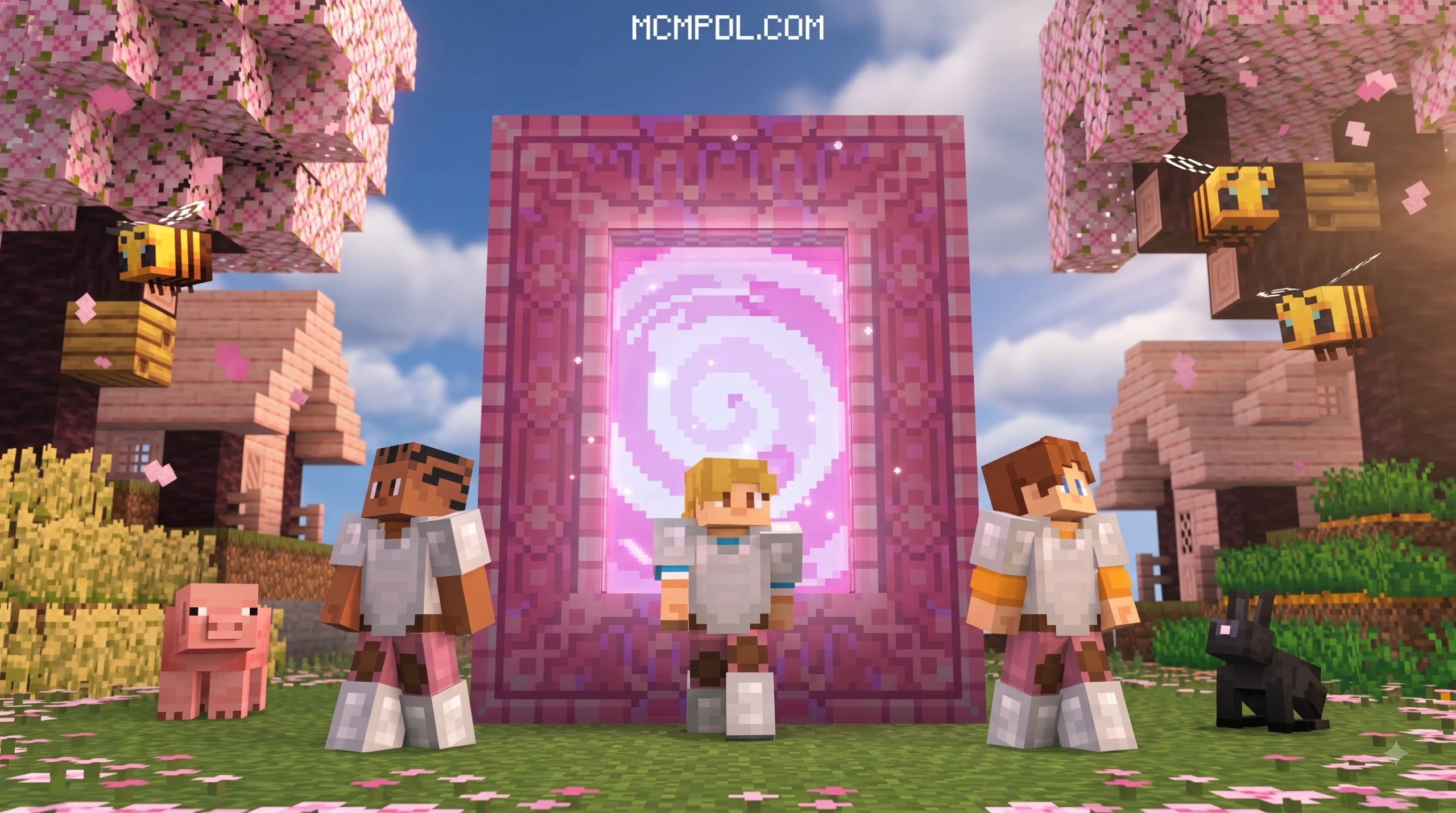
Rather than relying on complex command blocks, glitchy Ender Pearl stasis chambers, or complicated redstone contraptions, this pack integrates seamlessly into regular survival gameplay. It adds custom blocks that behave like physical, color-coded gateway pads. By placing matching portals at separate locations, you create an instantaneous travel link that functions across both short distances and vast dimensional divides. Supporting up to 160 active portals per world, it gives you plenty of freedom to connect every single outpost, farm, village, and fortress in your world.
Because the mechanics are tied directly to custom blocks rather than player permissions or admin commands, any survival player with the necessary resources can craft and expand the network. The blocks function without causing lag spikes, making them an ideal solution for active multiplayer communities, dedicated realms, and extensive single-player adventure saves.
Key Features and Ratings
The add-on has earned a 4.6 out of 5-star rating on the Minecraft Marketplace across more than 8,650 user reviews, with over 82% of players awarding it a full 5 stars. Its popularity stems from its rock-solid stability, clean visual effects, and straightforward survival crafting integration.
Here is a breakdown of how the pack stacks up against standard in-game travel options:
| Feature | Vanilla Nether Hubs | Ender Pearls / Elytra | Spark Portals Add-on |
|---|---|---|---|
| Travel Speed | Fast (8:1 block ratio) | Very Fast (active flight) | Instantaneous (0 seconds) |
| Setup Complexity | High (coordinate math, digging) | Low (consumes rockets/durability) | Very Low (place matching blocks) |
| Cross-Dimension | Requires Nether transitions | Single-dimension only | Direct travel anywhere |
| Capacity | Unlimited paths | Personal inventory | Up to 160 portals (80 pairs) |
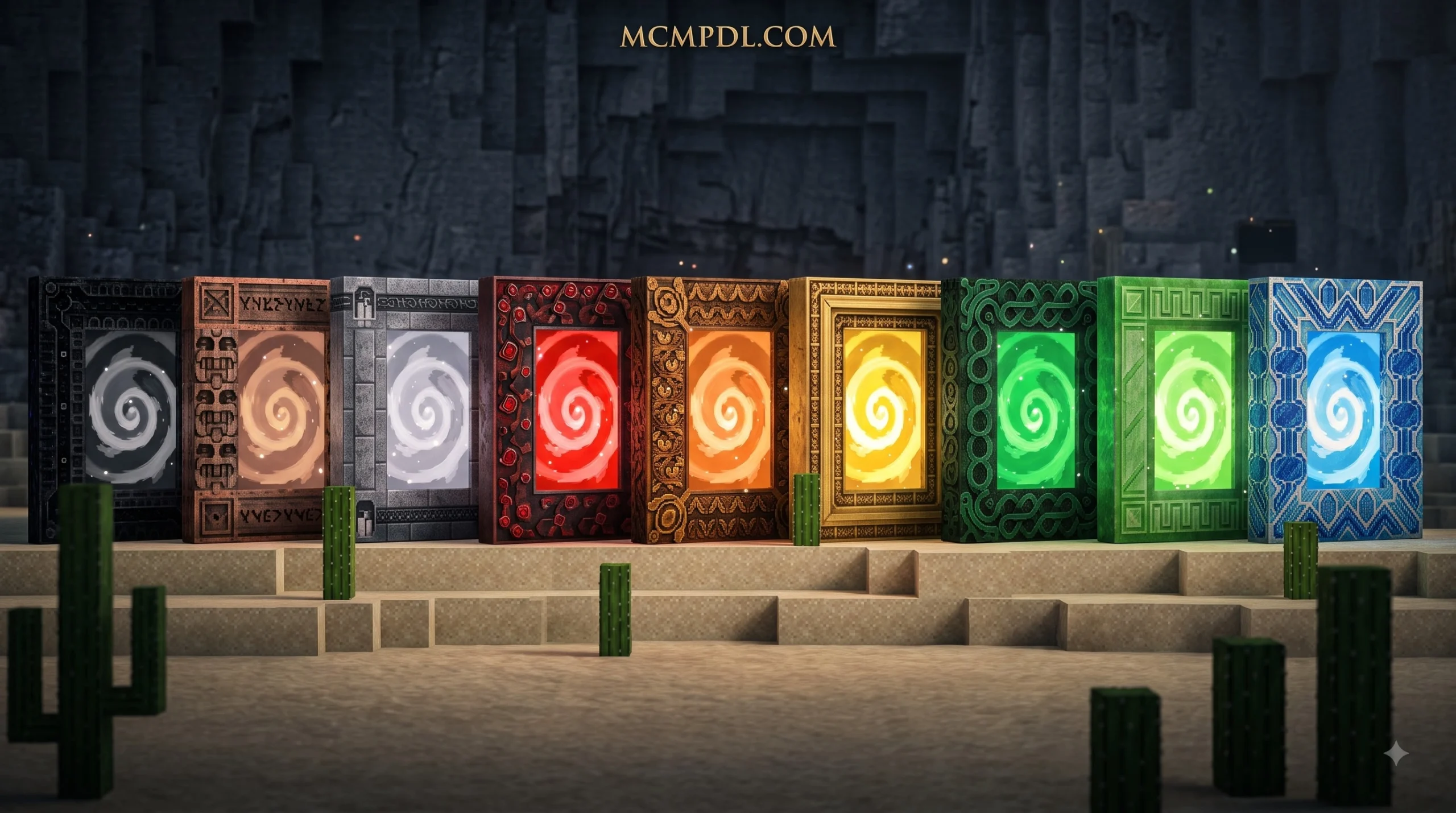
| Customization | Standard obsidian frames | None | 16 full Minecraft dye colors |
Requirements and Compatibility for Spark Portals Addon for Minecraft PE/Bedrock
Before diving in, make sure your device and game version meet the basic requirements. According to verified Marketplace listing data, the add-on requires:
- Minecraft Bedrock Edition: Version 1.20.60 or higher.
- Platform Support: Full compatibility across Android, iOS, Windows 10/11, Xbox, PlayStation, and Nintendo Switch.
- File Size: Lightweight download of roughly 3.1 MB to 3.2 MB, making it friendly on mobile storage and low-end hardware.
- Multiplayer Support: Works natively in single-player worlds, local multiplayer, dedicated Bedrock servers, and Realms.
- Resource Usage: Minimal memory footprint, allowing low-end mobile devices and consoles to run the pack alongside other behavior add-ons without frame drops.
How to Purchase and Install the Add-On
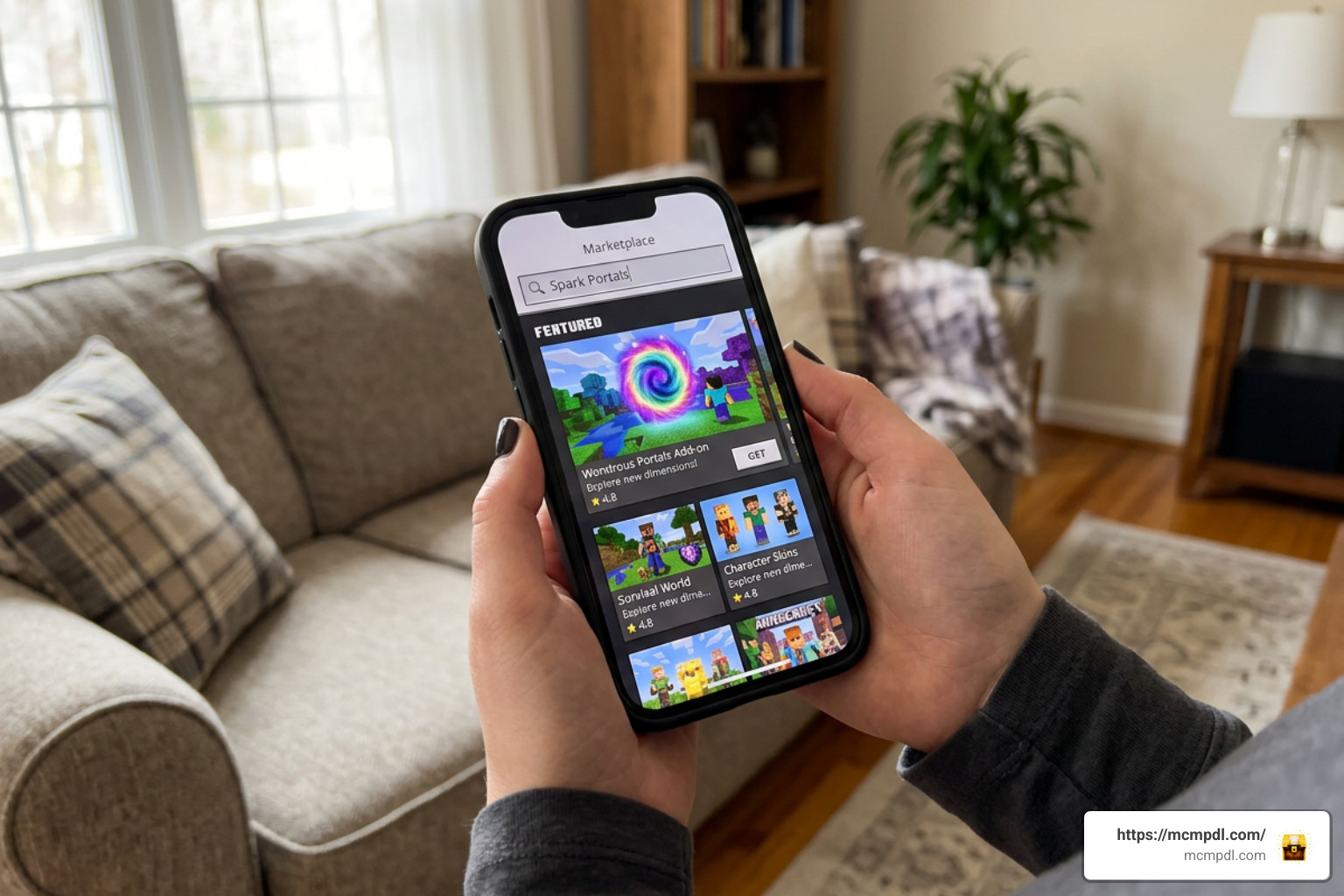
Installing community creations through the official marketplace ensures automatic file installation, seamless updates, and zero manual folder extraction. This eliminates the need to manage external file managers or navigate device storage directories.
Marketplace Download Steps
- Launch Minecraft Bedrock on your preferred gaming device.
- Select Marketplace from the main menu.
- Tap the search bar in the top-right corner and type
Spark Portals. - Locate the official pack by Spark Universe among the verified results.
- Purchase the add-on for 660 Minecoins (or the regional equivalent, roughly $3.46 USD).
- Once purchased, click Download to save the behavior and resource packs directly to your device storage.
- Verify the download finishes completely before returning to the main title screen to ensure all texture files and scripts are intact.
World Setup and Pack Activation
After downloading the pack, attach it to your desired world:
- Select Play, then choose Create New World (or click the pencil/edit icon next to an existing save).
- Scroll down on the left sidebar and select Resource Packs.
- Under the Owned tab, locate Spark Portals and click Activate.
- Switch to the Behavior Packs tab on the left menu, find the add-on, and activate it there as well. The game will automatically confirm that custom behavior scripts are enabled.
- Review your world settings. While modern Bedrock add-ons function smoothly with default toggles, check that your world is fully updated to the latest stable release.
- If you frequently organize massive road networks or map out land plots, combine your teleport hub with setting up waypoints across your worlds to track coordinate markers visually while building.
- Click Create or Play to enter your world and start gathering the crafting components needed for your portal network.
Step-by-Step Guide to Using Spark Portals in Survival
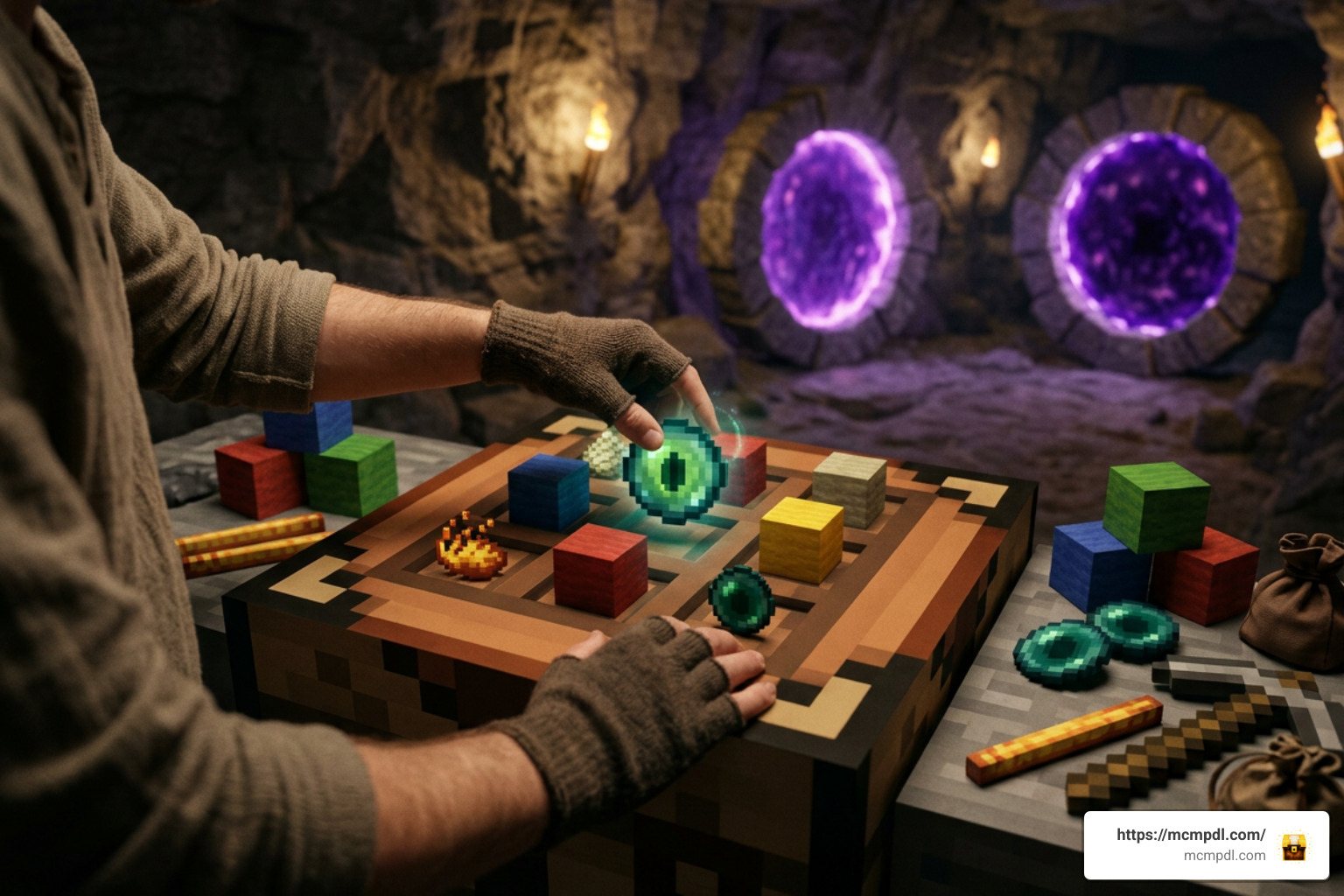
Using these portals in Survival mode feels balanced and rewarding. You gather basic crafting ingredients, dye your blocks to assign them a unique channel, and place them down to link paths across your terrain.
How to Craft and Link Custom Spark Portals Addon for Minecraft PE/Bedrock Networks
The core mechanic relies on color pairing. The game includes 16 base dye colors, allowing you to create distinct communication lines and organized transit hubs:
- Crafting the Base Portal: Gather your portal materials at a crafting table using the built-in recipe provided in your survival recipe book. The recipe uses accessible survival items so you can start expanding early in your world progression.
- Assigning Colors: Apply your favorite Minecraft dye (such as Blue, Lime, Red, or Purple) to create color-specific gateway blocks. Each color acts as an independent frequency channel.
- Placing Portal A: Place your first colored portal block at your primary location (for example, your main base or storage facility).
- Placing Portal B: Travel to your desired destination (such as a deep mining quarry, raid farm, or woodland mansion) and place the second portal block dyed in the exact same color.
- Stepping Through: Step onto the portal pad. You will instantly teleport to the matching color block without delay or loading screen interruptions.
If you are setting up large-scale logistics, pair your drop-off points by storing resources near portals with portal chests so your inventory stays organized right after teleporting.
Advanced Travel Strategies and Dimension Navigation
Because these portals bypass standard spatial limits, you can construct an interdimensional transit station to streamline daily survival routines:
- Nether Highway Alternative: Skip digging long Nether tunnels and dodging ghast fireballs by placing matching colored pads directly between your Overworld base and deep Nether fortresses or bastion remnants.
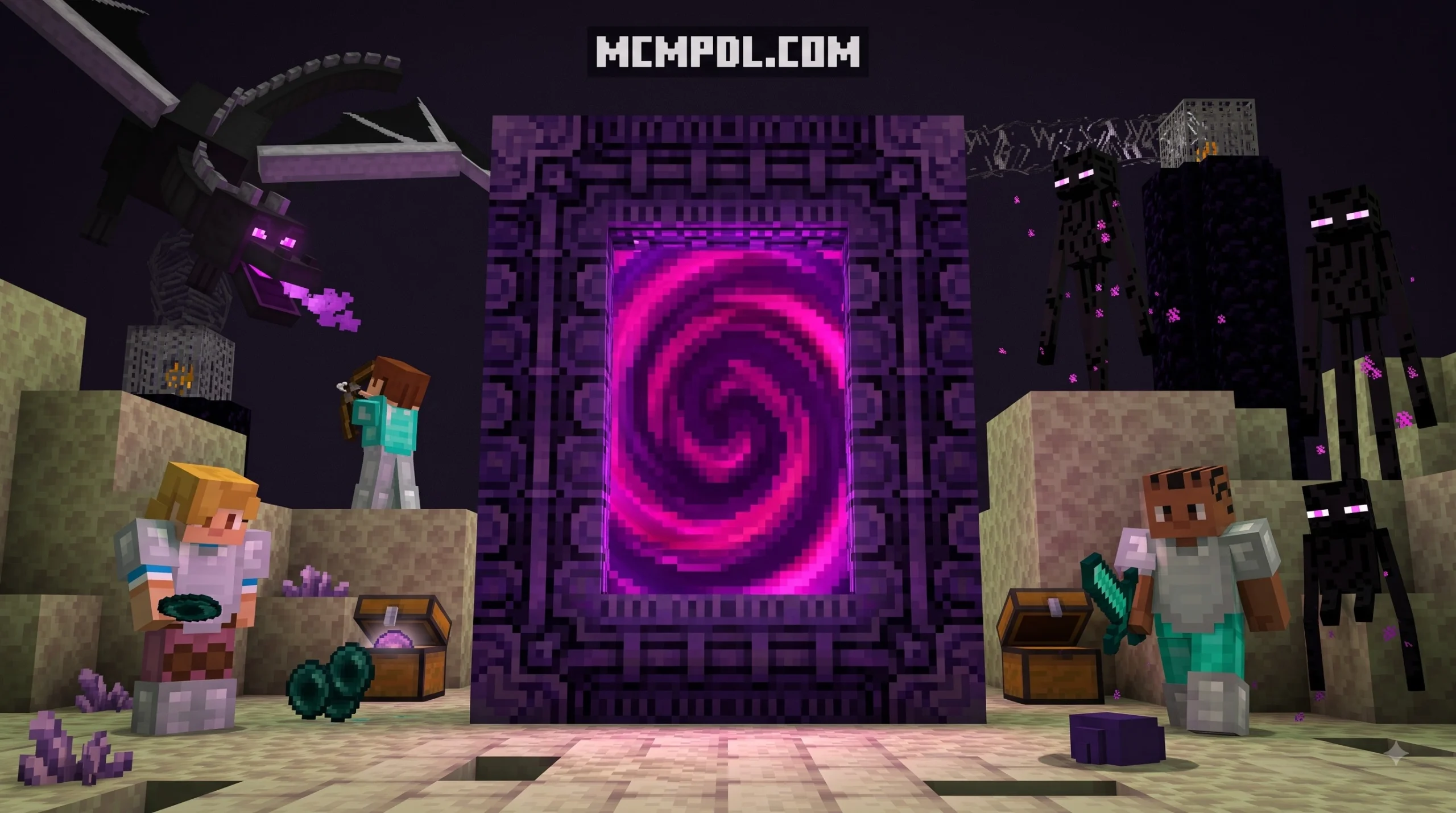
- Direct End Island Access: Connect the central End island directly to outer End cities, saving you from perilous void bridges and risky Elytra glides over empty space.
- Multi-Floor Base Elevators: Use vertical portal pairing to jump instantly between your skybase, mountain peak, surface hub, and bedrock-level branch mine without climbing endless ladders or water elevators.
- Safe Zone Design: Surround your receiving portals with secure walls or iron gates to prevent hostile mobs from sneaking through your travel hubs when exploring dangerous biomes at night.
- Custom Dimension Travel: If your survival game uses expanded content packs, you can streamline travel when navigating custom dimensions or linking fast travel hubs to dimension homes.
Frequently Asked Questions About Spark Portals
How many portals can you create in a single world?
You can build and link up to 160 individual portals (up to 80 active travel pairs) per world save. This offers more than enough capacity for complex railway replacements, massive multiplayer servers, and distributed farming networks.
Is the Spark Portals add-on free to download?
No, the official Spark Portals add-on is a premium creation available on the Minecraft Marketplace for 660 Minecoins (approximately $3.46 USD or €3.26 EUR). Purchasing it directly supports the creators and guarantees seamless compatibility updates.
Who created the add-on and how do you get support?
The add-on was developed by Spark Universe, a well-known studio behind popular Bedrock content like Realism VFX and SpongeBob SquarePants. For support, updates, or troubleshooting, check their official community portal and the Minecraft Marketplace product page.
Conclusion
The Spark Portals Addon transforms everyday navigation across Minecraft Bedrock. By letting you craft, dye, and instantly link up to 160 portals across any dimension, it eliminates tedious travel and lets you spend more time building and exploring. Make sure to explore more Minecraft Bedrock addons on MCMPDL to discover exciting new utilities, custom blocks, and adventure maps for your worlds.
2 thoughts on “Spark Portals Addon for Minecraft PE/Bedrock”