Scroll down to D0vvnl0ad
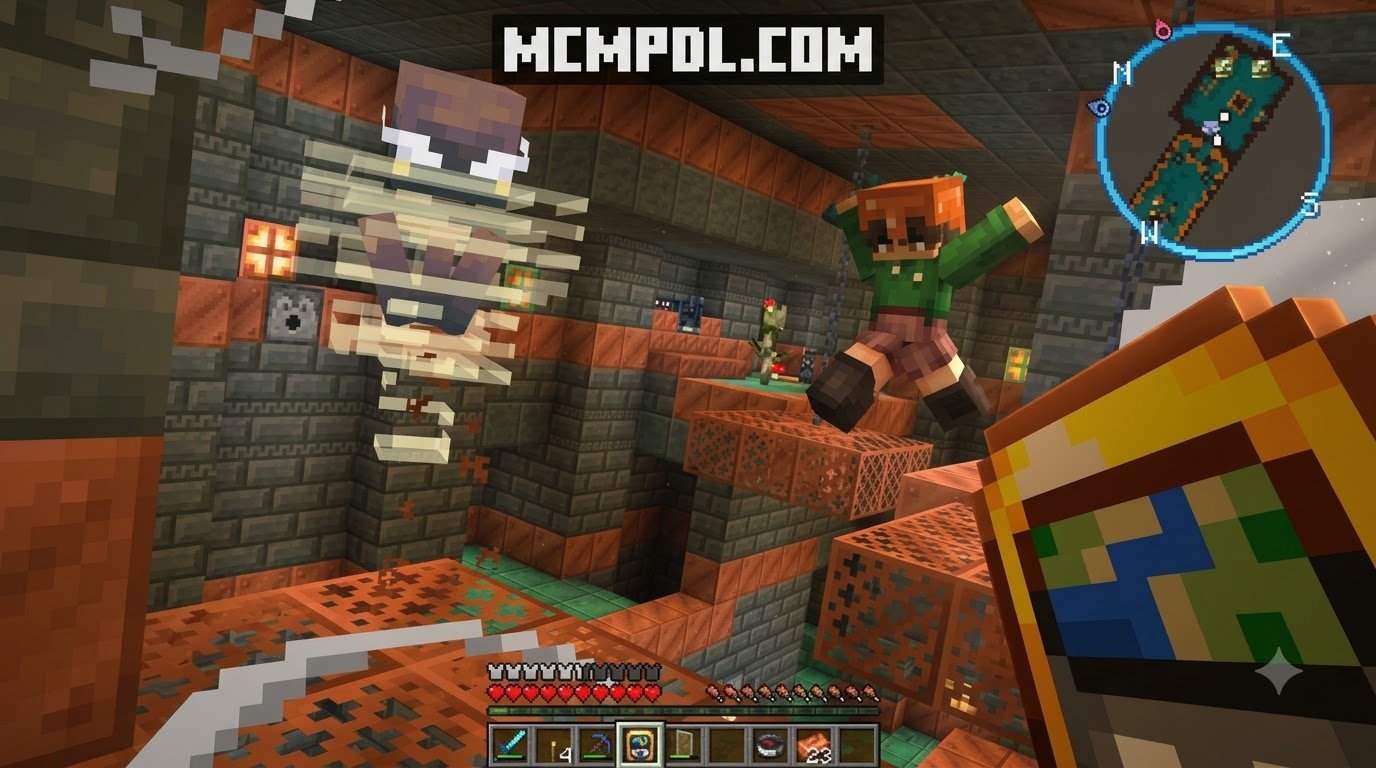
Navigate Minecraft Bedrock With a Real Minimap
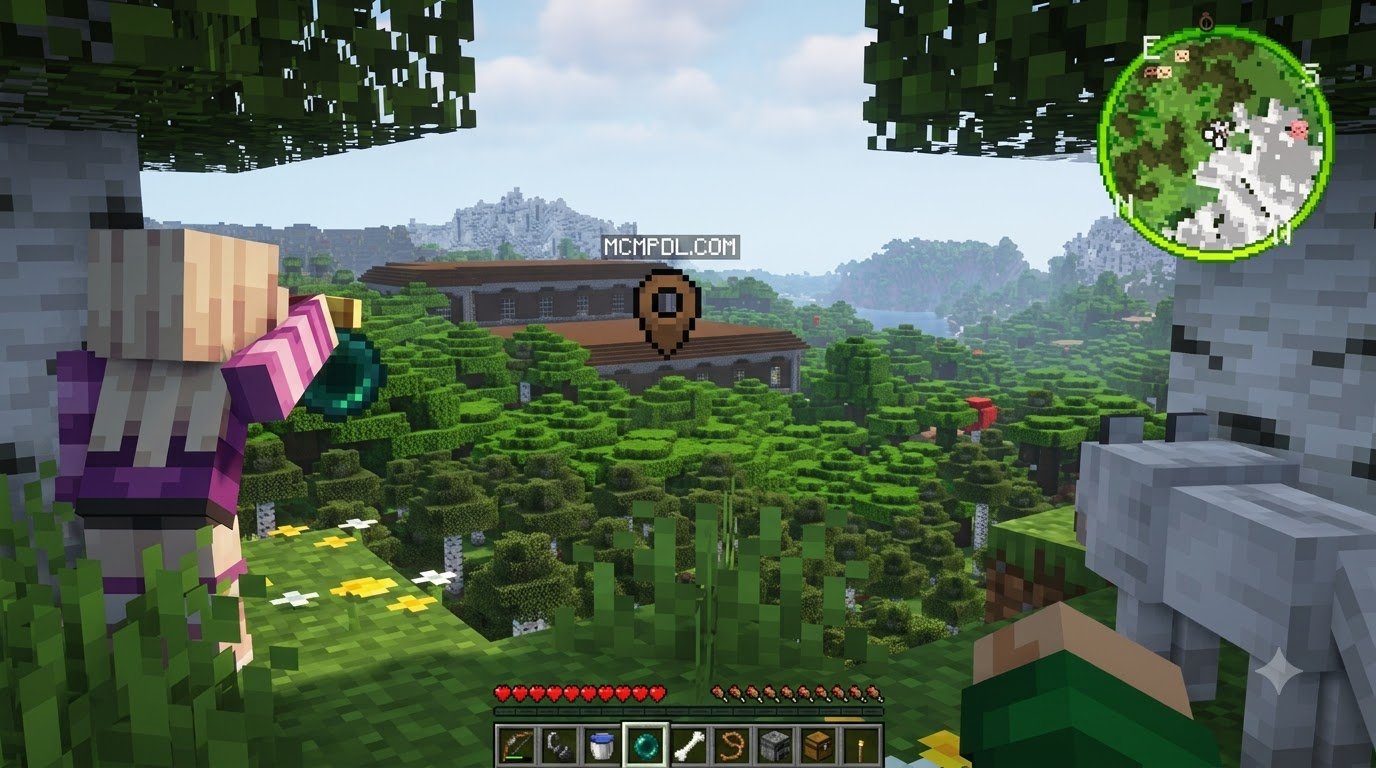
A Real Minimap Addon for Minecraft PE/Bedrock adds a live map overlay to your screen, helping you see nearby terrain, your facing direction, mobs, players, and important locations while you explore. It is especially useful in large survival worlds where opening the standard map repeatedly is slow and easy to forget.
Most versions work by importing a .mcaddon or .mcpack file, enabling its behavior and resource packs in a world’s settings, then restarting the world. Some advanced minimaps also need Experimental settings or a Beta API enabled.
A good minimap can make long trips safer, reveal nearby hostile mobs before they reach you, and let you mark bases or resource spots with waypoints. But compatibility matters: Bedrock updates, device performance, multiplayer rules, and achievement restrictions can all affect how well an addon works.
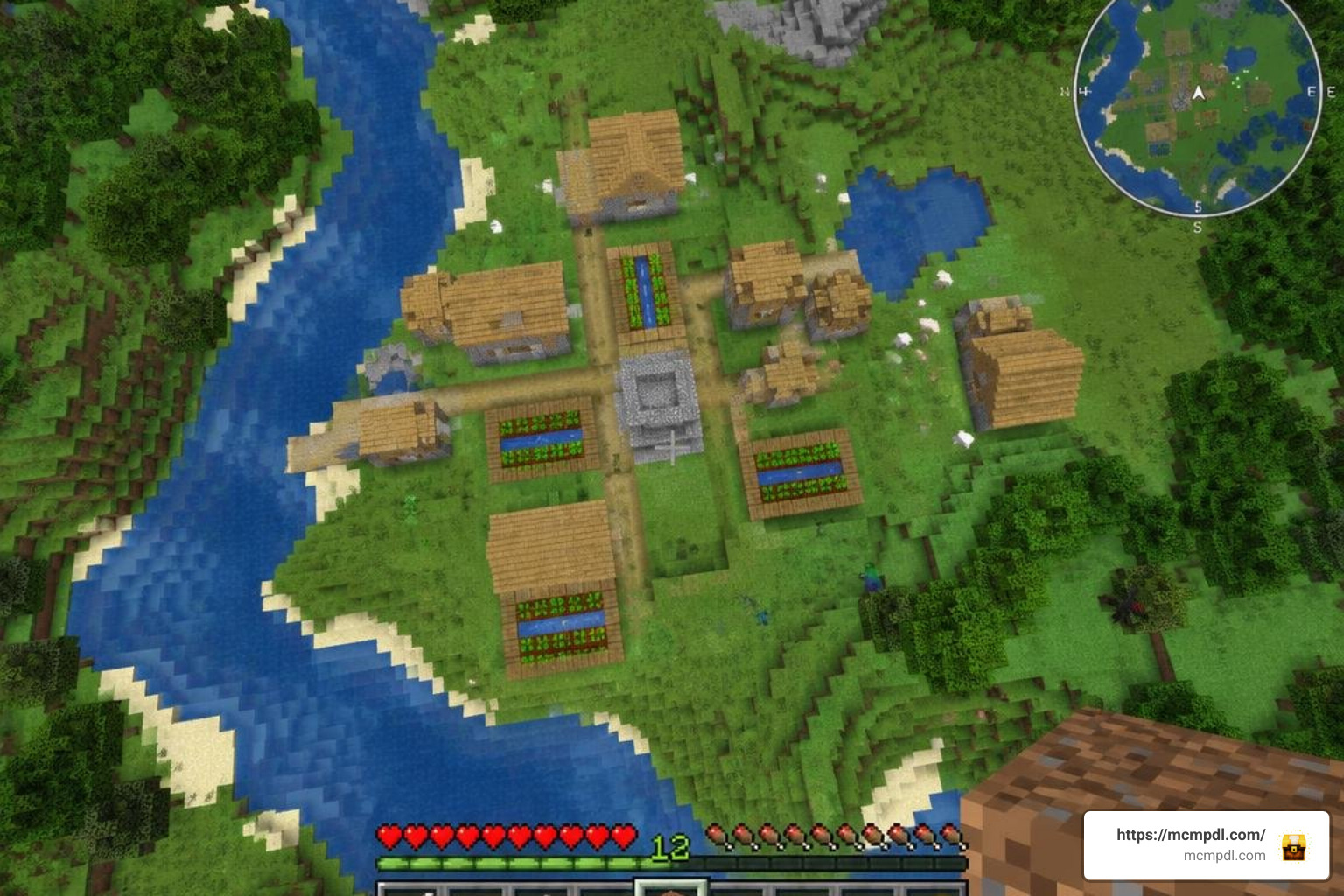
This guide explains what to expect from Real Minimap-style addons, how to install them on mobile and Windows, and how they compare with other Bedrock mapping options.
What is the Real Minimap Addon for Minecraft PE/Bedrock and How Does It Work?
Navigating vast biomes, deep ocean trenches, and sprawling mountain peaks in Minecraft Bedrock can quickly turn from an exciting journey into a frustrating search for your lost base. The Real Minimap Addon bridges this gap by rendering a heads-up display (HUD) radar directly onto your gameplay screen. Instead of forcing you to constantly pause, craft empty locator maps, or hold an item that obstructs half your field of view, it projects dynamic surroundings in real time.
Under the hood, these mapping systems capture player coordinates and scan the surrounding block data within a designated radius—often rendering areas up to 64×64 blocks wide around the player. By interpreting elevation, biome palettes, and local geometry, the HUD displays miniature cliffs, rivers, tree canopies, and structures.
Different variations implement this mechanic in distinct ways. Some lightweight builds utilize custom UI elements tied directly into the Bedrock client interface, while certain custom and community editions rely on mechanics like placing an item in your off-hand slot to project the HUD overlay. When configuring your survival world with a dedicated Minimap Addon for Minecraft PE/Bedrock, the interface scales cleanly across touchscreen devices, tablets, and desktop monitors alike.
Key Features of the Real Minimap Addon for Minecraft PE/Bedrock
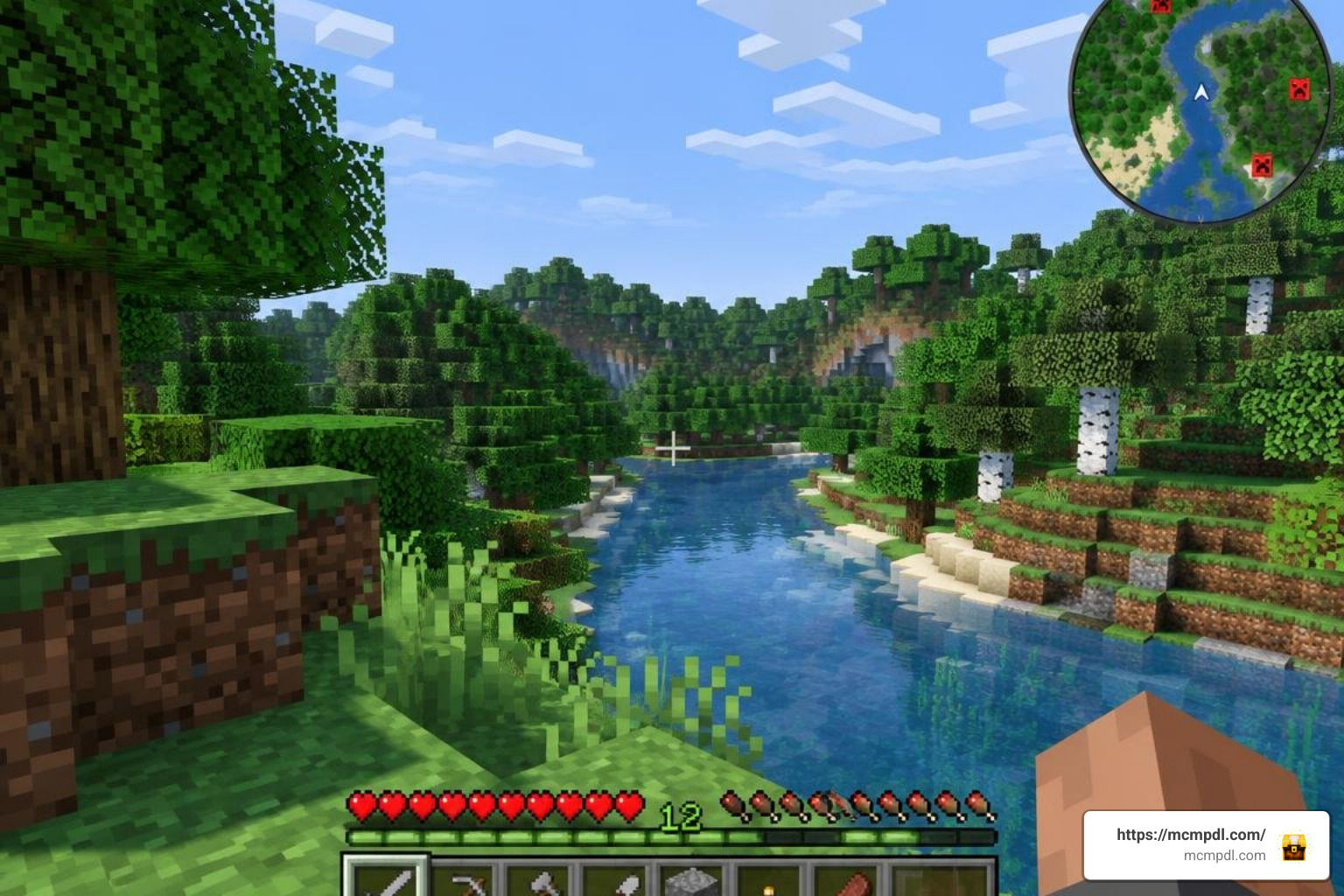
The primary reason players install this utility is situational awareness. Whether you are running survival on peaceful or exploring dangerous caverns on hard difficulty, having clear radar feeds changes your tactical approach.
Key features typically include:
- Real-Time Topography: Visual rendering of biomes, water bodies, elevation contours, and artificial structures as you traverse the world.
- Entity Detection and Mob Head Icons: Visual tracking showing nearby friendly, neutral, and hostile entities. Many iterations display recognizable mob faces (creepers, zombies, skeletons, cows), allowing you to anticipate surprise ambushes before entering dark forests or ravines.
- Player Orientation Indicator: A dynamic directional arrow displaying your exact facing direction along cardinal axes (North, East, South, West).
- Lightweight Architecture: Most community packs are compact (often around 1.0 MB), designed to maintain high tick speeds without overloading mobile CPUs.
- UI Customization: Options to adjust map scaling, switch between circular and rectangular frames, or toggle opacity to prevent screen clutter.
When paired with a survival-enhancing Essentials Addon for Minecraft PE/Bedrock, these features transform survival navigation into a smooth, streamlined experience.
Radar Tracking, Cave Mode, and Waypoints
Exploration in Bedrock Edition is rarely limited to the surface. Mining operations at diamond level (-58) present entirely different challenges compared to standard Overworld trekking. Advanced versions of the addon incorporate a dedicated Cave Mode. When you descend beneath solid stone layers, the radar automatically switches from surface canopy rendering to an underground cross-section, revealing hidden caverns, lava pockets, and abandoned mineshafts.
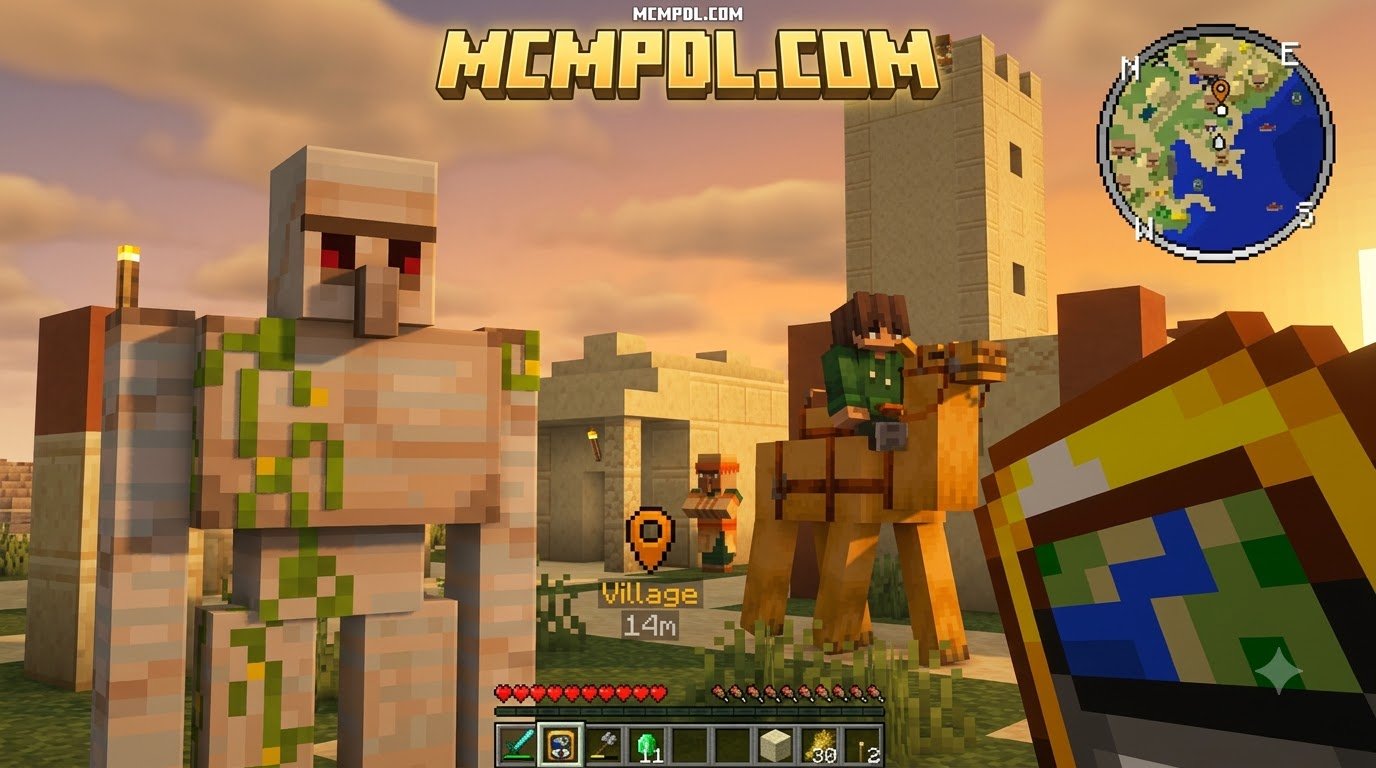
In addition to subterranean mapping, waypoint integration is a game-changer. By setting custom coordinate markers, you can tag points of interest—such as your main base, Nether portals, villages, or rare mineral veins. Instead of jotting down coordinates on scrap paper, the HUD projects a designated pin showing the distance and direction to your target. For players who want dedicated, robust coordinate tools across multiplayer realms, combining this with a specialized Waypoints Addon for Minecraft PE/Bedrock ensures you never lose a build site again.
Installation and Platform Compatibility Across Devices
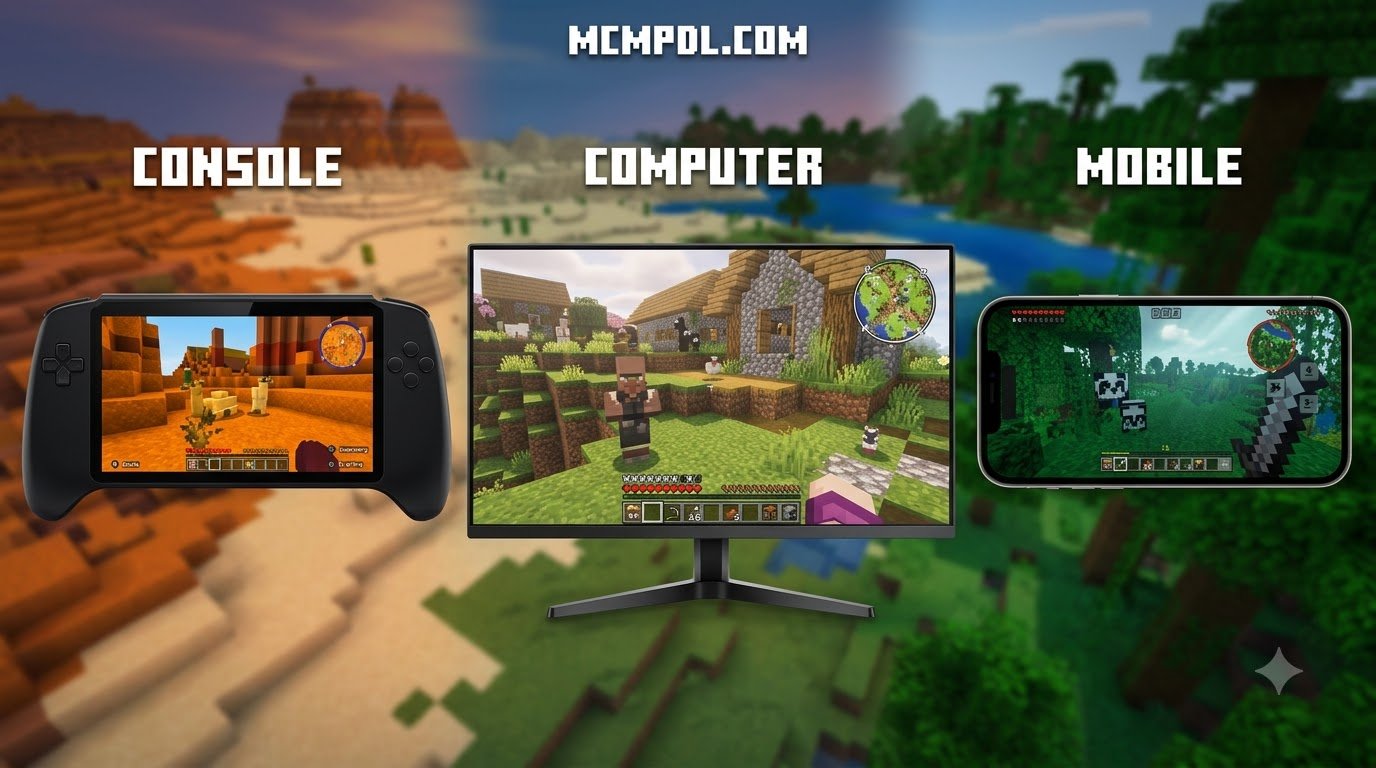
System requirements vary depending on how complex the underlying mapping scripts are. Lightweight .mcpack files run smoothly on Android devices with 2GB–3GB of RAM, iOS devices running modern iPadOS/iOS releases, and Windows 10/11 PCs.
Before installing, check the version compatibility in the addon manifest. Minecraft Bedrock updates frequently, and major game version shifts (such as the 1.21.x and 1.26.x branches) often adjust how UI elements and scripting APIs hook into the client. Ensuring that your addon version matches your active game build prevents startup crashes and display glitches, especially when running rich generation packs like the More Structures Addon for Minecraft PE/Bedrock.
How to Install the Real Minimap Addon for Minecraft PE/Bedrock on Mobile and PC
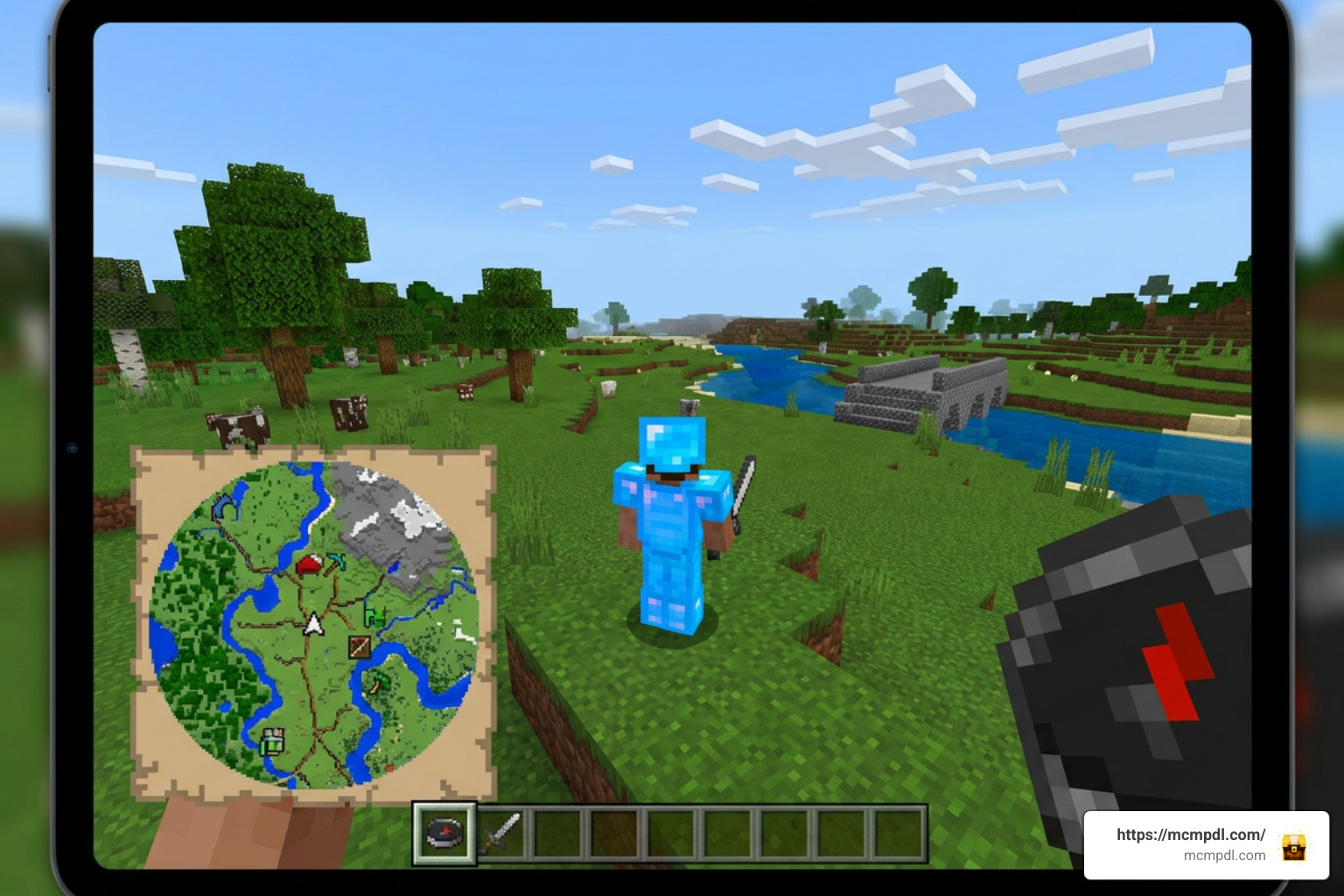
Installing addons in Bedrock Edition is straightforward thanks to unified file types. Here is how to get your minimap running on each major platform:
1. Android Installation
- Download the
.mcaddonor.mcpackfile from a verified source. - Open your device’s File Manager and tap the downloaded file. Select Minecraft to open it.
- Minecraft will launch automatically and display “Import Started” followed by “Import Successful.”
- Open your world settings, navigate to Resource Packs, activate the minimap pack, and repeat under Behavior Packs.
2. iOS Installation
- Download the pack via Safari or your preferred browser.
- Open the Files app, locate the downloaded
.mcaddonfile, long-press it, tap Share, and select Minecraft. - Once imported, enable both the Resource and Behavior packs within your specific world’s edit menu.
3. Windows 10 & 11 Installation
- Download the
.mcaddonfile to your PC. - Double-click the file; Windows will automatically launch Minecraft Bedrock and import the files into the appropriate directories.
- Navigate to your world settings, activate the packs, and launch the world.
Experimental Gameplay, Beta APIs, and Achievement Impact
Many community minimaps require experimental scripting capabilities to track real-time entity positions and modify the player HUD. When configuring your world settings, check if the addon author specifies enabling Beta APIs or Holiday Creator Features.
Note on Achievements: Activating behavior packs or toggling Experimental Gameplay in Minecraft Bedrock automatically disables Xbox achievements for that world. If you are aiming to complete survival achievements, make sure to back up your vanilla world first, or use a purely client-side resource-only overlay if supported by your setup.
Comparing Top Minimap Options for Bedrock
There are multiple mapping addons available for Bedrock, each offering different trade-offs between visual flair, script complexity, and system load.
| Feature / Metric | Real Minimap Addon | Standard Cross-Platform Minimap | Advanced Scripted Minimap |
|---|---|---|---|
| Primary Platform Target | Mobile & PC Optimized | Cross-Platform (Full & Lite) | PC & High-End Mobile |
| File Footprint | Compact (~1.0 MB) | Moderate | Moderate to Large |
| Dependencies | None (Single .mcaddon) | Standalone / BETA API | UI Queue & Script Configs |
| Underground / Cave Mode | Yes (Select versions) | Yes (Dedicated commands) | Yes (Nether & Atlas support) |
| Mob & Player Tracking | Real-time icons & heads | Coordinate/Entity tracking | Entity & Player indicators |
| Control Interface | In-game HUD / Off-hand | In-chat commands (/map) | Keybinds / In-chat menu |
If your survival world also incorporates broad environmental redesigns or a World Editing Addon for Minecraft PE/Bedrock, choosing a lightweight minimap ensures your hardware retains plenty of memory for block updates and rendering.
Troubleshooting Common Glitches and Performance Issues
If your minimap is not displaying as expected, consider these common fixes:
- Blank or Pink/Black Checkerboard Box:
- Cause: Missing texture references or version mismatch.
- Fix: Check that your Minecraft version matches the addon requirement (e.g., 1.21.100+ or 1.26.x). Ensure the Resource Pack sits at the top of your Active list in World Settings.
- Minimap Not Updating While Moving:
- Cause: Experimental Beta API is turned off, or background tick rates are stalled.
- Fix: Enter your world settings, ensure the Beta APIs experimental toggle is enabled, and restart the world.
- Frame Rate Drops / Mobile Lag:
- Cause: High entity density radar scanning on lower-end devices.
- Fix: Lower your in-game render distance by 2–4 chunks, disable mob tracking icons in the addon settings if an option exists, and turn off View Bobbing in standard video settings to keep the minimap frame steady.
- Addon Incompatibility:
- Cause: Another UI pack or HUD modifier is overriding
hud_screen.json. - Fix: Rearrange your active Resource Packs so the minimap is prioritized at the highest position in the resource stack.
- Cause: Another UI pack or HUD modifier is overriding
Frequently Asked Questions About Bedrock Minimap Addons
Why is my minimap displaying a blank box or missing textures?
A blank or solid color box typically occurs when there is a mismatch between your Minecraft Bedrock build and the addon’s manifest version. It can also happen if the behavior pack is enabled without its corresponding resource pack, or if required experimental toggles (such as Beta APIs) are disabled in world settings.
Does installing a minimap addon disable achievements in Minecraft Bedrock?
Yes, in almost all cases. Because functional minimaps rely on custom behavior packs and experimental scripting APIs to track terrain and entities, enabling them flags the world as modified, which permanently disables Xbox achievements for that save file.
Can other players see my custom waypoints in multiplayer?
Most minimap addons render waypoints entirely client-side, meaning only you will see the pins on your HUD. However, certain advanced multiplayer-compatible packs include server-wide waypoint broadcasting if the host configures shared coordinate markers.
Conclusion
A reliable minimap addon transforms how you explore Minecraft Bedrock, saving you time and protecting your gear from unexpected hazards. Whether you are charting extensive biomes, mining deep underground, or coordinating with friends on a multiplayer realm, live radar data makes every expedition smoother. Explore the latest Bedrock addons, texture packs, and guides at mcmpdl.com to build your ultimate survival setup.
1 thought on “Real Minimap Addon for Minecraft PE/Bedrock”