Scroll down to D0vvnl0ad
What the Realistic Trains Addon Brings to Minecraft PE/Bedrock
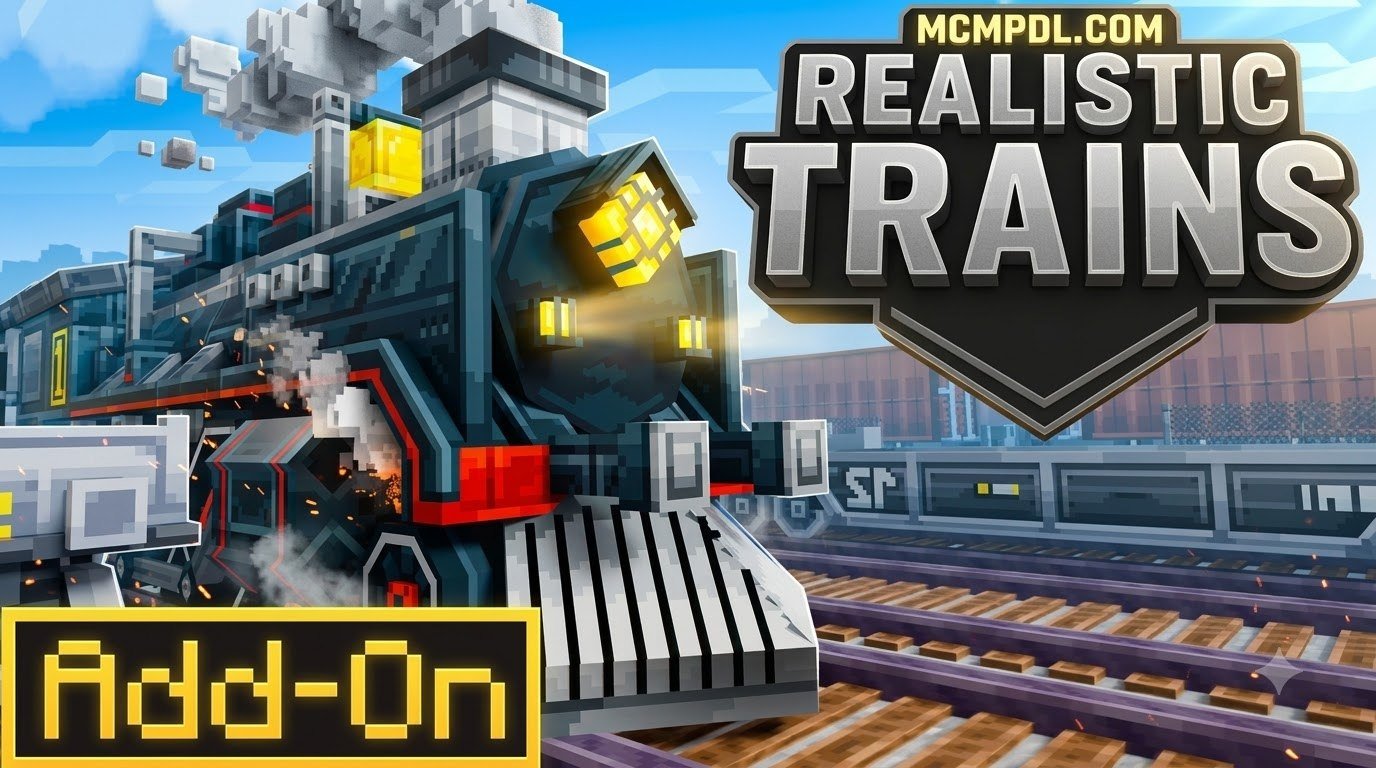
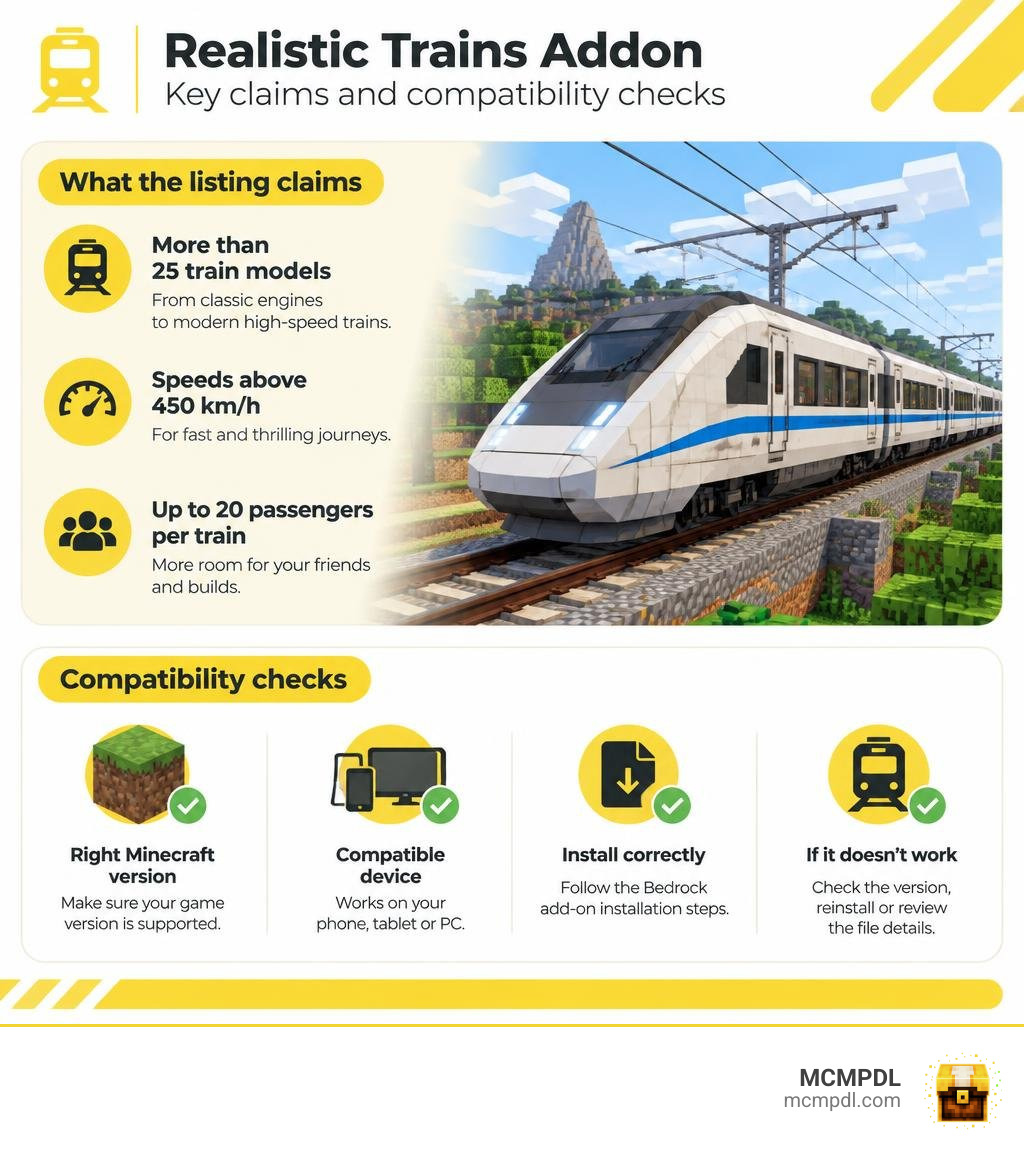
The Realistic Trains Addon for Minecraft PE/Bedrock is aimed at players who want more train options for their worlds. Its listing advertises more than 25 train models, from older engines to modern high-speed trains. It also claims speeds above 450 km/h and room for up to 20 passengers per train.
Those numbers come from the app description, not independent testing. Before downloading, check that the file supports your Minecraft version and device. This guide covers what the listing promises, how to install Bedrock add-ons, and what to watch for if a train does not work as expected.
Core Features of the Realistic Trains Addon for Minecraft PE/Bedrock
Minecraft Bedrock transit has traditionally relied on basic minecarts, powered rails, and straightforward redstone switches. While functional, standard minecarts lack the aesthetic depth and logistical scale required for modern city builds and expansive realm networks. Players looking for authentic railway simulation frequently turn to dedicated packages like the Trains Addon for Minecraft PE/Bedrock to upgrade their transport networks with detailed 3D models and realistic mechanics.
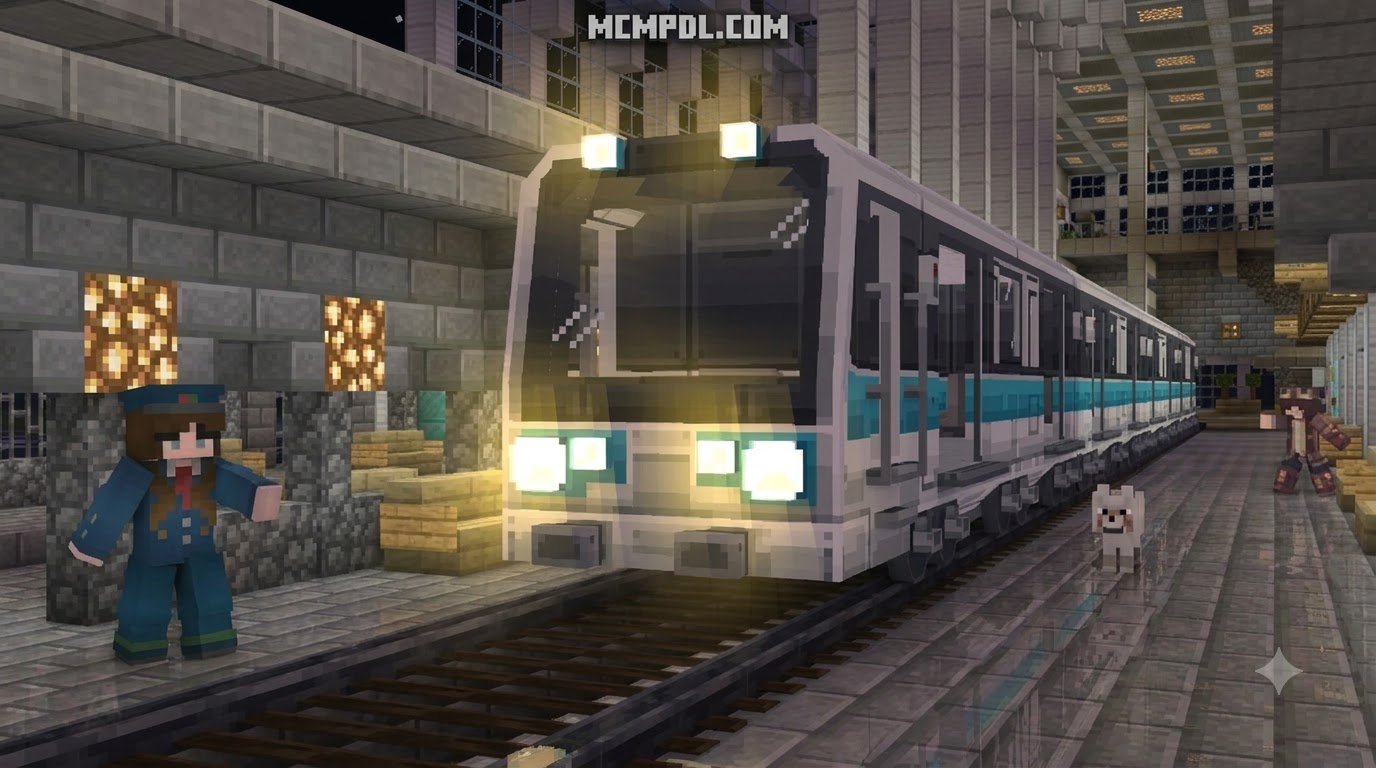
The primary appeal of realistic railway modifications lies in their visual fidelity and operational depth. Instead of flat, blocky shapes, locomotives feature custom geometries, articulated bogies, authentic liveries, and functioning interior cabins.
Speed, Capacity, and Train Variety in Realistic Trains Addon for Minecraft PE/Bedrock
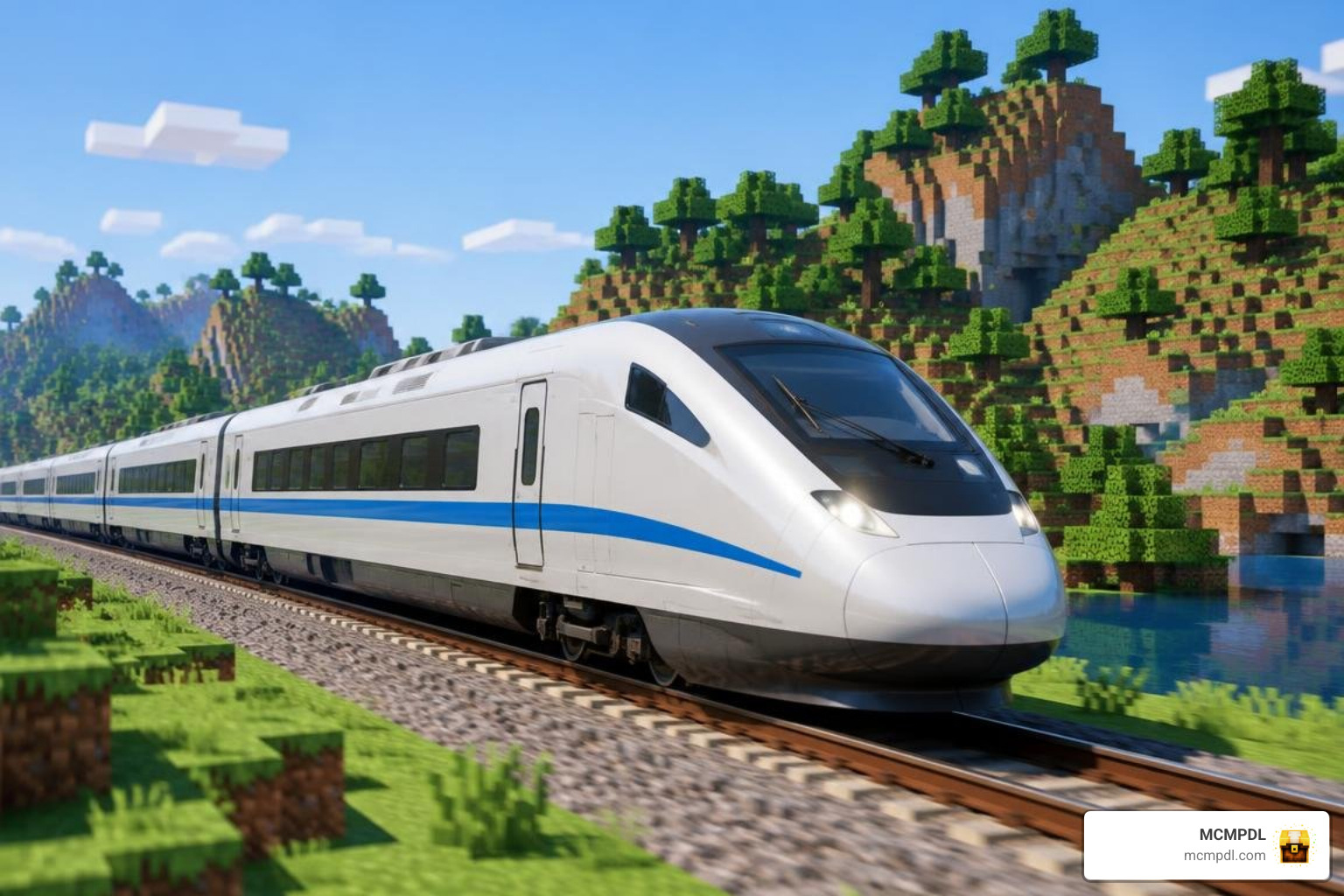
Railway simulation packages offer diverse rosters of rolling stock catering to various eras and transport purposes. The prominent locomotive categories include:
- High-Speed Bullet Trains: Streamlined electric multiple units (EMUs) engineered for rapid long-distance travel, reaching advertised speeds of over 450 km/h.
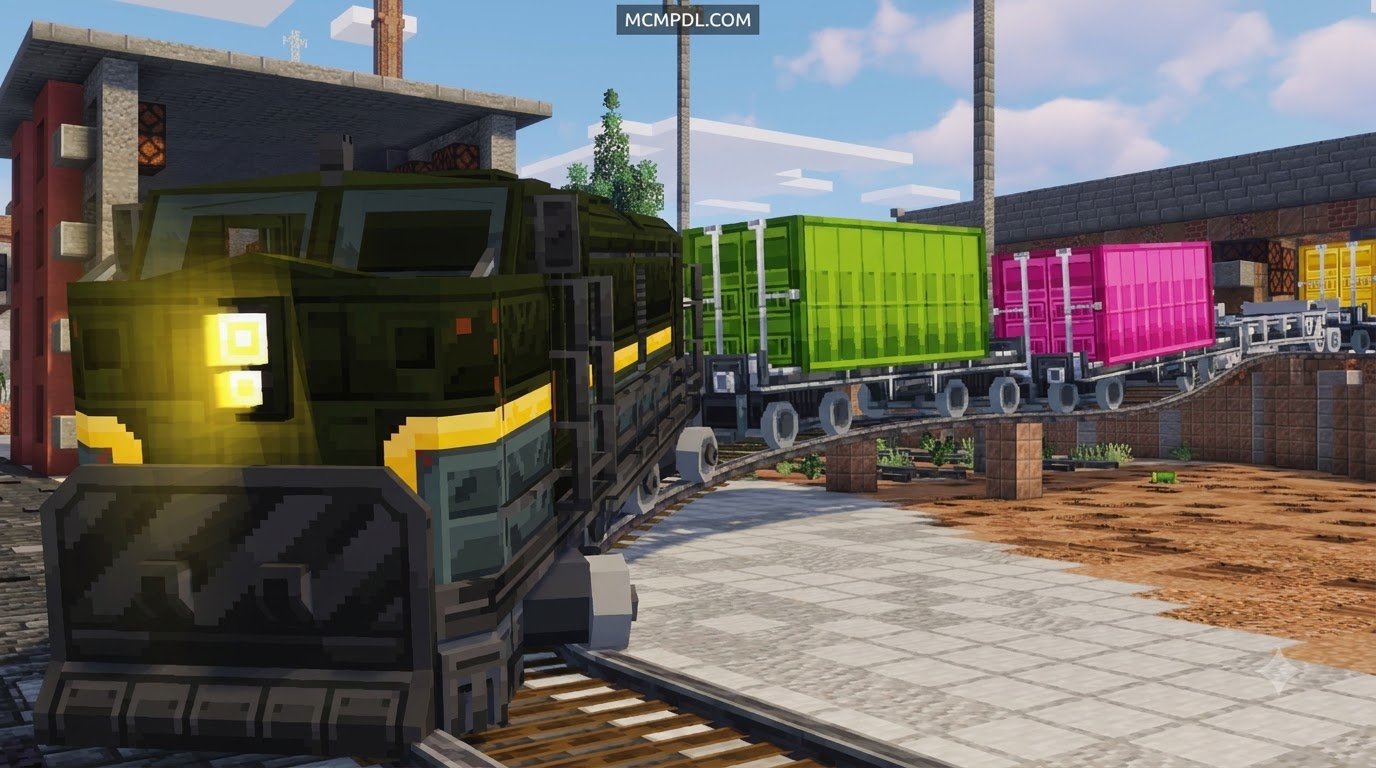
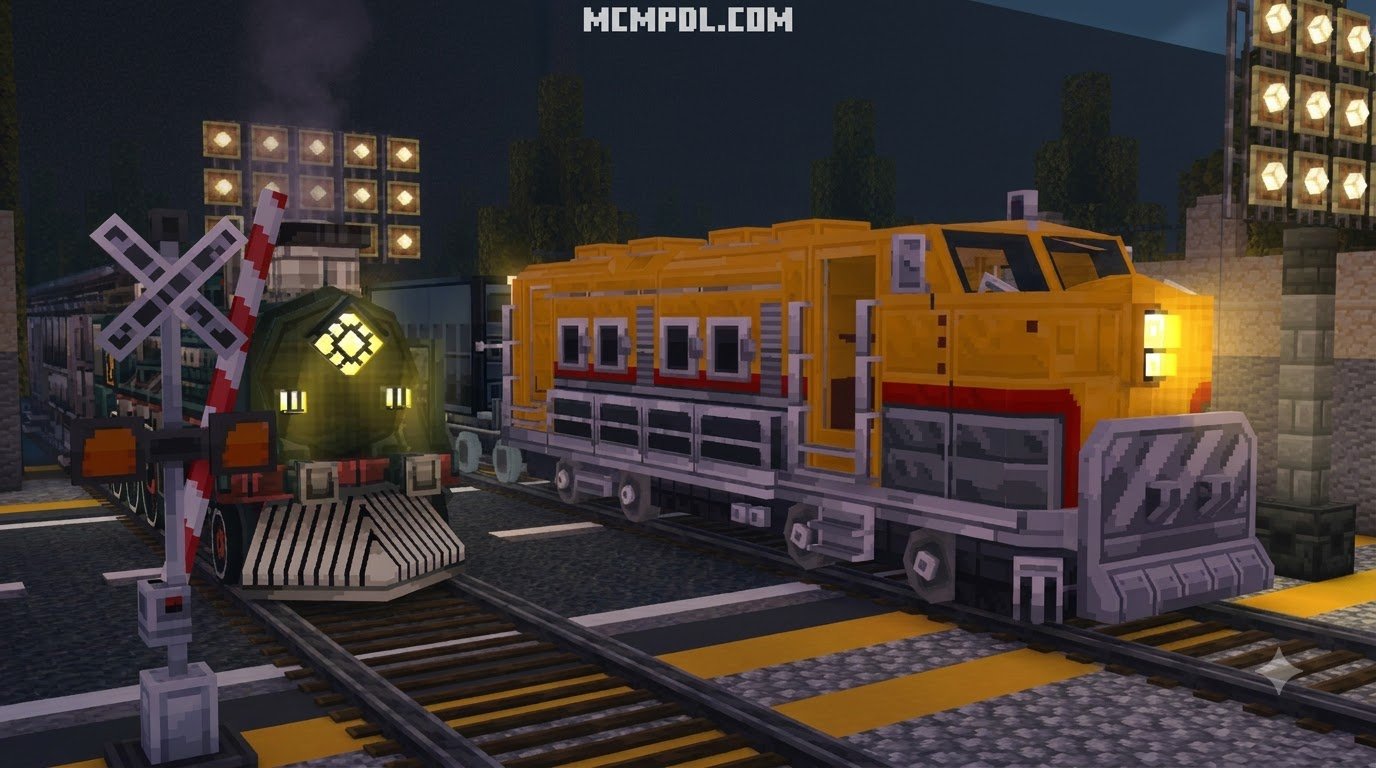
- Heavy Diesel-Electric Locomotives: Industrial workhorses designed for long freight hauls, container cargo, and resource transport across biomes.
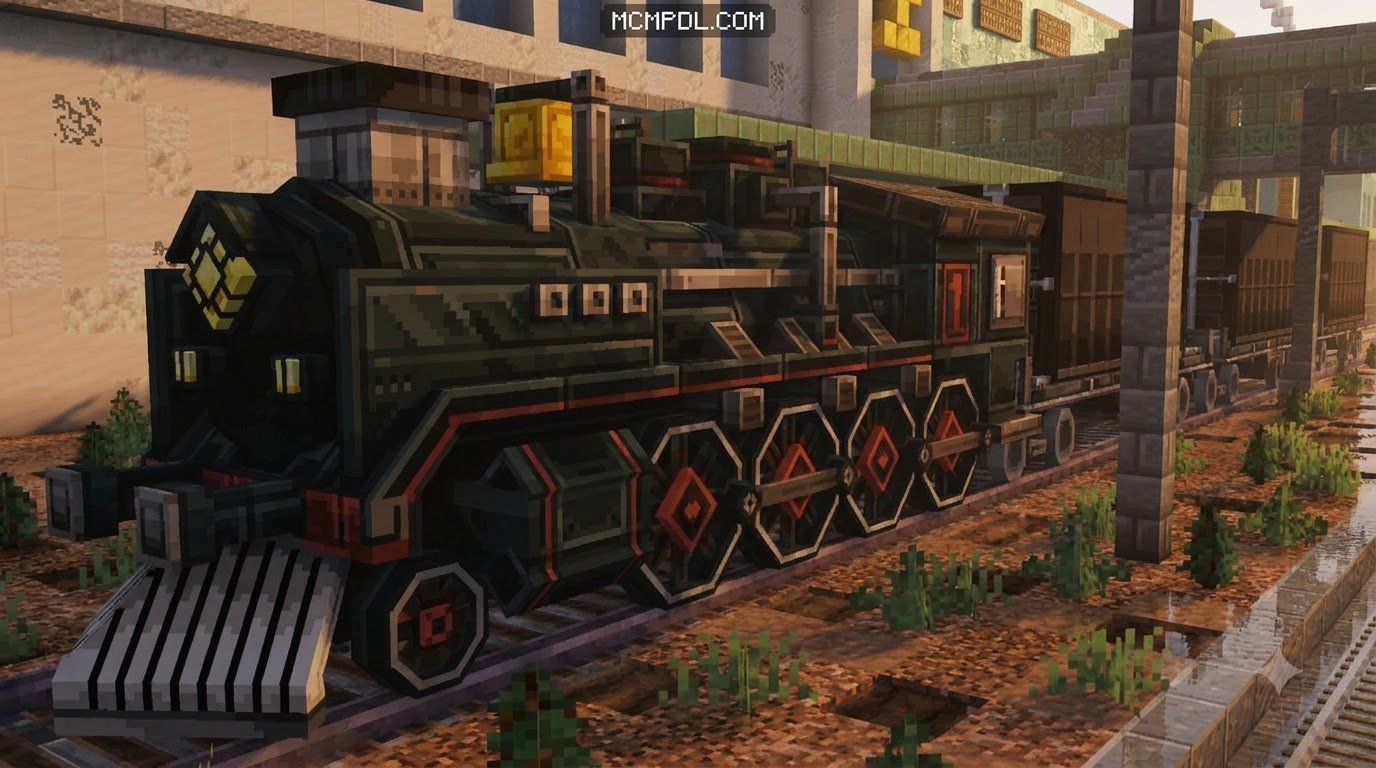
- Historic Steam Engines: Detailed heritage locomotives featuring animated driving rods, large tenders, and vintage passenger coaches.
- Commuter and Metro Transit: Multi-car urban train sets tailored for city networks, elevated rails, and subway tunnels.
- Specialized Utility Stock: Maintenance-of-way speeders, crane cars, and open-air wagons built for track construction.
Capacity is another major upgrade over vanilla minecarts. Instead of accommodating a single passenger per cart, full-scale train sets can carry up to 20 players simultaneously across connected compartments. Furthermore, sprawling transit configurations can link multiple carriages together to form continuous consists of up to 120 cars, providing plenty of room for multiplayer servers.
Advanced Mechanics, Controls, and Animations
Modern Bedrock train add-ons introduce interactive systems that mirror real-world rail operations:
- Interactive Direction Panels: Cab controls that allow operators to toggle forward, reverse, and neutral gear states while managing speed thresholds.
- Pantograph Safety and Power Systems: Functional overhead pantographs that raise or lower when entering electrified zones, including simulated AC/DC power switching.
- Automated Door Mechanics: Synchronized door opening animations and one-man safety closure sequences for passenger boarding.
- Seat Selection: Interactive interior seating that lets passengers choose specific compartments and passenger cars.
- Mobile Inventory and Livestock Transport: Secure cargo holds and open flatbeds that permit players to transport survival resources, farm animals, and utility mobs safely over long distances.
Installation Steps and Technical Requirements
Setting up custom railway modifications in Minecraft Bedrock requires correct file management and activation of experimental world settings. Whether you are laying down miles of track or integrating transit routes alongside a dedicated roads addon for Minecraft PE/Bedrock, proper installation ensures smooth performance.
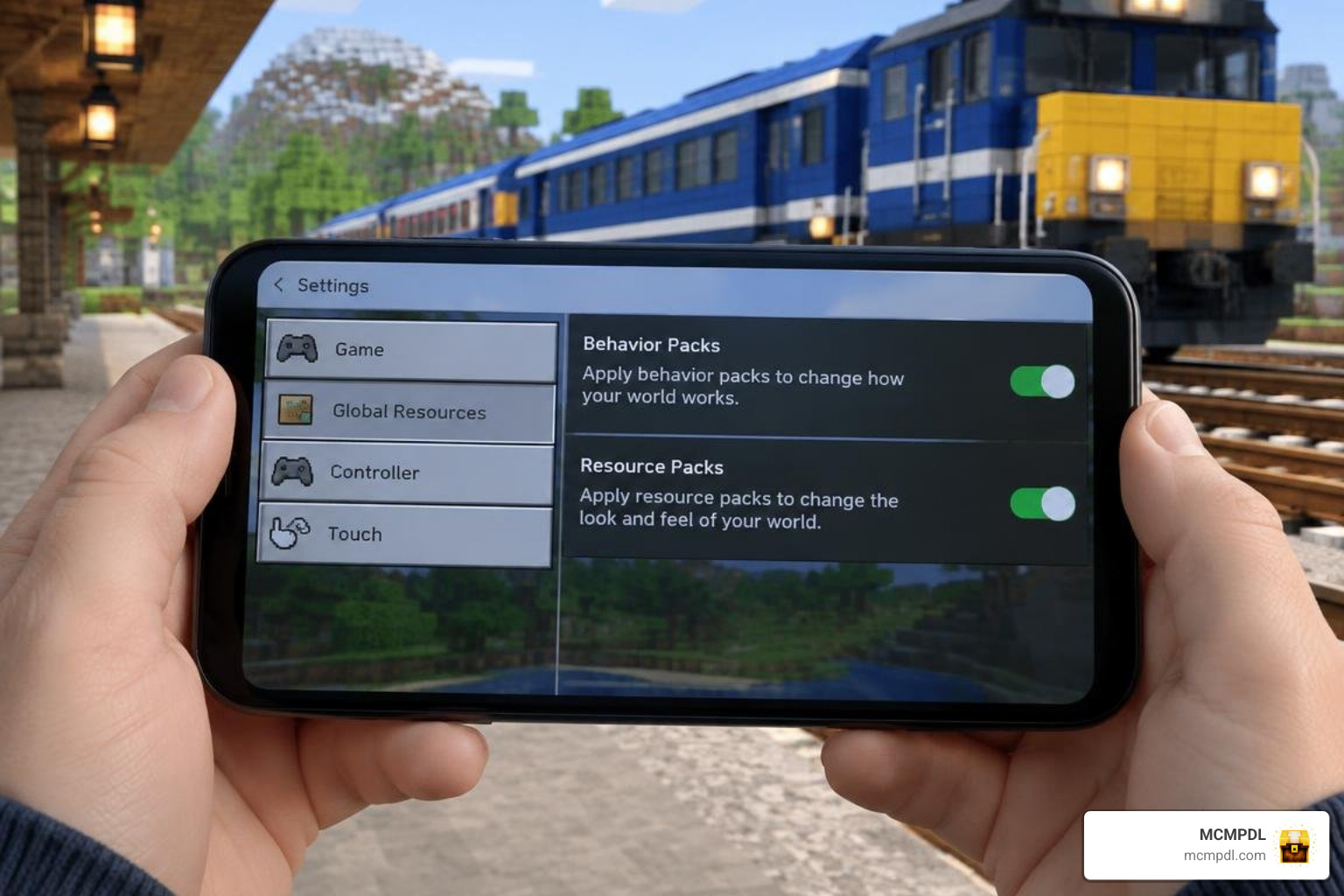
Setting Up Realistic Trains Addon for Minecraft PE/Bedrock on Mobile and PC
Installing Bedrock add-ons involves importing packaged behavior and resource files directly into your game directory.
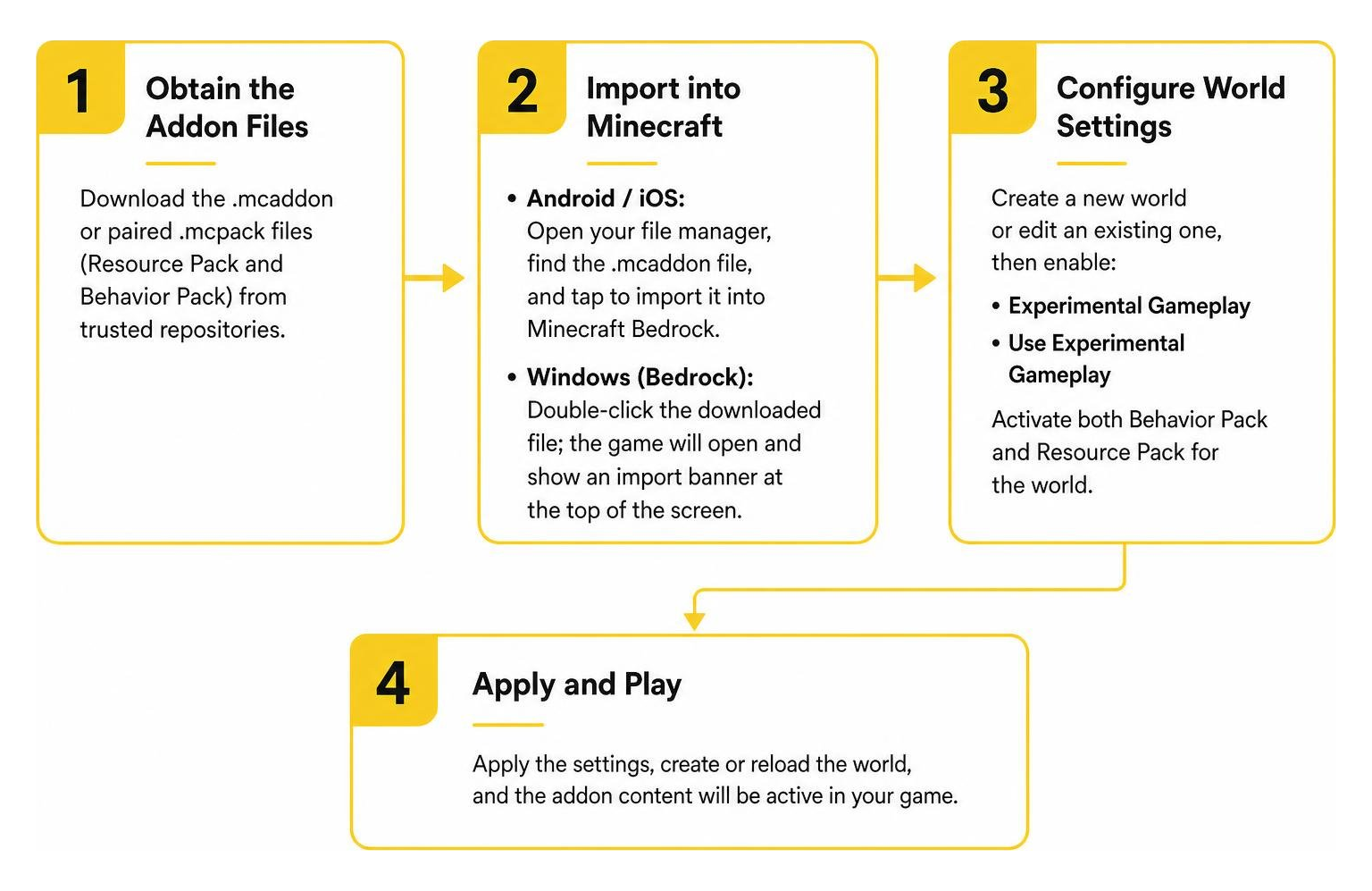
- Obtain the Addon Files: Download the
.mcaddonor paired.mcpackfiles (Resource Pack and Behavior Pack) from trusted repositories. - Import into Minecraft:
- Android / iOS: Open your device’s file manager, navigate to your download folder, and tap the
.mcaddonfile to launch and import it automatically into Minecraft Bedrock. - Windows (Bedrock): Double-click the downloaded file; the game will open and display an import banner at the top of the screen.
- Android / iOS: Open your device’s file manager, navigate to your download folder, and tap the
- Configure World Settings:
- Create a new world or click the edit icon on an existing world.
- Navigate to Resource Packs and activate the railway resource pack.
- Navigate to Behavior Packs and activate the matching behavior pack.
- Enable Experimental Features: Scroll down to the Experiments tab in world settings and toggle on Holiday Creator Features, Upcoming Creator Features, and Molang Features.
- Launch the World: Load into your game, access creative inventory, or craft the required train spawner items on a crafting table.
System Requirements and Compatibility
High-velocity vehicles place unique demands on hardware because rapidly moving entities force the engine to generate and render new world chunks at accelerated rates.
- Mobile Requirements: Devices should feature at least 6 GB of RAM, a Snapdragon 710 processor (or equivalent), an Adreno 616 GPU, and 2 GB of free internal storage to avoid stutter during high-speed travel.
- PC Requirements: A 64-bit processor (Intel Core i5-7200U or better), 8 GB of RAM, integrated graphics (Intel HD 4000) or a dedicated GPU, and at least 2 GB of available storage.
- Server Specifications: Dedicated multiplayer servers hosting multi-car trains require stable CPU multi-threading and at least 2 GB of dedicated RAM to handle concurrent chunk rendering without tick-rate drops.
Key Features to Consider in Train Addons
Different railway add-ons cater to distinct gameplay styles, from casual cosmetic sets to complex engineering simulations.
| Feature Category | Basic Train Addons | Advanced Bedrock Simulators | Java Conversion Mods |
|---|---|---|---|
| Max Travel Speed | 80 – 120 km/h | Up to 360 – 450 km/h | Configurable / True Scale |
| Locomotive Variety | 5 – 10 basic styles | 25+ real-world models | 40+ community resource packs |
| Interactive Controls | Basic movement keys | Direction panels, AC/DC switching | Full cab throttle, brake pressures |
| Track Systems | Standard vanilla rails | Custom 3D rails & gauge variations | Standard, narrow, custom 5m gauges |
| Scripting Framework | Basic entity JSON | JSON, TypeScript, mcfunction | Forge / Fabric Java frameworks |
| Multiplayer Seating | 1 – 2 seats per car | Up to 20 seats per train | Full multi-coach capacity |
Track Systems, Scripting, and Compatibility
Building a fully realized rail network requires understanding how addons handle track geometry and scripts. Advanced projects utilize a mixture of JSON schemas, TypeScript, and mcfunction commands to implement realistic braking curves, signal interlocking, and automatic deceleration when trains enter neutral track zones.
Furthermore, players exploring wide varieties of custom rolling stock often look toward extensive community catalogs that showcase hundreds of regional train designs, from British steam engines to narrow-gauge logging locos.
Expanding Your Transit Network with Complementary Vehicles
A comprehensive transport system does not end at the rail platform. Integrating railway stations with broader transportation hubs adds life and utility to any Minecraft metropolis.
- Connect urban stations to parking plazas and garages using a realism cars addon for Minecraft PE/Bedrock or a lightweight cars add on.
- Build intermodal airports and heliports adjacent to bullet train hubs using the airplanes addon for Minecraft PE/Bedrock.
- Complete city avenues and executive drop-off lanes using the luxury cars addon for Minecraft PE/Bedrock.
- Equip rail yards and industrial freight transfer terminals with tools from the machinery addon.
- Connect rural stations to wilderness trailheads with creature transport from the mounts addon.
Frequently Asked Questions about Train Addons
How fast can trains travel in the Realistic Trains Addon?
Certain high-speed locomotive models featured in the addon listing advertise operating speeds exceeding 450 km/h. When traveling at these extreme speeds, ensure your device’s render distance is configured appropriately so chunks can load smoothly ahead of the train.
How many passengers and train cars are supported?
The addon accommodates up to 20 players across a single multi-coach train set. In extended configurations, players can link together up to 120 individual train cars and wagons, making it easy to move large groups and cargo across servers.
Is the Realistic Trains Addon free and safe to use?
Yes, the addon is distributed as freeware across mobile app repositories and community mod platforms. Always download add-on files from reputable sources and scan packages with antivirus utilities. This add-on is an unofficial third-party modification not affiliated with or endorsed by Mojang AB or Microsoft.
Conclusion
Realistic railway add-ons transform Minecraft Bedrock into an expansive transportation sandbox. By swapping out standard minecarts for 3D locomotives, multi-passenger coaches, and advanced cab controls, you can connect distant survival settlements or construct intricate transit hubs across modern cities.
Explore our curated add-ons category to discover the latest vehicles, building packs, and gameplay enhancements for your next Minecraft Bedrock project.