Scroll down to D0vvnl0ad
How to Send Gifts in Minecraft PE and Bedrock
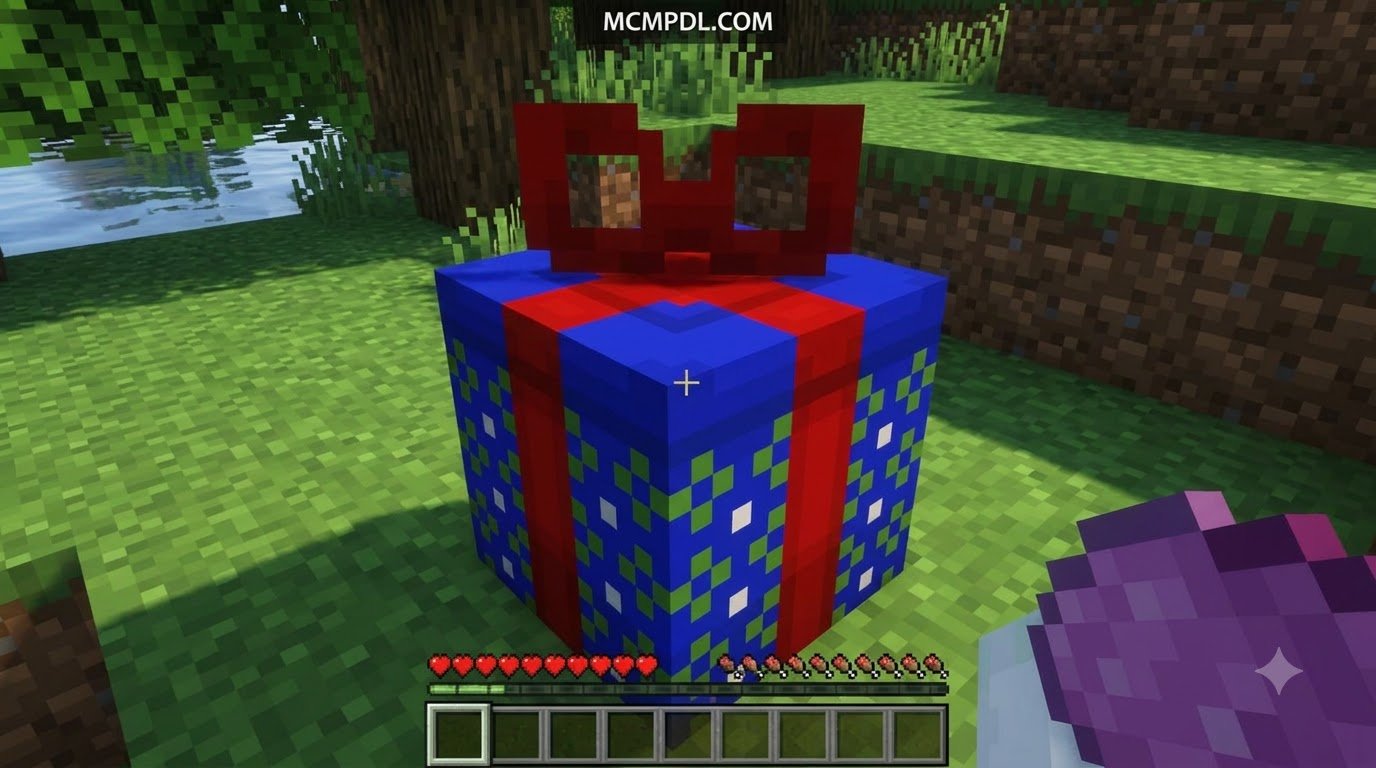
To send in-game gifts in Minecraft PE or Bedrock, first check which gift add-on or server system your world supports. Install the add-on if needed, then follow its menu or commands to choose a player, pack an item, and send it. The recipient can open the present right away or when a set timer ends.
Buying Minecraft for someone is different: the official shop sends a game code by email, not an in-game present. Also, Java server plugins such as Gifts and PlayerPresents do not run directly in a Bedrock world. Check compatibility before you download.
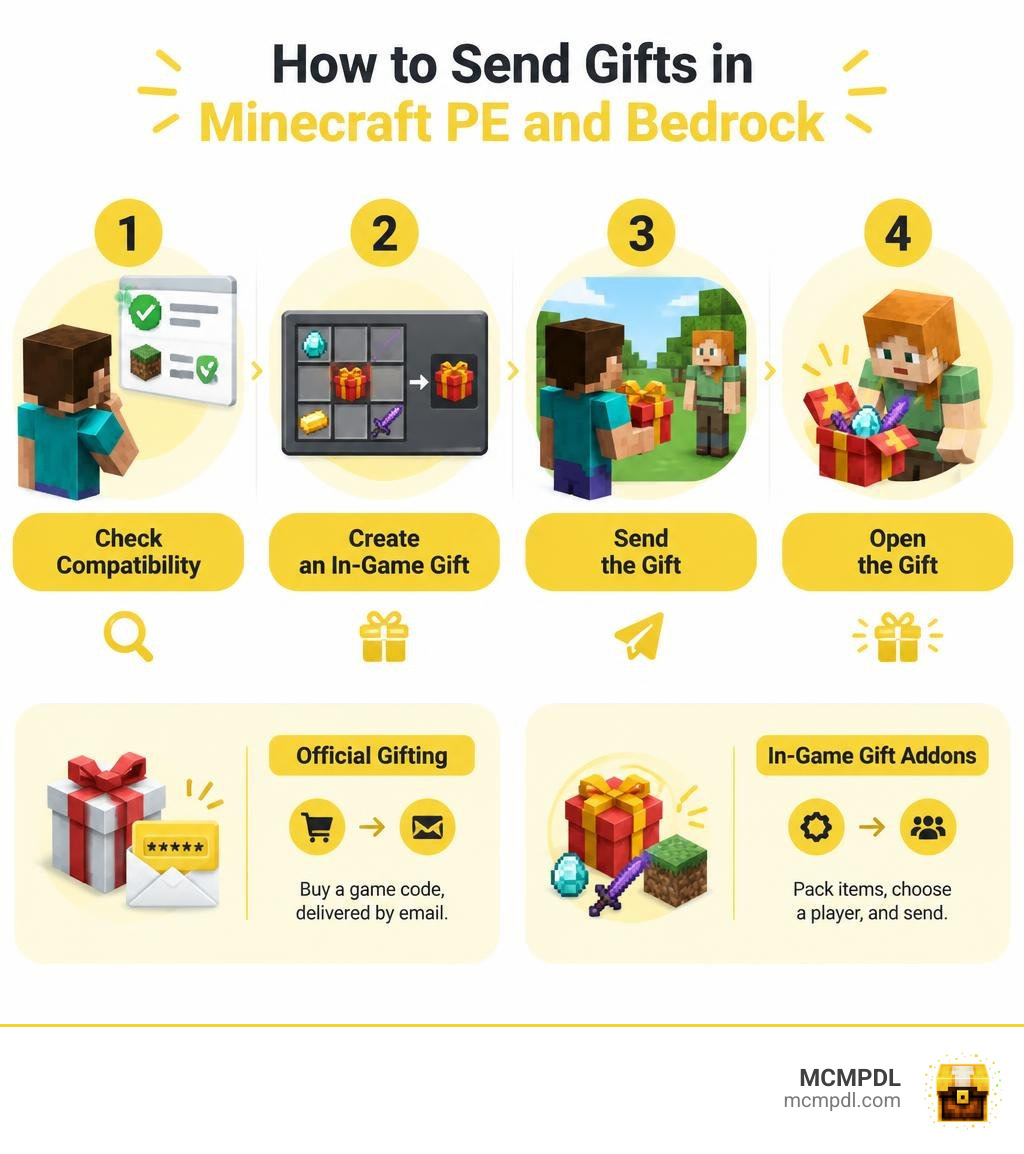
Official Minecraft Gifting vs. In-Game Gift Addons
When players talk about sending a gift in Minecraft, they usually mean one of two entirely different things: gifting a full copy of the video game itself or exchanging wrapped present items inside a multiplayer server. Understanding the difference between these two gifting paths ensures you pick the right tool for the job.
Official gifting operates through the official web storefront. When you purchase a digital gift code, the system delivers an activation key straight to the recipient’s email inbox. This grants them a unified license for the game. On the other hand, in-game gifting relies on behavioral packs, custom scripts, and server-side utilities that let players pack diamonds, enchanted weapons, or decorative blocks into virtual present boxes. While buying the game expands your friend circle, in-game gifting enriches daily multiplayer interactions across your shared sandbox world.
Gifting Minecraft Java and Bedrock Edition via the Official Shop
Giving someone their very own copy of Minecraft is simple and beginner-friendly. Minecraft bundles Java Edition and Bedrock Edition together into a single purchase, removing any confusion about which platform your recipient plays on.
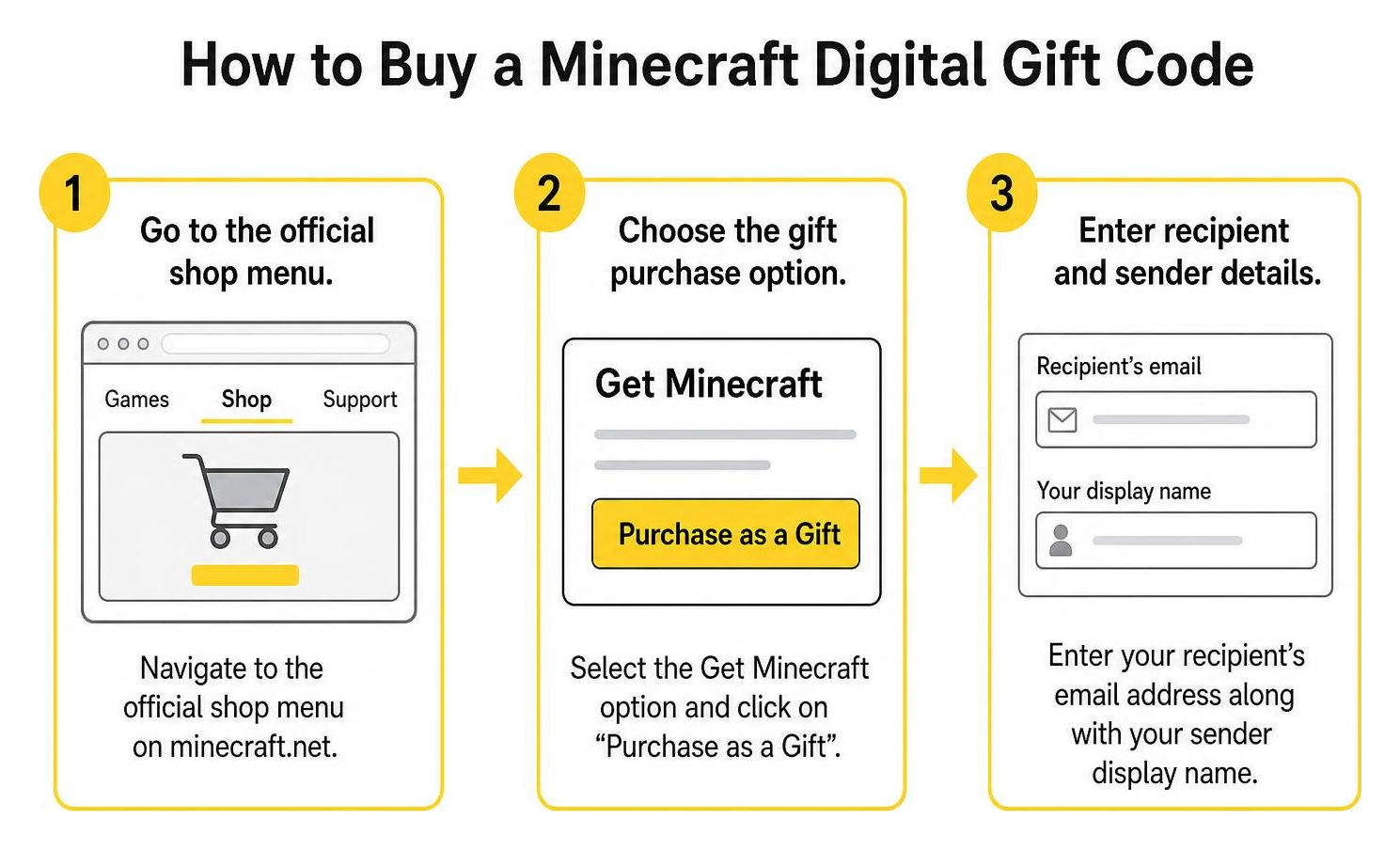
Follow these steps to purchase the game as a digital gift:
- Navigate to the official shop menu on minecraft.net.
- Select the Get Minecraft option and click on “Purchase as a Gift”.
- Enter your recipient’s email address along with your sender display name.
- Add an optional personal note so they know who sent the surprise.
- Complete the checkout process using standard payment methods (in-game emeralds are sadly not accepted!).
Once payment clears, the system sends an email containing a redeemable code. The recipient can claim the code on their Microsoft account to access both PC Java and Bedrock editions instantly.
Why Use a Dedicated Gifts Addon for Minecraft PE/Bedrock Servers?
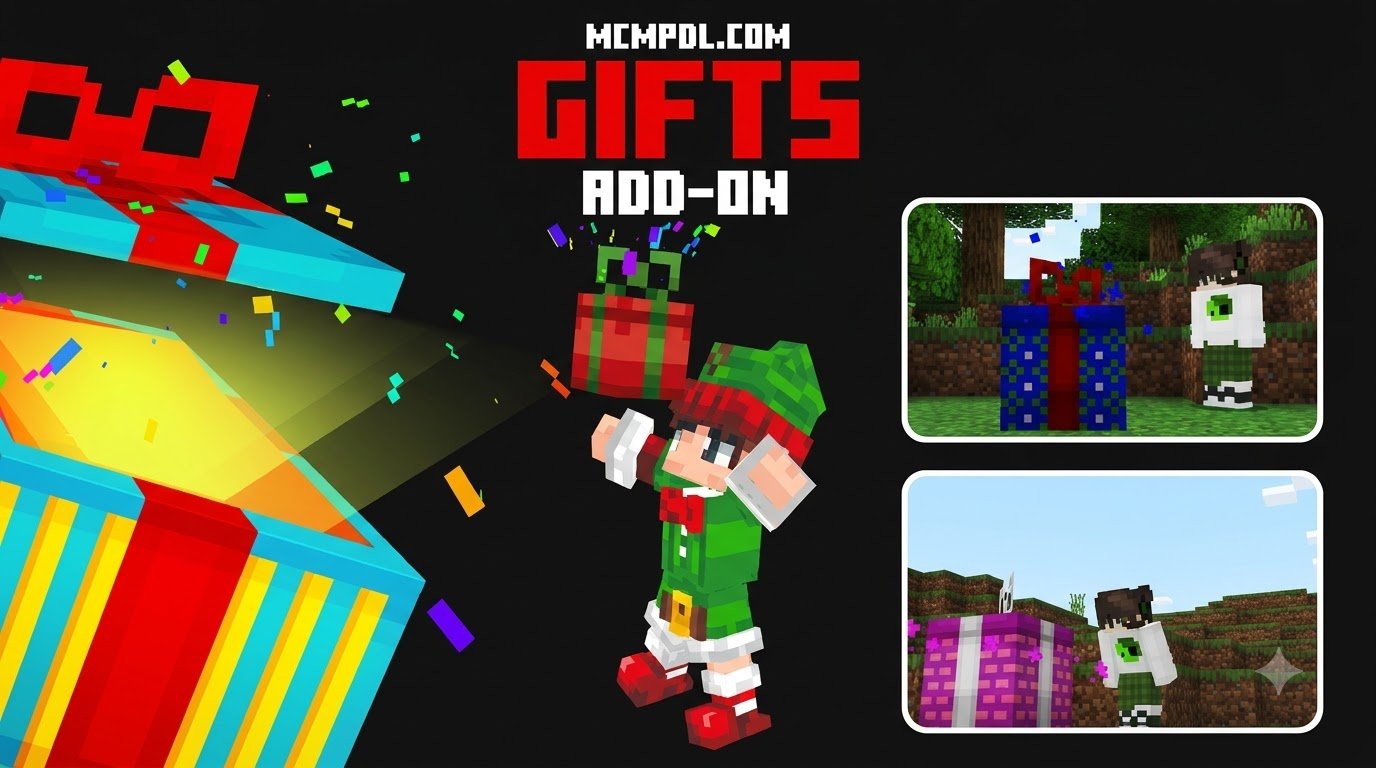
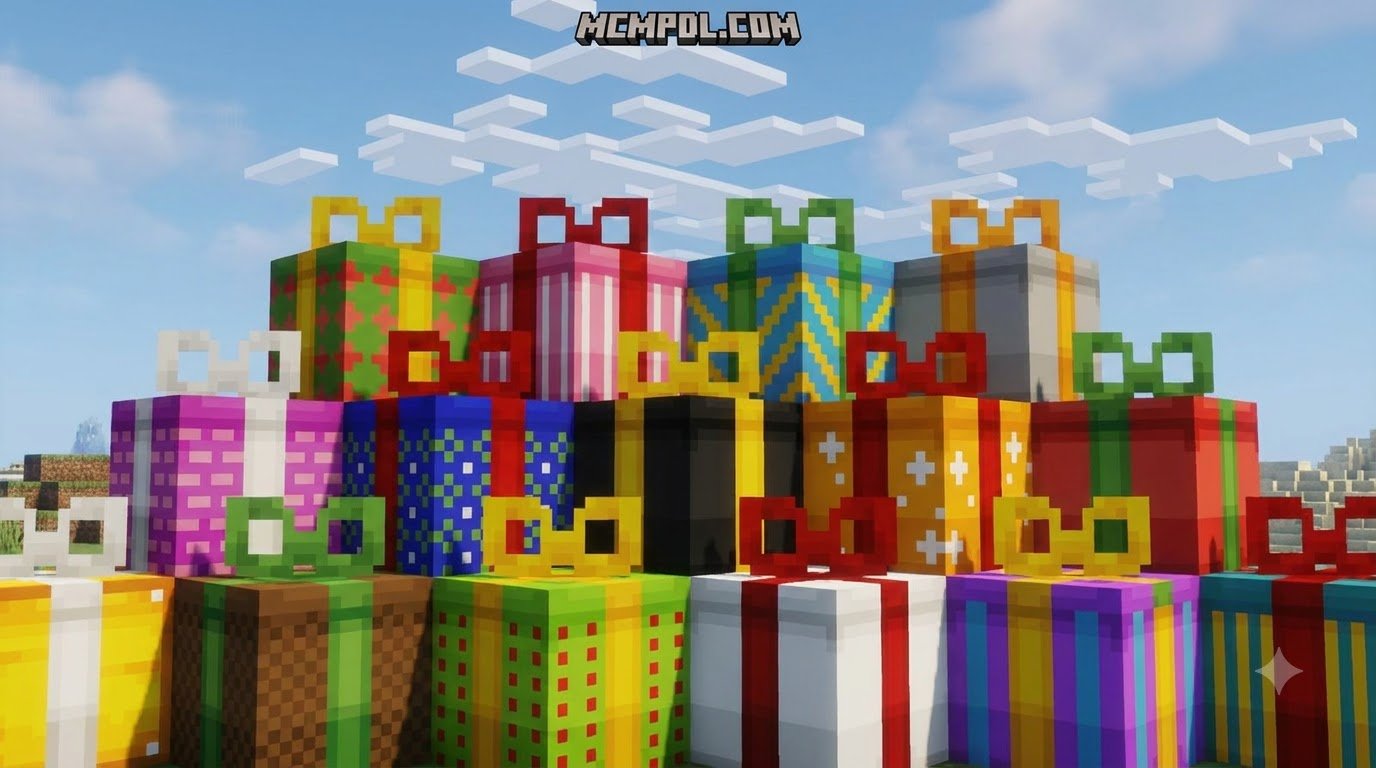
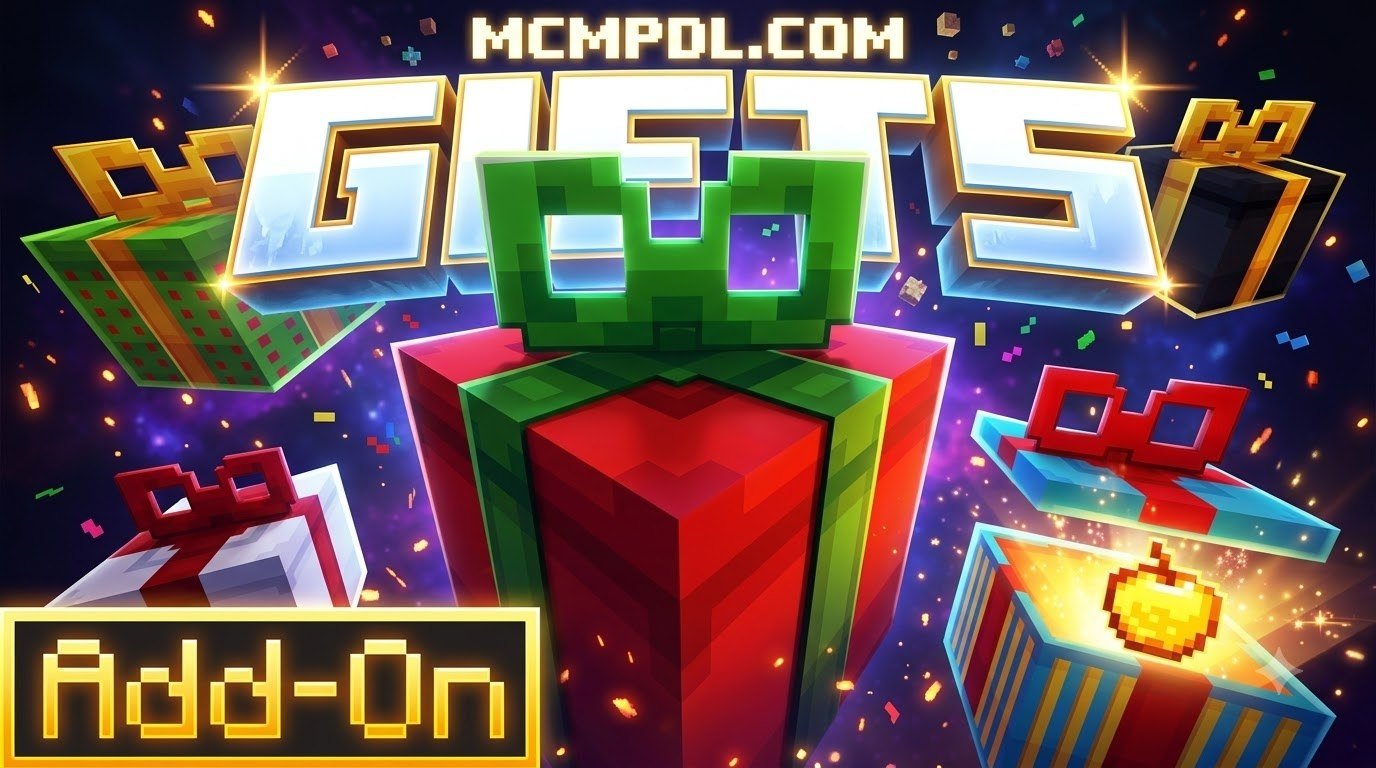
While an official game purchase gets players into the world, keeping communities lively requires engaging in-game mechanics. Installing a dedicated Gifts Addon for Minecraft PE/Bedrock allows server hosts to introduce customized present packages, interactive item exchanges, and seasonal celebrations.
On dedicated Bedrock and cross-platform servers, player retention thrives on meaningful social rituals. Exchanging wrapped items creates memorable moments, whether you are hosting a holiday Secret Santa, rewarding active community builders, or celebrating player birthdays. Instead of tossing raw items across the ground where anyone can snatch them up, dedicated gift mechanics protect valuable items inside secure, personalized containers.
Core Features of Top Gift Plugins and Bedrock Addons
Gift packages across the Minecraft ecosystem range from lightweight command utilities to comprehensive reward engines featuring visual menus, multi-language localization, and item wrapping systems. Across various server frameworks, multiple implementations offer distinct advantages.
| Tool Name | Platform / Base | Key Features | Standout Mechanic |
|---|---|---|---|
| Gifts | Spigot / Paper | Custom loot tiers, anvil combining, silk touch handling | Multi-tier progression with anvil capacity limits |
| Gift (AzodFR) | Spigot / Paper | Chest-linking mechanics, scheduled opening dates | Simple chest linking with customizable row sizes |
| PlayerPresents | Spigot / Paper (Geyser Compatible) | 6-language support, lock countdowns, Vault economy | Timed release countdowns and economy slot fees |
| Bedrock Gift Addon | Native Bedrock / PE | Custom item entities, particle effects, UI packaging | Direct mobile and console touch-screen compatibility |
Custom Gift Tiers, Anvil Capacity, and Loot Customization
Advanced gift frameworks allow server managers to construct multi-tiered reward hierarchies. The classic Gifts plugin maintains a 4.3 out of 5 all-time rating (and a 4.5 rating for version 1.5) across plugin repositories thanks to its deep customization capabilities. Administrators can establish distinct loot tables, set percentage chances for bonus enchantments, and define distinct present box colors.
A notable feature within tiered systems is anvil capacity management. Server admins can configure a capacity threshold that dictates how many presents can be merged on an anvil to upgrade their rarity. Additionally, systems can toggle silk touch rules, preventing players from easily mining up presents to bypass opening restrictions.
Lock Timers, Scheduled Unlocks, and Vault Economy Integration
For event-driven gameplay, timed reveals build anticipation. The Gift plugin by AzodFR sports a 5 out of 5 rating and lets administrators link physical chests to date triggers. Expanding further on this concept, the PlayerPresents add-on provides countdown systems that keep presents locked until a specific timestamp or minute-based timer expires.
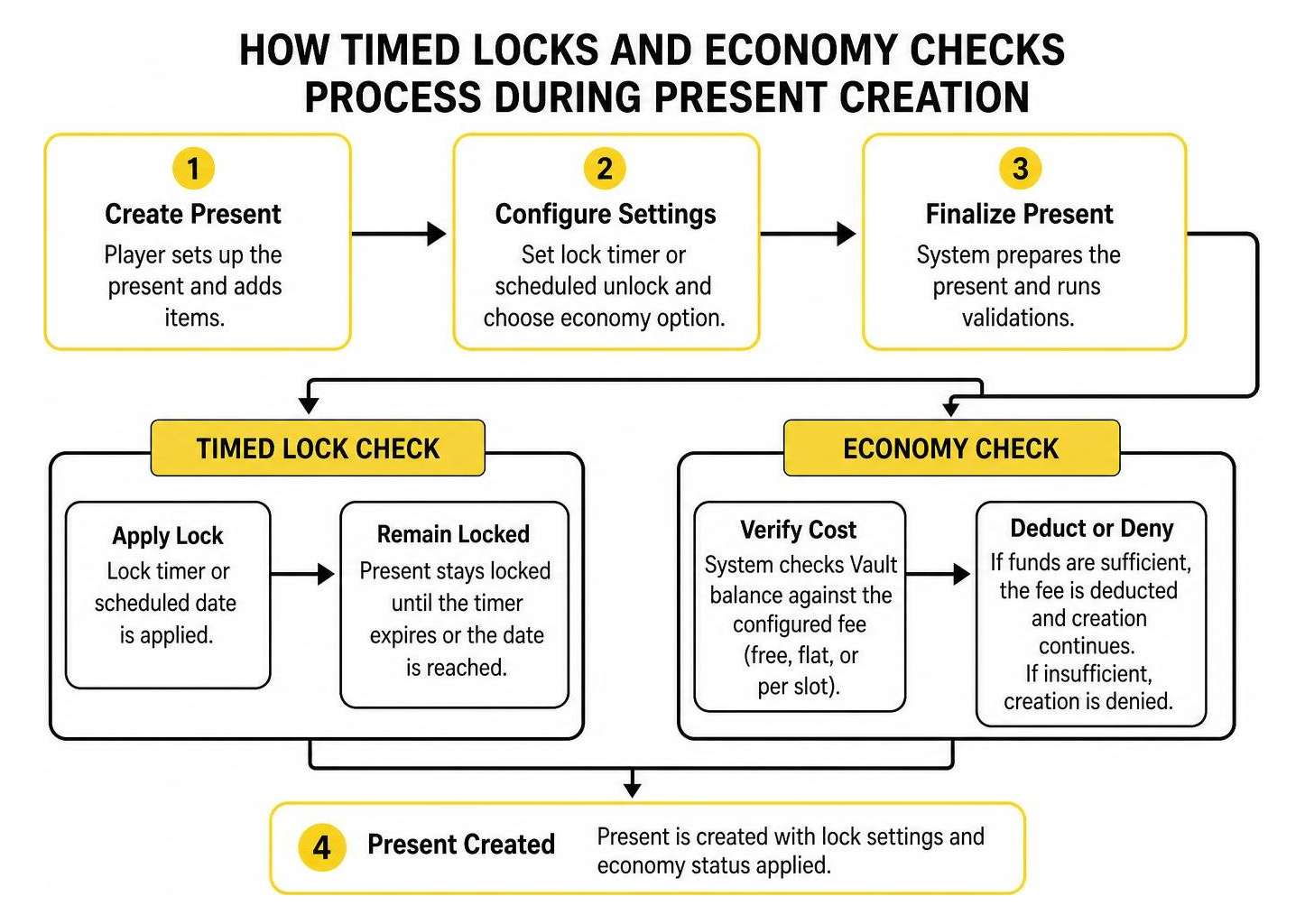
PlayerPresents also features broad accessibility with support for English, Spanish, German, Czech, Russian, and Japanese. Through Vault integration, server owners can implement transaction fees, choosing between free gifts, flat monetary fees, or dynamic costs calculated per container inventory slot.
How to Install and Configure the Gifts Addon for Minecraft PE/Bedrock
Deploying a gifting system on your server requires configuring settings to match your community’s playstyle. When running native Bedrock dedicated worlds or hybrid servers paired with Bedrock bridge plugins, proper folder placement and YAML configuration ensure clean stability.
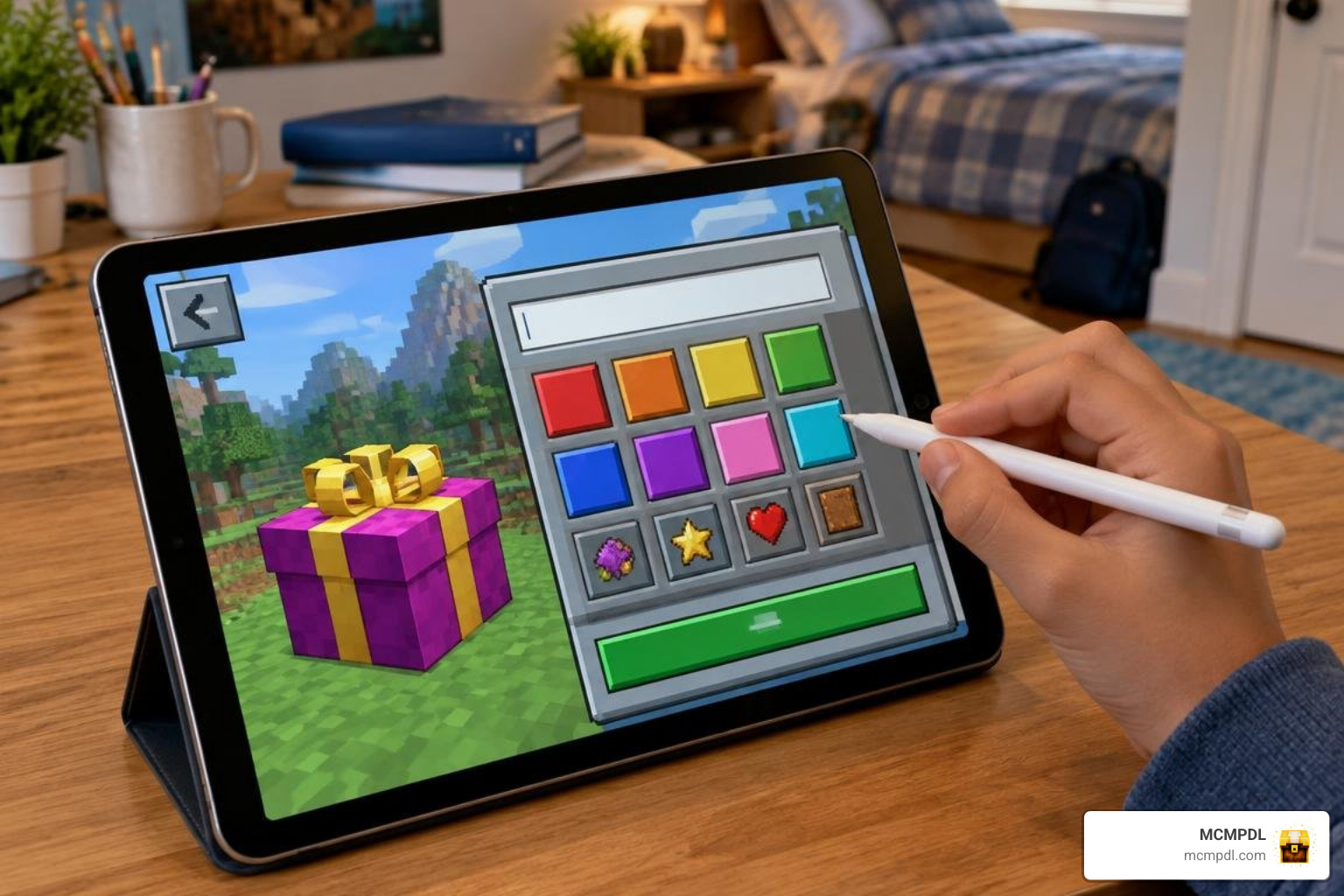
Step-by-Step Configuration of Locks, Tiers, and Permissions
To set up permissions and operational rules, follow these core configuration steps:
- Open your server’s configuration directory and access your primary configuration file (such as
config.ymlorgift.yml). - Define your gift-lock mode by selecting between minute-based countdowns or fixed calendar dates.
- Synchronize server system time with your target time zone to avoid premature unlocks during scheduled events.
- Set inventory row capacities (ranging between 1 and 6 rows) based on server balance.
- Assign permission nodes to your player ranking groups:
gifts.useorpresent.use: Grants basic players permission to receive and unpack gifts.gifts.giveorpresent.create: Allows players to package items and send them to friends.gifts.admin: Gives staff members bypass access to inspect, unlock, or clear active gifts.
- Run the relevant reload command to apply your modifications without taking the server offline.
Creating and Sending In-Game Presents with Commands
Once permissions are live, players and staff can utilize simple chat commands to wrap, distribute, and track gifts.
/present create <player>: Opens the interactive creation menu to select colors, add custom item lore, place items, and send a wrapped package./gift <player>: Packages the item currently held in your main hand and sends it directly to the targeted recipient./gifts give <player> <tier>: An administrative command that awards a predetermined present tier directly into a player’s inventory./gifts list: Displays all currently active gift tiers and their configured drop chances./gifts enable <tier>and/gifts disable <tier>: Toggles individual gift categories during specific promotional periods./gifts reload: Reloads all active configuration files, loot tables, and language localization packs.
Best Practices for Event Gifting, Security, and Troubleshooting
Running smooth server events requires balancing creative community engagement with strict anti-exploit protections. Whether you manage a cozy survival realm or a high-capacity public network, proactive management keeps your item economy balanced.
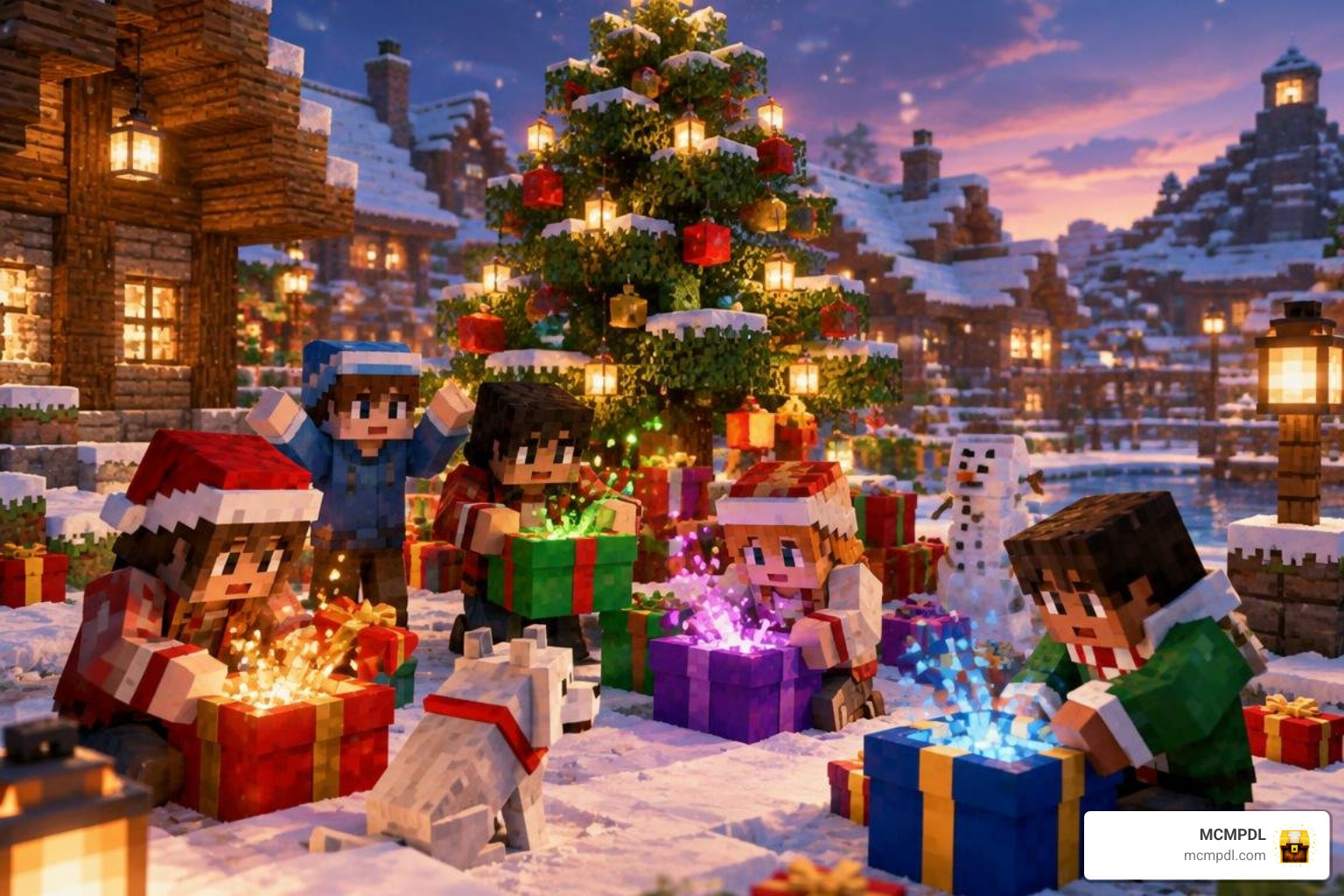
Enhancing Community Events with the Gifts Addon for Minecraft PE/Bedrock
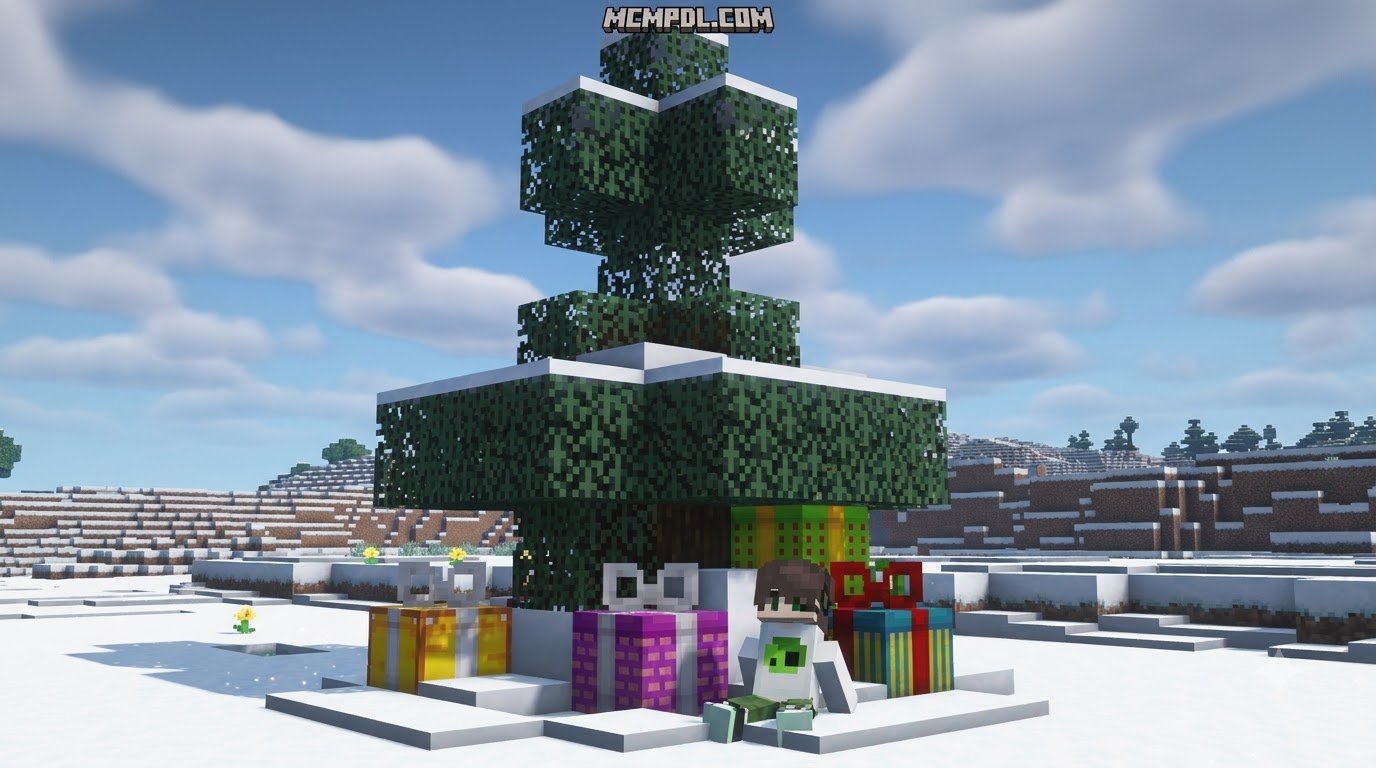
Community holidays become far more memorable when players can participate in synchronized gift reveals. Setting up a central holiday tree at your main spawn area allows users to place locked presents for their friends days before a major event.
When scheduling Christmas drops, birthday surprises, or anniversary celebrations, use time-lock mechanics set to unlock simultaneously for all players. Combining custom color wraps, personalized container lore, and festive particle effects turns a basic item swap into a highlight event for your server community.
Managing Audit Logs, Permission Nodes, and Common Glitches
To prevent duplication exploits and resolve player trade disputes, active logging is essential. Modern gifting add-ons generate clean log.log audit files that record:
- Exact timestamps for when gifts are constructed.
- Sender and receiver player identifiers (UUIDs and usernames).
- Complete item manifests, including custom enchantments and durability values.
- Claim statuses and unlock timestamps.
If your gift system fails to load on boot, verify your system runtime environment. Legacy plugins built for Minecraft 1.9 through 1.14 typically require Java 8 or newer, while modern server versions need updated runtimes. Always parse your YAML configuration files through a syntax checker to eliminate indentation errors before restarting your server.
Frequently Asked Questions About Minecraft Gifting
Can I gift both Java and Bedrock editions together on Minecraft.net?
Yes. Official game gift purchases on minecraft.net include both Java Edition and Bedrock Edition under a single unified PC license delivered directly via email.
How do players open time-locked presents on Bedrock servers?
When a player interacts with a locked present, an on-screen display or chat notification shows the remaining countdown time. Once the lock timer reaches zero or the scheduled date arrives, interacting with the box reveals the items.
What should I do if a gift plugin throws a Java version error?
A Java version error indicates a runtime mismatch between your server operating system and the plugin build. Update your host machine’s Java runtime to match your server build requirements and ensure plugin versions align with your server software.
Conclusion
Exchanging gifts transforms standard multiplayer survival into a lively, collaborative community experience. By choosing between official digital game licenses for new players and interactive in-game addons for existing worlds, you can surprise your friends with unforgettable sandbox moments.
Explore our extensive library at MCMPDL to discover more curated Minecraft Bedrock add-ons, texture packs, and tools designed to elevate your multiplayer world.