Scroll down to D0vvnl0ad
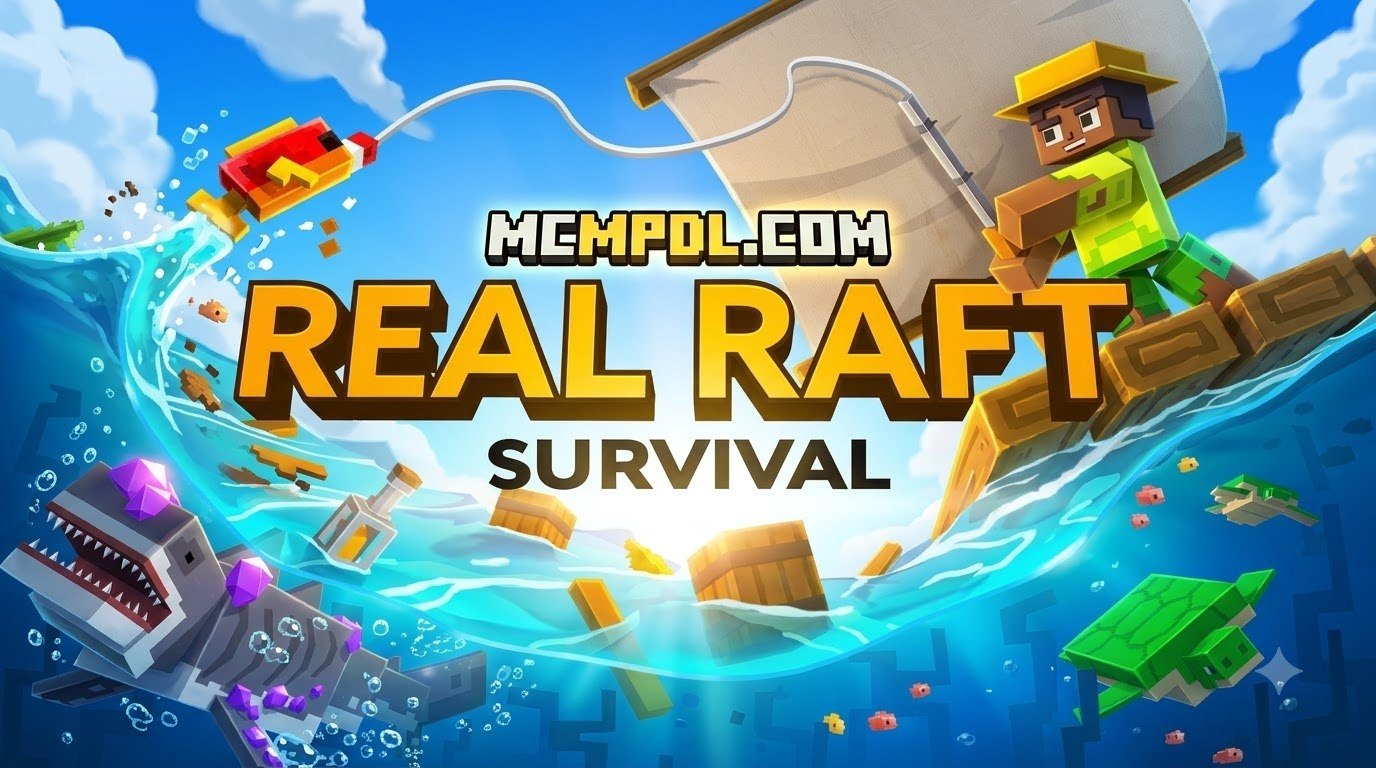
Play and Install Real Raft Survival World for Minecraft PE/Bedrock
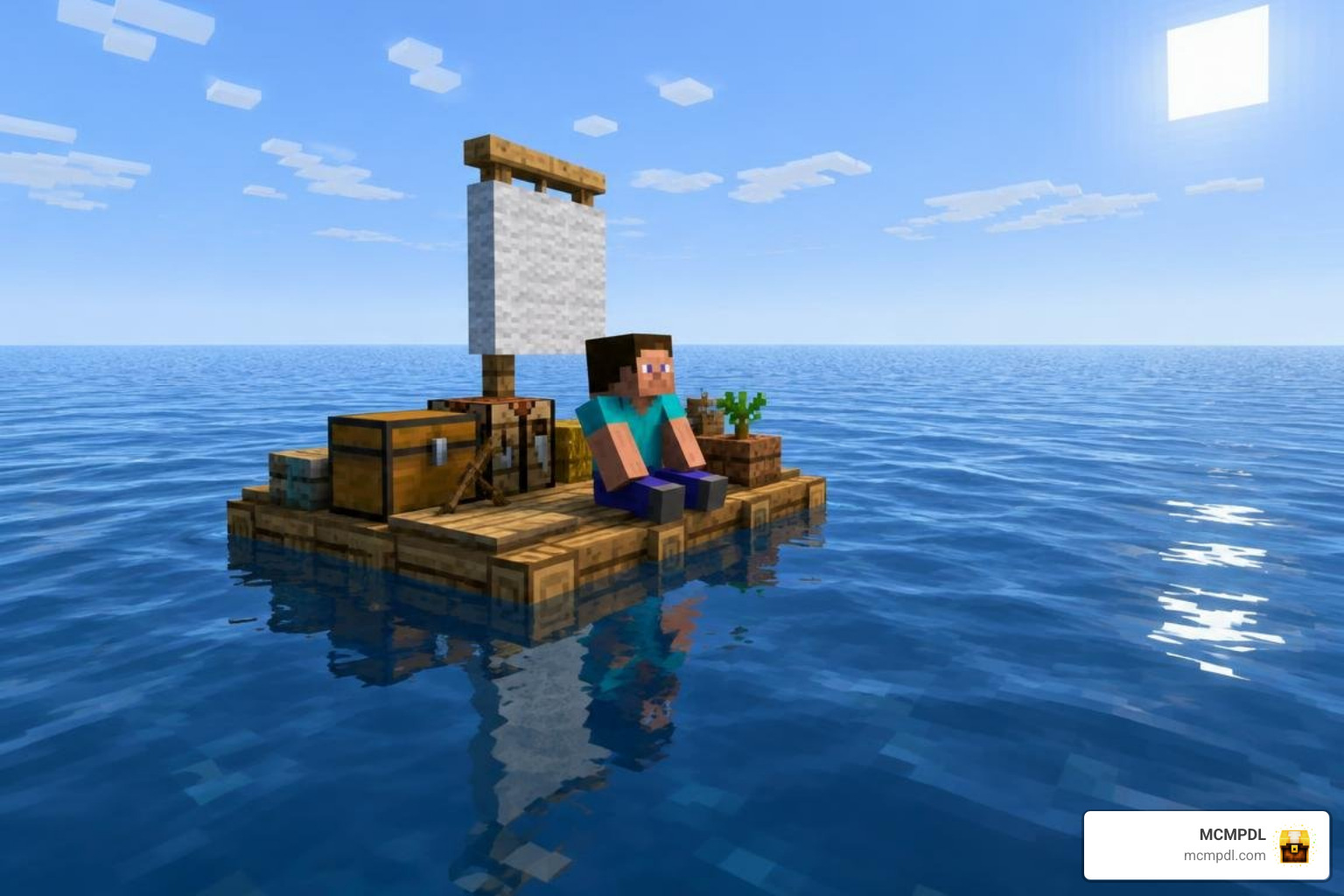
To play Real Raft Survival World for Minecraft PE/Bedrock, download a Bedrock-compatible .mcworld file, check its listed Minecraft version, then open the file on your device to import the world. Find it in Minecraft’s world list and start playing.
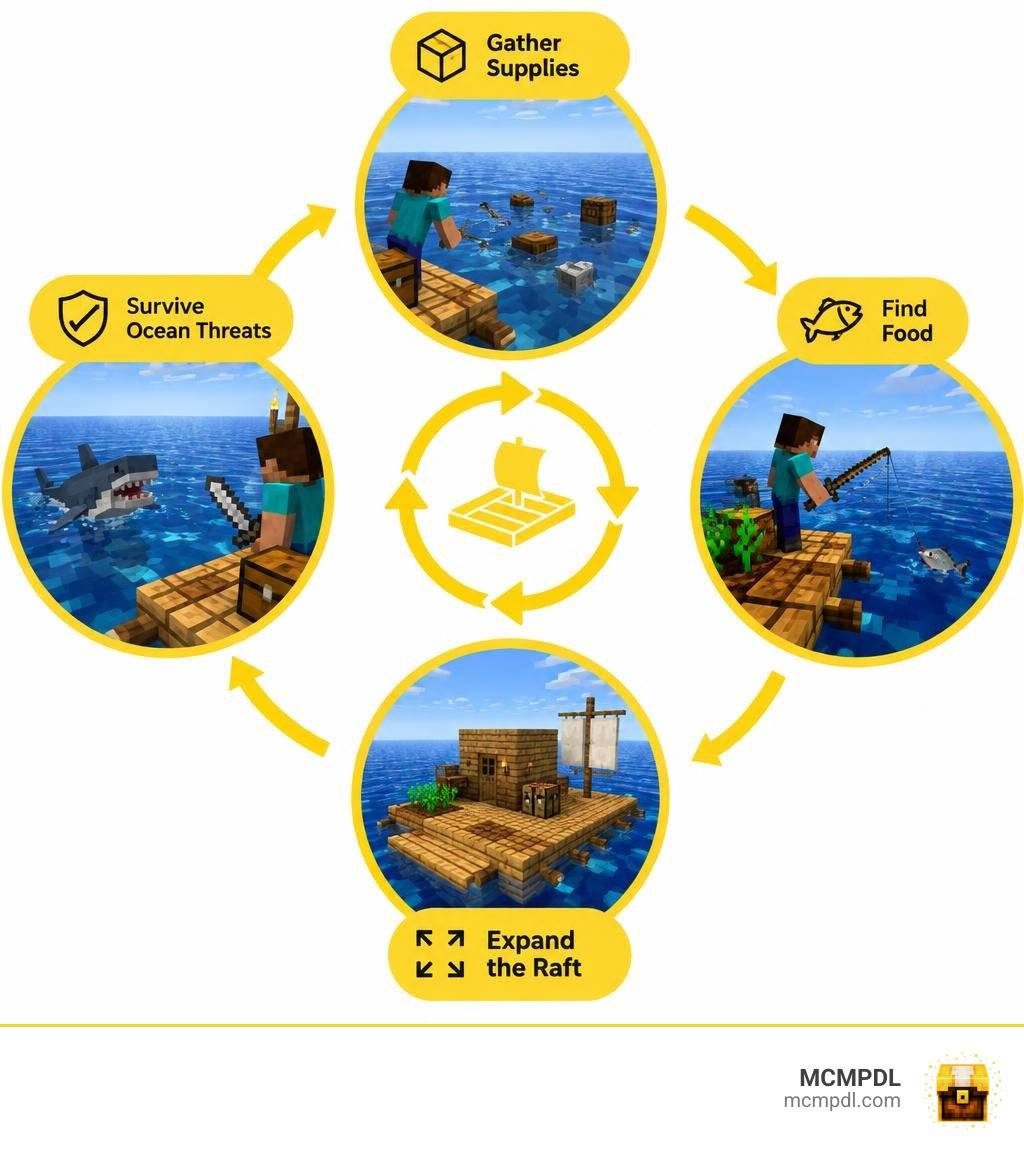
You’ll begin with little space and few supplies. Gather materials, find food, and expand your raft to make life at sea easier. Features such as sharks or custom crafting depend on the world you choose, so check its description before downloading.
Core Mechanics of a Real Raft Survival World for Minecraft PE/Bedrock
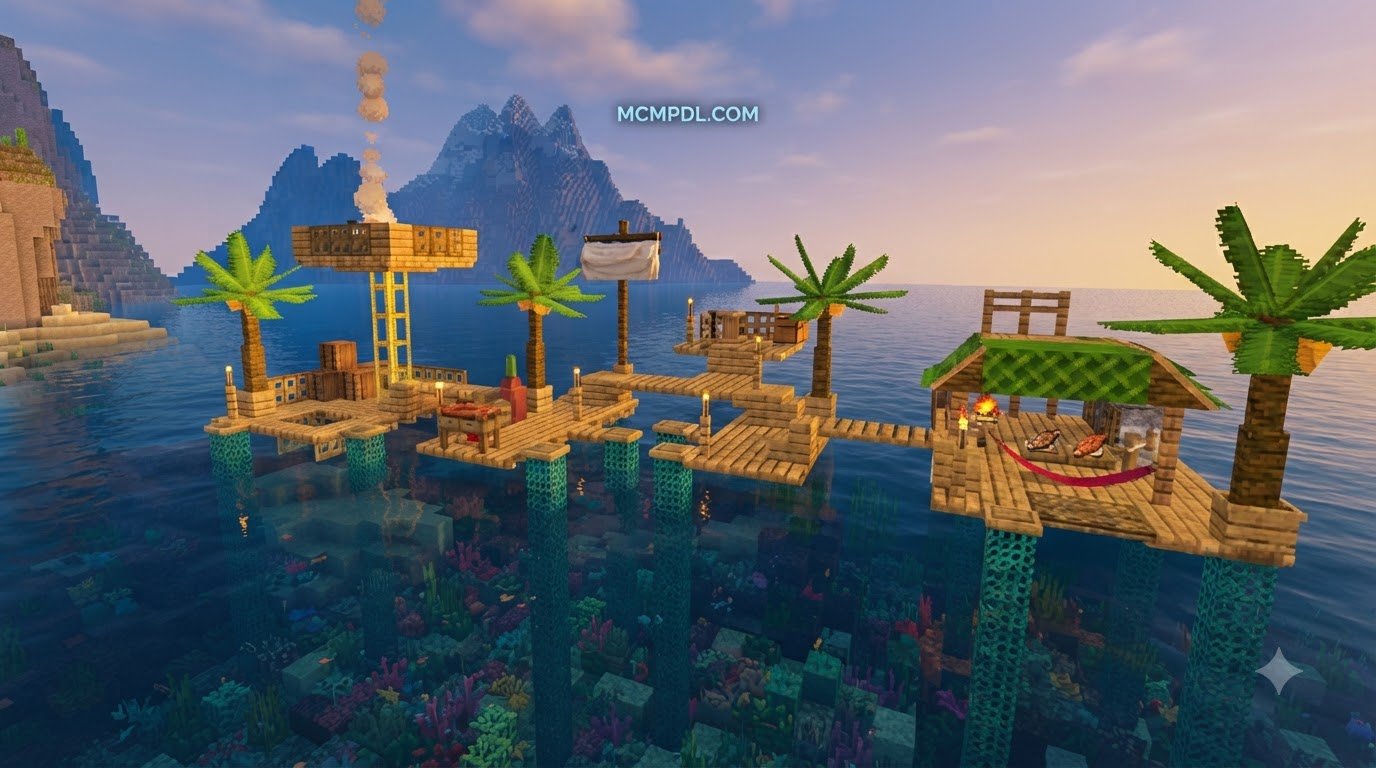
Stranded in an endless ocean with only a four-by-four wooden platform beneath your feet changes how you approach the game. You are surrounded by water you cannot easily drink and swimming predators waiting for one misstep. Survival depends on scooping up drifting debris, expanding your platform, and securing clean food and water.
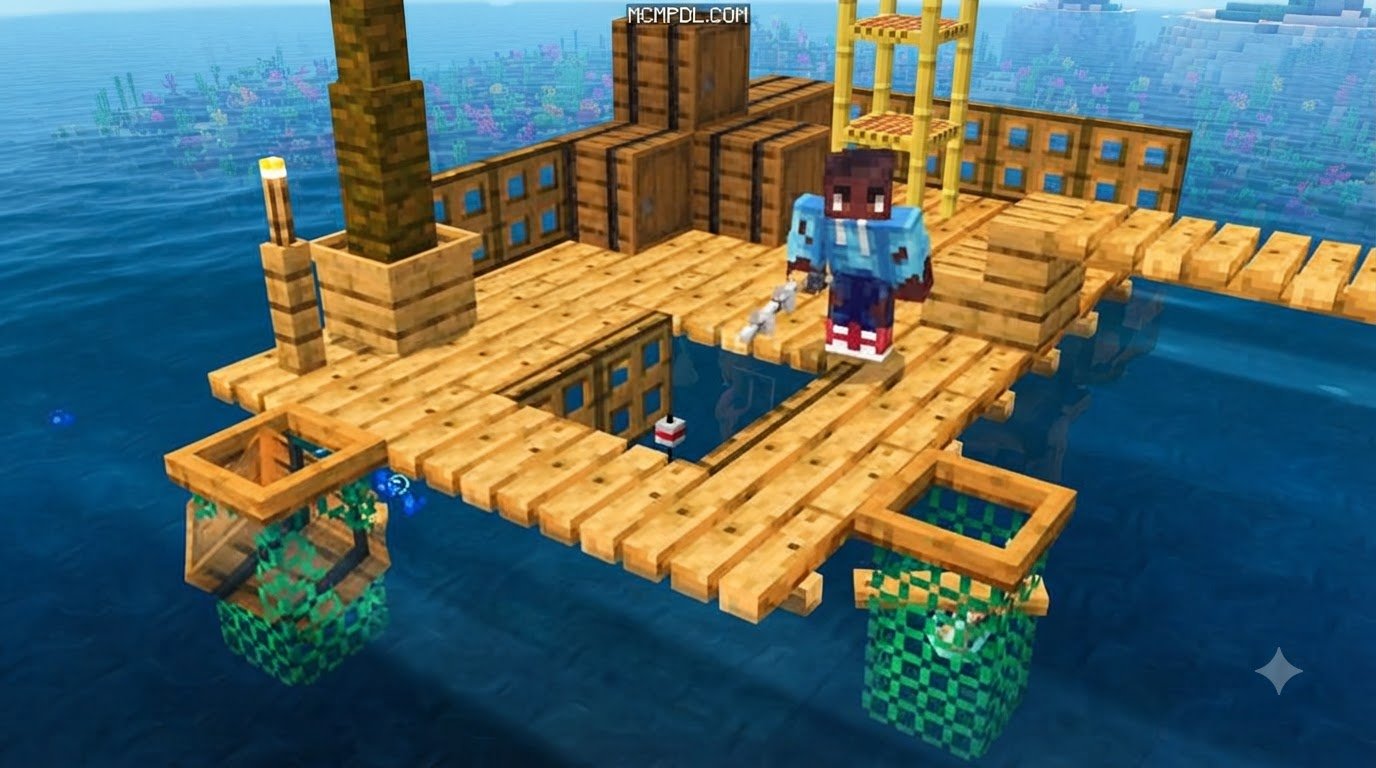
In a dedicated raft survival setting, debris constantly floats past your floating shelter. You must gather wooden planks, plastic fragments, barrels, and scrap metal drifting on the surface. These floating materials form the backbone of your survival. Every piece of salvaged wood allows you to extend your perimeter by a single block, keeping hostile waves and toothy predators further away from your crafting bench.
Managing your hunger bar on open water requires consistent attention. Early on, raw fish pulled directly from the ocean will sustain you, though cooking those meals yields far better saturation. Incorporating a dedicated Cooking Addon expands your culinary options beyond plain roasted cod, turning kelp, tropical fish, and farmed vegetables into hearty stew recipes that keep stamina high during heavy construction.
Pairing your culinary setup with an enhanced Fishing Addon transforms sea gathering from a slow waiting game into an active resource pipeline. Custom rods and ocean loot tables allow you to reel in crafting components, sea chests, and rare materials without having to jump into dangerous deep water.
Resource Gathering and Threat Management
Hook mechanics define your early hours. By crafting a makeshift grappling hook from scrap metal and string, you can snag barrels and crates from a distance before they drift out of render distance. This keeps you safe on your wooden deck while pulling in seeds, iron nuggets, and saplings.
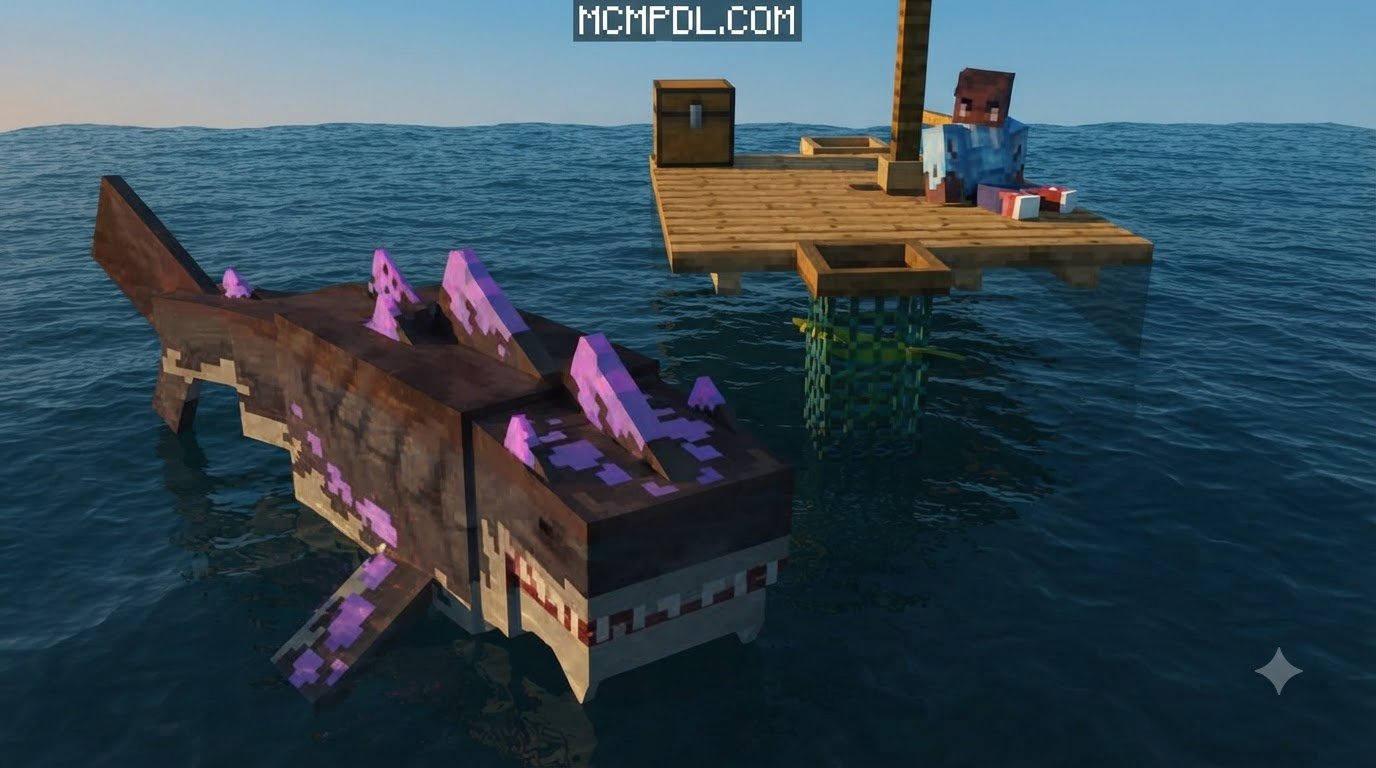
Danger is never far away. Ocean predators circle your floating home constantly. Custom shark entities actively patrol the perimeter, periodically biting off perimeter wood planks or lunging at you if you slip into the water. Defending your borders requires crafting wooden or iron spears to poke attacking predators through gaps in your fencing.

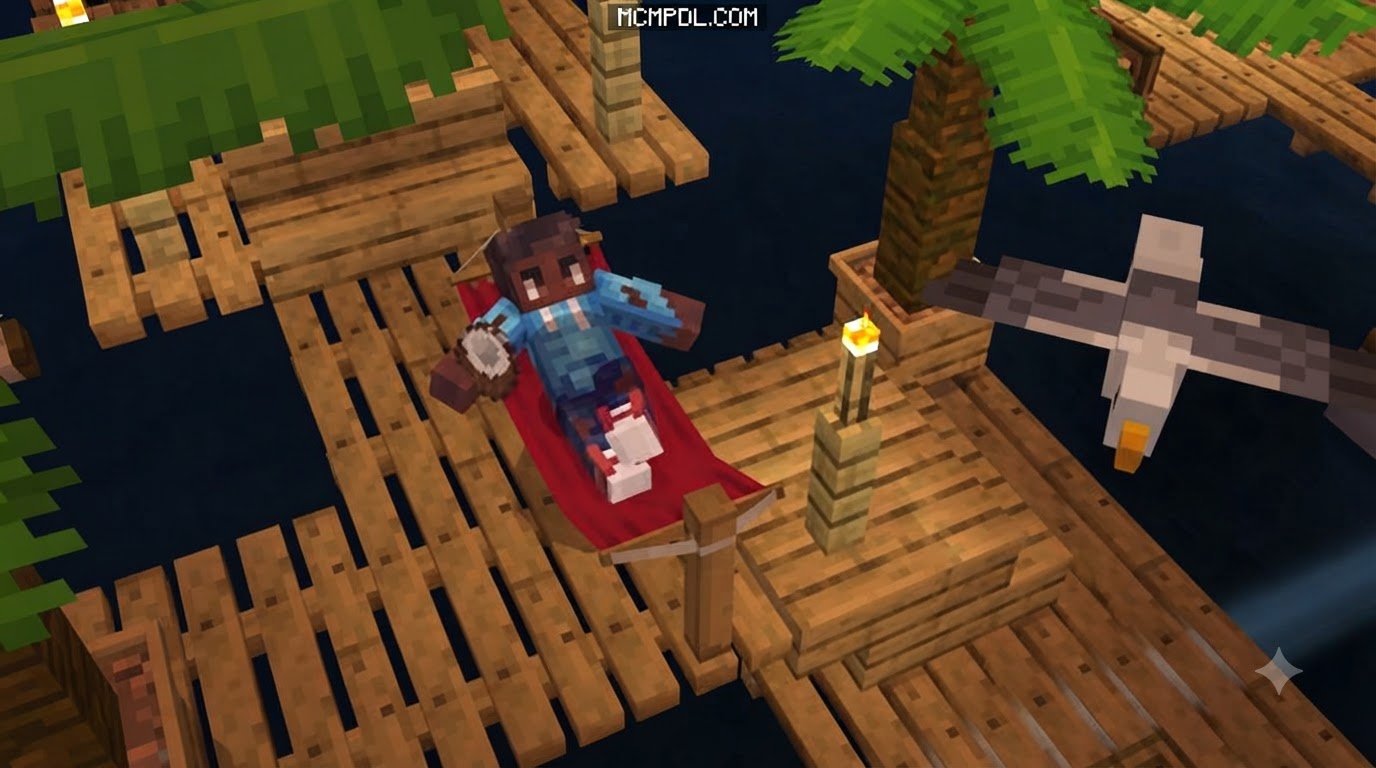
To add more depth to underwater encounters, many players install an Ocean Exploration Addon to introduce vibrant coral reefs, sunken shipwrecks, and diverse marine life beneath the surface. Some raft adventures also feature friendly wildlife that can guide players toward islands and hidden reef caches with useful building supplies.
Progression to the End Game Boss
Surviving on open water is only half the journey; the ultimate goal is conquering the End dimension. Reaching the finale requires venturing beyond your initial perimeter to locate rare desert islands, rocky spires, and sea monuments scattered across the ocean.
To flesh out your journey with diverse waypoints, adding a More Structures Addon populates the vast sea with abandoned lighthouses, floating pirate outposts, and deep-sea research ruins. These locations provide the blaze powder, ender pearls, and rare ores required to assemble an End Portal frame. Defeating the Ender Dragon after starting on a simple floating plank represents the ultimate test of Bedrock survival planning.
Comparing Raft Survival Worlds
Choosing the right ocean survival experience depends on your playstyle, whether you want a lightweight community map or a heavily scripted world package.
For players looking to add functional sea vessels to these worlds, combining your map with a dedicated Boats Addon allows you to craft motorized dinghies, rowboats, and storage vessels to haul supplies between distant island waypoints.
Comparing Raft Survival World Features for Minecraft PE/Bedrock
Community-made raft survival maps can focus on lightweight performance and clear progression goals. These maps pack full questlines, custom island spawns, and boss objectives into compact file sizes under a single megabyte, making them ideal for mobile devices.

Expanding your raft happens in distinct stages:
- The Raft Core: A four-by-four wooden base with a single storage chest and a water barrel.
- The Net Perimeter: Automated collection nets installed along the edges to passively catch drifting items.
- The Living Quarters: Multi-level wooden quarters housing furnaces, crafting tables, and sheltered sleeping spots.
- The High-Tech Barge: Complete with farm plots, animal pens, and reinforced metal hull plating to resist predator attacks.
Raft Survival Mechanics in Bedrock
Bedrock Edition handles ocean survival smoothly thanks to its optimized C++ engine. Modern Bedrock features, such as custom UI scripting, experimental toggles, and dynamic entity models, allow creators to add thirst meters, temperature shifts, and complex shark pathfinding without crippling mobile frame rates.
If you want an even steeper survival challenge, stacking custom Survival Addons introduces atmospheric fog, aggressive night predators, and dehydration mechanics that force you to purify every drop of seawater before drinking.
Step-by-Step Installation and Setup Guide
Installing custom worlds on Minecraft PE and Bedrock Edition is quick and straightforward thanks to the self-extracting .mcworld format.
How to Install a Real Raft Survival World for Minecraft PE/Bedrock via .Mcworld
Follow these steps to import your world file directly into Minecraft:
- Download the File: Save the
.mcworldfile to your mobile device, tablet, or PC storage. - Open the File:
- On Android: Tap the downloaded file in your browser’s download manager or use a file manager. Select Minecraft when prompted by the “Open with” dialogue.
- On iOS: Open your Files app, locate the
.mcworldfile in your Downloads folder, and tap it. iOS will launch Minecraft automatically. - On Windows 10/11: Double-click the
.mcworldfile to launch the game and start the automated import.
- Wait for the Import Message: Minecraft will launch and display a banner reading “World Import Started”, followed shortly by “World Import Completed Successfully”.
- Launch Your Map: Navigate to Play, find the imported raft map at the top of your Worlds list, and tap to begin your ocean journey.
Setting Up Multiplayer and Co-Op Raft Worlds
Surviving on a floating raft is even more fun with friends. Most Bedrock raft worlds support between 1 and 5 players simultaneously using peer-to-peer multiplayer or local LAN connections.
To host a smooth co-op game:
- Check Device Power: The host player should use the device with the strongest processor and internet connection to prevent lag while generating ocean chunks.
- Enable Multiplayer Settings: In the world settings menu, ensure Multiplayer Game and Visible to LAN Players (or Xbox Live friends) are toggled ON.
- Distribute Responsibilities: Divide tasks early. Have one player manage the collection nets and hook gathering while another cooks food, purifies water, and patrols the perimeter for sharks.
Troubleshooting and Best Survival Strategies
Ocean worlds come with unique survival hurdles. Below is how to navigate early difficulties and keep your Bedrock game running smoothly.
For players who enjoy surviving against extreme environmental odds, trying out a dedicated Natural Disasters World or exploring diverse biomes on Survival Maps offers great practice for managing scarce materials under pressure.
Surviving the First 10 Days at Sea
Early game mistakes on open water can quickly end your run. Focus on these priorities during your first 10 days:
- Day 1–2: Secure Your Base Platform. Expand your deck to at least six-by-six blocks using collected drift planks. Keep all storage chests in the exact center so sharks cannot destroy them by biting edge blocks.
- Day 3–4: Build a Clean Water Source. Craft a basic purifier using cobblestone and buckets. Boil seawater over a campfire to prevent fatal dehydration.
- Day 5–6: Deploy Collection Nets. Line one side of your raft with collection nets facing the primary water current to gather passing barrels and wood automatically.
- Day 7–8: Craft Defensive Weapons. Upgrade to stone or iron spears. Build low perimeter fences or half-slabs along the edge of your raft so you can jab at sharks without falling into the water.
- Day 9–10: Establish Sustainable Food Plots. Place dirt blocks gathered from supply crates in your raft interior. Plant wheat, carrots, or melon seeds under torchlight to secure reliable food without burning through fishing rod durability.
Common Issues and Performance Fixes
- Ocean Entity Lag: Over time, drifting items, dropped kelp, and schooling fish can build up in unloaded chunks. Lower your in-game render distance to between 8 and 12 chunks on mobile devices to maintain steady 60 FPS performance.
- Shark AI Getting Stuck: If custom predator mobs get stuck spinning underneath your raft, place solid full blocks or downward-facing slabs on the underside of your hull to eliminate irregular hitboxes.
- File Import Failures: If tapping a
.mcworldfile fails to trigger Minecraft on Android, verify file permissions in your device settings or use a file archive utility to manually place the extracted world folder into yourcom.mojang/minecraftWorldsdirectory.
Frequently Asked Questions About Minecraft Raft Survival
Can you play Raft Survival in Minecraft Bedrock with friends?
Yes. Raft survival worlds in Bedrock Edition support multiplayer for 1 to 5 players. You can host friends through standard Xbox Live friend invites, local LAN sessions, or by uploading the .mcworld save directly to an active Bedrock Realm for persistent 24/7 access.
How do free raft maps differ from other raft maps?
Free community raft maps can provide straightforward survival objectives, standard crafting mechanics, and fast download speeds without requiring in-game currency. Premium raft worlds may add scripted companions, custom furniture models, and more elaborate predator animations.
Can you beat the Ender Dragon in a Raft Survival world?
Yes. Quality raft survival maps integrate custom progression pathways to ensure the End dimension remains accessible. You will either encounter floating ocean strongholds, find End Portal frames buried on distant mini-islands, or trade with wandering sea merchants to collect the Eyes of Ender needed to reach the final boss.
Conclusion
Surviving on a floating wooden platform brings a refreshing, high-stakes dynamic to standard Bedrock gameplay. Turning a tiny four-by-four raft into a massive, multi-level ocean stronghold through clever resource collection, smart crafting, and careful shark defense is one of the most rewarding challenges you can take on.
At MCMPDL, we make discovering and installing top-tier content simple by curating the latest and most reliable add-ons, texture packs, and worlds for Minecraft Bedrock Edition across all your devices. Explore our full catalog of custom Minecraft Bedrock Maps to find your next great ocean adventure, grab your hook, and see how many days you can survive on open water!
2 thoughts on “Real Raft Survival World for Minecraft PE/Bedrock”