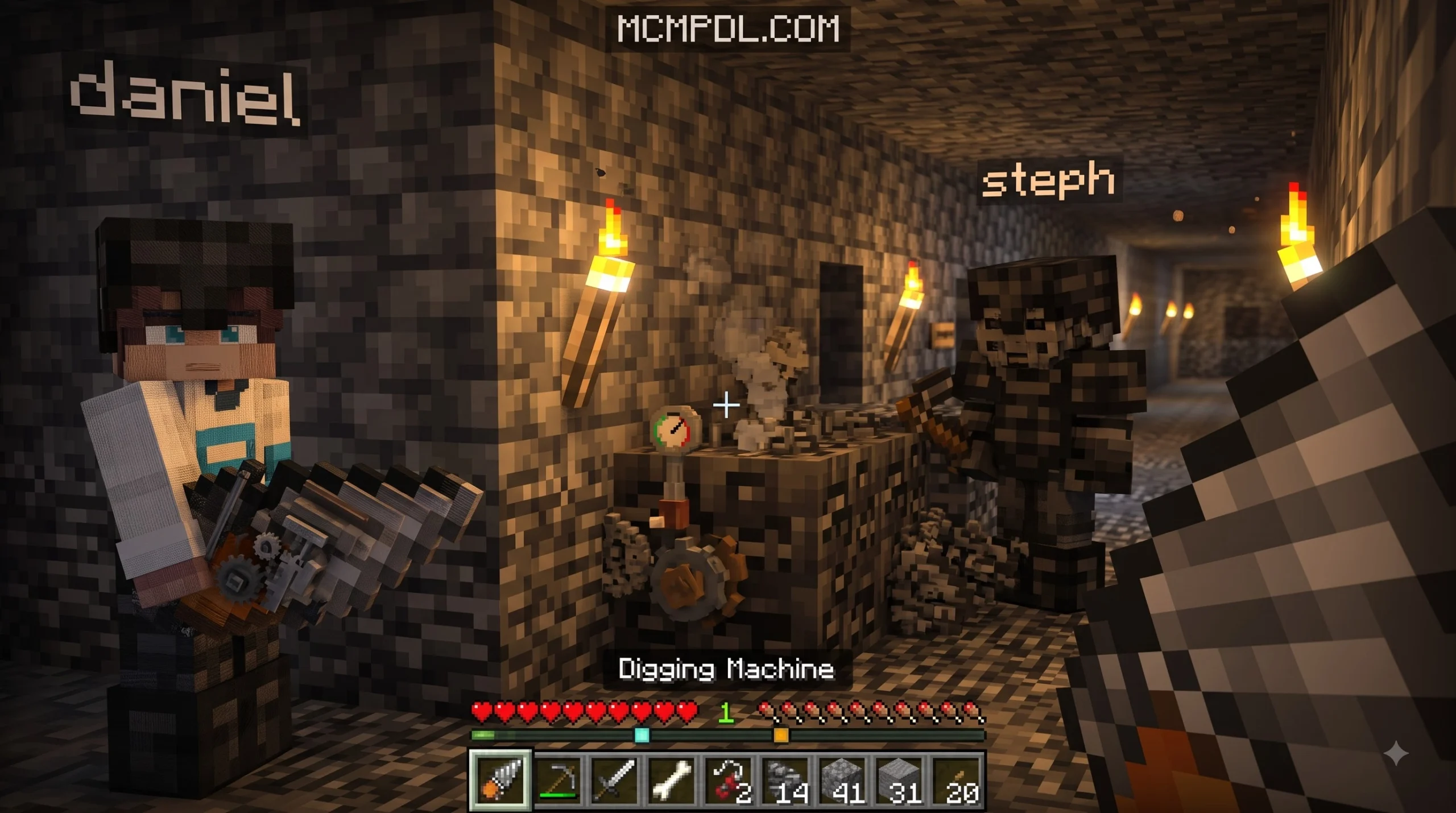
Scroll down to Download
What is the Bedrock Tools Add-On for Minecraft PE/Bedrock?
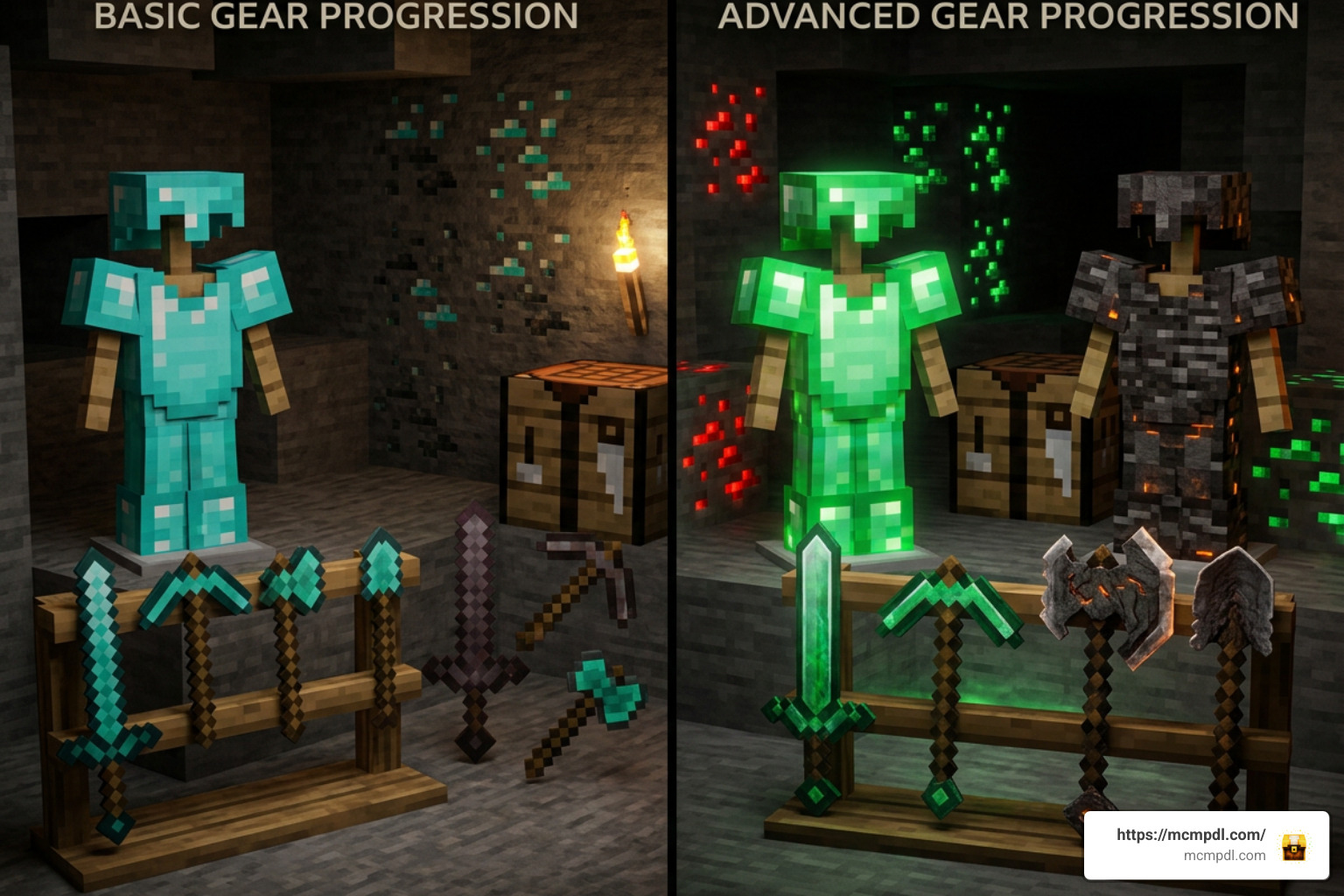
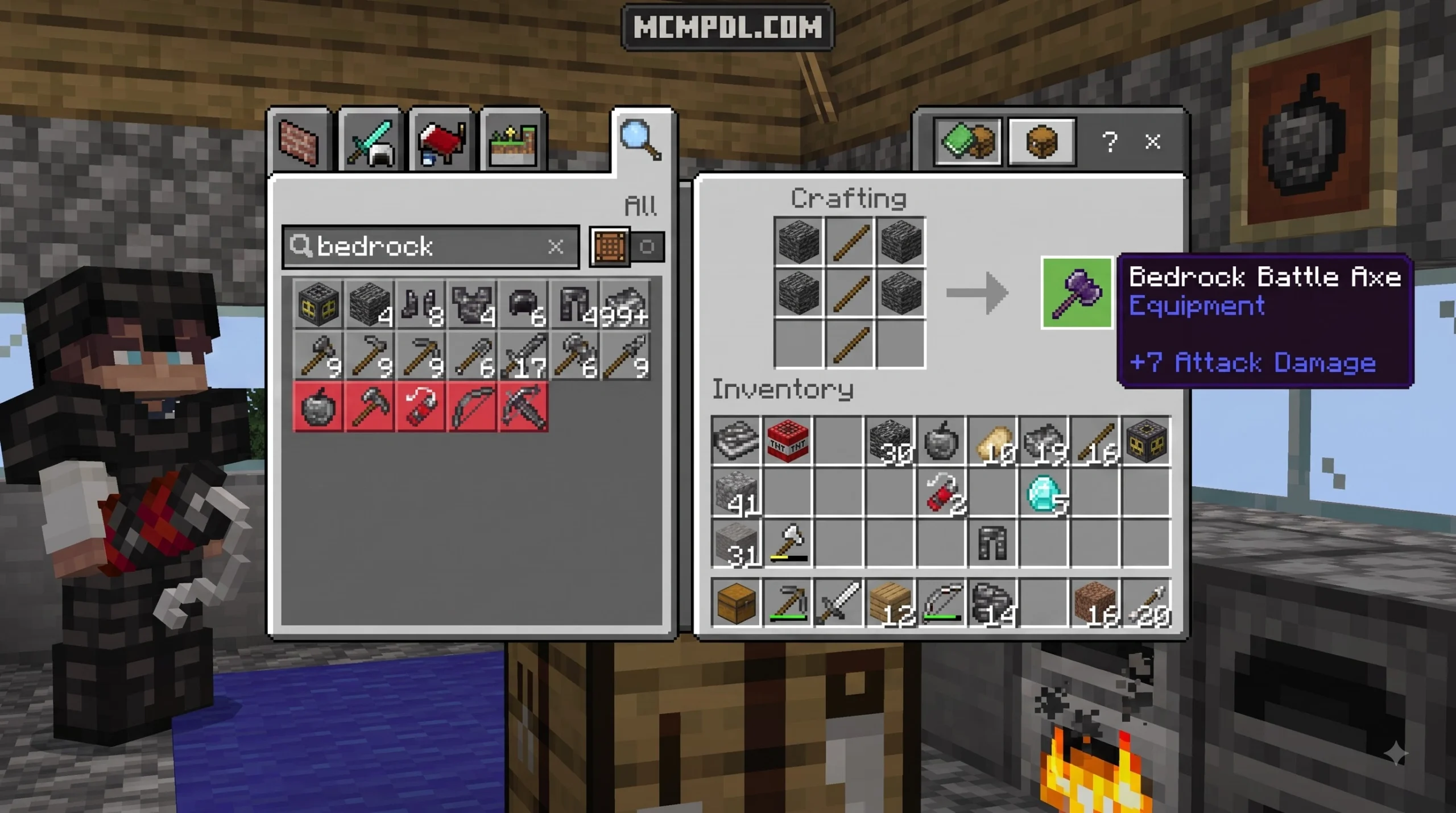
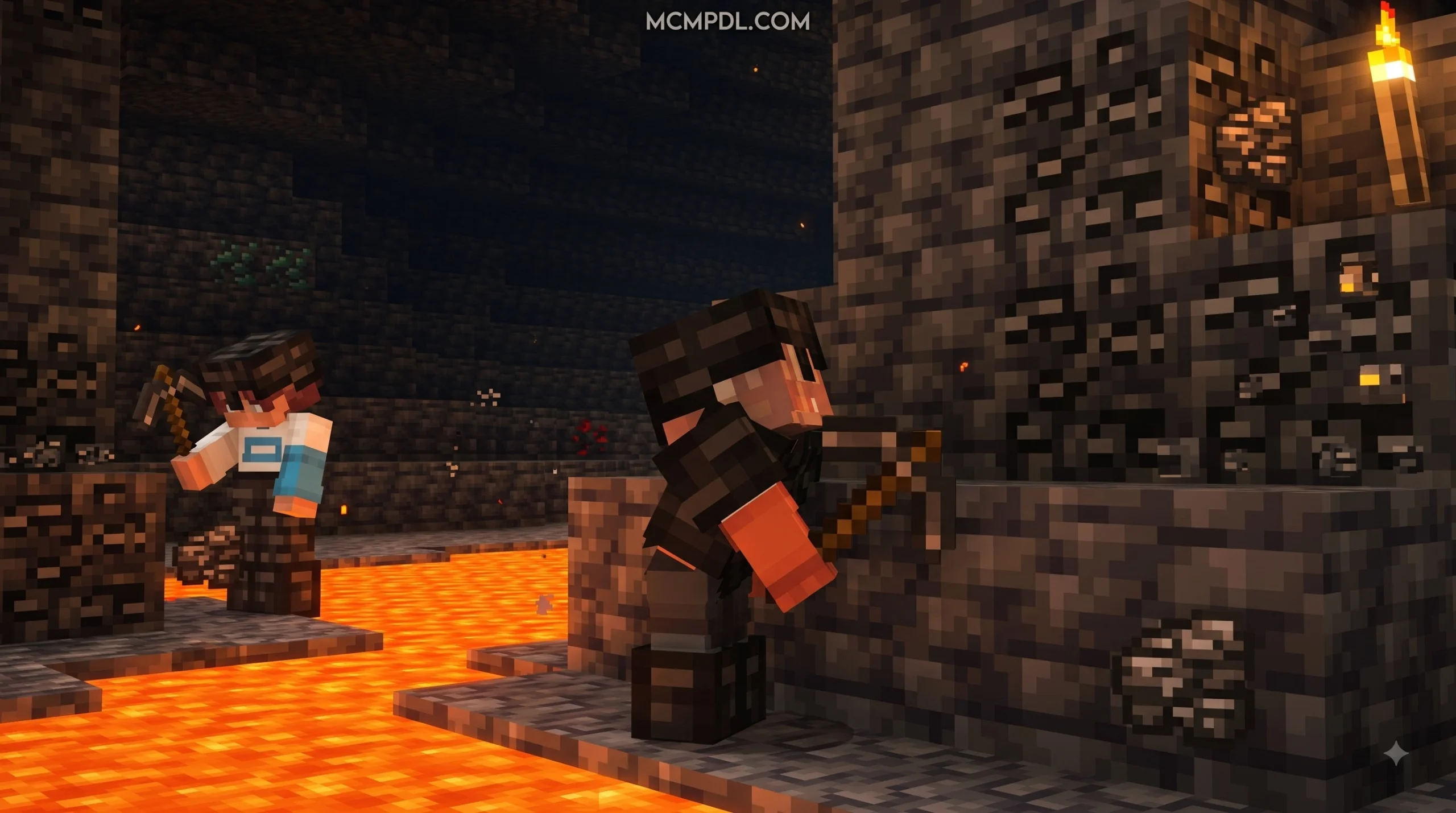
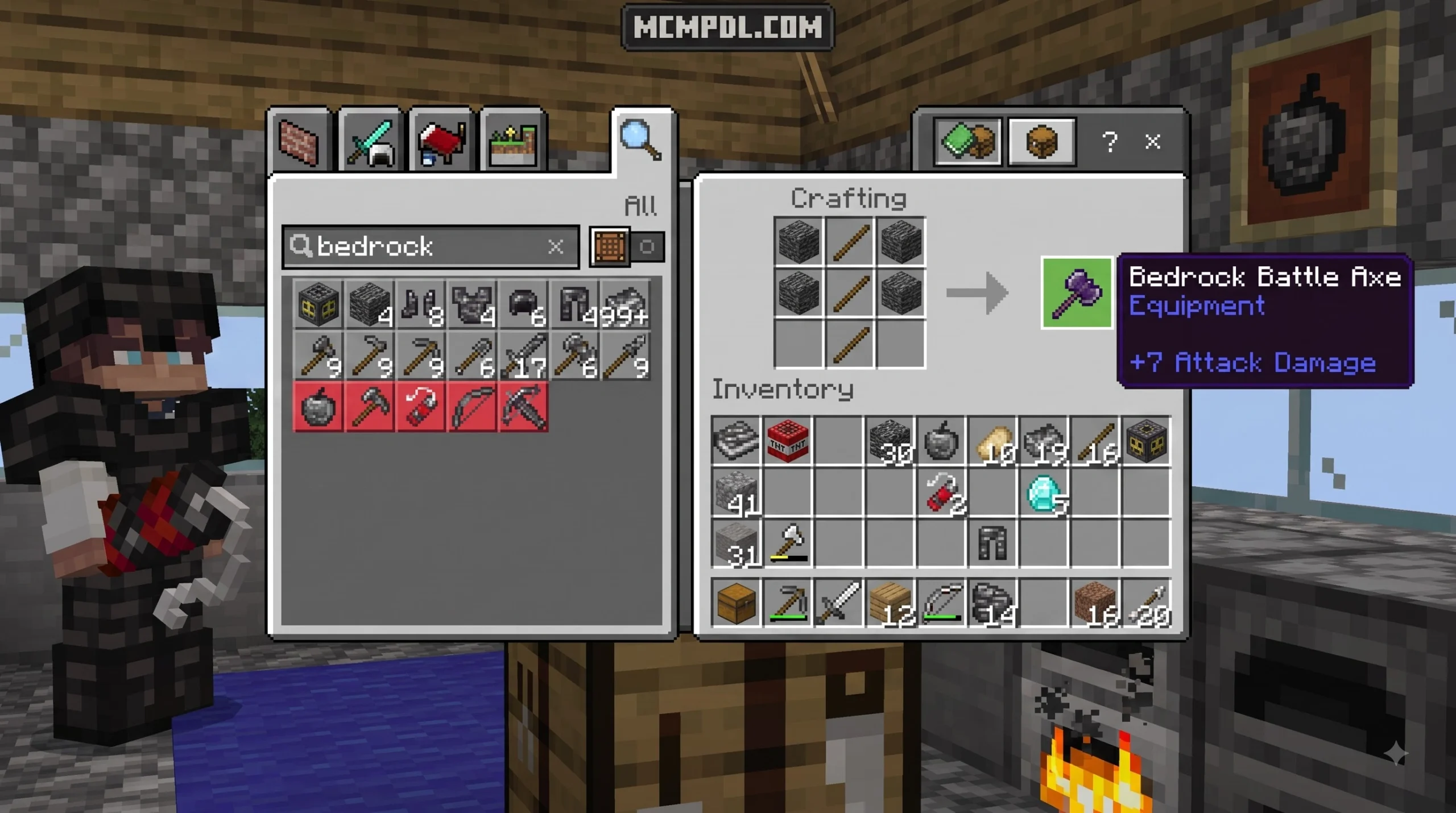
The Bedrock Tools Add-On for Minecraft PE/Bedrock transforms standard survival gameplay by offering an expanded gear ladder. In standard vanilla Minecraft, players often hit a progression ceiling once they craft a full set of Netherite armor and tools. By introducing new deep-underground ores, high-tier materials, and specialized weapons, this add-on gives players a clear reason to keep mining and exploring long after reaching the end-game.
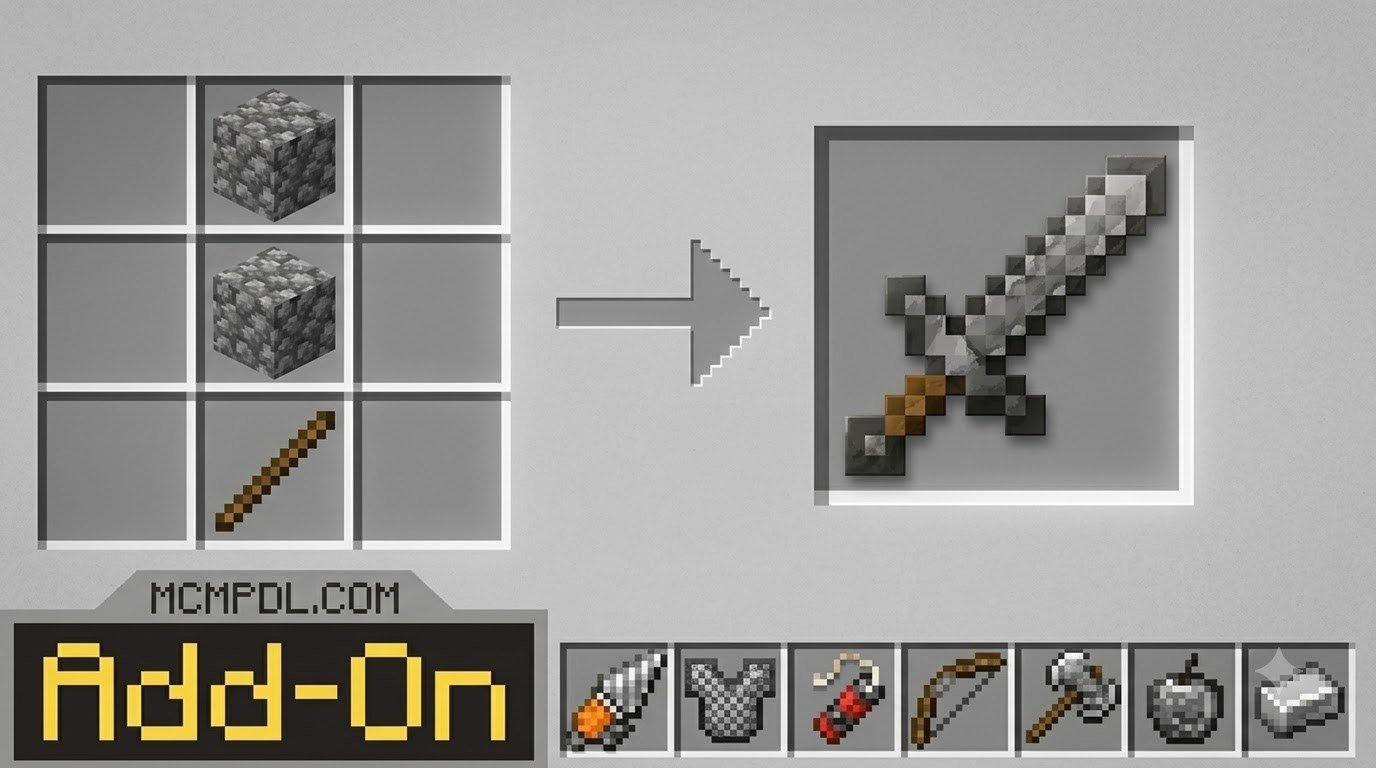
Depending on the creation you install, the expansion fundamentally alters how survival mode operates. Releases like the Bedrock Tools Add-On by Teplight add over 20 new tools, items, weapons, constructible Golems, and high-tier Emerald and Bedrock equipment. Larger community projects expand this system into massive content updates featuring hundreds of new custom tools, weapons, and blocks.
Rather than altering standard vanilla block textures, these add-ons work alongside the base game using custom Behavior Packs (BP) and Resource Packs (RP). This architecture allows players to craft brand-new utility tools while keeping the original Minecraft world aesthetic completely intact.
Key Features of the Bedrock Tools Add-On for Minecraft PE/Bedrock
- Expanded Weapon Archetypes: Gain access to specialized heavy combat weapons including Battle Axes, Lances, Maces, Scythes, and multi-tiered Bows or Crossbows.
- Deep Underground Ore Generation: Discover brand-new ores generating beneath the surface across the Overworld, Nether, and End dimensions.
- Specialized Workstations: Craft blocks like the Upgrade Bench to access advanced item recipes and high-tier weapon combinations.
- Special Ability Utility Gear: Use items like Slime tools to pull nearby dropped items from up to 25 blocks away or 3×3 Hammers to clear mining shafts quickly.
- Environmental & Defensive Armor Sets: Wear full sets of armor that grant passive status effects, such as Frozen armor that freezes water underneath your feet or Magma armor that grants fire immunity.
- Custom Entities & Utilities: Construct custom defensive Golems or deploy overpowered TNT blocks for large-scale mining and terraforming projects.
Overhauling Survival Progression and Materials
To extend the survival timeline, these add-ons inject multiple mid-tier and end-game material stages between standard Diamond, Netherite, and beyond. Instead of jumping directly from Iron to Diamond, players can gather specialized materials like Steel, Titanium, Ruby, Celestite, and Enderite.
| Material Tier | Primary Dimension / Y-Level | Base Tool Damage Range | Special Material Effect / Property |
|---|---|---|---|
| Steel | Overworld (Smelt Iron + Coal) | 6.0 – 7.0 | High durability starter replacement |
| Ruby Ore | Overworld (Y-level 18) | 7.0 – 8.5 | Mid-tier survival bridge material |
| Titanium | Overworld Deepslate (Y -40 to -48) | 8.5 – 10.0 | High durability, fast mining speed |
| Tungsten | Overworld Deepslate (Y -45 to -60) | 9.0 – 11.0 | Heavy blast resistance and durability |
| Blazed Quartz | Nether Dimension | 10.0 – 16.0 | Fire resistance & high damage |
| Celestite & Uranium | Overworld / Underground | 11.0 – 14.0 | Glowing aesthetics and radioactive abilities |
| Enderite | End Dimension | 12.0 – 15.0 | Teleportation & void resistance properties |
| Warden / Echo | Deep Dark / Ancient Cities | 15.0 – 45.0 | Sonic Boom attack & high protection |
Special Items, Crafting Mechanics, and Overpowered Armor Sets
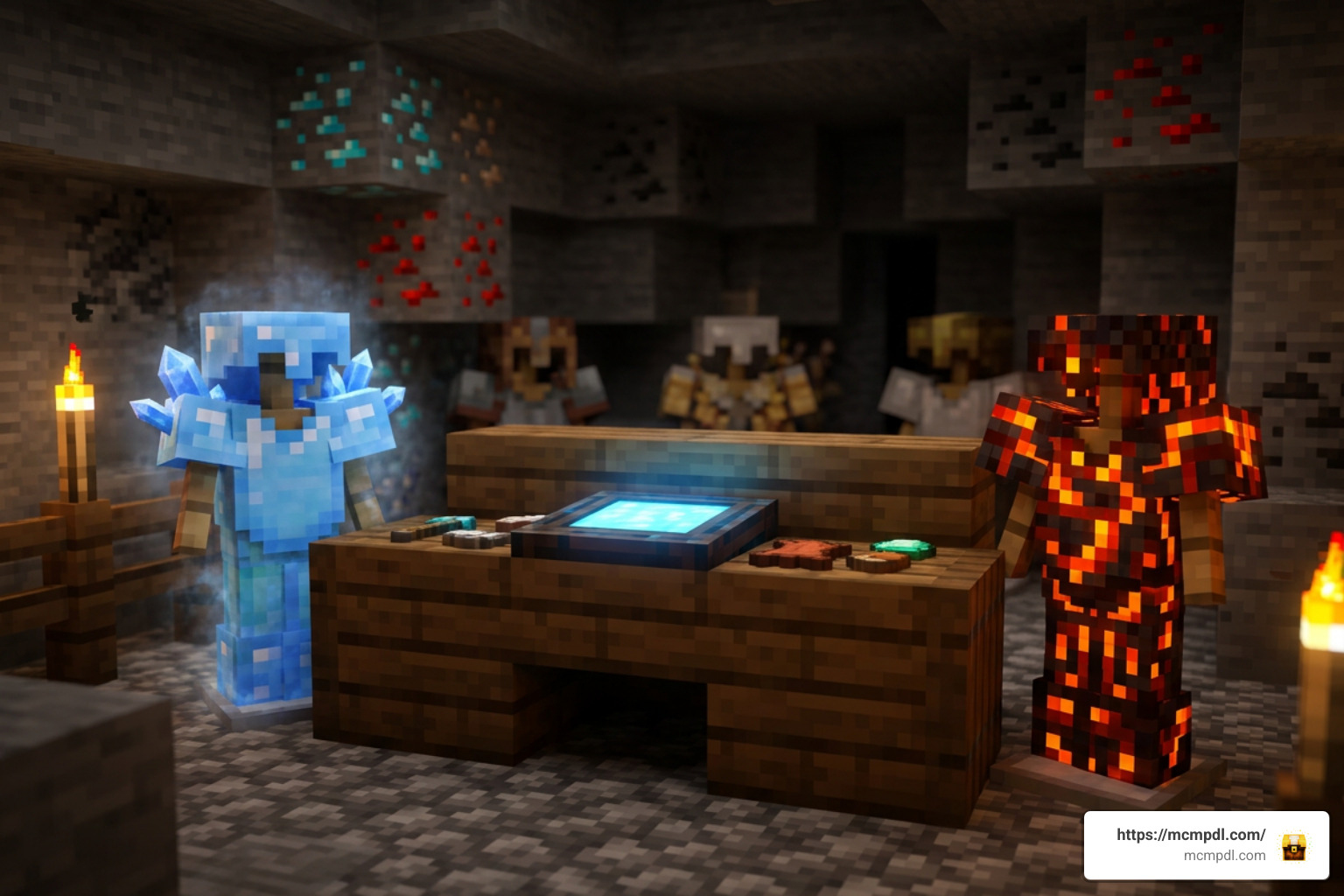
Beyond simple stat upgrades, custom gear introduces unique active and passive abilities that change how you interact with the world.
The Upgrade Bench and Advanced Crafting
To keep high-tier items balanced, advanced gear cannot simply be made on a standard 3×3 Crafting Table. Players must construct a dedicated Upgrade Bench.
To craft an Upgrade Bench, combine 3 Iron Ingots, 3 Blocks of Iron, 1 Smithing Table, and 2 Netherite Ingots. Once placed, the Upgrade Bench allows you to forge advanced components such as:
- Steel Ingots: Smelted by mixing Iron and Coal in a furnace menu.
- Specialized Rods: Including Steel Sticks, Quartz Sticks, and Ender Sticks to support heavier weapon weights.
- High-Tier Weapons: Crafting 3×3 Hammers, Scythes, Lances, and Echo Battle Axes.
Unlocking the Bedrock Tools Add-On for Minecraft PE/Bedrock Abilities
Many items in the Bedrock Tools Add-On for Minecraft PE/Bedrock feature active abilities triggered by player actions:
- 3×3 Mining Hammers: Sneak and right-click on PC (or sneak and tap the screen on mobile devices) to break a complete 3×3 area of stone or deepslate at once. Each 3×3 swing consumes 25 durability points, requiring smart durability management.
- Slime Tools Vacuum: Sneaking and right-clicking/tapping with a Slime tool creates a magnetic wave, drawing all loose items on the ground within a 25-block radius straight to your inventory.
- Echo Battle Axe Sonic Boom: Holding the right-click or tap button charges a Warden Sonic Boom attack that damages the target entity up to 15 blocks away while granting the player Strength and Resistance buffs.
- Frozen & Magma Armor: Full sets grant instant environmental protection. Frozen armor turns ocean surfaces to ice as you run, while Magma armor provides complete fire immunity in Nether lava lakes.
If you are looking for official Minecraft information and creator resources, you can check out Minecraft.net.
Step-by-Step Installation Guide for Mobile and PC
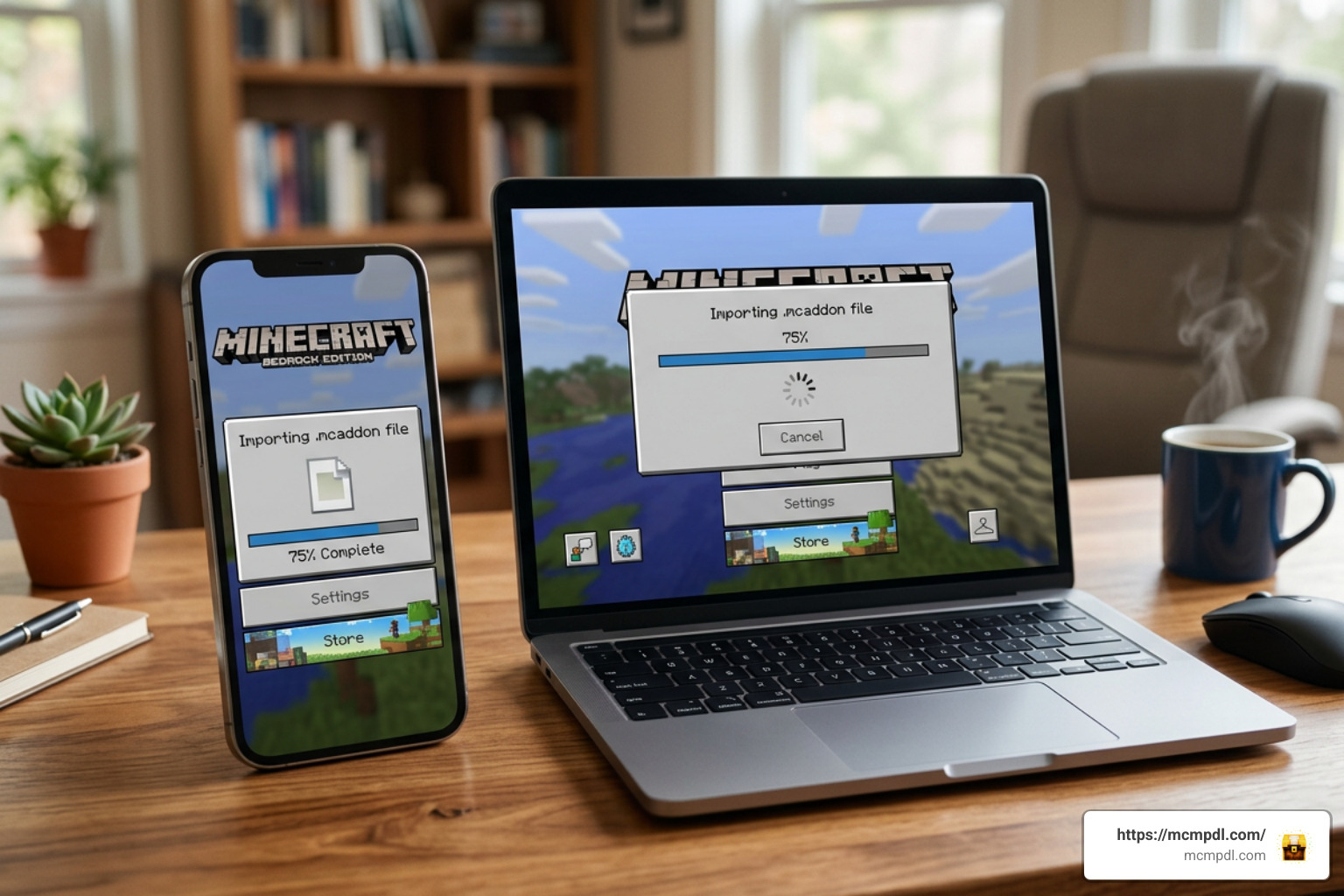
Installing custom content on Minecraft Pocket Edition (iOS/Android) and Bedrock Edition (Windows) is straightforward once you know how the file formats interact with the engine.
Safe Downloading and Avoiding Malicious File Links
When downloading add-ons from third-party sites, always prioritize safety:
- Check the File Extension: Legitimate Minecraft Bedrock files end strictly in
.mcaddon,.mcpack, or.zip. - Never Run Executables: Never download or run
.exe,.bat, or.msifiles when searching for Minecraft PE mods. - Navigating Ad-Bypass Links safely: If an add-on link redirects through shortener pages like Linkvertise, click “Free Access with Ads”, close any external pop-up windows immediately without executing files, wait the requested timer (usually 10 to 11 seconds), and proceed directly to trusted hosts like MediaFire or GitHub.
- Download Both Pack Parts: Ensure you get both the Behavior Pack (BP) and Resource Pack (RP) if they are provided separately.
Configuring Experimental Gameplay Settings
For custom blocks, custom ores, and special sneak-activated abilities to load correctly, world settings must be adjusted:
- Download the
.mcaddonor.mcpackfile to your mobile device or PC. - Tap or double-click the file to open it. Minecraft will automatically launch and display “Import Started” at the top of the screen.
- Open your world settings menu (or create a brand-new world).
- Navigate down to the Resource Packs tab and activate the custom pack.
- Navigate to the Behavior Packs tab and activate the matching pack.
- Scroll down to the Experiments section in the world settings menu.
- Turn on Holiday Creator Features, Upcoming Creator Features, and Additional Modding Capabilities. (Note: Modern builds optimized for version 1.21+ or version 26.x may require fewer toggles, but turning on experimental features ensures full script compatibility).
- Always create a backup copy of your world before applying experimental packs.
Troubleshooting Common Issues and Performance Bugs
- Missing Textures (Black and Purple Blocks): This happens when the Resource Pack (RP) is either missing or listed below another conflicting texture pack. Ensure the RP is activated in your world settings and moved to the top of your active pack list.
- Recipes Not Appearing in the Crafting Table: Ensure the Behavior Pack (BP) is activated and that Holiday Creator Features is enabled in your world options. High-tier items often require the custom Upgrade Bench rather than the vanilla table.
- Special Tool Abilities (3×3 Mining) Not Triggering: Make sure you are sneaking (crouching) while right-clicking or holding down the screen on mobile devices.
- Performance Lag on Mobile Devices: Large 3×3 hammer sweeps produce dozens of block entity drops simultaneously. If your device experiences frame drops, clear loose items or pair your hammers with a Slime tool to pull drops instantly into your inventory.
Frequently Asked Questions About Bedrock Tools
What is the difference between the Balanced and OP behavior packs?
The Balanced pack adjusts attack damage, durability, and armor protection stats to fit smoothly within vanilla Minecraft progression, making it ideal for survival worlds. The OP (Original) pack unlocks maximum weapon damage values (such as 45+ base attack damage on heavy weapons) and unmitigated armor buffs designed for creative testing or overpowered chaos.
Can you mine indestructible Bedrock blocks using custom pickaxes?
No. Standard bedrock blocks remain indestructible to preserve world boundaries and lower nether floor integrity. However, crafting Bedrock-tier tools provides players with maximum durability stats and high mining speeds when mining standard survival blocks.
Are Bedrock add-ons compatible with Minecraft version 1.21 and above?
Yes! Modern releases of the Bedrock Tools Add-On for Minecraft PE/Bedrock are routinely updated to support Minecraft Bedrock version 1.21 and 26.x releases. Always ensure you download the version file matching your installed game build.
Conclusion
The Bedrock Tools Add-On for Minecraft PE/Bedrock breathes fresh life into survival mode by providing extended gear progression, powerful specialized tools, deep underground ores, and exciting active abilities. Whether you want to blast through mining shafts with a 3×3 Hammer or battle bosses using the Echo Battle Axe, adding custom gear turns your world into a far richer playground.
For more guides, custom creations, and news on the latest Bedrock updates, explore our main hub at mcmpdl to upgrade your Minecraft experience today!

9 thoughts on “Bedrock Tools Add-On for Minecraft PE/Bedrock (Download)”