Scroll down to D0vvnl0ad
Build Bigger Fantasy Worlds in Minecraft Bedrock
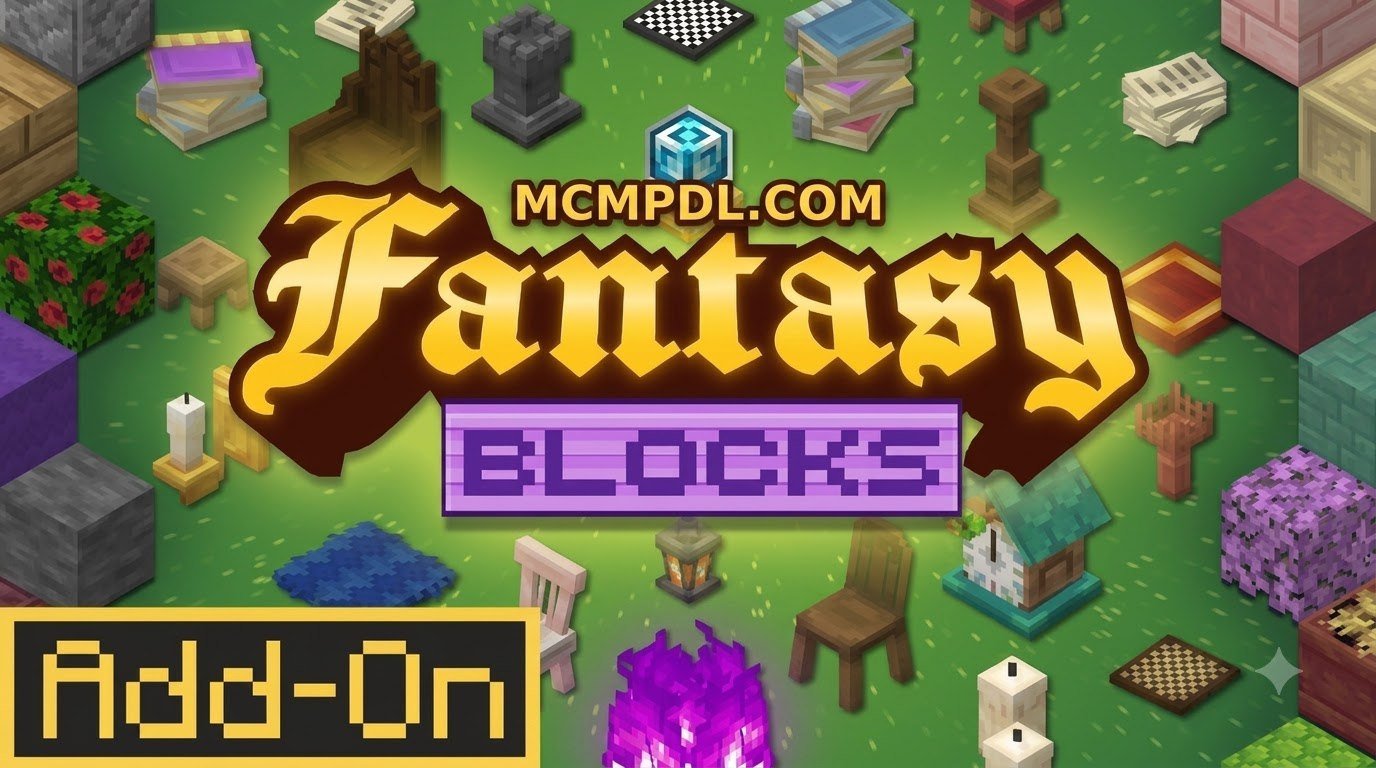
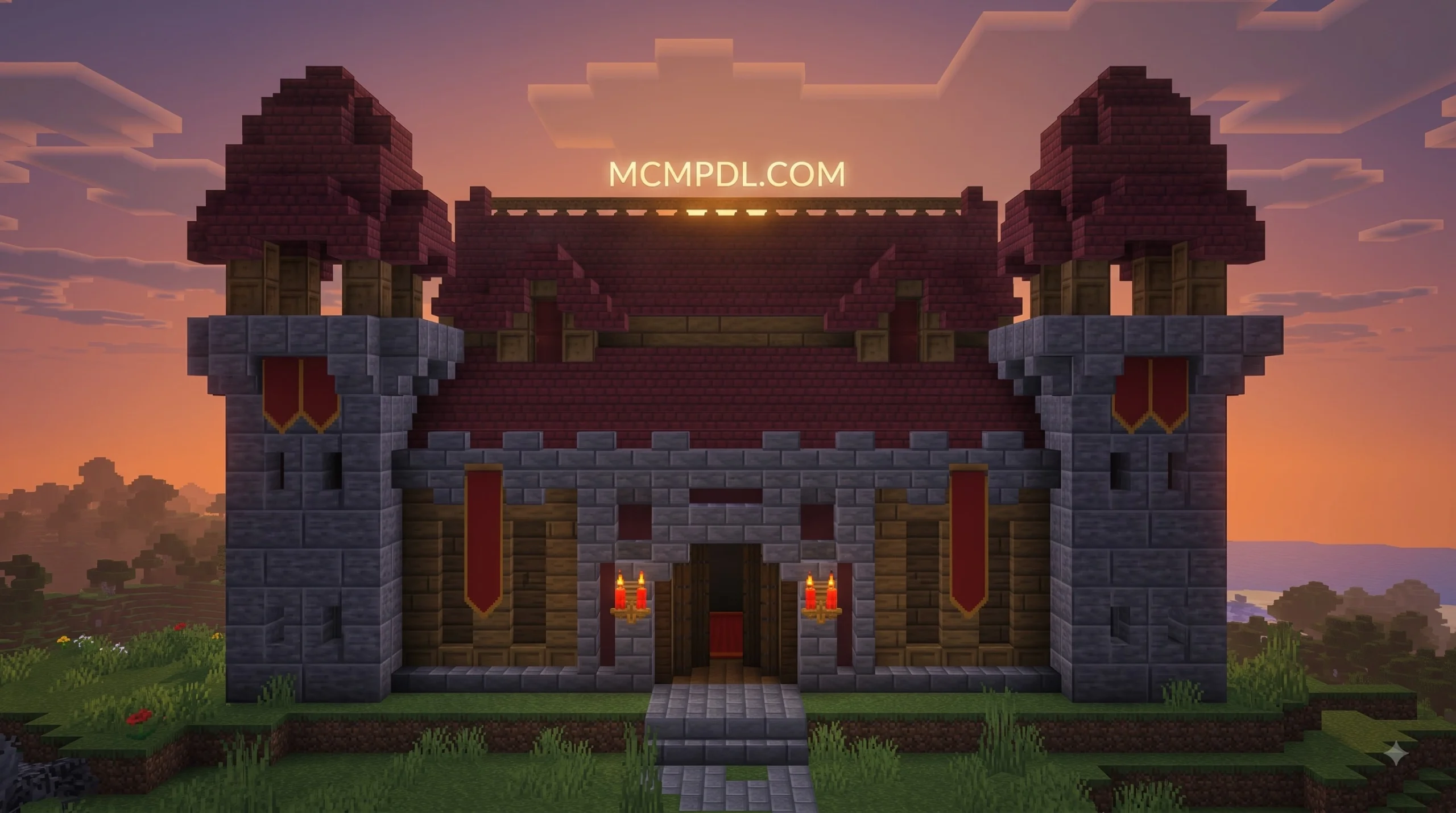
The Fantasy Blocks Addon for Minecraft PE/Bedrock is a building-focused Marketplace add-on that gives players more than 1,200 fantasy, medieval, and decorative blocks. It is made for creative builders who want richer castles, cozy villages, fairy-tale streets, detailed interiors, and dramatic adventure-map scenery.
Expect options such as roof shingles, stained glass, wallpapers, curtains, lanterns, furniture, and other architectural details that standard Minecraft blocks cannot always provide. Install it through the Minecraft Marketplace, then enable its included packs for the world where you want to build.
Created by Lunar Client and released in August 2026, Fantasy Blocks has a 4.9/5 Marketplace rating from 15 ratings. This guide explains what the pack includes, how to set it up on Bedrock devices, and how to use it safely with your other building packs.
What Is the Fantasy Blocks Addon for Minecraft PE/Bedrock?
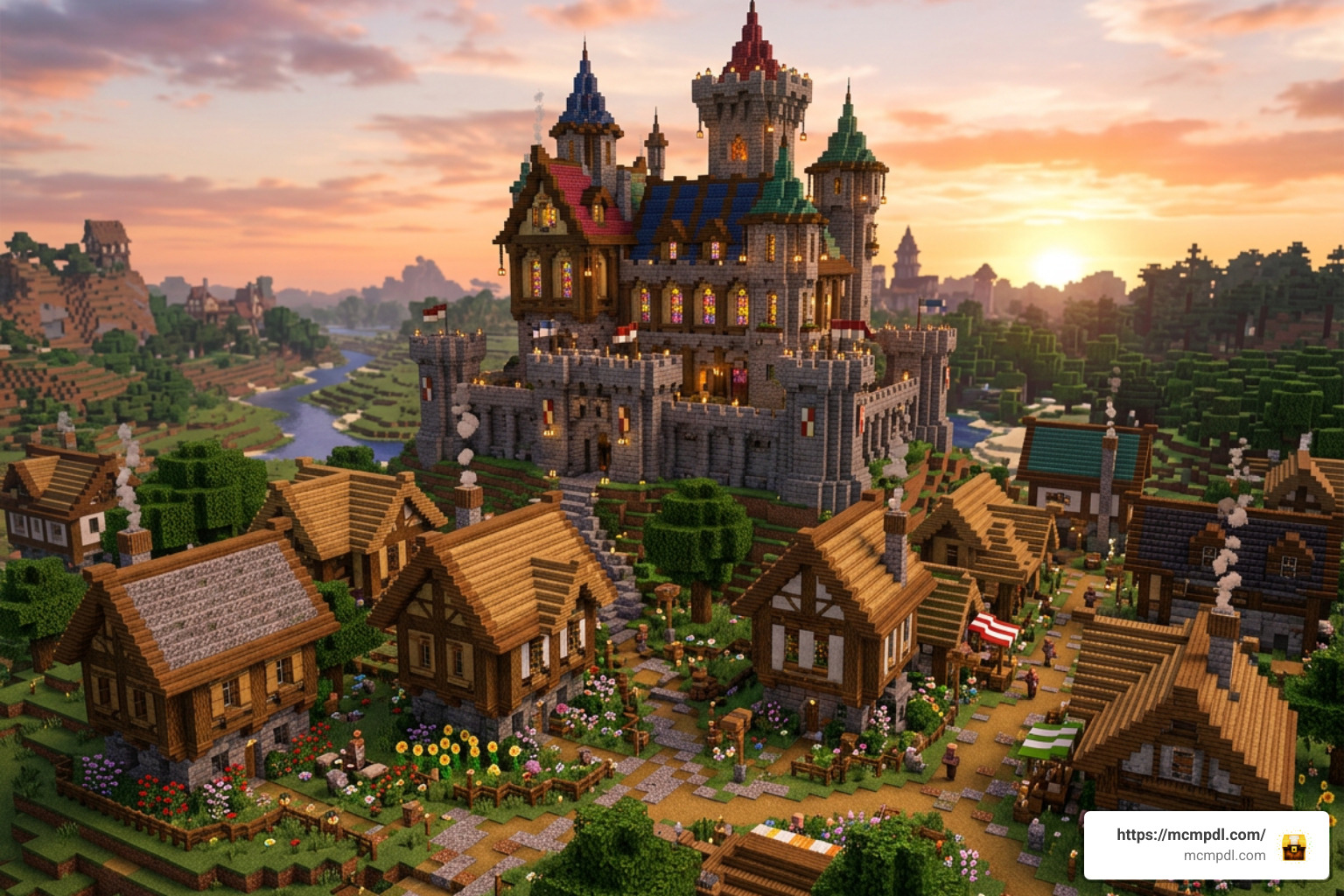
For years, builders in Minecraft Bedrock Edition have run into the same aesthetic ceiling: vanilla blocks are iconic, but building an ornate gothic cathedral or a snug fairy-tale cottage often requires awkward workarounds like upside-down stairs, trapdoors, and painted signs. The Fantasy Blocks Addon for Minecraft PE/Bedrock directly solves this limitation by introducing a staggering palette of over 1,200 specialized medieval, whimsical, and structural blocks designed specifically for high-detail construction.
Developed by Lunar Client—a creator team with over 1,300 total creations on the official Marketplace—this pack launched on August 4, 2026. Rather than cluttering your world with hostile monsters or complex game-altering scripts, the addon focuses entirely on aesthetic craftsmanship. Whether you are crafting bustling market squares, towering fortresses, or subterranean wizard dens, every texture has been tailored to evoke a classic storybook vibe while blending cleanly with Bedrock’s core art style.
With an early reception of 4.9 out of 5 stars across 15 user ratings, the pack has quickly become a must-have tool for Bedrock architecture enthusiasts. It functions smoothly across the entire Bedrock ecosystem, including Android, iOS, Windows 10/11, Xbox, PlayStation, and Nintendo Switch.
Key Features and Decorative Block Categories
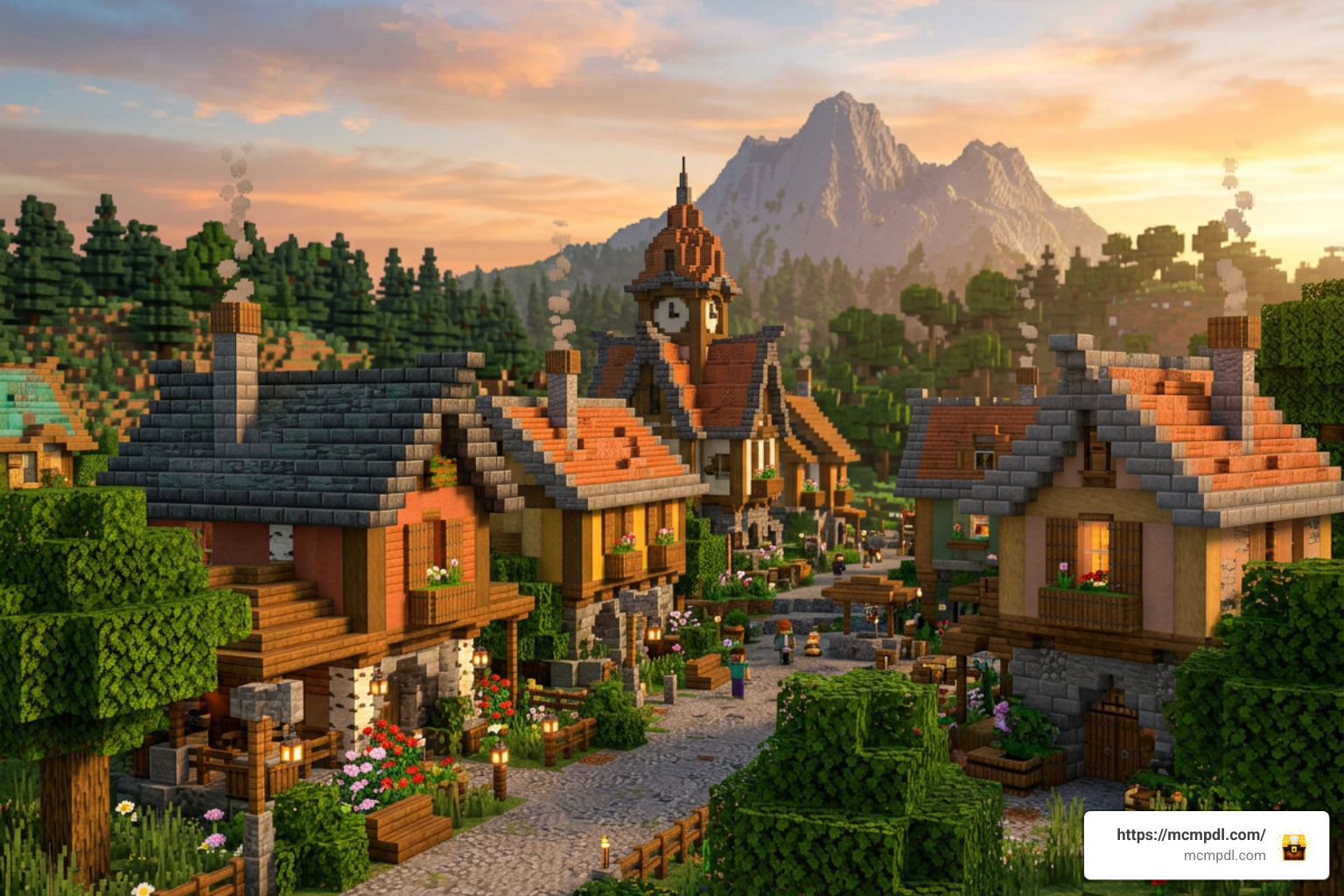
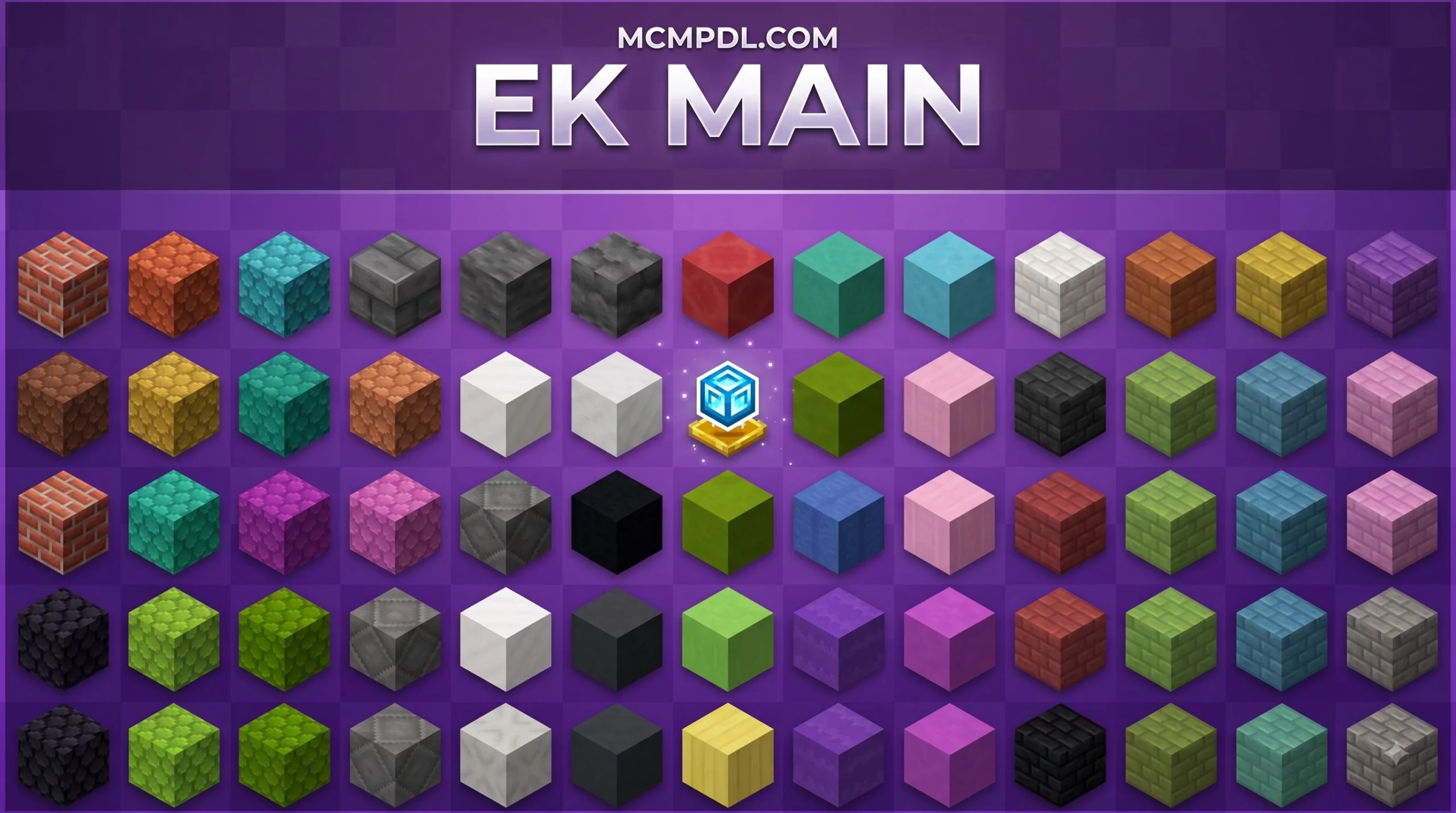
The main draw of Fantasy Blocks is sheer volume and variety. Incorporating over a thousand new building options means you never have to settle for basic cobblestone trim when building your dream kingdom. The pack organizes its offerings into several cohesive themes:
- Roofing & Shingles: Multiple colors and pitch angles of weathered slate, wooden shakes, and baked clay tiles that eliminate flat, awkward rooftops.
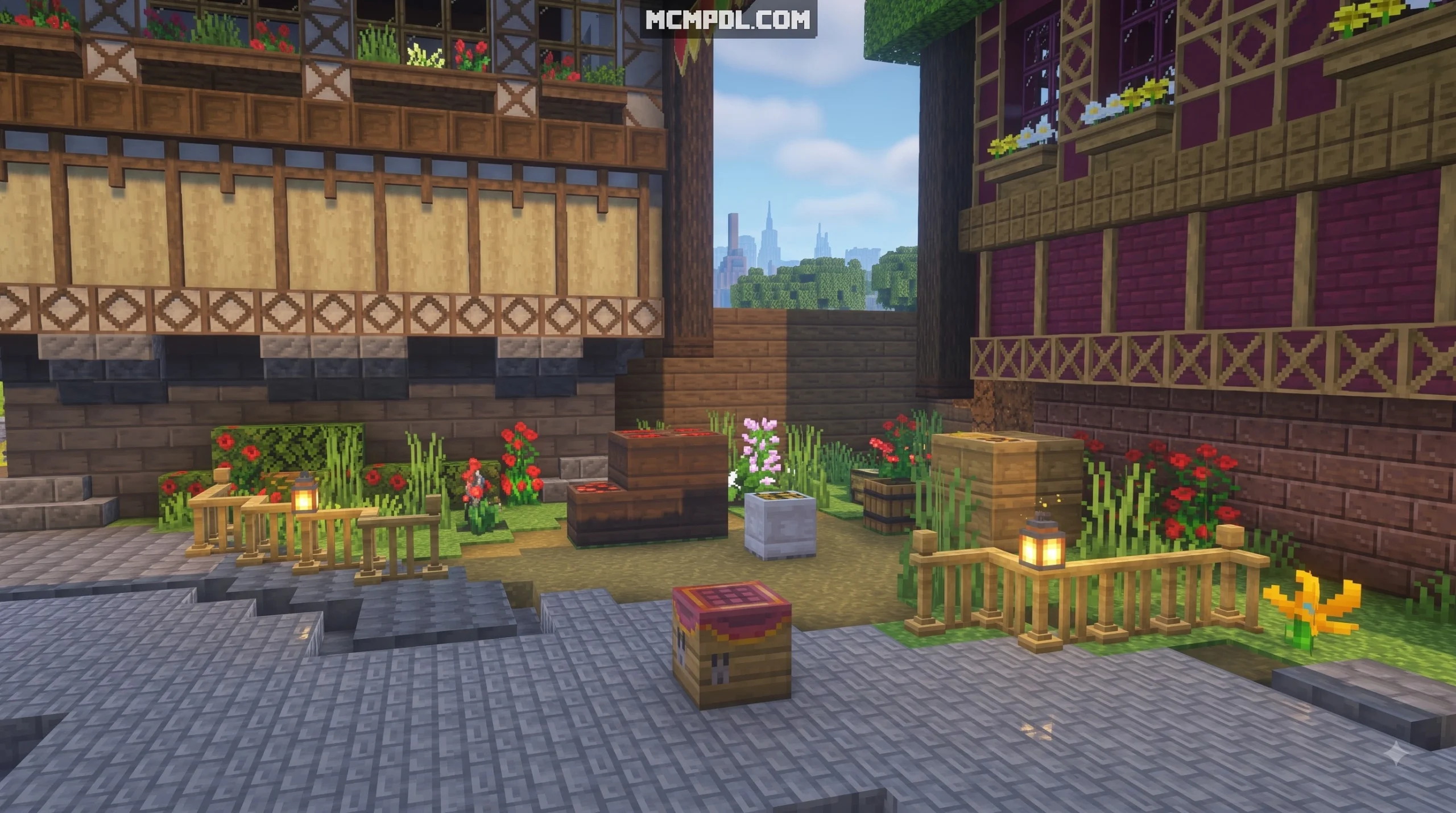
- Wallpapers & Facades: Ornate floral patterns, distressed plaster, exposed timber framing, and masonry textures designed for seamless vertical placement.
- Illumination & Fixtures: Elaborate medieval wrought-iron streetlamps, suspended magical lanterns, and candelabras that emit varied light levels.
- Glazing & Openings: Intricate leaded windows, vibrant stained-glass panes with story motifs, and shuttered frames.
- Interior Accents & Soft Furnishings: Woven curtains, decorative shelving, carved wood moldings, and thematic furniture pieces.
Architecture, Wallpapers, and Roof Shingles
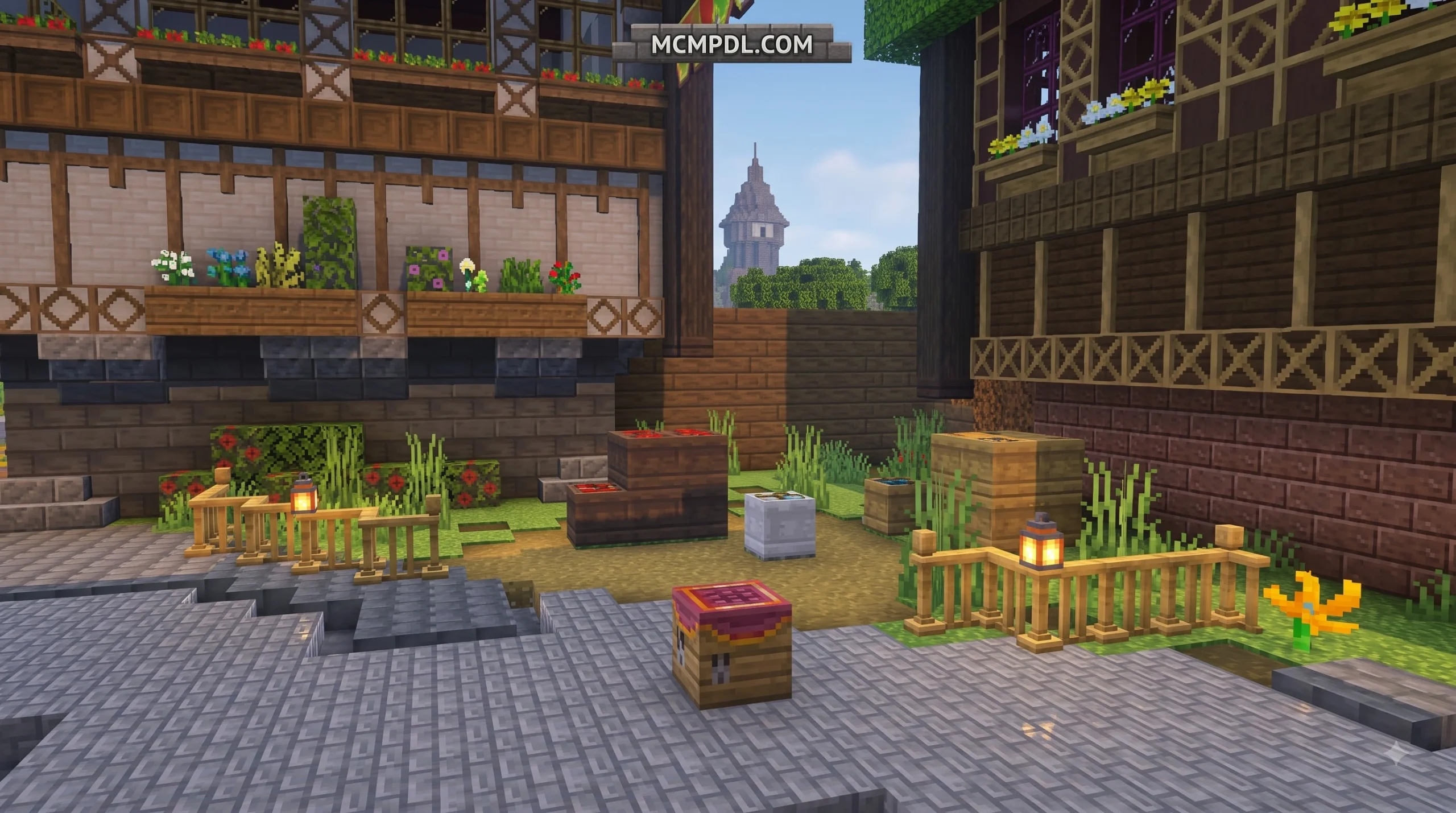
When designing cozy interiors or towering keeps, small details make the biggest difference. The addon’s custom wallpaper blocks allow you to create distinct rooms within the same structure without building two-block-thick walls. You can place delicate floral motifs in a manor bedroom, switch to rough-hewn timber siding in the kitchen, and cap off the build with curved roof shingles that give your rooflines realistic depth.
For builders looking to pair these full-scale architectural elements with ultra-fine decorative accents, combining this pack with micro-detailing options like the Mini Blocks 2.0 Add-on lets you flesh out cluttered desks, filled pantry shelves, and detailed workshop tables effortlessly.
Installing the Fantasy Blocks Addon for Minecraft PE/Bedrock
Getting the pack up and running on your device is straightforward thanks to Bedrock’s unified content pipeline. Follow these steps to install and activate it:
- Access the Marketplace: Launch Minecraft Bedrock on your preferred device (mobile, PC, or console) and navigate to the in-game Marketplace.
- Search and Acquire: Search for “Fantasy Blocks” by Lunar Client. Purchase the pack using Minecoins or claim it via your linked Microsoft account.
- Download Content: Once purchased, click Download to store the resource and behavior pack files on your local device.
- Create or Edit a World: Go to your single-player world list. You can apply the addon when creating a new world or by clicking the Edit (pencil icon) next to an existing save.
- Activate Resource and Behavior Packs: Scroll down on the left menu to Resource Packs and activate Fantasy Blocks. Next, check the Behavior Packs tab to ensure the corresponding behavior pack is active.
- Check Experimental Features: If you are running custom script environments or advanced Bedrock 1.21+ updates, ensure toggles like Holiday Creator Features or Custom Biomes/Blocks are turned on if prompted by your current game version.
- Load and Build: Enter your world, open your Creative inventory, and browse the massive new block categories!
Comparing Fantasy Blocks with Other Bedrock Building Packs
The fantasy building genre on Bedrock is rich with variety. Different addons cater to different player goals, from vanilla-plus block extensions to total RPG overhauls. Here is how Fantasy Blocks compares to other popular fantasy and construction options available in the community:
| Addon Name | Focus Area | New Block Count | Includes Mobs/Combat? | Best For |
|---|---|---|---|---|
| Fantasy Blocks | Pure Decorative & Architecture | 1200+ Blocks | No | Dedicated creative builders & city designers |
| Builders Fantasy | Vanilla-Plus Stone & Lanterns | ~50 Blocks | No | Subtle survival builds & vanilla purists |
| Fantasy Adventure | RPG Quests, Bosses & Weapons | Moderate | Yes (Dragons, Elves, Bosses) | Action-adventure gameplay & dungeon diving |
| Fantasy Expansion | Creatures, Magic & Tech Blocks | 200+ Items/Blocks | Yes (Shopkeepers, Golems) | Blended survival RPGs with unique crafting |
| Expansive Fantasy | Mythical Creature Taming | Low (Mob Focus) | Yes (Dragons, Wyverns, Orcs) | Mount riding, aerial exploration & combat |
If you enjoy exploring different gameplay styles, checking our curated Category: Add-ons section will help you find the exact balance between aesthetic building tools and combat expansions.
Compatibility with Other Packs and Add-ons
Because Fantasy Blocks focuses strictly on blocks and textures without altering core player entities or mob spawn logic, it boasts exceptional compatibility. You can safely stack it alongside popular furniture extensions like the Block Furniture 1.0 Add-on for Minecraft Bedrock Edition to furnish living rooms, tavern seating, and throne rooms.
Furthermore, builders working on large-scale modular projects can incorporate mechanical tools from the Cube Utilities Addon Minecraft PE/Bedrock to speed up construction, manage block palettes, and organize survival inventories without causing script crashes.
Performance and Tips for Fantasy Blocks Addon for Minecraft PE/Bedrock
Loading over a thousand custom block models can impact device memory if not managed thoughtfully. To ensure smooth framerates on mobile devices and lower-end consoles, keep these tips in mind:
- Manage Render Distance: Keep your simulation and render distances balanced (between 8 and 12 chunks on mobile devices) when building dense settlements packed with custom 3D blocks like hanging lanterns and shingle layers.
- Make Regular Backups: Always duplicate your world save before applying major addon updates or testing large architectural layouts.
- Lighting Optimization: While custom lanterns look stunning, placing hundreds of dynamic light sources in a tight underground area can cause FPS drops on older hardware. Space your lighting evenly for both style and performance.
Frequently Asked Questions
Who created the Fantasy Blocks Addon and what is its rating?
The addon was created by Lunar Client, a prolific development team on the Minecraft Marketplace with more than 1,300 published creations. Released on August 4, 2026, the addon holds an impressive rating of 4.9 out of 5 stars based on community reviews.
Does the addon require experimental gameplay settings?
When using the addon via the official Marketplace on current Minecraft Bedrock builds, the installation handles pack dependencies automatically. However, if you are importing custom world templates or combining multiple experimental mods, enabling features like Beta APIs or Custom Components in your world settings ensures all 1,200+ block definitions render properly.
Can I combine Fantasy Blocks with custom furniture and utilities?
Yes! Fantasy Blocks plays nicely with third-party decorative mods. You can pair it with the Furniture Life Addon for Minecraft PE/Bedrock for modern-rustic interiors, or integrate kinetic contraptions using the Create Add-on for Minecraft PE/Bedrock Download to build working drawbridges, windmills, and automated castle gates.
Conclusion
The Fantasy Blocks Addon for Minecraft PE/Bedrock provides an unmatched creative palette for players who want to build detailed medieval towns, majestic fantasy keeps, and charming village streets. With over 1,200 distinct blocks, stable performance, and effortless Marketplace integration, it stands as one of the most comprehensive building resources available for Bedrock Edition.
Ready to start your next master build? Discover the latest maps, skins, and Minecraft Bedrock mods and add-ons to take your creative worlds to the next level!


6 thoughts on “Fantasy Blocks Addon for Minecraft PE/Bedrock”