Scroll down to D0vvnl0ad
Top Features to Look for in an RPG Addon for Minecraft PE/Bedrock
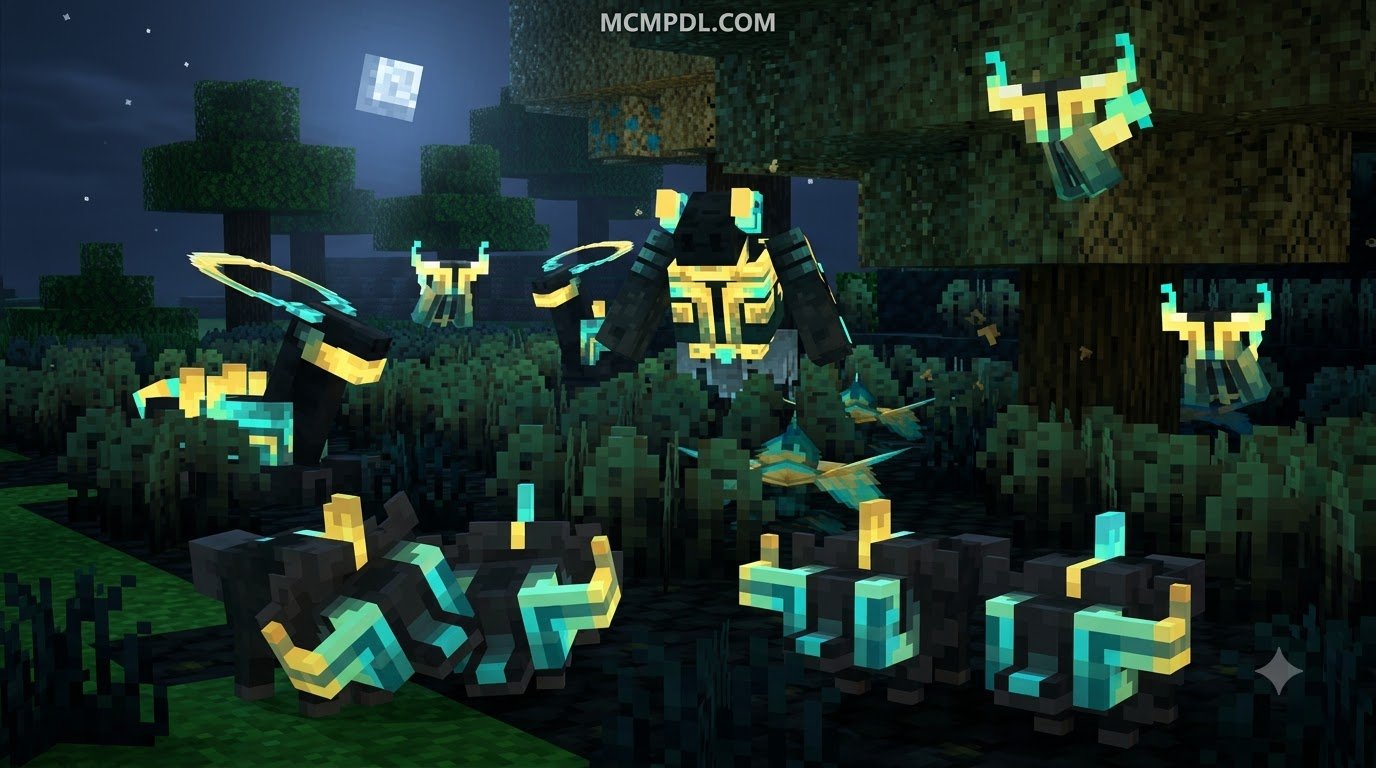
When we set out to turn standard survival into an epic adventure, not every addon provides the same depth. Some merely introduce a few swords with inflated damage numbers, while top-tier modifications introduce complete gameplay overhauls.
The most immersive expansions give players structured character growth through stat and skill progression, turning mundane tasks like mining and woodcutting into sources of power. Others prioritize spellcraft, granting access to varied spellcasting abilities that alter how we approach combat encounters. Let’s look at the foundational features that define the best RPG experiences on Bedrock Edition.
Class Systems and Dynamic Resource Mechanics
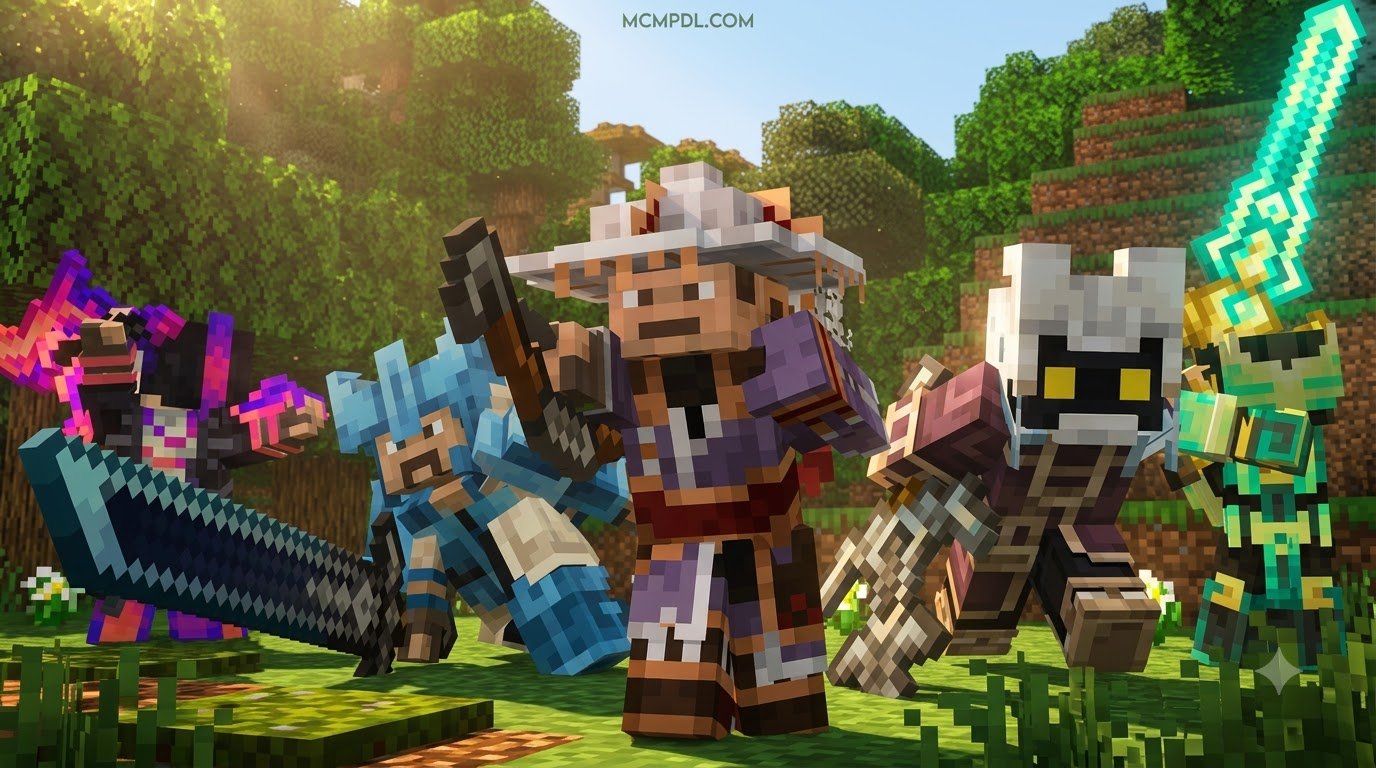
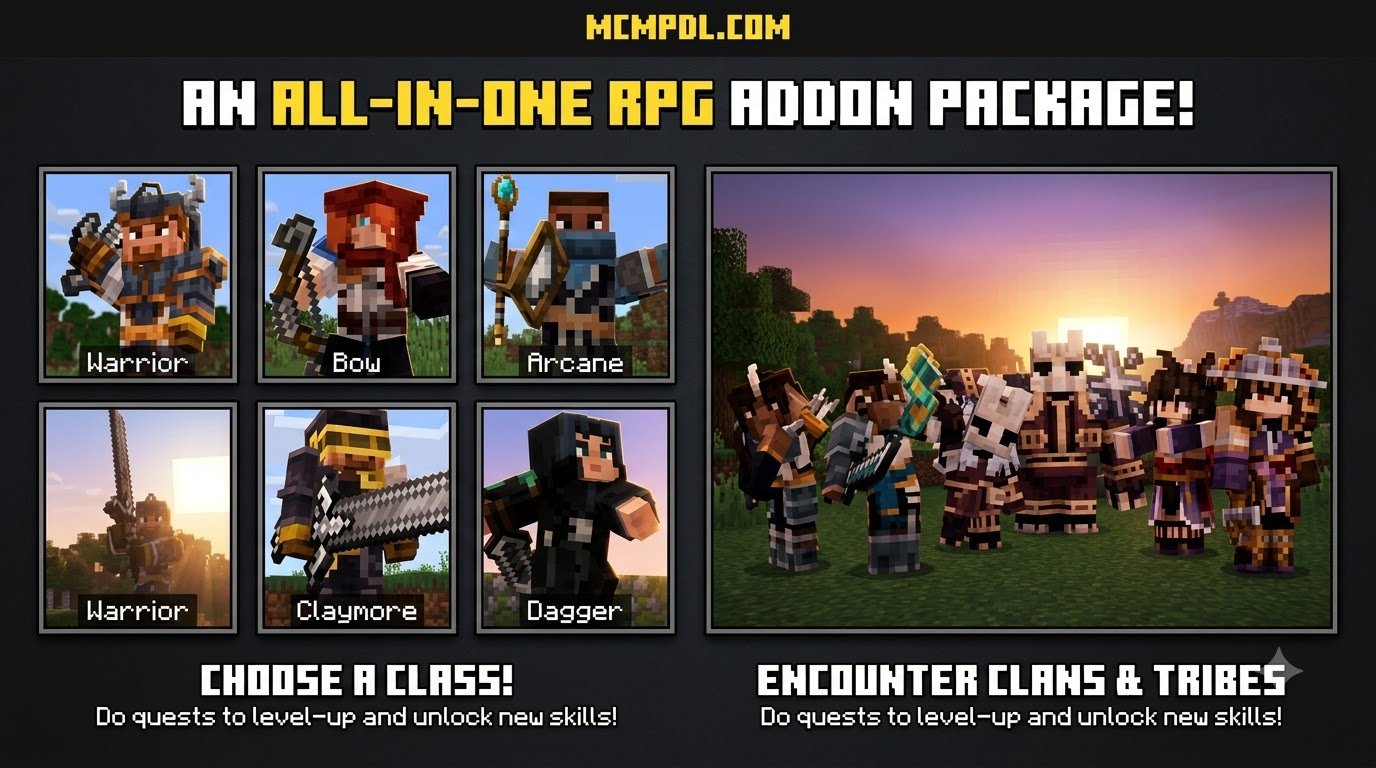
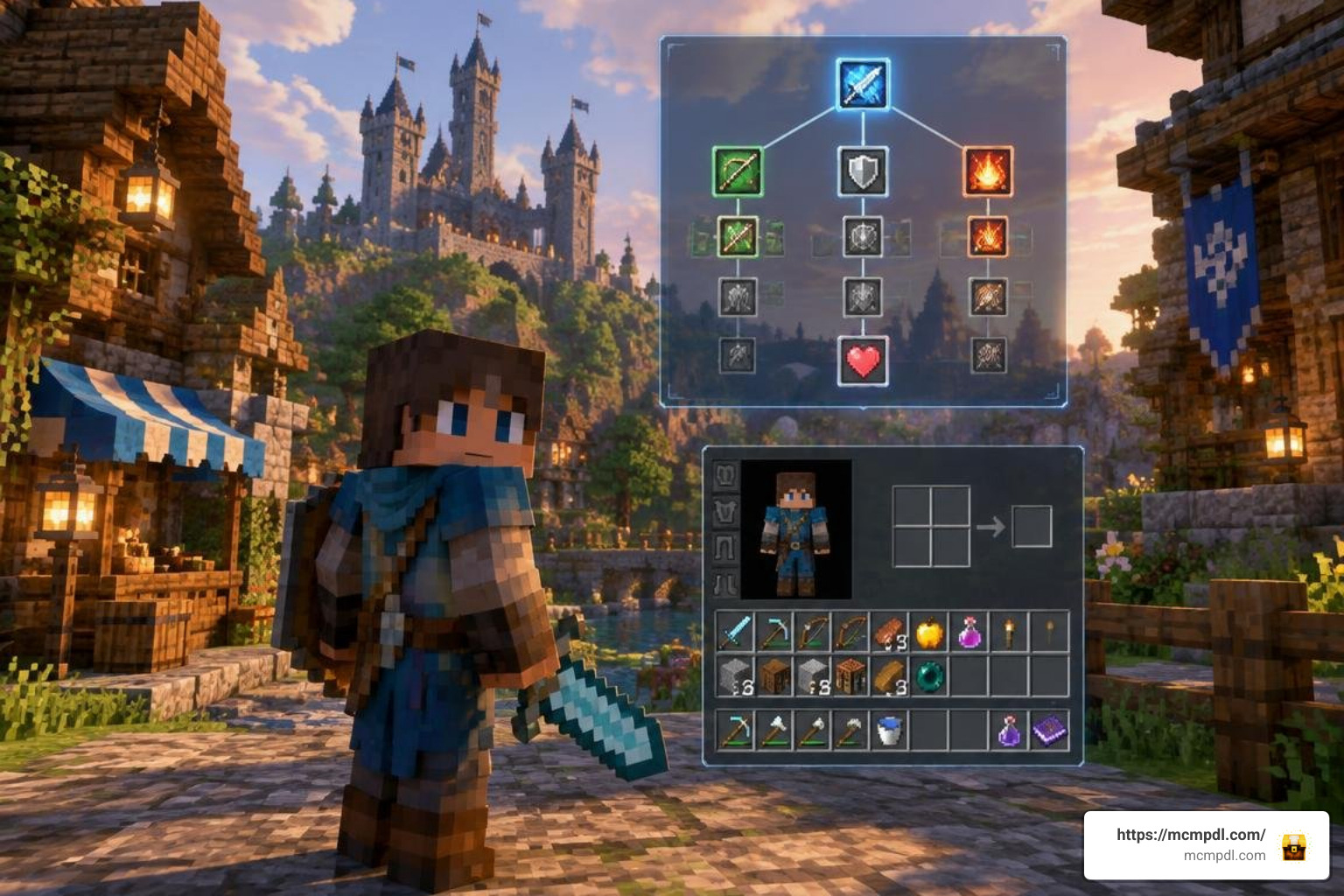
Class variety defines how you interact with the world. Rather than relying solely on vanilla mana or stamina bars, modern addons implement unique resource generation mechanics tied to player behavior:
- Archer Focus: Archers generate Focus by standing still and aiming carefully, rewarding patience with deadly critical strikes.
- Ninja Flow: Ninjas build Flow through continuous sprint-jumping and agile movement, enabling burst mobility.
- Warrior Momentum: Warriors gain Momentum by striking different targets in rapid succession, boosting defense and sweeping cleaves.
Beyond core resources, dynamic status effects bring tactical weight to every skirmish. Advanced packs introduce conditions like Bleeding, Bleeding Pores, Tiredness, Starvation, Electrified, and Burn. Paired with stamina or endurance systems that limit endless sprint-attacking, these mechanics force us to think strategically during every fight.
Quests, Dungeons, and Custom Boss Encounters
Exploration should reward more than just standard dungeon chests. High-quality packs feature custom quest lines—often containing dozens of structured objectives—that guide players through progressively harder biomes.
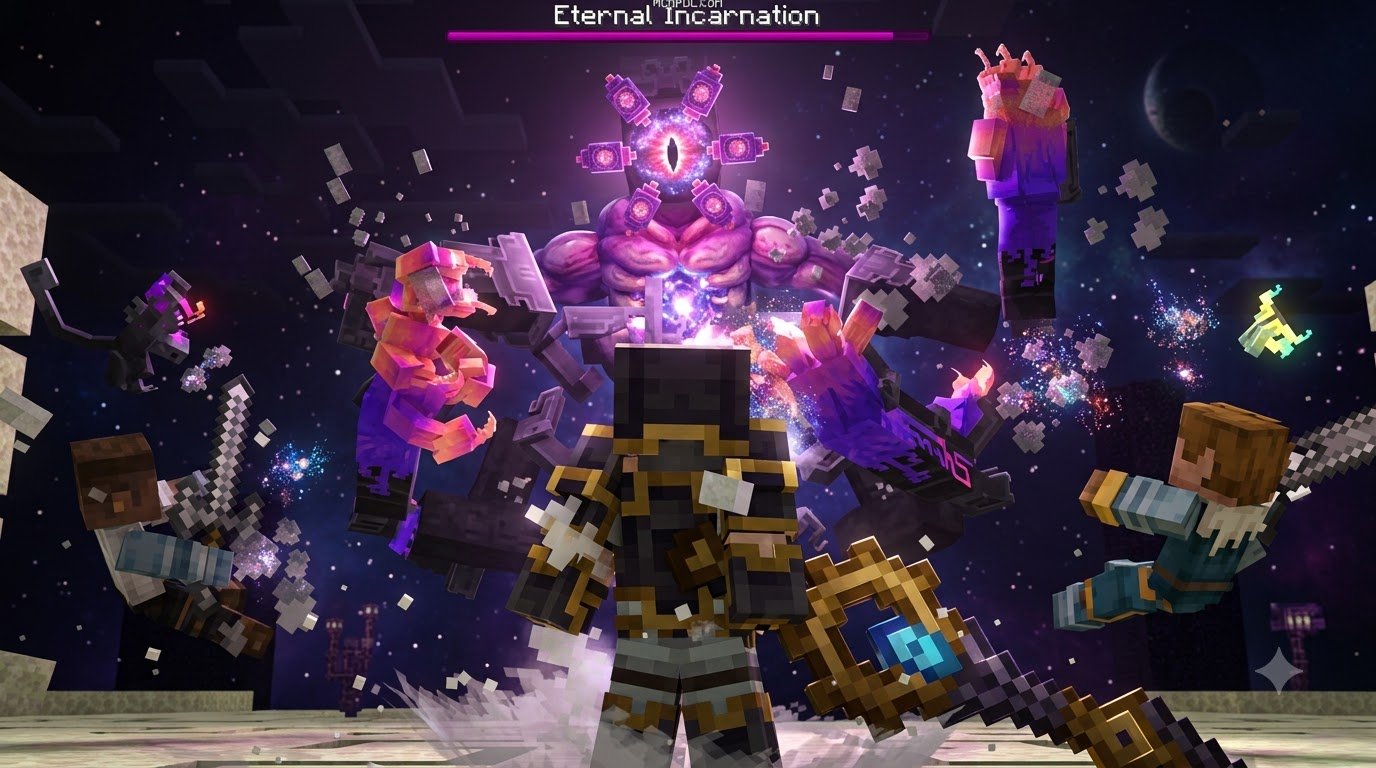
Dungeon mechanics have also evolved. Instead of cluttering overworld terrain, several mods now move labyrinths to new dungeon dimensions. Inside, each dungeon can feature unique environmental hazards, such as floors that burn stationary fighters or enemies with rapid self-healing. At the end of these trials await challenging custom bosses featuring multi-phase attack patterns, area-of-effect spells, and minion summons. Defeating these titans rewards players with rare mini-biome loot crates containing high-tier upgrade materials.
Comparing the Best RPG Addons for Bedrock Edition
Selecting the right pack depends heavily on your hardware, game version, and preferred playstyle. Below is a detailed breakdown of the leading types of RPG addons currently available for Bedrock Edition:
| Addon Type | Key Features | Typical File Size | Supported Bedrock Versions | Primary Focus |
|---|---|---|---|---|
| Evolution System Packs | Multiple Classes, Dungeons, Mythic Bosses, Structured Quests | ~11.84 MB | 1.26.20+ | Deep solo class progression & dungeons |
| Status-Effect Survival Packs | Status Effects, Endurance system, dedicated Dungeon Dimension | 4.12 MB | 1.26.30 | Status effects & survival mechanics |
| Fantasy Expansion Packs | Custom fantasy bosses, PBR textures, Zombifier, custom ores | 3.14 MB | 1.21.0 – 1.26.x | Fantasy world expansion & mob variety |
| Party Companion Packs | Hireable hero companions, gacha mechanics, follow/sit commands | 3.17 MB | 1.21.50 – 1.21.90 | Party-based companion combat |
| Technical Logic Packs | Script hardening, waypoint teleports, isolated projectile physics | 2.42 MB | ~1.26.50 (Beta APIs) | Technical engine logic & magic stability |
| Guild-Based Roleplay Packs | Guild system, mini-biomes, loot crates, roleplay elements | Varies | 1.20.60+ | Casual multiplayer & guild building |
Comparing Evolution-Based RPG Addons
For players who want hardcore depth, evolution-based packs deliver unmatched complexity. These packs rework underlying combat math entirely.
Instead of allowing players to stack enchantments and defeat bosses in two hits, these packs utilize diminishing-returns damage curves. Every additional damage point yields slightly lower incremental gains, ensuring that endgame encounters remain thrilling trials requiring 20 to 30 well-timed strikes even at maximum level.
These packs also include in-game status effect encyclopedias, custom HUD overlays, and powerful legendary weapons with custom particle trails. Players can also explore community-crafted systems to experience a comprehensive leveling framework that ties character progression directly to in-game milestones.
Comparing Fantasy Expansion and Party-Based RPG Addons
If you prefer expanding the sandbox without overhauling basic survival logic, fantasy expansion packs are an ideal choice. Community favorites introduce custom ores like Onyx, upgrade cores, and unique utility items such as the Zombifier—which converts villagers into zombie variants for specialized farms. Furthermore, these packs frequently incorporate PBR (Physically Based Rendering) textures, adding realistic material shine and depth to armor sets.
Other roleplay-focused packs bring guild master systems, class ranks, and snap-equipment mechanics directly into survival worlds without requiring complex experimental toggles, making them accessible for casual groups.
RPG Party and Companion Systems
Solo survival can sometimes feel lonely, which is why companion-oriented packs have surged in popularity. Players can recruit a full party of adventuring heroes directly in their world.
By offering simple items like bread, you can hire warriors, bards, and mages who follow you automatically. You can issue tactical commands, such as telling companions to sit and guard your base or having them unleash targeted abilities when hostile mobs draw near. This creates a lively, team-based dynamic reminiscent of classic party RPGs.
Combat Mechanics, Balancing, and Endgame Scaling
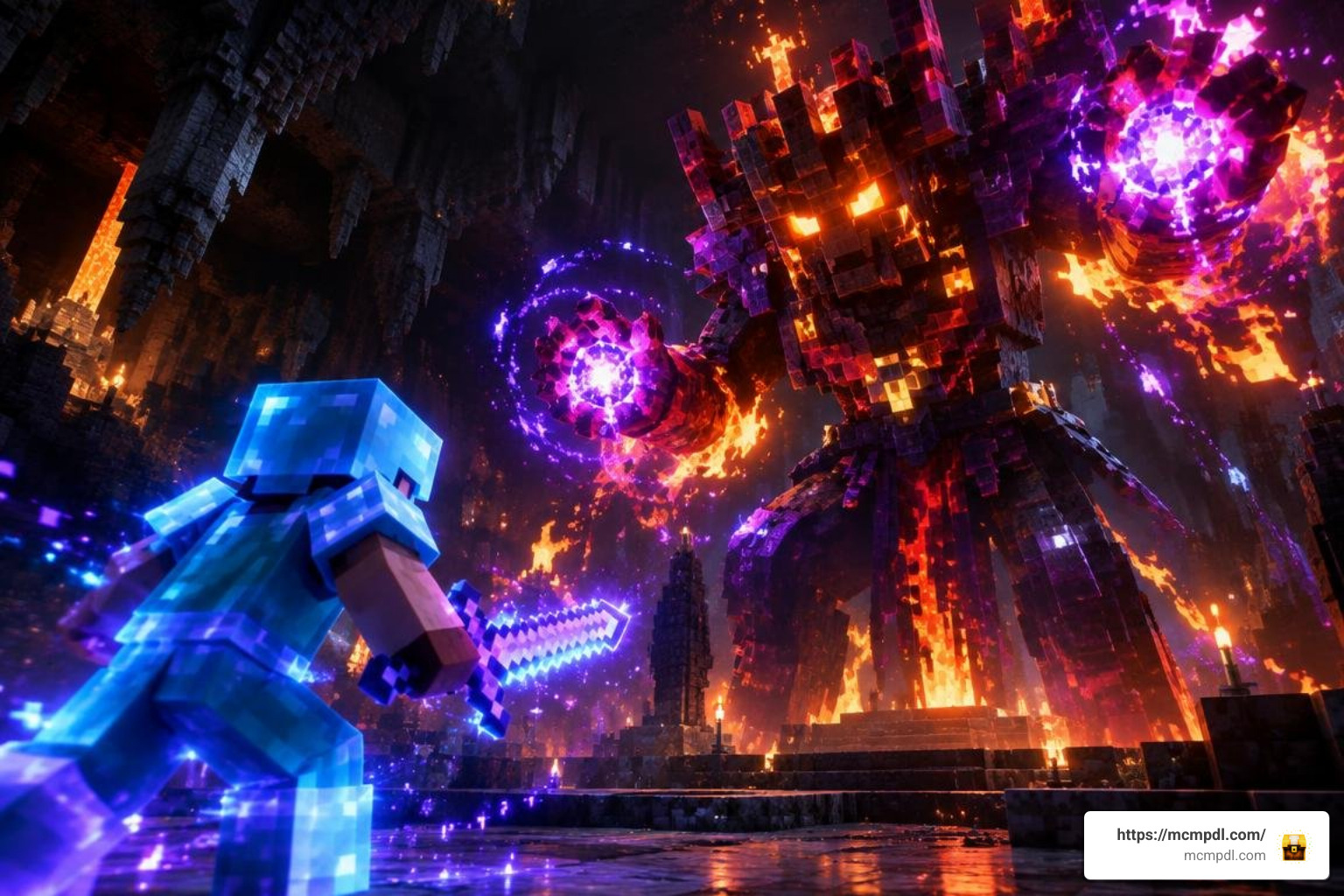
Balancing combat on Bedrock Edition requires careful tuning. Because vanilla armor and weapons scale linearly, late-game players often become invincible. Top RPG addons address this by revamping damage calculations, integrating advanced magic spells, and adding lethal lifesteal mechanics to balance high-damage threats.
Choosing the Best RPG Addon for Minecraft PE/Bedrock for Solo Play
When selecting an RPG addon for Minecraft PE/Bedrock for solo play, look for self-contained progression loops that do not rely on other players to trigger mechanics. The ideal solo pack provides:
- Clear quest logs and offline storyline tracking.
- Dynamic enemy level scaling that adjusts mob health based on your personal tier.
- An endurance or stamina bar that discourages reckless button-mashing.
- Dedicated dungeon dimensions that protect your overworld builds from explosive boss battles.
Packs that combine class evolution with diminishing damage curves offer the smoothest singleplayer experience, ensuring you always have a challenging goal to work toward.
Multiplayer Guilds and Party-Based Combat
In multiplayer realms and dedicated servers, roleplay dynamics shine when players can form guilds and assign combat roles. Dedicated tanks, ranged archers, and healers must coordinate cooldowns to take down hidden realm bosses.
Multiplayer stability depends on how efficiently the addon handles entity scripts. Lightweight companion and guild mods prevent server desync by using clean scoreboard triggers, allowing dozens of players to participate in coordinated raids without dropping frame rates.
Installation Guide and Compatibility Troubleshooting
Installing custom packs on Bedrock Edition is straightforward, but modern scripted addons require specific setup steps to prevent game crashes.
How to Install an RPG Addon for Minecraft PE/Bedrock Step-by-Step
Follow these steps to ensure clean installation on Android, iOS, Windows, and consoles:
- Download the Addon Files: Download the
.mcaddonor individual.mcpackfiles (Resource Pack and Behavior Pack) from trusted sources. - Import into Minecraft: Open the downloaded file to automatically launch Minecraft Bedrock and begin importing the pack assets.
- Back Up Your World: Always create a duplicate copy of your survival world before applying any custom scripts or behavior packs.
- Apply Packs in World Settings:
- Navigate to your world settings.
- Activate the Resource Pack under Resource Packs.
- Activate the matching Behavior Pack under Behavior Packs.
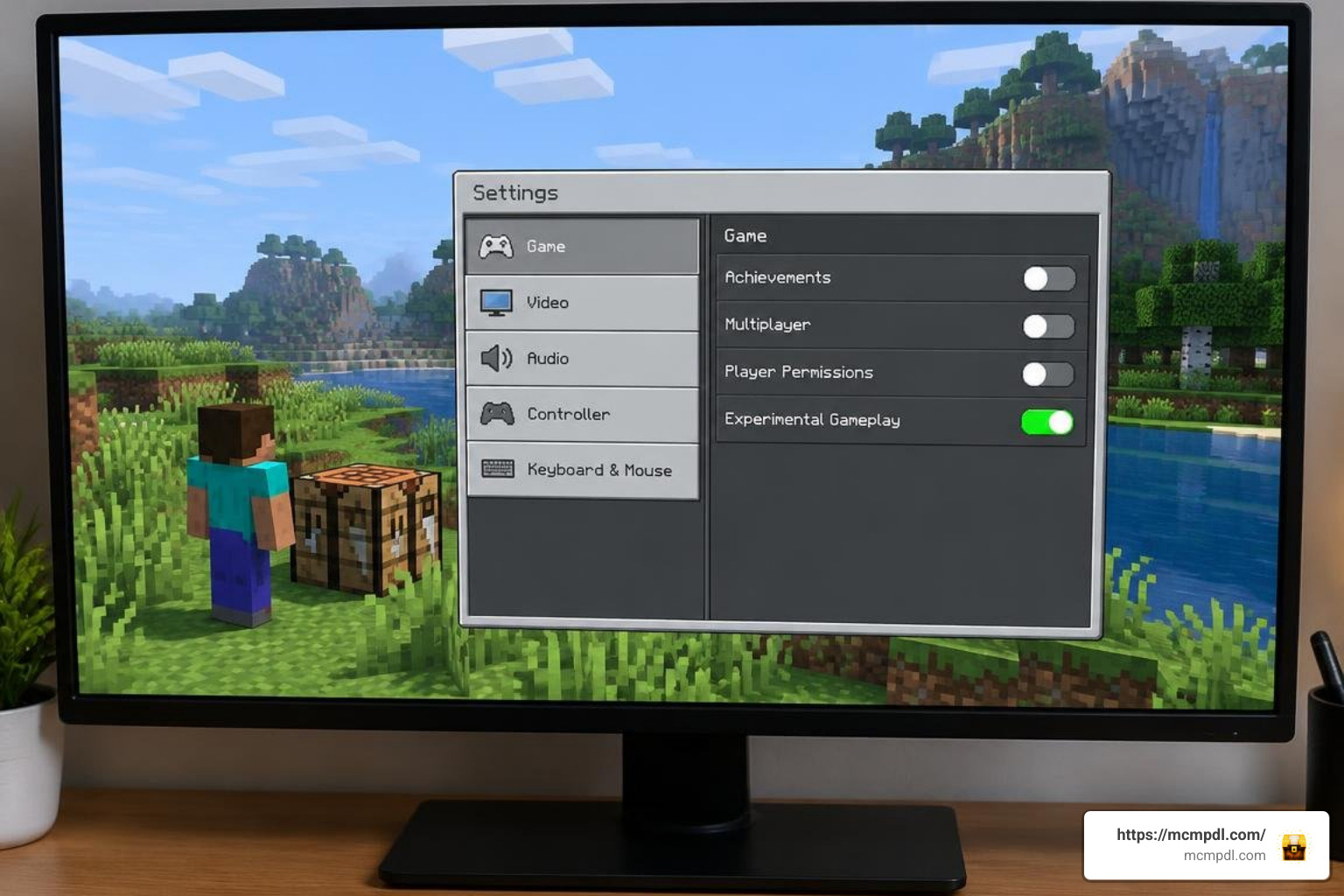
- Enable Experimental Toggles: Scroll down to the Experiments tab and enable:
- Beta APIs (essential for custom UI, class scripts, and spells)
- Holiday Creator Features (if required by older addon versions)
- Upcoming Creator Features
- Launch and Verify: Enter your world and confirm that custom HUD elements, classes, or initial quest items appear in your inventory.
Resolving API Bugs and Performance Issues
Engine updates can occasionally disrupt custom scripts. For instance, recent Bedrock updates (~1.26.50) altered how the engine processes mounted entities and cross-dimension teleports. Technical updates address these engine shifts by pinning projectile physics flags (such as fireball detection) and dual-listening to world load events.
If you encounter issues on mobile devices:
- Missing Armor/UI: Ensure your Resource Pack is prioritized at the top of your active pack list.
- Script Crashes on World Load: Verify that Beta APIs are toggled on in your world settings.
- Frame Rate Drops: Disable heavy particle effects via in-game addon configuration menus (such as typing
/rpg:world-settingsin chat).
Frequently Asked Questions About Minecraft Bedrock RPG Addons
Are free and paid RPG addons better for different players?
Free community addons distributed across creator repositories and community databases frequently offer deeper script integration, custom dimensions, and complex class trees powered by Bedrock’s Beta APIs. However, they require manual installation and experimental toggle management.
Paid Marketplace addons offer one-click installation, guaranteed cross-platform stability across consoles, and seamless multiplayer compatibility, making them great for casual group sessions.
What experimental toggles are required to run Bedrock RPG addons?
Most modern RPG packs rely heavily on the Beta APIs toggle to render custom HUDs, manage class resource points, and calculate diminishing damage curves. Depending on the addon’s release date, you may also need to enable Holiday Creator Features and Upcoming Creator Features. Always check the addon’s specific documentation before launching your world.
Can I use RPG addons alongside custom texture and animation packs?
Yes, most RPG addons are designed to work alongside standard texture and animation packs. However, you should place your custom UI and RPG Resource Packs higher in the load order than generic texture packs to prevent custom health bars, mana gauges, or spell icons from being overwritten.
Conclusion
Transforming Minecraft Bedrock into a sprawling roleplaying game has never been easier. Whether you want to master class abilities in hardcore dungeon dimensions, build thriving player guilds, or recruit a team of loyal companions, there is a pack tailored to your adventure style.
Before embarking on your journey, remember to back up your worlds, enable the required experimental toggles, and balance your load order. Explore the latest modifications, tutorials, and community expansions on MCMPDL to build your ultimate Bedrock RPG experience today!
4 thoughts on “RPG Addon for Minecraft PE/Bedrock”