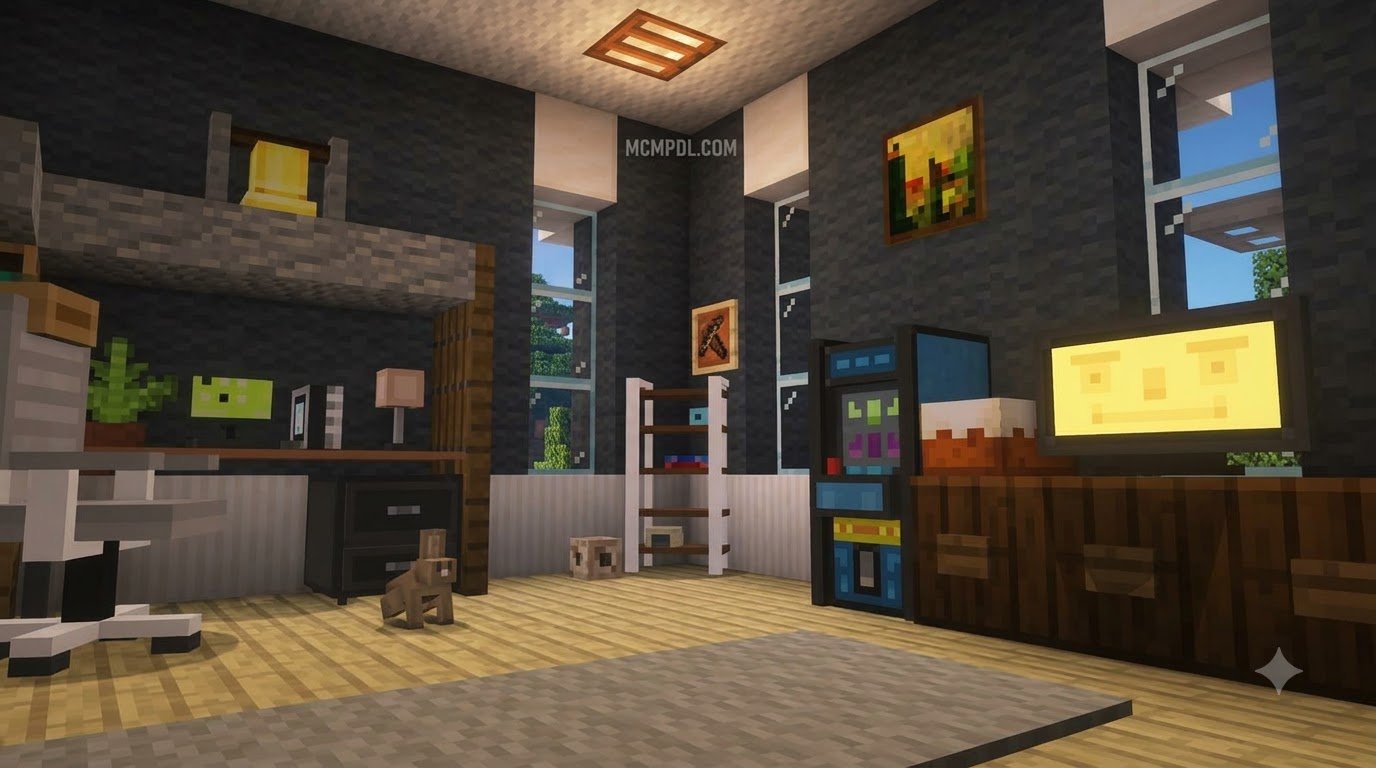
Scroll down to D0vvnl0ad
What Makes a Great Furniture Addon for Minecraft PE/Bedrock?
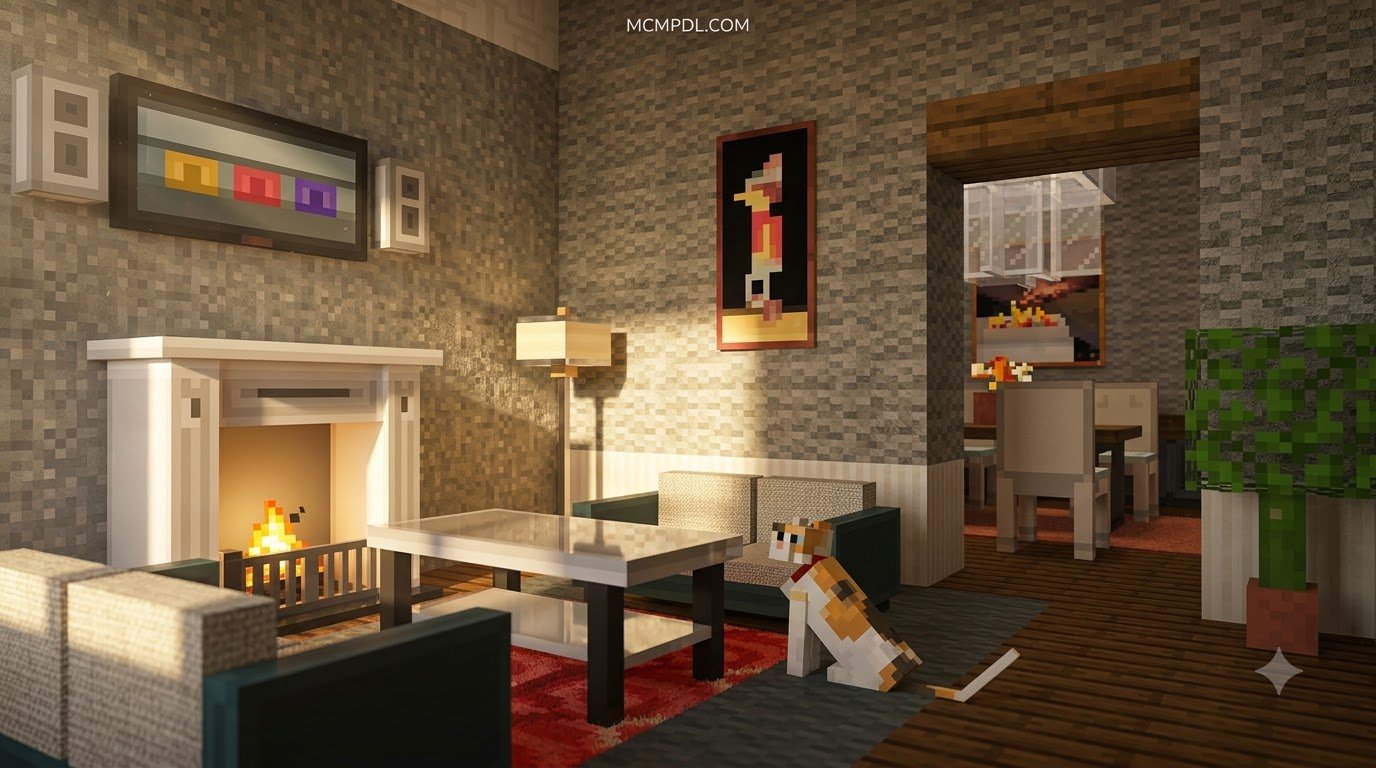
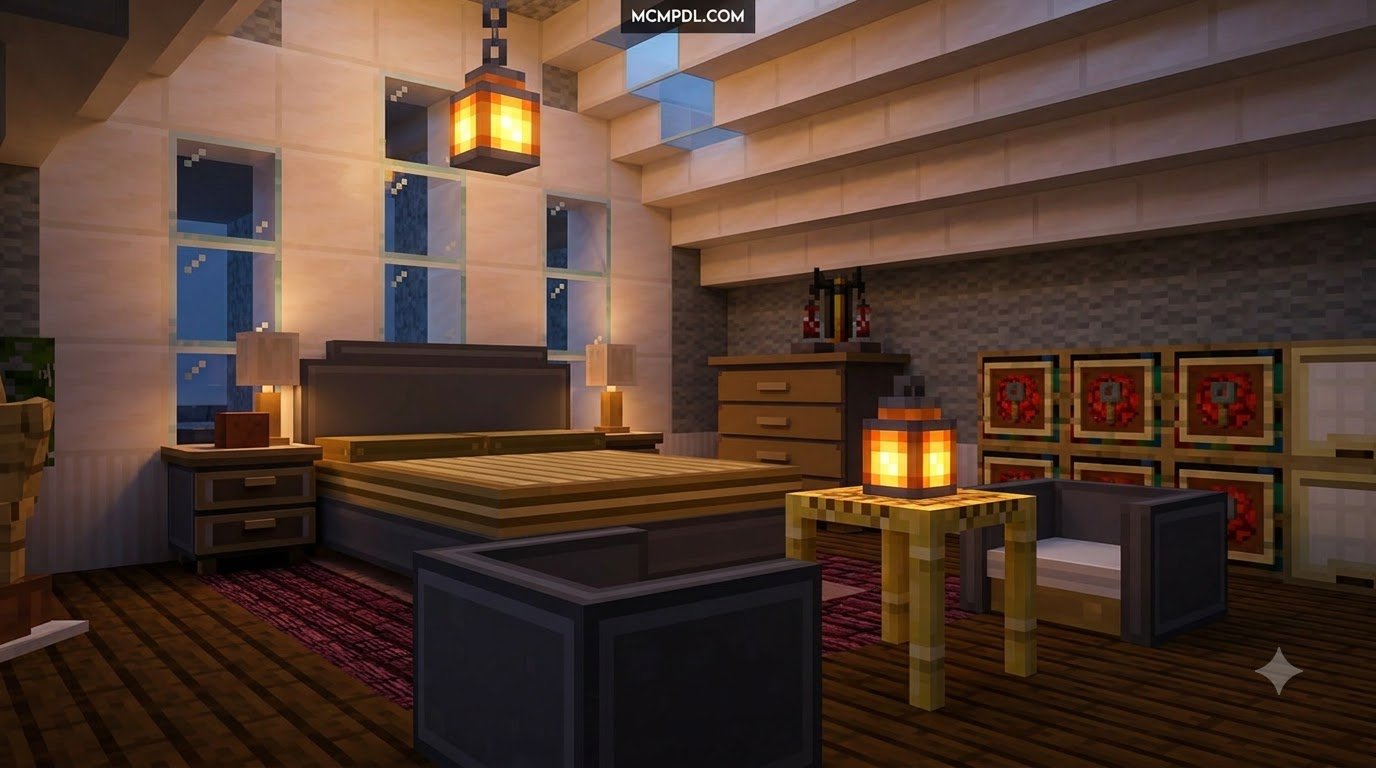
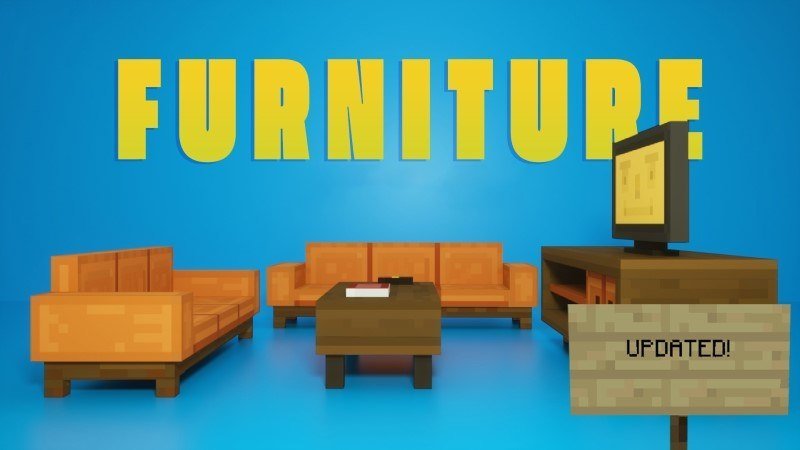
To find and install the best furniture addon for Minecraft PE/Bedrock, download trusted .mcaddon or .mcpack files that feature functional utilities such as working storage, sit-able chairs, and interactive kitchen appliances. Top choices like the Furniture Life Addon for Minecraft PE/Bedrock provide complete survival crafting integration, custom UIs, and dynamic lighting right out of the box. Simply tap or double-click the downloaded file on Android, iOS, or Windows to auto-import it directly into Minecraft, enable the resource and behavior packs in your world settings, and start decorating.
When choosing a decoration pack, builders look for two distinct styles of development: purely aesthetic props and fully interactive utility blocks. While simple visual blocks make your builds look detailed from afar, modern add-on engineering allows players to interact directly with their surroundings. A high-quality decoration modification turns empty houses into functional living environments. Instead of placing upside-down stairs and awkward signs to create makeshift armchairs, you can sit naturally without visual camera clipping or glitchy mount health bars obstructing your view.
| Feature Type | Decorative-Only Packs | Functional Furniture Addons |
|---|---|---|
| Seating Mechanics | Visual blocks only; requires crouch pretending | Entity/Block-based true sitting mechanics |
| Item Storage | Static cosmetic models | Dedicated UI inventories (chests, drawers, fridges) |
| Cooking & Processing | Static kitchen stoves | Working blenders, coffee pots, and stew cauldrons |
| Lighting Systems | Static texture glows | Toggleable dynamic light states & switchable lamps |
| Power Infrastructure | No functional mechanics | Generators, cables, and connected appliances |
| Survival Integration | Creative inventory only | Stonecutter and crafting bench vanilla recipes |
Functional Electronics and Interactive Storage
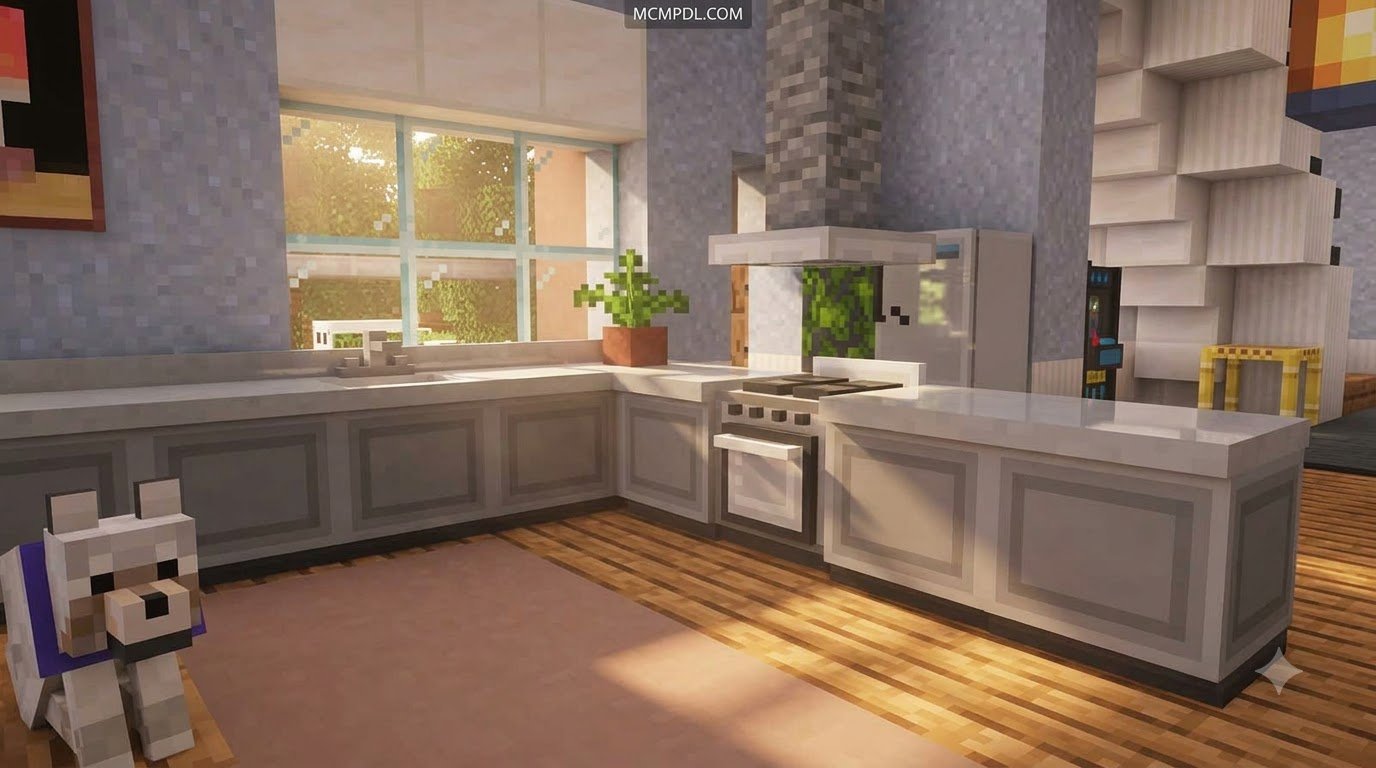
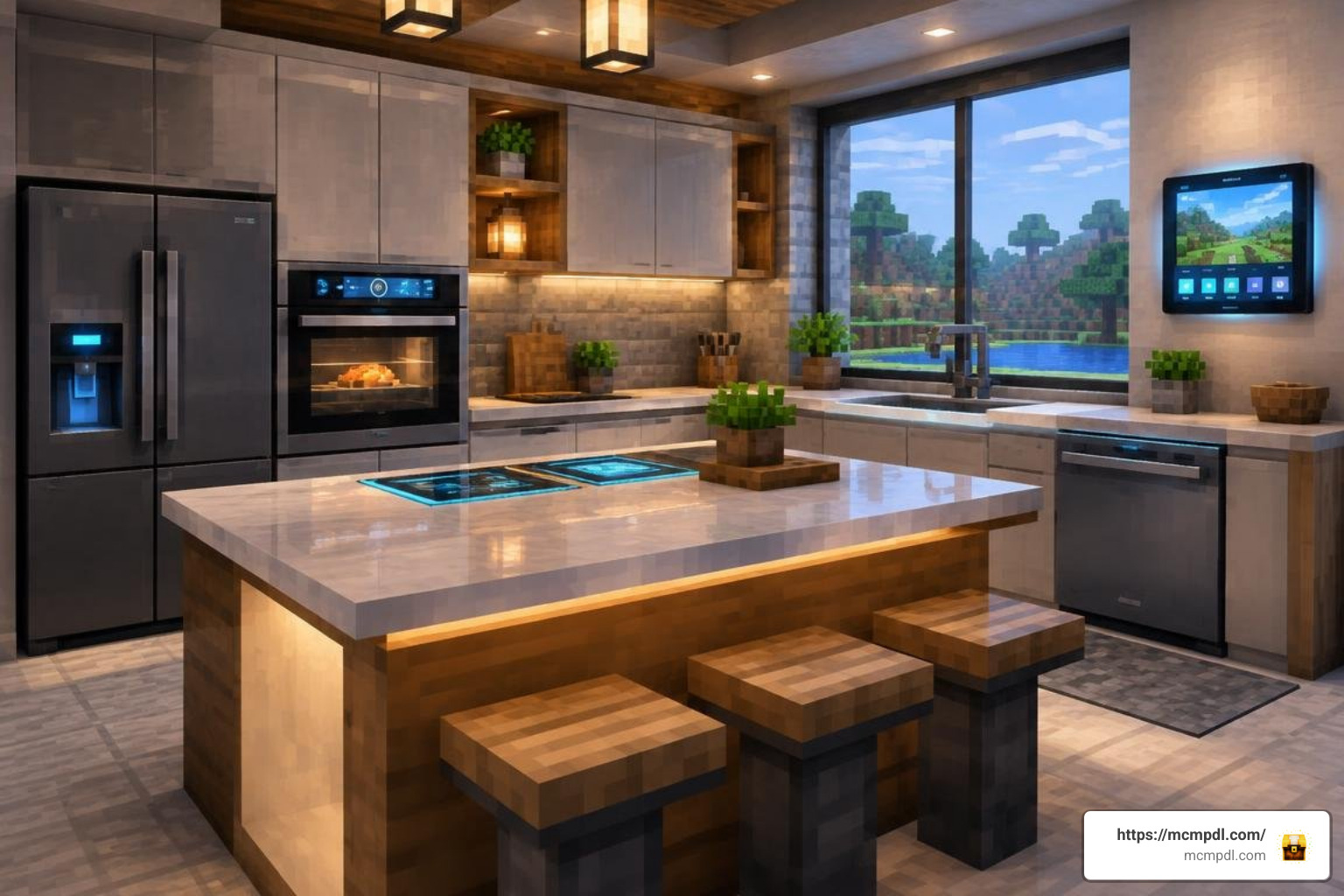
Modern pack development delivers advanced appliances that behave realistically across survival and creative modes. Kitchen refrigerators, cupboards, and filing cabinets now feature dedicated graphical inventories. This allows you to store specific item categories directly inside thematic containers rather than hiding traditional vanilla chests beneath floors. Entertainment and utility blocks also come with built-in mechanics:
- Interactive Televisions: Players can activate screens and toggle through animated channels with distinct scenes, test patterns, and retro visuals.
- Working Audio Systems: Boomboxes and stereos accept custom discs or play ambient music tracks across a customizable sound radius for immersive room acoustics.
- Kitchen Refrigeration: Functional fridge doors open on interaction, providing temperature-styled UI storage slots for food items that keep meals neatly organized.
- Animated Appliances: Toasters pop bread, ovens bake items over active flame timers, and ceiling fans rotate smoothly without dropping client-side frame rates.
Custom Energy, Cooking, and Generator Systems
Beyond simple animations, sophisticated packs introduce self-contained micro-economies. Energy generators use combustible fuels like coal, charcoal, or lava buckets to distribute power through nearby outlets. Connecting standing fans, desk lamps, or industrial freezers to these powered grids adds mechanical depth to survival worlds.
Culinary systems have evolved alongside power mechanics. Blenders, espresso machines, and iron stew pots let you combine vanilla agricultural produce into meals that grant custom status effects. Grinding herbs with a mortar and pestle or blending golden apples creates potent consumable smoothies that boost health, speed, and mining efficiency during long survival sessions. If you want a comprehensive upgrade for day-to-day base utility, try using the Furniture Life Addon for Minecraft PE/Bedrock to furnish kitchens and workshops with interactive tools and automated crafting stations.
Top Features and Customization Tools in Bedrock Furniture Mods
The best packs let builders personalize their spaces. Modern addons let you adjust materials, patterns, and colors without cluttering your inventory with hundreds of duplicate creative items.
Customization Mechanics in a Modern Furniture Addon for Minecraft PE/Bedrock
To keep survival gameplay smooth, top addons integrate with vanilla workstations and simple crafting mechanics:
- Direct Dye Application: You can right-click or tap placed sofas, lampshades, office chairs, and curtains with any of the 16 vanilla dye colors to update their textures on the fly without breaking and replacing blocks.
- Woodwright Chiseling: Special handheld tools let you cycle through various wood species (such as Oak, Spruce, Cherry, and Mangrove) while keeping your chosen furniture model intact.
- Stonecutter Transformation: Instead of requiring complex custom recipe grids, standard building materials can be fed into the vanilla stonecutter to produce matching tables, counters, and cabinets efficiently in survival mode.
- Custom 3D Modeling: Addons designed using modern Blockbench models offer precise collision hitboxes, smart snapping across corners, and accurate rotational placement for seamless room arrangements.
If you enjoy fine-tuning decorative scales, combining your layout with the Mini Blocks 2.0 Add-on allows for micro-detailing on shelves and tabletops. For classic cubic designs that blend with the default game aesthetic, you can also explore the Block Furniture Addon for Minecraft PE/Bedrock or browse the standalone Block Furniture 1.0 Add-on for Minecraft Bedrock Edition.
Visual Enhancements, Shaders, and RTX Compatibility
Visual realism has taken a major step forward on Bedrock Edition. Many popular decoration mods now feature custom Physically Based Rendering (PBR) texture maps. These maps include roughness, height, and metallic properties that interact dynamically with ray-tracing on Windows 10/11 and the Vibrant Visuals engine on mobile devices.
Specular highlights reflect across glass coffee tables, polished marble countertops display subtle surface depth, and feldspar lamps emit warm, colored illumination into surrounding rooms. If you enjoy building themed environments, pairing interior packs with architectural expansions like the More Blocks Addon for Minecraft PE/Bedrock or the Fantasy Blocks Addon for Minecraft PE/Bedrock helps you create cohesive builds across ancient, rustic, or modern settings.
Using stylized designs with detailed props, realistic wood grain textures, and modular counters gives you complete creative freedom. These visual expansions let you build immersive living rooms, high-tech research labs, cozy mountain cabins, and modern penthouse apartments that look spectacular in any lighting condition.
How to Install and Configure Furniture Packs on Mobile and PC
Installing Bedrock addons is simple because the game handles .mcaddon and .mcpack files natively.
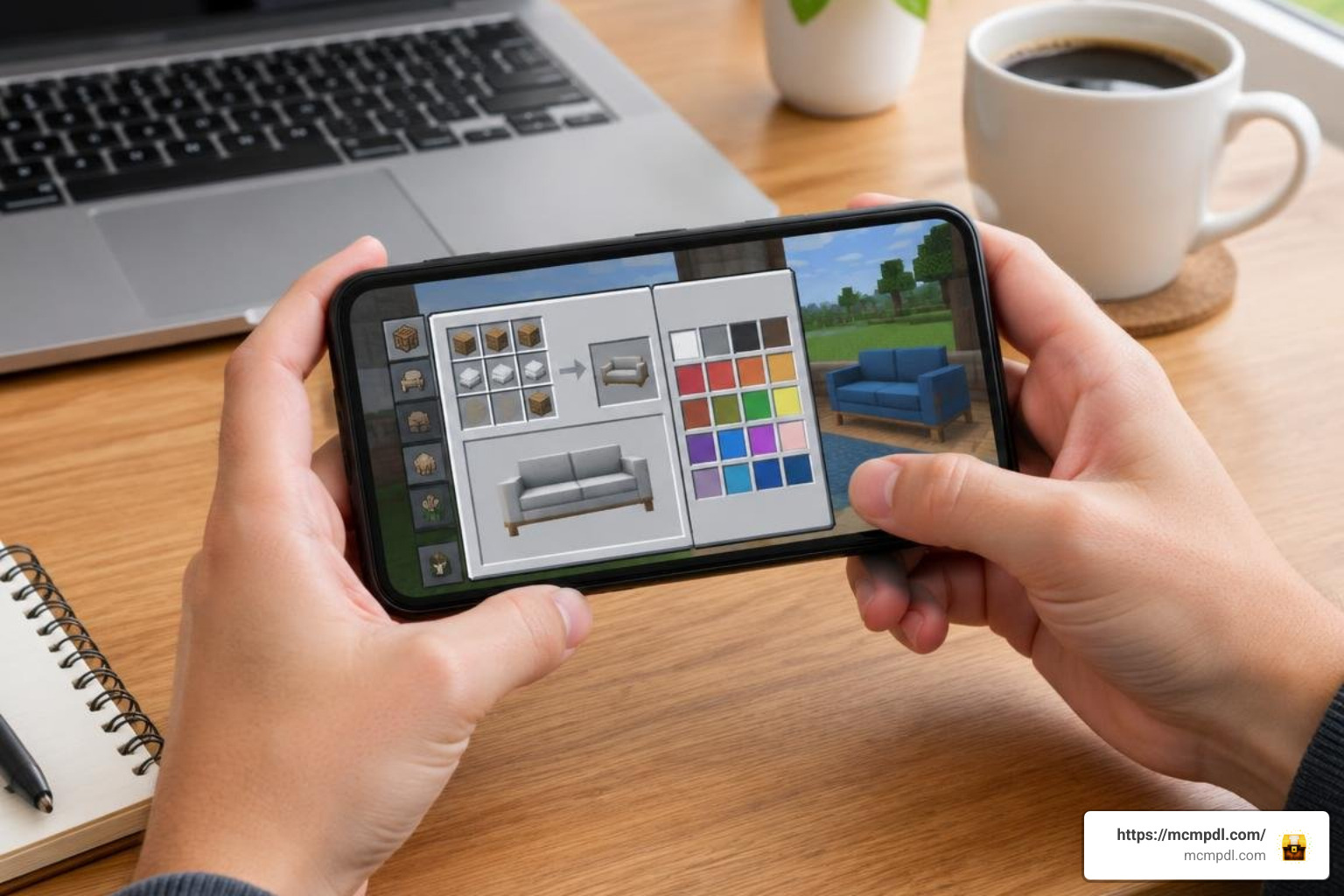
Step-by-Step Installation for Android, iOS, and Windows 10/11
Android Devices
- Download your chosen
.mcaddonor.mcpackfile using your mobile browser. - Open your device’s file manager app and navigate to your Downloads folder.
- Tap the file and select Open with Minecraft. If your phone does not display Minecraft automatically, rename the file extension from
.zipto.mcaddonbefore tapping. - Minecraft will launch and show an “Import Started” banner, followed by a successful import message.
If you prefer an automated mobile tool, you can check utility apps like Furniture Mod & Addon for MCPE on Google Play or the Furniture Mod for Minecraft PE on iOS.
iOS / iPadOS Devices
- Download the pack file via Safari.
- Open the Files app and tap the downloaded
.mcaddonfile. - The system will automatically launch Minecraft and import both the resource and behavior components.
Windows 10 & Windows 11 PC
- Download the
.mcaddonfile to your PC. - Double-click the file. Windows will launch Bedrock Edition and import the packs automatically.
Optimizing Your Furniture Addon for Minecraft PE/Bedrock on Realms
After importing your pack, apply it to your world settings:
- Open Minecraft, navigate to Play, select your target world, and click Edit (Pencil Icon).
- Scroll down on the left-hand menu to Resource Packs and activate your furniture pack under My Packs.
- Move to Behavior Packs and activate the matching behavior file.
- Check your load order: ensure high-resolution interior textures sit above general utility mods to prevent texture conflicts.
- If you are decorating themed builds, you can combine packs like the Anime Furniture World for Minecraft PE/Bedrock with your main layout.
- When hosting on Minecraft Realms, check the box labeled “Require players to accept resource packs to join” so all players see the custom models and textures properly.
Frequently Asked Questions About Minecraft Bedrock Furniture Mods
Do furniture addons disable achievements in Minecraft Bedrock survival?
Packs that only replace models using pure Resource Packs keep Xbox Live achievements enabled. However, addons that introduce custom scripted entities, working generators, or separate behavior definitions will disable achievements in that specific survival world.
Do I need to enable experimental gameplay features to run furniture addons?
Many modern addons built for Bedrock use the standard custom blocks pipeline and do not require experimental gameplay toggles. However, packs that feature complex custom UIs, wiring networks, or specialized player animations may still require you to turn on options like Beta APIs or Molang Features in your world settings.
Can I use furniture addons on multiplayer servers and Minecraft Realms?
Yes. When you install an addon into a dedicated Bedrock server or Realm, the host machine handles the behavior pack scripts while connected players automatically download the required resource textures during the loading screen.
Conclusion
Modern furniture modifications let you turn empty structures into functional, comfortable homes. Whether you want to wire up a kitchen grid, watch animated TV channels, or design a stylish living room with custom dyed couches, there are plenty of options available for Bedrock builders.
To find more community-tested packs, custom worlds, and interior expansions, check out the resources available on our MCMPDL home page and start decorating your world today.
1 thought on “Furniture Addon for Minecraft PE/Bedrock”