Scroll down to D0vvnl0ad

Find the Dimensional Backpacks Add-On safely
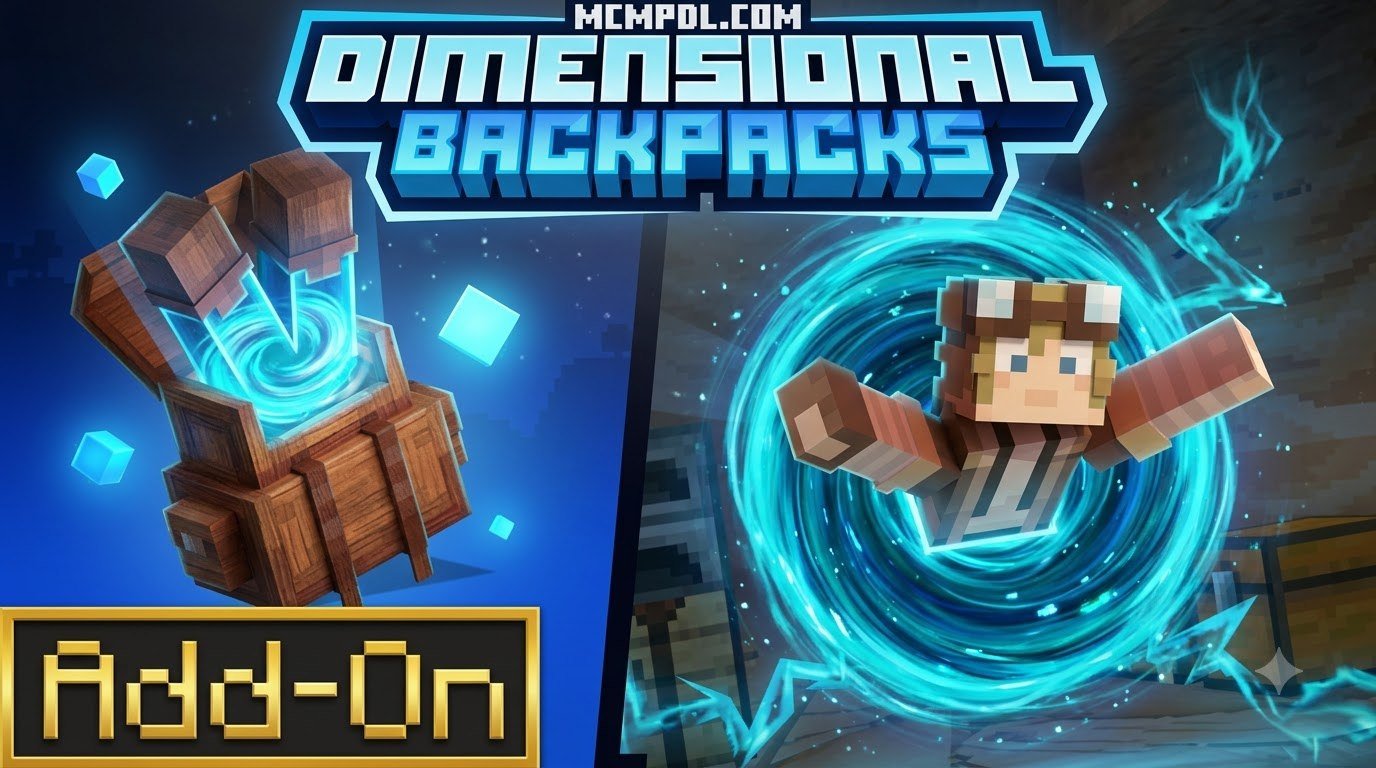
To download the Dimensional Backpacks Addon for Minecraft PE/Bedrock, get the verified .mcaddon file from the MCMPDL download page and import it directly into your game client. Ensure your game is updated to Bedrock 1.21.120 or newer before enabling the behavior and resource packs in your world settings.
This modification is much more than an extra inventory bag: its craftable backpacks act as fully functional portable bases. The add-on also introduces trial dimensions, new threats, and a wearable Nether portal. This guide will help you install the verified pack safely and compare it with simpler backpack utilities. For players who want a broader view of available tools, explore all Minecraft Bedrock addons to see how this pack fits into a larger survival setup.
How to Download and Access the Add-On Safely
Navigating modern Bedrock modifications requires making sure you are getting clean, verified files that will not corrupt your survival worlds. When downloading this specific expansion from MCMPDL, getting the authentic release ensures smooth updates, native compatibility, and hassle-free one-click installation directly across all your devices.
Download Details and Add-On Identification
To ensure you are securing the authentic release and avoiding knockoff packs, verify the technical metadata associated with the creation. The official pack is created by Pixelusion and carries the unique pack identifier daf728fe-49d3-4949-9917-7b028e571eab.
Always make sure to check developer credentials, changelogs, and file integrity on the download page prior to importing the .mcaddon file into Minecraft. This step ensures you avoid unverified third-party redistributions that could contain outdated scripts or broken behavior files.
System Requirements and Version Compatibility
Before adding this pack to your survival setup, verify that your base game meets the core technical specifications:
- Minimum Game Version: Minecraft Bedrock Edition version 1.21.120 or newer.
- Platform Support: Fully compatible with Android (MCPE), iOS, Windows 10/11, Xbox, PlayStation, and Nintendo Switch.
- Script Engine Compatibility: Built on current Bedrock script modules to ensure stable cross-dimension synchronization.
- Multiplayer and Realms: Functions in singleplayer worlds, local multiplayer, and dedicated Bedrock Realms.
If you enjoy enhancing your survival worlds with streamlined mechanics, pairing your inventory systems with essential world utilities will help maintain smooth performance across long play sessions, especially when hosting multiple players traveling between custom dimensions simultaneously.
Core Features of the Dimensional Backpacks Addon for Minecraft PE/Bedrock
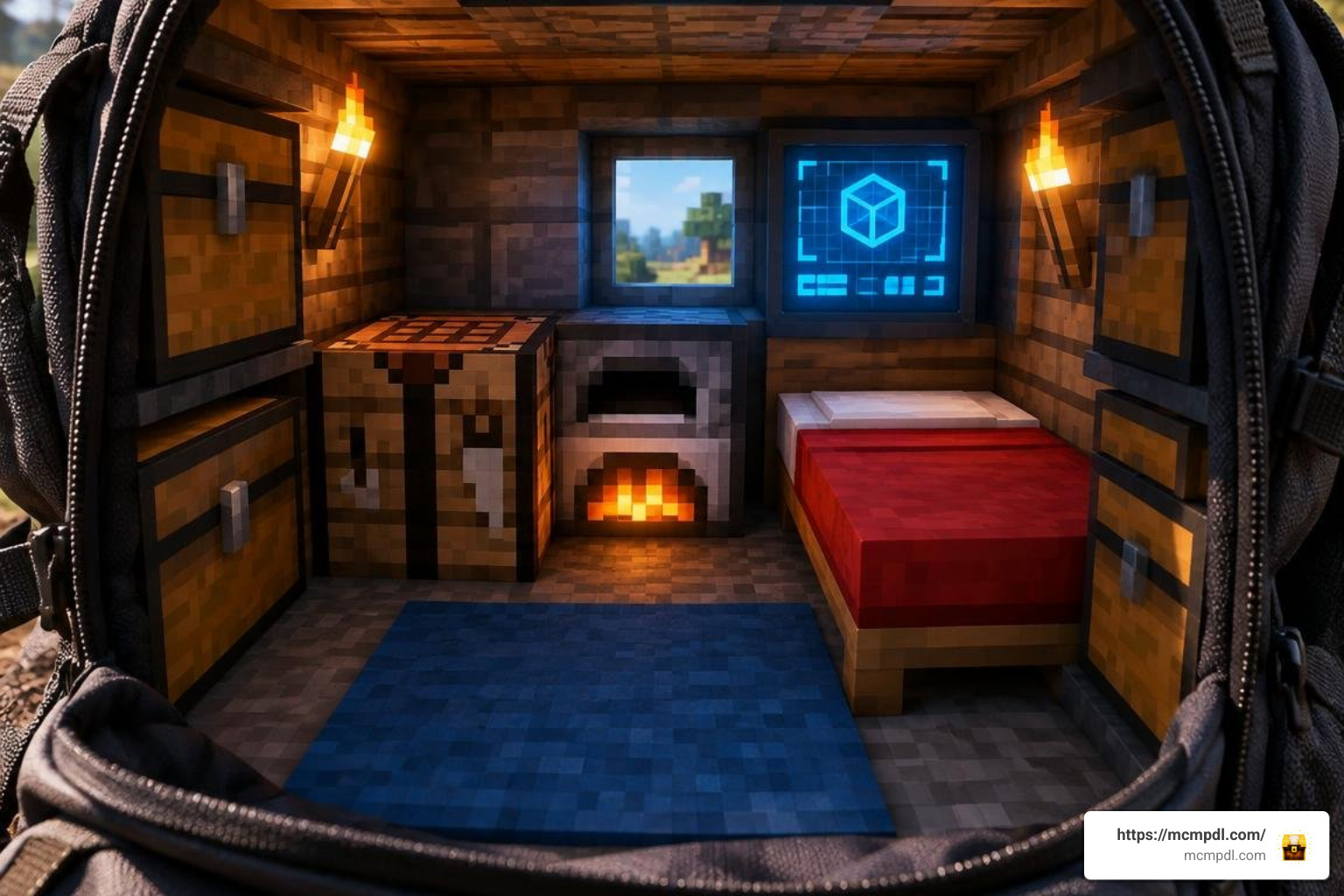
Unlike standard container packs that simply attach a chest interface to your character model, this addon reimagines storage as interactive pocket dimensions. It combines mobile survival shelters, high-risk exploration, and combat trials into a single craftable system. It acts as a comprehensive survival tool far beyond a custom storage addon.
Portable Bases and the Destabilization Boom Mechanic
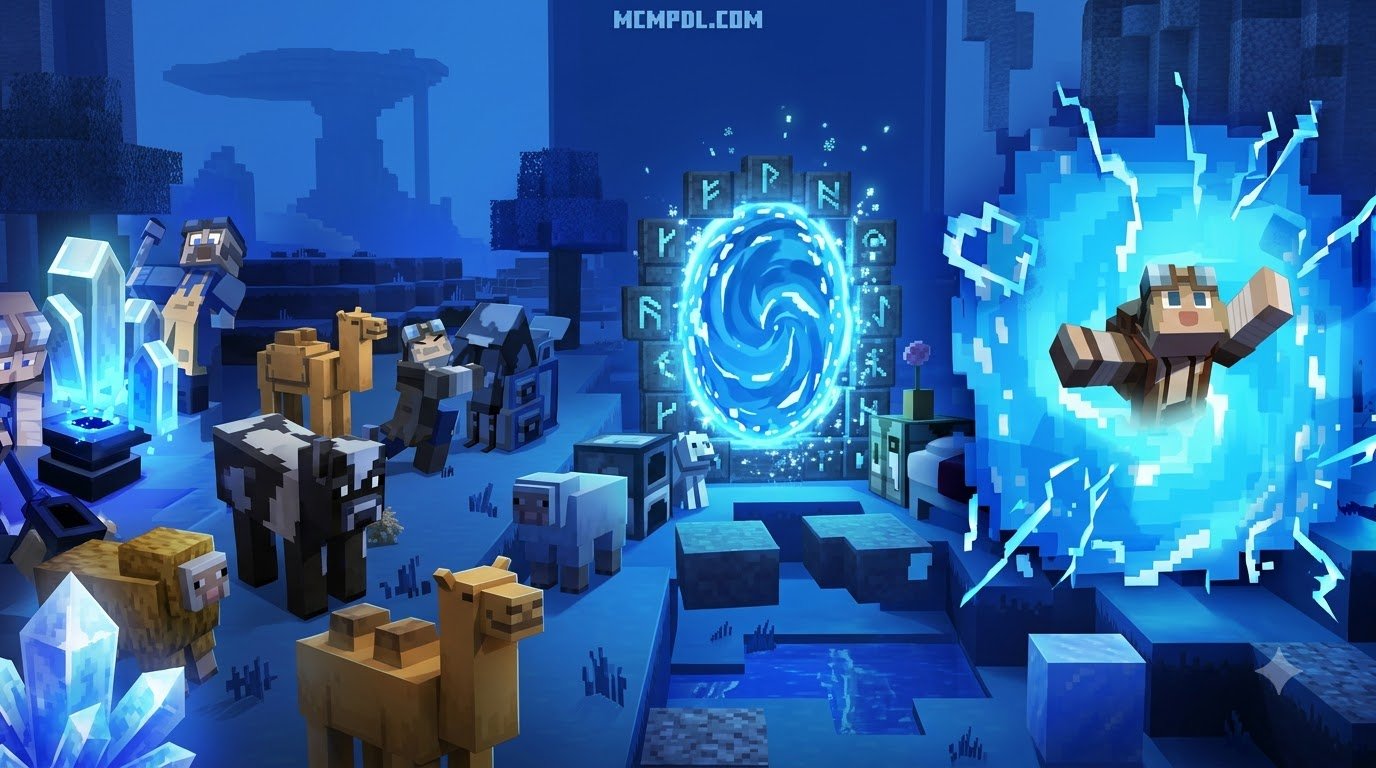
The standout feature of this addon is the ability to step inside your backpack. The interior functions as a fully personal shelter where you can place furnaces, crafting stations, chests, and beds. However, holding pocket dimensions in a lightweight frame carries immense physical danger:
- Spatial Maintenance: Entering and operating a pocket dimension requires continuous structural balance and careful resource tracking.
- The BOOM Trigger: If you fail to stabilize your backpack using dedicated maintenance items, the internal dimension destabilizes rapidly.
- Explosive Hazard: Destabilization results in a massive explosion, destroying nearby terrain and scattering stored equipment across the area.
- Multiplayer Risk: Entering your portable base while playing in multiplayer leaves the outer pack vulnerable in the Overworld—just make sure your friends don’t pick it up or toss it while you are resting inside!
How the Dimensional Backpacks Addon for Minecraft PE/Bedrock Generates Trial Dimensions
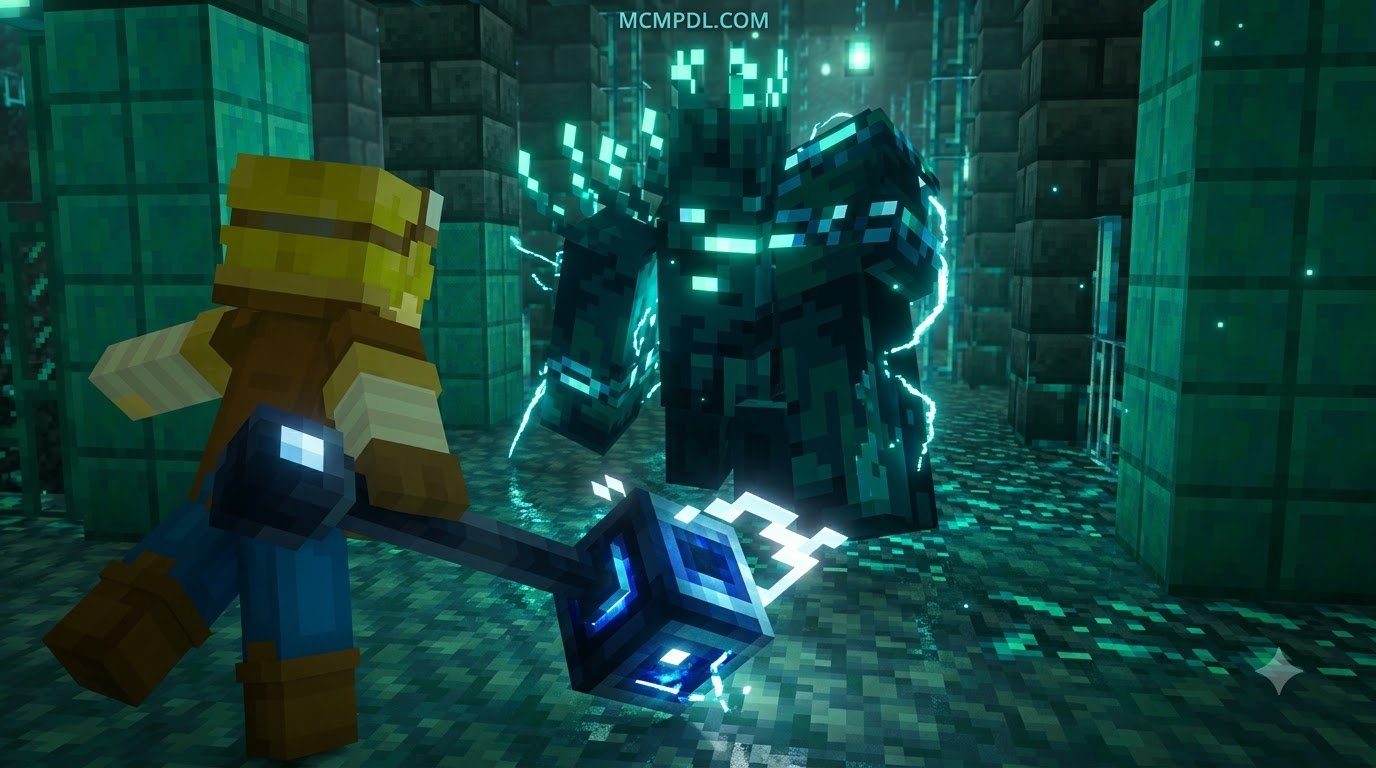
Beyond personal storage and mobile housing, the addon includes procedural combat arenas known as Trial Dimensions. When activating specific dimensional keys on your backpack, the pack opens an unstable rift that transports you into a combat trial zone.
These arenas generate randomized layouts populated with hostile threats and trial-tier encounters, similar to modern dungeon-crawling experiences found in a dedicated dimensions addon. Completing these arenas rewards you with rare crafting components, dimensional ores, and specialized upgrade materials necessary to bolster your backpack’s durability and stabilization thresholds.
Wearable Nether Portals, Tools, and Custom Mobs
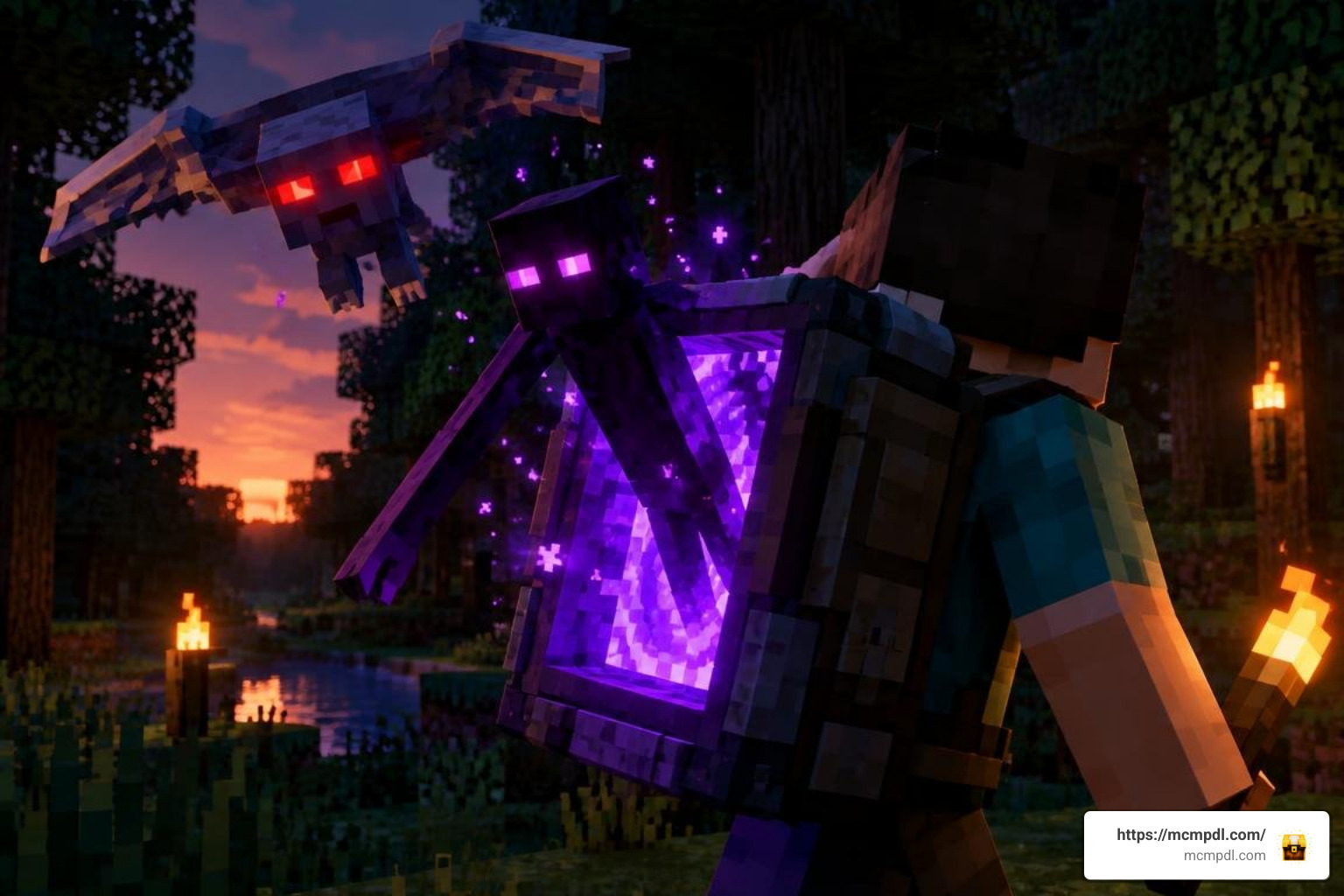
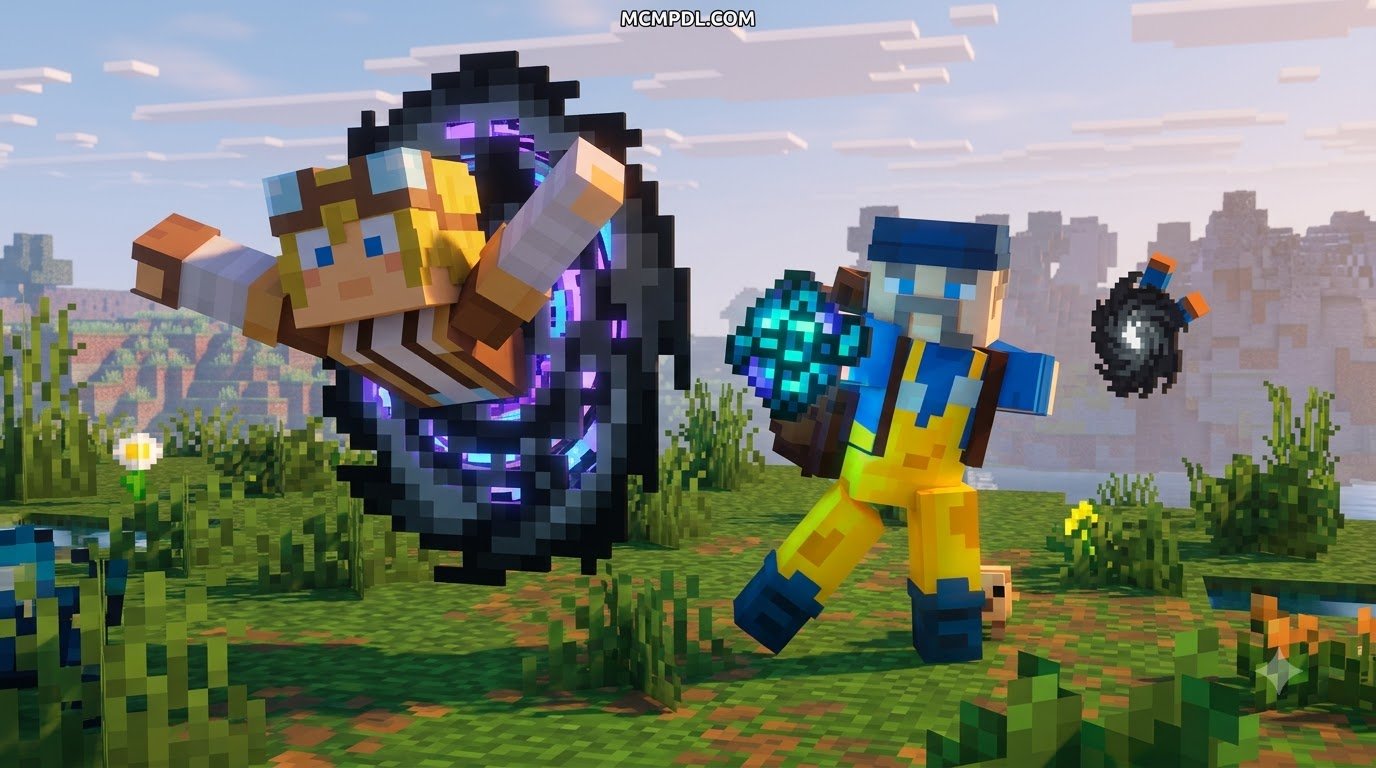
Exploration reaches a whole new level of speed thanks to the integrated Wearable Nether Portal feature. By equipping this specialized module, you can establish an immediate interdimensional link without having to construct heavy obsidian frames on the fly.
Much like using a dedicated wearable portal chest system, this tool lets you traverse deep caverns or Nether biomes without leaving static structures behind. The addon also introduces a suite of custom hostile mobs native to the pocket dimensions, alongside high-tier dimensional tools and weapons that feature distinct attack speeds and durability bonuses designed specifically for survival endgame combat.
Addon Performance and Modpack Compatibility
Because this modification relies on scripting APIs and isolated dimension instances rather than attaching dozens of invisible armor stands to the player, it maintains a lightweight footprint during exploration. This non-entity structural design helps prevent the common frame drops seen in classic mob-based container systems, ensuring stable tick rates across Realms and local multiplayer servers.
Dimensional Backpacks Addon for Minecraft PE/Bedrock vs. Standard Minecraft Storage
When deciding whether to use a high-concept pocket-dimension pack or a traditional storage expander like a portable backpack addon, consider how each solution handles inventory space and gameplay mechanics:
| Feature / Metric | Dimensional Backpacks Add-On | Standard Bedrock Backpack Packs | Vanilla Ender Chest |
|---|---|---|---|
| Primary Concept | Pocket dimension & mobile base | Direct chest UI expansion | Static linked inventory |
| Base Interior | Fully walkable 3D room | None (Inventory grid only) | None |
| Explosion / Hazard Risk | High (Destabilization mechanic) | None | None |
| Dimension Hopping | Integrated Nether portal & trials | Standard inventory retention | Dimension-safe storage |
| Combat Integration | Custom mobs, tools, and arenas | Passive utility upgrades | None |
| File Format | Direct .mcaddon install | Free community mcaddon releases | Native vanilla game |
For players looking for simpler, non-hazardous storage bags that focus exclusively on raw slot capacity, community alternatives offer excellent traditional utility. You can browse the portable backpack addon collection on MCMPDL to compare lightweight options that prioritize inventory space without the dimensional risk.
Animation Conflicts and Resource Pack Compatibility
When building custom addon combinations for Bedrock, compatibility issues can arise if multiple packs overwrite player animation controllers. Specifically:
- Player Model Hooks: Packs that modify
player.json(such as major aesthetic overhaul mods) may conflict with custom wearable backpack models, occasionally causing equipped bags to turn invisible. - Resource Layering: Place cosmetic resource packs below the dimensional backpack behavior packs in your world settings to prevent UI overlapping and missing icon textures.
- UI Scaling: If you are playing on mobile screens with high GUI scaling, toggle between Pocket and Classic UI in video settings to prevent the stabilization meters from cutting off at screen edges.
- Memory Management: When stacking multiple heavy script-based addons in Bedrock, ensure that your client device has sufficient allocated memory to render the custom pocket dimension chunks simultaneously with the active Overworld chunks.
Frequently Asked Questions About Dimensional Backpacks
Can you enter a portable base while another player carries it?
Yes, you can enter the pocket dimension while inside a multiplayer world. However, the physical backpack entity remains present in the outer world. If another player picks up or interacts with the bag while you are inside, you will remain safely contained in the pocket space until they place it back down in the environment or you activate an emergency recall item.
What causes the backpack stabilization explosion?
Backpack explosions are triggered when the dimensional integrity meter drops to zero. Operating internal workstations, traversing hazardous dimensions, or taking heavy environmental damage while carrying an unshielded pack strains the dimensional fabric. You must apply stabilization items regularly to reset the countdown and keep the pack stable.
Does the addon require experimental gameplay toggles?
Because the Dimensional Backpacks Add-On is designed for version 1.21.120 and newer, it utilizes stable Bedrock Script APIs. In most standard worlds, it functions out of the box without requiring manual experimental toggles, though newly created custom worlds should always have scripts enabled in world settings.
How does the Dimensional Backpacks Addon compare to simpler storage packs?
The Dimensional Backpacks Addon focuses on walkable pocket dimensions, trial arenas, and wearable portals rather than raw inventory slots. If you only need extra storage without hazards, a portable backpack addon may be a better fit. The dimensional version suits players who want mobile bases and combat-focused exploration in one comprehensive package.
Conclusion
The Dimensional Backpacks expansion transforms ordinary inventory management into an adventurous gameplay system. By turning simple storage into walkable pocket dimensions, dangerous combat trials, and wearable portals, it delivers a unique survival experience for players who want more than just extra chest slots.
Ready to discover more ways to overhaul your worlds? Check out our broad collection to explore all Minecraft Bedrock addons and find the perfect tools, utilities, and adventures for your next session.