Scroll down to D0vvnl0ad
What is the Realism Cars Addon for Minecraft PE/Bedrock?
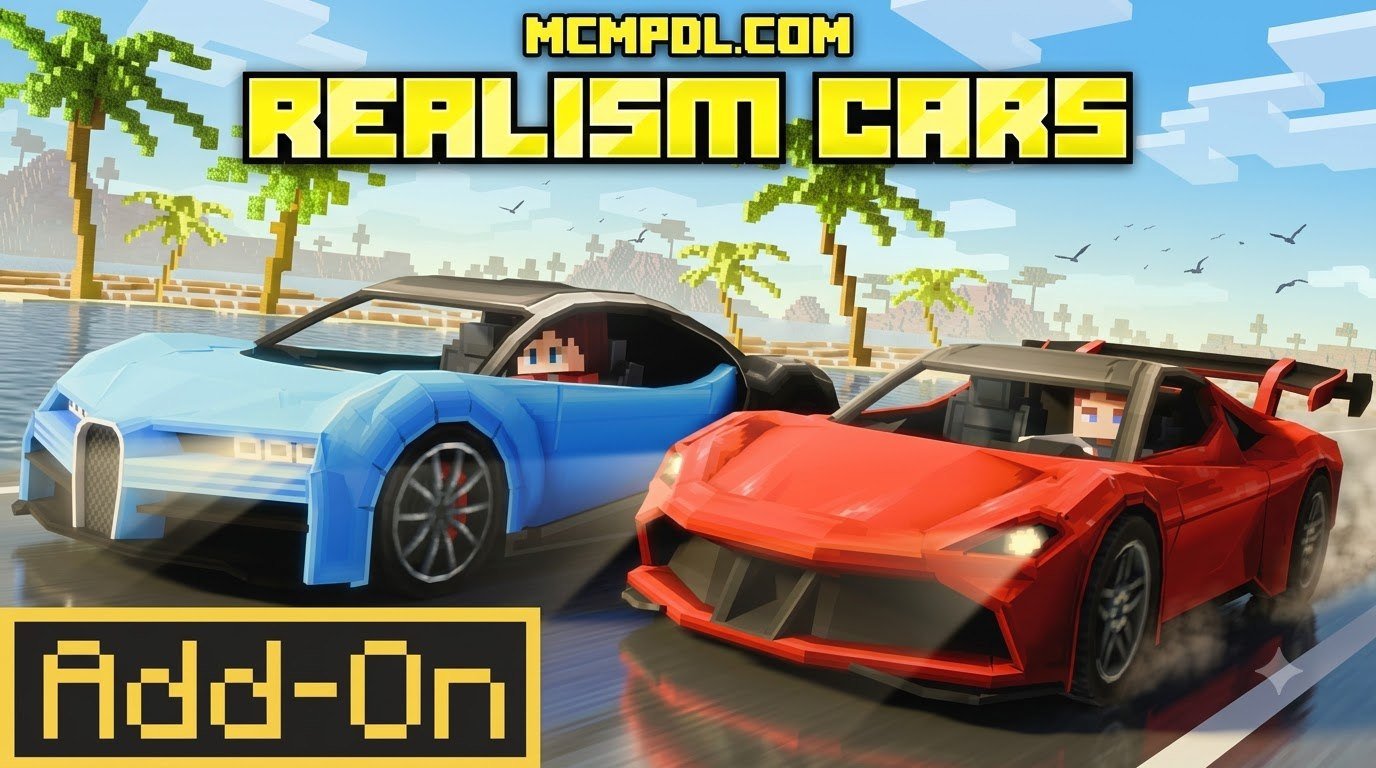
The Realism Cars Addon transforms basic blocky travel into an authentic automotive simulation within the Bedrock engine. While standard vehicle packs often rely on simple boat or minecart re-skins, this pack implements dedicated entity physics, independent wheel rotation, and responsive drift mechanics. The result is a driving model that rewards careful throttle control, braking discipline, and precise cornering rather than simply holding down a movement key.
Originally launched by GoE-Craft on September 9, 2025, and updated to refine stability, the addon boasts an impressive library of 3,840 car variations. It allows players to cruise modern cityscapes, stage multiplayer drag races, and slide around tight hairpin turns with fine-tuned steering responsiveness that reacts directly to player input and terrain angles. Whether you are building a coastal highway, a mountain touge course, or a dedicated racing circuit, the addon gives you the mechanical feedback needed to make every lap feel distinct.
Core Features of Realism Cars Addon for Minecraft PE/Bedrock
The mechanical depth of this addon is what truly sets it apart from standard vehicle creations:
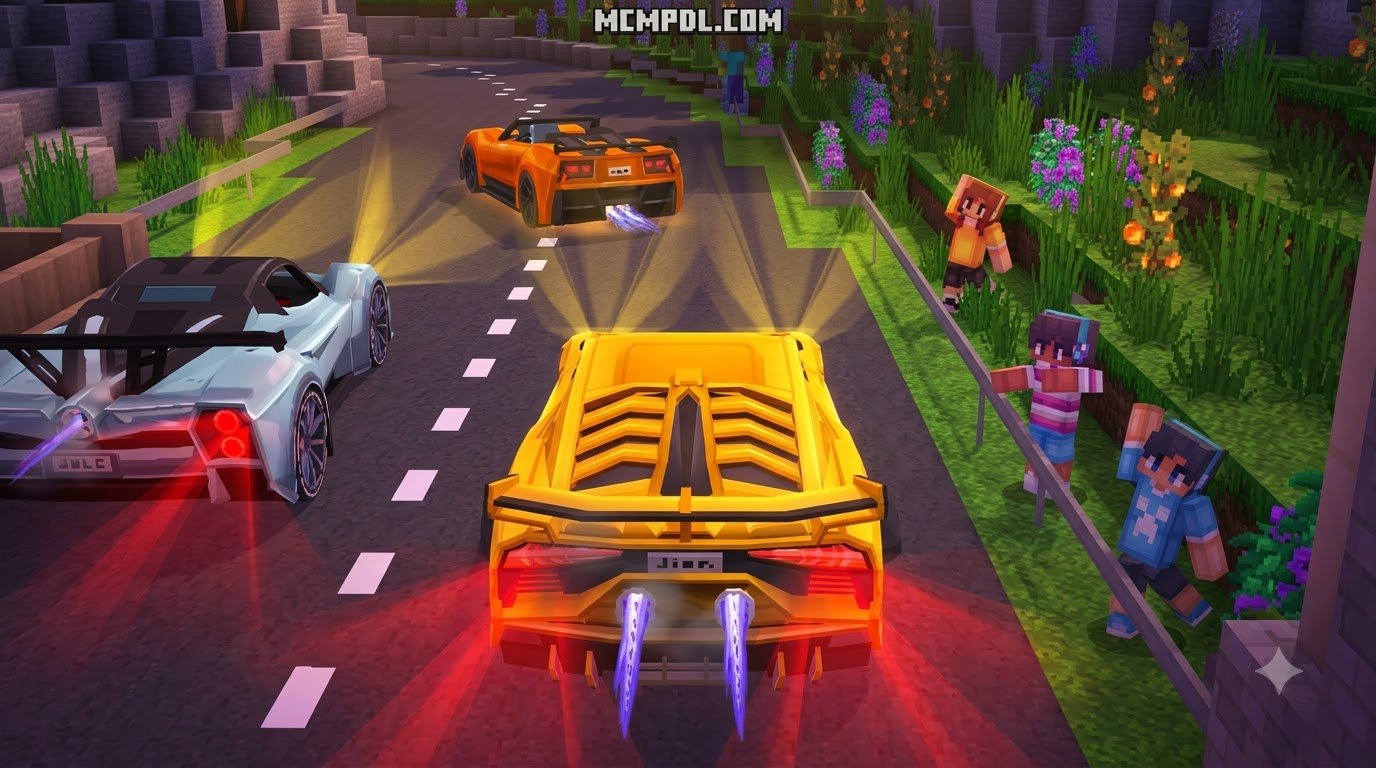
- Active Illumination: Functional LED headlights illuminate dark roads during night drives, paired with responsive turn blinkers that signal lane changes or turns.
- Dynamic Steering: Fully steerable front wheels physically pivot when turning, providing visual feedback that matches your driving direction.
- Speed Enhancements: Nitrous boost systems deliver intense forward acceleration on straightaways, making vehicles noticeably faster than standard sprint speeds.
- Aerodynamic Customization: Interactive vehicle geometry includes custom spoilers, aerodynamic splitters, and polarized windshield glass.
- Storage Utility: Functional trunks allow players to store survival supplies, tools, or building materials on long cross-country expeditions.
- Custom Audio: Realistic engine startup roars, idle hums, acceleration pitch shifts, and tire screeches accompany every high-speed maneuver.
Vehicle Variety and Customization Mechanics
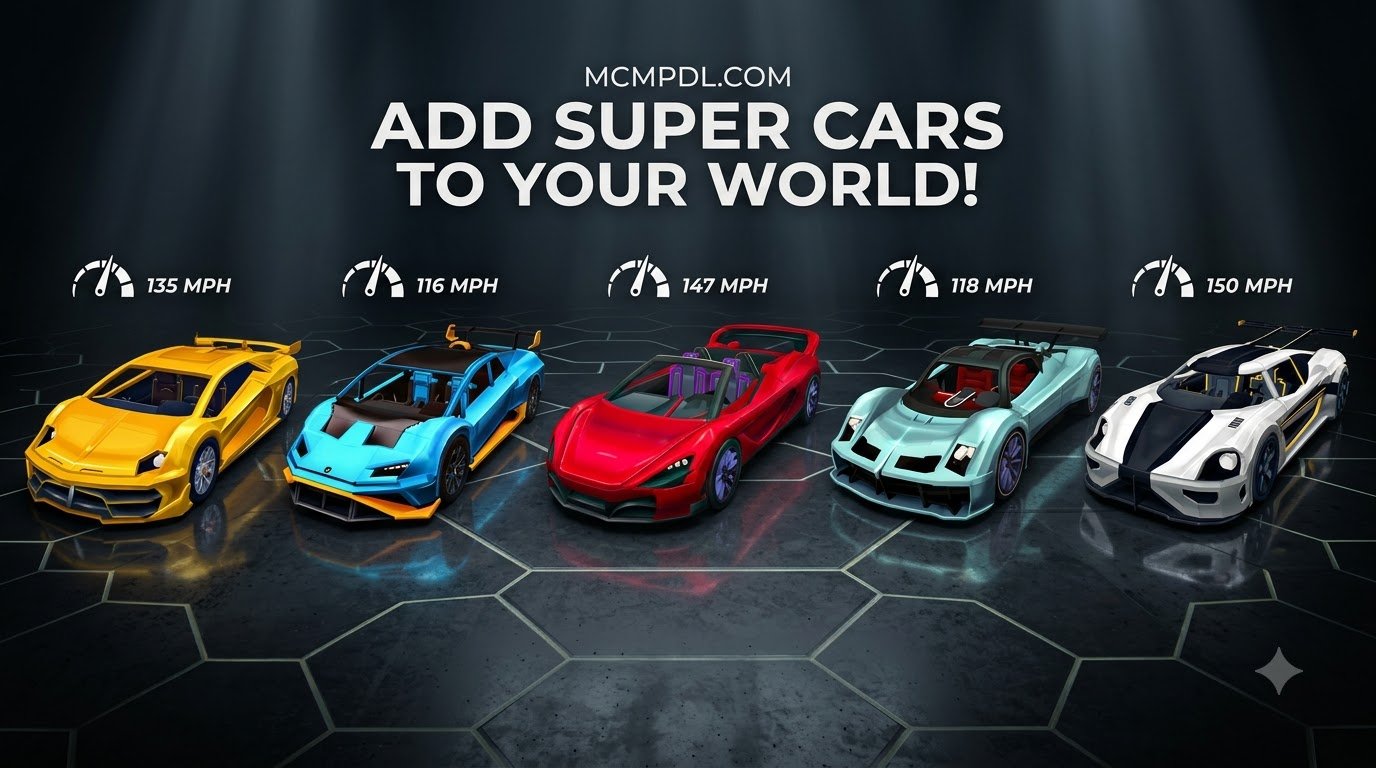
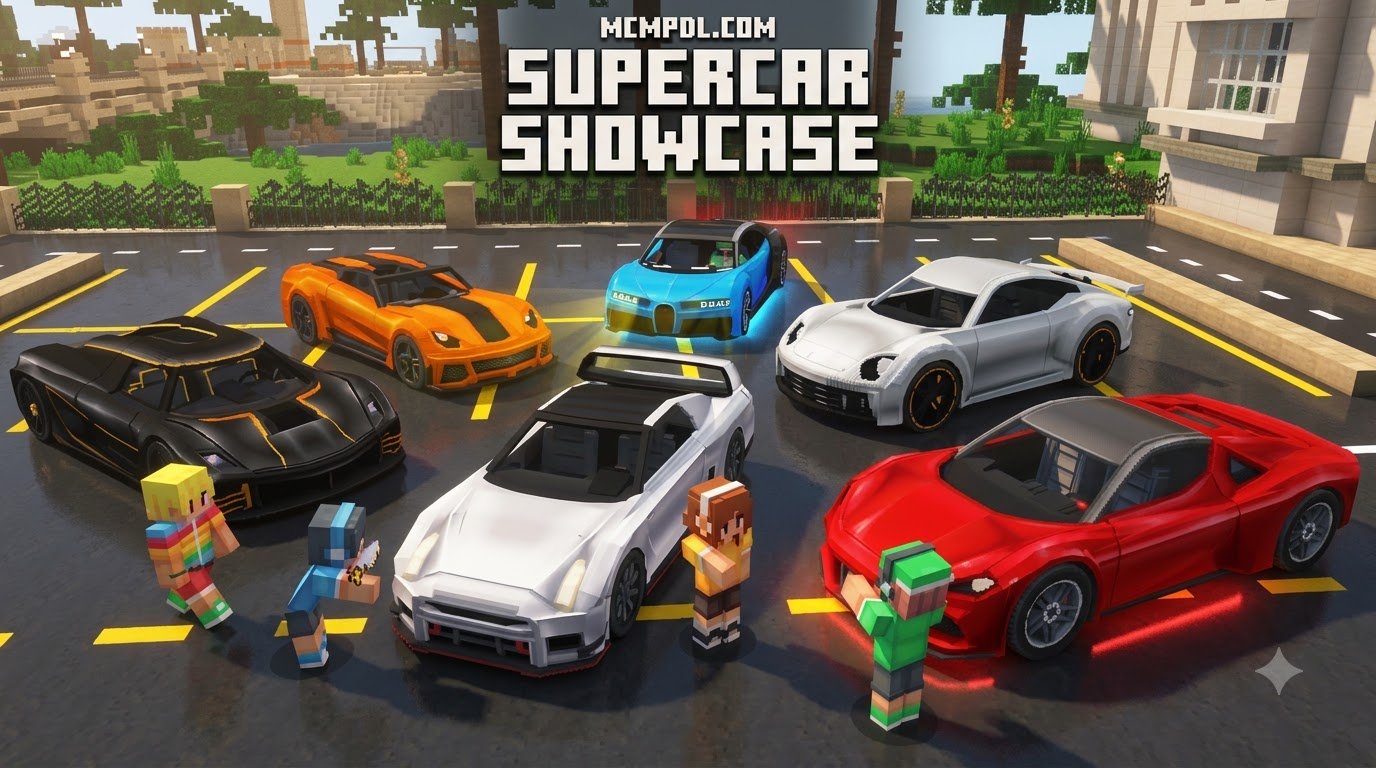
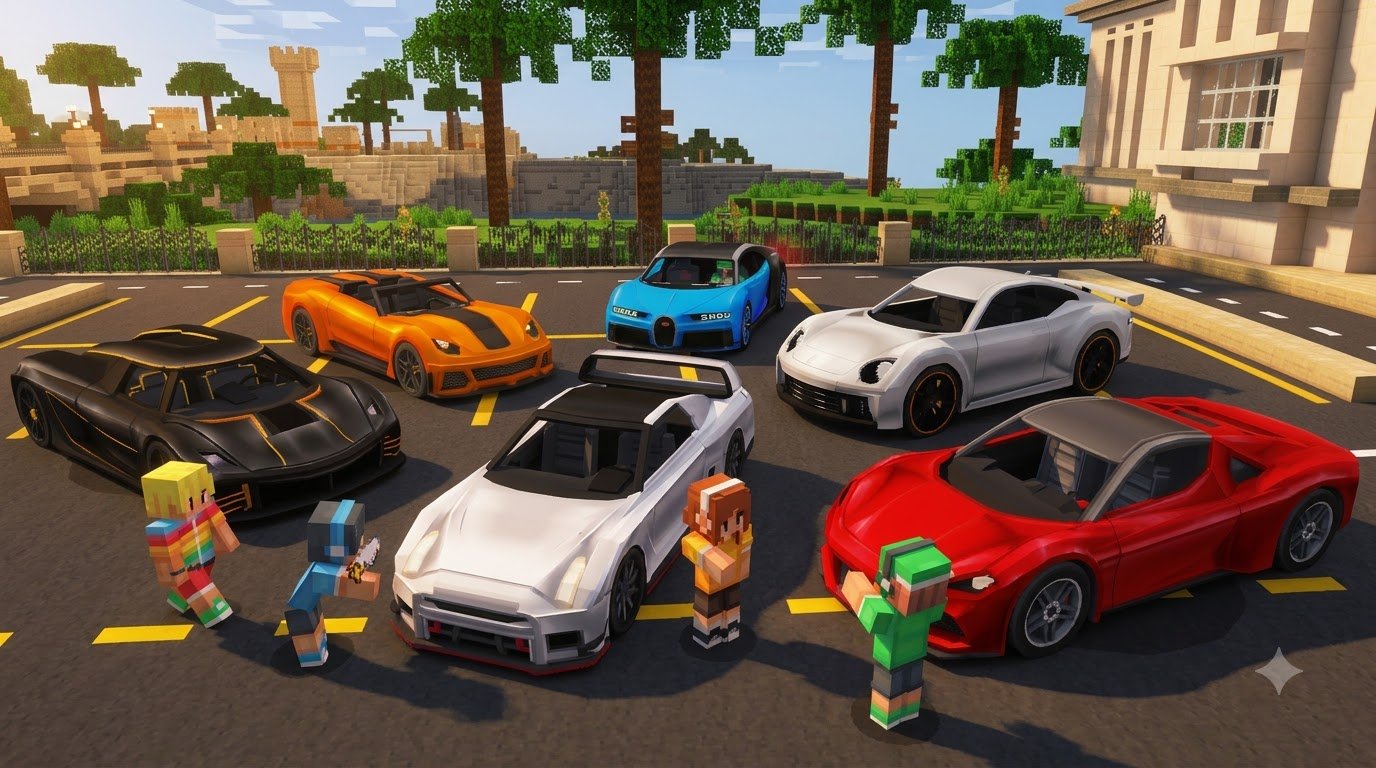
The sheer volume of models ensures you will rarely see two identical vehicles parked together in a multiplayer lobby. Players can choose from high-end supercars, track-focused hypercars, and practical city runabouts. Customization options extend to diverse paint palettes, vibrant liveries, and interchangeable spoiler trims, letting you match your fleet to a specific garage theme or racing team identity.
If you enjoy expanding your transport options beyond high-speed supercars, you can also pair this with the Cars Add On or combine high-end driving with the stylish aesthetic of the Luxury Cars Addon for Minecraft PE/Bedrock to flesh out comprehensive luxury garages and showroom floors. For a broader look at how vehicle physics and entity behavior work in Bedrock Edition, the Minecraft Bedrock Edition overview provides useful context on the platform’s addon architecture.
System Requirements, Pricing, and World Compatibility
Before loading these high-performance machines into your world, ensure your game client meets the technical baselines. The addon requires Minecraft Bedrock Edition version 1.20.60 or newer (fully compatible through version 1.21 and current 2026 builds).
The official pack is available on the Minecraft Marketplace for 490 Minecoins (approximately $2.57 USD or €2.42 EUR). The community reception has been strong, earning a 4.5 out of 5-star rating across 360 Marketplace reviews, while community downloads across mirror platforms have surpassed thousands of active users. Because the pack includes both resource and behavior components, it is important to keep both activated together; deactivating one side can cause missing textures, broken steering animations, or silent engine audio.
For the smoothest driving experience, building proper infrastructure makes a massive difference. Laying down asphalt and marked lanes using the Roads Addon for Minecraft PE/Bedrock provides an optimal flat surface, preventing high-speed clipping issues on natural terrain. If you’re outfitting a high-stakes action role-play world, you can even equip players with the Ultimate Blasters v1.2 Addon for Minecraft PE/Bedrock alongside your vehicle fleet.
Platform Performance and Mobile Optimization
Because the pack loads complex 3D entity models, dynamic animations, and sound triggers, performance varies across different hardware tiers:
- Mobile Devices (iOS & Android): We recommend devices with at least 4GB of physical RAM. Lower your in-game render distance to 8–10 chunks and turn off Fancy Graphics if you experience frame drops around packed garages.
- Consoles (Xbox, PlayStation, Nintendo Switch): Maintains steady 60 FPS in open terrain, though densely populated parking lots with dozens of spawned vehicles can cause minor texture caching delays.
- PC (Windows 10/11): Runs smoothly at uncapped frame rates with maximum render distance and full visual fidelity enabled.
Multiplayer Servers and Pack Compatibility
The pack is fully compatible with local multiplayer sessions, dedicated servers, and Bedrock Realms. Cars feature dedicated multi-seat configurations, allowing friends to ride in passenger seats while the driver controls navigation, headlights, and nitro boosts. This makes the addon especially useful for role-play servers, city builds, and cooperative road-trip scenarios.
To maintain stability on servers, ensure that the Realism Cars resource and behavior packs sit near the top of your world pack hierarchy. This prevents custom entity collision boxes or vehicle UI elements from being overwritten by other active addons. If you are running a large modded world, test the pack on a backup copy before inviting other players, and consider staggering vehicle spawns to reduce initial chunk-loading strain.
Step-by-Step Installation Checklist for Realism Cars Addon for Minecraft PE/Bedrock
Follow this checklist to properly install and activate the pack in your worlds:
- Back Up Your World: Always create a copy of your primary world before applying custom behavior packs.
- Purchase or Download: Acquire the pack via the in-game Marketplace using 490 Minecoins, or obtain the official
.mcaddonfile from trusted sources. - Import the File: If using an
.mcaddonfile, open it directly on your device to trigger the automatic Minecraft Bedrock import process. - Open World Settings: Select the edit icon next to your desired world.
- Toggle Experimental Features: Enable the required game toggles described below.
- Apply Packs: Activate both the Resource Pack and Behavior Pack in the world settings menu.
- Enter the World: Spawn your chosen vehicle using creative spawn eggs or survival crafting mechanics.
Enabling Experimental Gameplay Settings
For custom vehicle scripting, sound events, and animations to execute properly, navigate to the Experiments tab in your world settings and enable:
- Holiday Creator Features
- Custom Biomes (if using world-generation expansions)
- Molang Features
- Beta APIs / Upcoming Creator Features
Activating Resource and Behavior Packs
Ensure both components are active simultaneously:
- Under Resource Packs, locate the addon in the Available tab and click Activate. Verify it appears under Active.
- Under Behavior Packs, repeat the activation step.
- Confirm that your global resources do not conflict with the world-level pack manifests before pressing Play.
If the pack does not appear after import, close Minecraft completely, reopen the app, and check the world settings again. On some devices, imported .mcaddon files require a full client restart before the pack is registered in the available list.
Assessing Realism Cars Addon Features
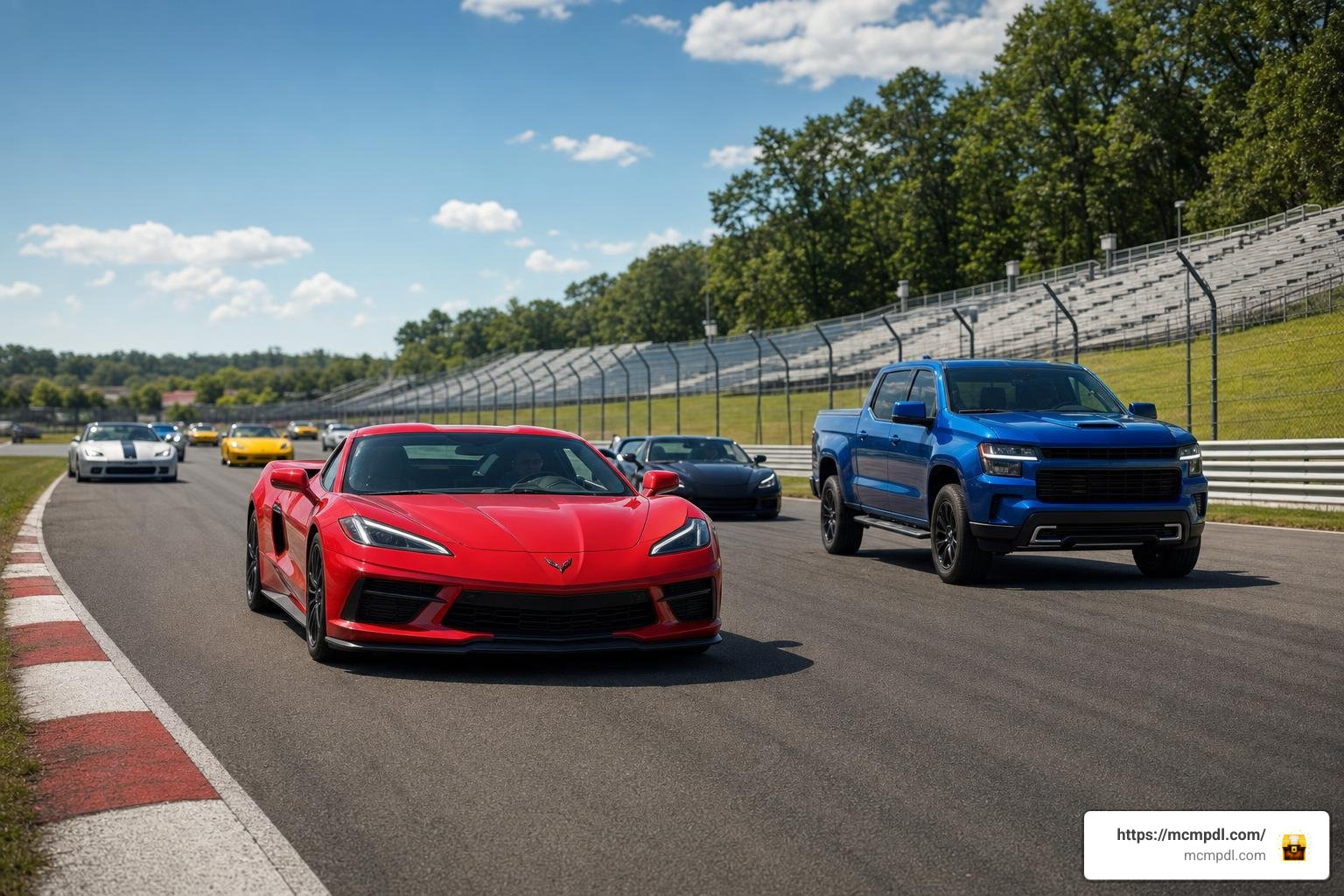
To help you decide how this addon fits your gameplay style compared to other vehicle packs in the community, here is a concise breakdown of its core mechanics:
| Feature / Criteria | Realism Cars Add-On | Standard Bedrock Car Mods |
|---|---|---|
| Total Variations | 3,840 variations | Typically 5–20 models |
| Interactive Lighting | Working headlights & blinkers | Static textures or glow effects |
| Wheel Dynamics | Steerable front pivot rotation | Fixed forward-facing wheels |
| Boost Mechanics | Integrated nitro systems | Standard sprint speed multiplier |
| Audio Quality | Custom startup, idle & drift sounds | Re-used engine or minecart audio |
| Marketplace Support | Yes (490 Minecoins) | Varies (mostly external downloads) |
The combination of custom audio profiles, steerable wheels, and nitro boost mechanics makes the pack feel noticeably closer to an arcade racer than standard utility mods. Players who enjoy tuning their vehicles will also appreciate how the addon’s customization system interacts with the broader Bedrock addon ecosystem, where resource packs and behavior packs work together to create more immersive gameplay.
Frequently Asked Questions About Realism Cars
How many car variations are included in the Realism Cars addon?
The addon contains over 3,840 car variations. This expansive roster includes a wide array of supercar body styles, vibrant color finishes, custom aerodynamic trims, and distinct spoiler attachments. Because the variations are generated through combinations of body types, paint palettes, and aerodynamic parts, players can create highly personalized fleets without needing external texture packs.
Does the addon work smoothly on mobile devices?
Yes, provided your mobile device meets recommended hardware specifications. We advise running the pack on phones or tablets with at least 4GB of RAM and keeping chunk render distance around 8 to 12 chunks to prevent frame stutters when multiple vehicles are rendered at once. If you notice performance drops in busy areas, reduce the number of simultaneously spawned vehicles and disable fancy graphics before entering a packed garage or showroom.
Do I need to enable experimental gameplay toggles?
Yes. Custom animations, Molang steering routines, and sound triggers require experimental toggles (specifically Holiday Creator Features and Beta APIs) to be activated within your world settings menu. If the pack is installed but vehicles fail to steer or headlights do not illuminate, the most common cause is an experimental toggle that was left disabled.
Conclusion
Whether you are staging high-octane drift tournaments across custom-built circuits or parking luxury supercars outside a modern estate, the Realism Cars Add-On provides the visual fidelity and mechanical depth needed for a top-tier driving experience in Bedrock Edition. The combination of steerable wheels, functional lighting, nitro boosts, and extensive customization makes it a strong choice for both solo builders and multiplayer server communities.
Take a moment to configure your experimental settings, pave out smooth highways, and discover the latest community creations and vehicle content right here on MCMPDL. With the right infrastructure and pack configuration, your next road trip across a Bedrock world can feel as close to a real driving simulation as the platform allows.
1 thought on “Realism Cars Addon for Minecraft PE/Bedrock”