Scroll down to D0vvnl0ad
Core Features of the Werewolf and Vampire Morph Addon for Minecraft PE/Bedrock
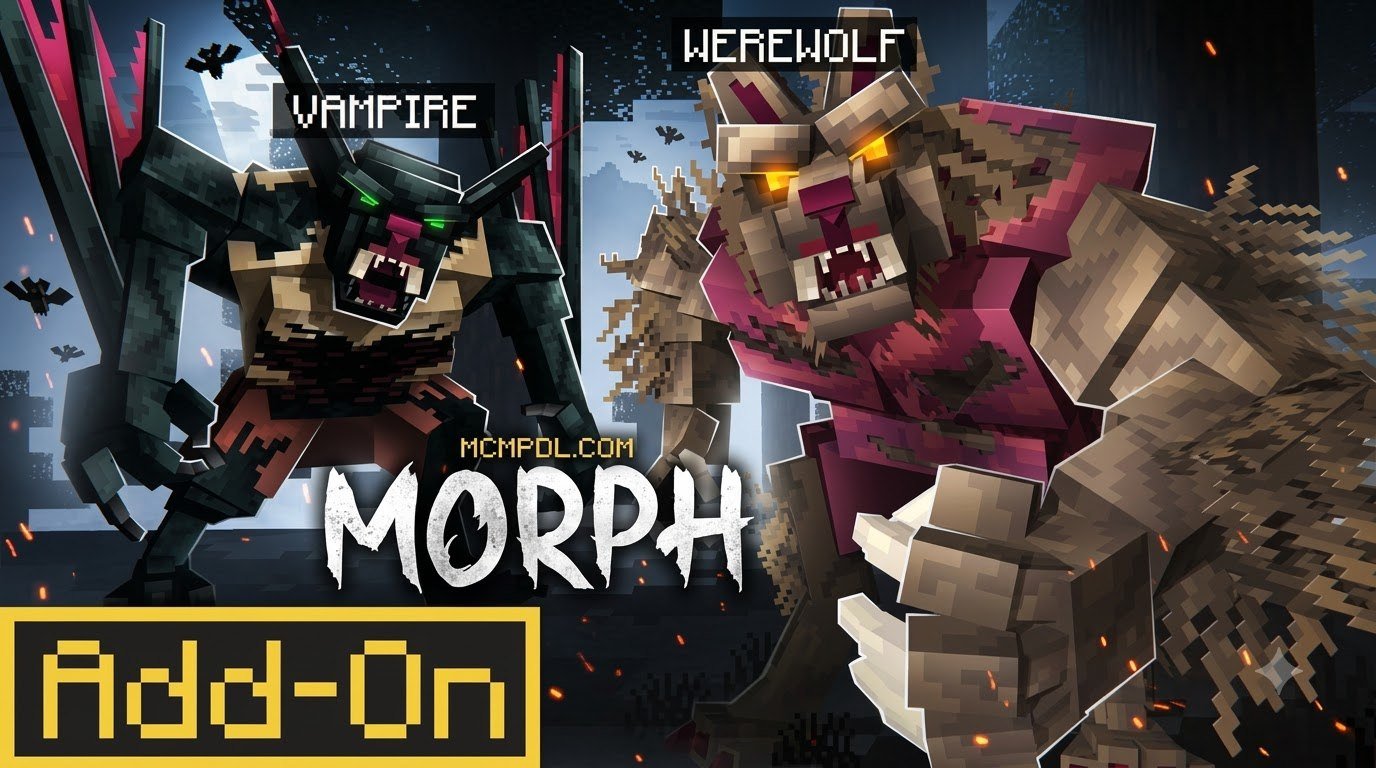
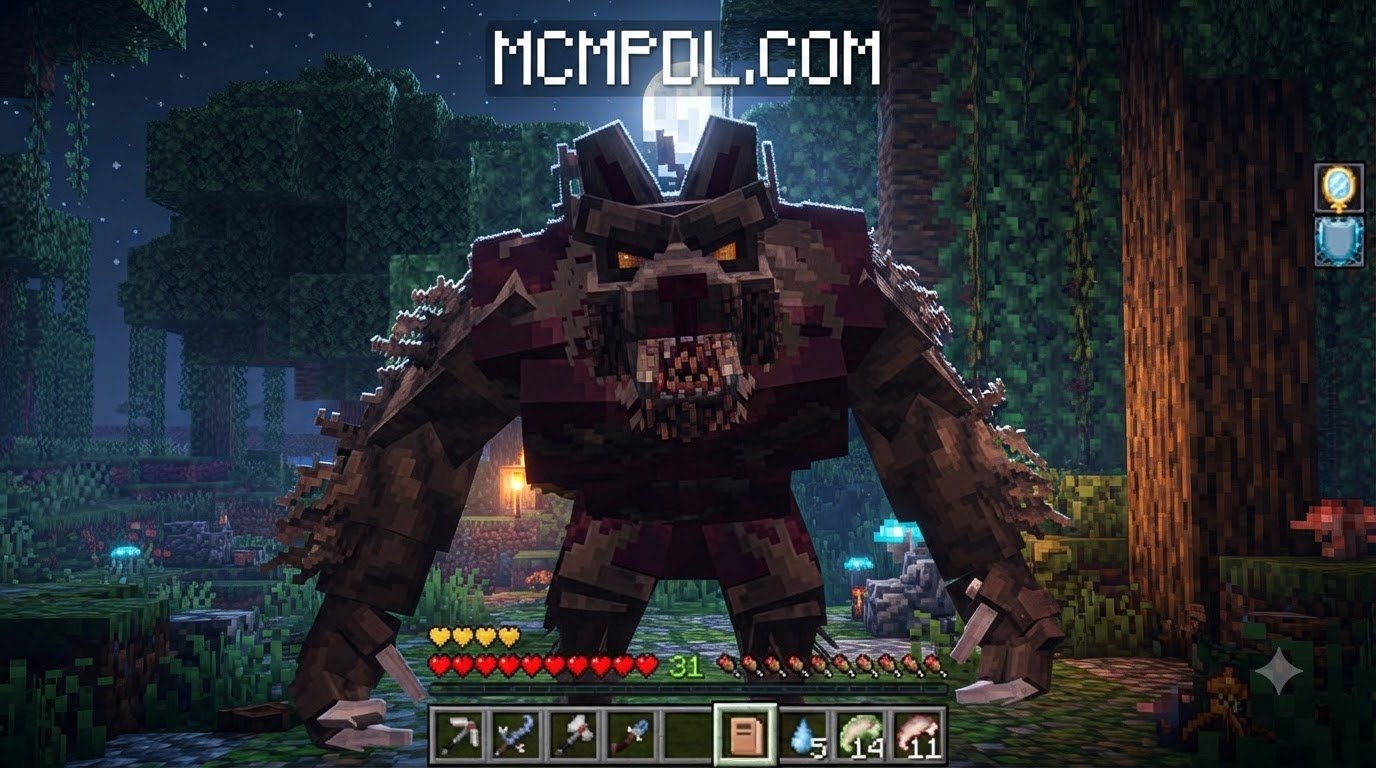
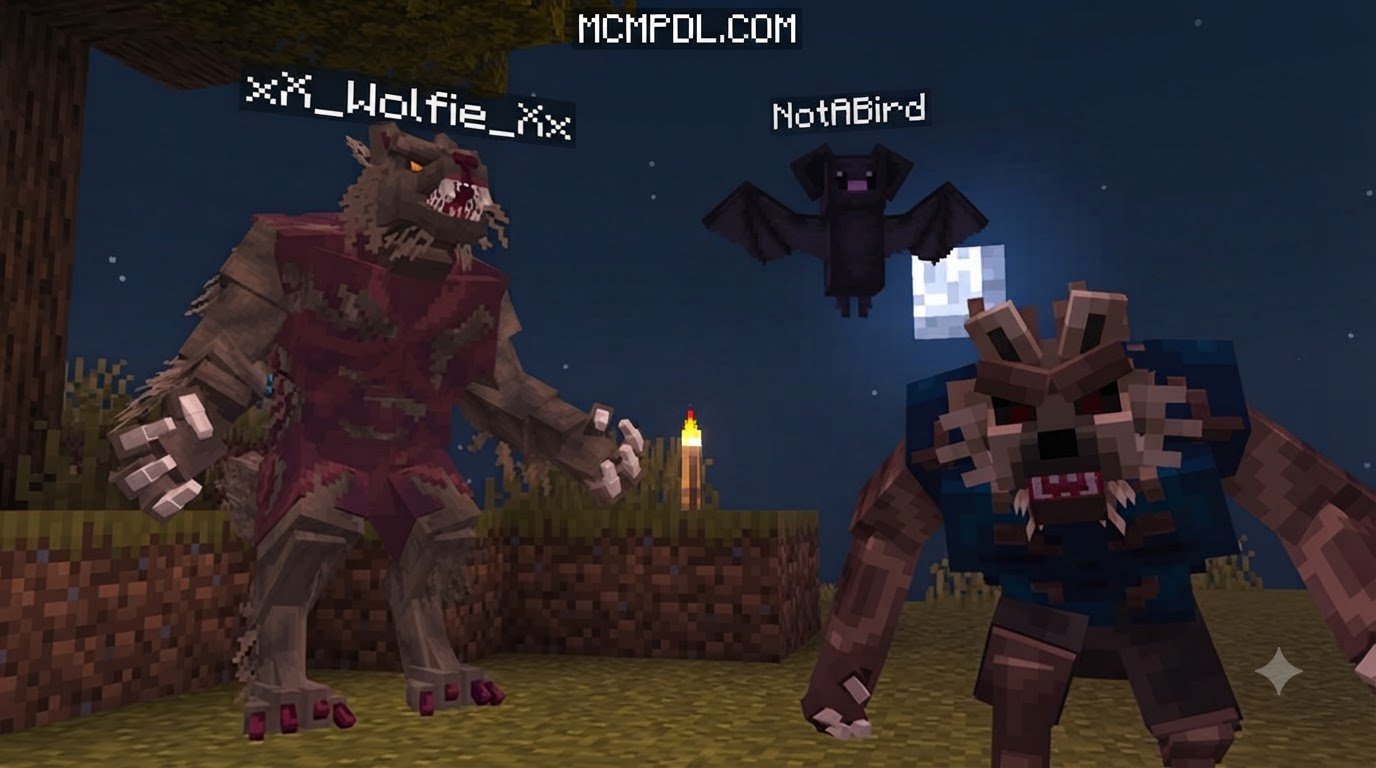
Taking your Minecraft survival world into dark gothic fantasy requires more than basic skin changes. The Werewolf and Vampire Morph Addon for Minecraft PE/Bedrock transforms entity behaviors, model animations, and player capabilities from the ground up. Unlike a classic Morph Addon for Minecraft PE/Bedrock that lets you mimic every vanilla mob you defeat, this expansion focuses entirely on two balanced monster archetypes.
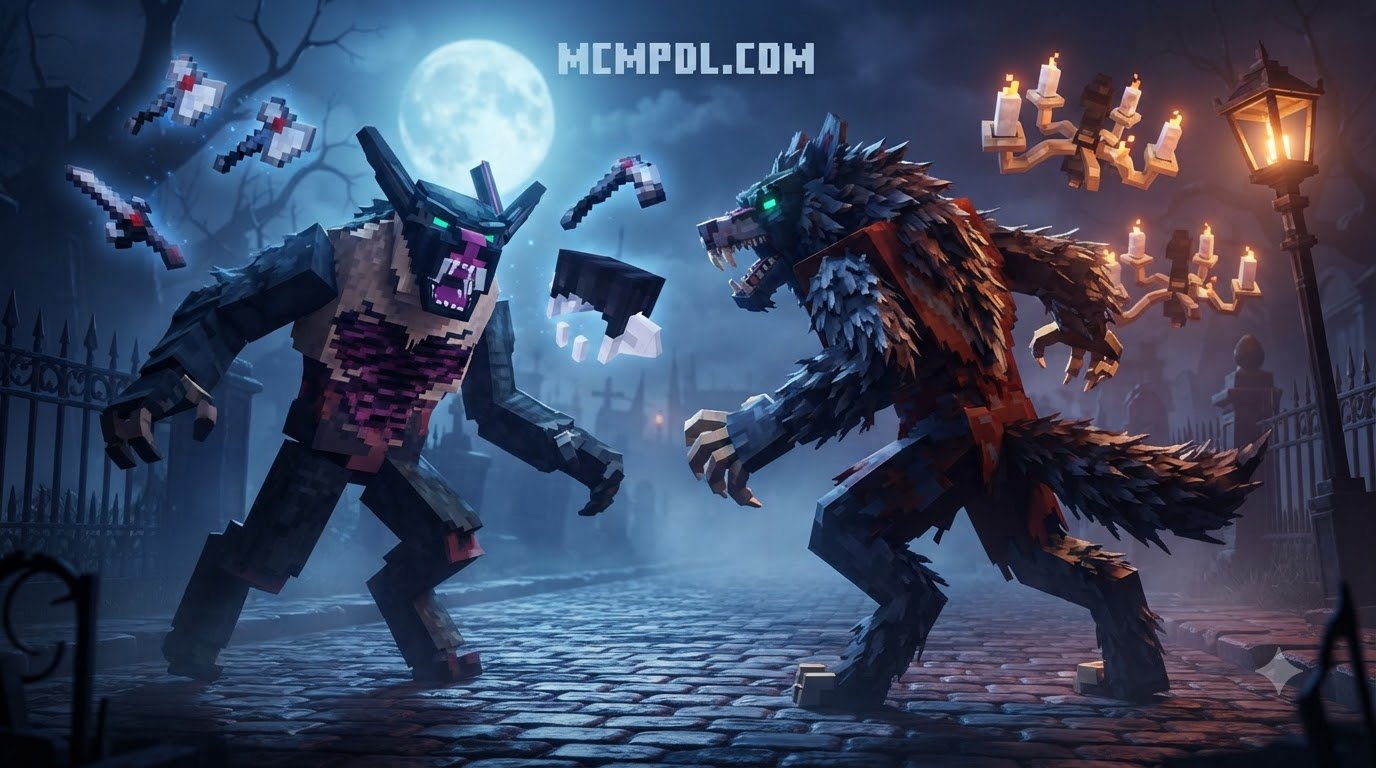
Each form features fully animated 3D models that replace the standard player rig during transformation. You will hear spine-chilling audio cues, including ferocious guttural growls for lycanthropes and sharp, ethereal hisses for creatures of the night. These custom sounds alert nearby players in multiplayer worlds, giving every shift tactical weight. The addon also reworks entity behaviors so that transformed players interact differently with the world: werewolves trigger hostile reactions from farm animals, while vampires move unnoticed among undead mobs. This level of behavioral depth makes the morph feel like a true curse rather than a cosmetic overlay.
Both monster paths introduce custom hotbar mechanics, passive stat shifts, and activated combat powers. You can leap across ravines, stalk targets in pitch-black caves, or sprint through forests at blistering speeds. The custom textures and sound design work together to sell the transformation, from the way moonlight glints off werewolf fur to the subtle echo of a vampire’s footsteps on stone. Whether you are raiding a stronghold or defending your base, the addon gives you tools that change how you approach every encounter.
How Transformation Works in the Werewolf and Vampire Morph Addon for Minecraft PE/Bedrock
Shapeshifting in Bedrock Edition relies on scripted triggers and consumable ritual items. Depending on the version you download from our catalog, becoming an apex predator involves specific steps:
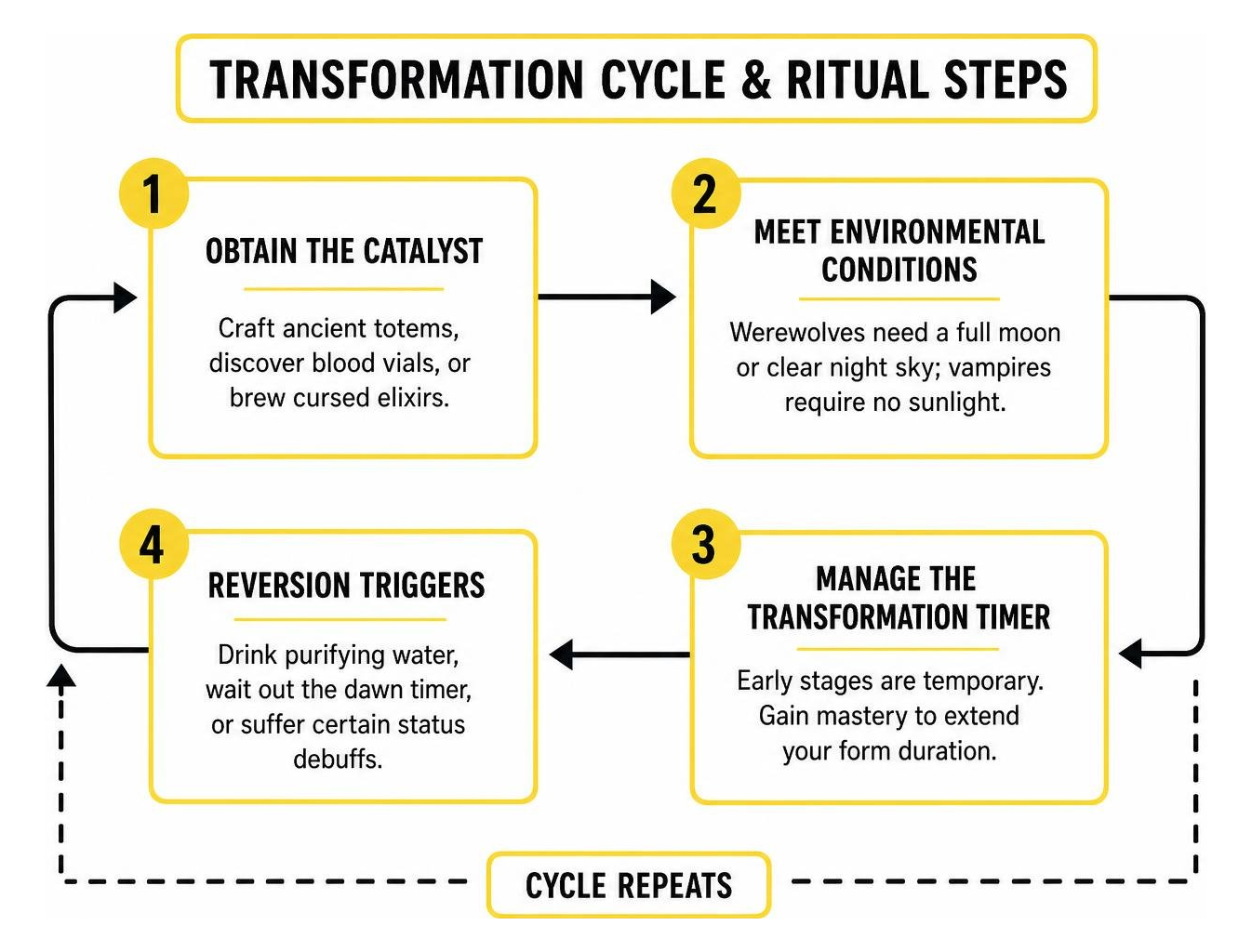
- Obtain the Catalyst: Craft ancient totems, discover blood vials, or brew cursed elixirs using ingredients similar to those found in the Mythics and Magic Addon for Minecraft PE/Bedrock.
- Meet Environmental Conditions: Werewolves often require a full moon or clear night sky to unleash their full power, while vampires can awaken anywhere out of direct sunlight.
- Manage the Transformation Timer: Early morph stages run on temporary timers. As you gain mastery, your form duration extends, giving you longer windows of enhanced combat power.
- Reversion Triggers: Drinking purifying water, waiting out the dawn timer, or suffering specific status debuffs will return you safely to your normal human form.
These ritual steps are not just flavor; they create a rhythm of preparation and risk. You need to plan your hunts around moon cycles, stockpile catalysts before a big raid, and keep an escape route ready for when your timer runs out. The transformation cycle rewards players who think ahead and punishes those who shift recklessly.
Custom Abilities, Night Vision, and Combat Mechanics
Stepping out of human form gives you access to a dedicated suite of powers built for nocturnal combat.
- Permanent Night Vision: Both forms pierce total darkness without torches or potions, turning dark caves into hunting grounds.
- Savage Leap Attacks: Werewolves can pounce toward prey, knocking targets backward and causing heavy impact damage.
- Life Draining Strikes: Vampires siphon health directly from hostile mobs and rival players on every hit, functioning much like a built-in Lifesteal Addon for Minecraft PE/Bedrock.
- Bat Form and Gliding: Vampires can shrink into bat forms or glide across large drops, evading lethal fall damage.
- Armor Piercing Claws: Werewolf melee attacks shred natural armor ratings, making quick work of iron-clad opponents.
These active abilities are mapped to a custom hotbar that appears only while transformed, so you never have to fumble through menus mid-fight. The hotbar icons change depending on your monster form, giving you instant visual feedback on which powers are ready. In practice, this means a werewolf player can chain a leap attack into a claw combo, while a vampire can drain health, shift into bat form, and reposition behind an enemy before they can react.
Werewolf vs Vampire Morph: Strengths, Weaknesses, and Playstyles
Choosing your supernatural path fundamentally alters how you approach day-night cycles, base building, and PvP skirmishes. If you enjoy tense nocturnal encounters alongside additions like a Horror Survival Addon for Minecraft PE/Bedrock, both monsters offer deep mechanical variety.
| Attribute / Mechanic | Lycanthrope (Werewolf) | Night Stalker (Vampire) |
|---|---|---|
| Primary Combat Role | Frontline Bruiser & Rusher | Stealth Assassin & Skirmisher |
| Movement Perks | High sprint speed, mega jump | Bat gliding, wall scaling, dash |
| Health & Defense | +10 Bonus Hearts, Knockback Resistance | Standard Health, Life Leeching |
| Daylight Penalty | Slowness / Weakness during day | Severe Fire & Sunlight Burn |
| Neutral Mob Reaction | Hostile towards farm animals | Passive towards undead, hostile to villagers |
| Vulnerabilities | Silver weapons, heavy fire | Direct sun, wooden stakes, fire |
This table only scratches the surface. In practice, the two forms demand completely different mindsets. Werewolves want to close distance and end fights quickly, while vampires prefer to control the pace of an engagement and retreat when the odds turn against them. Your choice also affects how you build your base: werewolves benefit from open courtyards and clear sightlines for leaping, while vampires need covered walkways, underground tunnels, and shaded kill zones.
The Lycanthrope: Brute Strength and Speed
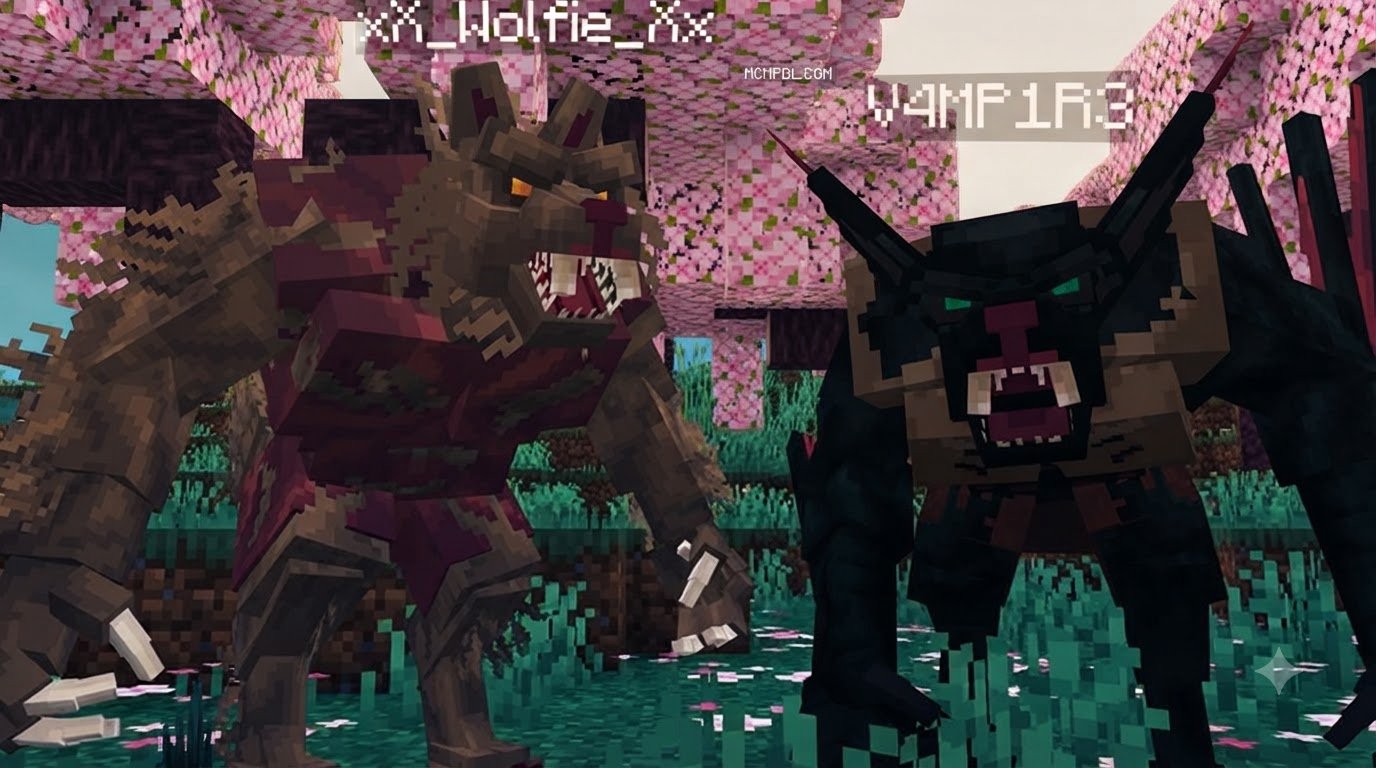
The werewolf build rewards aggressive, straight-forward survival play. When transformed, your character model expands, increasing your base health pool and granting massive knockback resistance. You can easily outrun horses, leap over fence lines, and overwhelm groups of hostile mobs.
Pack tactics shine in multiplayer sessions. Multiple werewolf players hunting together receive speed buffs when traveling within close proximity. That daytime dulls your senses, leaving you encumbered until the sun sets again. Silver weapons and heavy fire are your biggest threats, so you need to pick your fights carefully even when your blood is up. A well-timed leap can scatter an enemy formation, but a silver sword will cut through your bonus hearts faster than you expect.
The Night Stalker: Stealth, Flight, and Bloodlust
The vampire path offers precision, agility, and tactical misdirection. Instead of relying on raw health pools, vampires rely on evasion and rapid life recovery. If you enjoy dark castles and themed strongholds like those in the Vampire Expansion Map for Minecraft PE/Bedrock, this morph fits right in.
Vampires can scale vertical walls, sneak without making footstep audio, and transform into a bat to escape bad skirmishes. However, stepping under an open daytime sky causes rapid burning damage, forcing you to plan your subterranean tunnels and roofed travel routes carefully. The life leeching mechanic means every successful strike restores your health, so a skilled vampire can turn a losing fight into a war of attrition. Wooden stakes and fire remain deadly counters, and direct sunlight is an ever-present hazard that shapes every decision you make above ground.
How to Install and Optimize the Morph Pack
Installing Bedrock add-ons requires correctly managing your behavior and resource files while toggling experimental gameplay options. The process is straightforward once you know where to look, but skipping a step can leave you with missing models or broken abilities.
Installing the Werewolf and Vampire Morph Addon for Minecraft PE/Bedrock on Mobile and PC
- Download the Pack: Grab the
.mcaddonor individual.mcpackfiles directly from our listing. - Import into Bedrock: Tap or double-click the downloaded file. Minecraft will launch automatically and import the components.
- Configure World Settings:
- Navigate to your chosen world’s settings.
- Under Resource Packs, activate the add-on.
- Under Behavior Packs, activate the corresponding behavior pack.
- Enable Experimental Features: Turn on Holiday Creator Features, Custom Biomes, and Beta APIs inside the Experiments tab to allow custom scripts and abilities to run without errors.
- Launch and Enjoy: Enter your world and craft your starter catalysts.
On mobile devices, the import process is the same, but you may need to grant Minecraft permission to access your downloads folder. On Windows Bedrock, double-clicking the .mcaddon file should trigger the import automatically. For multiplayer servers, every player must have the same addon installed locally, and the server host needs to activate the behavior pack in the world settings before inviting others.
Performance Tips and Bug Fixes for Bedrock Worlds
To keep your morph animations fluid across mobile devices and lower-spec PCs:
- Lower Render Distance: Fast-moving werewolf sprints load chunks rapidly; keep render distance at 10–14 chunks on mobile to prevent stuttering.
- Clear Script Caches: If transformation models freeze in a T-pose, exit the world, toggle the resource pack off and on, and restart Minecraft.
- Monitor Add-on Conflicts: Ensure custom entity add-ons do not override standard player animation controllers (
player.animation_controllers.json). - Reduce Particle Effects: Some transformation effects spawn heavy particle bursts. Lowering particle settings in the video options can stabilize frame rates during shifts.
- Update Your Addon: Script engine changes in Bedrock updates can break older addon versions. Always download the latest version from MCMPDL after a major Minecraft update.
If you still see animation lag or model glitching, try creating a fresh world with only this addon enabled. That isolates whether the issue comes from the morph pack itself or from a conflict with another resource pack.
Frequently Asked Questions About Monster Morphs
How do you trigger the morph transformation?
Depending on the specific configuration, you can trigger your morph by consuming a crafted transformation vial, right-clicking/holding a cursed moon relic, or letting the natural in-game midnight cycle trigger your curse automatically. Some versions also support keybind triggers or a dedicated inventory interface button, so check the addon’s included documentation for your exact setup.
Does this addon work in multiplayer Bedrock worlds?
Yes. Both forms sync across dedicated Bedrock servers, Realms, and local multiplayer sessions. Every player in the world will see your custom monster animations and hear your directional audio cues. For player versus player combat, the addon’s abilities work the same as in single-player, though server lag can occasionally delay transformation timers. Make sure all players have the same addon version installed to avoid resource syncing errors.
What happens when daytime arrives in vampire form?
If you remain exposed to the open sky during daylight hours, you will suffer immediate sun scorch damage and catch fire. To survive, you must seek shade beneath trees, retreat underground, or equip specialized enchanted gear designed to block UV rays. Smart vampire players build covered highways between their base and hunting grounds, or simply sleep through the day and emerge only after sunset.
Conclusion
The Werewolf and Vampire Morph Addon breathes intense supernatural action into Minecraft Bedrock Edition. Whether you prefer charging into battle as a hulking lycanthrope or hunting from the shadows as an agile vampire, this pack delivers unique mechanics and high replay value. The transformation system, custom abilities, and day-night tradeoffs create a gameplay loop that stays fresh across dozens of hours.
Explore our collection on MCMPDL, and pair your dark fantasy adventure with our curated Ultimate PvP Pack texture pack for Bedrock to sharpen your visual clarity in every encounter. For more information on Bedrock addon development and experimental features, check the official Minecraft Add-On documentation from Microsoft Learn.