Scroll down to D0vvnl0ad
Realistic Textures for Minecraft PE: What to Know First
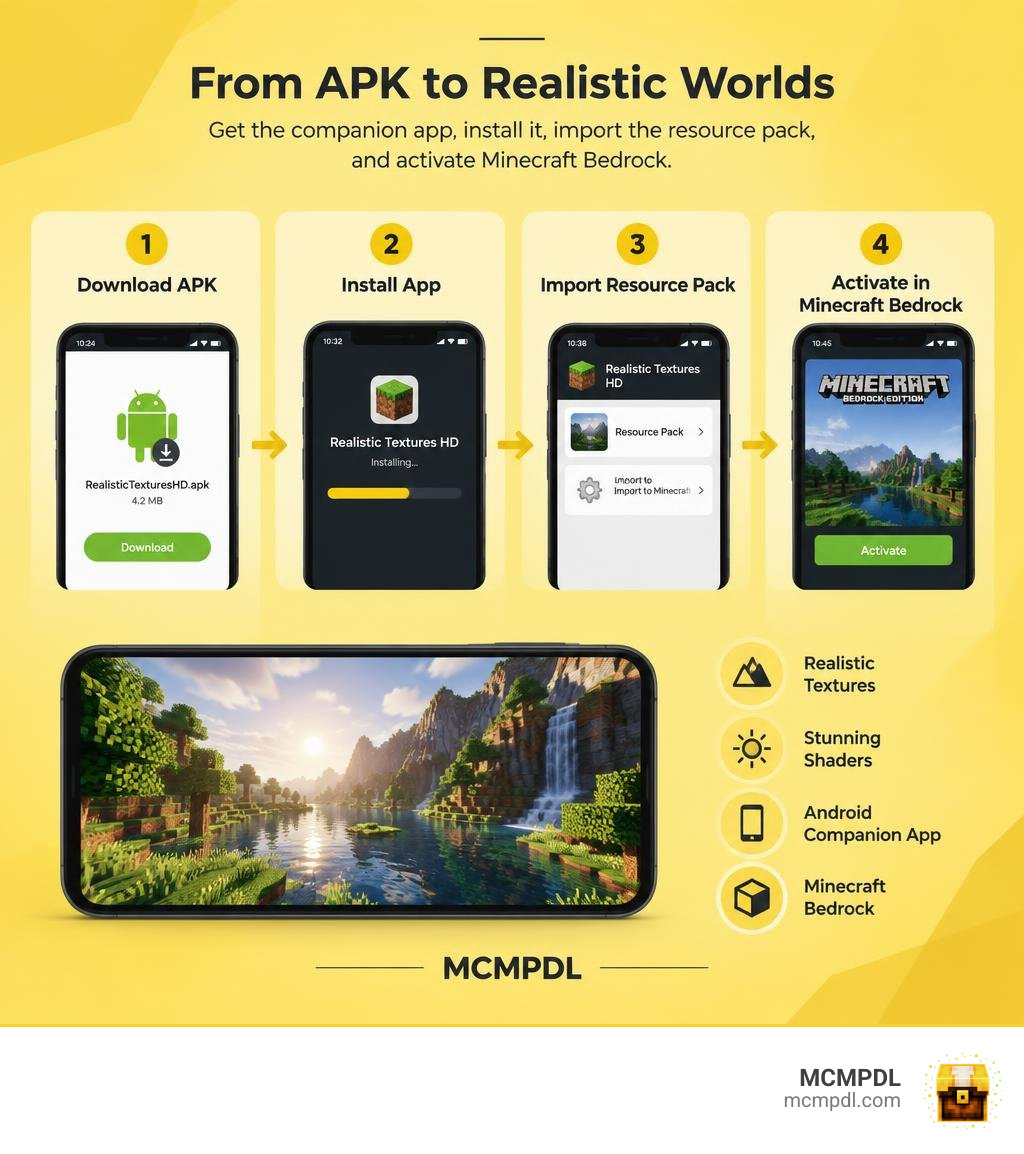
Realistic Textures HD for Minecraft PE is an Android companion app that offers realistic texture packs and shaders for Minecraft Bedrock. It is not itself a .mcpack file. To use it, you download the APK, install the app, then follow its instructions to add a resource pack to Minecraft.
The listed version is 1.0, released in 2019. Its 4.2 MB APK supports Android 4.1 and later, but that does not confirm that its packs work with current Bedrock versions. Check compatibility and verify the APK before installing.
Overview and Technical Specifications
When browsing through mobile modding options for Bedrock Edition, you will often find resources distributed in various formats. While most creators share direct archives, the Realistic Texture Pack HD utility packages its assets inside a standalone Android application designed to guide mobile players through texture selection and setup.
The application has accumulated over 40,000 downloads, reflecting strong interest from players wanting to upgrade their default worlds into lifelike landscapes. Its technical footprint is remarkably compact, requiring minimal storage space and offering widespread device accessibility.
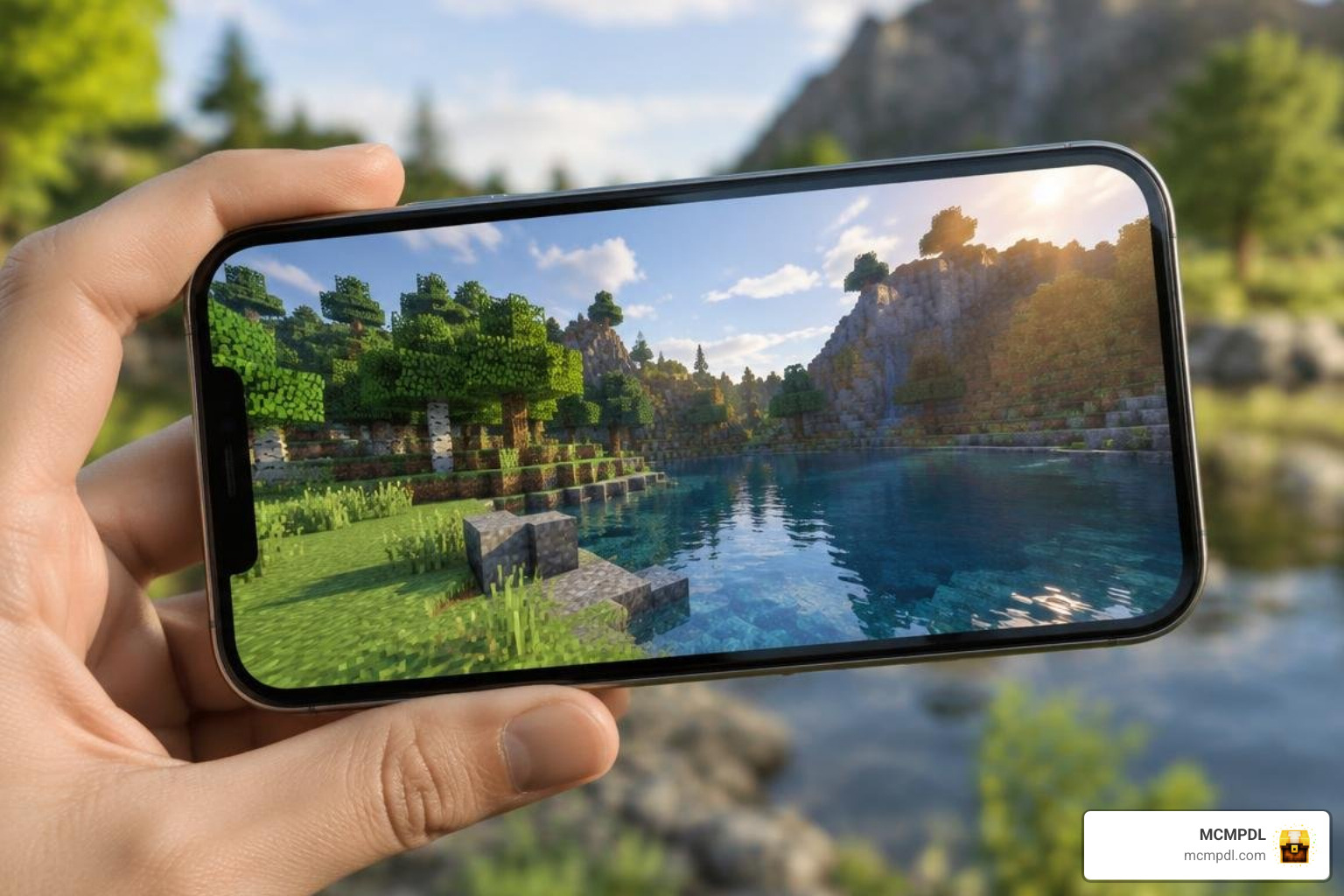
Here is a breakdown of the core technical parameters for this mobile utility:
- App Version: 1.0 (Released September 15, 2019)
- Package File Size: 4.2 MB
- Operating System Requirement: Android 4.1 (Jelly Bean, API level 16) or higher
- Target Architecture: Universal Android support
- Language Localization: 73 languages (including English, Spanish, Chinese, Hindi, and Arabic)
- Content Rating: Rated Everyone (suitable for all age demographics)
Because the app targets Android 4.1 as its minimum baseline, it can be installed on almost any legacy or entry-level smartphone. The extensive language support also makes the interface accessible to global communities without language barriers.
Key Features of Realistic Textures HD Texture Pack for Minecraft PE/Bedrock
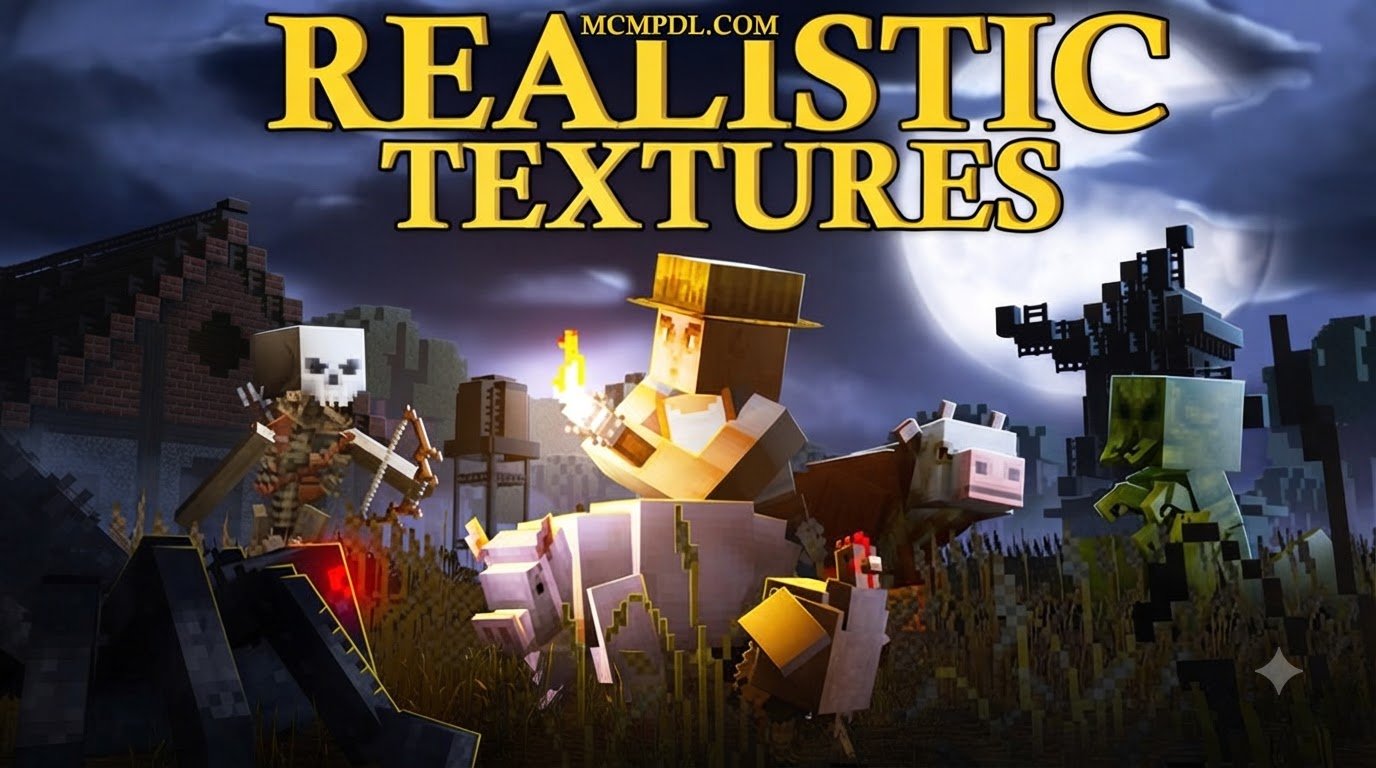
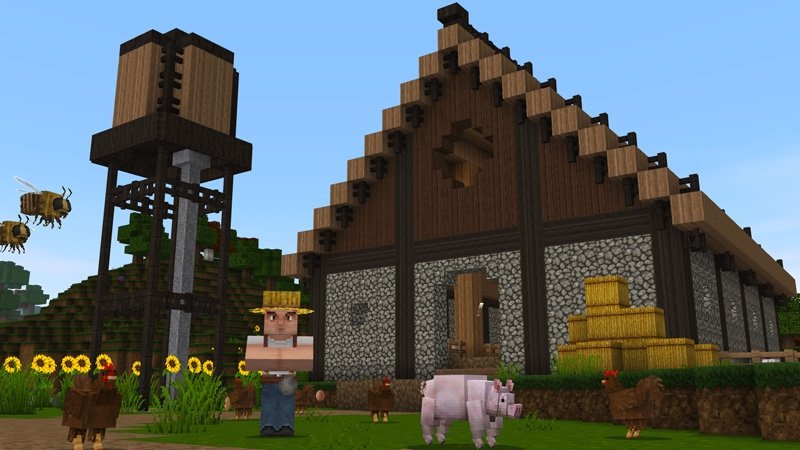
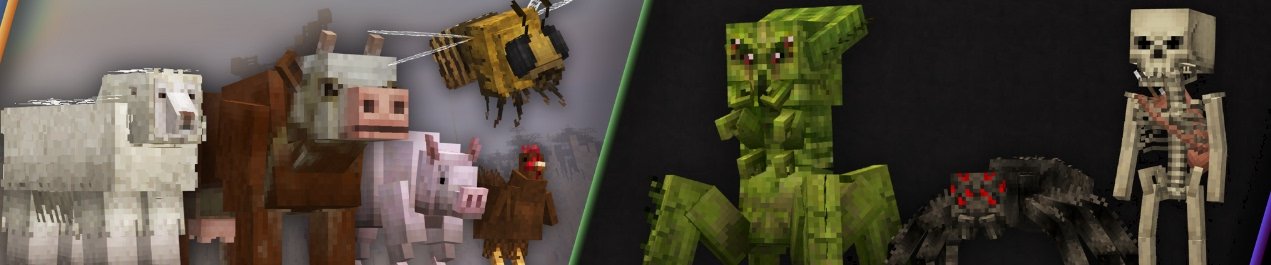
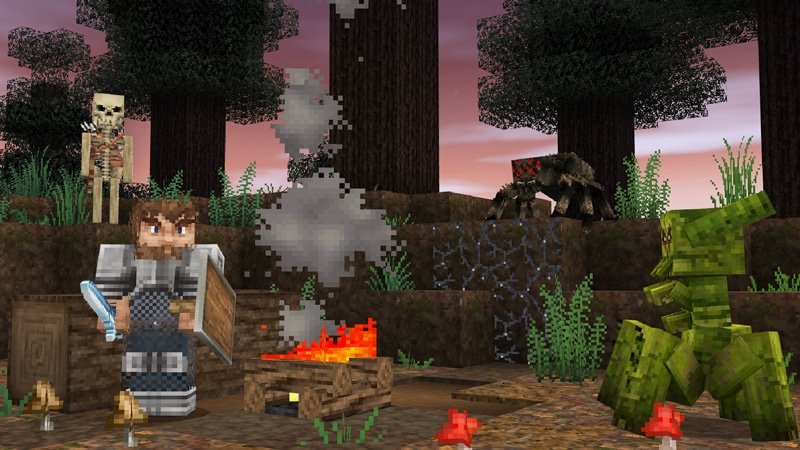
The primary goal of installing the Realistic Textures HD Texture Pack for Minecraft PE/Bedrock is to overhaul the classic blocky aesthetic into something rich, immersive, and visually grounded.
When you use the tool to configure realistic textures, the pack introduces several visual upgrades:
- Enhanced Block Definitions: Traditional building blocks such as stone, cobblestone, wood planks, and brickwork receive high-definition surface detailing that adds depth and tactile realism.
- Natural Foliage and Terrain: Dirt, grass blocks, and tree leaves feature smoother organic gradients rather than stark pixel transitions, creating lush forests and natural biomes.
- Dynamic Water and Fluid Shading: Bodies of water receive custom color grading and transparency passes, making oceans, lakes, and rivers look deep and clear.
- Custom Atmospheric Skyboxes: The default square sun and moon are replaced by detailed celestial textures, complete with soft cloud layers and natural horizon blending.
- Subtle Shadow and Light Accents: Highlights and ambient block shading are tweaked to create atmospheric contrast across cave entrances and towering builds.
If you enjoy diverse visual overhauls, you can also explore community alternatives like the Realism Visuals Texture Pack or the modernized Realism Remagined Texture Pack to see different artistic interpretations of lifelike blocks.
How to Download and Set Up the Texture Pack
Setting up an APK-based utility requires a slightly different process than tapping a standard .mcpack file. Because this tool functions as a companion application, your device needs to handle the installer before extracting the resource packs into your game directory.
You can safely acquire the package via verified download mirrors such as the Download Realistic Texture Pack HD for Minecraft PE 1.0 APK for Android – Free and Safe Download link.
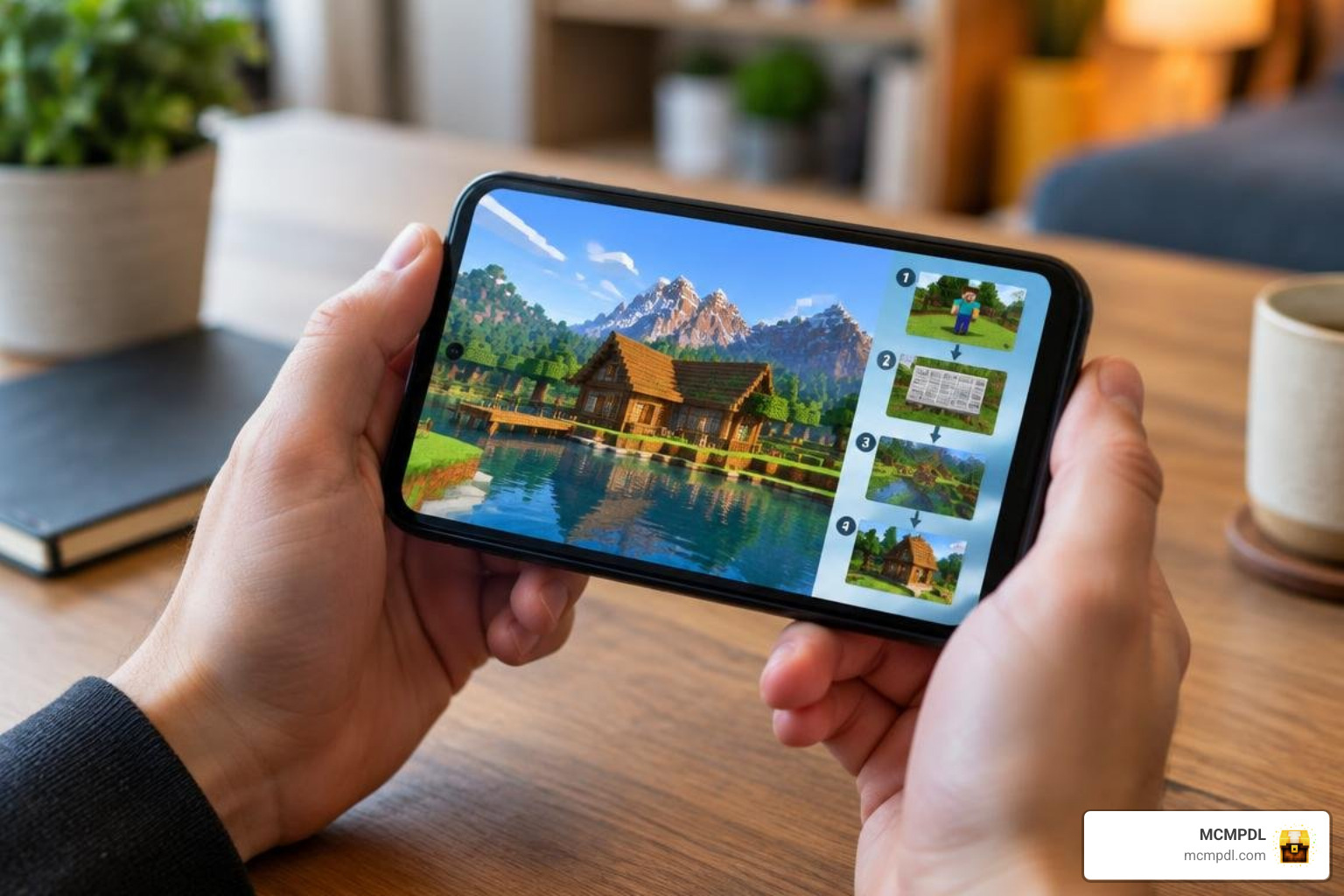
Installing Realistic Textures HD Texture Pack for Minecraft PE/Bedrock on Android
To install and activate the pack properly, follow this sequence:
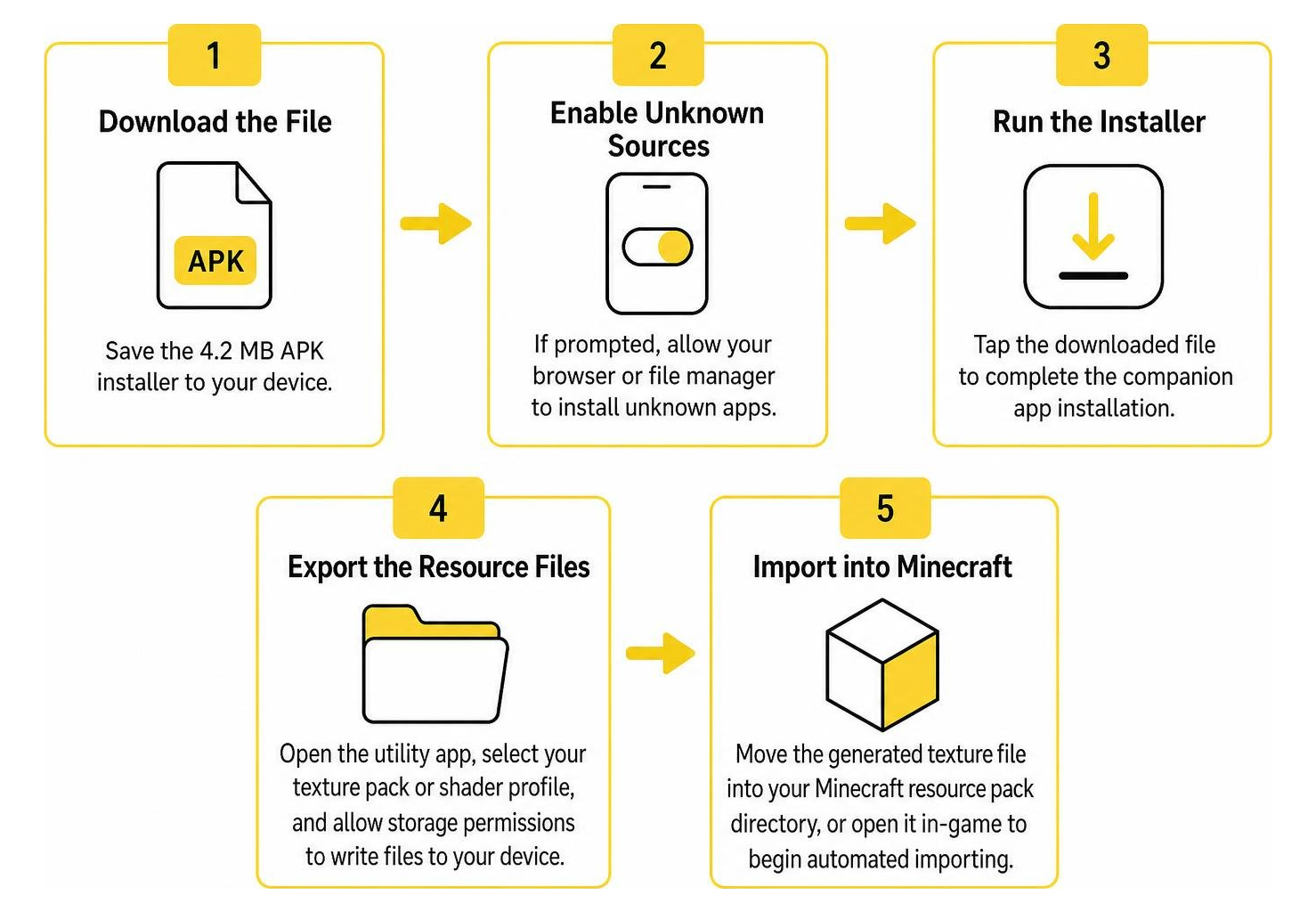
- Download the File: Save the 4.2 MB APK installer to your device’s primary storage.
- Enable Unknown Sources: If prompted by your mobile operating system, toggle your browser or file manager’s permission to install unknown apps.
- Run the Installer: Tap the downloaded file to complete the companion app installation.
- Export the Resource Files: Open the utility app and select the texture pack or shader profile you want. Allow the app storage permissions to write files to your device.
- Import into Minecraft: Move the generated texture file into your Minecraft resource pack directory, or open it directly using the game client to begin automated importing.
- Activate in World Settings: Launch Minecraft, navigate to Settings > Global Resources (or edit a specific world’s resource settings), select the imported pack, and press Activate.
For players who prefer classic visual fidelity with crisp pixel art, testing the Vanilla HD Texture Pack or clean styles like the Smoothic Texture Pack provides an easier direct .mcpack import route.
Troubleshooting Installation Failures and Performance Issues
If you run into issues during download or installation, here are quick solutions for common mobile hiccups:
- Parse Error on Android: If your system reports that the package failed to parse, the 4.2 MB download may have been corrupted. Delete the file, clear your browser cache, and download it again.
- Resource Import Failure: Ensure that Minecraft has storage access permissions enabled in your Android app settings. Without storage access, external packs cannot be written into game folders.
- Black Screen or Texture Glitches: Because this utility dates back to version 1.0, modern Bedrock renderers may struggle with legacy shaders. If blocks appear pink or untextured, disable experimental rendering toggles in your world settings.
- Low Framerates: HD textures require more video memory. Lower your render distance and turn off fancy leaves or smooth lighting in the Minecraft video menu to recover frame stability.
Assessing Realistic Textures HD’s File Size, Resolution, and Style
Choosing the right resource pack depends on your device’s hardware, your personal style preferences, and how much storage you want to commit.
The table below compares this companion utility with alternative styles available across the community:
| Pack / Resource Name | Distribution Format | Primary Visual Style | Target Hardware | Recommended Alternative |
|---|---|---|---|---|
| Realistic Textures HD | 4.2 MB APK Installer | Lifelike Terrain & Lighting | Low to Mid-Range Mobile | Prizma Visuals Texture Pack |
| Vibrant Modern | Direct .mcpack Archive | Sleek Architectural Textures | All Devices | Vibrant Modern Textures Pack |
| Luminora | Direct .mcpack Archive | Dynamic Ambient Lighting | Mid to High-End Mobile | Luminora Textures Pack |
| Conquest | Direct .mcpack Archive | Gritty Medieval Realism | Mid-Range Devices | Conquest Texture Pack |
| Steampunk | Direct .mcpack Archive | Industrial Fantasy Aesthetic | All Devices | Steampunk Texture Pack |
| Quadral | Direct .mcpack Archive | Stylized Clean Geometry | Low-End Devices | Quadral Texture Pack |
If you enjoy pairing realistic block textures with advanced particle and environmental animations, integrating the Realism VFX Addon can further elevate your world’s immersion.
Safety, Security, and File Integrity
When downloading Android applications outside standard app storefronts, verifying file authenticity is essential for keeping your device secure.
Is Realistic Textures HD Texture Pack for Minecraft PE/Bedrock Safe to Download?
The Realistic Texture Pack HD package maintains a clean security profile when obtained from trusted app repositories. Reputable hosting platforms verify cryptographic signatures against the developer’s original certificate to ensure the installer has not been tampered with or repackaged with malicious code.
Key security indicators include:
- Verified Package Signatures: The application’s cryptographic hash confirms that file contents match the developer’s original release.
- Family-Friendly Content: The app holds an official “Everyone” rating, containing no objectionable media or hidden payment gateways.
- Zero Excessive Permissions: The utility only requires standard local storage read/write access to export its texture files into your Minecraft directory.
Always scan downloaded APK files with your device’s built-in security software before opening them, and avoid third-party mirrors that bundle secondary promotional software.
Frequently Asked Questions about Realistic Minecraft Textures
Can this texture pack run on low-end mobile devices?
Yes. Because the app was engineered with lightweight asset compression and broad compatibility reaching back to Android 4.1 Jelly Bean, its bundled textures are designed to operate smoothly on modest mobile chipsets without overwhelming system RAM.
What is the difference between an APK texture installer and an MCPACK file?
An .mcpack file is Minecraft’s native resource format, allowing one-tap automated imports directly into the game client. An APK texture installer is an independent Android application that acts as a container, providing guides, download menus, and export tools to generate or extract packs onto your phone’s storage.
Does this pack support modern Minecraft Bedrock versions?
The app’s underlying texture assets function well for fundamental building blocks, terrain, and skyboxes. However, because version 1.0 was published in 2019, blocks and items introduced in later updates will display default textures unless paired with updated resource packs.
Conclusion
Visual upgrades remain one of the most exciting ways to breathe fresh life into your Bedrock worlds. Whether you want subtle atmospheric lighting or detailed terrain overhauls, understanding how companion apps and texture formats work ensures smooth and safe installations on your device.
At MCMPDL, our mission is to provide you with a reliable, curated destination for all your mobile gaming enhancements. Discover fresh community creations, shaders, and curated Bedrock texture packs to transform your adventures today.