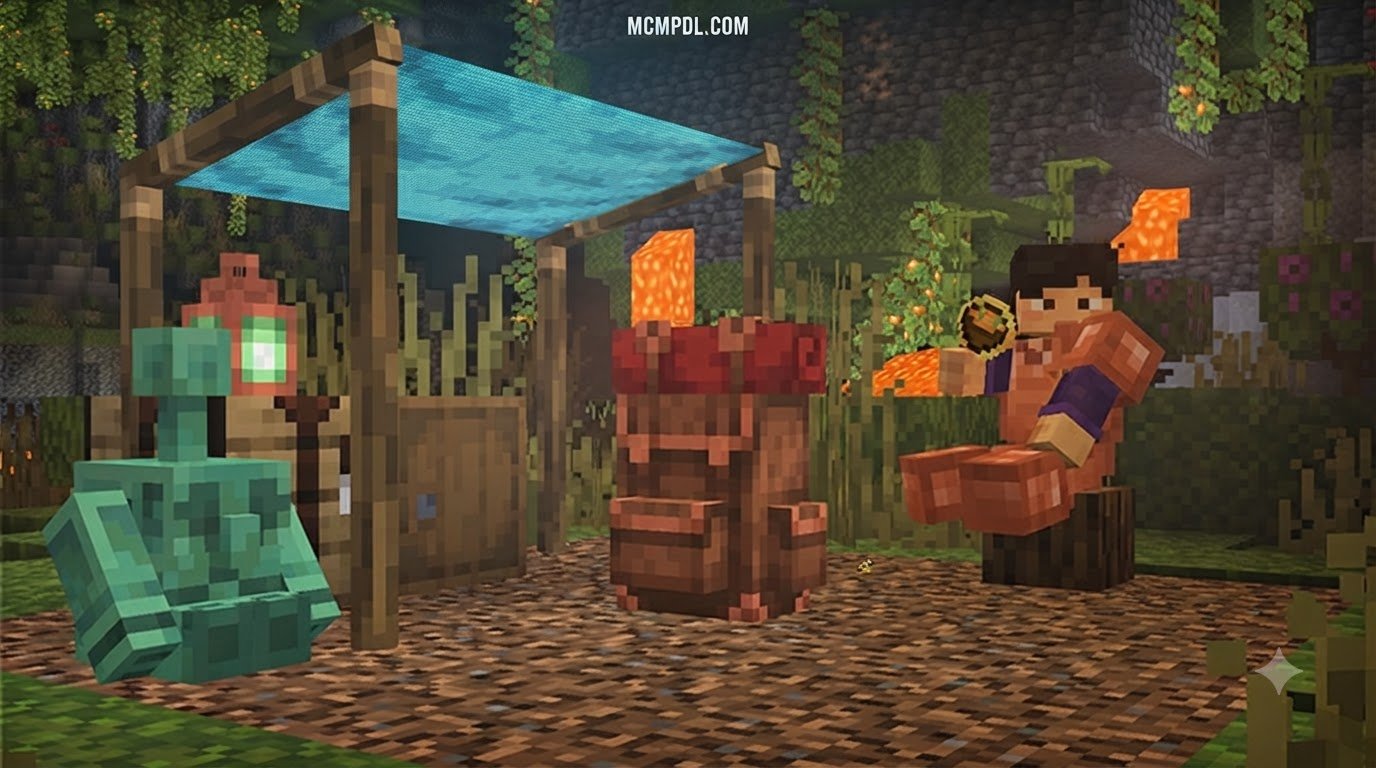
Scroll down to D0vvnl0ad
Install the Camping Backpack Addon for Minecraft PE/Bedrock
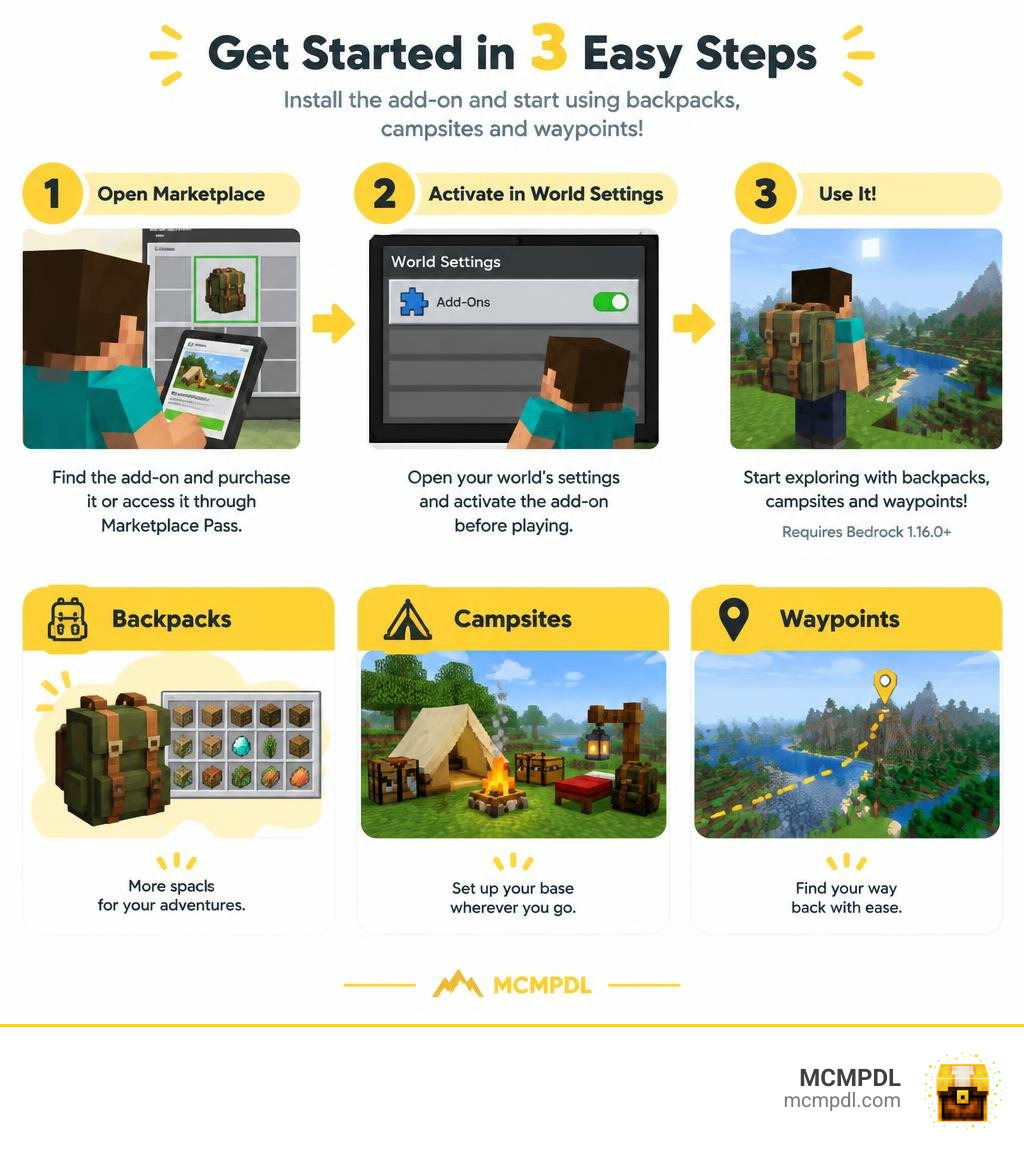
To install the Camping Backpack Addon for Minecraft PE/Bedrock, open the Minecraft Marketplace, find the add-on, and purchase it or access it through Marketplace Pass. Then open your world’s settings and activate the add-on before playing. You need Bedrock version 1.16.0 or newer.
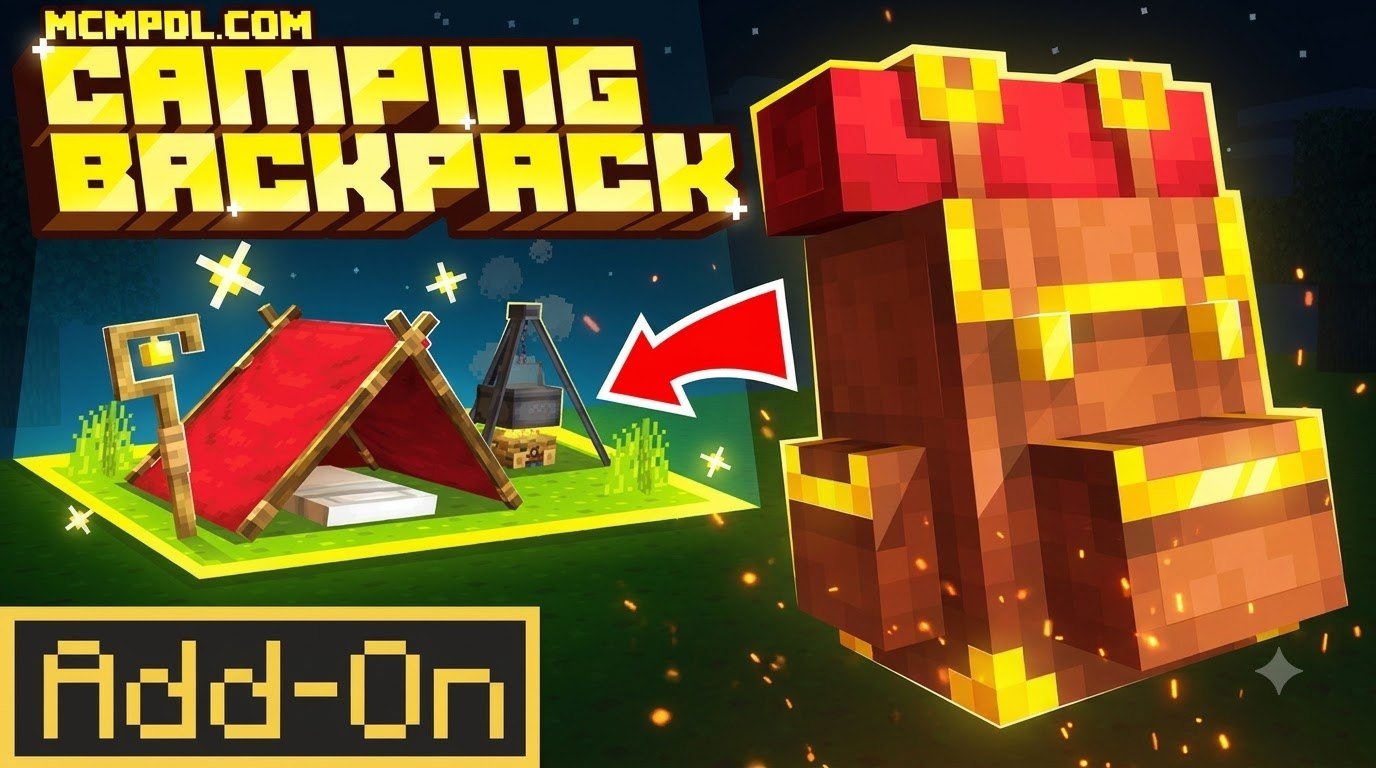
The add-on gives you backpacks and camping gear for trips away from your base, plus waypoints to help you find your way back. The guide below covers setup, campsite features, and how it compares with other backpack add-ons.
Overview of the Camping Backpack Add-On
Exploring distant biomes, spelunking deep caverns, or gathering rare building blocks often leads to the same frustrating obstacle: a completely stuffed inventory. Developed by HorizonBlocks, the Camping Backpack Add-On is designed to eliminate that constant inventory juggling by turning standard portable storage into an entire deployable wilderness outpost.
First launched on April 29, 2025, and updated on April 2, 2026, this add-on has earned a 4.4 out of 5-star rating across 1,066 reviews on the Minecraft Marketplace. Player reception is overwhelmingly positive, with 71% of reviewers (757 players) awarding it a full 5 stars and 14% (154 players) giving it 4 stars. Only a small fraction—5% 3-star (50 ratings), 2% 2-star (24 ratings), and 8% 1-star (81 ratings)—reported minor setup or device-specific hitches.
Financially and practically, it is very accessible:
- Cost: 660 Minecoins (approximately $3.46 USD or €3.26 EUR).
- Marketplace Pass: Fully included, meaning active subscribers can download and play without spending extra Minecoins.
- Compatibility: Operates on Minecraft Bedrock Edition version 1.16.0 and all newer updates (including current 2026 releases).
If you are evaluating other inventory solutions, you might also look into standalone utilities like the classic Backpacks Addon for Minecraft PE/Bedrock or compare it against comprehensive mod frameworks discussed on the Camping Backpack Add-On by HorizonBlocks page.
Key Features and Deployable Campsite Items
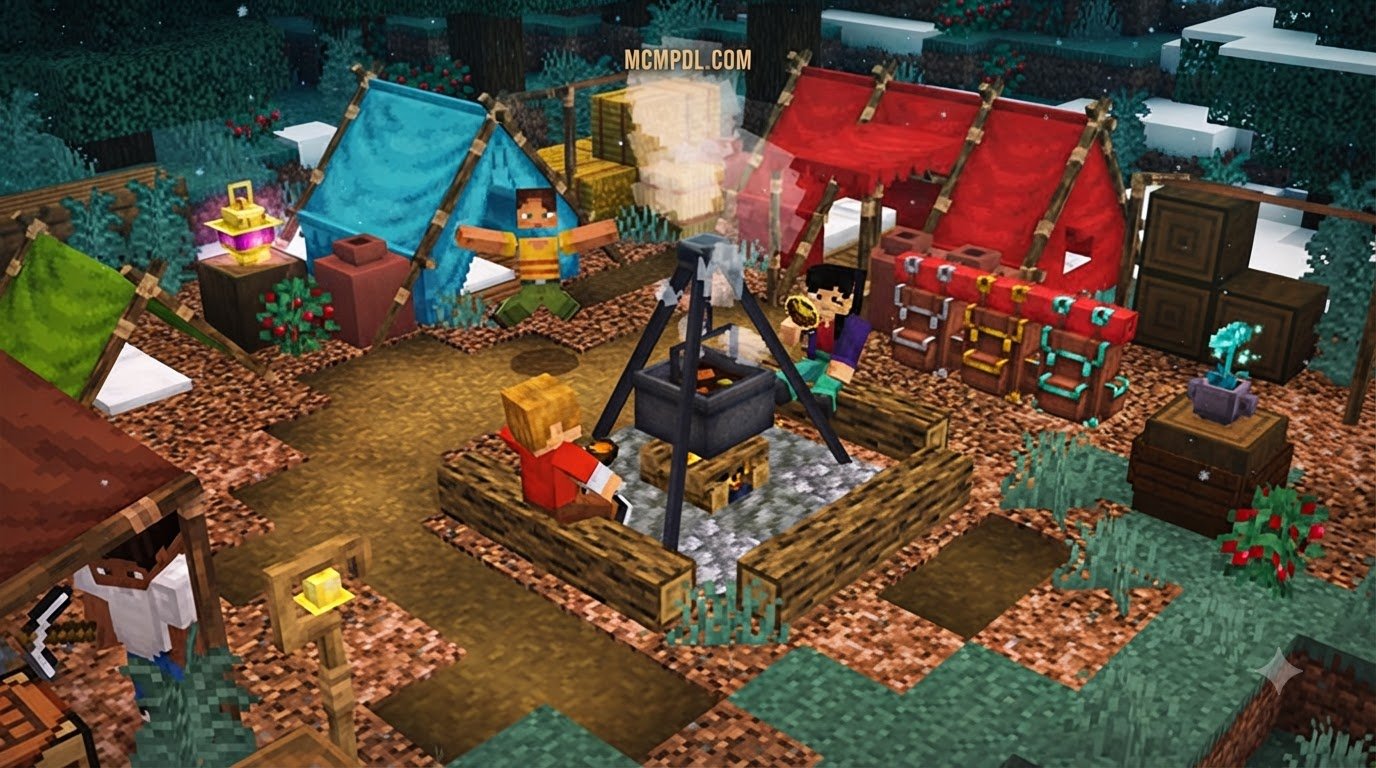
Unlike simple chest-on-a-stick storage mods, this add-on gives you tools to establish an interactive living area anywhere on the map:
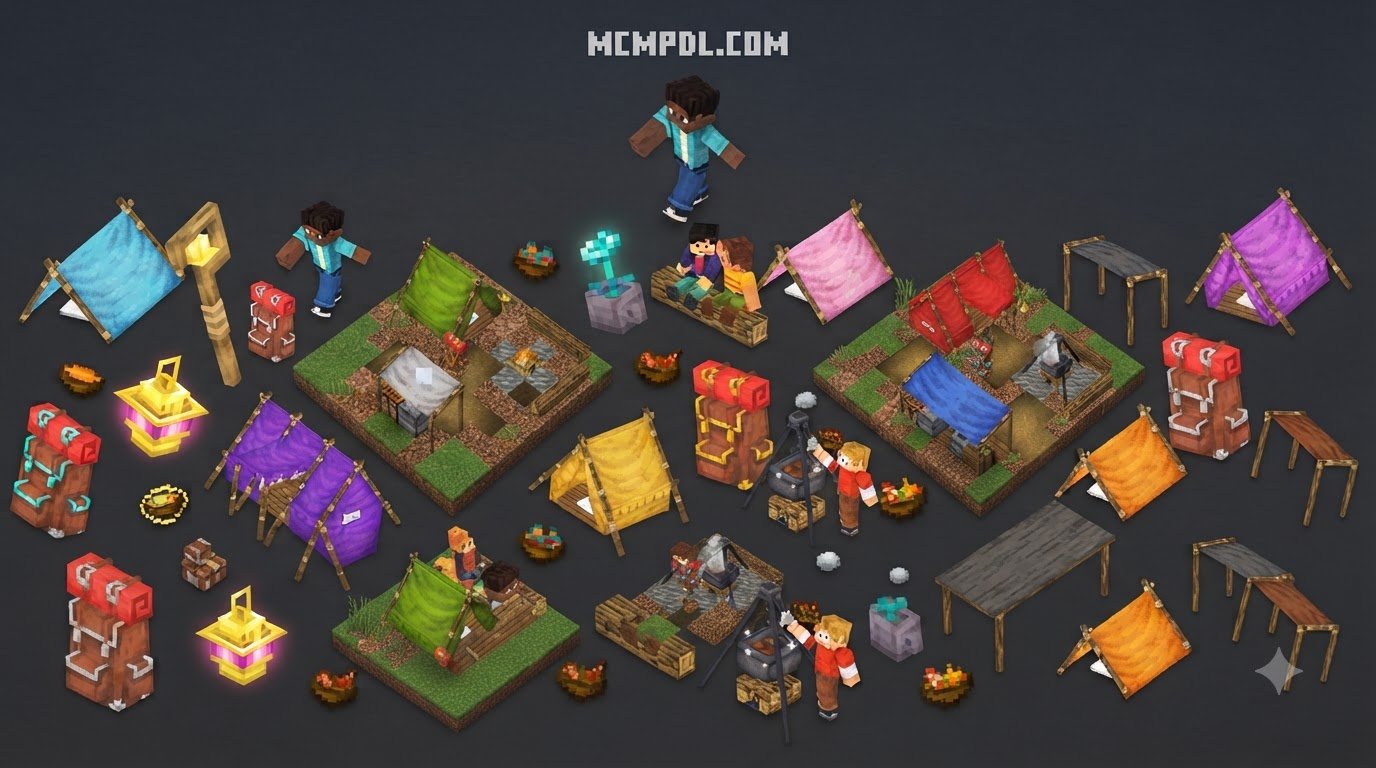
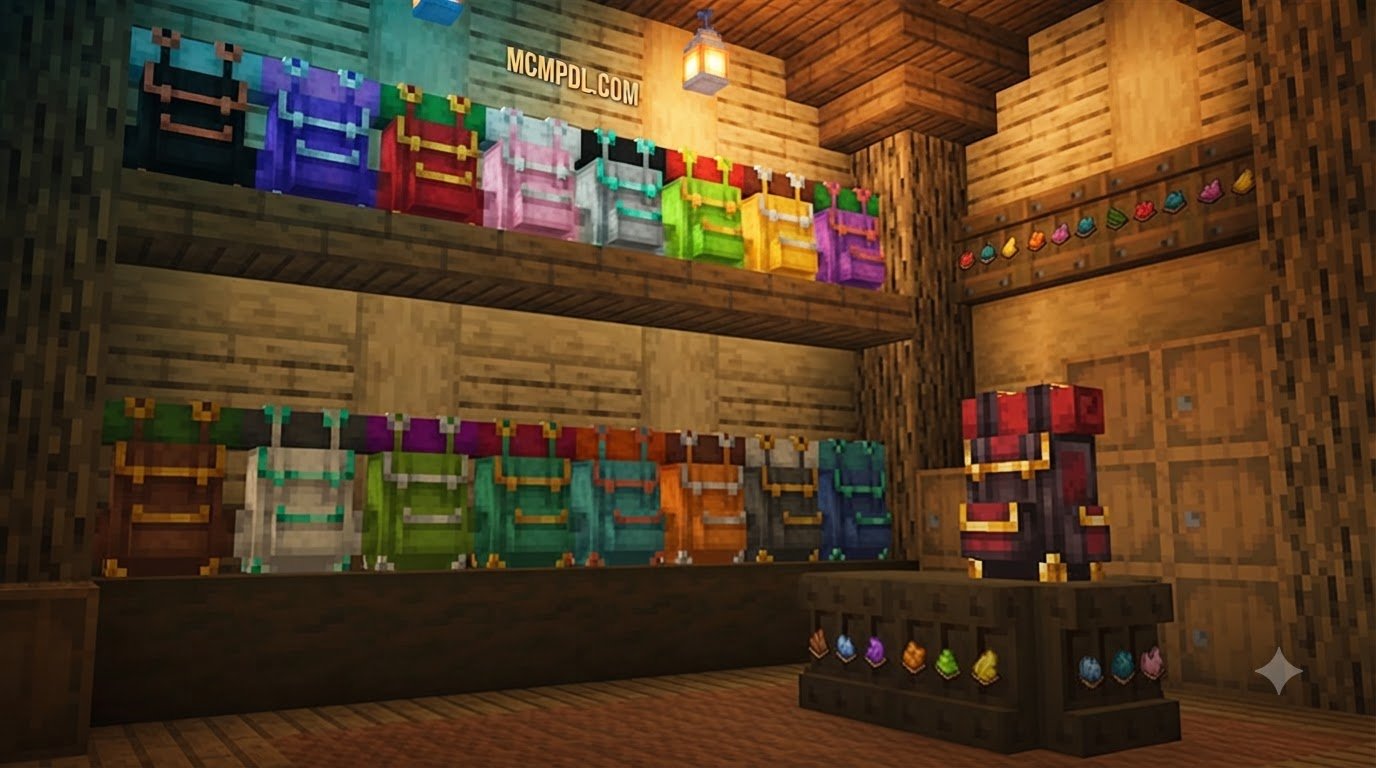
- Deployable Backpacks: Equip wearable backpacks or place them down as physical blocks to sort and secure your survival haul.
- Material Variants: Includes copper backpacks and standard dyeable variants to color-code your equipment.
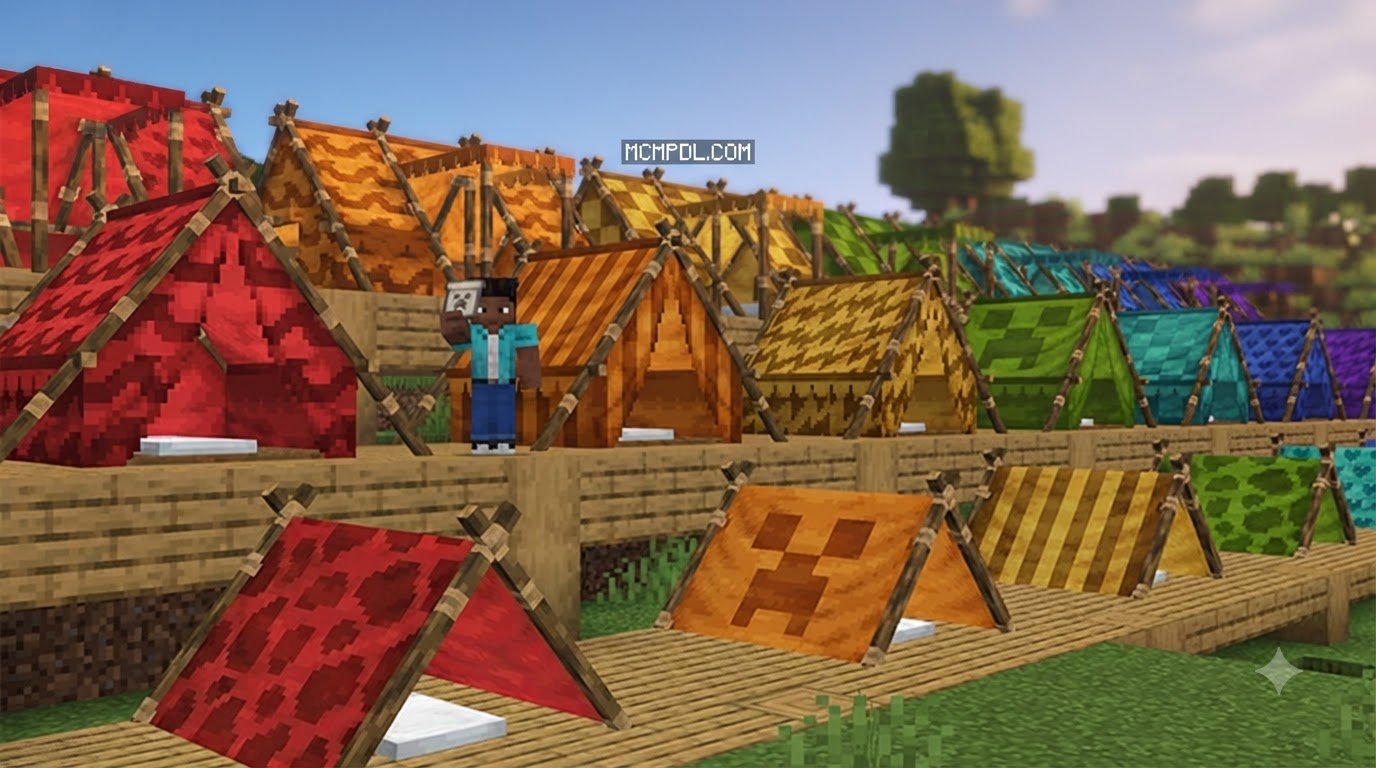
- Rest & Respawns: Deploy functional sleeping bags and cozy tents to skip thunderstorms and dangerous nights out in the open.
- Wayfinding Infrastructure: Utilize flagpole waypoints and camp locators to create permanent visual beacons across long trekking routes.
- Craftable Furniture: Construct portable camping gear, chairs, and outdoor accessories to make your wilderness breaks feel like home.
Multiplayer Support and Addon Stackability
Survival Minecraft is best shared with friends, and the Camping Backpack Add-On supports multiplayer out of the box. Whether you are running a local peer-to-peer session, a dedicated server, or a Bedrock Realm, all connected players can craft their own backpacks, place custom-colored tents, and track shared campsite waypoints.
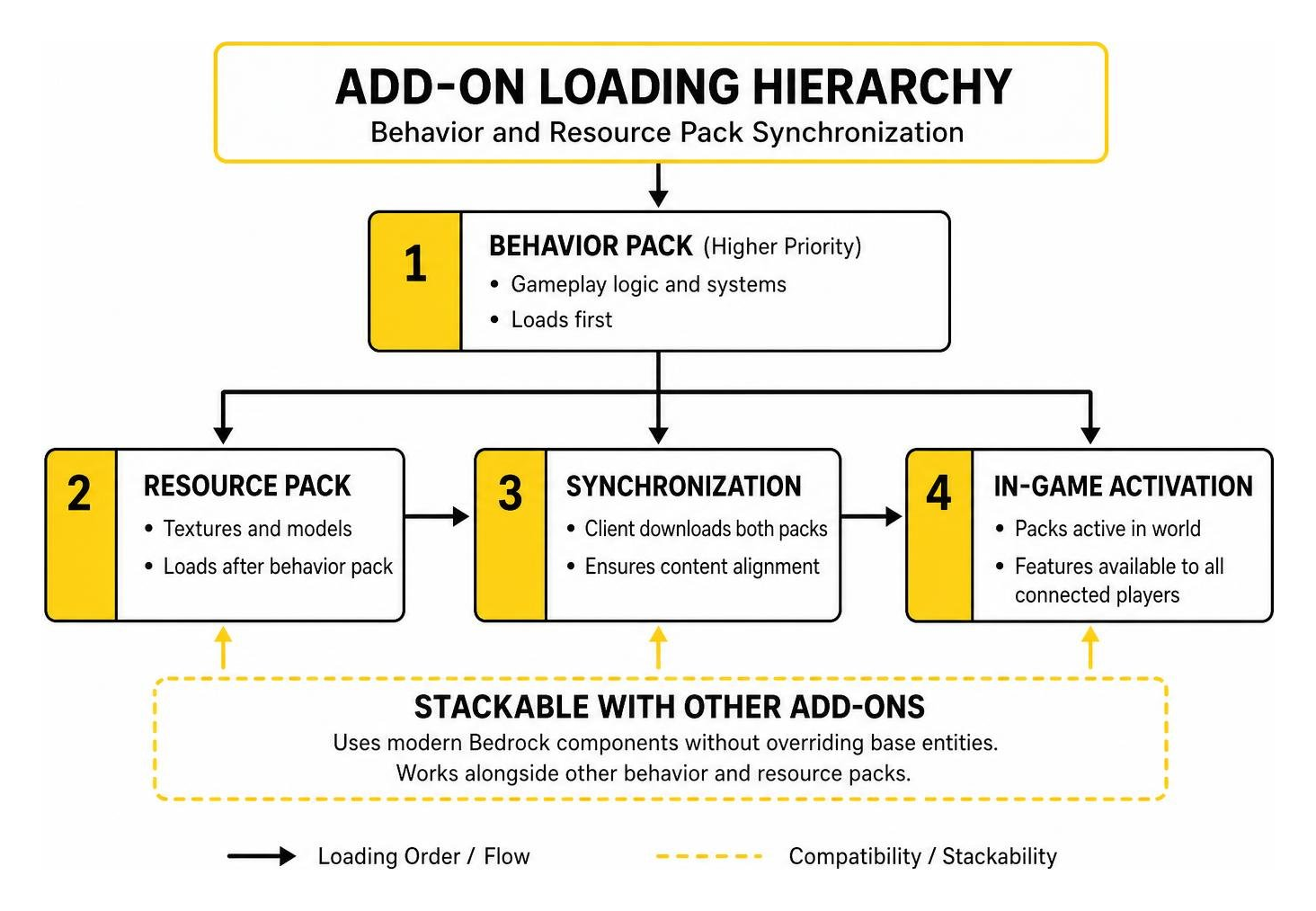
Furthermore, the add-on is stackable with other mods. Because it utilizes modern Bedrock component definitions without overriding base player entities, you can easily combine it with content like a Wilderness Addon for Minecraft PE/Bedrock or utility expansions like an Essentials Addon for Minecraft PE/Bedrock.
Step-by-Step Installation Guide for Minecraft PE and Bedrock
Getting your camping gear into your world takes just a couple of minutes whether you play on mobile (iOS/Android), Windows, or console.
Marketplace Installation (Direct In-Game Method)
- Launch Minecraft and select Marketplace from the main menu.
- Search for “Camping Backpack” by HorizonBlocks.
- Click purchase for 660 Minecoins, or claim it for free if you subscribe to Marketplace Pass.
- Download the package directly to your device storage.
Activating the Add-On in Your World
- Navigate to Play, then select Create New World (or click the pencil icon next to an existing world).
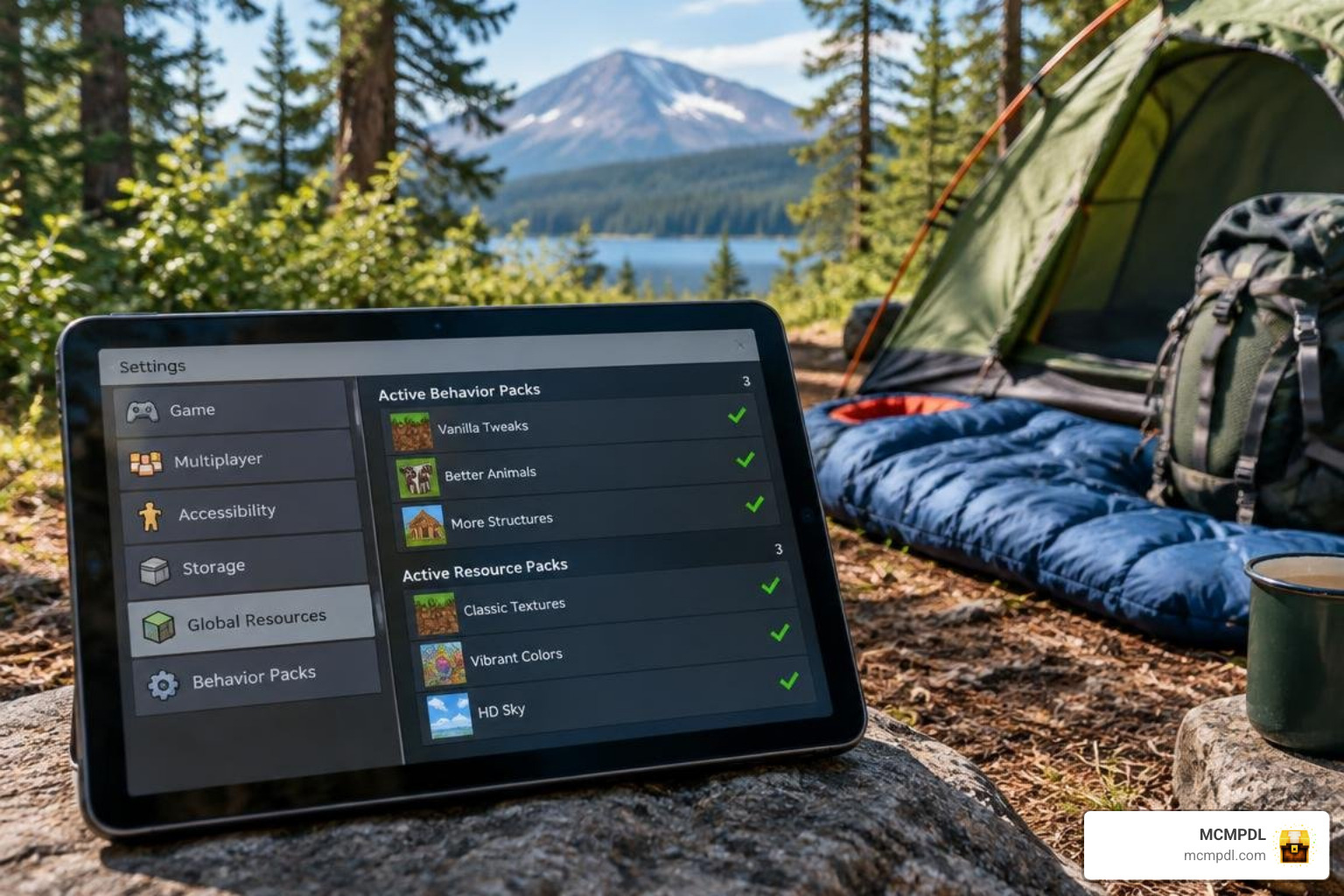
- Scroll down the left settings panel to Resource Packs.
- Under the Available / Owned tab, locate the Camping Backpack pack and click Activate.
- Scroll to Behavior Packs and ensure the corresponding behavior pack is active under Active.
- (Optional for older world saves) Check the Experiments tab and enable experimental toggles if prompted by custom game rules.
- Click Create or Play to jump in!
How to Configure a Camping Backpack Addon for Minecraft PE/Bedrock
Once you load into your world, configuring your camping gear is smooth and intuitive:
- Backpack Settings Item: Use the included custom settings tool to adjust visual attachments, manage waypoint displays, or configure offhand visibility.
- Equipping Mechanics: Backpacks can be held, placed on the ground as an interactive chest, or equipped directly into your chestplate or offhand equipment slot depending on your display settings.
- Pocket UI Scaling: Mobile players on phones or tablets can head to Settings > Video and set the UI Profile to Pocket (or adjust the GUI Scale Slider) to ensure backpack inventory grids fit smaller touchscreens cleanly.
- Pairing with Other Tools: If you are building expansive sites, you can combine this system alongside tools like a Builders Tools Addon for Minecraft PE/Bedrock or terrain shaping utilities like a World Editing Addon for Minecraft PE/Bedrock.
Troubleshooting Common Installation and UI Glitches
If items do not appear or menus look cut off, these standard maintenance steps will clear up most issues:
- Clear Download Cache: Open Settings > Storage > Cached Data and delete old cached resource files, then re-download the pack from the Marketplace.
- Verify Game Version: Ensure your client is updated beyond version 1.16.0.
- Pack Priority Order: In your world settings, move the Camping Backpack resource pack to the top of your active list so custom icons and 3D tent models take priority over other texture packs.
- World Backups: Always press the Copy World button before applying major add-on updates to protect your survival builds from unexpected coordinate changes.
Features of the Camping Backpack Addon for Minecraft PE/Bedrock
Deploying a mobile base transforms how you explore wilderness biomes, allowing you to venture thousands of blocks from spawn without building redundant brick-and-mortar shacks along the way.
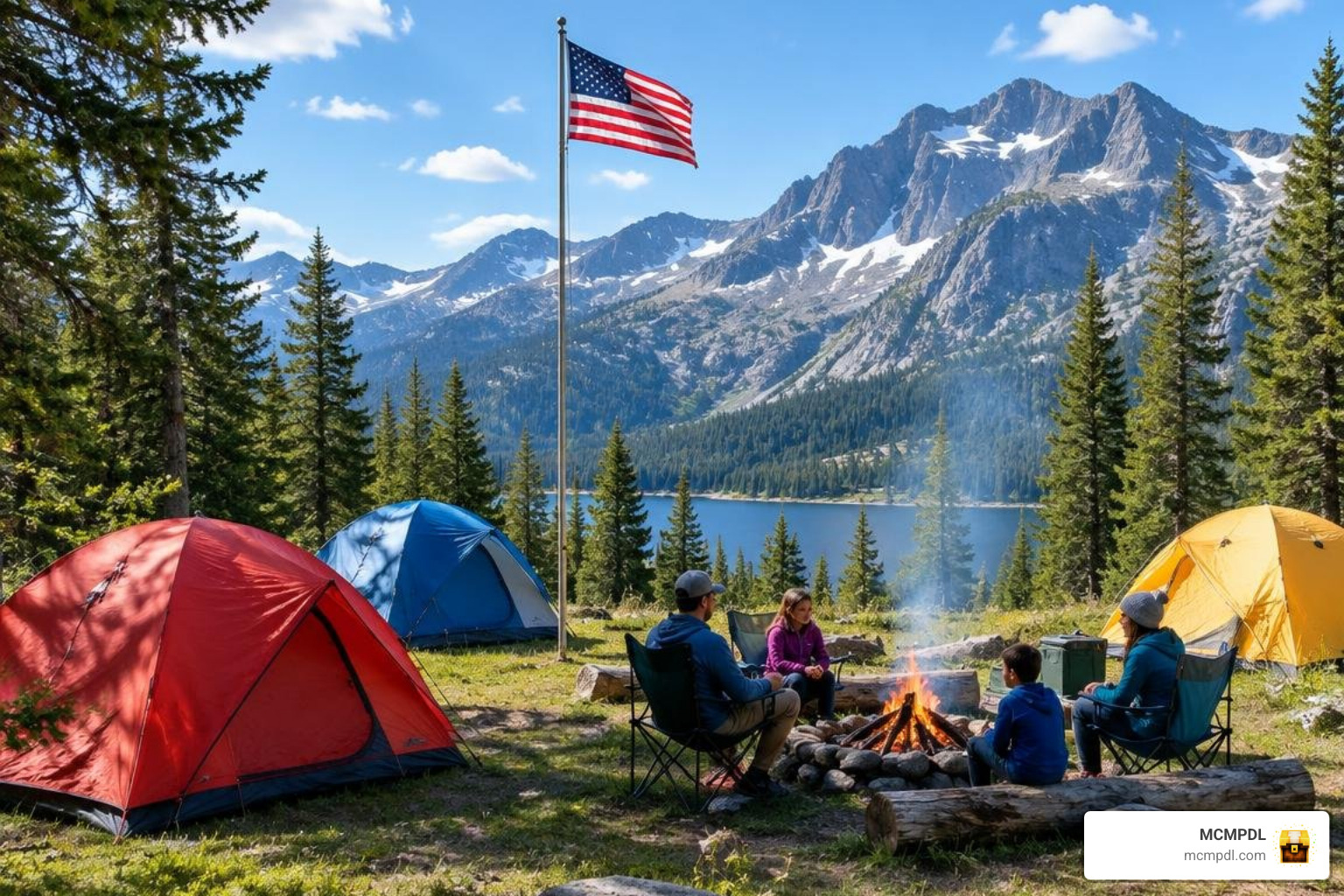
Customization, Dyes, and Waypoint Mechanics
Personalizing your gear is straightforward. You can craft standard leather backpacks and combine them with any of the 16 vanilla Minecraft dyes at a crafting table to match your personal style or distinguish your gathering bags from your mining kits:
- Color Variations: Dye tents, sleeping bags, and backpack fabrics in vibrant hues like red, cyan, lime, or black.
- Flagpole Waypoints: Place a flagpole at your campsite to project a visible beacon into the sky, making it simple to navigate back home after gathering wood or mining in ravines.
- Camp Locator Tool: Hold the camp locator item in your hand to display real-time coordinates and direction arrows pointing toward your active camp.
- Death Recovery: Placing a waypoint marker at your temporary campsite ensures you can find your dropped inventory even if an unexpected creeper catches you off guard.
Mobile Base Setup with Tents and Sleeping Gear
Setting up your campsite takes only a few seconds:
- Deploying the Tent: Right-click or tap the ground while holding a tent item to instantly construct a durable shelter that keeps phantoms and hostile mobs at bay.
- Sleeping Bags: Unlike standard wooden beds that reset your world spawn point permanently, sleeping bags allow you to skip the dangerous night cycle without overriding your main home base coordinates.
- Campfires & Cooking: Combine your camp setup with outdoor cooking mechanics similar to those found in projects like the Let’s Do Collection Camping mod repository, establishing a cozy ambient hub for refilling your hunger bar.
- Packing Up: Sneak and interact with your tent or placed backpack to instantly fold everything back into your inventory, leaving no clutter behind.
Comparing Backpack Storage Approaches in Minecraft Bedrock
Different survival players require different storage mechanics. The table below compares the Camping Backpack Add-On with other popular alternatives across the Bedrock ecosystem:
| Storage Add-On | Primary Focus | Slot Capacity | Portable Workstations | Movement Penalties | Best Suited For |
|---|---|---|---|---|---|
| Camping Backpack Add-On | Mobile Bases & Camping Gear | Moderate + Deployable Campsite | Craftable Camp Furniture | None (Vanilla Speed) | Long Expeditions, Roleplay, & Multiplayer |
| Better Backpacks Addon | Tiered Inventory Progression | 9 to 36 Slots (Reinforced) | External Block Placement | Dynamic Speed Reductions (up to -15%) | Balanced Vanilla-Plus Survival |
| OTG Backpack | High-Capacity Tech Upgrades | 126 to 252 Slots (Overpack) | Crafting, Furnace, Anvil, Brewing | None | Megabase Projects & Heavy Mining |
| BONY162 Backpacks | Modular Utility Upgrades | Tiered Pages + Modules | Dynamic Lights & Auto-Totem | None | Combat & Utility-Heavy Playstyles |
Comparing Backpack Storage Features for Minecraft PE/Bedrock
When evaluating your portable inventory options, consider how each system handles progression:
- Storage Balancing: Some mods, such as the Better Backpacks Addon (detailed on MCPEUDAY), implement dynamic speed penalties where carrying up to 36 slots in a Reinforced pack reduces player walk speed by up to 15%. In contrast, the Camping Backpack Add-On maintains standard player movement speed, balancing inventory expansion through deployable base items instead.
- Modular Mechanics: Advanced expansions like the Better Backpacks Addon for Minecraft PE/Bedrock or the Simply Backpacks Addon for Minecraft PE/Bedrock focus strictly on internal slots. Meanwhile, technical packs integrate fluid tanks, magnet modules, and portable smithing tables.
- Interdimensional Travel: For players frequently crossing dimensions, you might explore alternative storage methods like the Dimensional Backpacks Addon for Minecraft PE/Bedrock or high-capacity item vaults in the Storage Addon for Minecraft PE/Bedrock.
Choosing the Best Storage Add-On for Your Playstyle
- For the Nomadic Adventurer: If you love trekking across mountain ranges, setting up scenic riverside camps, and playing alongside friends on a Realm, the Camping Backpack Add-On (or the updated features highlighted in the Camping Backpack Add-On 2.0 overview) is the ideal pick.
- For the Megabase Builder: If you need to transport hundreds of stone stacks and building blocks across job sites, check out utility add-ons like the Backpacks Stuff Add-on for Minecraft PE/Bedrock.
- For the Pure Survival Purist: If you want a vanilla-like expansion that forces strategic inventory management through movement trade-offs, standard tiered storage packs are well worth testing.
Frequently Asked Questions About Bedrock Camping Add-ons
Can you use the Camping Backpack Add-On in multiplayer worlds?
Yes, the add-on is fully optimized for multiplayer environments, including local LAN worlds, dedicated servers, and Minecraft Bedrock Realms. Every player connected to your world can craft, customize, and wear their own backpack. Furthermore, flagpole waypoints and deployed campsites can be shared or marked individually, allowing cooperative expedition parties to explore distant biomes together without losing their way.
How do you dye and customize backpacks in the add-on?
You can customize your camping backpacks and tents by placing the base item into a crafting grid alongside any of the 16 vanilla Minecraft dye items (such as lapis lazuli for blue, bone meal for white, or cactus green). Additionally, the custom backpack settings item allows you to adjust visual display preferences and offhand toggles in real time.
How much does the Camping Backpack Add-On cost?
The add-on is available on the official Minecraft Marketplace for 660 Minecoins (approximately $3.46 USD). If you have an active subscription to the Minecraft Marketplace Pass, the add-on is included at no additional cost, giving you immediate access to all current features and future updates.
Conclusion
Carrying your entire base on your shoulders completely changes how you experience survival in Minecraft Bedrock. By combining convenient portable storage with deployable tents, sleeping bags, and reliable waypoint markers, the Camping Backpack Add-On ensures that long-distance exploration is as immersive and cozy as it is practical.
Ready to enhance your survival worlds with new mechanics, storage systems, and creative tools? Visit our curated library to explore curated Bedrock add-ons on MCMPDL and discover fresh ways to build, explore, and survive today!