Scroll down to D0vvnl0ad
Bring Diwali to Minecraft PE/Bedrock
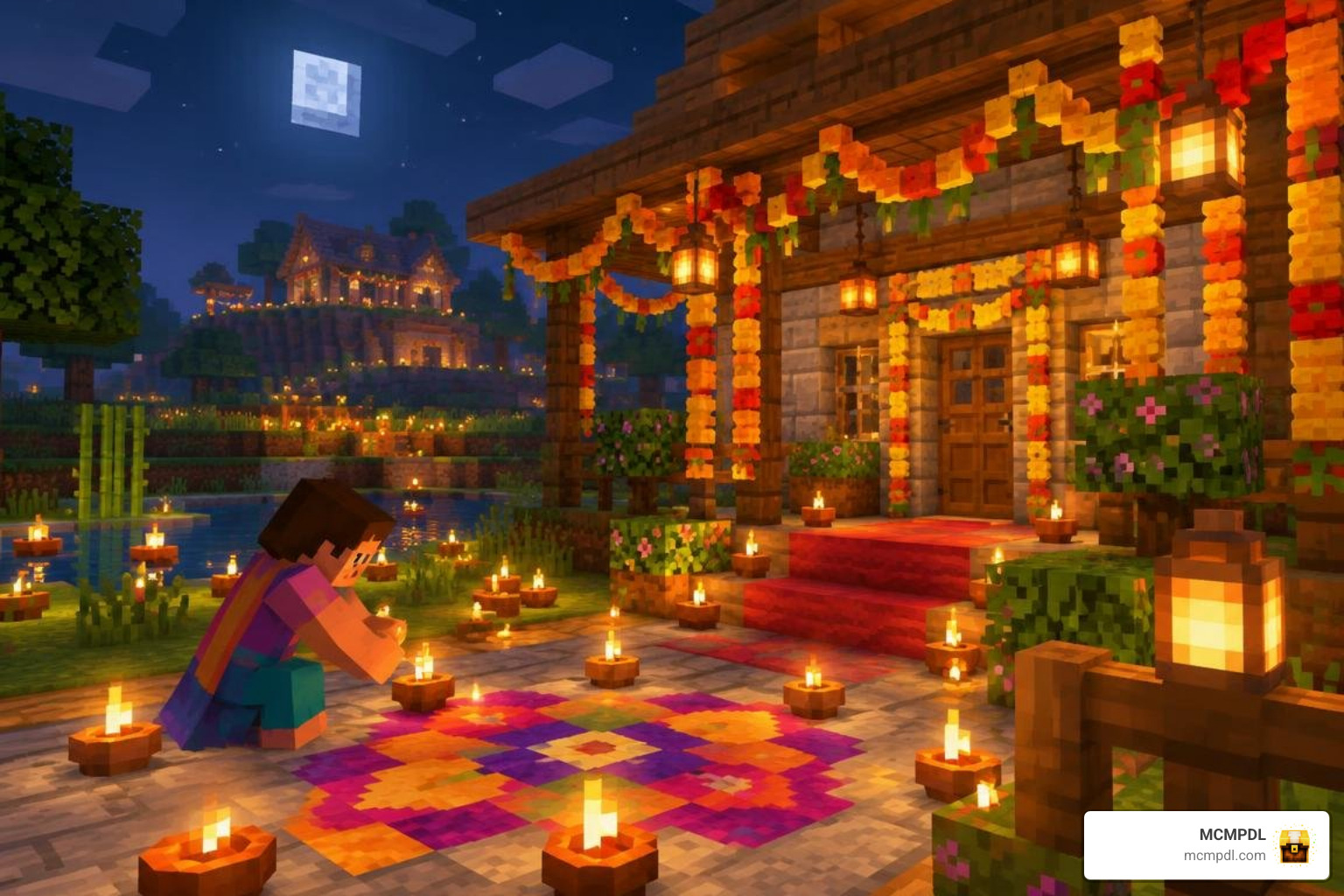
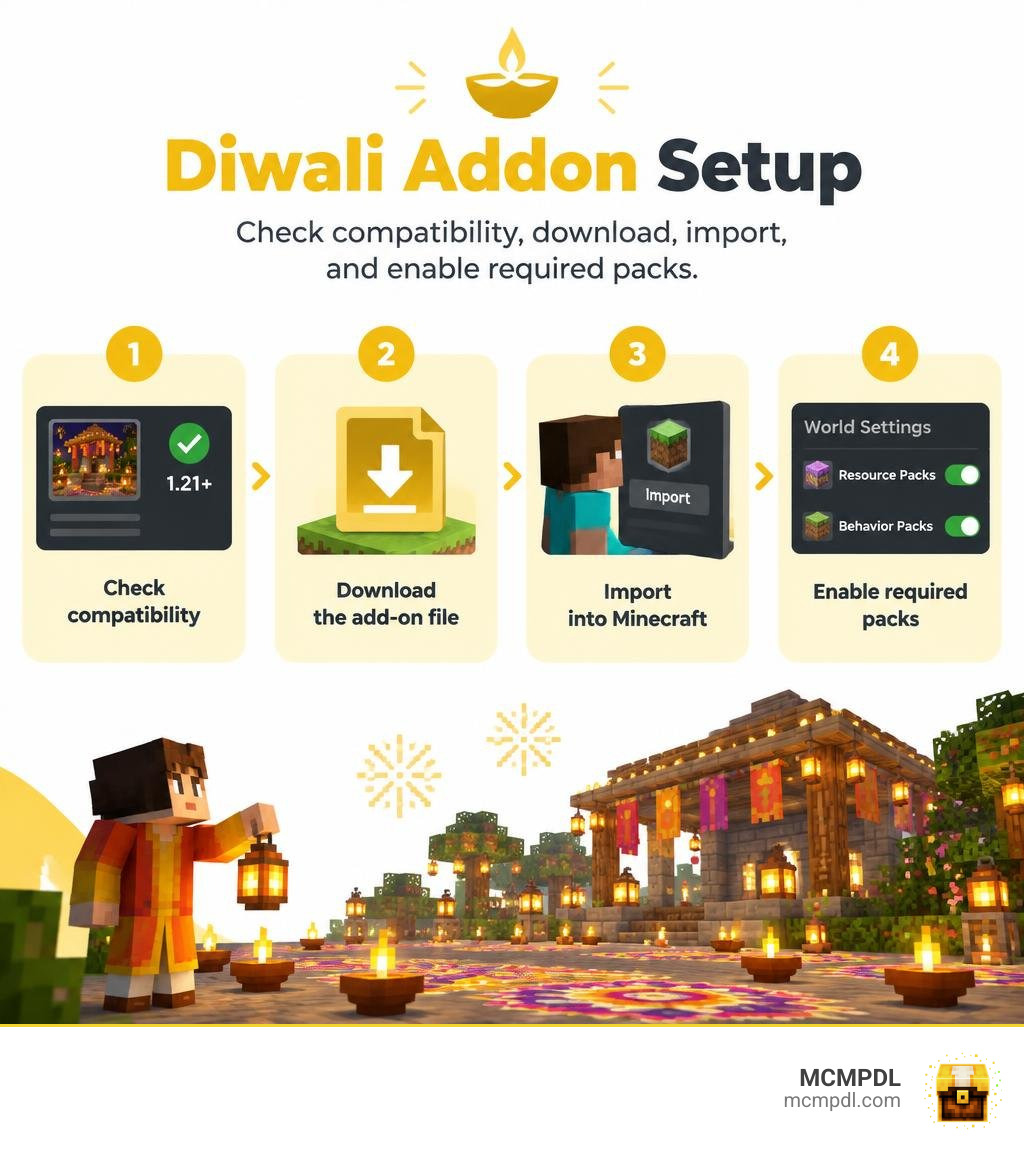
To install the Diwali Addon for Minecraft PE/Bedrock, check that its listing supports your game version, download the add-on file, and open it with Minecraft. Then turn on any required resource and behavior packs in your world settings. Check the listing’s setup notes before you play; features and requirements can vary by release.
The add-on gives you a way to bring the Festival of Lights into your builds. This guide will help you find a safe download, install it, and fix common problems such as missing items or textures.
What Is the Diwali Addon for Minecraft PE/Bedrock?
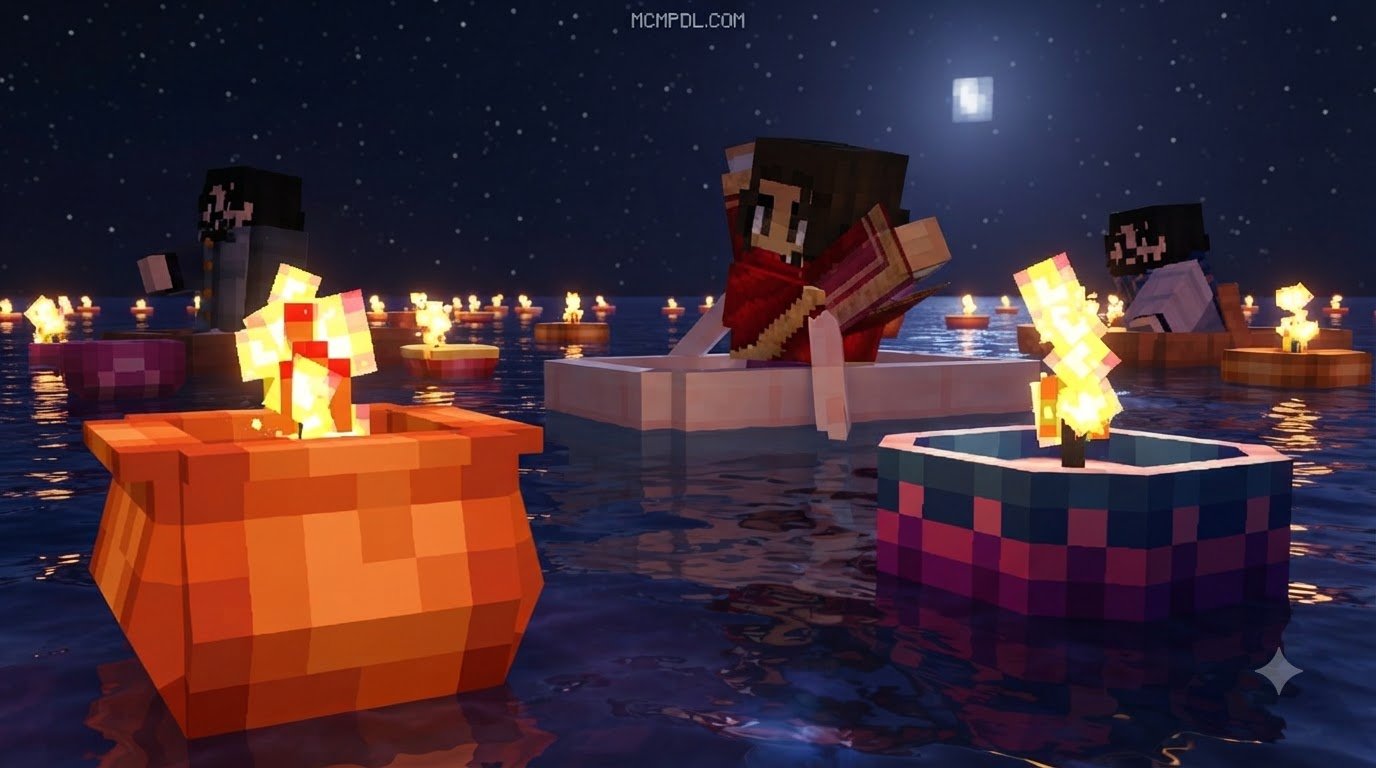
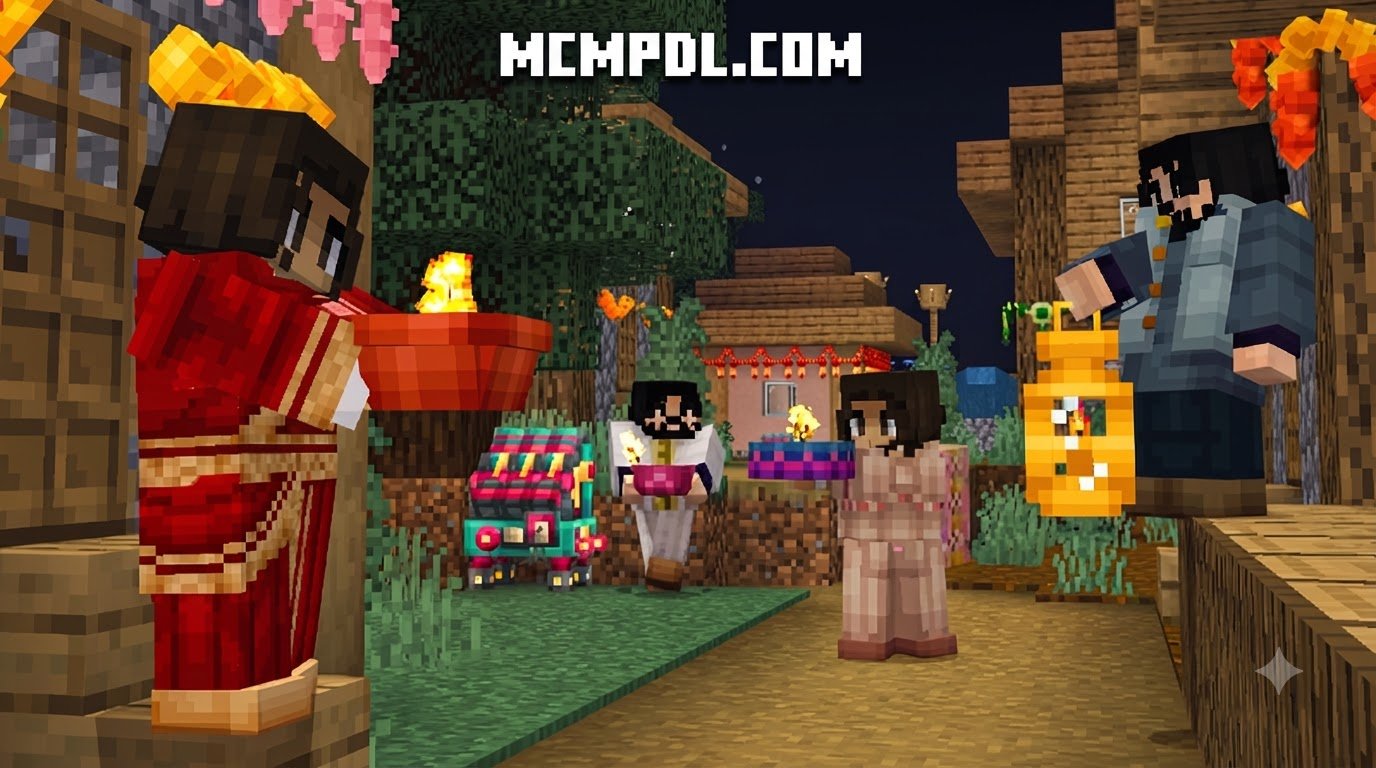
The Diwali Addon transforms your standard Bedrock worlds into glowing, joyous festival grounds. Diwali, known worldwide as the Festival of Lights, celebrates the triumph of light over darkness, knowledge over ignorance, and good over evil. In Minecraft, this expansion introduces vibrant new cultural elements, glowing lights, festive mobs, traditional sweets, and celebratory pyrotechnics that allow you to host your own digital celebrations with friends.
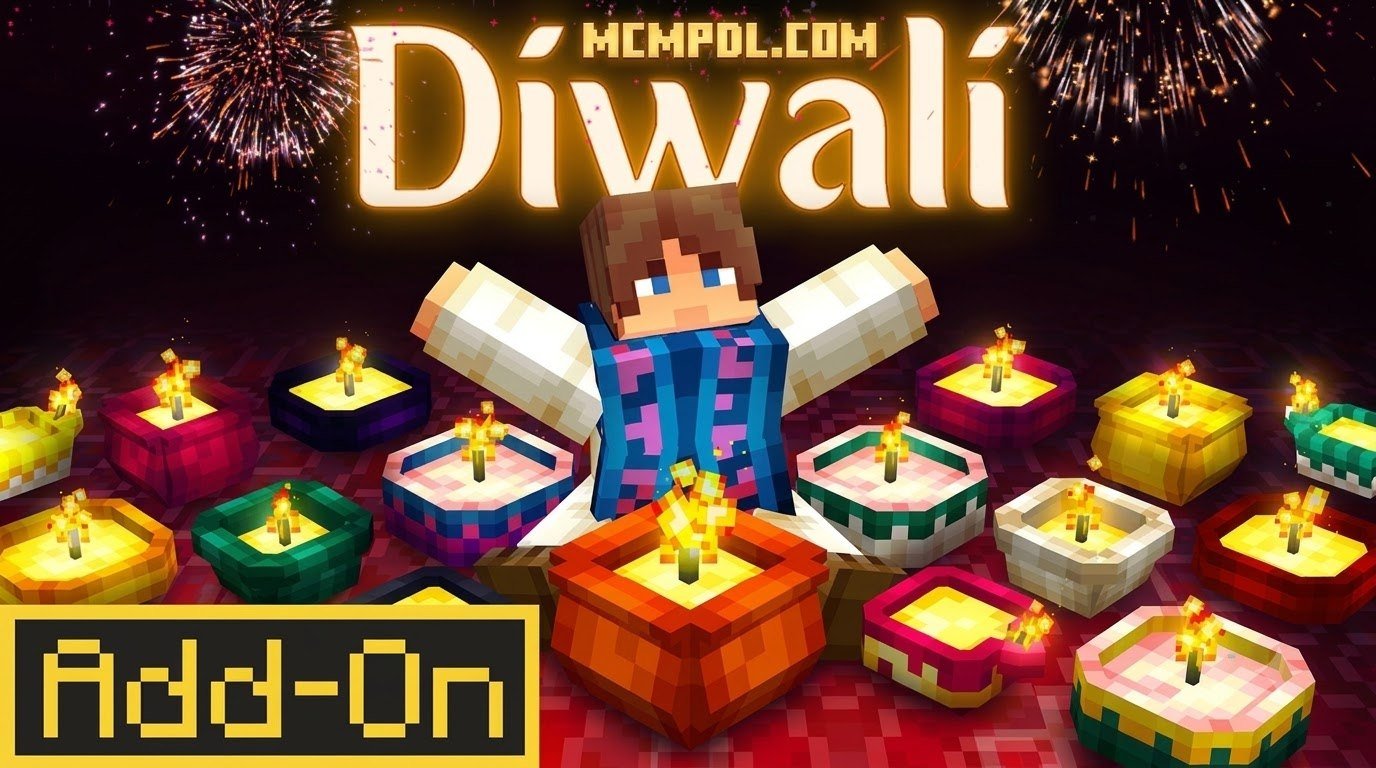
Instead of navigating dark nights with only standard wooden torches and basic lanterns, your world comes alive with clay diyas, intricate floral designs, and decorative hanging ornaments. Similar to how you might explore altered seasonal terrain using a Festive Biomes Addon for Minecraft PE/Bedrock, this pack refashions ordinary settlements into bustling, illuminated holiday hubs. Whether you browse community creations or look into an official release like the Diwali Add-On, bringing this experience to life adds deep cultural flair to your survival or creative worlds.
Cultural Items and Festival Decorations in the Diwali Addon for Minecraft PE/Bedrock
The heart of the Diwali experience lies in its rich visual atmosphere. When you load the pack, your creative inventory and crafting tables gain access to an array of authentic decorative pieces that capture the warmth of the celebration.

Here are some of the primary cultural decorations you will discover:
- Clay Diyas: Small, hand-crafted oil lamps that emit warm light. You can place them on steps, along pathways, or along rooftop borders to keep hostile mobs away while setting an inviting mood.
- Intricate Rangoli Art: Colorful floor patterns crafted from dyed powders, flower petals, and quartz dust. These decorative tiles allow you to lay out geometric art at the entrances of homes, temples, and village plazas.
- Toran Hangings: Traditional decorative door and archway hangings made of marigold flowers and mango leaves, designed to welcome good fortune and guests into your builds.
- Hanging Lanterns (Kandils): Multi-colored paper lanterns that cast vibrant geometric light patterns across patios and courtyards.
- Festive Garlands: String lights and marigold chains that can be draped across fences, walls, and pillars to match your favorite Furniture Addon for Minecraft PE/Bedrock setups.
Custom Sweets, Food, and Fireworks Mechanics
No festive gathering is complete without indulgent treats and dazzling evening skies. The add-on introduces custom edible items along with lively interactive mechanics designed around celebration.
Food plays a major role in the festivities. Players can harvest new ingredients to craft traditional sweets (mithai), such as laddus, gulab jamun, and jalebi. Much like expanding your kitchen repertoire with a dedicated Cooking Addon for Minecraft PE/Bedrock, these treats provide fun hunger restoration benefits along with temporary positive status effects like Speed, Jump Boost, or brief bursts of Health Regeneration.
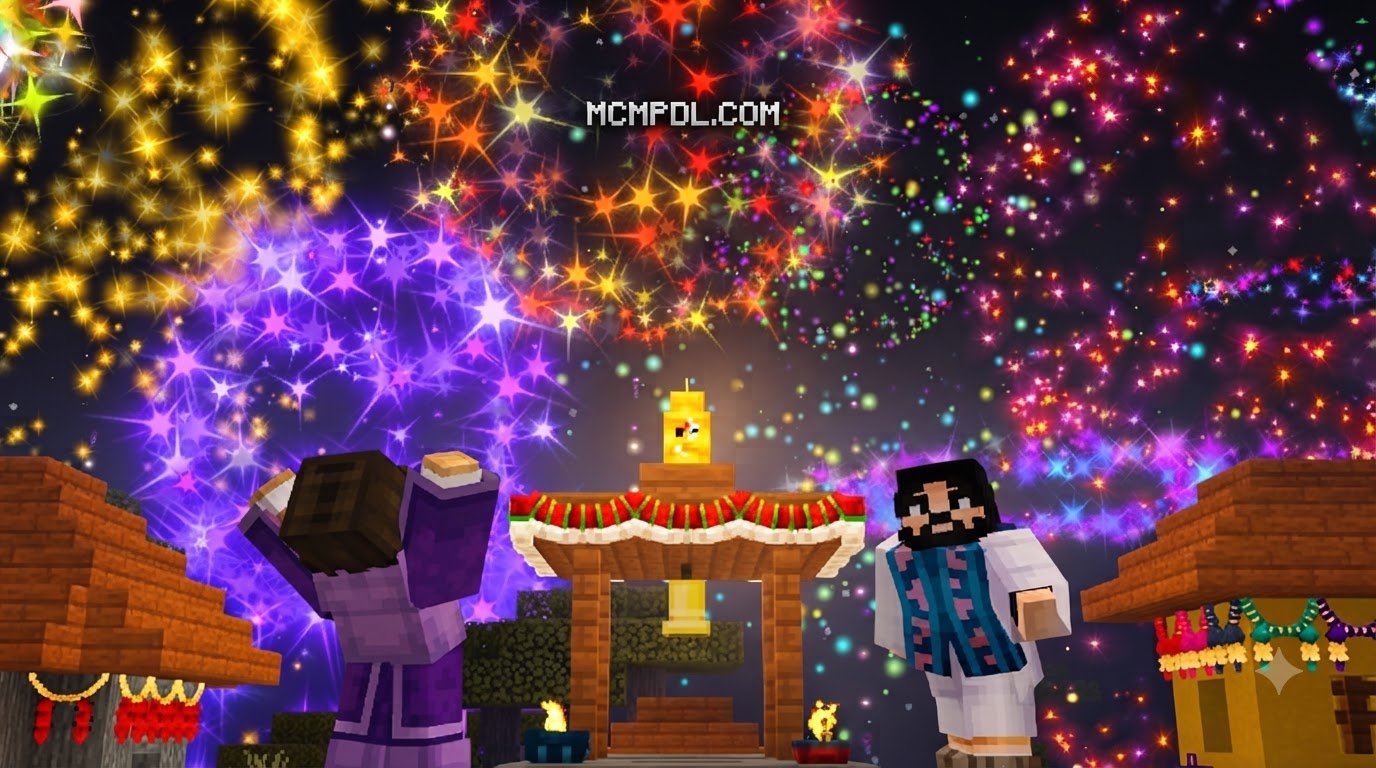
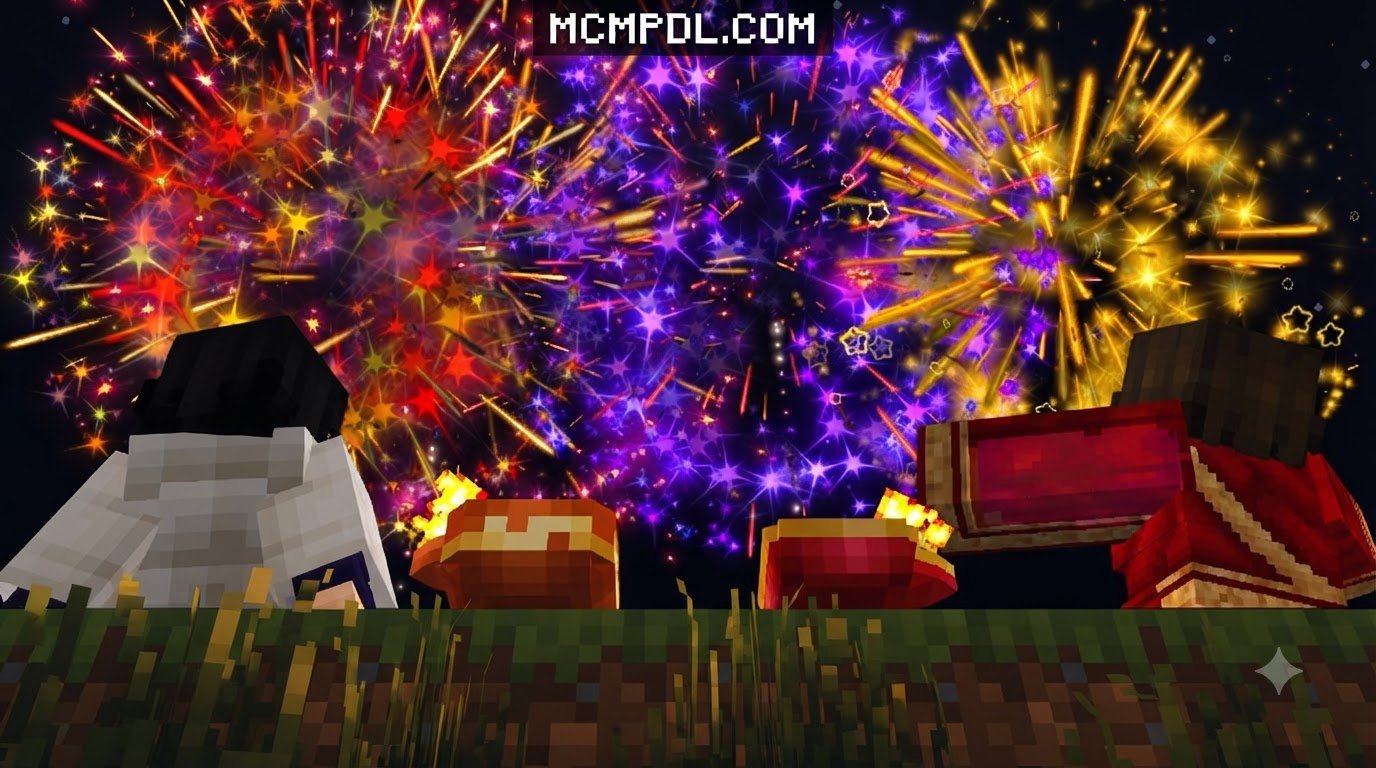
When night falls, the celebration truly begins. Ground-based sparklers (phuljhadi), spinning ground chakras, and high-altitude rocket bursts turn the night into a visual spectacle far beyond vanilla fireworks. You can even pair these pyrotechnics with specialized explosives from a Fireworks Addon for Minecraft PE/Bedrock to build grand synchronized shows. Finally, you can pack these sweets, sparklers, and decorative items into wrapped gift parcels, integrating seamlessly with packs like the Gifts Addon for Minecraft PE/Bedrock to exchange festival presents across multiplayer servers.
How to Download and Install the Diwali Addon
Installing custom content for Bedrock Edition is straightforward once you know how the file system interacts with your game. To ensure your device stays secure and your game runs smoothly, always download files from trusted repositories in our curated Category: Add-ons section.
At MCMPDL, our curated online hub aggregates top-tier Bedrock modifications, simplifying discovery and file management across mobile, console, and desktop platforms. We test files to make sure you get clean, functioning content without corrupted archives or hidden scripts.
System Requirements and Version Compatibility
Before installing, check that your device meets the baseline specifications for running custom Bedrock scripts and high-resolution textures. As of October 2026, ensure your base game is updated to Minecraft Bedrock version 1.21 or newer to avoid pack incompatibility warnings.
| Platform | Supported OS | Minimum RAM | Recommended File Format |
|---|---|---|---|
| Android | Android 10.0 or higher | 3 GB | .mcaddon / .mcpack |
| iOS / iPadOS | iOS 14.0 or higher | 3 GB | .mcaddon / .mcpack |
| Windows | Windows 10 / 11 (64-bit) | 4 GB | .mcaddon / .zip |
Step-by-Step Installation on Mobile and Windows Devices
Follow these simple steps to import your files and configure your world properly:

- Download the Pack File: Save the
.mcaddonfile (or individual.mcpackfiles for Behaviors and Resources) to your device’s download folder. - Open the File in Minecraft:
- On Mobile (Android/iOS): Tap the downloaded
.mcaddonfile. Choose “Open with Minecraft” when prompted. The game will automatically launch and display an “Import Started” message at the top of your screen. - On Windows 10/11: Double-click the
.mcaddonfile. Minecraft will launch automatically and import the resource and behavior packs into your local directory.
- On Mobile (Android/iOS): Tap the downloaded
- Create or Edit a World: Navigate to your world select screen and click the pencil icon to edit an existing world, or select “Create New World.”
- Activate Resource & Behavior Packs:
- Scroll down to the Resource Packs tab on the left menu, select the Diwali pack under “Available,” and click Activate.
- Navigate to the Behavior Packs tab and confirm the matching behavior pack is active under your current world settings.
- Toggle Experimental Settings: In the world settings under the “Experiments” tab, toggle on Holiday Creator Features, Upcoming Creator Features, and Beta APIs if specified in your version’s setup notes.
- Launch Your World: Click “Play” and enjoy your illuminated celebration!
Celebrating the Festival of Lights in Bedrock Edition
Once your world loads, you can transform ordinary villages into grand festival sites. Nighttime is when the visual presentation shines brightest. Replacing plain village streets with lines of glowing diyas, hanging vibrant lanterns from roof eaves, and framing doorways with torans completely revamps the nocturnal atmosphere of the game.
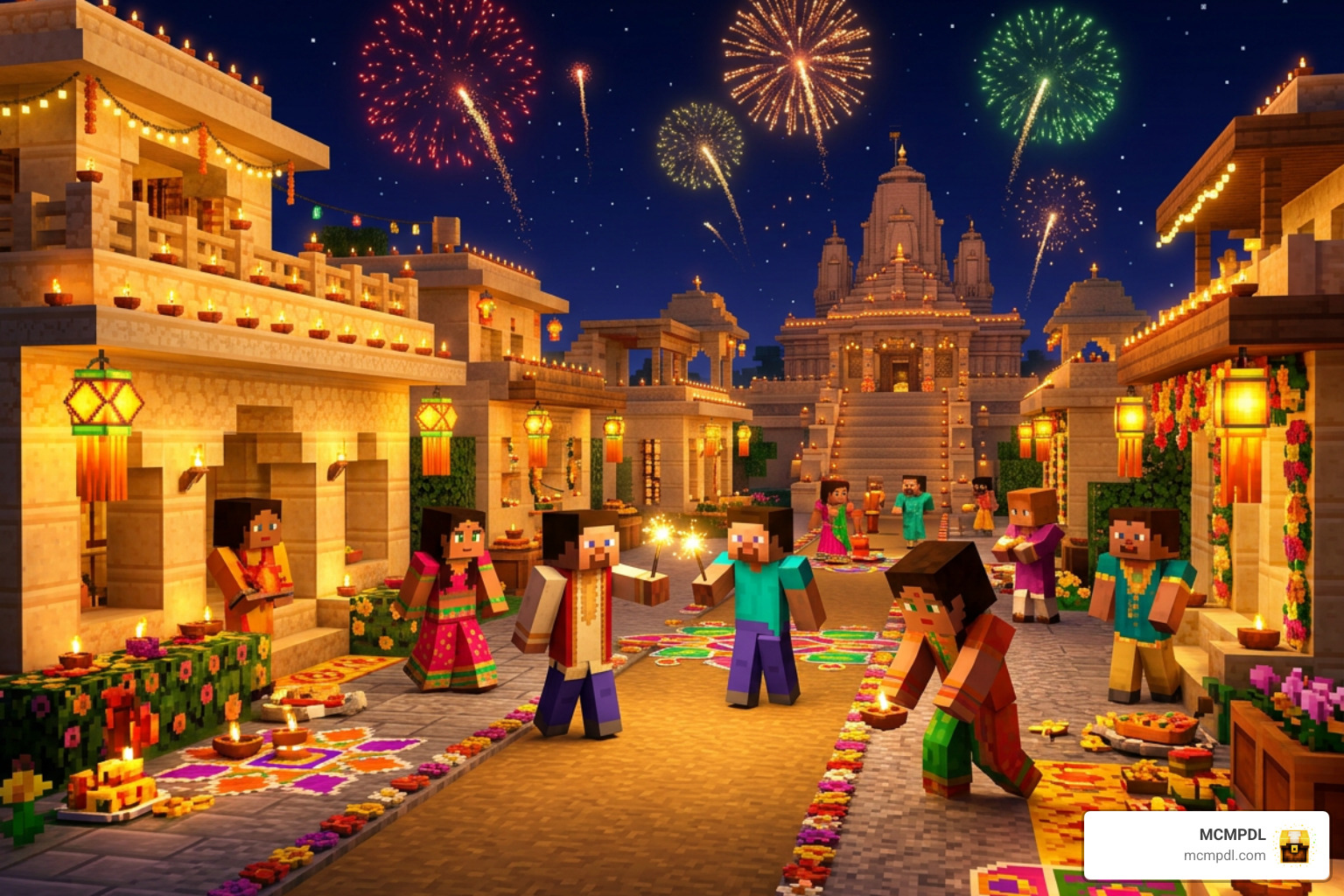
You can organize community celebrations on multiplayer servers by setting up communal feast tables filled with custom sweets and holding competitive rangoli art contests. With the peaceful hum of glowing lanterns replacing pitch-black surroundings, your settlements become cozy havens for holiday celebrations.
Troubleshooting Common Issues with the Diwali Addon for Minecraft PE/Bedrock
If you run into issues while setting up the Diwali Addon for Minecraft PE/Bedrock, these targeted solutions will help get your world running properly:
- Missing Textures (Black and Magenta Checkerboards): This issue occurs when the Resource Pack fails to load properly or is missing its asset links. Ensure the Diwali Resource Pack is placed above other global packs in your active pack hierarchy list.
- Custom Items Unusable or Missing from Creative Menu: If items like sparklers or laddus do not appear, check your world settings to make sure you enabled the Holiday Creator Features and Custom Biomes/Blocks experimental toggles.
- Import Errors / “Failed to Import”: If Minecraft gives an import error, the file archive may be corrupted during download. Try redownloading the
.mcaddonfile. If the file ends in.zip, rename the extension back to.mcaddonbefore clicking it. - Behavior Conflicts: If custom mob behaviors or crafting recipes do not trigger, ensure no overlapping behavior packs are overriding base entity loot tables. Try testing the pack in a fresh world to identify potential add-on conflicts.
Frequently Asked Questions
Is the Diwali addon compatible with the latest Minecraft Bedrock updates?
Yes, updated versions of the add-on are structured to run smoothly on modern Bedrock builds (including version 1.21+). Because Minecraft updates can occasionally adjust script APIs or block data, make sure you download the most up-to-date release from our platform.
Can I use the Diwali addon in multiplayer and Realms?
You can freely run the pack on dedicated servers, local multiplayer sessions, and Minecraft Realms. When hosting a world with active add-ons, select the option requiring players to accept custom resource packs when joining. This ensures all connecting friends see the custom items, glowing lanterns, and fireworks automatically.
Do I need to enable experimental features for fireworks and items?
Most custom items, foods, and specialized pyrotechnics rely on Minecraft’s experimental framework to function. While simple texture replacers do not require extra toggles, full feature packs introducing custom block entities and crafting recipes require you to enable Holiday Creator Features and Beta APIs in your world settings.
Conclusion
The Diwali Addon offers an uplifting, visually rich way to celebrate the Festival of Lights inside your favorite Bedrock worlds. With colorful rangoli designs, glowing clay diyas, traditional sweets, and vibrant fireworks, you can craft unforgettable festival experiences alongside friends and family.
To further customize your survival experience or streamline construction of grand festive temples, combine your setup with utility enhancements like the Bedrock Tools Add-On. Explore our extensive library on MCMPDL today to discover more seasonal mods, building utilities, and creative additions for your next adventure. Happy Diwali and happy crafting!