Scroll down to D0vvnl0ad
Smooth Texture Pack for Minecraft PE/Bedrock: A Cleaner Vanilla Look
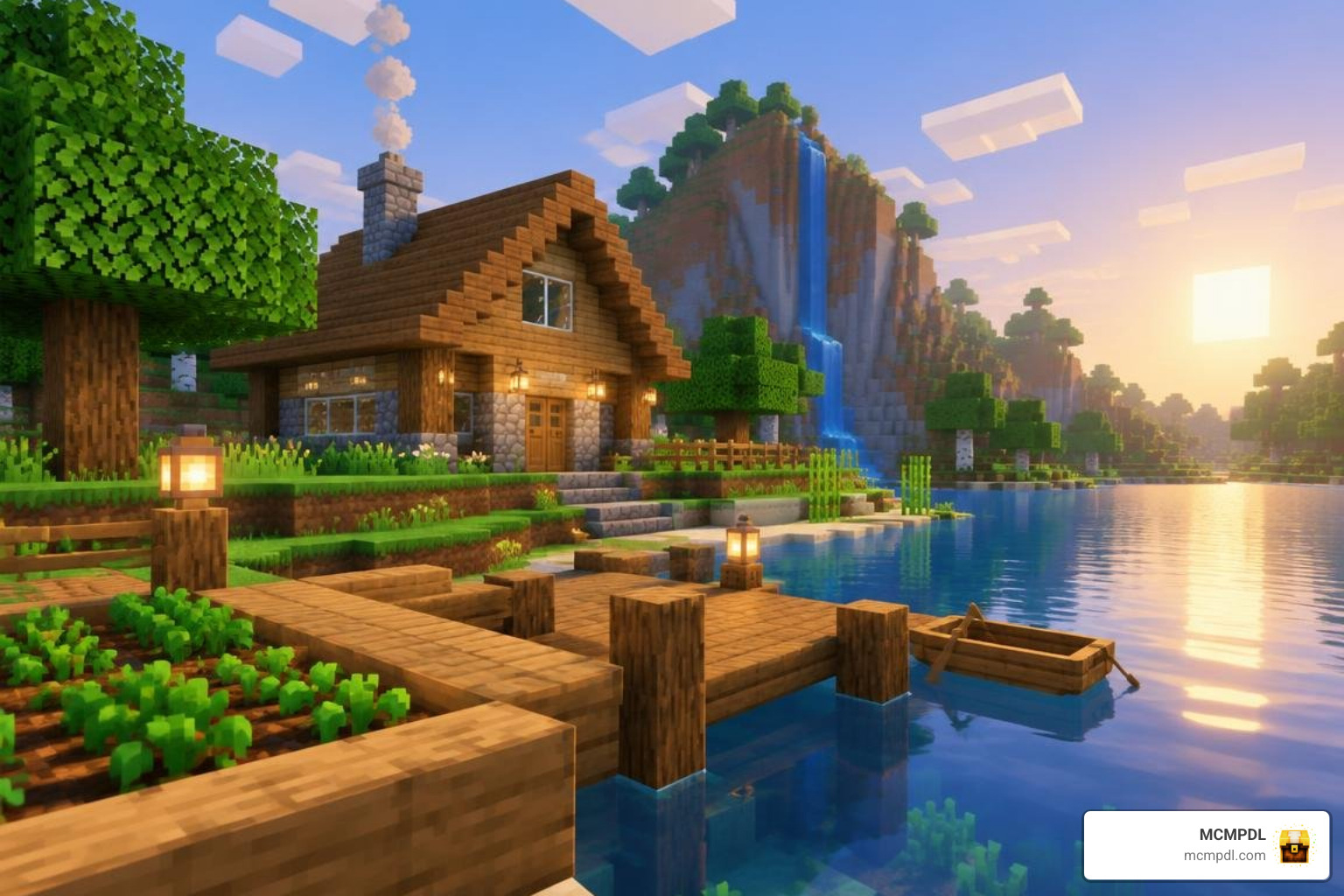
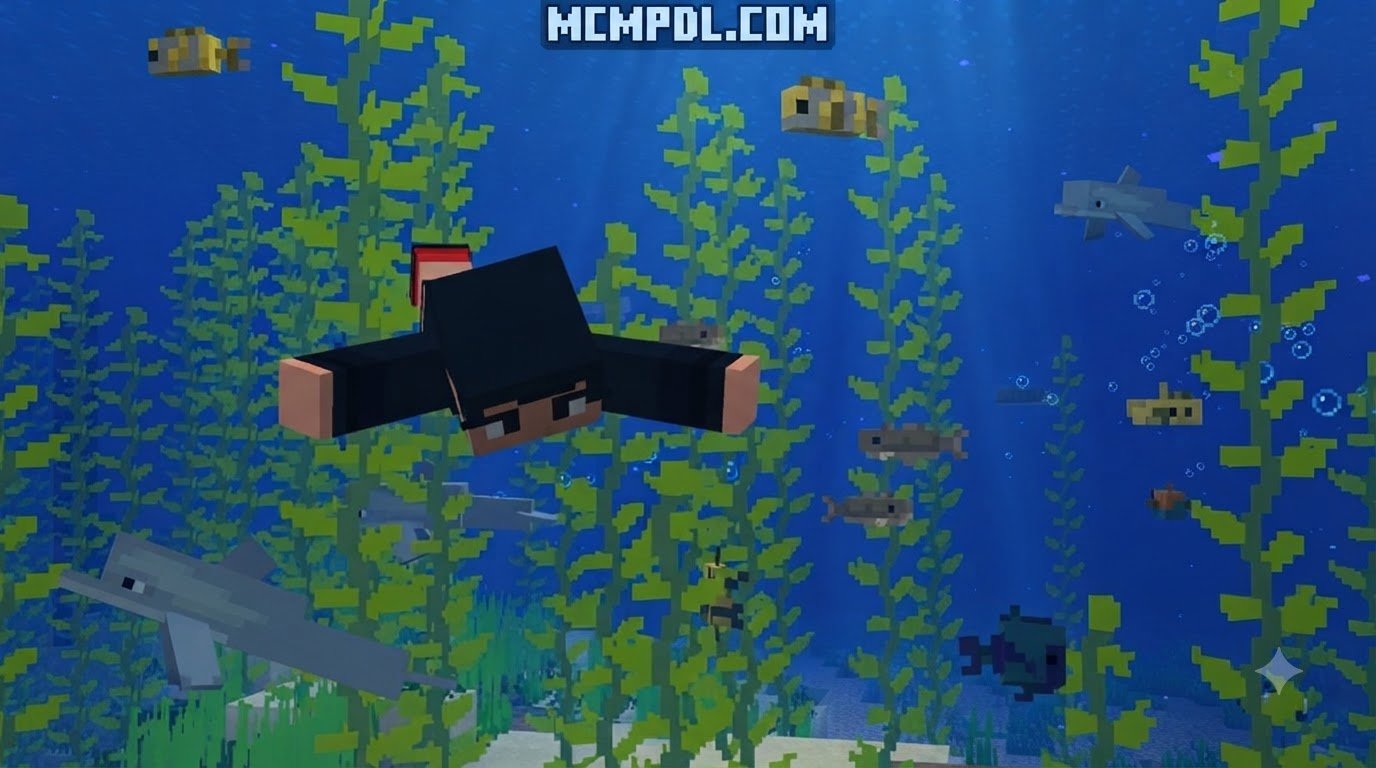
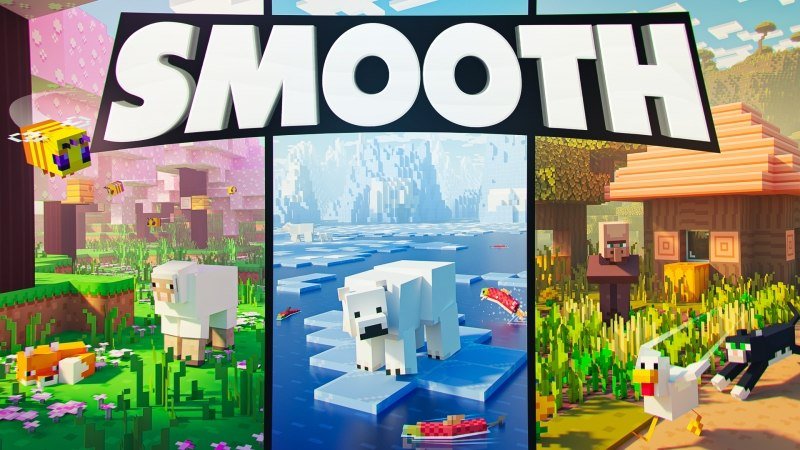
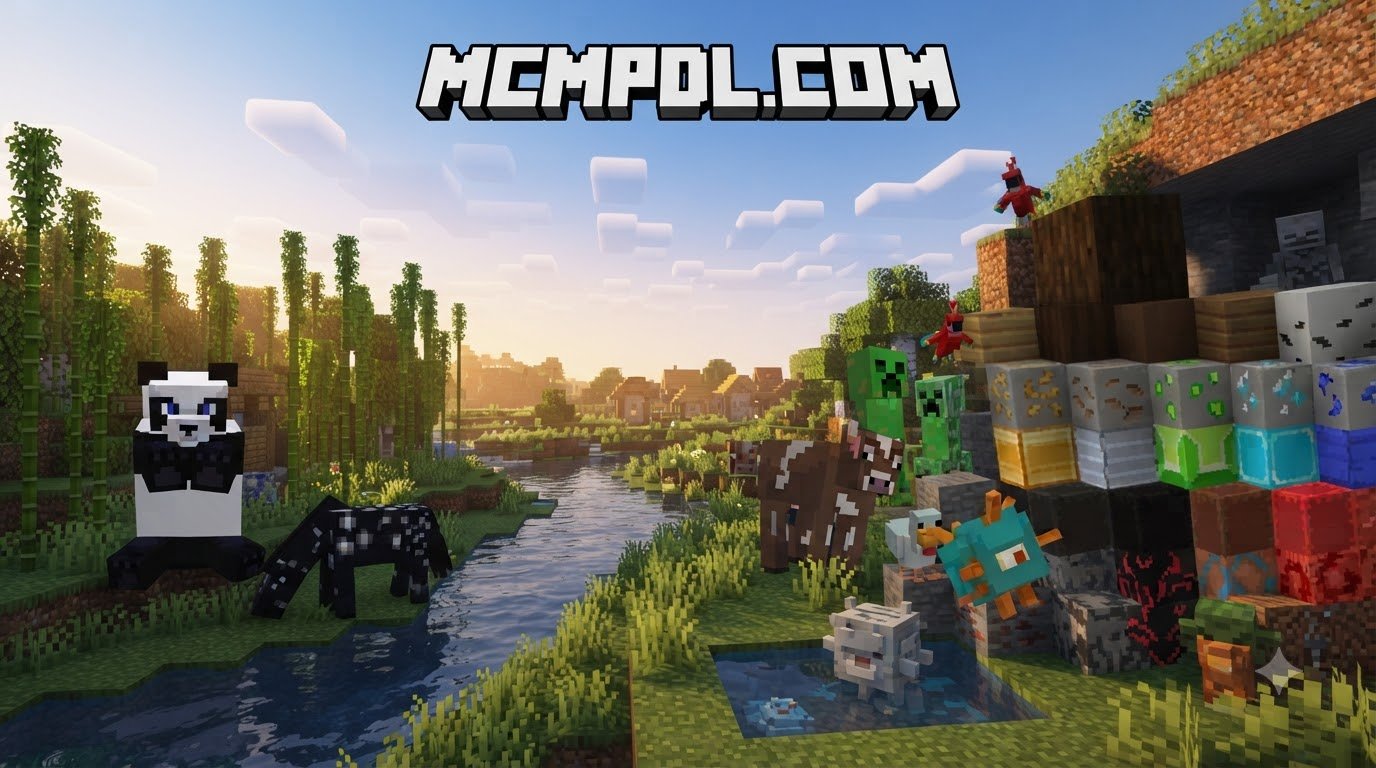
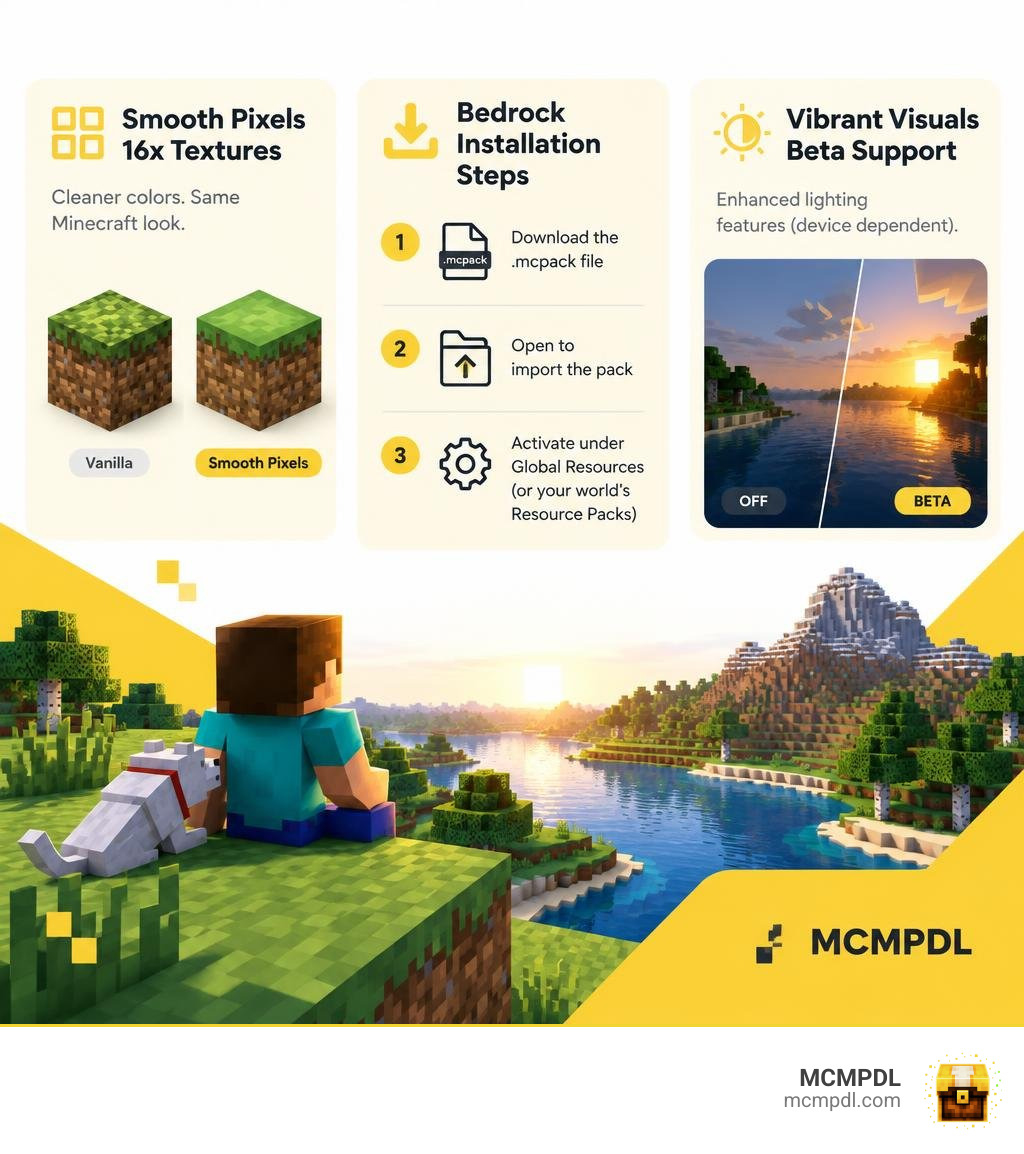
Smooth Pixels is a Smooth Texture Pack for Minecraft PE/Bedrock that gives familiar blocks cleaner, more consistent colors without losing Minecraft’s classic look. To install it, download a Bedrock-compatible .mcpack file, open it to import the pack, then activate it under Global Resources or your world’s Resource Packs settings.
Its 16x textures stay close to vanilla resolution, so the pack should have a modest impact on performance. Vibrant Visuals support is still in beta, and its lighting features depend on your device.
What Is a Smooth Texture Pack for Minecraft PE/Bedrock?
A smooth texture pack revamps the visual atmosphere of Minecraft by refining raw pixels, balancing harsh contrasts, and eliminating visual noise. While default Minecraft relies on gritty pixel art, smooth packs soften block surfaces, making building materials, natural terrain, and items look clean and cohesive.
Most smooth packages operate at a standard 16x resolution and feature an ultra-lightweight download footprint of around 13.5 MB. Because the file size is so compact, mobile players and console users can download and load the pack in seconds without running into storage bottlenecks or sluggish load screens.
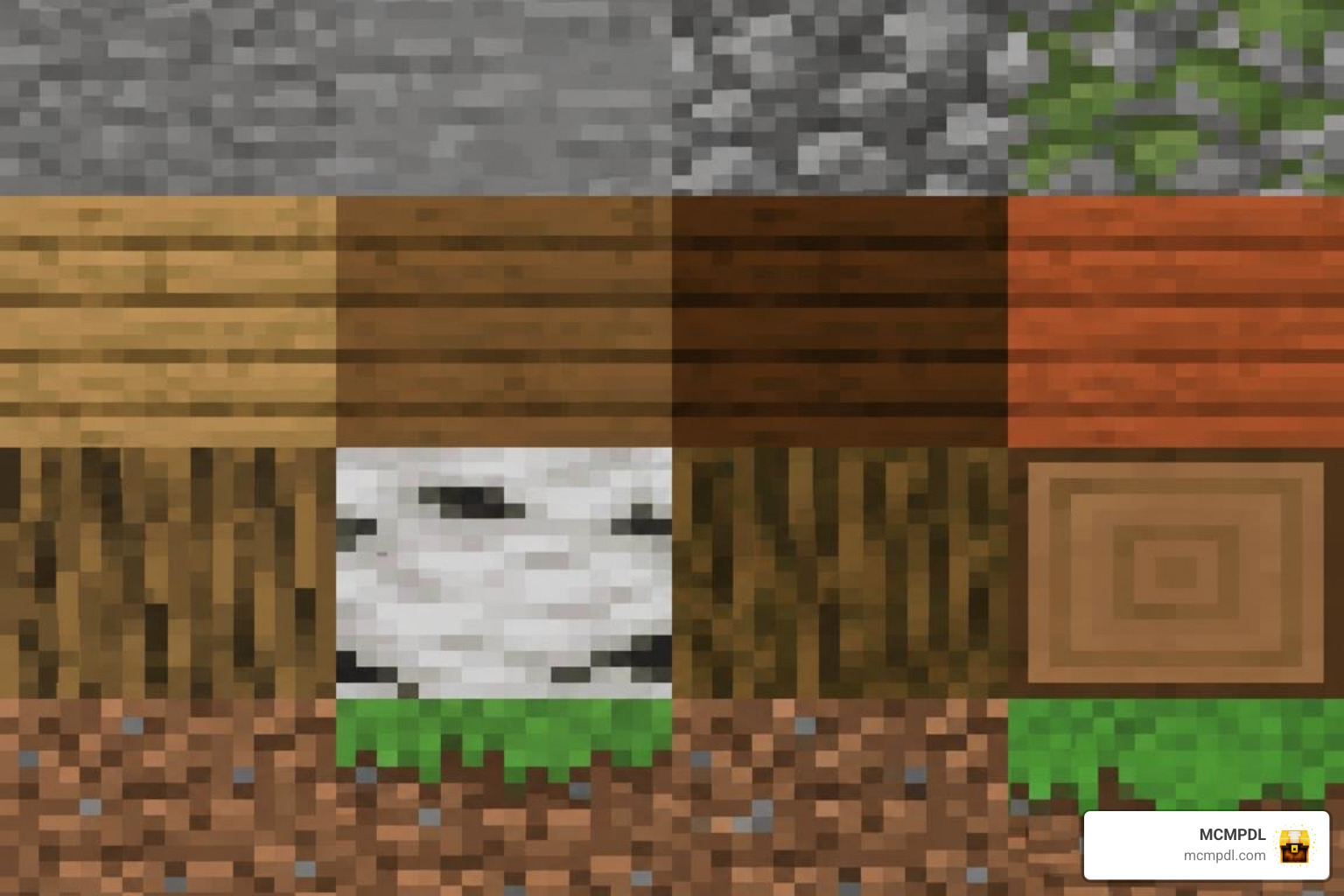
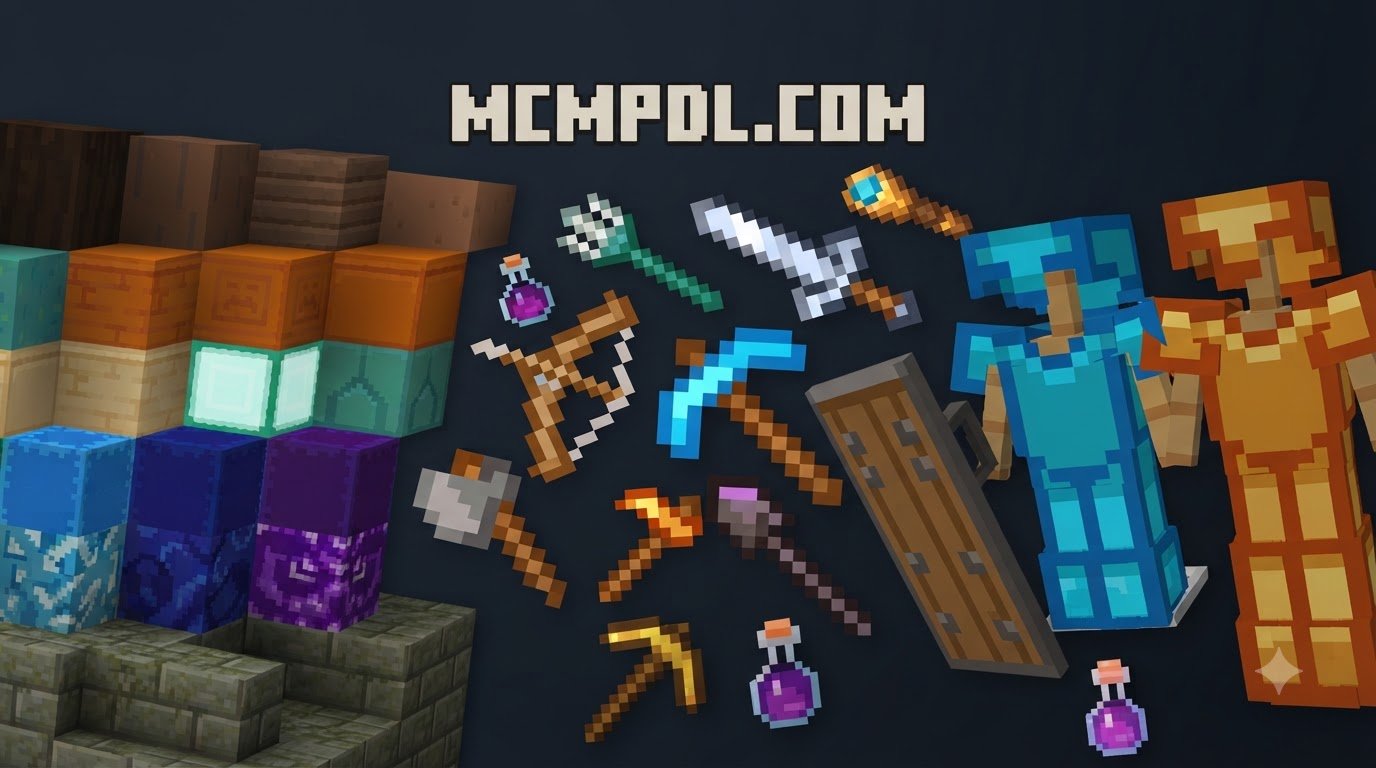
At its heart, this aesthetic style focuses on block readability. By standardizing color palettes across wood, stone, ores, and foliage, the world feels unified rather than disjointed. If you enjoy exploring new themes, our curated catalog of texture packs provides a wide selection of community creations built specifically for Bedrock players.
Visual Improvements and Vanilla Cohesion
Default Minecraft textures occasionally suffer from clashing contrast and noisy pixel layouts. For instance, cobblestone and netherrack can appear visually overwhelming when placed across massive builds. A smooth pack eliminates this high-frequency visual clutter by smoothing color gradients and clarifying edge borders.
The goal is not to turn Minecraft into an unrecognizable hyper-realistic simulation, but to elevate its signature blocky charm with modern graphic design standards. You can easily identify ores from across a dark cave, differentiate between wood species at a glance, and create massive decorative builds without overwhelming the screen with noisy textures. For an equally crisp and stylized visual approach, you can also explore the Smoothic Texture Pack for Minecraft PE/Bedrock.
Vibrant Visuals and PBR Texture Support
Modern Bedrock engine updates have paved the way for advanced lighting pipelines, including the experimental Vibrant Visuals and Deferred Technical Preview systems. Many smooth packs now build in custom Physically Based Rendering (PBR) materials, providing height maps, roughness values, and metallic properties to 16x blocks.
When exploring these visual upgrades, smooth packs deliver subtle reflections on polished stone, realistic light scattering across water, and metallic sheen on copper and iron blocks. If you activate the pack on a device or platform where Vibrant Visuals is not yet supported, Bedrock safely ignores the PBR sub-files and renders the crisp standard textures with zero glitching. For players seeking radiant colors alongside custom lighting pipelines, the Chroma Visuals 1.1 Texture Pack for Minecraft PE/Bedrock offers an exciting companion look.
Performance and FPS Advantages for Mobile and Bedrock Players
One of the greatest benefits of running a 16x smooth texture pack is the dramatic performance edge it offers over high-definition resource packs. Mobile phones, tablets, and budget consoles often struggle when forced to process high-resolution art, leading to stuttering and overheating.
| Texture Pack Type | Native Resolution | Typical Memory Footprint | Mobile & Console FPS Impact | Ideal Player Use Case |
|---|---|---|---|---|
| Smooth 16x Packs | 16×16 | Very Low (~13.5 MB) | None / FPS Improvement | PvP, Mobile, Low-end Devices |
| Semi-Realistic Packs | 32×32 | Moderate (~30–50 MB) | Minor frame drops in busy areas | Casual survival and builders |
| High-Definition (HD) Packs | 64×64 to 128×128 | High (80+ MB) | Noticeable stuttering on mobile | High-end PCs and showcase builds |
While players seeking extreme graphical fidelity might prefer something like the Vanilla HD Texture Pack, 16x smooth packs prioritize framerate consistency across every device.
Why Choose a Smooth Texture Pack for Minecraft PE/Bedrock PvP?
In competitive Bedrock PvP environments—such as SkyWars, BedWars, and Survival Games—every single frame matters. Stuttering or input lag during close-quarters sword exchanges can easily cost you the match.
Smooth texture packs simplify visuals by decluttering particle effects, clearing up transparent UI elements, and defining hitbox edges around target blocks. The smooth surface shading makes it significantly easier to track enemy movement against varied background blocks. If you want fluid character and mob animations that pair seamlessly with smooth terrain, consider installing the Smooth Moves Texture Pack for Minecraft PE/Bedrock.
Technical Overhead on Mobile and Console Devices
Mobile GPUs and integrated console processors are sensitive to fill-rate limitations and memory bandwidth constraints. When a resource pack bloats texture dimensions, the game must allocate additional VRAM to store texture atlases, leading to thermal throttling on phones and tablets.
A clean 16x texture pack keeps memory overhead minimal, ensuring your device remains cool and responsive even during extended multiplayer sessions. To see how developers balance visual realism with technical rendering limits, you can look at the Realism Visuals Texture Pack for Minecraft PE/Bedrock.
How to Download and Install Smooth Textures on Bedrock Edition
Installing custom textures on Bedrock Edition is fast and simple thanks to unified .mcpack files. Official installation guidance is also available via the Minecraft Help Center.
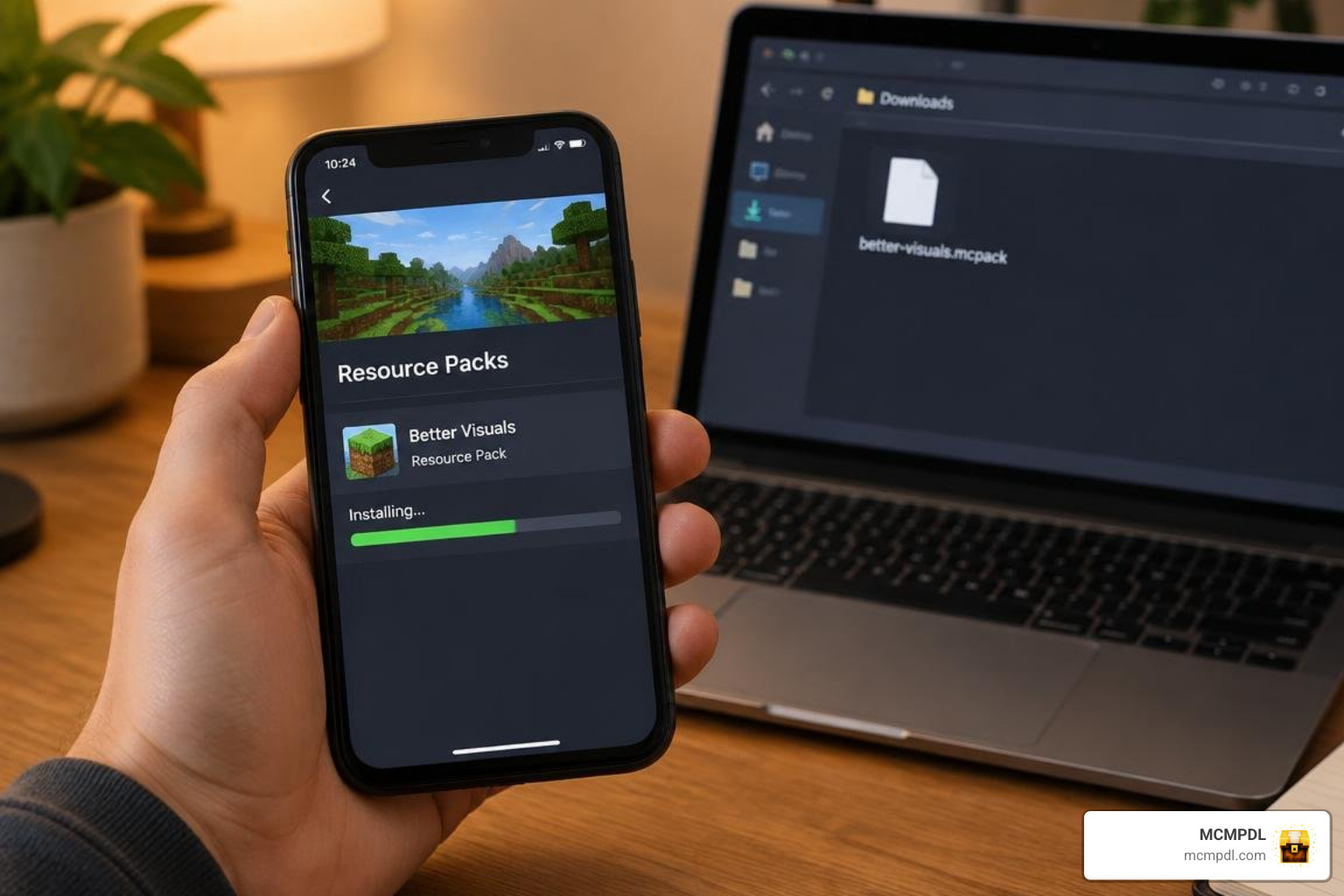
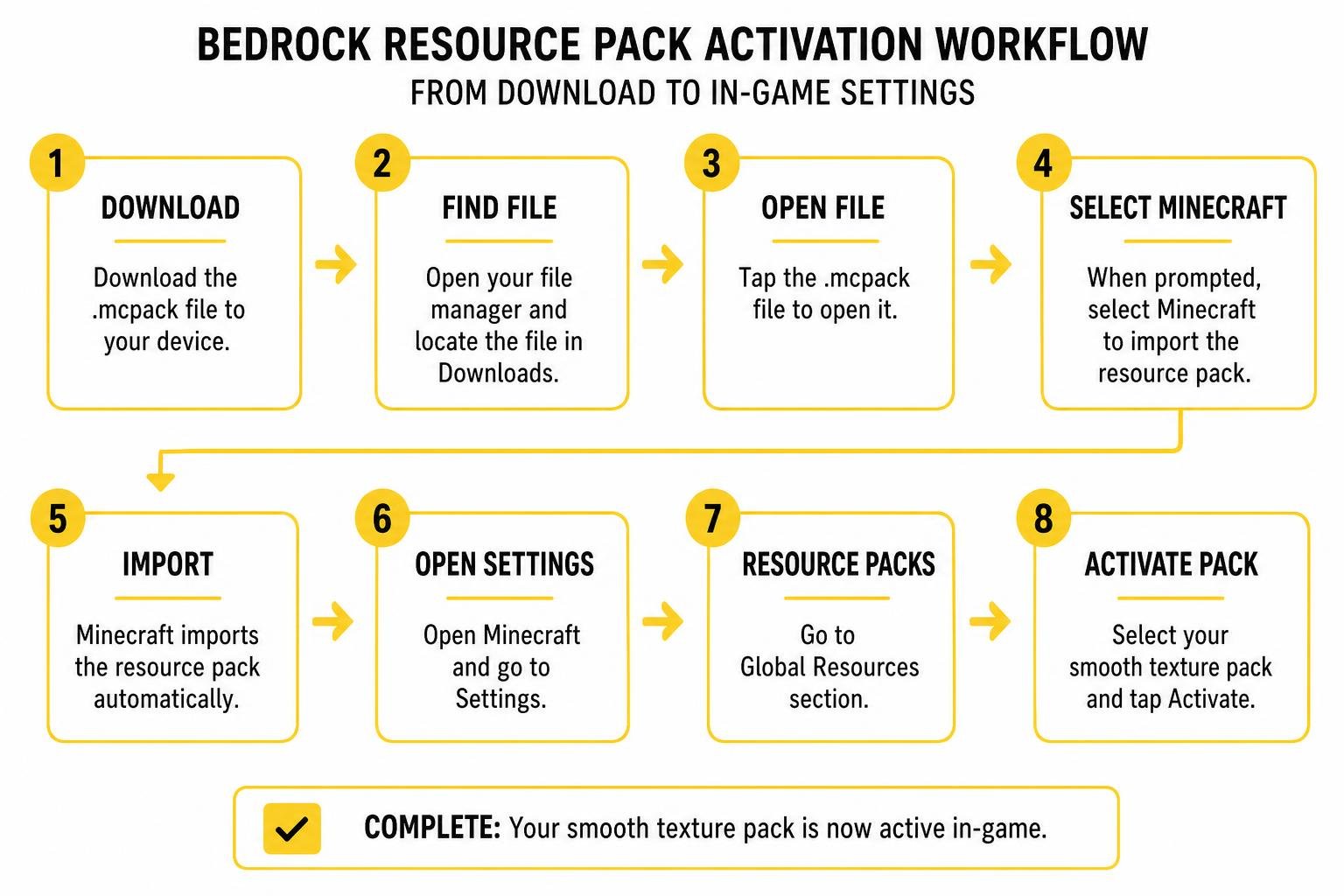
Step-by-Step Installation for Mobile Devices (Android and iOS)
- Download the
.mcpackfile directly to your smartphone or tablet using your mobile web browser. - Open your device’s file manager app and locate the downloaded file in your Downloads directory.
- Tap the
.mcpackfile. When prompted, select Minecraft to open it. - Minecraft Bedrock will launch automatically and display an Import Started notification at the top of the screen, followed by Successfully Imported.
- Navigate to Settings > Global Resources > My Packs, locate the smooth pack, and click Activate.
Installing on Windows 10/11 and Bedrock Consoles
For Windows 10 and 11, the process is even faster:
- Download the
.mcpackfile to your PC. - Double-click the file to automatically launch Minecraft and import the assets.
- Open your world settings or global settings and activate the pack under the resource menu.
For console players on Xbox, PlayStation, or Nintendo Switch, resource packs can be loaded directly through dedicated Realm servers or shared LAN worlds hosted from a mobile device or PC. For players wanting to elevate their visual experience on larger console displays, checking out the Prizma Visuals Texture Pack for Minecraft PE/Bedrock is a fantastic option.
Comparison of Top Clean and Minimalist Resource Packs
The Minecraft community has developed diverse visual overhauls ranging from super-flat cartoon aesthetics to photographic conversions.
| Pack Name | Resolution | Style Focus | Compatibility Range | Highlights |
|---|---|---|---|---|
| Smooth Pixels | 16x | Minimalist Vanilla | 1.8 – 26.3 | Low file size, balanced palette, PBR ready |
| Smoothic | 16x | Clean Cartoon | 1.16 – 26.3 | Bright hues, simplified block faces |
| Smooth Moves | 16x | Animation Overhaul | 1.18 – 26.3 | Fluid entity motions, vanilla fidelity |
| Realistic Textures HD | 64x | Photo-Realism | 1.19 – 26.3 | Detailed materials, high visual fidelity |
If your hardware has plenty of processing power and you want higher detail, check out the Realistic Textures HD Texture Pack for Minecraft PE/Bedrock.
Top Smooth Texture Pack for Minecraft PE/Bedrock Alternatives
If you want to experiment with different visual balances, there are several standout alternatives:
- Smoothic Pack: Delivers a softer, almost cell-shaded tone that feels friendly and bright.
- Smooth Moves: Keeps original blocks intact while overhauling player, mob, and weapon movement animations.
- Realism Reimagined: Bridges the gap between clean surfaces and detailed terrain depth. You can learn more about its distinct artistic direction in the Realism Remagined Texture Pack for Minecraft PE/Bedrock showcase.
Frequently Asked Questions About Smooth Texture Packs
Can I use a smooth texture pack on older Minecraft versions?
Yes! Most 16x smooth texture packs boast extensive backwards compatibility, functioning cleanly across versions spanning 1.8 through 26.3. Because 16x packs use standard vanilla block mappings, older Bedrock and Java clients can read the texture assets without throwing missing texture errors.
Does a smooth 16x texture pack boost FPS on low-end phones?
While a texture pack cannot magically upgrade your phone’s processor, a smooth 16x pack significantly reduces micro-stuttering. By removing noisy texture details, your device spends fewer rendering cycles calculating high-contrast pixel boundaries, which helps sustain a steady 60 FPS in dense environments.
What should I do if Vibrant Visuals shows an unsupported device warning?
If an in-game warning appears regarding Vibrant Visuals or Deferred Shading compatibility, you can safely dismiss it. The resource pack will automatically fall back to its standard rasterized textures, allowing you to enjoy the clean, noise-free art style without crashes or visual bugs.
Conclusion
A smooth texture pack is the perfect upgrade for Minecraft PE and Bedrock players who want a clean, modern aesthetic without compromising their device’s framerate. By unifying color palettes, cleaning block borders, and supporting lightweight performance across mobile, console, and PC, smooth textures make exploring and building more enjoyable than ever.
At MCMPDL, our mission is to make finding and downloading community content effortless. If you are ready to jump into competitive multiplayer with the cleanest possible visuals and top-tier framerates, pair your visual setup with the Ultimate PvP Pack for Minecraft PE/Bedrock today!