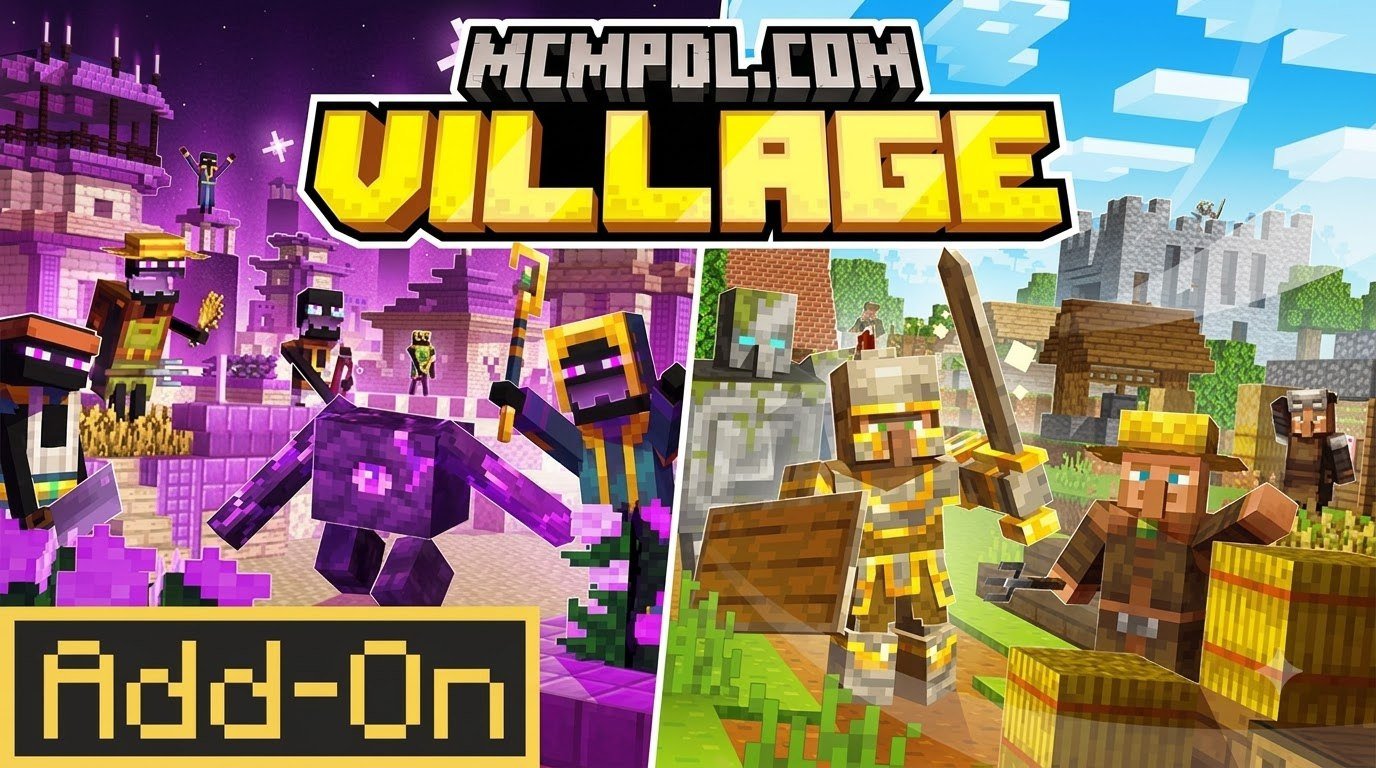
Scroll down to D0vvnl0ad
What Is the More Villages Addon for Minecraft PE/Bedrock?
To find and install the More Villages Addon for Minecraft PE/Bedrock, download the .mcaddon or .mcpack file, open it to import the files directly into Minecraft, activate both the Resource and Behavior packs in your world settings, and toggle on Experimental Gameplay features.
When exploring standard survival worlds, settlements can feel few and far between. Vanilla generation restricts native villages to plains, deserts, savannas, taigas, and snowy tundras. While swamp and jungle villagers exist in the base game code, they never naturally spawn with their own dedicated architectural settlements. The More Villages Addon for Minecraft PE/Bedrock bridges this gap by overhauling how, where, and how frequently civilizations generate across your world.
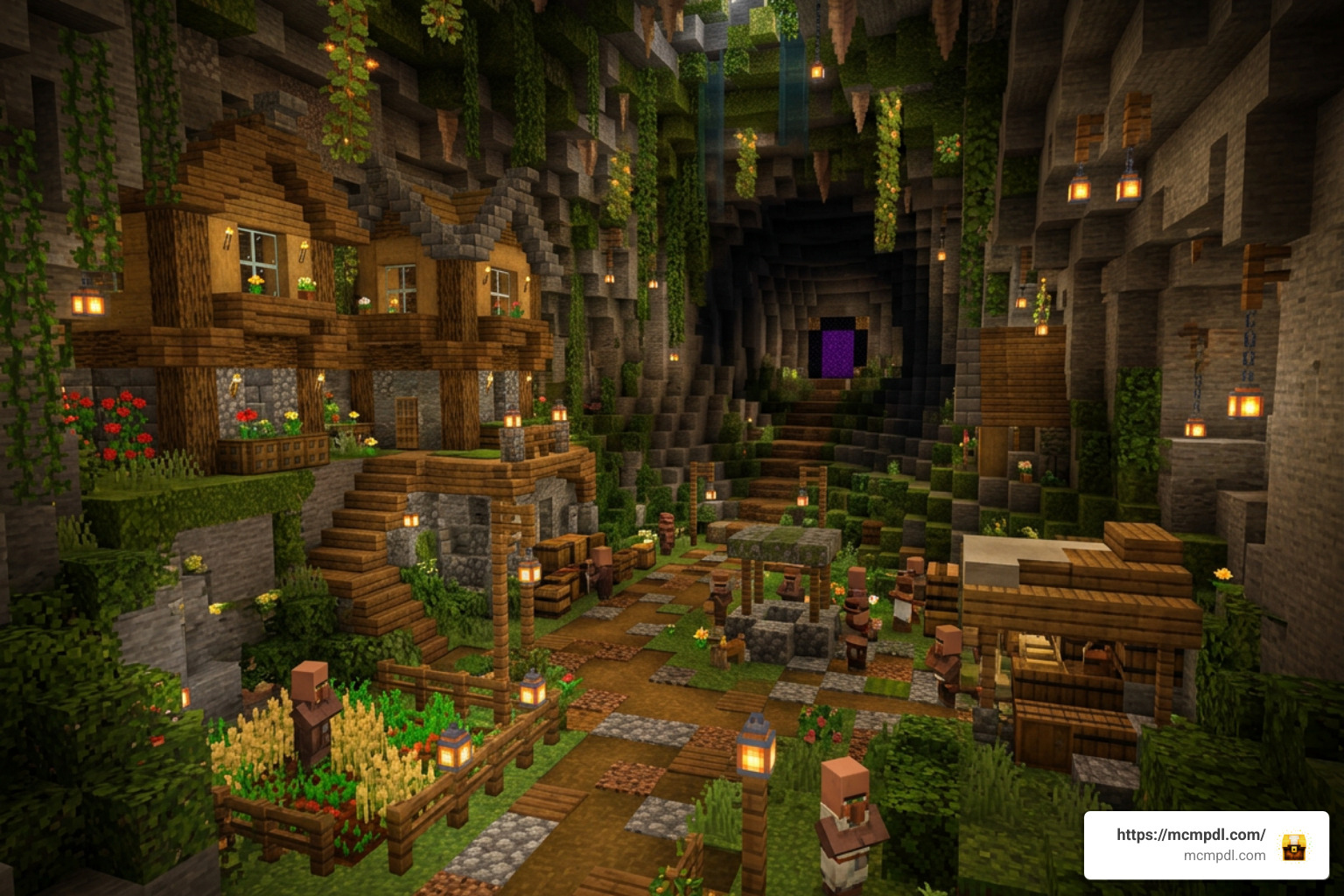
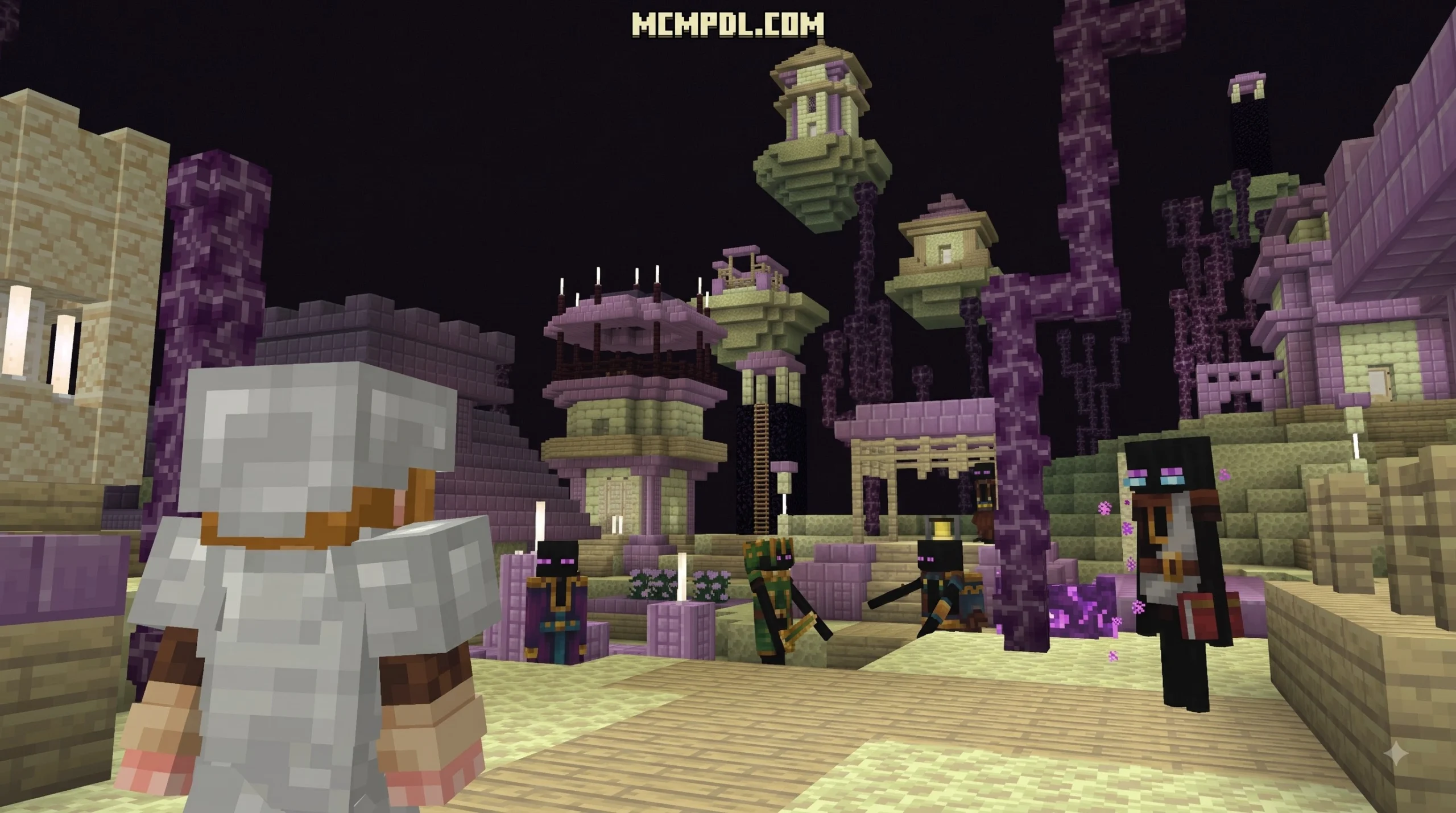
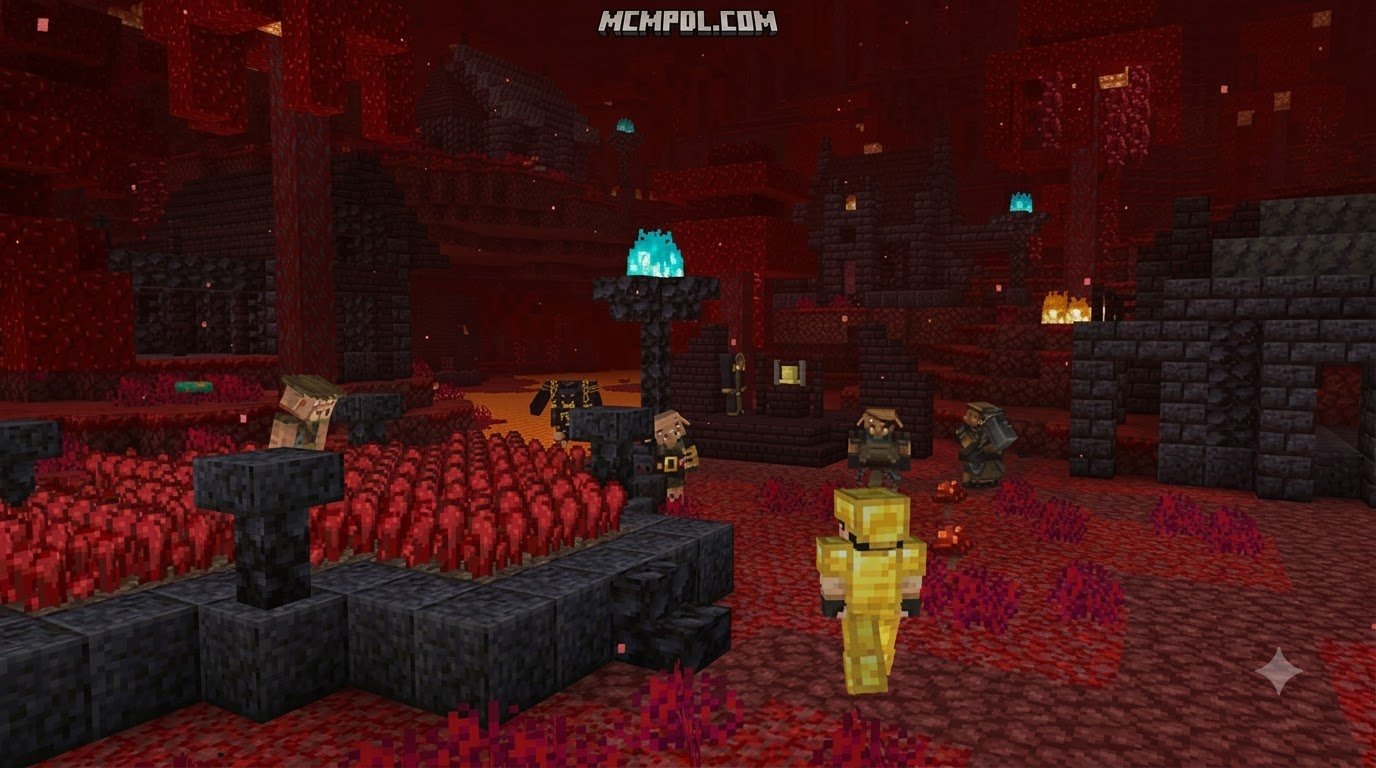
These add-ons introduce unique structure sets, tailored building palettes, subterranean outposts, and multi-dimensional settlements. Instead of roaming thousands of blocks just to find a single Fletcher or Armorer, world generation mods allow you to encounter bustling communities nestled deep inside lush caverns, resting on perilous Nether fortress bridges, or floating amidst End cities.
Pairing custom settlements with landscape expansions like the Overhauled Biomes Addon for Minecraft PE/Bedrock or the Realistic Biomes Addon for Minecraft PE/Bedrock transforms world exploration. Rather than encountering repetitive wooden huts, you find structures adapted to distinct environments:
- Subterranean settlements lit by soul lanterns and glow lichen.
- Dimensional trade outposts made of purpur blocks, end stone, basalt, and blackstone.
- Custom profession workstations that introduce specialized trade tables and rare barter opportunities.
Comparing the Top Village Expansion Packs
Several distinct village add-ons exist across the Bedrock community, each created by different developers with varying design philosophies. Some focus purely on density and generation frequency, while others build entirely custom architectural assets from scratch.
| Addon Name & Creator | Primary Focus / Features | Supported Dimensions & Biomes | Custom Trades & Professions | Achievement Friendly? |
|---|---|---|---|---|
| Supernova’s More Villages (Supernova3695YT) | Authentic vanilla-style integration; builds swamp, cherry, and dappled villages | Overworld (Swamps, Cherry Groves, Dappled Forests) | Vanilla trades with custom biome skins | Yes (No experimental script toggles required) |
| Villages Plus (R401) | Archetype variety, Timber & Sandy villages, custom Pillager Wild Camps | Overworld (Forests, Deserts, Plains) | Rebalanced emerald drops from custom raiders | No (Uses custom behavior structures) |
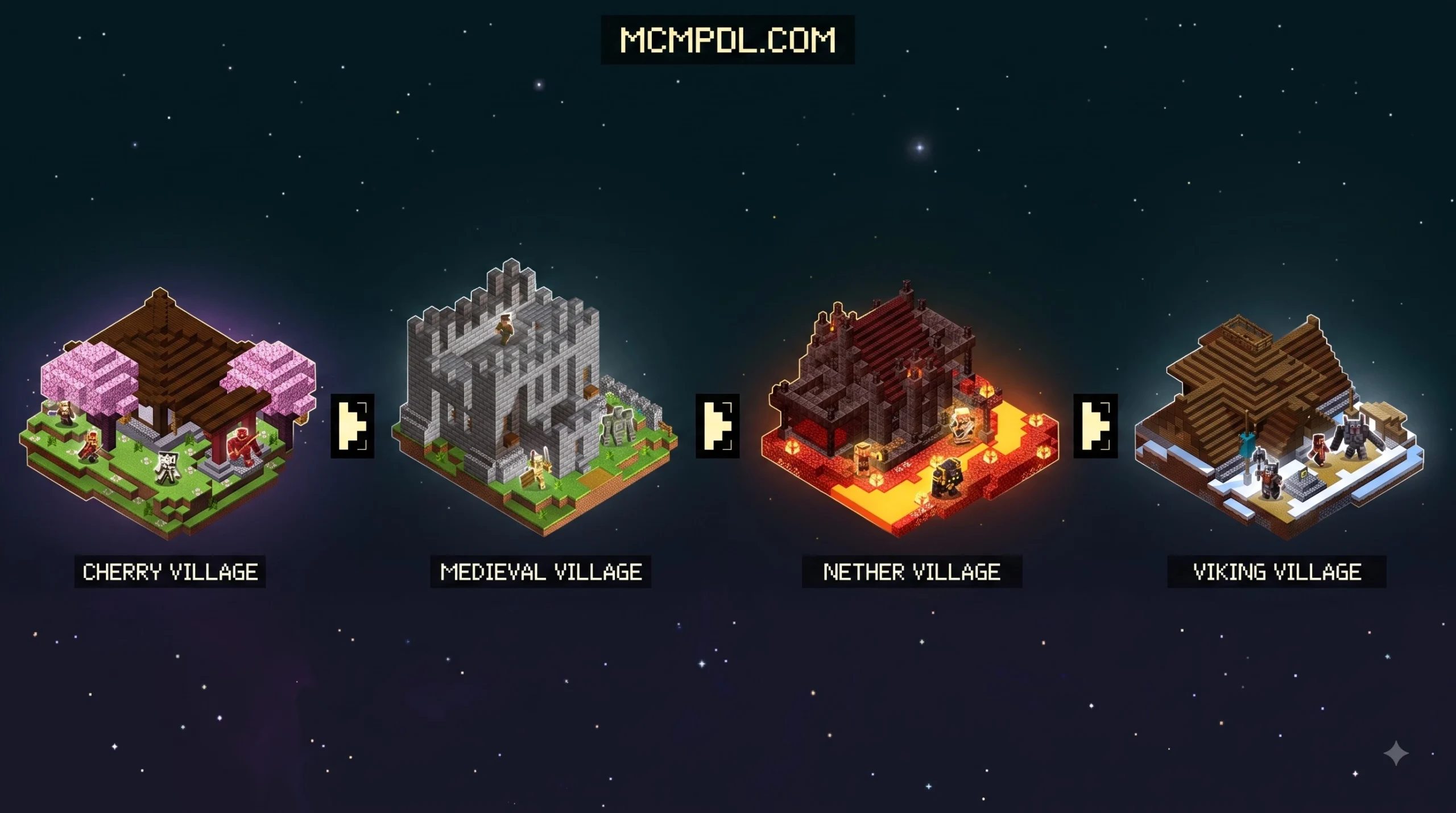
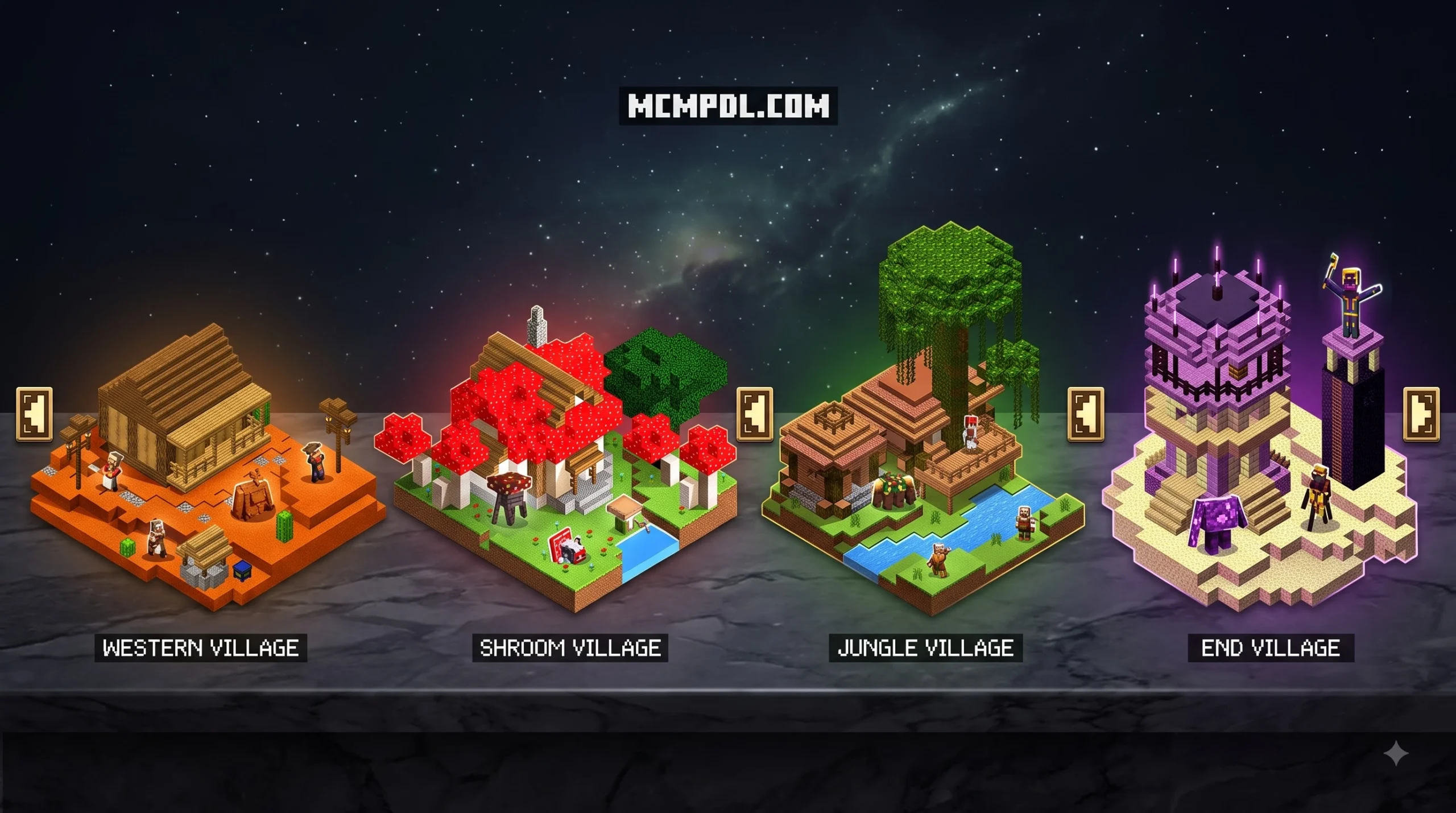
| More Villages Add-On (Dodo Studios) | Multi-dimensional hubs and expanded survival progression | Overworld, Nether, and The End (7 new village types) | 12 custom villagers with unique barter tables | No (Requires experimental features) |
| Underground Villages (Master777) | Cave civilization generation designed for subterranean survival | Underground Overworld (Deepslate & Stone layers) | Standard professions with cave loot caches | No (Requires structure experiments) |
| Density & Locator Pack | 6 frequency presets (Low to SuperEx) and built-in locator maps | Standard Overworld biomes with dense clustering | Vanilla trade tables with infinite generation | No (Alters core world generation density) |
Core Features of the More Villages Addon for Minecraft PE/Bedrock
Different creators prioritize distinct mechanics. If you install density-altering mods, you can choose from up to 6 generation modes ranging from Low to SuperEx. In higher presets, settlement spacing drops dramatically down to 50–60 blocks apart, transforming regular terrain into an interconnected civilization network.
For players seeking economic depth, packs such as the one developed by Dodo Studios introduce 7 unique settlements alongside 12 custom villager professions. These specialized NPCs feature distinct trading tiers, offering rare minerals, enchanted tools, and survival utility items in exchange for custom drops and emeralds. Similarly, combat-focused packs like Villages Plus rebalance illager mechanics: custom Pillagers and Vindicators encountered around wild camps drop raw emeralds instead of standard raid loot, giving survival players a steady income stream while eliminating overpowered early-game raid exploits.
Biome-Specific, Underground, and Dimensional Settlements
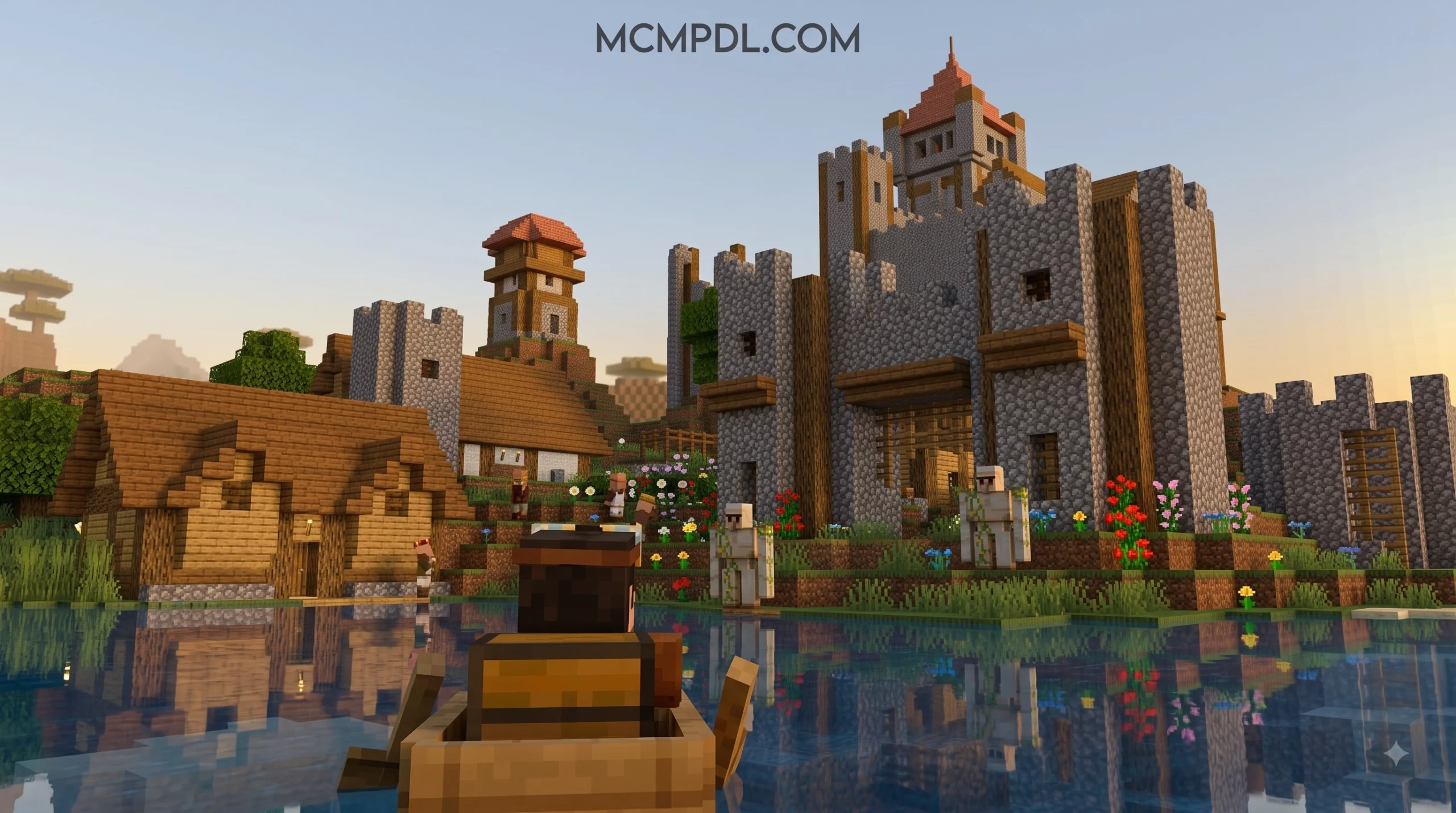
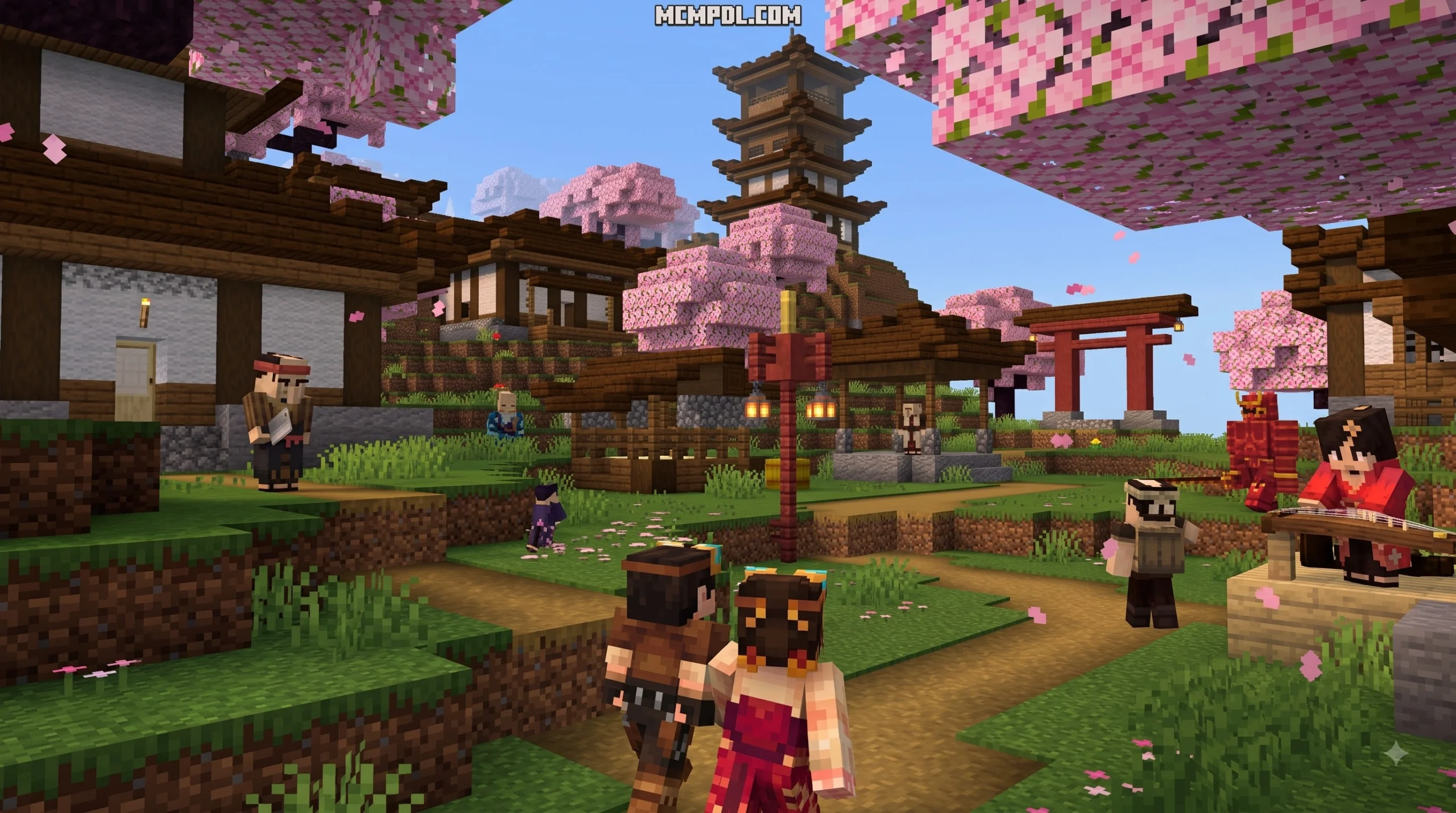
Recent updates have brought remarkable architectural variety to Bedrock. In the 2.0.0 update for Supernova’s More Villages, players can explore Dappled Villages and meet Cherry Villagers in pink blossom biomes. These settlements integrate naturally with vanilla terrain generation, utilizing hanging signs, cherry wood palettes, and swamp stilts without clashing with the default art style.
For subterranean miners, cavern settlements provide safe havens filled with workstations, beds, and iron golems beneath the surface. These underground outposts pair seamlessly with underground overhauls like the Cave Biomes Addon and the Eternal Caves Add-on. If you want a more expansive cave ecosystem, loading the Caves and Beyond Addon for Minecraft PE/Bedrock alongside cave villages creates a complete subterranean survival experience.
Step-by-Step Installation and Setup Guide
Installing add-ons on Minecraft Pocket Edition and Bedrock platforms (Android, iOS, Windows 10/11, and consoles) is straightforward thanks to packaged installation formats.
How to Install the More Villages Addon for Minecraft PE/Bedrock
- Download the File: Acquire the
.mcaddonor.mcpackfile from trusted community addon catalogs. - Import into Minecraft:
- Android / Windows: Simply click or tap the downloaded
.mcaddonfile. Minecraft will launch automatically and display an “Import Started” banner at the top of the screen. - iOS: Tap the downloaded file in your Files app, tap Share, and select Minecraft.
- Android / Windows: Simply click or tap the downloaded
- Apply to World:
- Create a New World or click the pencil icon next to an existing save.
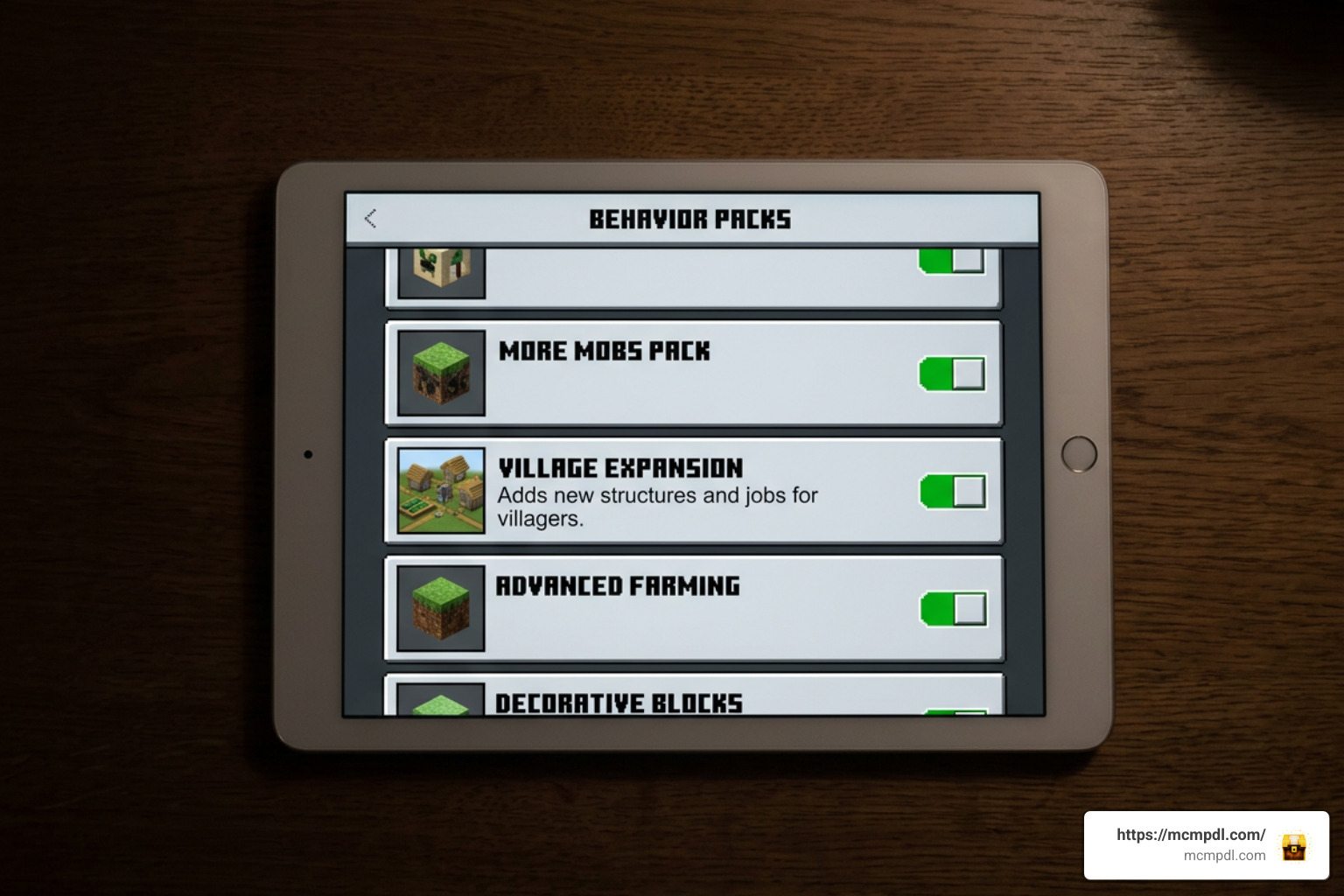
- Scroll down to the Resource Packs tab on the left menu and activate the village pack.
- Navigate to the Behavior Packs tab and ensure the matching behavior pack is also active.
Enabling Experimental Gameplay and World Settings
Most structure-modifying packs require Bedrock experimental features to generate buildings across custom chunk borders.
To ensure structures spawn correctly:
- Open your world edit screen and locate the Experiments section under Game settings.
- Toggle on Holiday Creator Features, Custom Biomes, and Upcoming Creator Features (or specific toggles requested in the pack documentation).
- If using density-based add-ons, click the gear icon on the active behavior pack to choose your preferred density slider (e.g., Low, High, or SuperEx).
- Always make a backup copy of your world before applying new structure experiments to an existing world save.
Best Ways to Locate New Settlements and Boost Performance
Using In-Game Commands and Locator Tools
Once you load into your world, you can confirm the add-on is running using a few simple checks:
- The Locate Command: If cheats are enabled, open chat and run
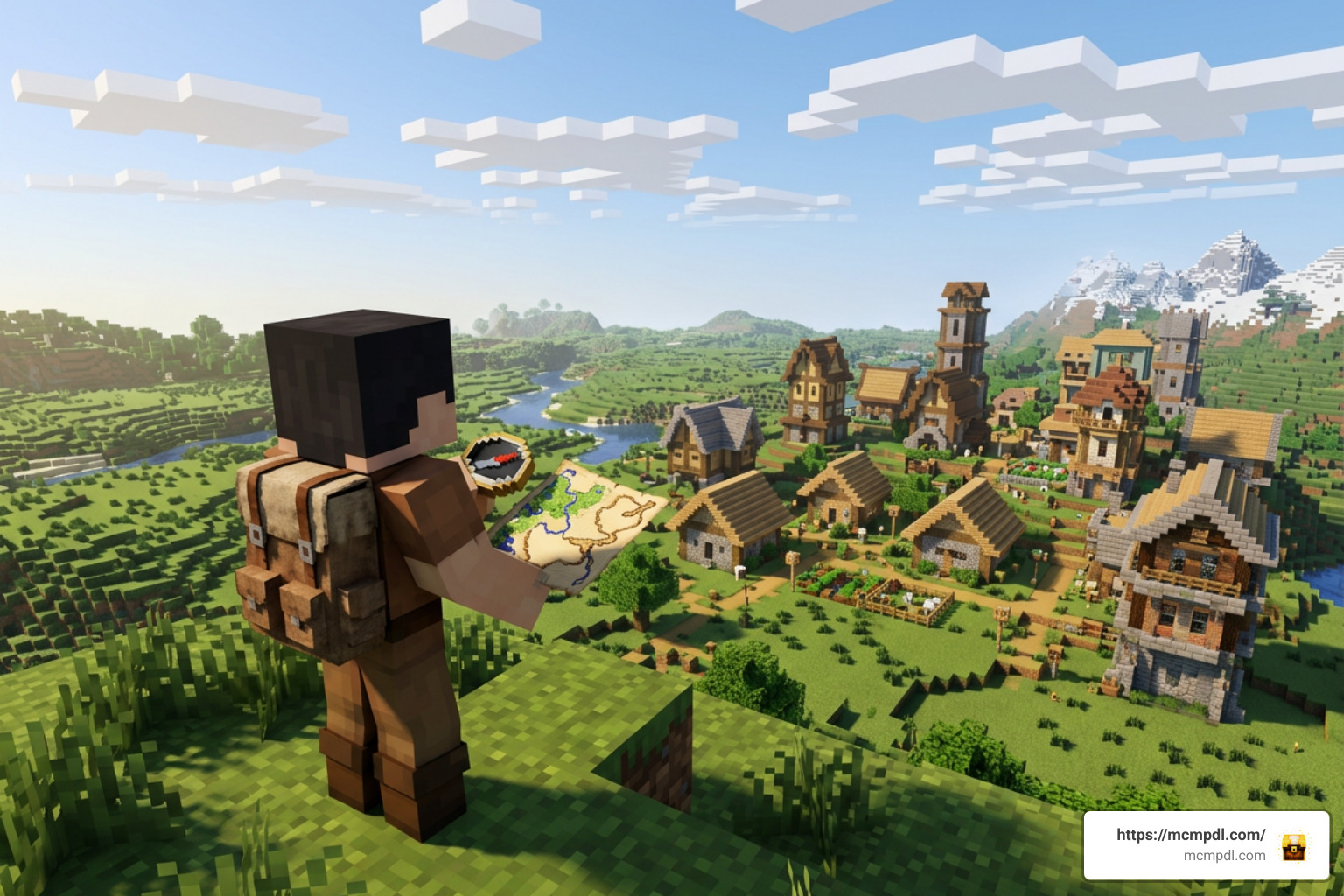
/locate structure villageor type/locate structurefollowed by the pack’s custom structure namespace (such assupernova:swamp_villageordodo:nether_village). - Locator Maps: Several density packs include custom tracking compasses or pre-drawn locator maps in your starting inventory that point toward the nearest settlement coordinates.
- Natural Exploration: If you selected a high-density preset where villages generate every 50 to 60 blocks, simply climbing a nearby hill or tree will reveal nearby rooftops.
Survival World Seeds and Lag Prevention
Dense structure generation can strain low-end mobile devices and consoles. To maintain steady frame rates while exploring:
- Optimize Render Distance: Lower your in-game render distance to 8–12 chunks when running ultra-dense village modes.
- Use Designated Village Seeds: Using community seeds (like the well-known dense generation seed
Kaboom) allows structures to align with natural terrain without triggering awkward floating blocks or broken cliffside paths. - Disable Generators After Chunk Loading: If you only want a dense starting city, you can generate your spawn area with the mod active, save and exit, and then disable the generation pack to avoid background processing lag while mining.
- Enhance Your World with Companions: Expanding your village population makes settlements feel alive. Consider adding defensive units from the Golems 2.1 Add-on for Minecraft PE/Bedrock, riding companions from the Mounts Addon, or structural variety with the Fragments of the Overworld Add-on.
Frequently Asked Questions About Village Addons
Do village addons disable Xbox achievements?
Most behavior packs disable achievements because they require experimental gameplay toggles. However, pure structure and aesthetic packs—such as Supernova’s More Villages (v1.0.1 and above)—do not modify base behavior scripts or toggle cheat flags. In these packs, survival players can explore custom swamp and cherry settlements while continuing to earn Xbox achievements normally.
Why are custom villages not spawning in my world?
If you cannot find any new settlements:
- Verify Experimental Toggles: Check that all creator experiment settings are switched on.
- Check Pack Priority: In your world settings, ensure the village pack sits at the top of your Resource and Behavior pack load order.
- Explore New Chunks: Add-ons cannot generate new structures in terrain chunks you have already explored. Travel to unexplored areas or test on a brand-new world.
- Game Version Check: Ensure your base Minecraft Bedrock installation matches the version supported by the add-on.
Can you use village packs alongside custom mob mods?
Yes! Village add-ons primarily modify structure placement templates and villager trading tables, meaning they rarely conflict with entity addons. You can populate your settlements with unique monsters and fauna by combining your world with the Bosses Addon, 200 Mobs World for Minecraft PE/Bedrock, or All The Mobs 1.0 for Minecraft PE/Bedrock.
Conclusion
Custom village add-ons revitalize the survival experience in Minecraft Bedrock. Whether you want to build a sprawling trading empire across dense surface settlements, establish a refuge in subterranean deepslate caverns, or trade with specialized NPCs across the Nether and End, there is an add-on tailored to your playstyle. Check your experimental toggles, choose the density that fits your device, and dive into your next expanded survival world.
To discover more survival enhancements, texture packs, and gameplay tweaks, browse our complete collection in All Add-ons or explore the latest community creations at Home.

7 thoughts on “More Villages Addon for Minecraft PE/Bedrock”