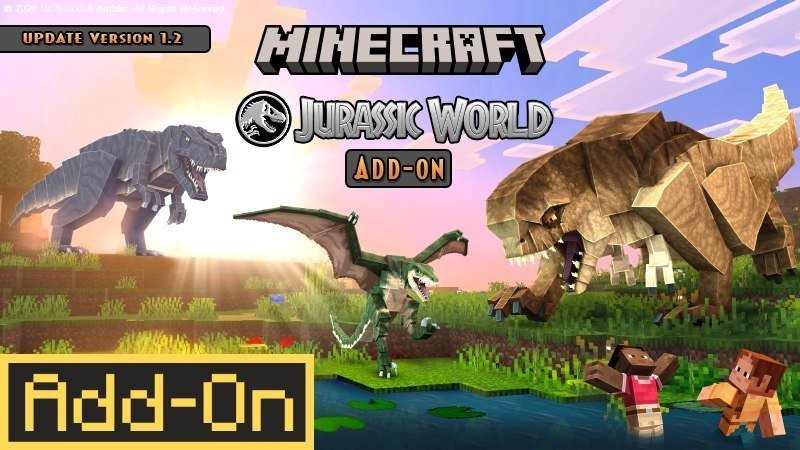
Scroll down to D0vvnl0ad
Downloading the Jurassic World Addon for Minecraft PE/Bedrock
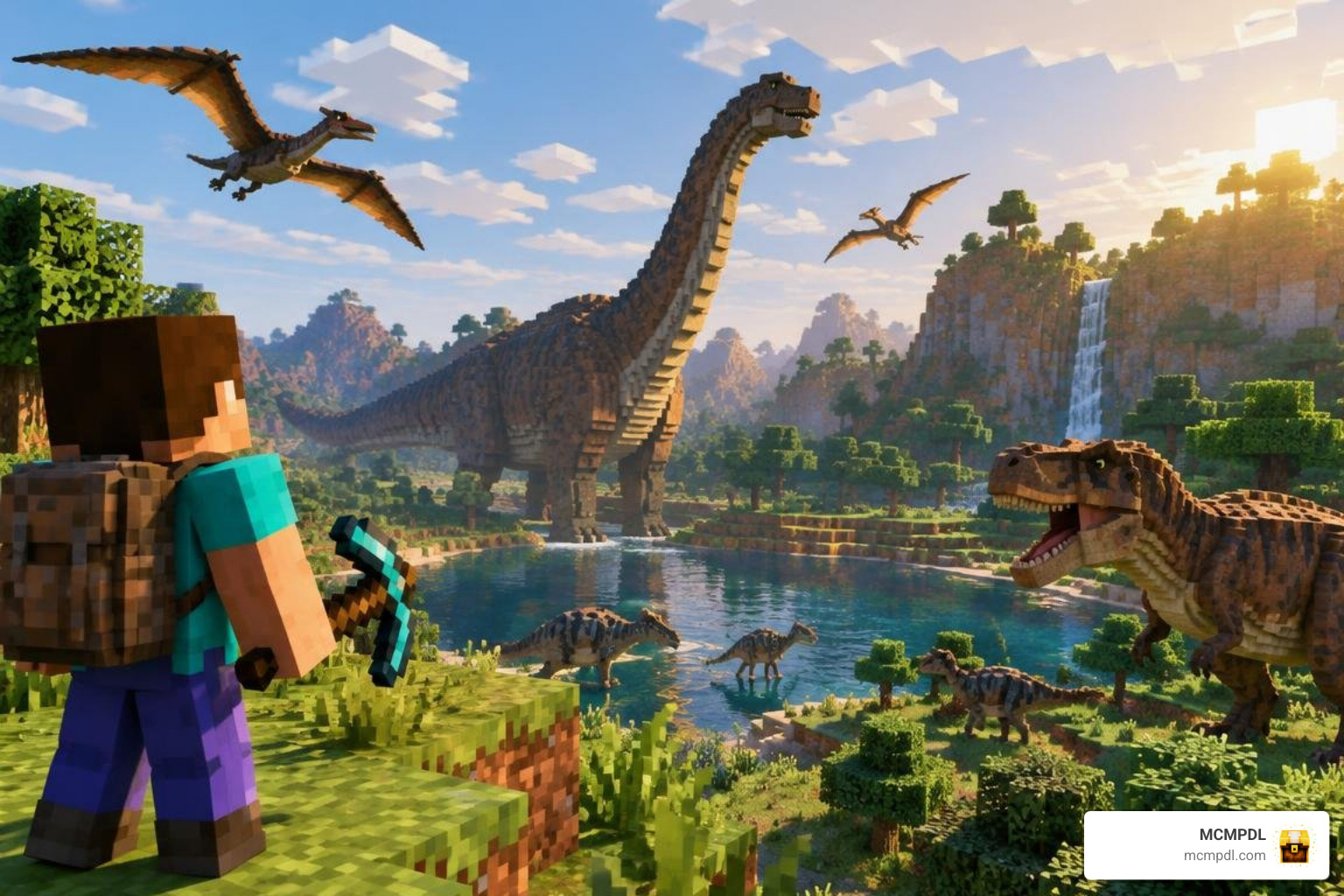
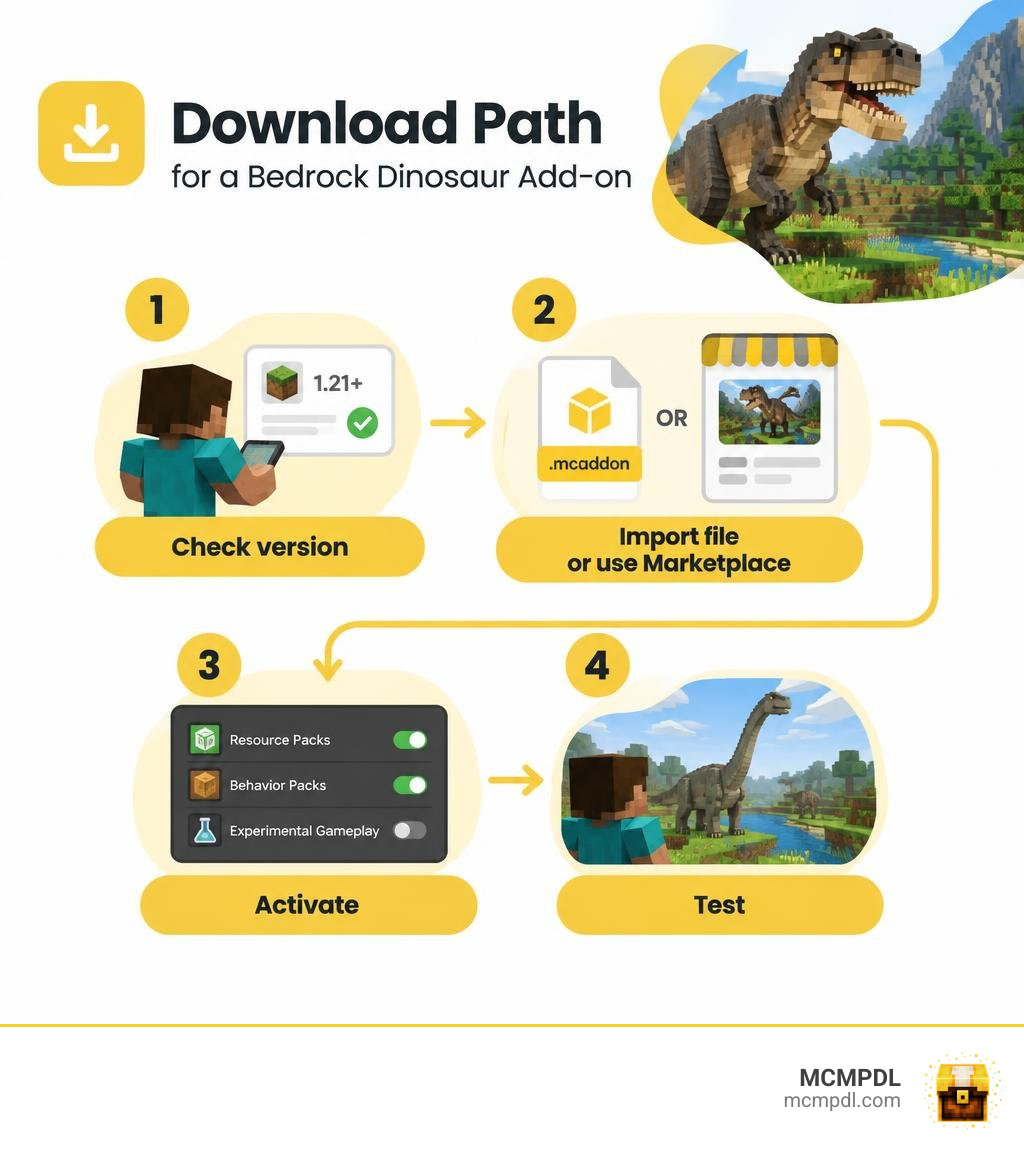
To install the Jurassic World Addon for Minecraft PE/Bedrock, check that the download supports your game version. If it comes as a .mcaddon file, open the file with Minecraft, then activate its resource and behavior packs in your world settings. Turn on Experimental Gameplay only if the add-on requires it. You can also get the official Add-On through the Minecraft Marketplace instead of importing a file.
The official Add-On was released on September 16, 2025. It brings dinosaurs into regular Minecraft worlds, where you can track species, collect DNA, and build enclosures. This guide will help you choose the right download path for Android, iOS, or Windows.
What Is the Jurassic World Addon for Minecraft PE/Bedrock?
The official Jurassic World Add-On introduced an immersive prehistoric conservation experience to Bedrock Edition on September 16, 2025. Drawing direct inspiration from the Jurassic World: Rebirth theme, this expansion shifts gameplay away from isolated park attractions and places prehistoric survival directly inside standard Overworld biomes. A notable update on November 22, 2025 refined entity mechanics and ensured ongoing compatibility with Minecraft Bedrock 1.21.
Rather than merely running away from apex predators, your primary mission centers on dinosaur conservation and research. Players construct specialized research outposts, extract vital genetic material to safeguard endangered species, and maintain functional enclosures. This distinct scientific loop pairs naturally with broader survival modifications like the DNA Addon for Minecraft PE/Bedrock and general wildlife overhauls such as the Animals Addon for Minecraft PE/Bedrock. Players looking for the official release can access the Jurassic World Add-On directly through the game’s official store.
Dinosaurs in the Jurassic World Addon for Minecraft PE/Bedrock
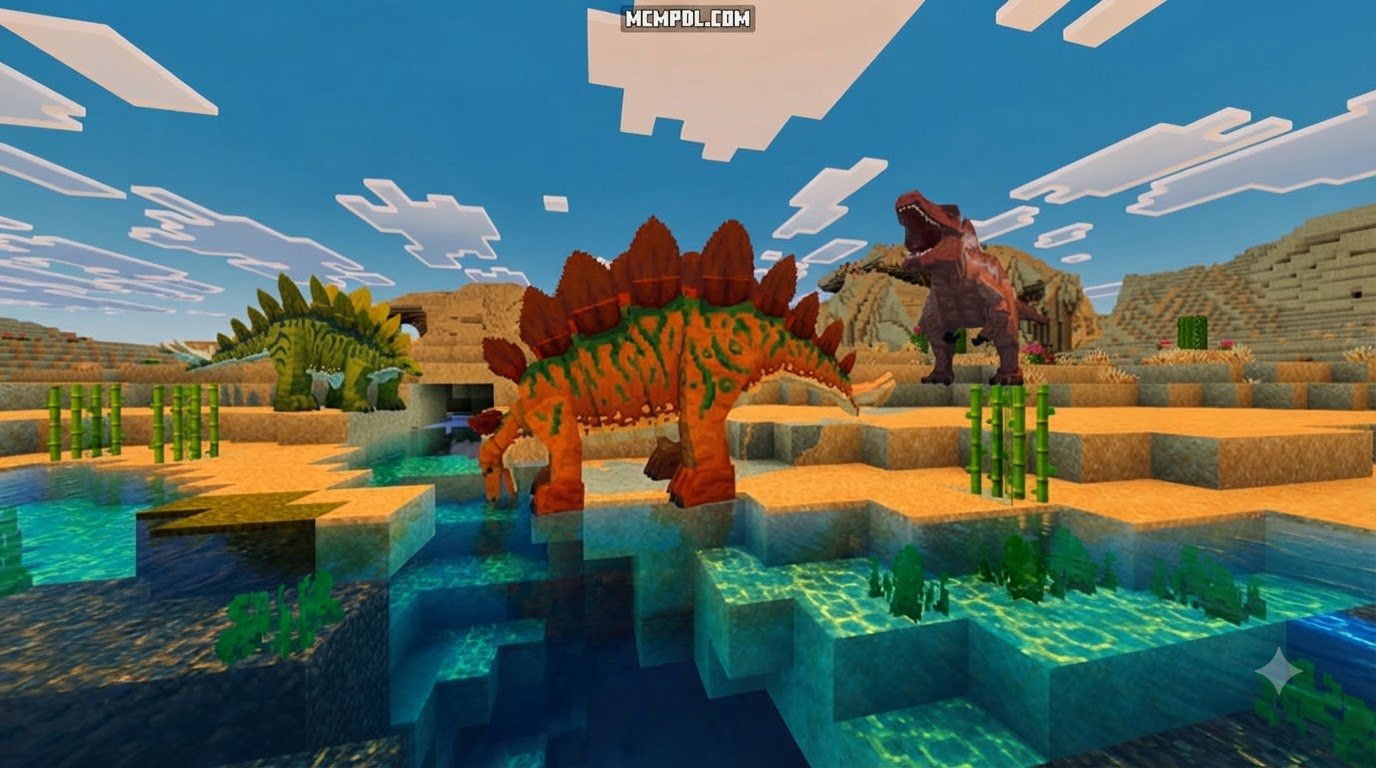
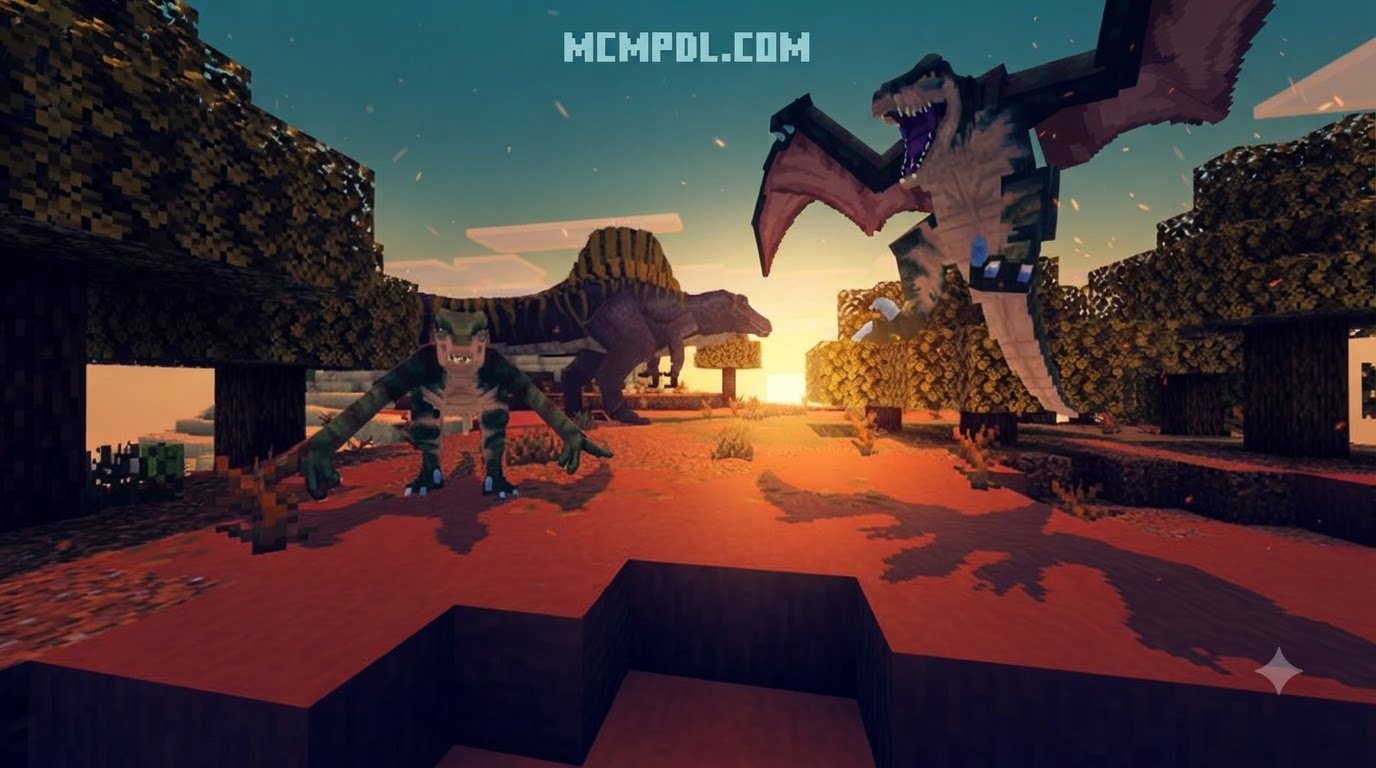
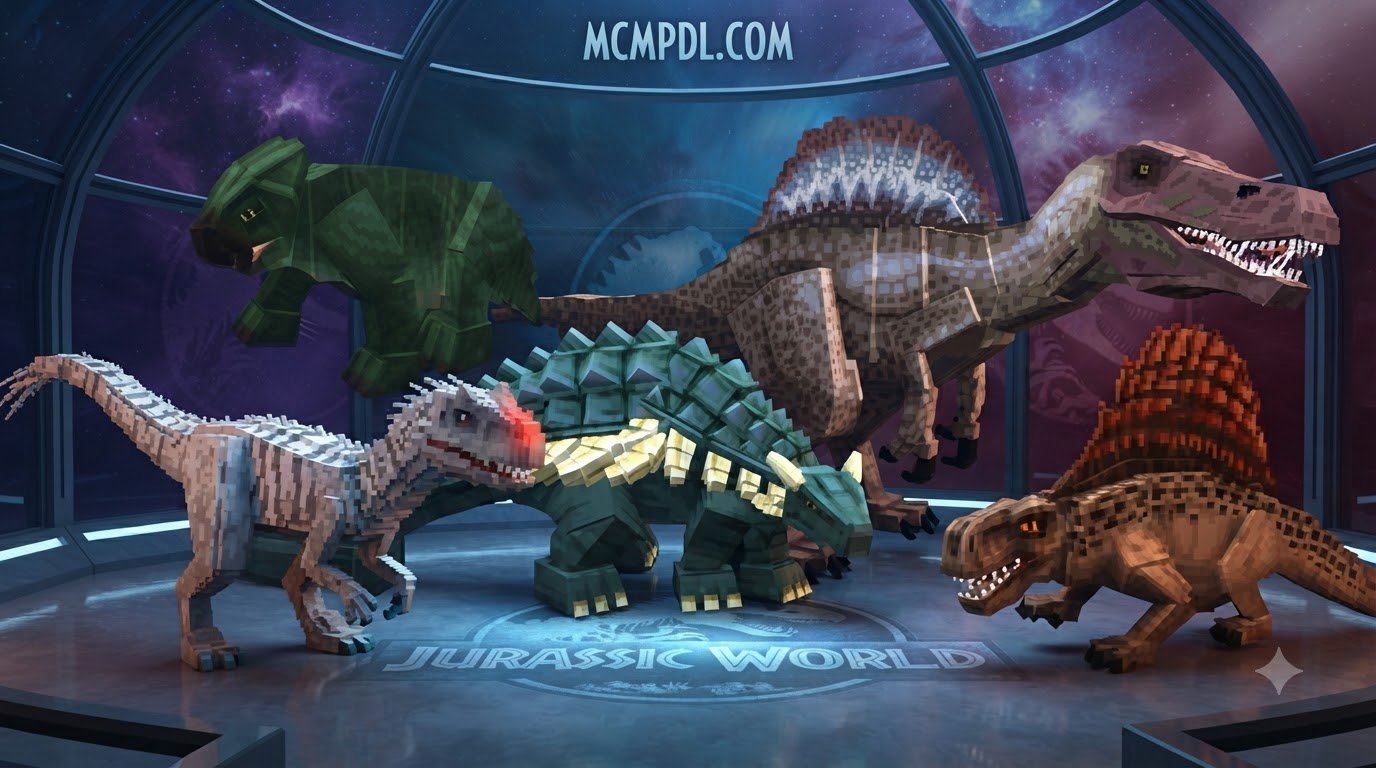
The expansion features an impressive roster of 33 prehistoric creatures, each modeled with custom animations, behaviors, and environmental niches:
- Allosaurus: A swift, aggressive mid-sized theropod prowling temperate forests.
- Ankylosaurus: A heavily armored herbivore capable of fending off heavy attacks.
- Ceratosaurus: A horned hunter that patrols scrublands and river edges.
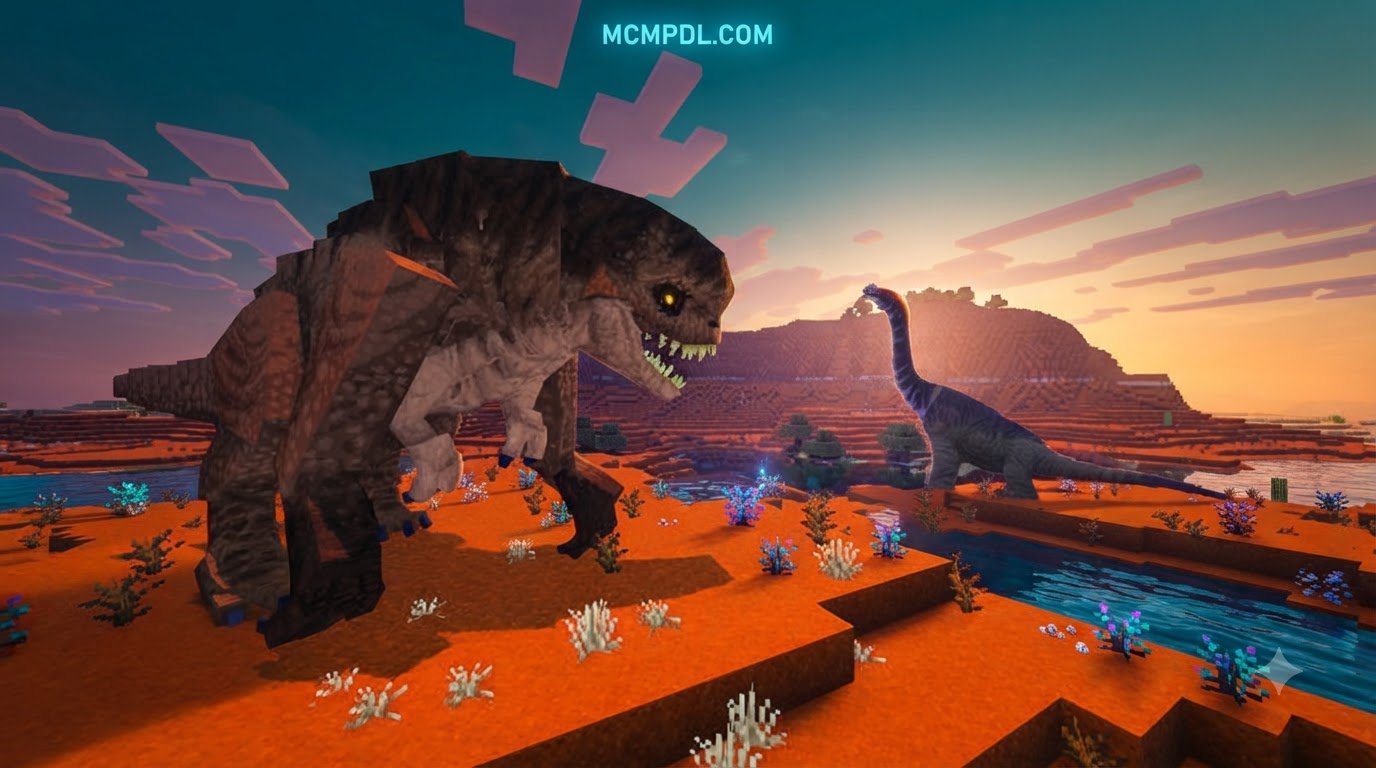
- Distortus rex: An aggressive, mutated apex predator found exclusively in Mesa and Mesa Bryce biomes.
- Lystrosaurus: A docile, burrowing synapsid well-suited for early outpost domestication.
- Spinosaurus: A massive semi-aquatic menace dominating swampy wetlands and deep river systems.
- Titanosaurus: A gigantic sauropod that alters the skyline of open plains.
- Tyrannosaurus rex: The iconic apex carnivore featuring earth-shattering roars and massive bite power.
- Velociraptor: Pack hunters utilizing coordinated ambushes to bring down prey.
Interesting design quirks appear across the roster. For instance, the Stygimoloch is labeled under the name Pachycephalosaurus within the DLC interface. Furthermore, specific biome restrictions keep certain threats contained; the terrifying Distortus rex spawns only in Badlands (Mesa) and Mesa Bryce regions, while standard, non-mutated species avoid those arid canyons entirely.
While the roster is expansive, a few movie-canon creatures such as Aquilops and Dreadnoughtus are omitted. High-flying pterosaurs are currently absent, and while Mosasaurus is listed in reference material, it remains unavailable in live gameplay, slated for inclusion in a dedicated construction kit update. If you wish to expand your prehistoric collection across alternate eras or custom realms, you can explore community expansions like the Dinosaur Era Add-on, venture into custom dimensions via the Dinosaur Dimension 2.0 Addon for Minecraft PE/Bedrock, or check out The Dawn Era Add-on alongside the Prehistoric Epochs Chronicles Add-on.
How to Download and Install the Jurassic World Addon for Minecraft PE/Bedrock
Installing the Jurassic World Addon on Minecraft Bedrock 1.21 is straightforward across Android, iOS, and Windows. Because prehistoric packs modify both entity behaviors and visual models, maintaining proper installation steps ensures assets load without missing textures or broken AI.
Download and Import the Add-On
To get started, follow these steps to import your files properly:
- Obtain the Pack: Acquire the
.mcaddonor linked.mcpackfiles verified for Bedrock 1.21. Community iterations and standalone variations can also be explored via platforms like the Jurassic World Addon (1.21) – MCPE/Bedrock Mod – Mc-Mod.Net entry or the film-inspired Jurassic World Saga [Chapters Dominion] MCPEDL – Minecraft Bedrock Addons – CurseForge project. Java players often use mod equivalents like Jurassic World Craft – Minecraft Mod , but Bedrock requires native mobile or Windows packages. - Launch the File: Tap or double-click the downloaded
.mcaddonfile. Your device will automatically launch Minecraft and display an “Import Started” banner at the top of the screen. - Confirm Import: Wait for both the Resource Pack and Behavior Pack import messages to declare success.
Activate and Troubleshoot
Before loading into your world, configure your world settings carefully:
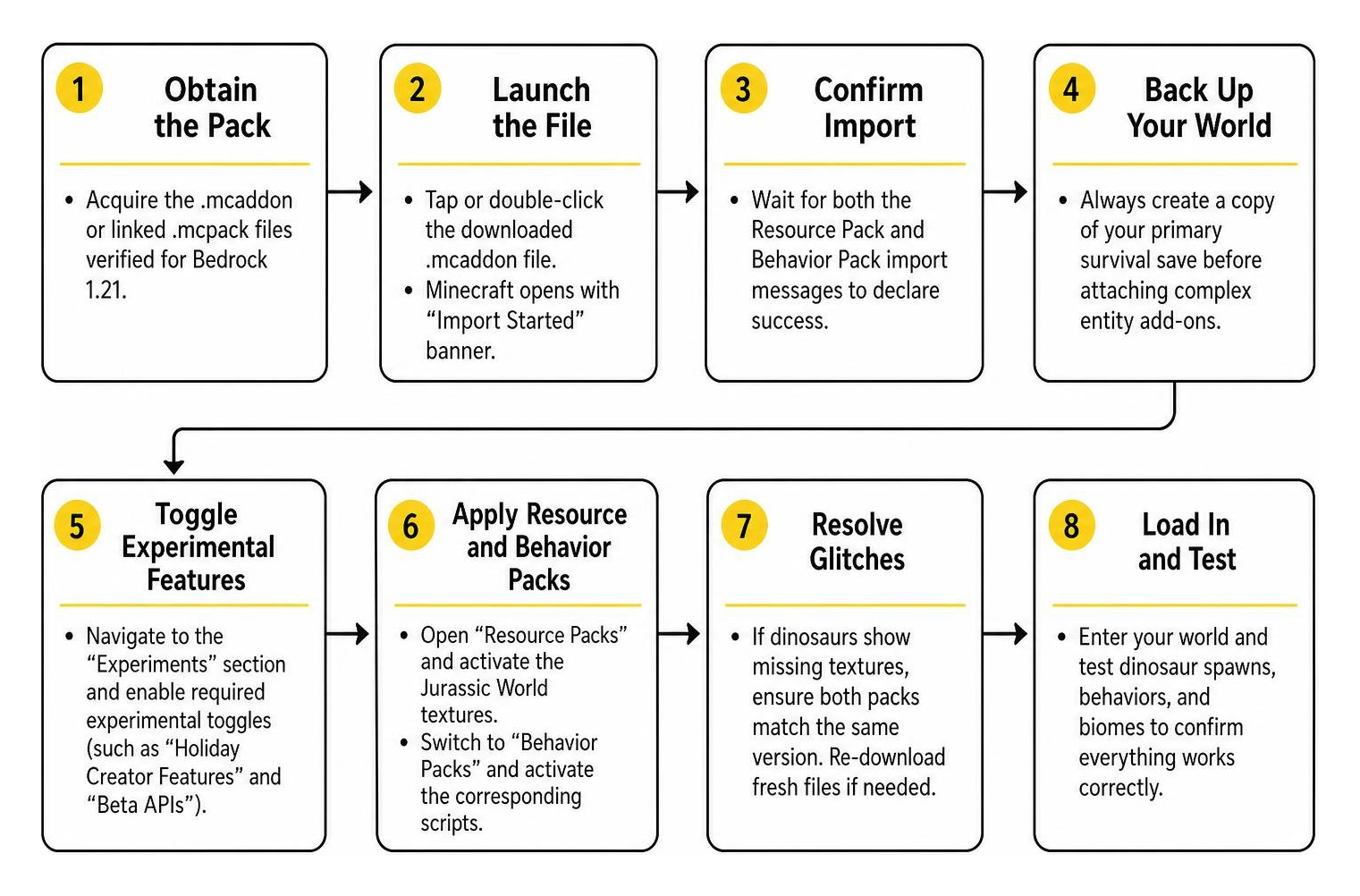
- Back Up Your World: Always create a copy of your primary survival save before attaching complex entity add-ons.
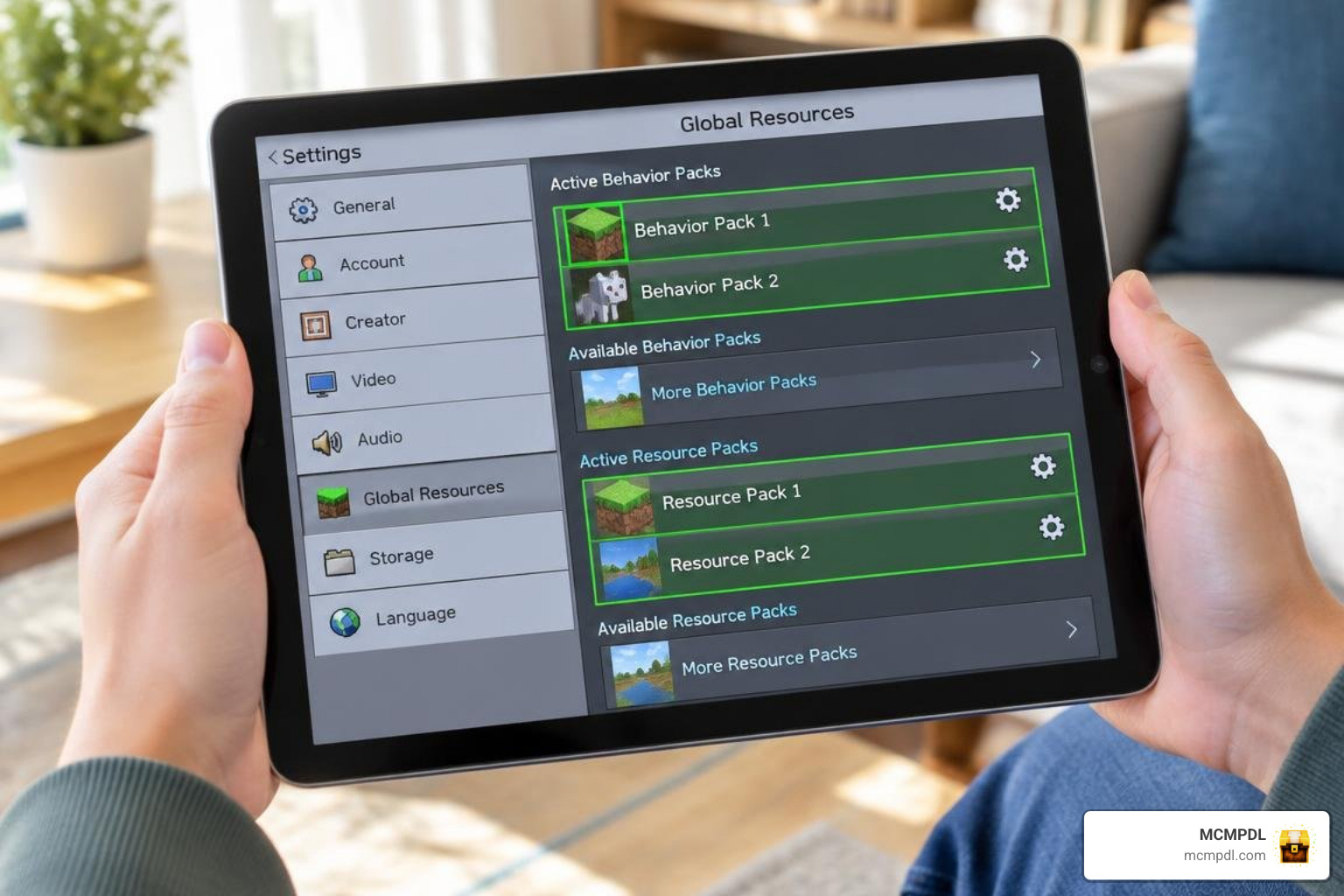
- Toggle Experimental Features: Navigate to the “Experiments” section in your world settings. Enable experimental toggles (such as “Holiday Creator Features” and “Beta APIs”) if your specific pack build requires them.
- Apply Resource and Behavior Packs: Open the “Resource Packs” menu and activate the Jurassic World textures, then switch to “Behavior Packs” and activate the corresponding scripts.
- Resolve Glitches: If dinosaur models display missing purple-and-black checkered textures, verify that both behavior and resource components match identical version numbers. Re-downloading fresh files clears up corrupted archives quickly.
Gameplay, Dinopedia, Vehicles, and Dinosaur Containment
Surviving alongside prehistoric giants requires careful planning, sturdy infrastructure, and advanced gear. Once the addon is active, your primary goals include field research, genetic preservation, and wildlife management.
Capture, Transport, and Contain Dinosaurs
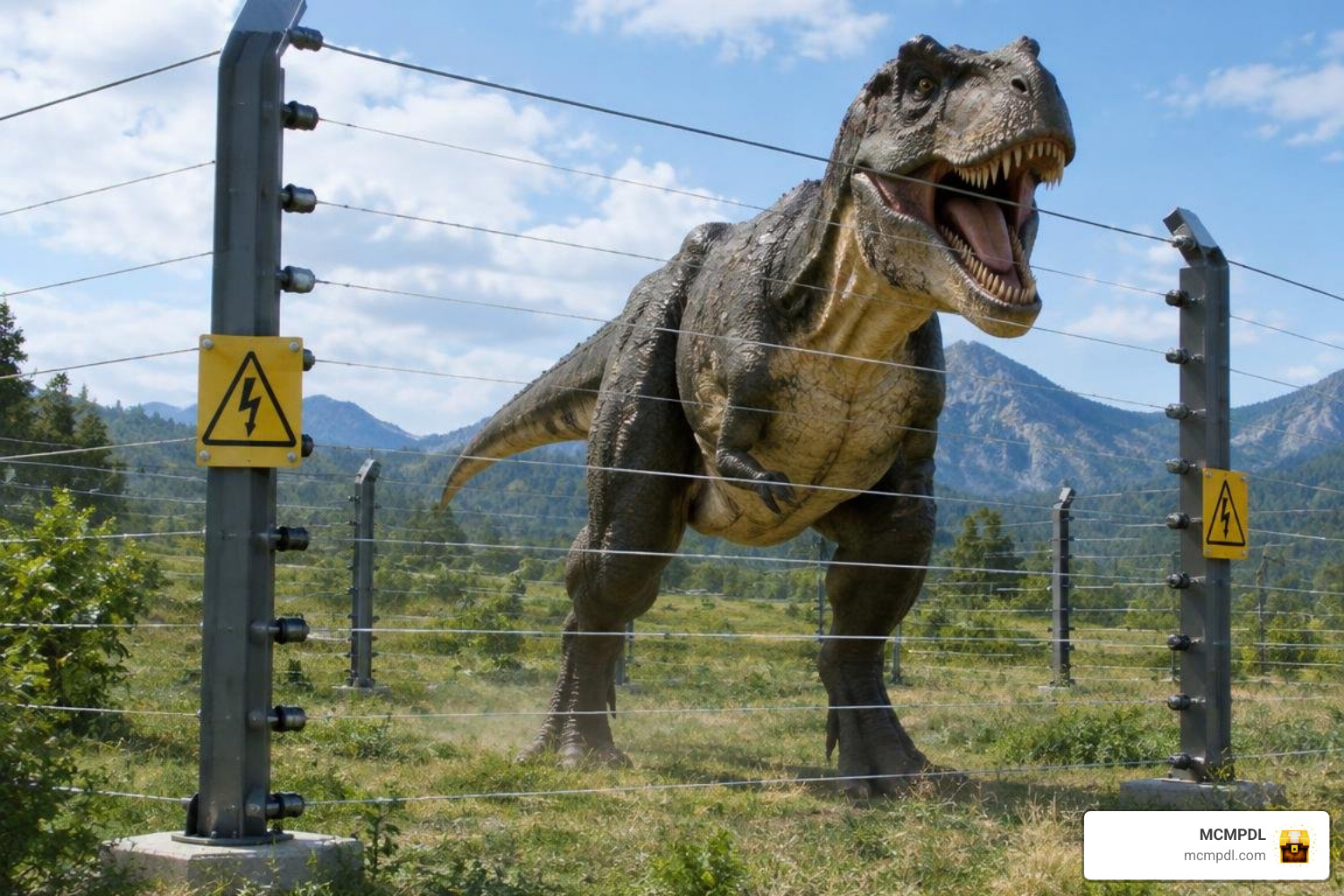
Containing a 9-ton theropod is significantly harder than fencing in sheep. The addon provides heavy-duty fence pylons designed to resist massive physical impact and keep wild carnivores from tearing into your living quarters.
Moving specimens back to your sanctuary requires specialized vehicles:
- Quad Bikes & Motorcycles: Excellent for rapid scouting, navigating dense forests, and luring solitary targets into capture zones.
- Armored Trucks: Reliable utility transports suited for rugged terrains.
- Transport Helicopter: The ultimate containment vehicle. By repeatedly left-clicking or tapping while hovering over tranquilized dinosaurs, the helicopter can secure and airlift multiple creatures simultaneously across vast distances directly into fortified pens.
To keep carnivores healthy without risking your own survival, use specialized capture crates. Players can box up standard passive mobs—such as cows, pigs, sheep, and goats—and transport the crates directly into paddocks to establish sustainable feeding cycles.
Use the Dinopedia to Track Species
The Dinopedia acts as an indispensable field guide. By consulting its entries, you can study dinosaur biology, diet requirements, and precise environmental distributions.
The Dinopedia highlights crucial biome-exclusive behavior. For example, it identifies the Badlands canyons as the unique hunting grounds of the mutated Distortus rex, while confirming that gentle herbivores roam lush plains and river valleys. Referencing these entries prevents unexpected encounters and directs your exploration expeditions efficiently.
Frequently Asked Questions
Are Mosasaurus and pterosaurs available?
Pterosaurs (such as Pteranodon) and the massive aquatic Mosasaurus are currently unavailable for active field encounters in the core Bedrock add-on. While aquatic species have been confirmed for future construction-oriented updates, initial releases focused primarily on terrestrial enclosures.
Does the Add-On include Rebirth character skins?
The add-on does not bundle character skins from Jurassic World: Rebirth. Instead, players can explore the world using any of the nine default Minecraft character skins, or equip custom outfits and existing classic movie franchise skins from their personal dressing room.
Conclusion
The Jurassic World Addon delivers a comprehensive prehistoric sandbox to Minecraft Bedrock 1.21, balancing thrill-seeking exploration with in-depth scientific conservation. By installing compatible .mcaddon files, enabling required world settings, and utilizing advanced transport machinery like helicopters and containment pylons, you can transform ordinary Overworld biomes into thriving prehistoric sanctuaries.
Before loading valuable worlds, verify your platform compatibility, back up your saves, and test entity spawning in a separate test world. For more tools, utility expansions, and gameplay overhauls to enhance your Bedrock experience, explore our complete selection of Bedrock tools and add-ons on MCMPDL.