Scroll down to D0vvnl0ad
Install Mob Pets World for Minecraft PE/Bedrock
To install Mob Pets World for Minecraft PE/Bedrock, first check whether the download is an add-on or a world template. Back up your world, then import the add-on and enable its behavior and resource packs in your world settings. A world template creates a new world instead of changing one you already play. Check the listing’s Bedrock version requirement before you start.
Vanilla cats and wolves can follow and help you, but they do not level up or evolve. A pet pack can add that kind of progression. This guide will help you choose the right edition, set it up, and get your first companion ready to play.
Understanding Mob Pets World for Minecraft PE/Bedrock vs. Vanilla Pets
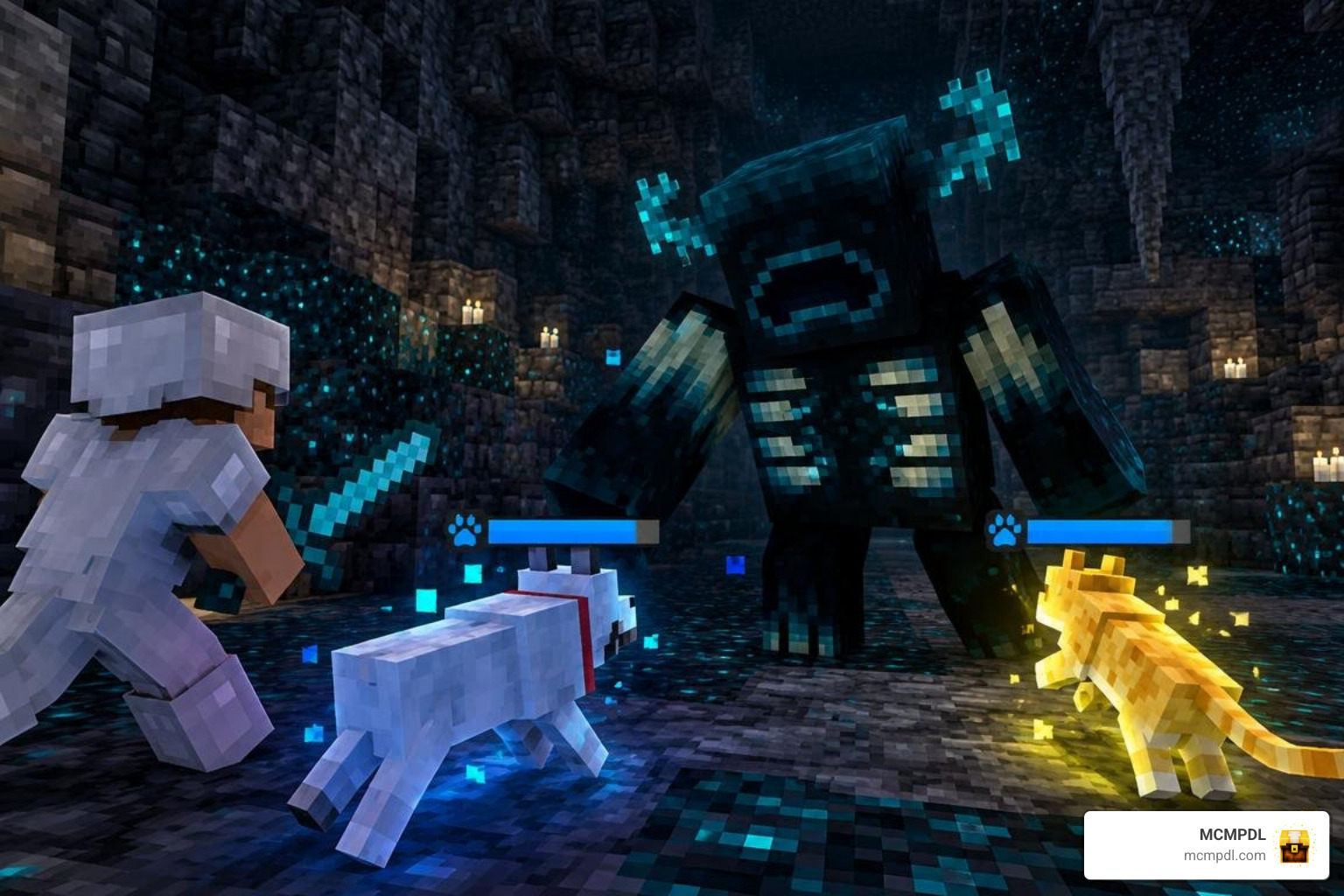
Vanilla Minecraft companions provide great early-game utility, but their mechanics are straightforward. Taming a wolf gives you a loyal fighter, while collecting any of the 11 feline variants lets you benefit from vanilla cat behavior and creeper repellent traits, keeping explosive creepers and airborne phantoms at bay within an 8-block radius. A cat has only 10 health points (5 hearts), meaning an errant swipe from a tough mob can quickly end its journey.
When you encounter high-tier challenges, standard pets struggle to survive. By comparison, hostile entities pack immense punch: the Wither wields 300 HP and deals 8 damage per strike, the Ender Dragon has 200 HP with 10 attack power, and the Warden commands an astonishing 500 HP while delivering 30 damage per hit. Vanilla pets simply do not possess the health scaling or defensive stats needed to face these endgame threats.
Past Bedrock updates have occasionally created companion hiccups, such as the historic pet control bug MCPE-33152 where tamed animals refused to stand after updates until Mojang rolled out fixes. Modern creature expansions modernize animal AI, providing active progression systems and specialized combat routines to overcome vanilla limitations.
What is Mob Pets World for Minecraft PE/Bedrock?
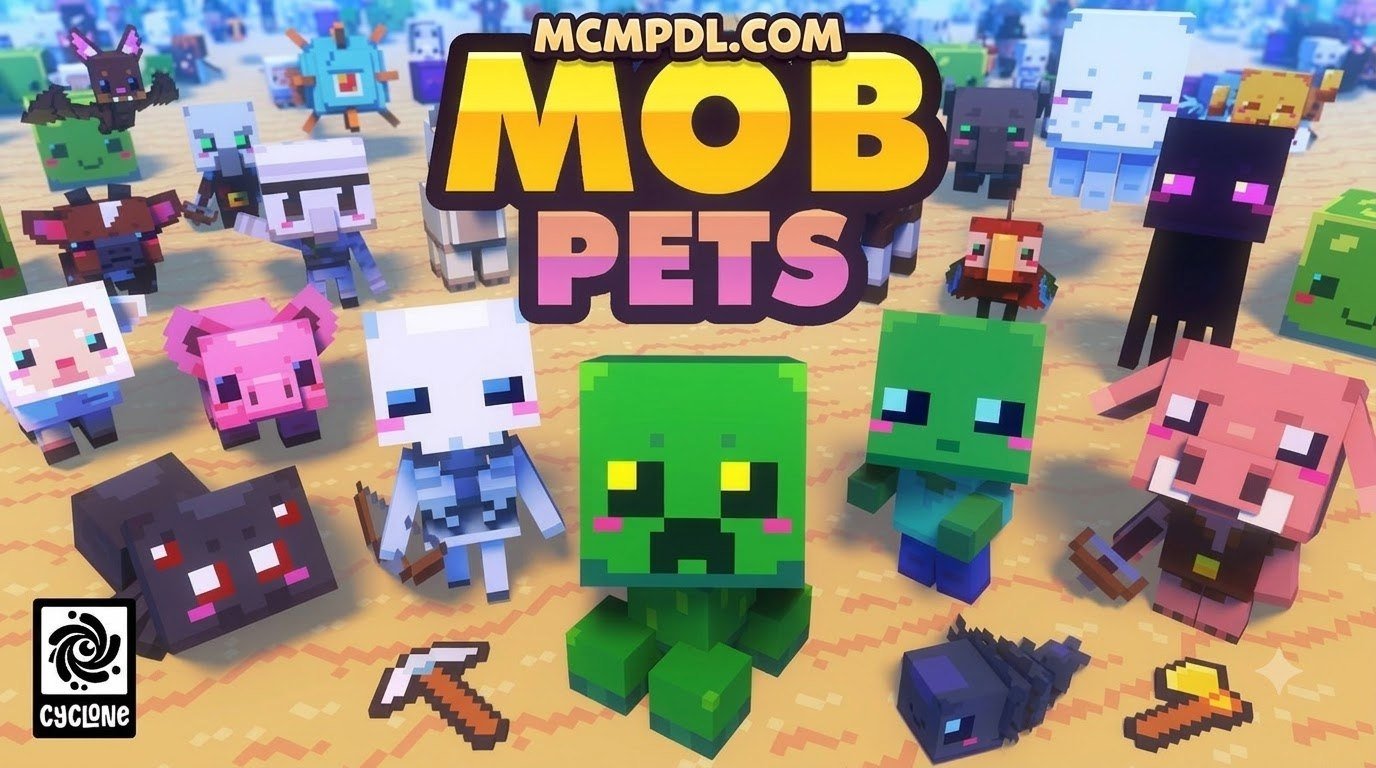
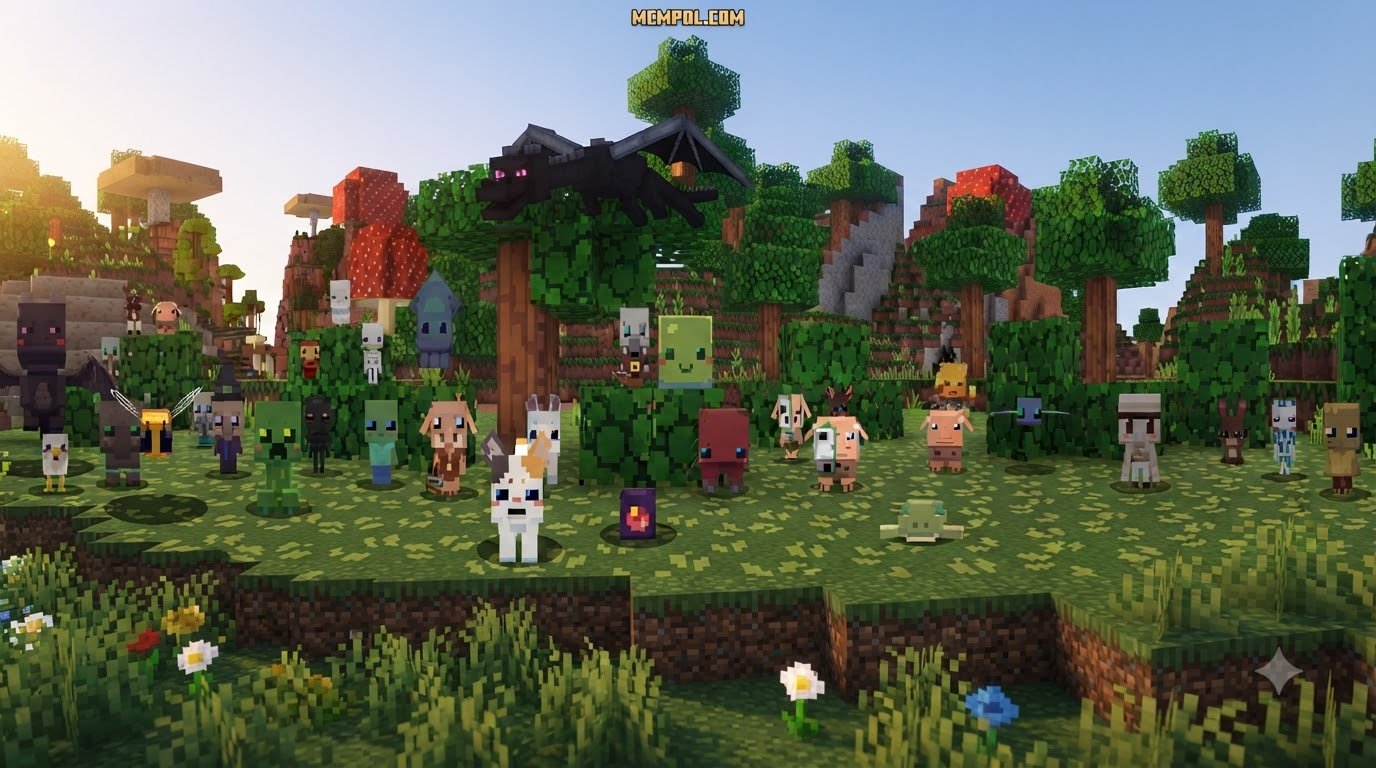
Mob Pets World is an expansive Bedrock overhaul that turns wildlife collection into a full-scale creature-training system. Rather than simply feeding raw meat or fish to an animal, you engage with dedicated capture tools, customized diet items like Levaberries, and defensive gear like Taming Armor.
The mod features a structured 3-stage evolution path for companions, letting small mascots transform into heavy-hitting guardians. If you want more standard domestic options, you can always explore a standalone Cats Addon for Minecraft PE/Bedrock, but Mob Pets World focuses specifically on RPG power scaling and tactical companion abilities.
Core Features and RPG Evolution Mechanics
The core experience revolves around discovery, leveling, and active training across every biome.
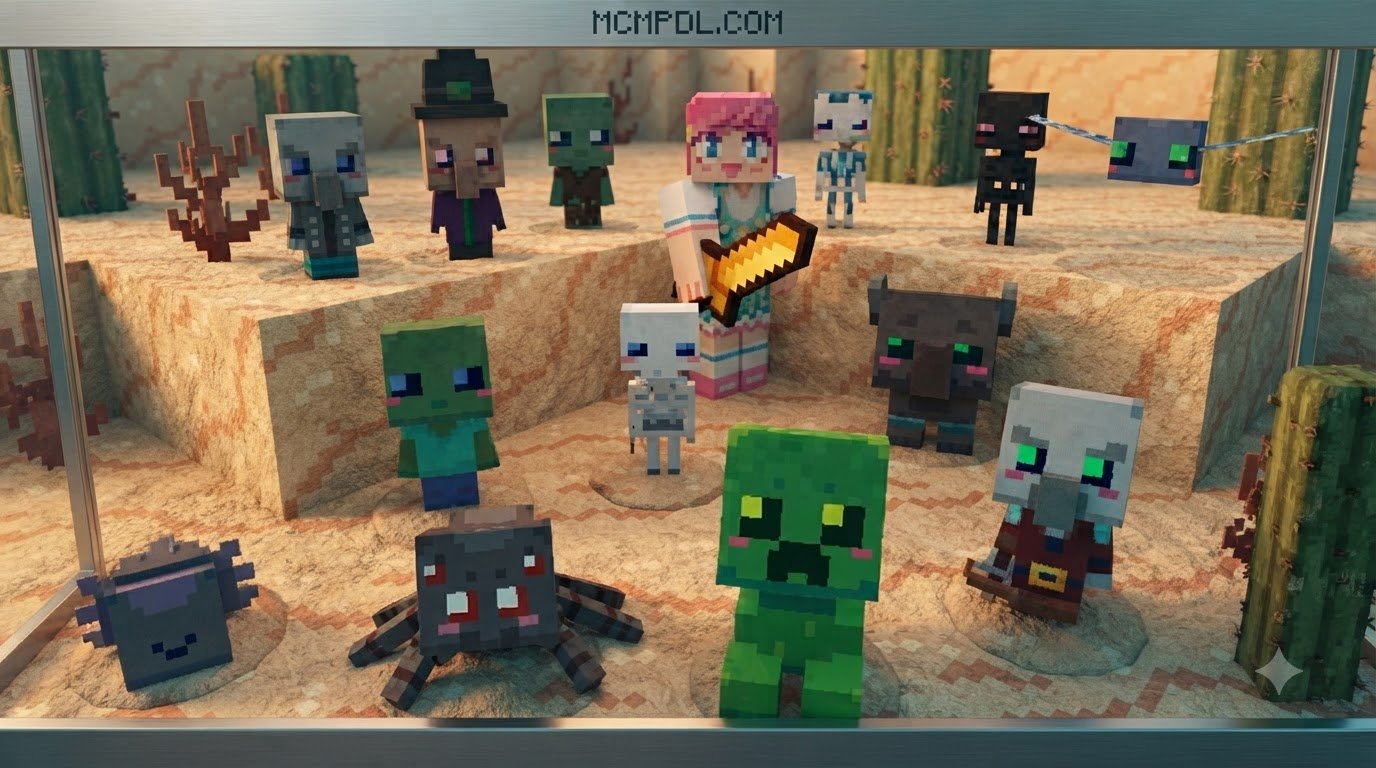
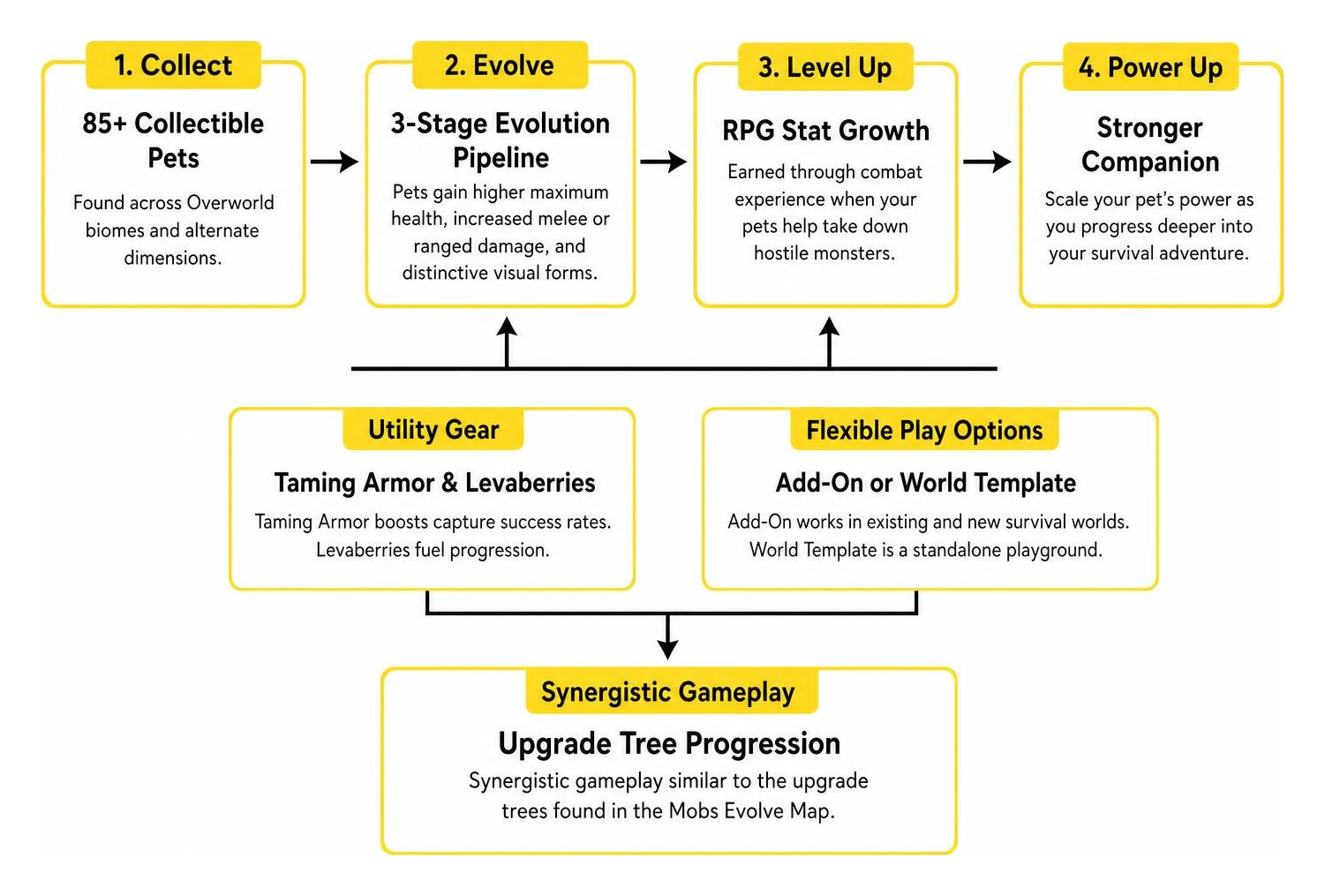
- Over 85 collectible companions scattered throughout Overworld biomes and alternate dimensions.
- A 3-stage evolution pipeline where pets gain higher maximum health, increased melee or ranged damage, and distinctive visual forms.
- RPG stat growth earned through combat experience when your pets help take down hostile monsters.
- Specialized utility gear, including Taming Armor to boost capture success rates and Levaberries to fuel progression.
- Synergistic gameplay similar to the upgrade trees found in the Mobs Evolve Map for Minecraft PE/Bedrock.
Reviewing comprehensive mob entity attributes shows standard passive mobs have fixed stats, but companions in Mob Pets World scale their power as you progress deeper into your survival adventure.
Editions Breakdown: Add-On vs. World Template
When comparing the available formats, you will notice two primary ways to play this content: an Add-On format and a prebuilt World Template. Selecting the right option depends on whether you want to enhance an existing survival realm or jump into a tailored playground map.
| Feature / Detail | Add-On Format | World Template Format |
|---|---|---|
| Install Type | Behavior and resource pack | Standalone world map |
| World Compatibility | Existing and new survival worlds | New worlds created from the template |
| Version Check | Confirm the listing’s Bedrock compatibility | Confirm the template’s Bedrock compatibility |
| Multiplayer Setup | Players may need to download the pack when joining | Included with the shared world session |
If you enjoy curated creature packs, you might also like the Spark Pets Addon Premium for Minecraft PE/Bedrock, but the Biome Pets Add-On remains the premier choice for applying RPG companion progression directly to your main survival builds.
Step-by-Step Installation and Setup Guide
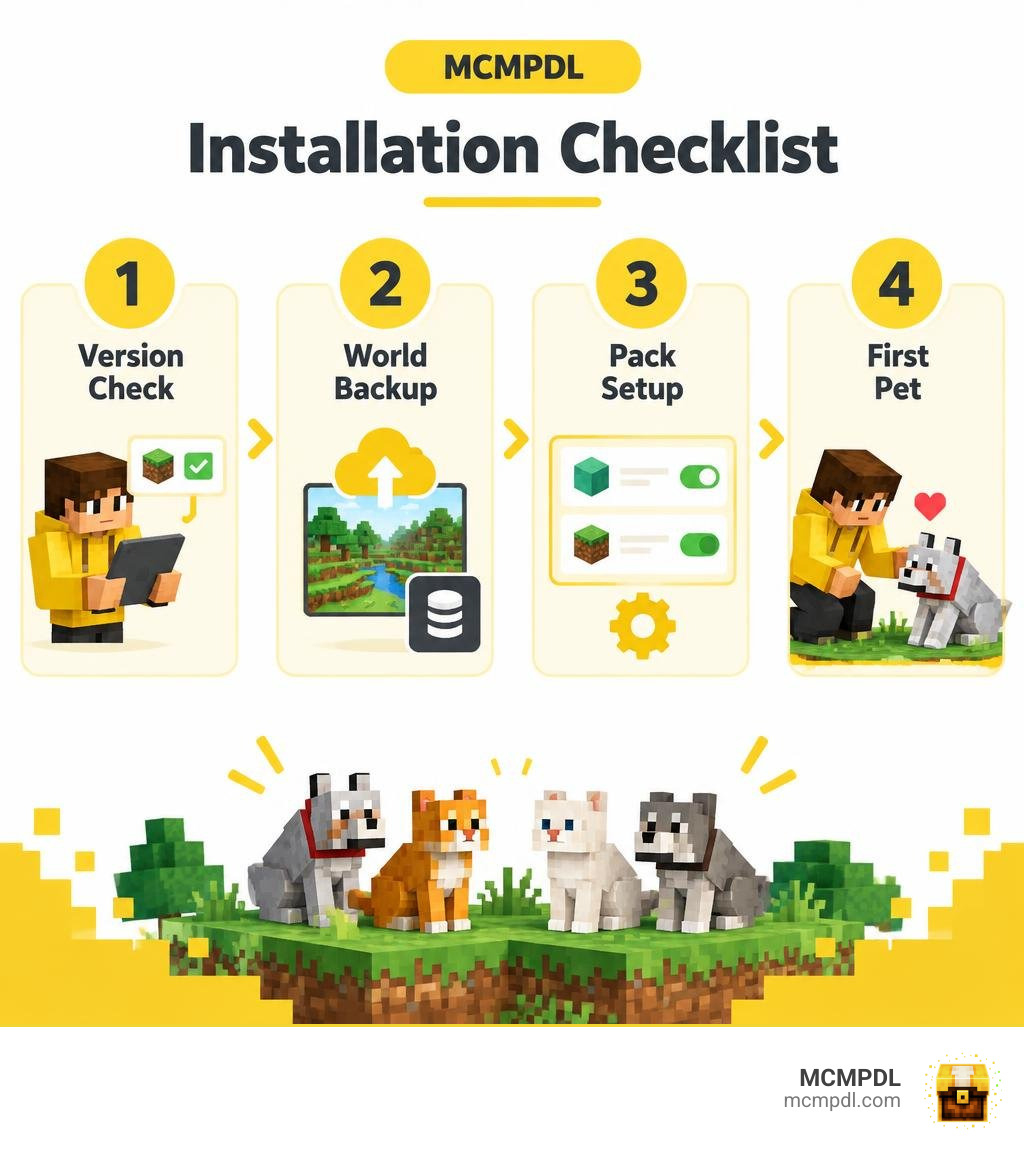
Installing your companion pack takes only a few minutes when following these structured steps:
- Download the compatible Add-On or World Template for your Bedrock device (Windows, iOS, Android, Xbox, PlayStation, or Nintendo Switch).
- Confirm that the download has finished and is available in your game’s owned content.
- Always create a backup copy of your world before applying new packs.
- Navigate to your world settings, click on Resource Packs, and activate the pack under the “Owned” tab.
- Head to Behavior Packs in the same menu and activate the corresponding behavior file.
- Under the “Experiments” tab, ensure toggles such as Beta APIs or Custom Biomes are enabled if prompted by the pack.
- Launch your world to start tracking down your first wild companion.
Installing Mob Pets World for Minecraft PE/Bedrock on Existing Worlds
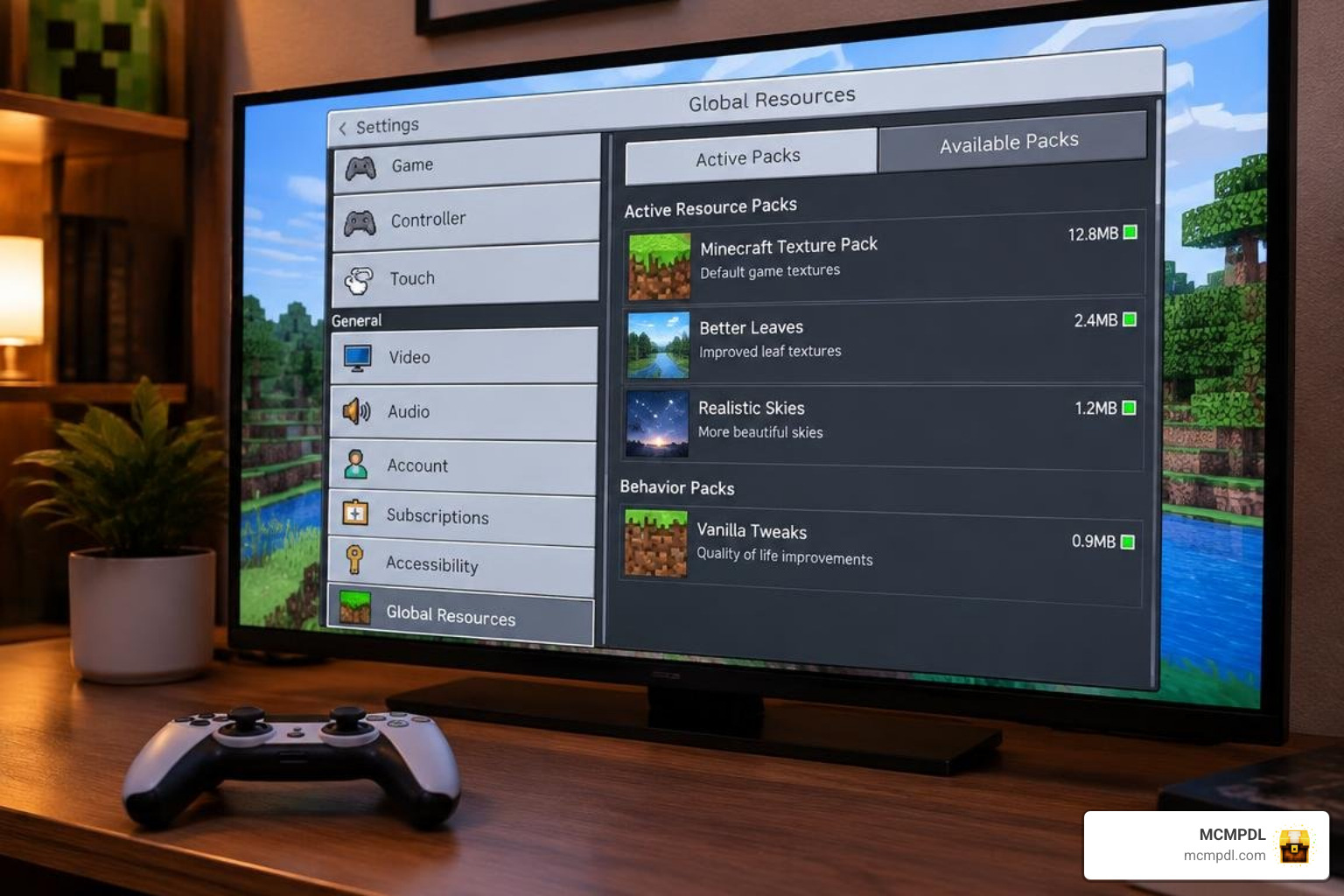
To bring your companions into an existing survival base, make sure your game client is updated to Minecraft Bedrock 1.21.120 or newer. When applying the Add-On to an existing world:
- Navigate to the world select menu and click the pencil icon next to your world name.
- Select Export World or Copy World to store a clean safety restore point.
- Scroll down to the left sidebar and select Resource Packs. Move the pack from “Available” to “Active”.
- Select Behavior Packs and activate the behavior component. Minecraft will notify you that achievements may be disabled when using custom behavior packs.
- Confirm that your platform has sufficient storage to sync the resource textures to other players joining your multiplayer session.
Taming, Equipping, and Evolving Your Biome Companions
Once you locate a companion in the wild, regular seeds or bones will not be enough.
- Craft Taming Armor at a standard crafting table using iron, leather, and specialized wild essences.
- Equip your Taming Armor to prevent wild creatures from fleeing while improving your capture interaction chance.
- Forage for Levaberries in forest and mountainous zones, or trade emeralds with wandering pet tamers.
- Approach the creature and feed it Levaberries until green sparkle particles appear above its head.
- Take your newly tamed companion into battle against zombies, skeletons, and spiders. As your companion assists in combat, it accumulates XP points.
- Once the XP threshold is met, feed your pet an Evolution Shard to trigger Stage 2 and Stage 3 forms, unlocking higher health pools and secondary attack traits.
If you enjoy vast creature databases, pairing this system with expansive packs like All the Mobs 1.0 for Minecraft PE/Bedrock creates an enormous variety of encounter options.
Biome Habitats, Companion Abilities, and Alternative Add-ons
Every region of the Minecraft map contains companions with perks suited to their home environment:
- Forest & Plains: Balanced companions that provide steady melee support and highlight nearby harvestable crops and berries.
- Taiga & Snowy Tundra: Frost-infused companions that inflict slowness on attackers and protect you from freezing damage in powdered snow.
- Desert & Badlands: High-speed predators resistant to fire tick damage, capable of blinding targets with sand attacks.
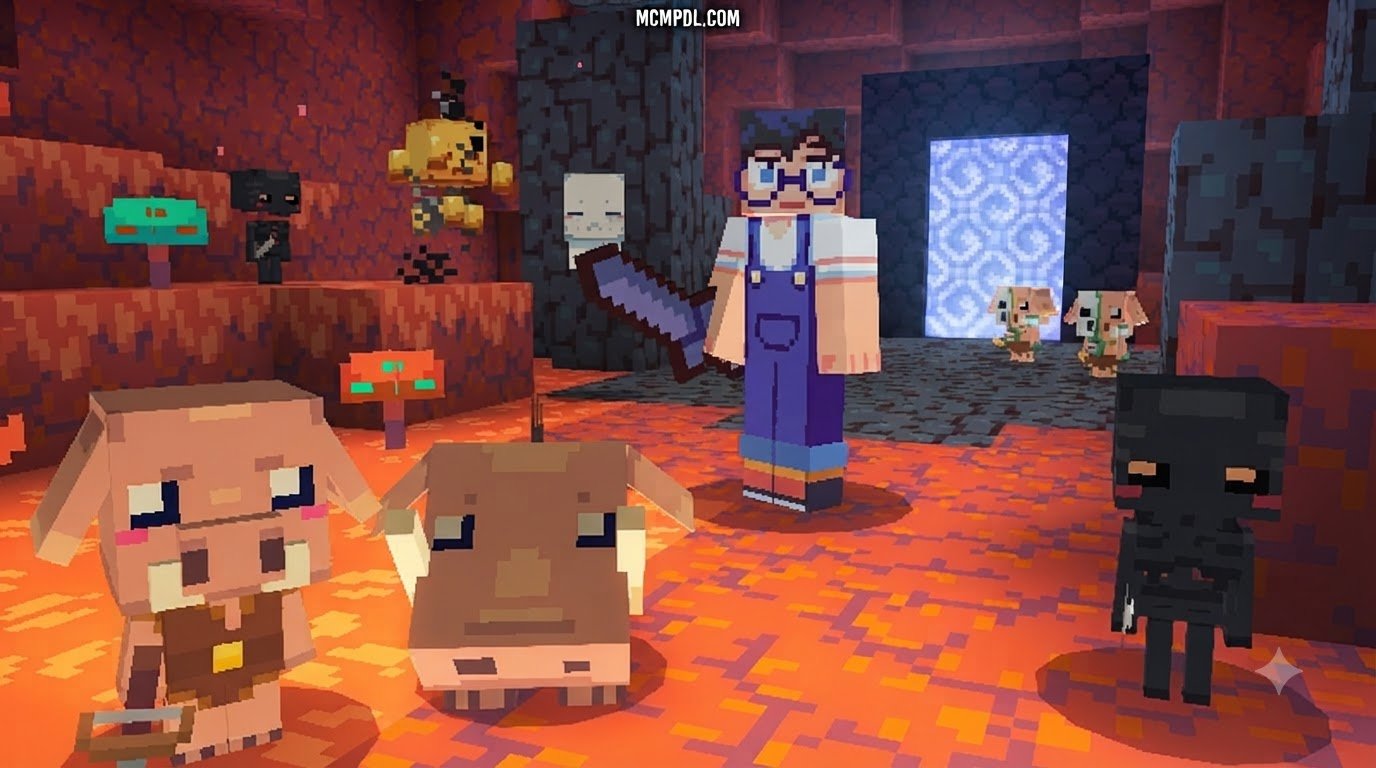
- The Nether: Lava-walking allies immune to magma and fire charges that can launch ranged fireball volleys at Ghasts.
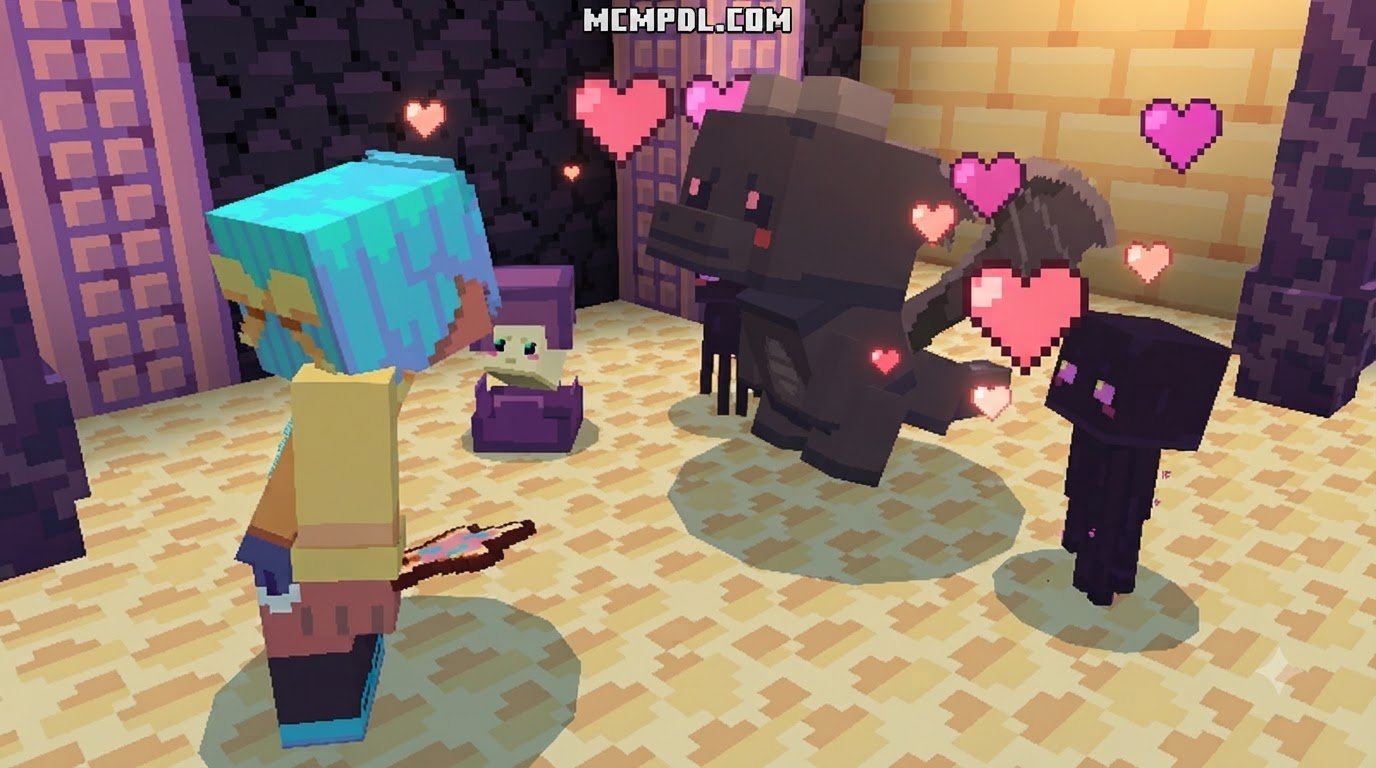
- The End: Teleporting companions capable of destabilizing Shulker projectiles and assisting during Ender Dragon skirmishes.
For players who want challenging boss encounters alongside their companion progression, integrating fantasy packs like Mowzies Mobs 1.2 Addon for Minecraft PE/Bedrock will put your evolved pets to the ultimate test.
Comparing Mob Pets World to Other Creature Expansions
To decide which creature system fits your playstyle, consider how different community mods handle wildlife, mechanics, and combat.
| Add-On Title | Primary Focus | Evolution Mechanics | Combat Utility | Best Suited For |
|---|---|---|---|---|
| Mob / Biome Pets World | RPG Pet Training | 3-Stage Evolution System | Very High (Active Abilities) | Progression & Combat Lovers |
| Naturalist Addon | Real-World Wildlife | None (Realistic Breeding) | Low to Moderate | Immersion & Builders |
| Wildlifecraft Addon | Safari & Ambient Animals | None (Standard AI) | Low (Passive Flora/Fauna) | Zoo Builds & Exploration |
While the Naturalist Addon for Minecraft PE/Bedrock and the Wildlifecraft Addon for Minecraft PE/Bedrock prioritize authentic environmental realism, exploring Biome Pets World for Minecraft PE/Bedrock gives you the deepest combat leveling and functional utility for survival challenges.
Frequently Asked Questions about Mob Pets World
Can Mob Pets World be used on existing Bedrock worlds?
Yes. As long as you use the Add-On version rather than the standalone World Template, you can attach the resource and behavior packs to any existing world running Bedrock version 1.21.120 or newer. Be sure to explore newly generated chunks or use spawn items to locate companions that spawn naturally in specific biomes.
How do you fix pet sitting and standing control bugs in Minecraft Bedrock?
If your pets become unresponsive or fail to sit and stand on command:
- Ensure your Minecraft Bedrock client is updated to the latest build, as older versions had documented entity interaction issues (such as MCPE-33152).
- Unequip and re-equip any held items, as interaction prompts can sometimes prioritize item usage over entity interaction.
- If an entity’s AI remains frozen, lead it into water or attach a lead to reset its pathfinding goals.
- In persistent cases, creating a world backup and reloading the behavior pack cleanly in world settings will restore default interaction scripts.
Conclusion
Upgrading your survival journey with custom companions brings a fresh layer of strategy and excitement to Bedrock Edition. By replacing fragile vanilla mechanics with a 3-stage evolution path, custom armor, and specialized biome perks, you can take loyal defenders with you from your first dirt shelter all the way to the End dimension.
Remember our quick checklist: verify your game version, back up your survival save, enable both resource and behavior packs, and gear up with Taming Armor before your first hunting expedition.
Looking to take a break from survival grinding with your friends? Explore our curated collection of hide and seek maps for Minecraft PE/Bedrock to discover exciting multiplayer minigames for your next gaming session!
1 thought on “Mob Pets World for Minecraft PE/Bedrock”