Scroll down to Download
Give Minecraft Bedrock a Sharper Vanilla Look
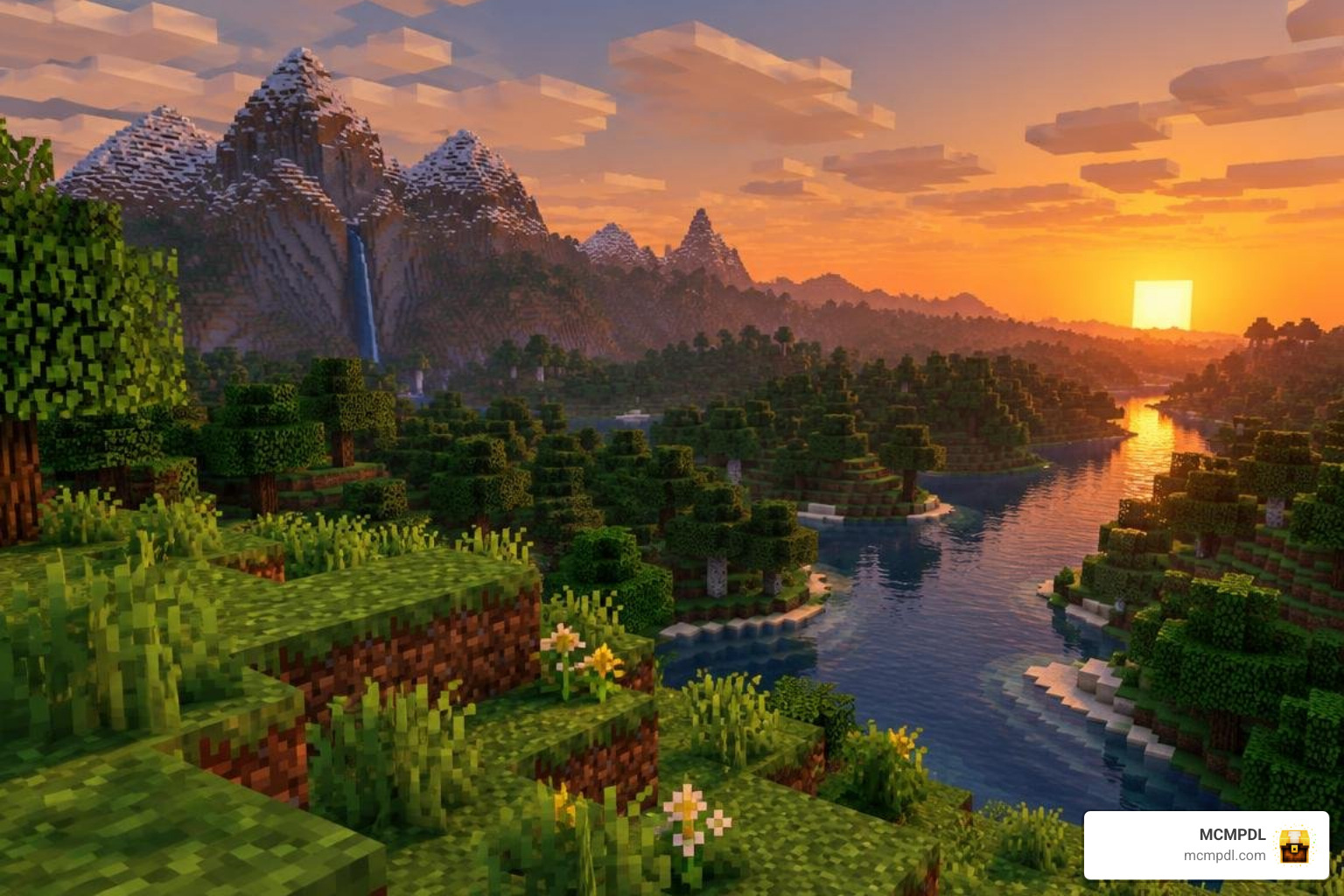
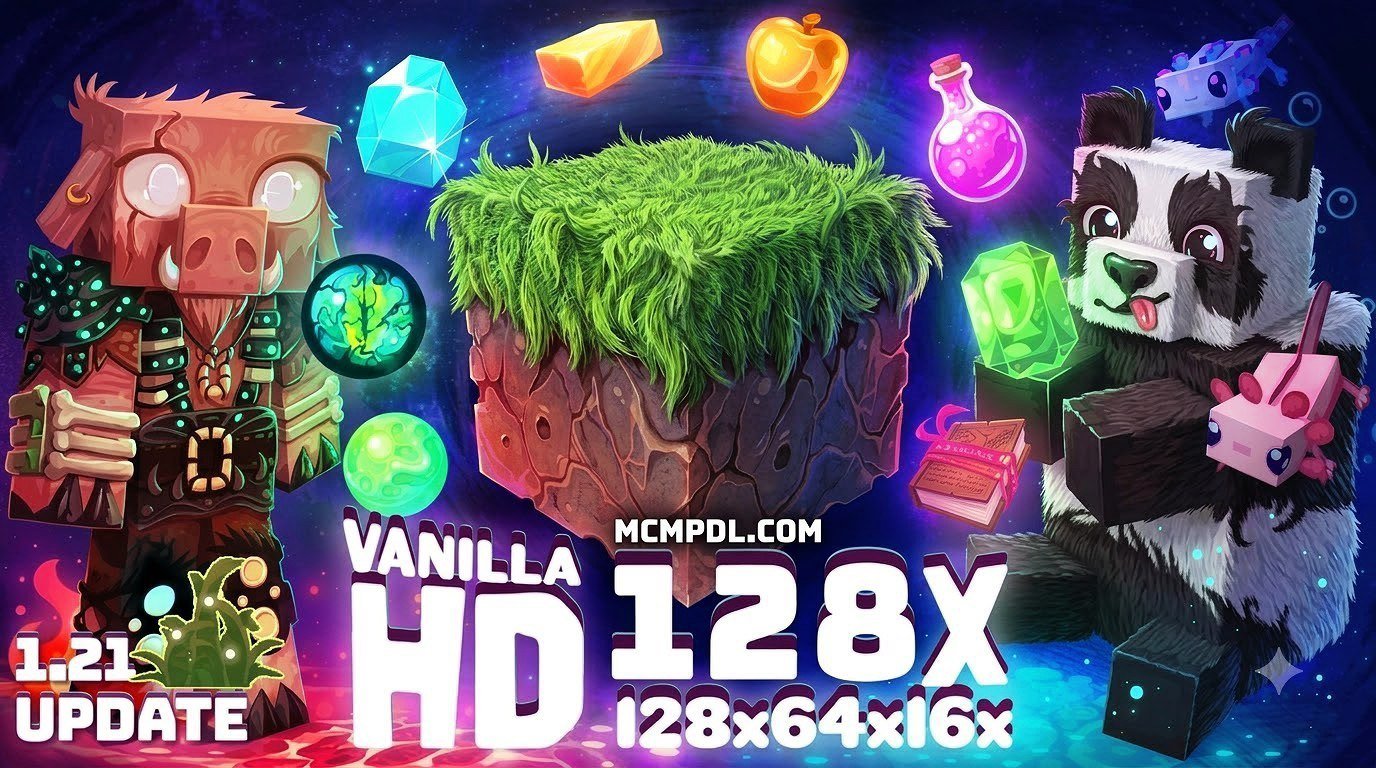
A Vanilla HD texture pack makes Minecraft PE and Bedrock look sharper while keeping the familiar blocky style. To try one, download a Bedrock-compatible .mcpack file from a source you trust, open it with Minecraft, then activate it under Settings > Global Resources or in a world’s Resource Packs settings. For official guidance on managing Minecraft add-ons and resource packs, see Microsoft’s Minecraft add-ons documentation.
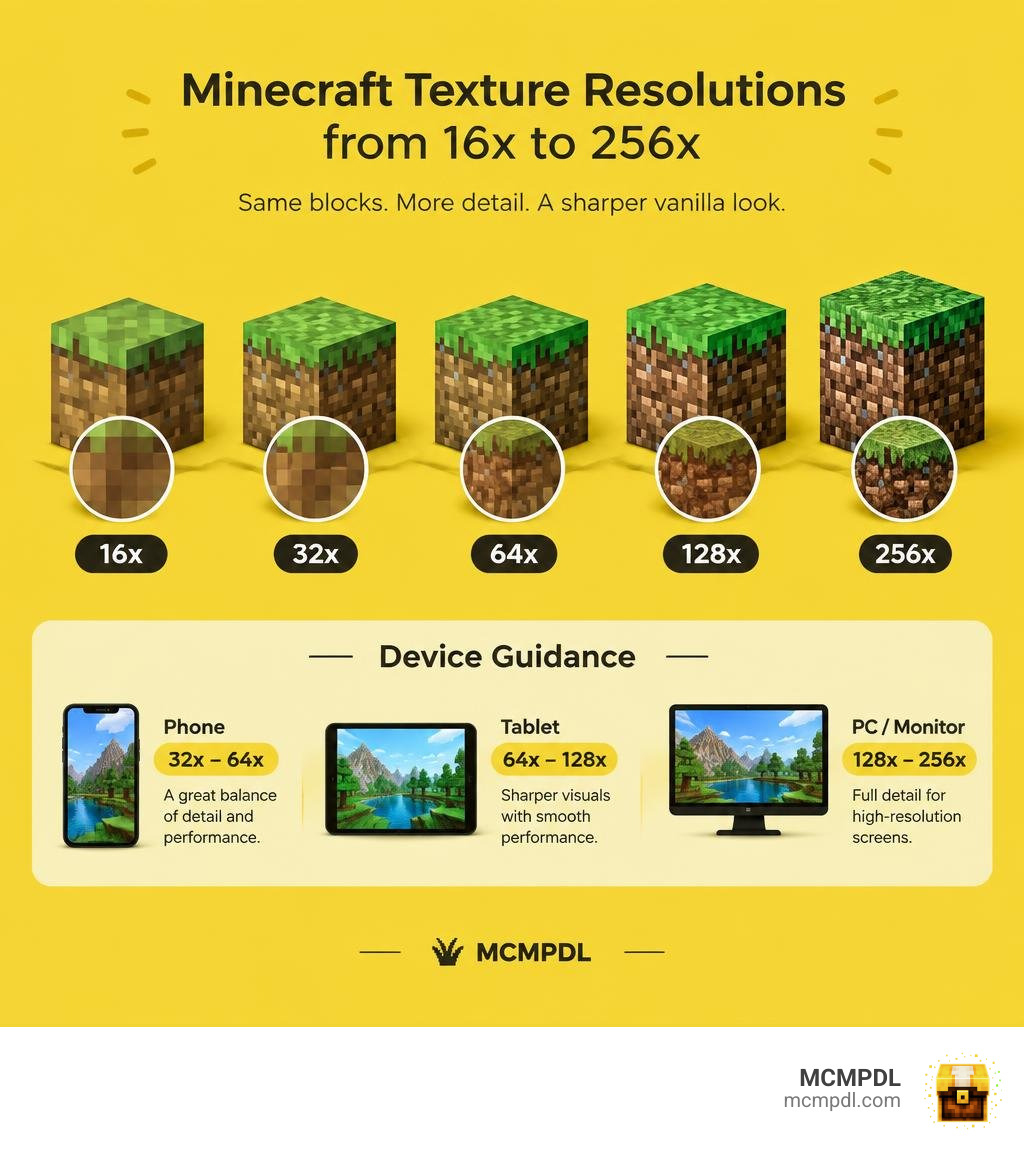
Minecraft’s default textures are usually 16×16 pixels. HD packs use more pixels per texture, but the resolutions available depend on the specific download. Start with 32x or 64x on a phone; try 128x or higher only if your device runs it smoothly. Check that the pack supports your current Bedrock version before installing.
What Is the Vanilla HD Texture Pack for Minecraft PE/Bedrock?
With over 300 million copies sold worldwide across consoles, PC, and mobile, Minecraft remains an unmatched sandbox experience. Yet, the default visual look relies on humble 16×16 pixel grids. While charming, these low-resolution assets can look blurry or muddy on modern high-DPI smartphone screens, tablets, and 4K PC monitors.
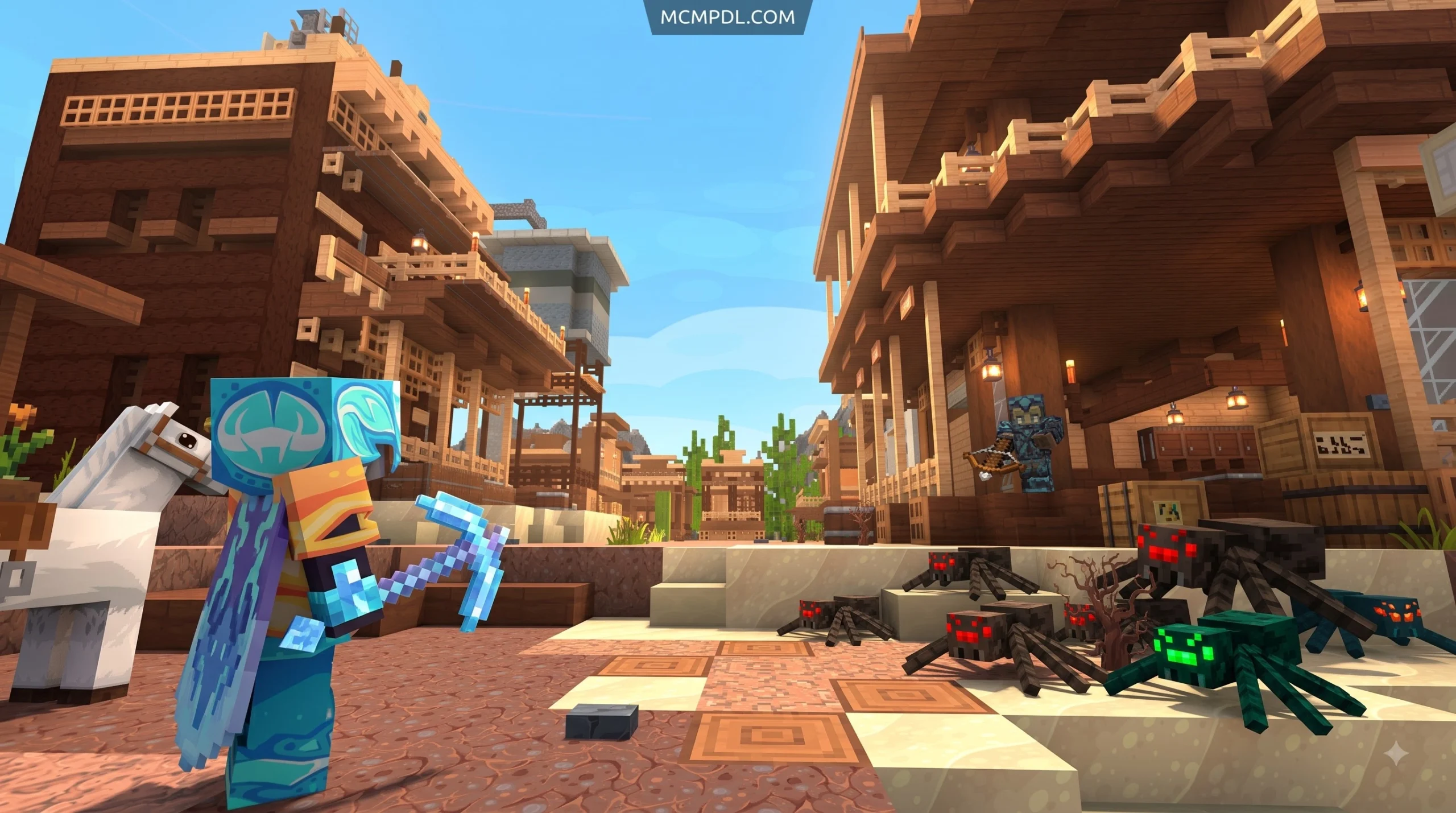
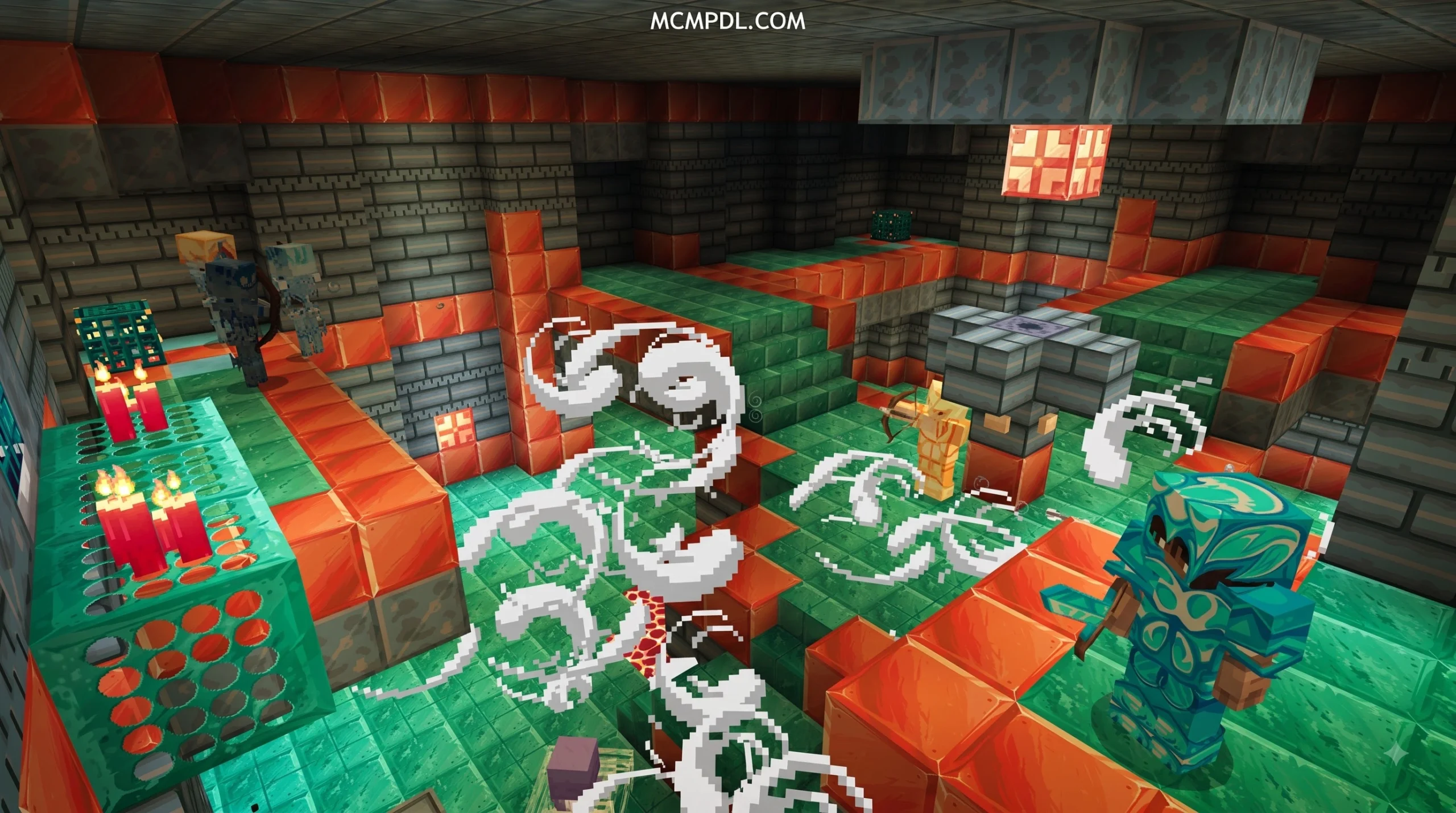
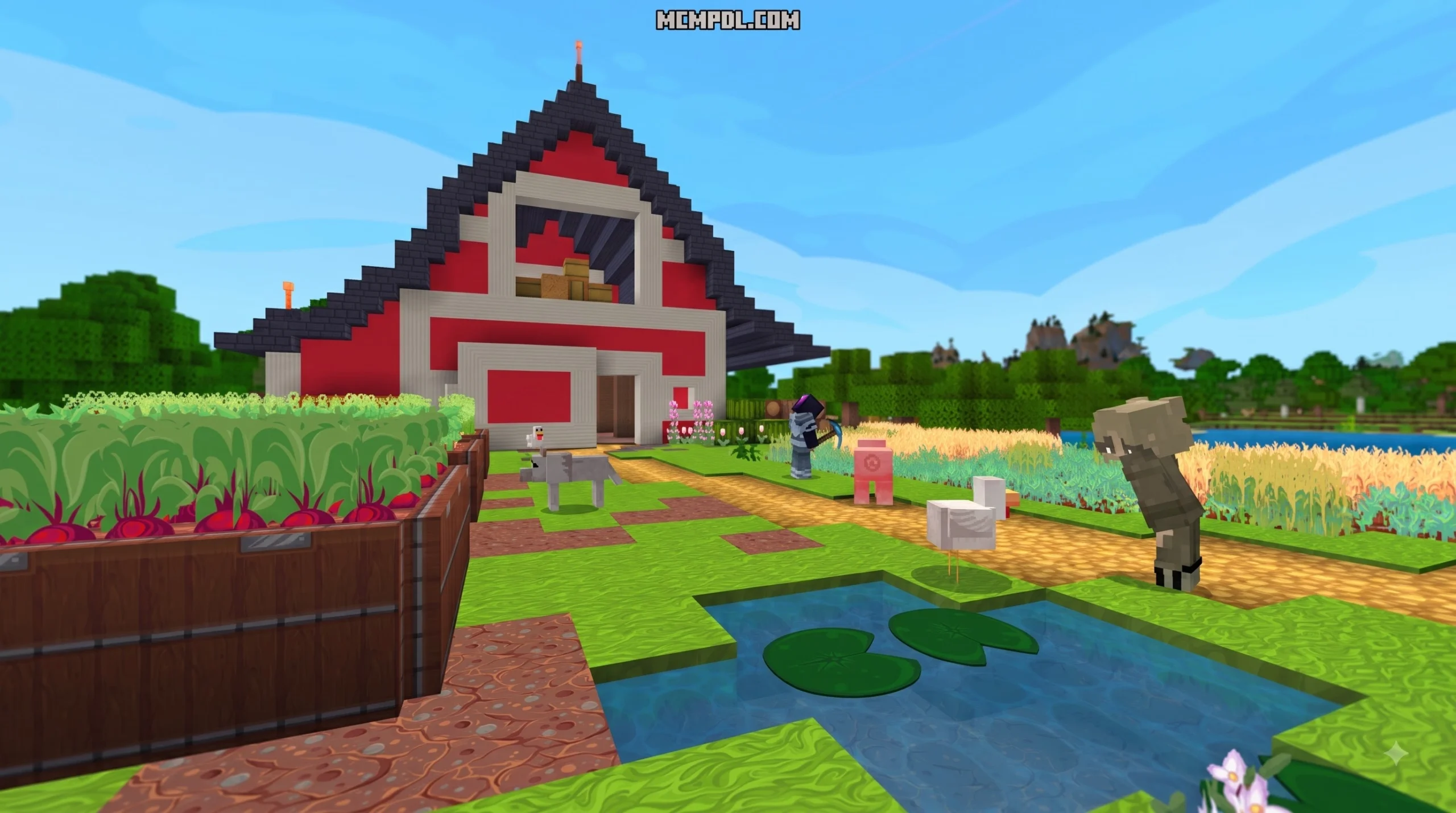
The Vanilla HD Texture Pack for Minecraft PE/Bedrock bridges this gap. Instead of reinventing the game’s core art direction with photorealistic bark or gritty stone surfaces, a faithful Vanilla HD pack redraws every block, item, entity, and interface asset at significantly higher pixel densities. You get razor-sharp lines on oak planks, clearly defined cracks in cobblestone, and smooth gradients across ores without losing the recognizable Minecraft charm.
In October 2026, with the latest Bedrock updates continuously refining rendering pipelines and visual features, running a high-definition vanilla pack gives your worlds a modern, polished presentation. Every mob—from humble farm cows to towering Endermen—maintains its iconic color palette and geometry, ensuring that your existing builds, custom farms, and redstone contraptions look exactly as you intended, just with vastly improved clarity.
Features of the Vanilla HD Texture Pack for Minecraft PE/Bedrock
Upgrading your visuals with this pack introduces subtle yet impactful enhancements across your survival and creative sessions.
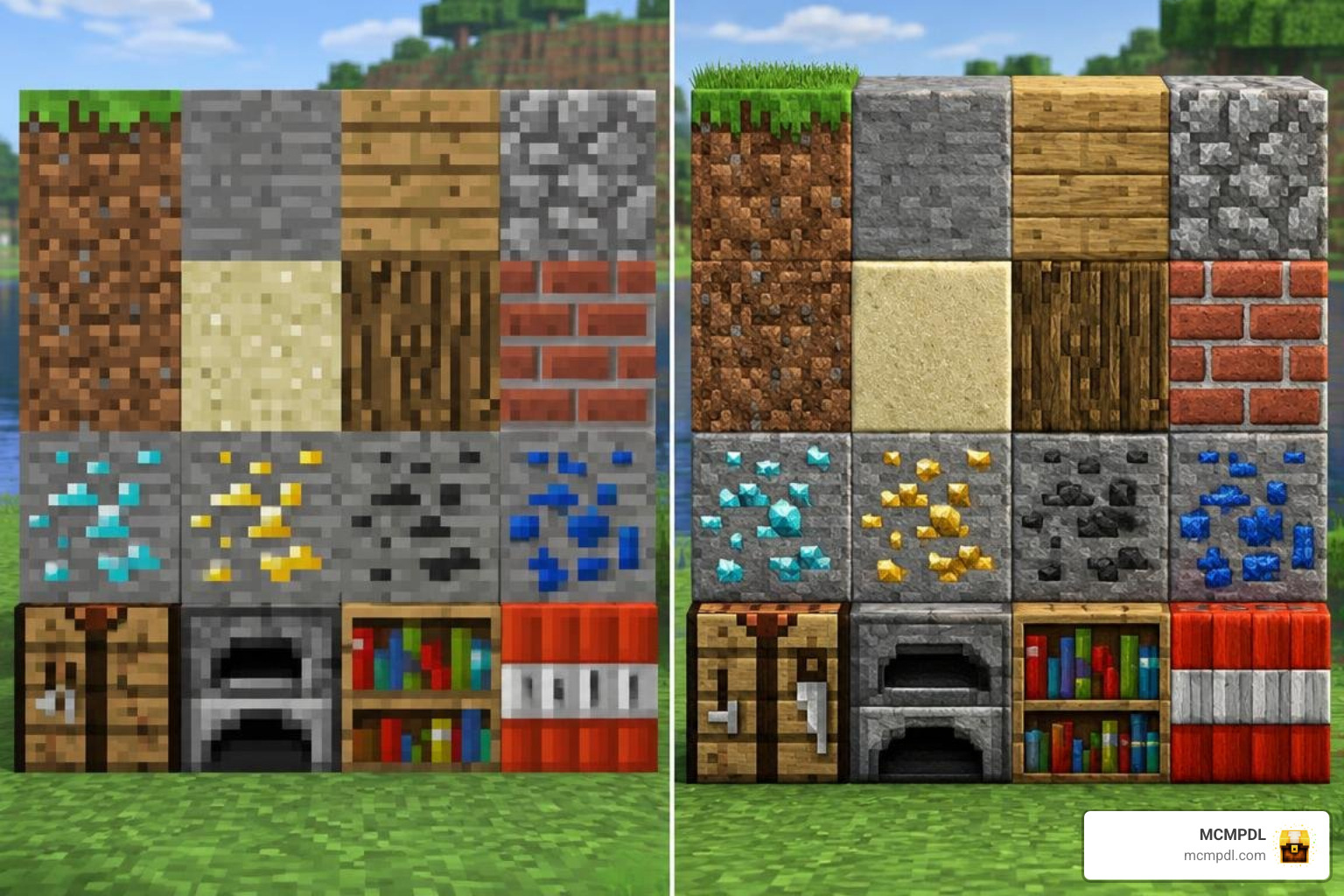
- Faithful Block Definition: Textures preserve original hue maps and shading curves while eliminating pixel bleeding when viewing surfaces up close.
- Refined Item Icons: Tools, weapons, potions, and food items display clean outlines and detailed shading in your hotbar and inventory grids.
- Polished User Interface: Inventory windows, crafting grids, hearts, armor icons, and experience bars receive high-DPI scaling, making text and UI elements crisp across mobile and desktop displays.
- Authentic Environment Details: Leaves, grass overlays, water surfaces, and particle effects (such as critical hits and redstone dust) render with clean, distinct edges.
- Multi-Language Support: Fonts and glyph sheets retain full readability across all officially supported Minecraft languages.
Resolution Options: Choosing Between 32x, 64x, 128x, and 256x
Default Minecraft renders each block face with a 16×16 grid (256 pixels total per face). When you increase that resolution, the pixel count scales quadratically. A 128×128 texture pack delivers 64 times more pixel detail per block face than default textures.
Choosing the right resolution depends heavily on your device’s available RAM and graphics processor:
| Resolution | Pixel Density vs. Default | Visual Style | Target Devices | Estimated RAM Impact |
|---|---|---|---|---|
| 32×32 | 4x detail | Subtle polish; excellent for budget setups | Entry-level Android & older iPhones | Low (~100–200 MB) |
| 64×64 | 16x detail | Crisp edges; sweet spot for mobile gaming | Mid-range smartphones & standard tablets | Moderate (~300–500 MB) |
| 128×128 | 64x detail | High-definition; clean surfaces even point-blank | Flagship phones, iPads, & gaming PCs | Substantial (~800 MB–1.2 GB) |
| 256×256 | 256x detail | Ultra-sharp; every tiny notch and grain visible | High-end Windows 10/11 gaming rigs | High (1.5 GB+ VRAM) |
Step-by-Step Installation Guide for Mobile and PC
Minecraft Bedrock Edition utilizes the .mcpack manifest format, which packages all textures and JSON definitions into an archive that the game engine can import directly.
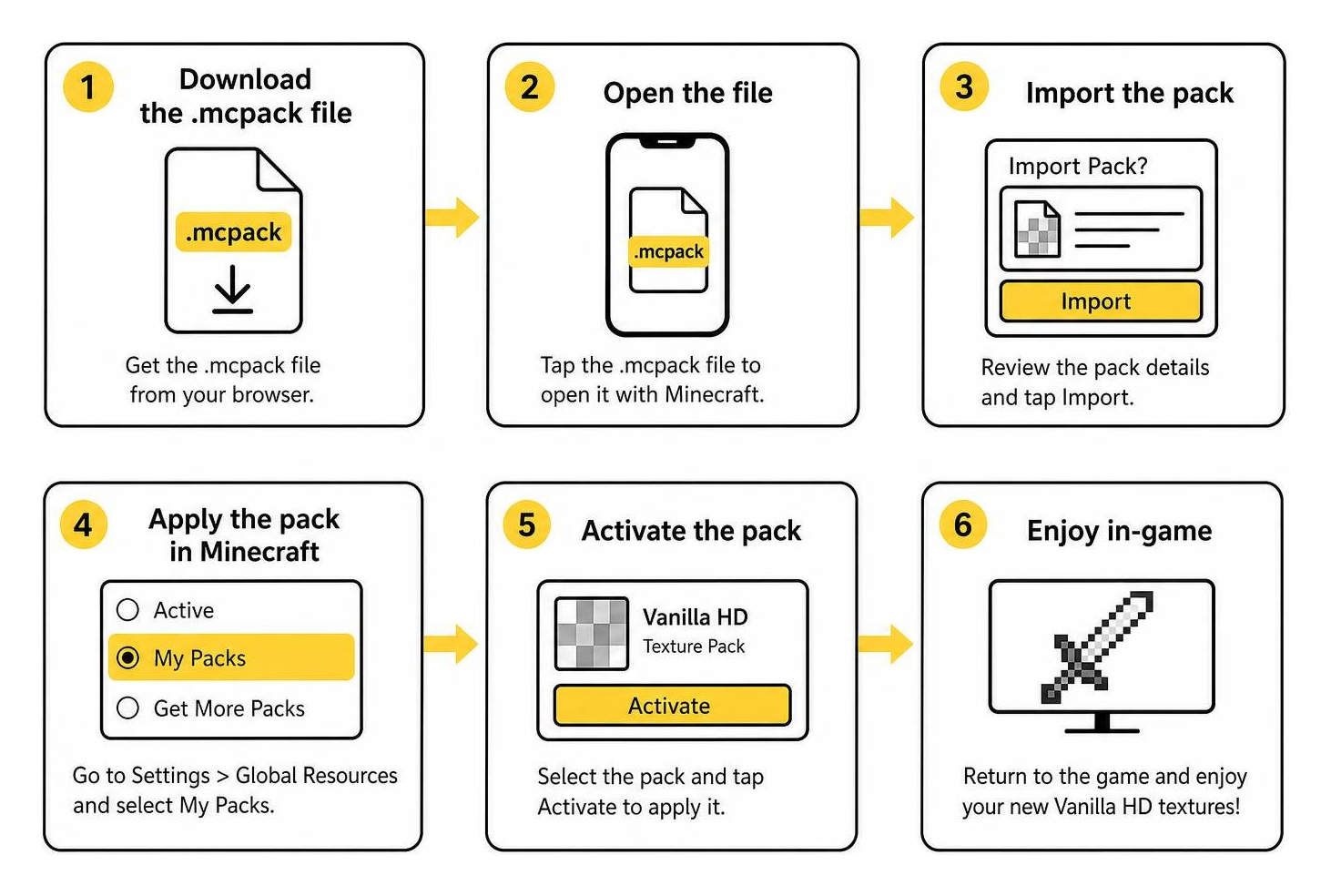
Installing on Android and iOS Devices
Installing custom content on mobile devices takes only a couple of minutes:
- Download the Pack: Obtain the
.mcpackfile through your mobile browser. - Open the File:
- On iOS: Tap the downloaded file in Safari’s download manager, tap the Share sheet, and select Minecraft. The game launches and automatically displays “Import Started” followed by “Successfully imported.”
- On Android: Open your device’s Files app, navigate to your Downloads folder, and tap the
.mcpackfile. Choose to open with Minecraft.
- Activate Globally: In Minecraft, navigate to Settings > Global Resources > My Packs, locate the Vanilla HD pack, and tap Activate.
- Per-World Option: Alternatively, select the edit icon (pencil) next to any individual world, open Resource Packs, and activate it specifically for that save.
Setting Up on Windows 10 and 11
On PC, Bedrock Edition makes activation nearly instantaneous:
- Double-click your downloaded
.mcpackfile in File Explorer. Windows automatically boots Minecraft Bedrock and imports the package. - Once the notification confirms successful installation, open Settings > Global Resources.
- Expand My Packs, click on the Vanilla HD pack, and select Activate.
- If you use multiple packs, ensure the Vanilla HD pack sits at the top of your Active list so its assets take priority over default files.
Performance Impact and Hardware Optimization
Because Bedrock Edition loads texture sheets into your system’s video memory (VRAM), higher-resolution assets require more bandwidth. On devices with limited RAM, running a 128x or 256x pack can lead to memory pressure, micro-stutters, or frame drops in busy areas packed with complex mob farms and redstone.
Optimizing the Vanilla HD Texture Pack for Minecraft PE/Bedrock on Low-End Devices
If you want the visual clarity of HD textures without sacrificing silky-smooth frame rates, fine-tune your in-game video settings:
- Lower Render Distance: Drop chunk rendering down to 8–12 chunks on phones or 16–20 on standard laptops.
- Toggle Fancy Leaves Off: Set leaves to fast rendering to reduce geometry calculations in dense forest biomes.
- Disable Beautiful Skies and Smooth Lighting: Turning these off frees up shader pipelines on budget mobile chipsets.
- Adjust Anti-Aliasing: Set Anti-Aliasing down to 1 or 2 in advanced video settings to curb GPU memory fill rates.
- Cap Max Framerate: Match your frame rate cap to your display’s native refresh rate (e.g., 60 FPS) to prevent thermal throttling on handheld devices.
Compatibility with Add-ons, Shaders, and UI Packs
Because Vanilla HD strictly modifies resource files (textures and UI mappings) without introducing custom gameplay scripts or behavior files, it features near-universal compatibility across Bedrock:
- Custom Add-ons: Any custom block or item introduced by behavior packs will use its creator’s textures, while all baseline vanilla elements will display in HD.
- Shaders & Deferred Technical Preview: The pack layers cleanly beneath lighting overhauls, allowing point lights and shadows to highlight high-resolution block surfaces. If you prefer a completely clean, contemporary aesthetic over default styles, you can also check out the Vibrant Modern Textures Pack for Minecraft PE/Bedrock as an alternative design direction.
- UI Tweaks: Quick-crafting packs and inventory HUD add-ons stack without crashes; simply place your specialized UI mods higher in your active load order.
Comparing Vanilla HD with Other Popular Bedrock Packs
The Bedrock modding scene offers diverse artistic options depending on your playstyle and aesthetic preferences:
| Pack Type | Visual Direction | Performance Cost | Best Suited For |
|---|---|---|---|
| Vanilla HD | Faithful upscaling of default 16x textures | Low to Moderate (depends on resolution) | Everyday survival, vanilla SMP servers, long-term building |
| Photorealistic | Real-world materials, photo scans, high grit | Moderate to High | Showcase builds, modern architectural designs |
| Dark Medieval | Weathered stone, rustic timber, gothic flair | Moderate | Castles, historical towns, fantasy roleplay |
| Competitive / PvP | Short swords, transparent GUIs, bright ores | Very Low | Bedwars, Skywars, competitive multiplayer |
If you love detailed textures but want an organic, hyper-detailed environment, consider trying the Realism Remagined Texture Pack for Minecraft PE/Bedrock. For builders who lean toward gritty, historical castle designs, the Conquest Texture Pack for Minecraft PE/Bedrock provides incredible atmosphere. Meanwhile, competitive players looking to maximize frame rates and target tracking often prefer the 10 Best PVP Texture Packs for Cleaner Hits and Better Visibility.
Frequently Asked Questions
Is the Vanilla HD texture pack free to download?
Yes, community creators provide Vanilla HD packs as free .mcpack files. Always ensure you download content from reputable hubs that verify file integrity and check for clean manifests.
Does using this texture pack disable Xbox achievements?
No! Because texture packs are pure resource packs and do not modify underlying game logic or require cheats, your worlds remain fully eligible for Xbox Live achievements.
How do you revert back to default Minecraft textures?
To restore default visuals, open Settings > Global Resources, click the Active tab, select the Vanilla HD pack, and click Deactivate. Minecraft will reload its resource cache and instantly return your game to standard 16x textures.
Conclusion
The Vanilla HD texture pack offers the perfect balance for players who want modern visual fidelity without losing the nostalgic identity of original Minecraft blocks. By selecting the right resolution for your device—whether that is a responsive 32x on mobile or a stunning 128x on PC—you can enjoy crisp graphics, clean interfaces, and smooth performance in every biome.
Ready to explore even more community-crafted visual styles, sound overhauls, and shader packs? Browse our full selection in the Texture Packs Category on MCMPDL to find the perfect upgrade for your next adventure.
Tidak bisa diunduh