Scroll down to D0vvnl0ad
Get More Space with the Storage+ Addon for Minecraft PE/Bedrock
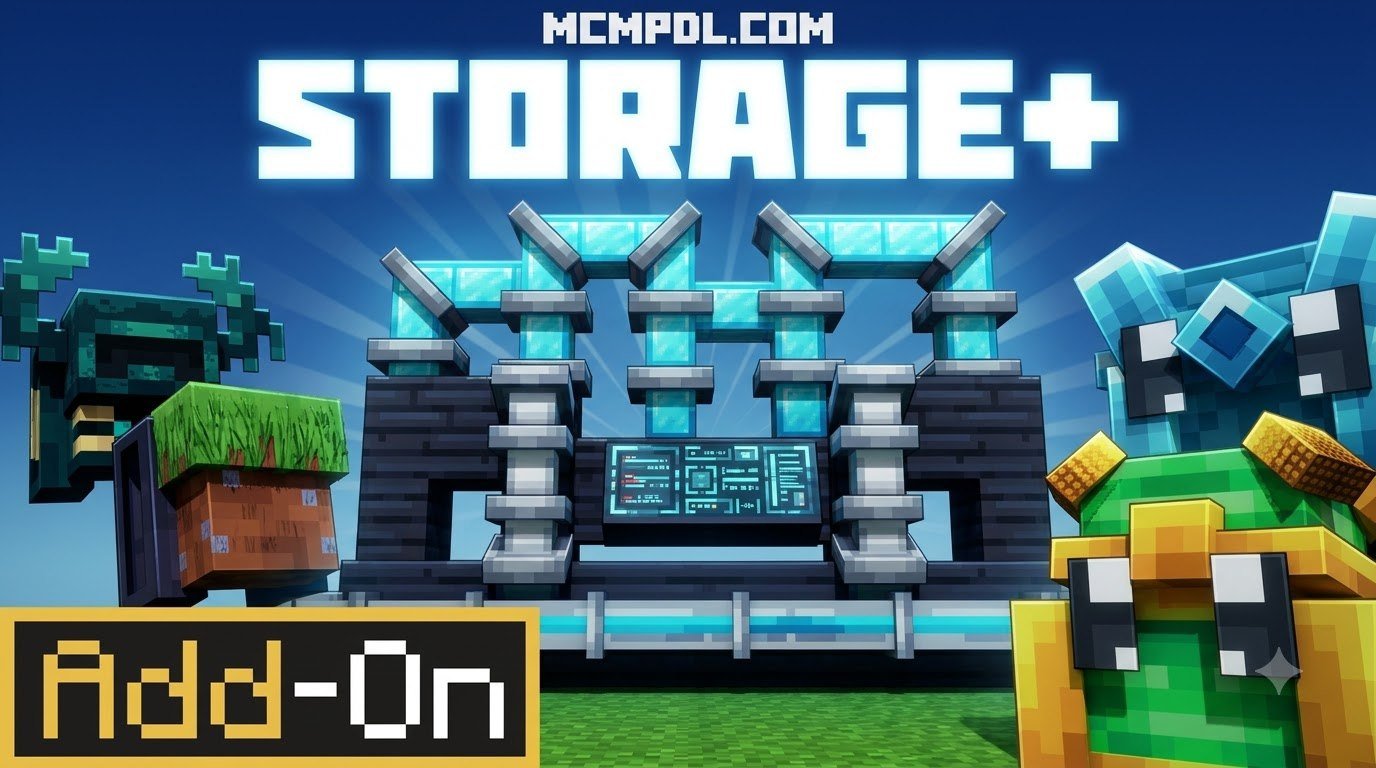
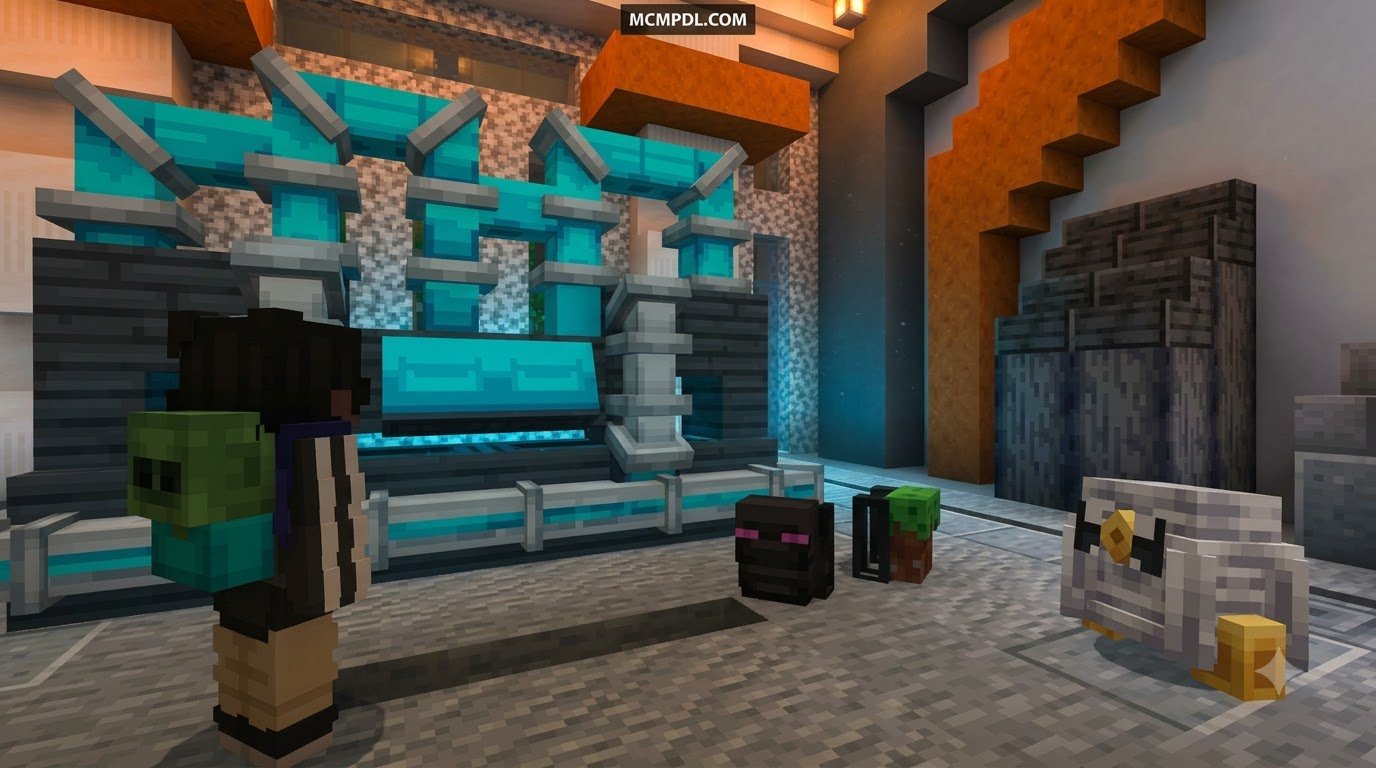
The Storage+ Addon for Minecraft PE/Bedrock is a storage-focused option for players who want fewer overflowing chests and more room while exploring. Its core tools are craftable computers with separate hard-drive capacity, portable backpacks, and chest pets that can travel with you.
That makes it a good fit for survival bases, long mining trips, and worlds where inventory clutter slows everything down. Before adding any storage pack, back up your world and confirm that the add-on supports your current Bedrock version.
In this guide, you will find five practical ways to build a cleaner storage system, from central base terminals to portable inventory options and smarter stack management.
Why You Need the Storage+ Addon for Minecraft PE/Bedrock in 2026
As our worlds grow larger and our resource stockpiles expand across countless biomes, traditional storage methods quickly become a headache. Running through massive hallways lined with hundreds of wooden chests might look impressive at first, but searching through unlabeled containers during an intense crafting session drains valuable playtime.
The official Storage+ Add-On by Street Studios was originally introduced in March 2025 and received dedicated refinement updates in February 2026. While community marketplace ratings currently sit around 2.1 out of 5 across 52 reviews due to varying player expectations around setup difficulty, the fundamental utility it delivers remains a game-changer for survival worlds.
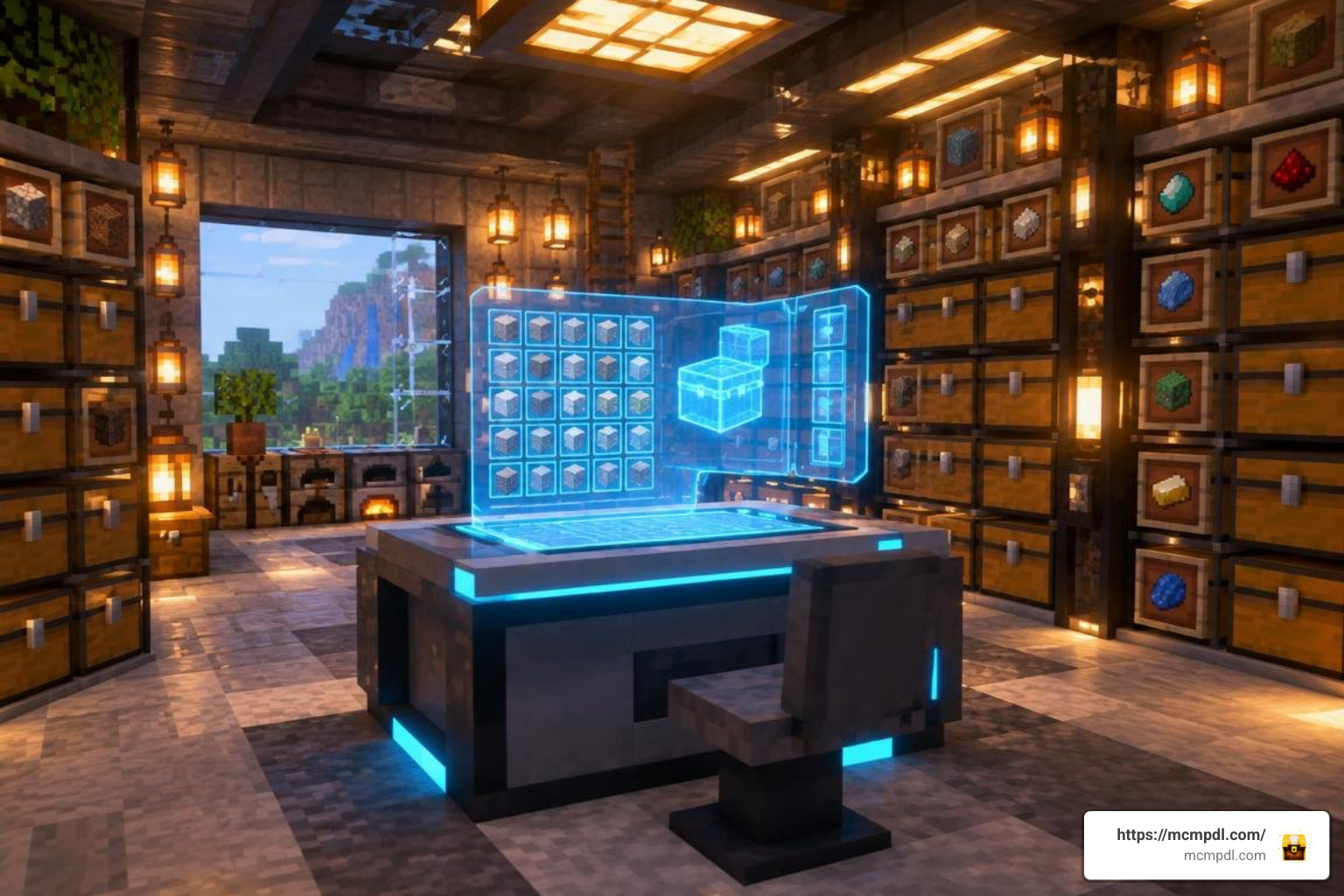
By introducing craftable computers with dedicated hard-drive storage, the add-on brings high-tech digital inventory indexing into your world without requiring complicated external server engines. Instead of juggling dozens of double chests, you can store vast quantities of diverse items inside a unified digital terminal. When combined with general survival quality-of-life improvements like an essentials addon for Minecraft PE/Bedrock, your daily gameplay shifts from tedious manual sorting to streamlined, automated efficiency.
5 Ways to Supercharge Your In-Game Storage Systems
Scaling your inventory management requires a multi-layered approach. Depending on whether you are working inside your main base, strip-mining at bedrock depth, or building mega-structures, different storage mechanisms offer distinct advantages.
Here is a side-by-side comparison of how common Bedrock storage methods compare in capacity, mobility, and optimal use:
| Storage Method | Storage Capacity | Portability | Best Use Case |
|---|---|---|---|
| Vanilla Double Chest | 54 item slots | Stationary | Early-game bulk raw block sorting |
| Vanilla Shulker Box | 27 item slots | High (in inventory) | Mid-to-late game building resource transport |
| Craftable Backpacks | 27–54 extra slots | High (worn/held) | Extended cave exploration & mining runs |
| Chest Pets | Mobile entity container | Follows player | Heavy hauling without consuming main inventory slots |
| Multi-Tier Bundles | Scaled item clusters | High | Organizing non-bulk loot like mob drops & plants |
| Digital Computer Terminals | Modular Hard Drives | Stationary Base Hub | Centralized indexing & mega-base automation |
1. Centralize Base Storage with Craftable Computer Terminals
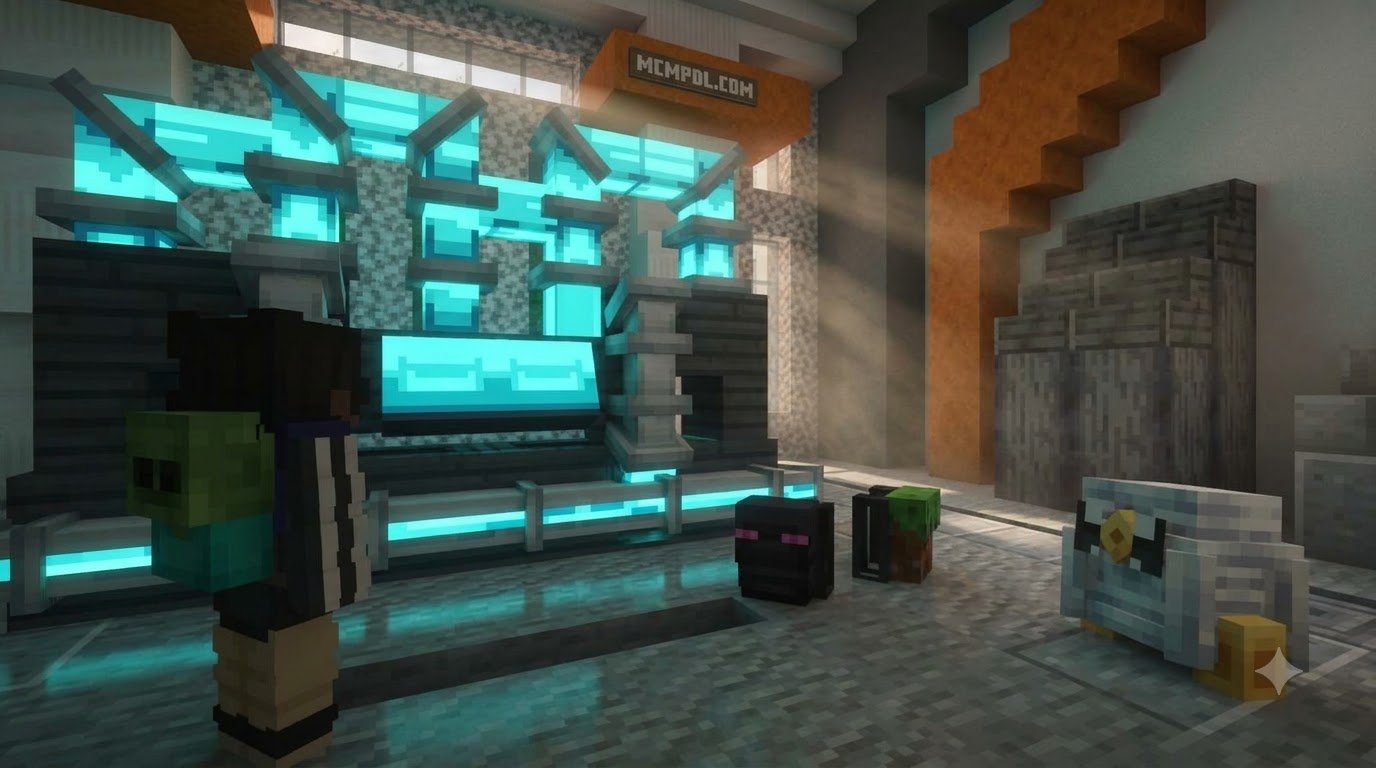
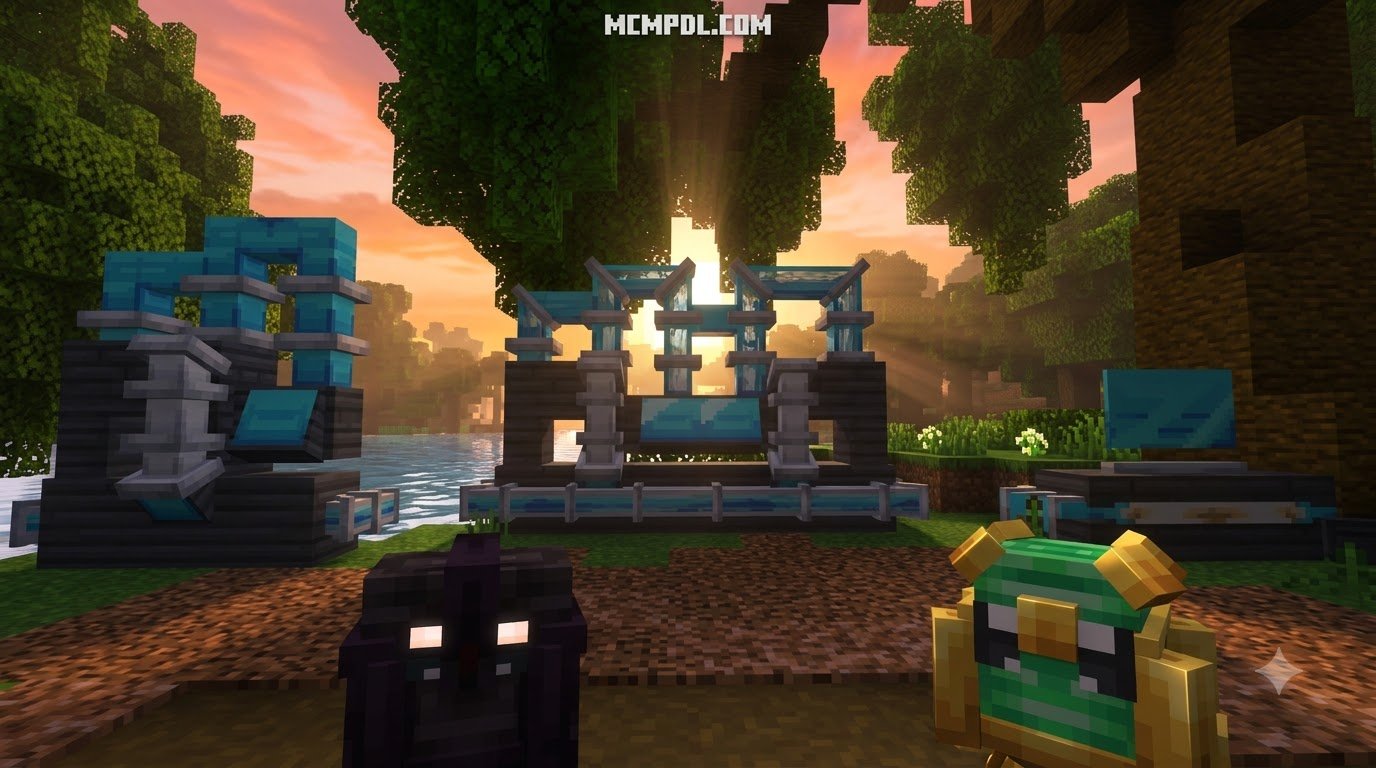
The centerpiece of any advanced storage overhaul is the computer terminal. Rather than routing items through dozens of hoppers into physical chest walls, craftable computers act as an all-in-one digital hub for your main base.
These terminals operate using modular hard drives (HDs), each carrying an individual storage capacity. You can craft entry-level drives when resources are tight, then expand your storage pool by inserting higher-capacity drives into the system as your resource reserves grow. This modular structure ensures your base storage footprint remains compact, freeing up floor space for creative decorations rather than infinite chest corridors.
Integrating these digital hubs with redstone mechanics can further streamline your workflow. By utilizing systems like the craft redstone addon for Minecraft PE, you can create automated deposit chutes where mined resources are dumped into input hoppers and instantly routed into your terminal’s digital drives.
2. Take Portable Storage on the Go with Chest Pets and Backpacks

Venturing far from your main base often means running out of inventory slots within minutes, especially when collecting rare drops, ores, and biome-specific flora. Portable storage solutions solve this issue by keeping your personal inventory clean.
The Storage+ system introduces two complementary portable mechanics:
- Loyal Chest Pets: These entities accompany your character throughout the world, acting as autonomous pack mules. They follow you across terrain, allowing you to offload heavy stacks of cobblestone, deepslate, and raw ores without filling your personal pockets.
- Wearable Backpacks: Craftable backpacks grant immediate, on-the-go access to auxiliary item slots. For players seeking specialized carry systems, pairing your setup with the standalone backpacks addon for Minecraft PE/Bedrock or the expanded backpacks stuff add-on for Minecraft PE/Bedrock allows you to customize carrying capacities and utility pouches to suit your expedition style.
Using chest pets alongside wearable bags creates a multi-layered mobile inventory: keep tools and food in your hotbar, essential building materials in your backpack, and bulk mining spoils inside your chest pet.
3. Implement Multi-Tier Bundles and Custom Resource Blocks
For players who prefer modular item grouping over pure digital terminals, multi-tier storage systems offer a structured path that mirrors vanilla tool progression. Upgrading containers step-by-step keeps resource organization intuitive and rewarding.
A prime example of this design philosophy is seen in tiered bundle systems, which establish a five-tier progression:
- Copper Tier: Affordable early-game organization for seeds, saplings, and basic mob drops.
- Iron Tier: Reliable mid-tier capacity ideal for branch-mining sessions.
- Gold Tier: Balanced storage upgrades offering higher slot volumes.
- Diamond Tier: Advanced capacity tailored for large-scale construction supplies.
- Netherite Tier: Maximum-tier storage power designed for end-game resource stockpiles.
Additionally, you can compress raw materials into functional storage blocks. Custom compact blocks hold high-volume resources without cluttering your base. If you are decorating your base while managing storage, adding decorative options from the more blocks addon for Minecraft PE/Bedrock helps you disguise high-density storage crates as aesthetic architectural blocks.
4. Overhaul Stack Limits for Inventory Efficiency
Sometimes the biggest bottleneck in your storage room is not a lack of containers, but the arbitrary stack limits assigned to everyday survival items. Unstackable or low-capacity items like potions, banners, minecarts, and empty buckets quickly clutter chest spaces.
By installing stacking utility add-ons, you can adjust item stacking parameters across Bedrock Edition. This lightweight behavior tweak allows previously awkward items—such as boats, campfires, and potions—to stack cleanly up to 16 items per slot.
By squeezing more quantity into every individual inventory slot, your existing chest arrays and digital hard drives hold significantly more functional value without requiring additional entity rendering overhead.
5. Pair Custom Storage with Advanced Utility Systems
A high-capacity storage network reaches its full potential when paired with automated item sorting and utility tools. Instead of manually moving items from your inventory into specific hard drives, setting up dedicated intake channels using hopper) mechanics saves countless hours.
Compact storage options offer minimalist containers that can even double as furnace fuel or compact hopper buffers.
To round out your technical infrastructure:
- Integrate rapid vertical item transport using the elevators addon for Minecraft PE/Bedrock to move gear between deep underground quarries and surface sorting hubs.
- Equip base management gadgets from the utility tools add-on for Minecraft Bedrock best features 2026 to measure container fullness and speed up large-scale crafting.
- Streamline your construction workflows using the builders tools addon for Minecraft PE/Bedrock so that bulk materials pulled from your central terminal can be placed effortlessly across large build sites.
Installation and Technical Setup Guide
Setting up custom storage modifications on Bedrock Edition requires activating matching Resource and Behavior packs while enabling specific world switches.
Essential Setup for Storage+ Addon for Minecraft PE/Bedrock
- Download and Import: Download your chosen
.mcaddonor paired.mcpackfiles. Opening the files will launch Minecraft automatically and import the assets into your storage cache. - World Settings Configuration: Navigate to your target world’s settings menu before launching the game.
- Activate Packs:
- Open Resource Packs and activate the custom storage textures, ensuring they are placed at high priority in your load order.
- Open Behavior Packs and activate the corresponding scripts.
- Enable Experimental Toggles: Most storage mods utilizing custom UIs, hard drives, or dynamic block behaviors require toggling Holiday Creator Features, Upcoming Creator Features, and Beta APIs under the Experiments tab.
- World Backup: Always create a local duplicate of your world before loading newly updated add-on versions.
Optimizing the Storage+ Addon for Minecraft PE/Bedrock on Mobile Devices
Mobile devices (iOS and Android) have lower RAM ceilings compared to PCs or consoles. When running advanced digital storage networks on mobile hardware, keep these performance tips in mind:
- Maintain 2GB+ Free RAM: Close background applications before launching resource-heavy worlds.
- Cap Entity Counts: While chest pets are helpful companions, avoid breeding or spawning dozens in a single chunk to prevent performance drops.
- Lower Simulation Distance: Keeping your world simulation distance around 4 to 6 chunks reduces tick lag caused by complex hopper and sorting networks.
- Avoid Over-Nesting Containers: Avoid placing deeply nested storage items (such as backpacks inside shulker boxes inside hard drives) to protect against inventory data corruption.
Frequently Asked Questions About Minecraft Bedrock Storage Addons
What features come included in the Storage+ Addon?
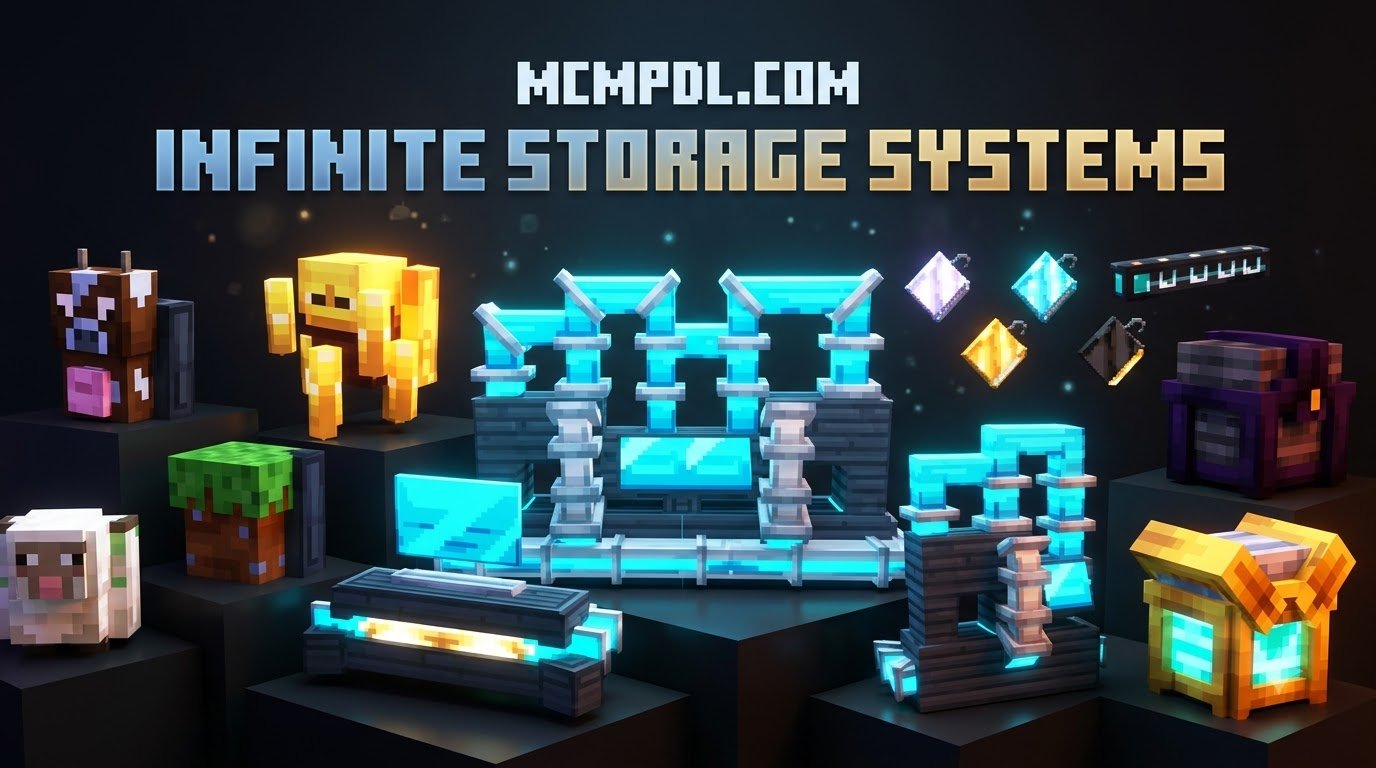
The add-on features craftable computer terminals with modular hard drives for centralized digital storage, wearable backpacks for extra personal carry space, and loyal chest pets that follow you during survival expeditions to haul excess blocks.
How do I install storage addons on Minecraft PE and Windows 10/11?
Download the .mcaddon file and tap or double-click it to automatically launch Minecraft and import the pack. Then, edit your desired world settings to activate both the Resource Pack and Behavior Pack under the Add-Ons tab before loading into the game.
Are experimental gameplay toggles required for custom storage blocks?
Yes. Custom blocks, dynamic user interfaces, and custom entity logic in Bedrock Edition rely on experimental creator toggles. Make sure to enable options like Beta APIs and Creator Features in your world settings for all features to function properly.
Conclusion
Mastering inventory organization transforms your Minecraft survival experience. By replacing chaotic chest rooms with modular computer terminals, deploying chest pets for mining expeditions, and adjusting stack limits, you spend less time searching for lost items and more time building.
Whether you are designing a compact survival outpost or constructing a sprawling realm with friends, these storage strategies keep your adventures organized and lag-free. For more world enhancements, explore our curated category: add-ons or head over to explore the latest community mods at MCMPDL to supercharge your Bedrock experience.
1 thought on “Storage+ Addon for Minecraft PE/Bedrock”