Scroll down to D0vvnl0ad
Transform Minecraft Bedrock with Magic Addons
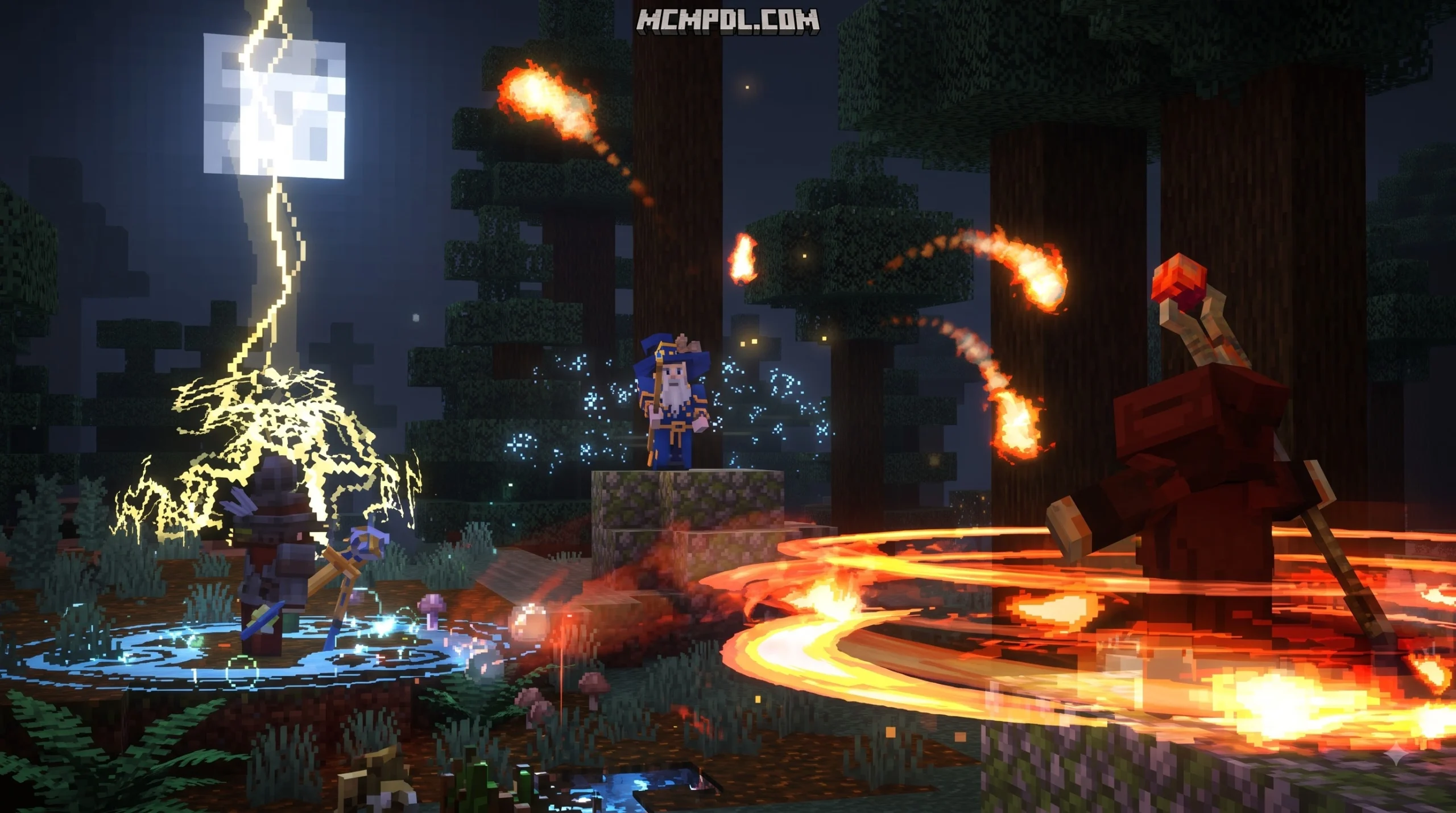
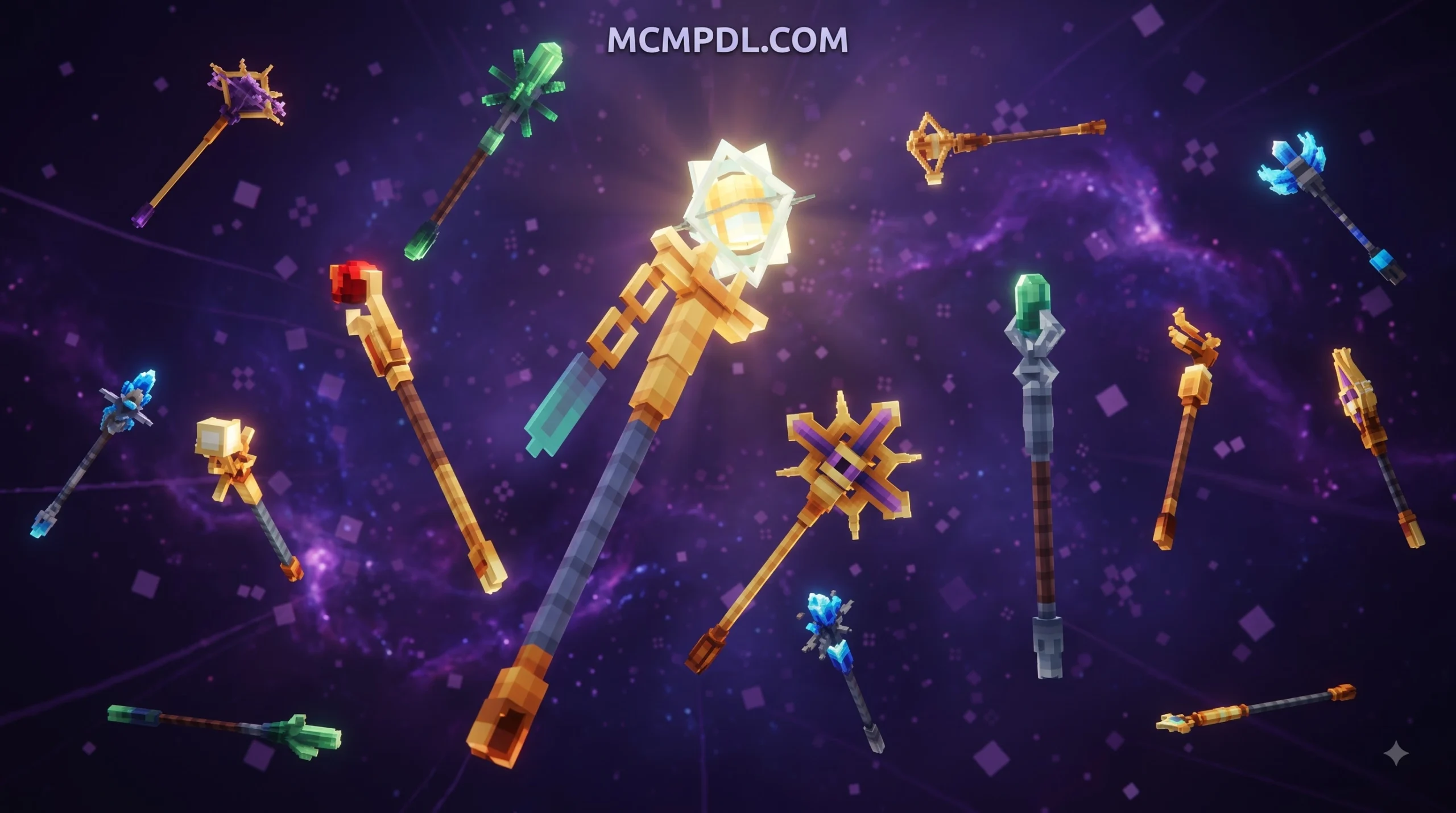
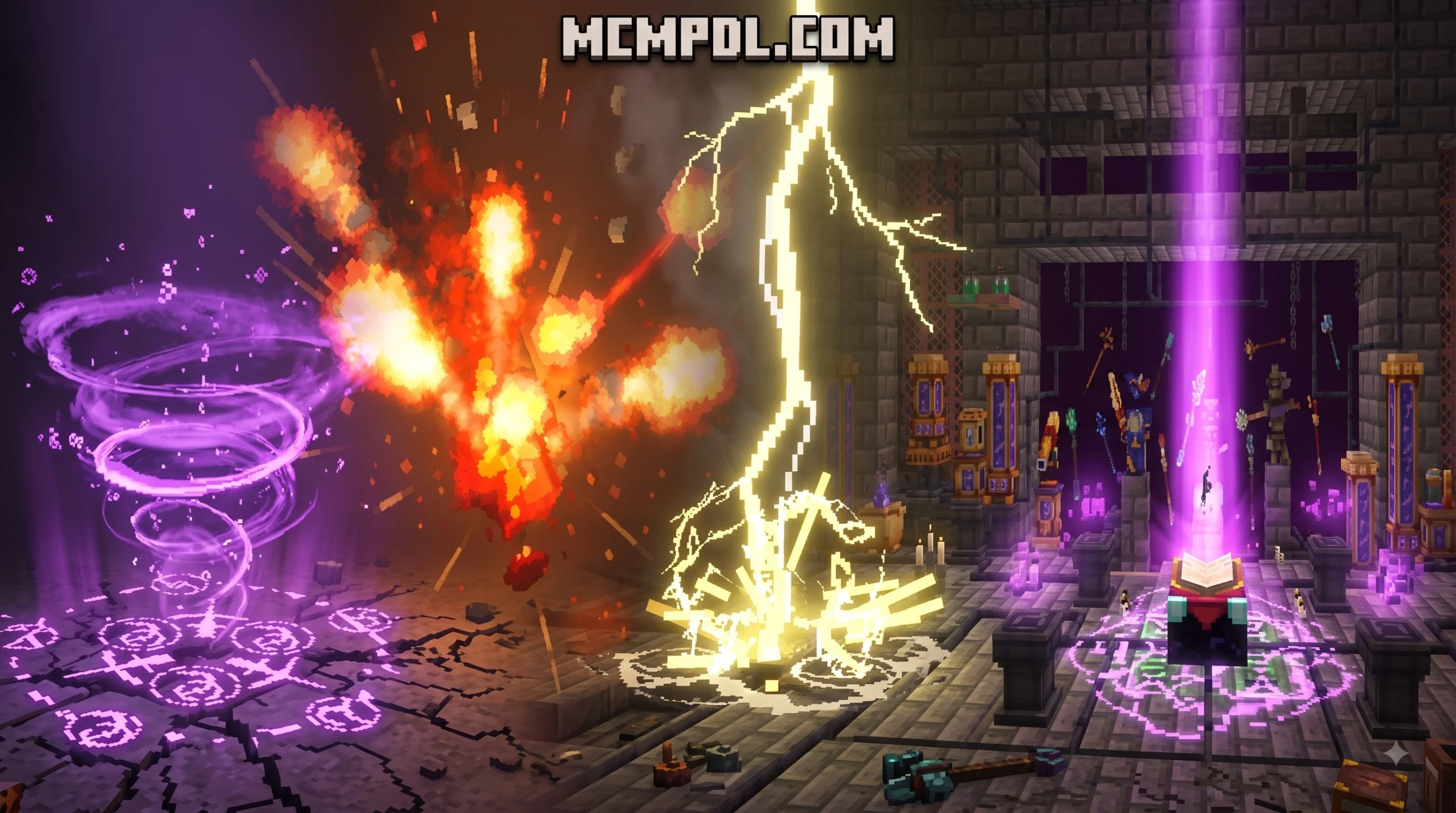
A Magic Addon for Minecraft PE/Bedrock adds spells, magical weapons, armor, and new crafting systems to your world. The best options let you cast elemental attacks, manage mana or soul costs, build spellbooks, and progress from simple wands to powerful staffs or spellswords.
Whether you play on mobile, console, or Windows, magic addons can make survival more adventurous without replacing the Minecraft mechanics you already know. Some focus on quick combat spells, while others add deep systems for crafting runes, harvesting mana, upgrading gear, and creating a personal wizard build.
This guide covers 10 awesome magic addons to help you find the right fit for PvP, exploration, roleplay, or a full fantasy survival world.
Top Magic Addons for Minecraft Bedrock Players

The Bedrock addon ecosystem has grown rapidly, offering everything from lightweight projectile tweaks to sprawling arcane overhauls with custom user interfaces and intricate progression trees. Whether you are searching for high-damage sorcery to blast through raids or deep alchemy systems that reward slow, deliberate crafting, there is a magic pack tailored to your playstyle.
Let us dive into the most popular and feature-rich options currently available for Bedrock and Pocket Edition players.
A Magic Way Addon
A Magic Way stands out as one of the most comprehensive free magic systems ever created for Minecraft Bedrock. Boasting over 1.26 million downloads, this addon introduces more than 100 fully realized spells divided across distinct elemental affinities and utility classes.
Instead of generic point-and-click casting, A Magic Way introduces a nuanced soul-point economy and three dedicated casting weapon classes:
- Wands: Fast-casting implements featuring an exclusive camera-drag fast-swap mechanic, allowing you to cycle bound spells mid-battle at the cost of higher soul consumption.
- Staffs: Slower, heavier weapons that channel cheaper soul-cost spells with wider areas of effect.
- Spellswords: Hybrid weapons that allow players to embed specific spells directly into the blade, casting magic instantly without holding an offhand spellbook alongside their legendary custom weapons.
The addon relies on dedicated workstation blocks—such as the Learning Station Table, Spell Binding Table, and Magic Reinforcement Table—to let you craft, bind, and refine your arcane repertoire using vanilla materials like lapis lazuli, books, and quills.
Arcane Magic Addon
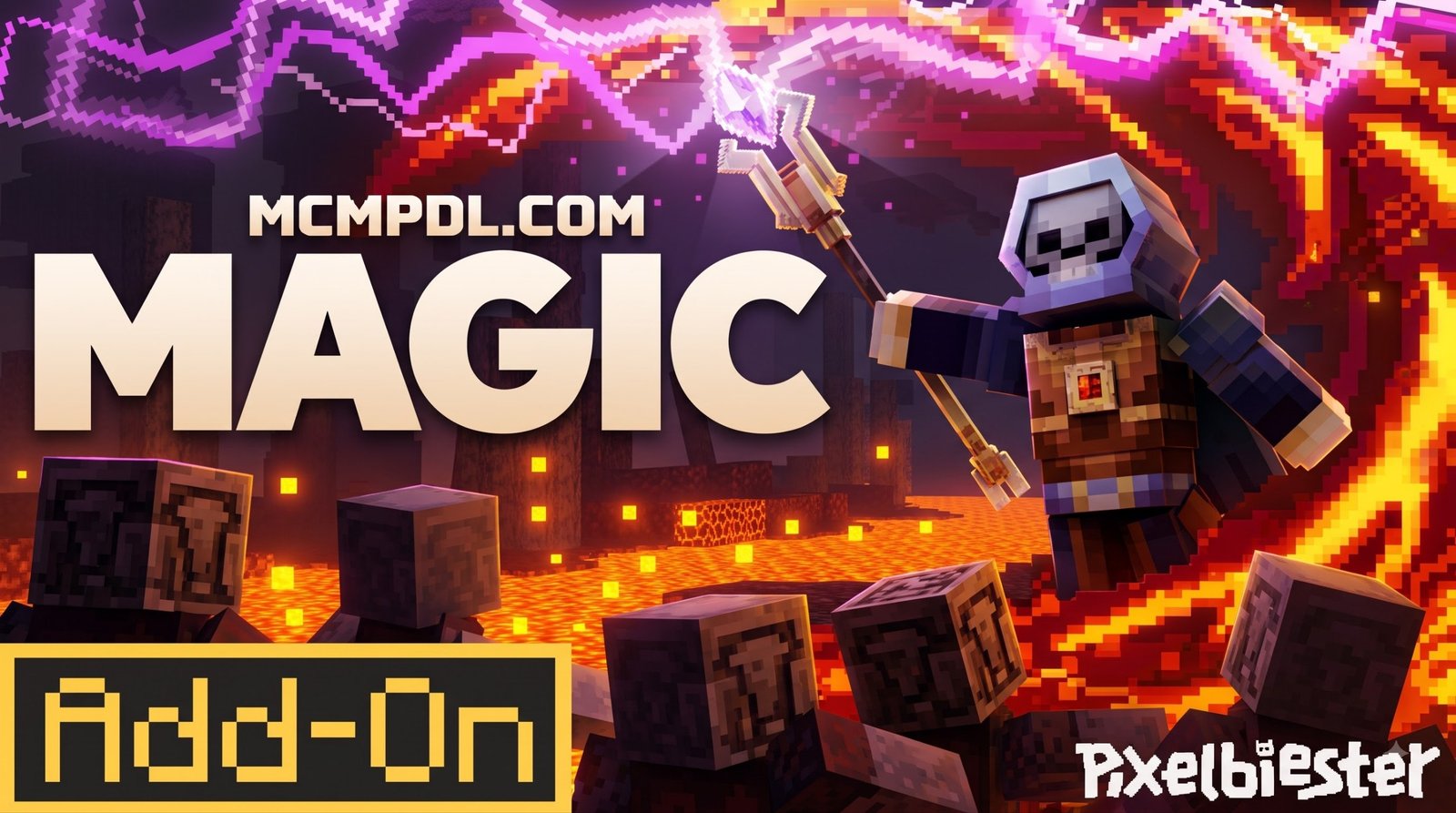
For players who want seamless Marketplace integration and high visual polish, the Magic Add-On by Pixelbiester delivers an expansive arcane engineering system. Holding a solid 3.9 out of 5 rating across hundreds of player reviews, this premium pack introduces over 800 dynamic spell variants alongside 15 custom-animated casting staves.
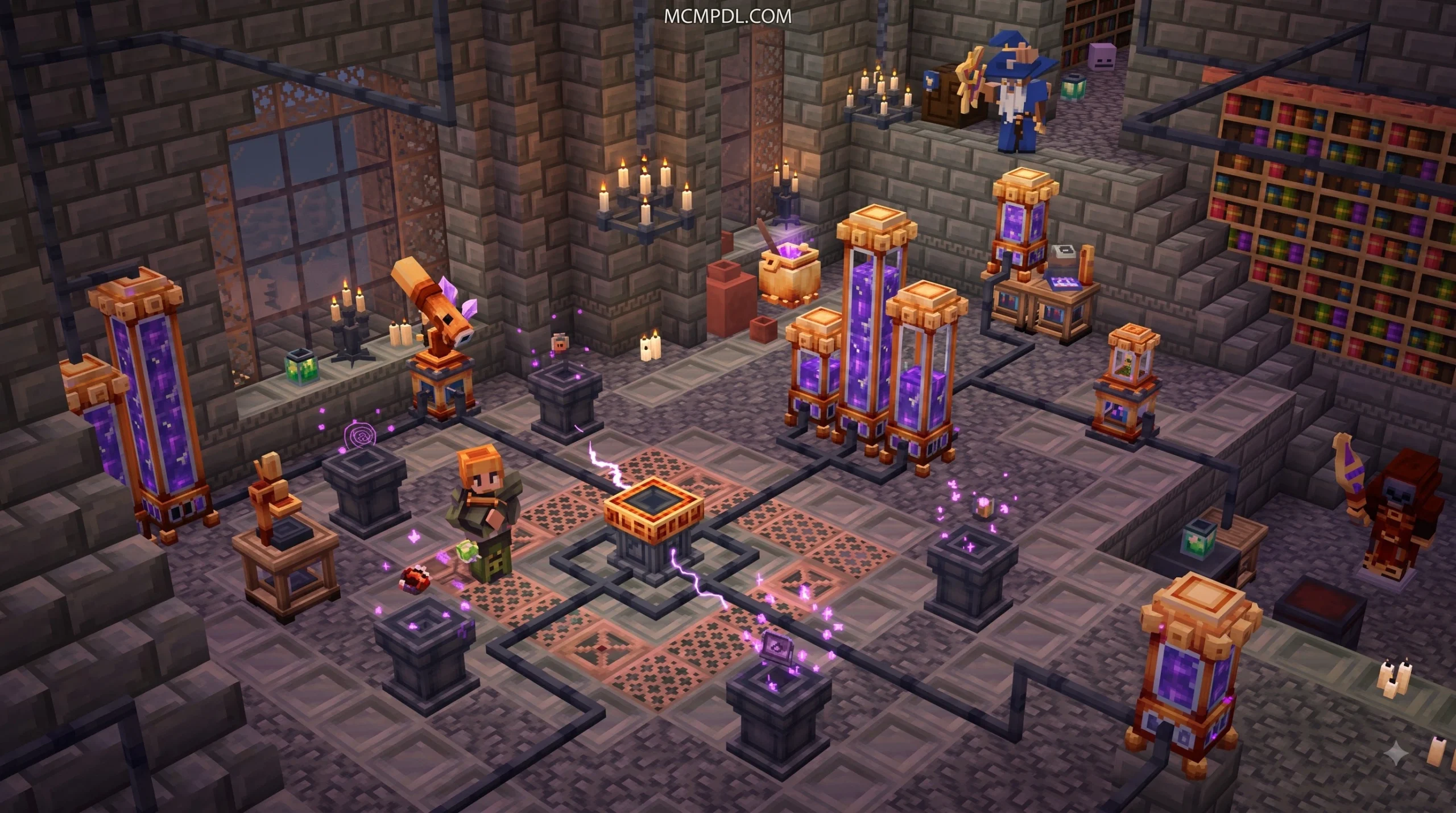
The core of this addon revolves around the Arcane Infusion mechanic. Rather than unlocking spells through flat XP purchases, you construct specialized infusion altars surrounded by pedestals. By funneling raw mana through dedicated piping networks, you combine basic elemental cores into tiered combat instruments like the Stormcore Staff, Tempest Staff, or Dawncore Staff. It also provides three customizable, enchantable, and dyeable wizard armor sets to fine-tune your defensive stats.
Magic Madness Addon
If you love tactical boss fights and resource trading, the Magic Madness Add-on brings an authentic RPG flavor to Bedrock survival. This addon structures its elemental magic around six core schools: Fire, Water, Nature, Stone, Cryo, and Electro.
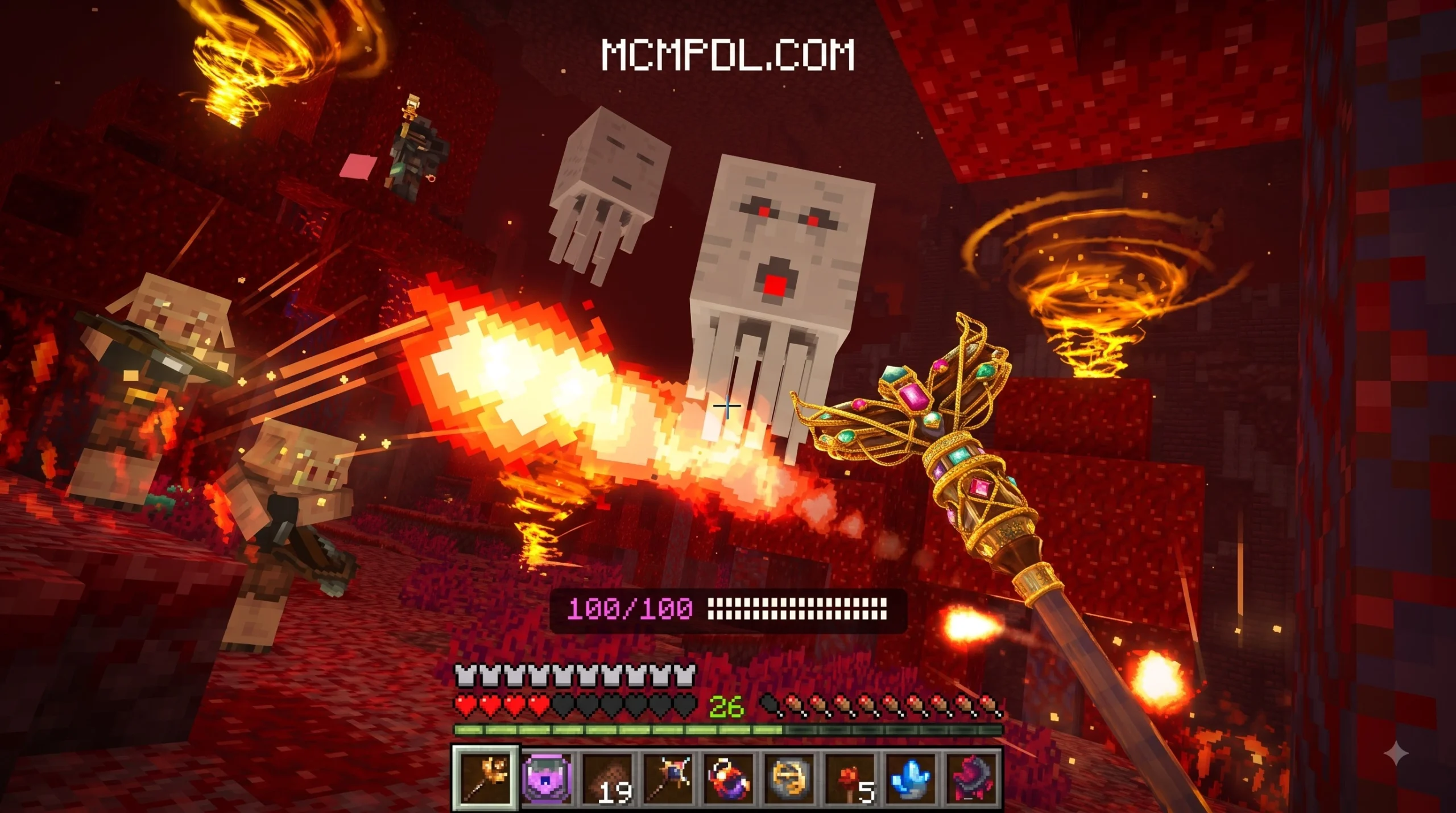
Each elemental staff features 10 unique spells, ranging from basic offensive fireballs to complex support abilities like summoning a rideable turtle for aquatic exploration, commanding a protective Blaze Guardian, or creating Nature’s Bless—a temporary protective shield providing near-invulnerability.
Progression is closely linked to vanilla world mechanics:
- Trade emeralds with Stone Mason villagers to acquire Magic Crystals.
- Combine crystals, obsidian, and a crafting bench to assemble the custom Magic Crafting Table.
- Craft Crystallized Cornflowers to trade with Level 5 Librarians for delay books that reduce your spell-casting cooldowns.
- Brew custom Mana Potions to keep your spell reserves topped off during lengthy skirmishes.
Choosing the Right Free Magic Addon for Minecraft PE/Bedrock
Not every magical journey requires complex workstation setups. Community-crafted addons offer lightweight alternatives that retexture and re-engineer vanilla projectiles into elemental sorcery. Lightweight elemental spell packs map custom behaviors onto standard throwable items:
- Fire Bows: Launch explosive flaming arrows dealing massive direct damage.
- Lightning Projectiles: Repurpose thrown eggs into localized lightning strikes.
- Cryo Snowballs: Freeze targets on impact while inflicting severe slowness.
- Water Splash Potions: Deliver immediate area-of-effect harming bursts against hostile mobs.
- Light Pearls: Provide instant healing pulses without unwanted teleportation side effects.
These lightweight community options are ideal for testing your skills against challenging custom encounters like Bosses Addon challenges without bogging down device memory or demanding hours of arcane crafting preparation.
Another popular alternative is the Magic Add-On by Misfits, which provides over 60 streamlined spells and magical tools designed for plug-and-play singleplayer and multiplayer action.
Custom Arcane Builders & Mod Maker Tools
If you cannot find a pack that matches your exact vision, mobile creation toolsets allow you to design your own custom magic addon from scratch. Using utilities like AddOns Maker for Minecraft on Google Play, you can create custom magic systems without writing a single line of raw code.
These visual modding suites provide:
- Built-in Blockbench 3D model integration for shaping custom wands, staves, and spellbooks.
- Custom behavior editors to assign projectile particle trails, explosion radiuses, and mana costs to any custom item.
- Direct
.mcpackand.mcaddonexport features that import directly into your Bedrock game storage with a single tap.
Core Mechanics in a Magic Addon for Minecraft PE/Bedrock
Behind every great magic addon lies a carefully tuned balance of resource gathering, crafting progression, and combat mechanics. The table below illustrates how different systems approach these core elements:
| Magic Addon | Primary Energy System | Casting Implement Types | Core Spell Crafting Method | Custom UI Requirement |
|---|---|---|---|---|
| A Magic Way | Soul Points (Attribute Regen) | Wands, Staffs, Spellswords | Spell Binding Table & Reinforcement Table | UI Queue Script Engine |
| Arcane Magic (Pixelbiester) | Liquid Mana (Harvested via Scopes) | 15 Tiered Animated Staffs | 5-Pedestal Arcane Altar & Infusion Piping | Native In-Game Menus |
| Magic Madness | Mana Points (Potions & Spellbooks) | 6 Elemental Staves | Magic Crafting Table & Villager Trading | Native HUD Indicators |
| Lightweight Elemental Packs | Item Durability / Ammo Count | Retextured Bows & Projectiles | Standard Vanilla Crafting Bench | None (Plug & Play) |
Mana Harvesting and Resource Management
To cast powerful spells in survival mode, magic addons typically require you to gather arcane energy from the surrounding environment.
In advanced systems like Pixelbiester’s Arcane Infusion, mana is not simply generated out of thin air. You must craft specialized gathering tools:
- Flora Scopes: Used during the day to extract vibrant natural mana directly from flowers and vegetation.
- Moonlight Scopes: Deployed at night to harvest celestial energy under the open sky.
- Amethyst Processing: Mining natural amethyst clusters yields shards that can be crushed into concentrated mana crystals.
Harvested mana is transported through crafted Mana Pipes into pressurized Mana Tanks, which directly feed your crafting altars to fuel high-tier spell combinations.
Arcane Crafting and Spell Binding Tables
Crafting spells requires more than placing iron ingots on a standard 3×3 crafting grid. Advanced magic addons introduce multi-block structures and custom workstation tables to manage spell progression:
- The Arcane Altar Setup: Position a central altar block flanked by five surrounding pedestals. Place your catalyst items (such as runic slates, nether stars, or elemental glyphs) onto the pedestals, connect your mana supply via piping, and strike the central altar with a focusing rune to trigger infusion crafting.
- The Spell Binding Table: Used in A Magic Way to transcribe unlocked scrolls directly into a crafted Spellbook. Players can organize offensive, defensive, and mobility spells across different hotbar pages.
- The Magic Reinforcement Table: Combine basic books, quills, and lapis lazuli to upgrade individual spell attributes—increasing projectile speed, area radius, or status effect durations.
Wands, Staffs, and Spellswords Combat Balance
Choosing your casting weapon drastically alters how you approach combat encounters:

- Wand Agility: Wands favor high-mobility skirmishers. Their rapid casting speed lets you dart around targets while firing rapid-fire magic missiles. However, they burn through your soul energy quickly and require frequent mana potion consumption.
- Staff Destruction: Staffs are designed for backline artillery players. While their casting animations leave you momentarily vulnerable, their spells trigger massive elemental blasts capable of clearing entire dungeons.
- Hybrid Spellswords: For players who prefer close-quarters combat, spellswords merge physical melee strikes with built-in spell triggers. You can weave magic slashes between physical swings, pairing nicely with physical heavy hitters like more powerful maces to overwhelm enemy defenses.
Enhancing Fantasy Exploration with Magic and World Overhauls
Wielding powerful sorcery becomes far more rewarding when your world is filled with exotic landscapes, hidden ruins, and dangerous underground dungeons to conquer.
Pairing your magic addon with terrain overhauls transforms a standard playthrough into an expansive fantasy RPG. Exploring vibrant, overhauled custom biomes provides the perfect environment for testing high-tier flight spells, while descending into deep, mysterious cave biomes yields rare runic ores and hidden mob spawners.
Conquering Underground Structures and Bosses
When exploring deep underground, defensive magic becomes just as vital as offensive firepower. Casting elemental shields or summoning glowing spirit allies helps illuminate pitch-black caverns while holding off swarms of monsters in dangerous eternal caves.
High-tier spells like area-of-effect ice freezes, healing circles, and defensive earth walls give you the tactical flexibility needed to clear out the sprawling monster halls introduced by expanded structure generation.
Magical Storage and Base Security
As your arcane workshop grows, managing rare spell scrolls, runic slates, and elemental catalysts can quickly overwhelm standard wooden chests. Integrating magical storage solutions keeps your base organized and secure:
- Interdimensional Logistics: Connect your remote mining outposts directly to your wizard tower using linked portal chests to instantly teleport harvested ores and mana shards back home.
- Sanctum Security: Conceal your enchanting chambers, ritual altars, and secret spellbooks behind hidden secret doors camouflaged seamlessly into the surrounding terrain.
Troubleshooting and Installation Guide
Because Bedrock magic addons rely on custom scripts, animations, and particle emitters, correct installation is critical to prevent crashes and missing textures.
How to Install a Magic Addon for Minecraft PE/Bedrock
Follow these steps to ensure a smooth installation on mobile, Windows, or console:
- Download the Pack Files: Obtain both the Behavior Pack (
.mcpack) and Resource Pack (.mcpack), or a combined.mcaddonbundle. - Install Required Script Engines: Addons like A Magic Way require auxiliary libraries such as the UI Queue script (and optionally the Novelty API for extra equipment slots). Ensure these script packs are imported into Minecraft first.
- Activate Packs in World Settings: Open your world settings, navigate to Resource Packs and Behavior Packs, and activate your magic addons along with their required dependencies.
- Enable Experimental Gameplay Toggles: Open the Experiments tab in world settings and enable:
- Holiday Creator Features
- Custom Biomes
- Upcoming Creator Features
- Beta APIs / Molang Features
Resolving UI Glitches and Scripting Conflicts
If you encounter missing mana bars, broken casting animations, or non-responsive spell menus, use these common troubleshooting fixes:
- Verify Script Pack Priority: In your world’s Behavior Pack list, ensure that core scripting libraries (such as UI Queue) are placed above the main magic addon so their scripts initialize first.
- Manual Script Event Triggers: If spell menus fail to bind properly via custom tables, use built-in chat functions (such as
/scriptevent amw:castor/scriptevent amw:add) to manually force spell synchronization. - Always Create World Backups: Before updating any magic addon to a newer Bedrock version, create a full world copy. Custom entities and block states can occasionally shift during game engine updates.
Frequently Asked Questions
How do mana and spell casting systems work in Minecraft Bedrock?
Magic addons in Bedrock track energy using either custom scripting APIs or scoreboard-based mana pools. When you hold or right-click with a wand or staff, the game checks your current mana or soul reserve. If you have enough energy, it consumes the required points, triggers a particle animation, spawns the spell projectile, and initiates a cooldown timer before that spell can be cast again.
What is the difference between premium and free community magic addons?
Premium Marketplace addons (such as Magic Add-On by Pixelbiester) are vetted for cross-platform stability across mobile, console, and PC, featuring custom sound design and integrated animated models. Free community addons (like A Magic Way) often push technical boundaries further by utilizing custom JavaScript APIs and UI Queue systems, delivering deeper customization, hotbar fast-swapping, and over 100 individual spell variations at no cost.
Do magic addons work in Bedrock multiplayer and survival realms?
Yes, most magic addons support both standard multiplayer worlds and dedicated Bedrock Realms. However, the realm host must ensure that all required Resource Packs, Behavior Packs, and Experimental Gameplay settings are activated on the world file before uploading it to the Realm server. All connecting players will automatically download the required resource assets upon joining.
Conclusion
Adding magic to your Minecraft PE or Bedrock world turns familiar survival gameplay into an epic fantasy adventure. Whether you are crafting specialized element-infused staves with Arcane Infusion, fast-swapping tactical spells using A Magic Way, or lobbing elemental fireballs through lightweight projectile packs, the arcane arts completely redefine your combat and progression.
Ready to gear up, build your wizard sanctum, and cast powerful spells? Explore top Minecraft Bedrock mods and addons on MCMPDL to find the latest magic packs, custom boss encounters, and world-generation overhauls today!
5 thoughts on “Magic Addon for Minecraft PE/Bedrock”